

KING Music Visualizer
Bring your music to life with animated audio visualizations, spectrum bars, waveforms, and customizable visual effects for KING Music.
No ratings yet
Be the first to rate it.
Community listing page
Community listing page, reviews may not be monitored by the author.

Community voices
Reviews
No reviews yet. Be the first to review this project!
Get it on
Available Platforms
About
Project Details
For authors
Embed Badge
If you're the author of this project, you can embed a live badge anywhere that supports HTML or Markdown. It updates automatically whenever ratings change.
Use HTML for any page that supports it, or Markdown for README files and Markdown-based descriptions.
Identifiers
Platform IDs
About
Description
KING Music Visualizer
See your music. Feel the rhythm.
KING Music Visualizer is an optional add-on for KING Music that brings beautiful, animated audio visualizations directly into Minecraft.
Turn your music into dynamic visual effects and customize your listening experience.
Features
-
Audio Spectrum — Animated frequency bars that respond to your music.
-
Waveform — Visual representation of audio waves.
-
Ring Visualizer — Circular visualization effects.
-
Pulse Effects — Rhythmic animations that react to music.
-
Stereo Visualization — Visual effects for stereo audio.
-
Customizable Appearance — Adjust visualization settings to match your preferences.
-
KING Music Integration — Designed to work with the main KING Music player.
Optional Add-on
KING Music Visualizer is a separate mod.
It does not replace the main music player and cannot work independently.
The main KING Music mod is required.
Requirements
-
Minecraft 26.2
-
Fabric Loader
-
Fabric API
-
KING Music 0.5.9 or newer within the 0.5.x series
Installation
-
Install KING Music and its dependencies.
-
Download KING Music Visualizer.
-
Place the JAR file into your Minecraft
modsfolder. -
Launch Minecraft and configure your visualizer.
Русский язык
KING Music Visualizer — почувствуй ритм музыки!
Дополнение для KING Music, которое добавляет красивые анимированные визуализации прямо в Minecraft.
Преврати любимую музыку в динамические визуальные эффекты и настрой их под свой вкус.
Возможности
-
Спектр — анимированные частотные полосы, реагирующие на музыку.
-
Звуковая волна — отображение формы аудиосигнала.
-
Круговая визуализация — эффекты в виде кольца.
-
Пульсация — ритмичные анимации под музыку.
-
Стереовизуализация — визуальные эффекты для стереозвука.
-
Настройка внешнего вида — персонализация параметров визуализации.
-
Интеграция с KING Music — работа совместно с основным музыкальным плеером.
Дополнительный мод
KING Music Visualizer устанавливается отдельно.
Для его работы необходим основной мод KING Music.
Требования
-
Minecraft 26.2
-
Fabric Loader
-
Fabric API
-
KING Music версии 0.5.9 или новее в линейке 0.5.x
Установка
-
Установи KING Music и необходимые зависимости.
-
Скачай KING Music Visualizer.
-
Помести JAR-файл в папку
mods. -
Запусти Minecraft и настрой визуализацию.
Developer: King220l
Source code: https://github.com/King220l/king-music
License: MIT
Screenshots
Gallery
-
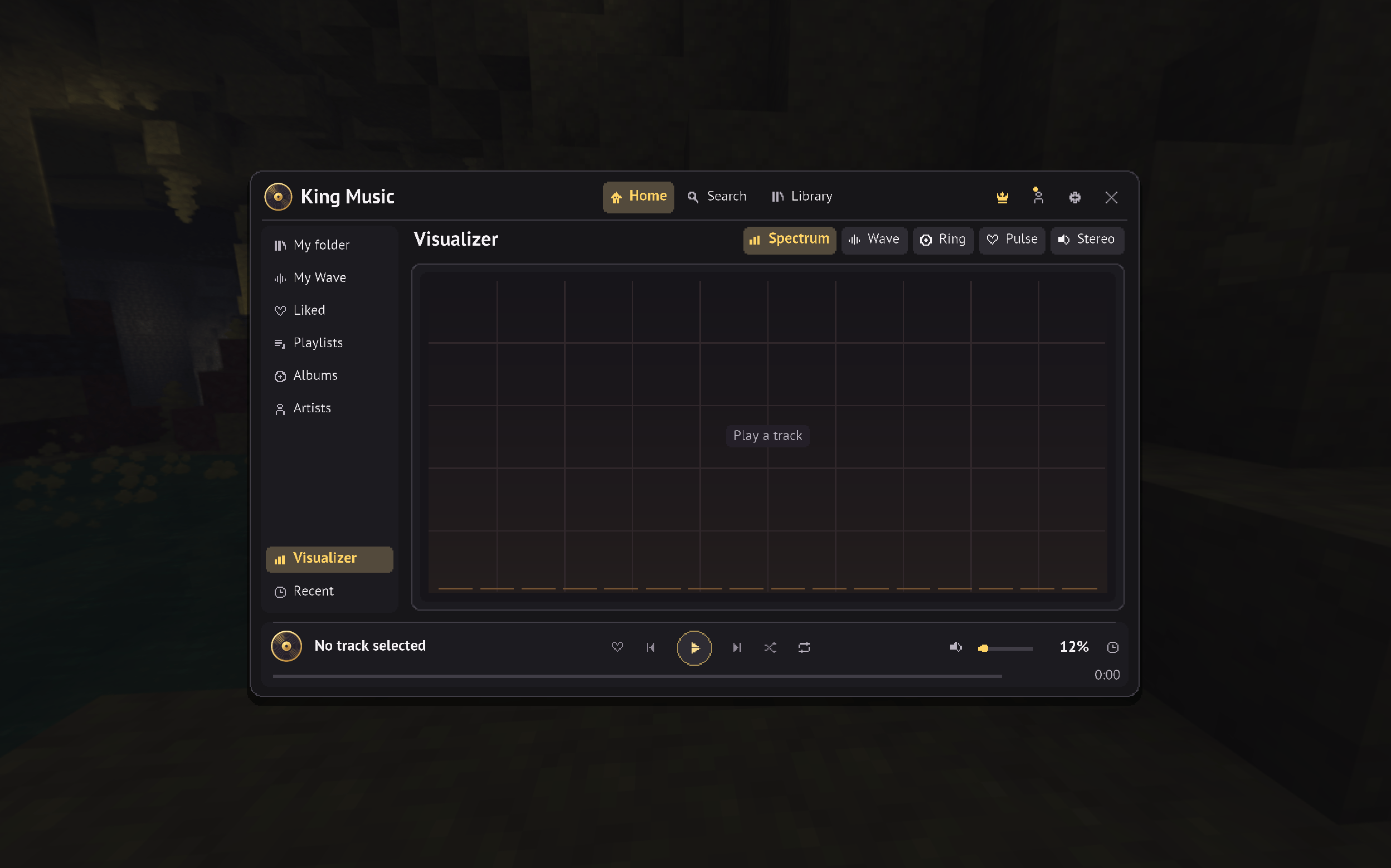 2026-11-17_18.57.58.png 2026-11-17_18.57.58.png
-
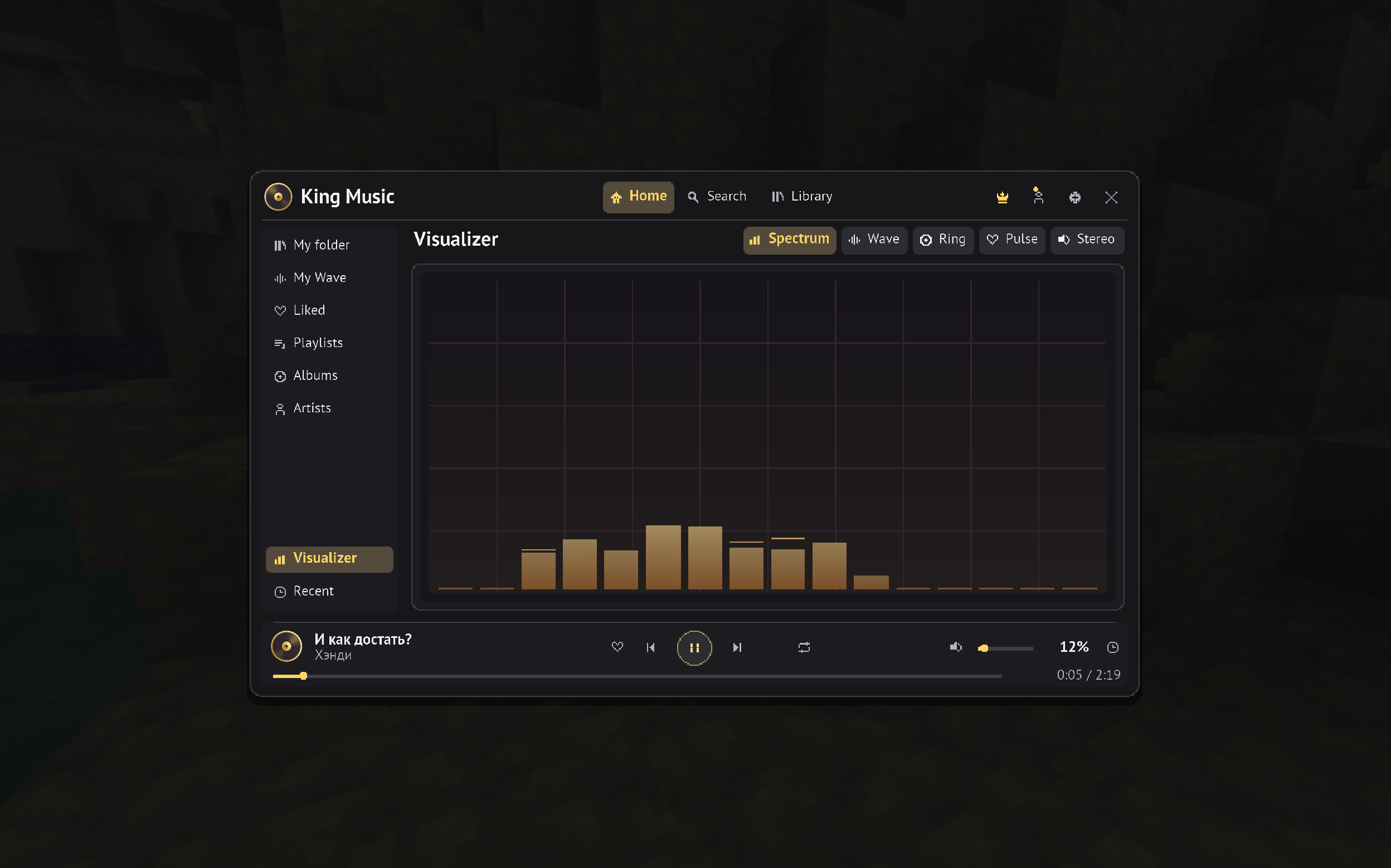 2026-11-17_18.58.08.png 2026-11-17_18.58.08.png
-
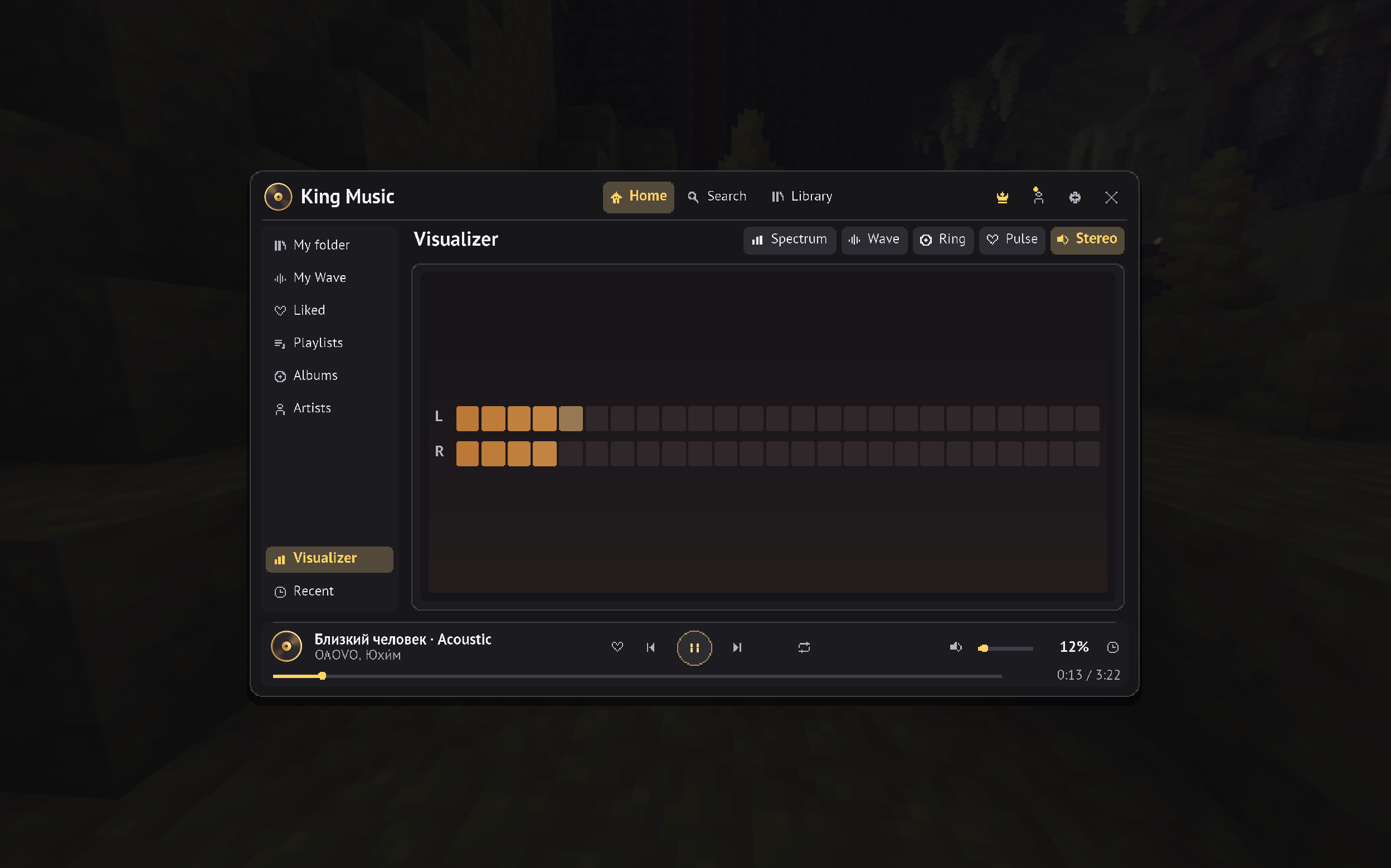 2026-11-17_18.58.39.png 2026-11-17_18.58.39.png
Versions
Files
Relations
Project Relations
More like this
Similar Mods
Suggestions use data such as tags, dependencies, dependents, descriptions, titles, and more to rank how much they overlap with this mod.
Stats
- Downloads
- <1,000
- Used in
- 0 modpacks
- Followers
- 0
- In stacks
- 0
- Created
- Last synced
-
Nov 17, 2026 2:40 PM UTC
New file updates sync automatically.
When ModDex last fully re-synced this project from CurseForge or Modrinth. A new file release triggers a resync usually within minutes, and every project is also re-synced on a schedule. Edits that don't ship a file, such as a new description or screenshots, are checked every few hours and can appear before this date changes.
How syncing works
External Links

Stats
- Downloads
- <1,000
- Used in
- 0 modpacks
- Followers
- 0
- In stacks
- 0
- Created
- Last synced
-
Nov 17, 2026 2:40 PM UTC
New file updates sync automatically.
When ModDex last fully re-synced this project from CurseForge or Modrinth. A new file release triggers a resync usually within minutes, and every project is also re-synced on a schedule. Edits that don't ship a file, such as a new description or screenshots, are checked every few hours and can appear before this date changes.
How syncing works