
Community listing page, reviews here may not be monitored by the author.
Gnomes Datapack X Resourcepack

No reviews yet
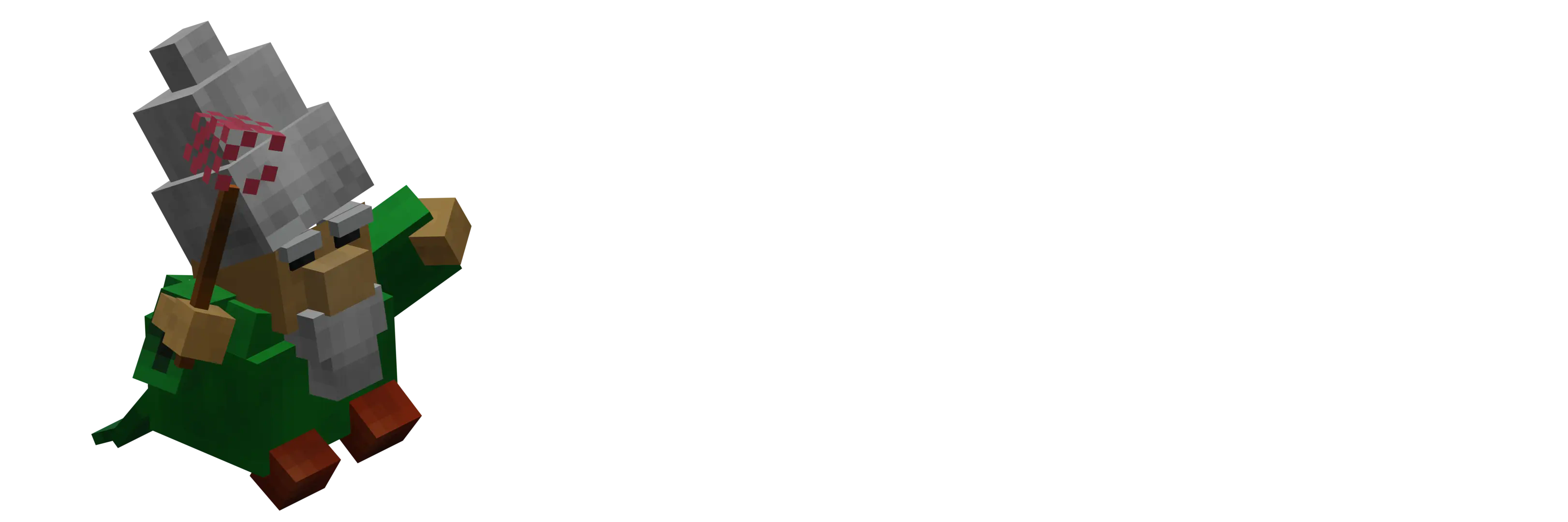
Allows you to become a gnome in Minecraft!
Community voices
Reviews
No reviews yet. Be the first to review this project!
Get it on
Available Platforms
About
Project Details
For authors
Embed Badge
If you're the author of this project, you can embed a live badge anywhere that supports HTML or Markdown. It updates automatically whenever ratings change.
Use HTML for any page that supports it, or Markdown for README files and Markdown-based descriptions.
Identifiers
Platform IDs
Resources
External Links
About
Description
Gnomes & Knights Resourcepack X datapack!
Description
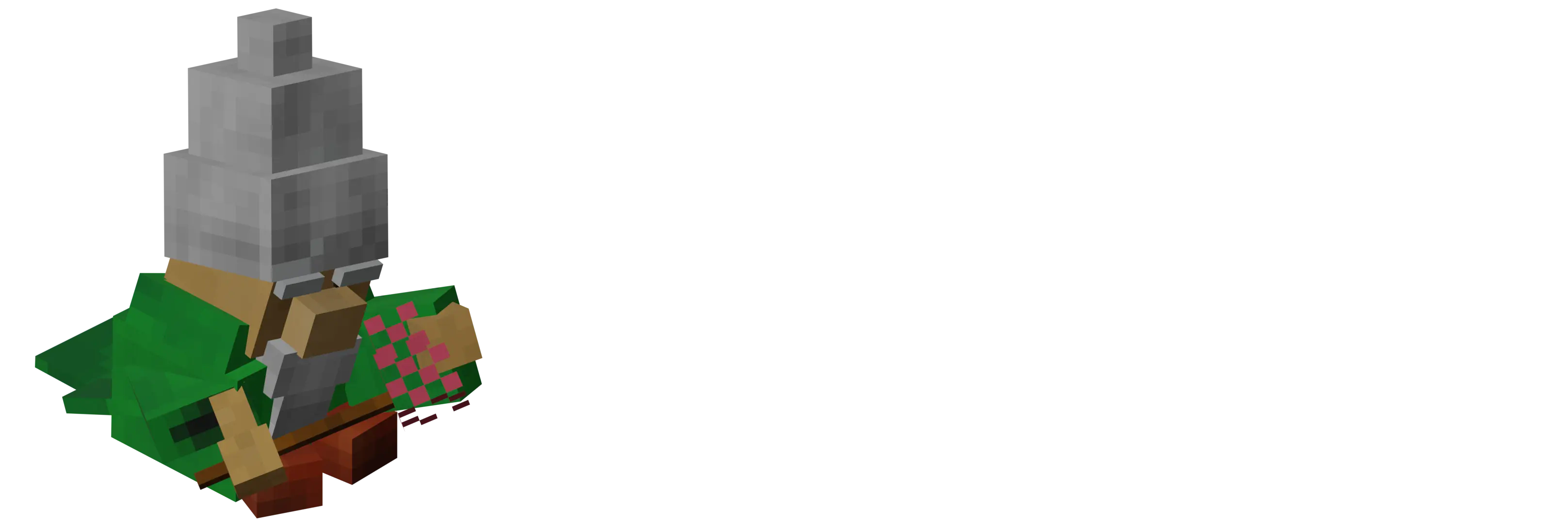 Welcome to the Gnomes and Knights resource pack X data pack combo! Dive into a medieval fantasy world where gnomes and knights roam the land. This combo pack transforms your Minecraft experience with gnomes! No knights for know though...
Features
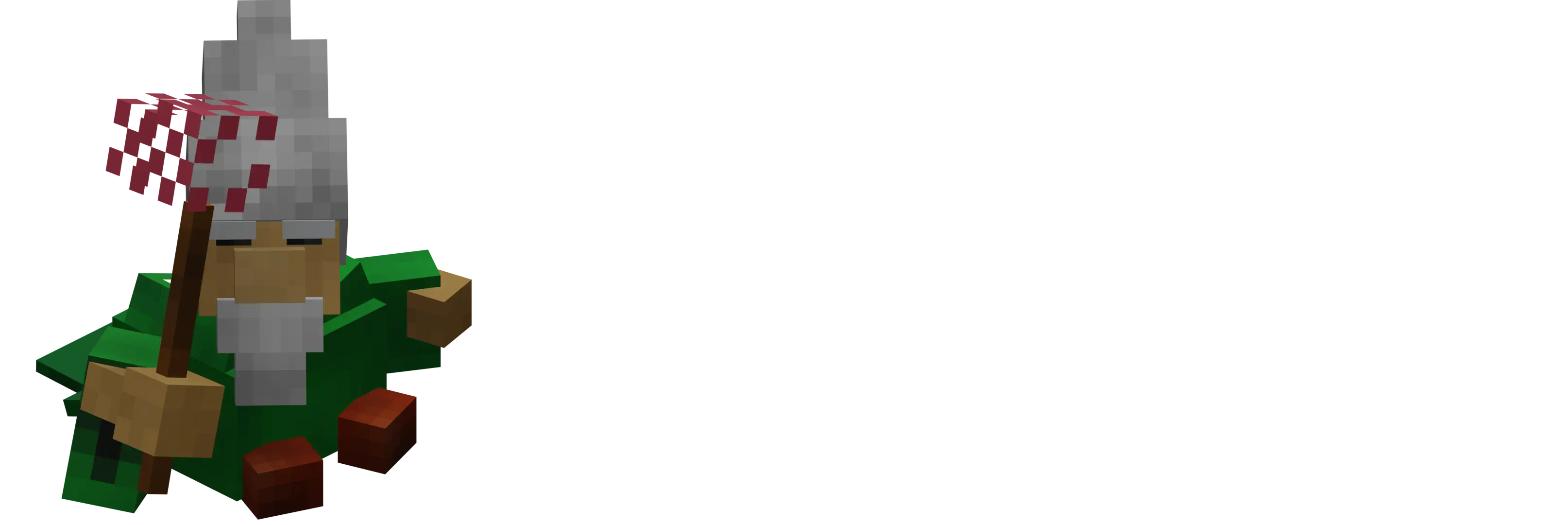
- Custom Models: Unique models for gnomes. However, knights coming soon...
- NOT ADDED YET: knights.
- Gnomes: Explore the world as a gnome as the King Crawly music trails wherever you go.
Installation Tutorial
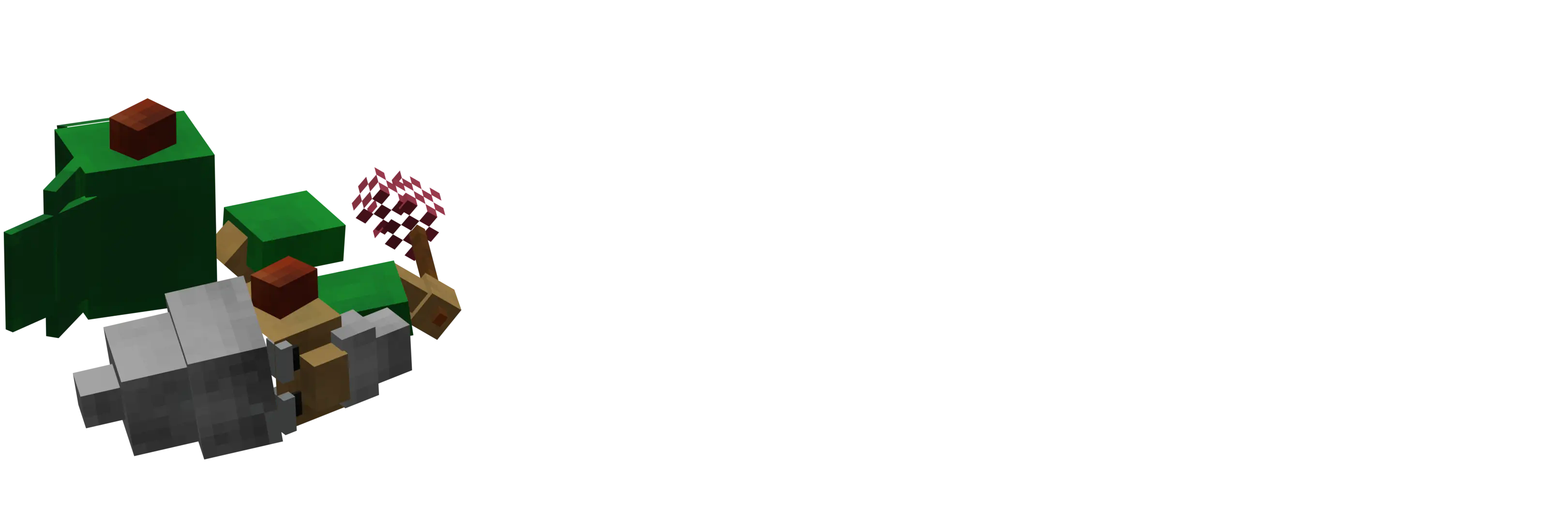 Follow these steps to set up the Gnomes and Knights resource pack and data pack combo:
-
Installation:
- Download the file (
Gnomes&knights.zip). - Open the zip file and extract the resourcepack (
Gnomes.zip) into the resourcepacks folder. - Move the rest into the world's datapack folder or follow step 3.
- Download the file (
-
Activate the Resource Pack:
- Open Minecraft and go to
Options>Resource Packs. - Go activate the resource pack by moving it to the
Selected Resource Packssection.
- Open Minecraft and go to
-
Activate the Data Pack:
- Create a new world or open an existing world.
- Click on
Data Packs. - Drag and drop the
Gnomes_and_Knights_DataPack.zipfile into the Minecraft window. - Click
Yeswhen prompted to add the data pack. - Move the data pack to the
Selected Data Packssection and clickDone. - Run
/reloadto add the datapack.
-
Using it:
- Run the command
/function gnome:become_gnometo become a gnome. - You will be given a carrot on a stick titled
Attack, use it to defend yourself - If you want to revert back to a player, either do one of the following:
- Click under the notification "Your now a Gnome!" the
(Revert)text - Run the command
/function gnome:delete_gnome
- Click under the notification "Your now a Gnome!" the
- If you happen to die while being a gnome, PLEASE Revert back to human, otherwise you'll still have the gnome following you.
- Run the command
-
Start Your Adventure:
- Load your world and enjoy the new Gnomes and Knights experience!
Support
 If you want to support my work, consider the following options:
- Modrinth+: You can subscribe to Modrinth+ to help all modrinth creators earn more revenue!
- Share: Spread the word about the Gnomes & Knights pack on social media and with your friends.
- Feedback: Leave feedback and suggestions to help improve the pack. Your input is invaluable!
Screenshots
Gallery
Versions
Files
Relations
Project Relations
More like this
Similar Mods
Suggestions use data such as tags, dependencies, dependents, descriptions, titles, and more to rank how much they overlap with this mod.
On ModDex
Community snapshot
By the numbers
Statistics

Want to reach Minecraft players?
We're looking for a server hosting partner to feature here and other parts of the site. Interested? Send us a message!
Get in touchGet it on
Available Platforms
On ModDex
Community snapshot
By the numbers
Statistics
Resources