Community listing page, reviews here may not be monitored by the author.
Labelling Containers


No reviews yet
A mod used to set icons and label chests, shulker boxes, barrels and other containers without the need of signs.
Community voices
Reviews
No reviews yet. Be the first to review this project!
Get it on
Available Platforms
Compatibility
Supported Environments
Must be installed on both the client and the server.
About
Project Details
For authors
Embed Badge
If you're the author of this project, you can embed a live badge anywhere that supports HTML or Markdown. It updates automatically whenever ratings change.
Use HTML for any page that supports it, or Markdown for README files and Markdown-based descriptions.
Identifiers
Platform IDs
About
Description

A mod that makes easy labelling chests, shulker boxes, barrels and other containers without the use of signs.
Check out my Discord Server to suggest features and add compatibility with other mods!
How to use
This mod adds a Label printer which is an item that can set a label and an icon to a container.
Printing labels:
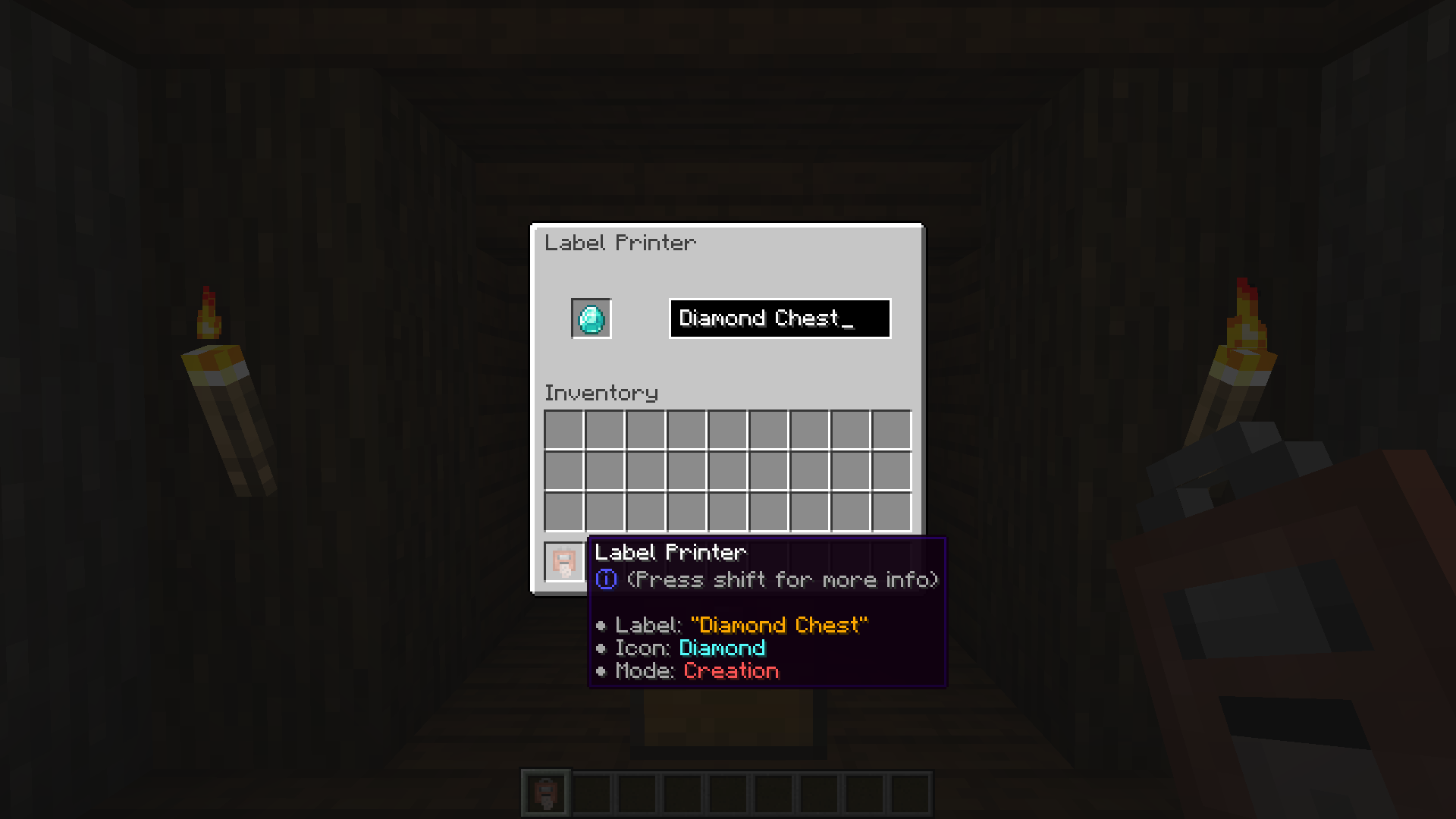
To use the Label Printer, right-click while holding it, and it'll open a menu where you can set your icon and label. Finally, have paper in your inventory and shift-right-click a chest or compatible container to set them.
Copying labels from existing ones:
When holding the Label Printer, shift-right-click to switch to Copy mode. Then shift-right-click on a container that has a label already set to copy its icon and text.
Commands
/labelposition
Sets the current player's HUD position. Available positions are:
center-right(default)center-leftlefttoptop-left
Examples:
- Set the current HUD position to
left:
/labelposition left/setlabel
Requires admin permissions. Sets the label / icon of the selected container.
Examples:
- Setting the label of a block at x y z coordinates:
/setlabel x y z label I'm a dirt chest!- Setting the icon of a block at x y z coordinates:
/setlabel x y z icon minecraft:dirt/labelconfig
Requires admin permissions. Adds/removes blocks that can be labeled from the config.
NOTE: All blocks that have a Block Entity associated with them can be labeled.
To check if a block can be added to the config and used correctly try shift-right-clicking on it with the Label Printer item, and if it displays something like "You can't tag this block", that block can be added to the config
Examples:
- Add the Bell block to the config:
/labelconfig add-item minecraft:bell- Add the Bell block to the config (while having the block in player's hand):
/labelconfig add-hand- Remove the Bell block from the config:
/labelconfig remove-item minecraft:bell- Remove the Bell block from the config (while having the block in player's hand):
/labelconfig remove-hand
A mod that makes easy labelling chests, shulker boxes, barrels and other containers without the use of signs.
Check out my Discord Server to suggest features and add compatibility with other mods!
How to use
This mod adds a Label printer which is an item that can set a label and an icon to a container.
Printing labels:
To use the Label Printer, right-click while holding it, and it'll open a menu where you can set your icon and label. Finally, have paper in your inventory and shift-right-click a chest or compatible container to set them.
Copying labels from existing ones:
When holding the Label Printer, shift-right-click to switch to Copy mode. Then shift-right-click on a container that has a label already set to copy its icon and text.
Commands
/labelposition
Sets the current player's HUD position. Available positions are:
center-right(default)center-leftlefttoptop-left
Examples:
- Set the current HUD position to
left:/labelposition left
/setlabel
Requires admin permissions. Sets the label / icon of the selected container.
Examples:
- Setting the label of a block at coordinates:
/setlabel <x> <y> <z> label I'm a dirt chest! - Setting the icon of a block at coordinates:
/setlabel <x> <y> <z> icon minecraft:dirt
/labelconfig
Requires admin permissions. Adds/removes blocks that can be labeled from the config.
NOTE: All blocks that have a Block Entity associated with them can be labeled.
To check if a block can be added to the config and used correctly try shift-right-clicking on it with the Label Printer item, and if it displays something like "You can't tag this block", that block can be added to the config
Examples:
- Add the Bell block to the config:
/labelconfig add-item minecraft:bell - Add the Bell block to the config (while having the block in player's hand):
/labelconfig add-hand - Remove the Bell block from the config:
/labelconfig remove-item minecraft:bell - Remove the Bell block from the config (while having the block in player's hand):
/labelconfig remove-hand
Screenshots
Gallery
-
 LCMain.png LCMain.png
 -
 LCGUI.png LCGUI.png
 -
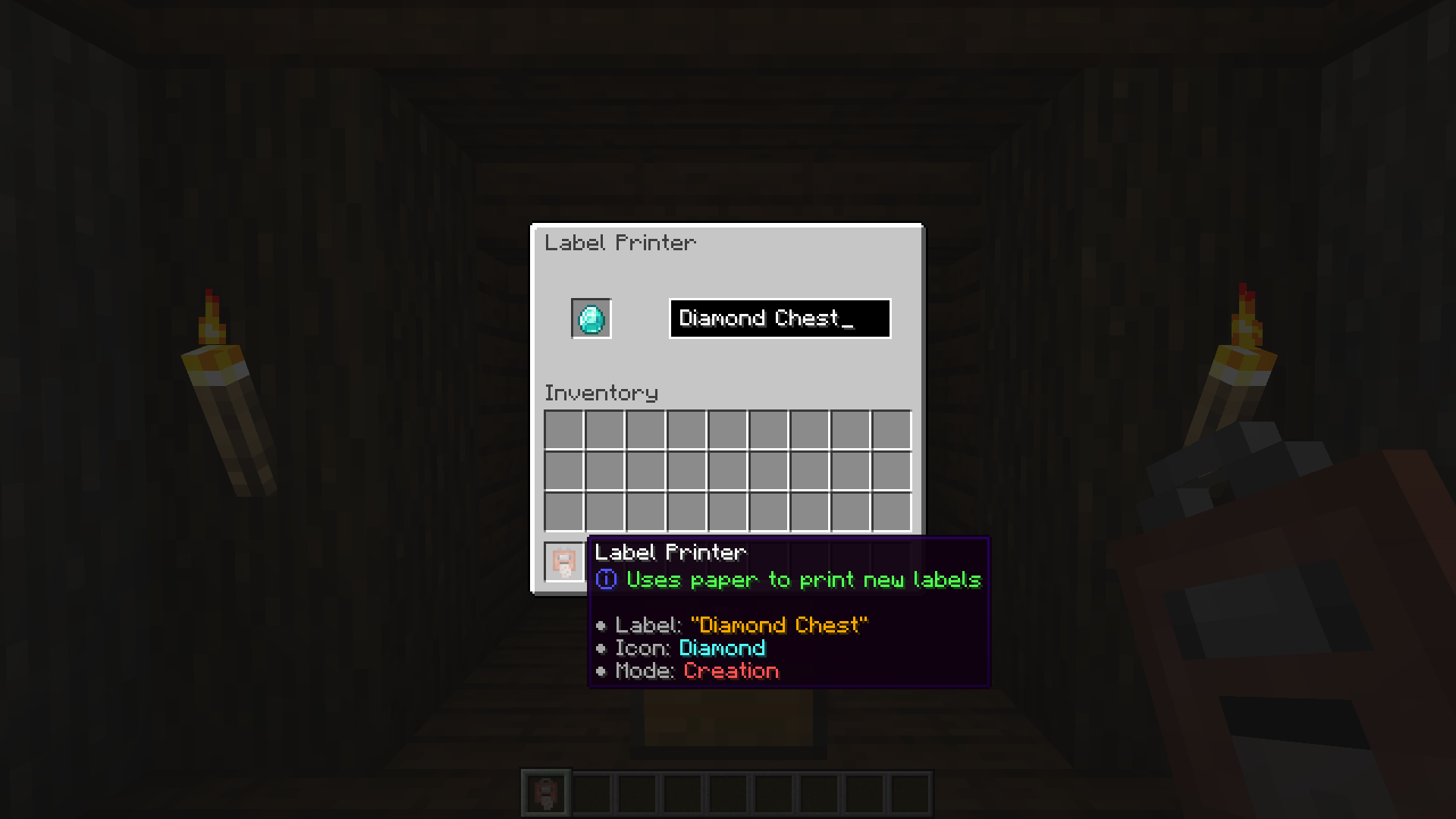 LCShiftTooltip.png LCShiftTooltip.png
 -
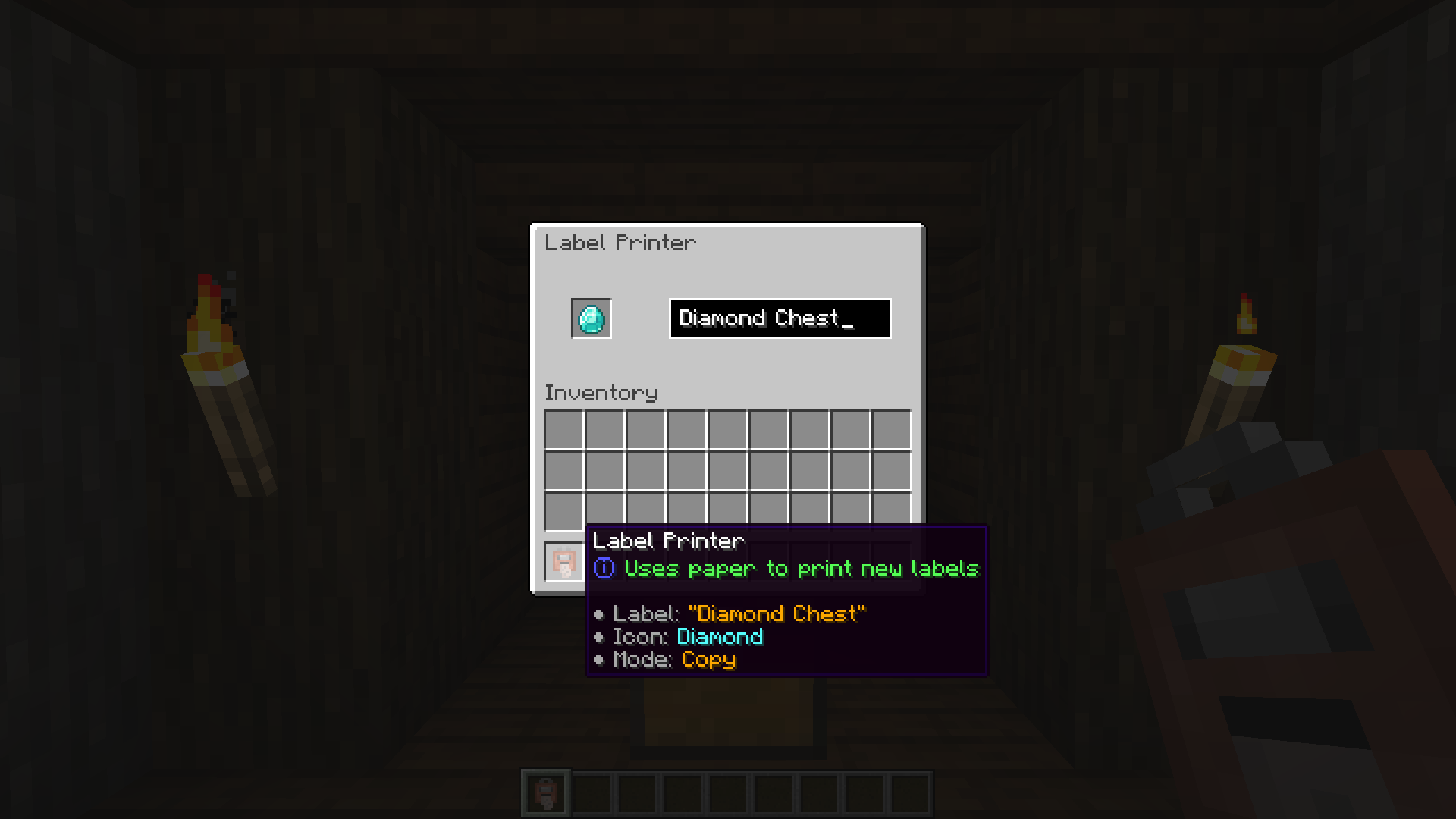 LCCopyShiftTooltip.png LCCopyShiftTooltip.png
 -
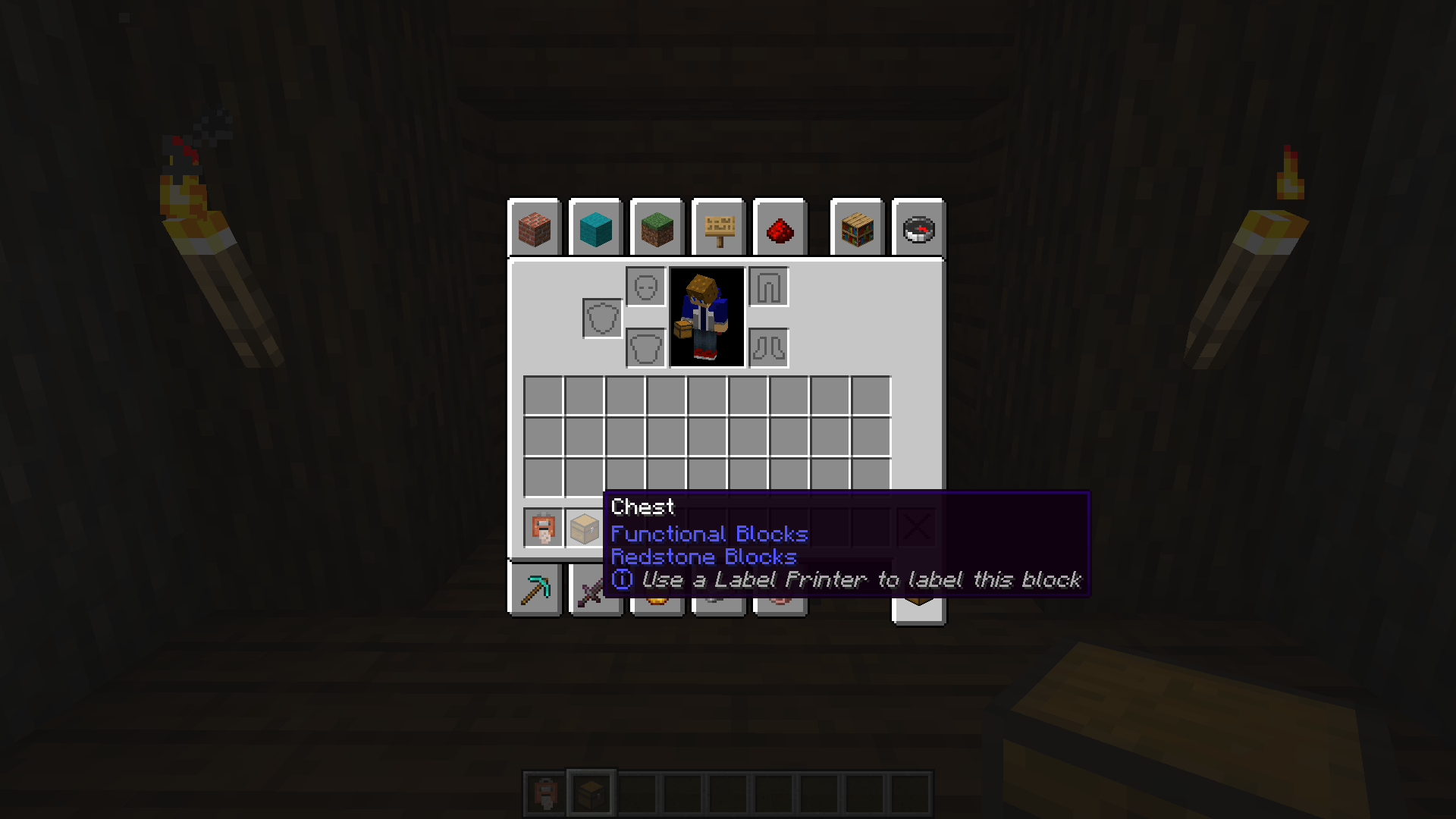 ItemTooltip.png ItemTooltip.png
-
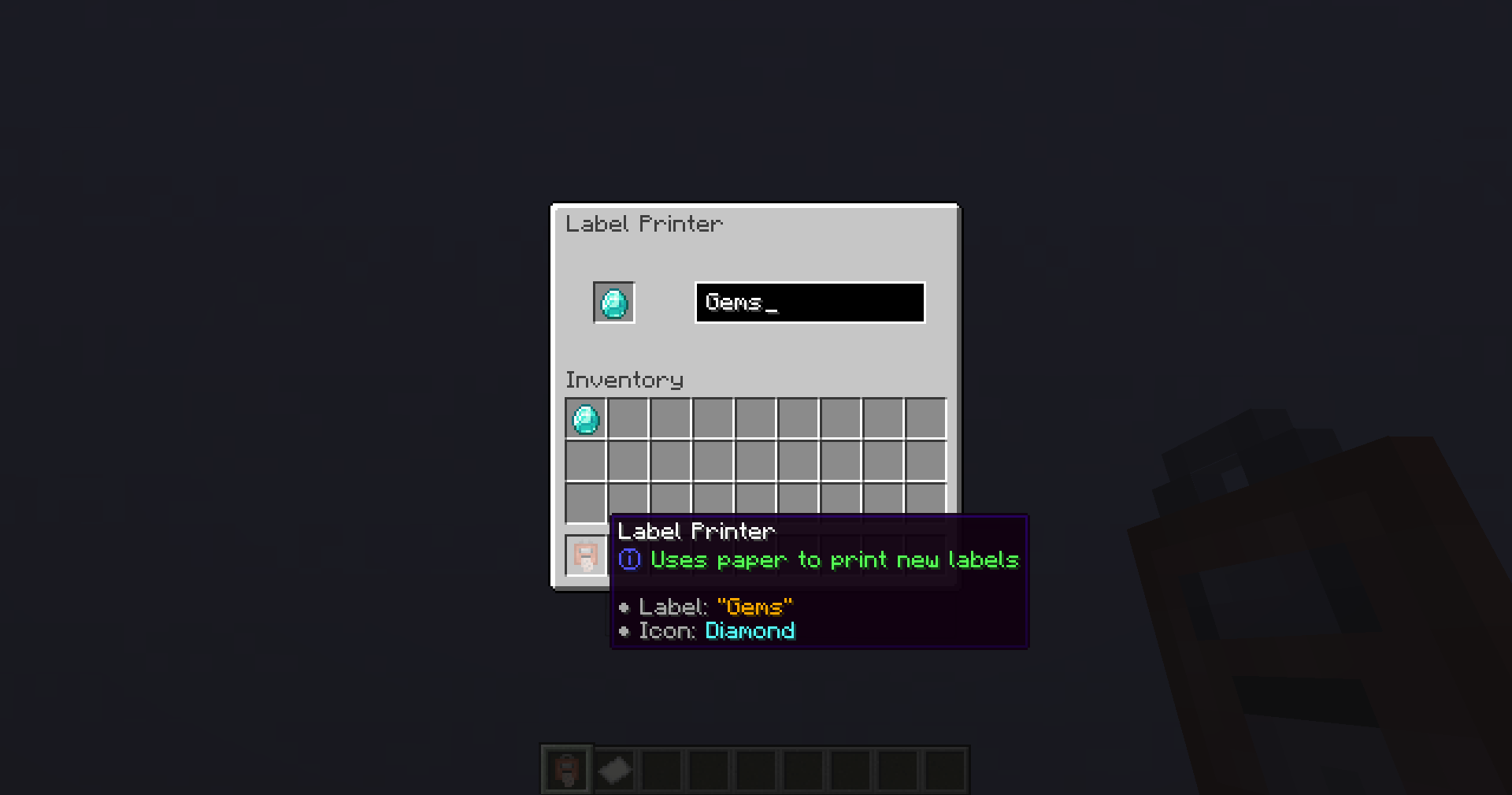 Label Printer GUI The label printer GUI, where you can set an icon and a label for your containers
 -
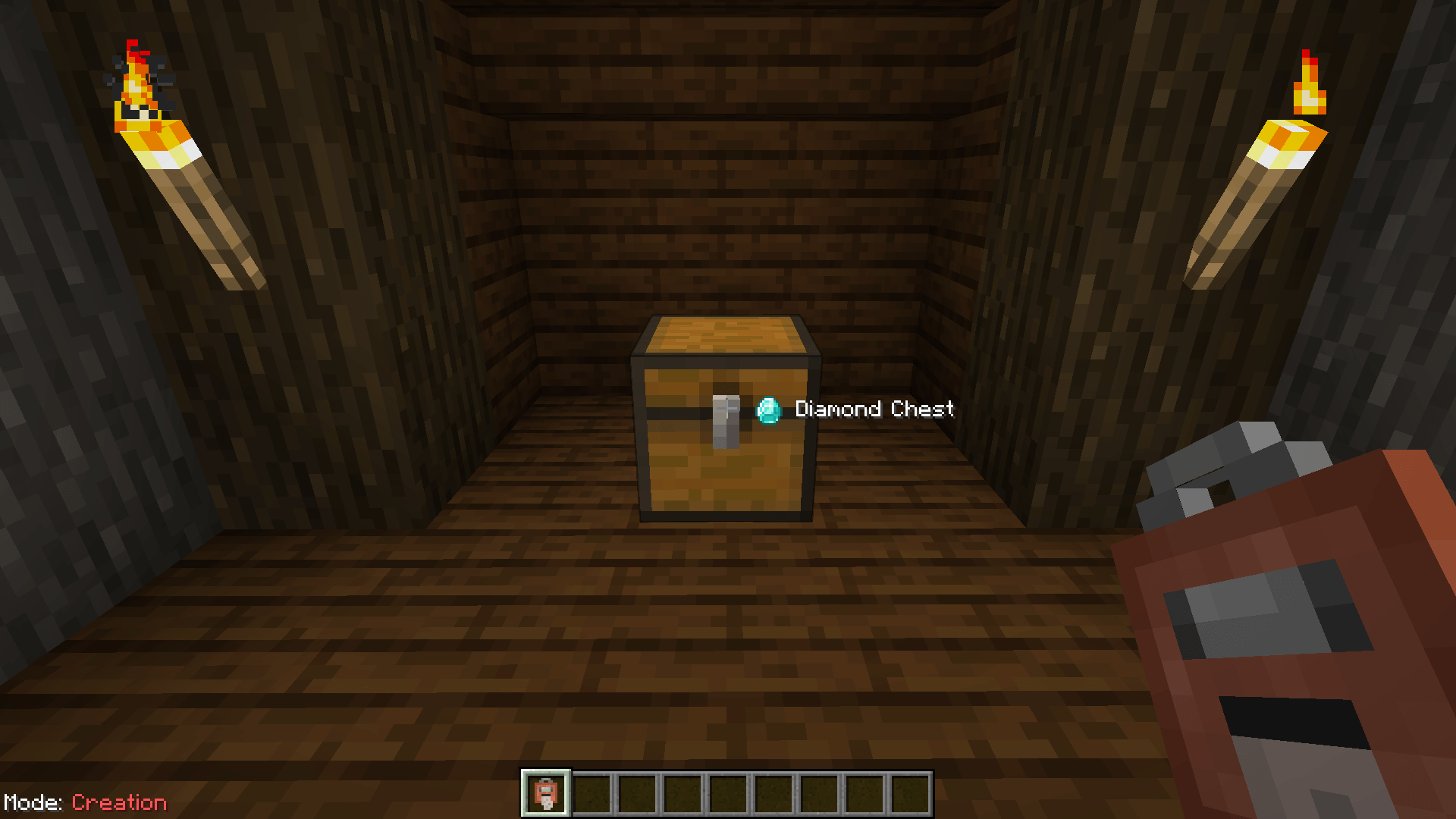
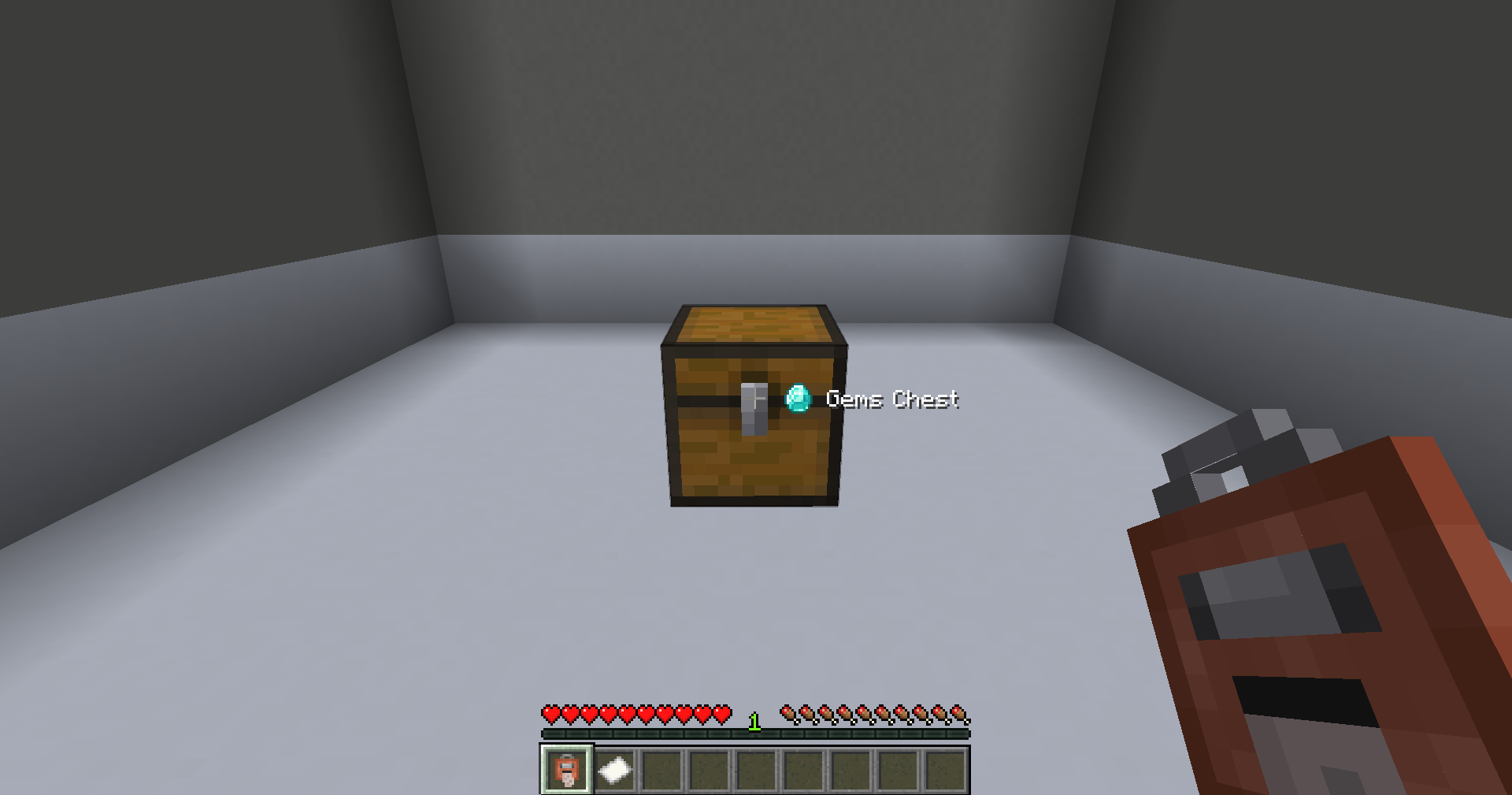 Labeled Chest Label Printer used on a Chest
 -
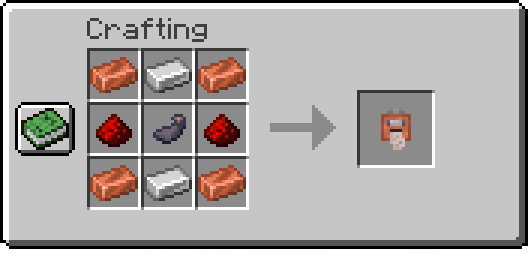
Label Printer Recipe
-
Logo
-
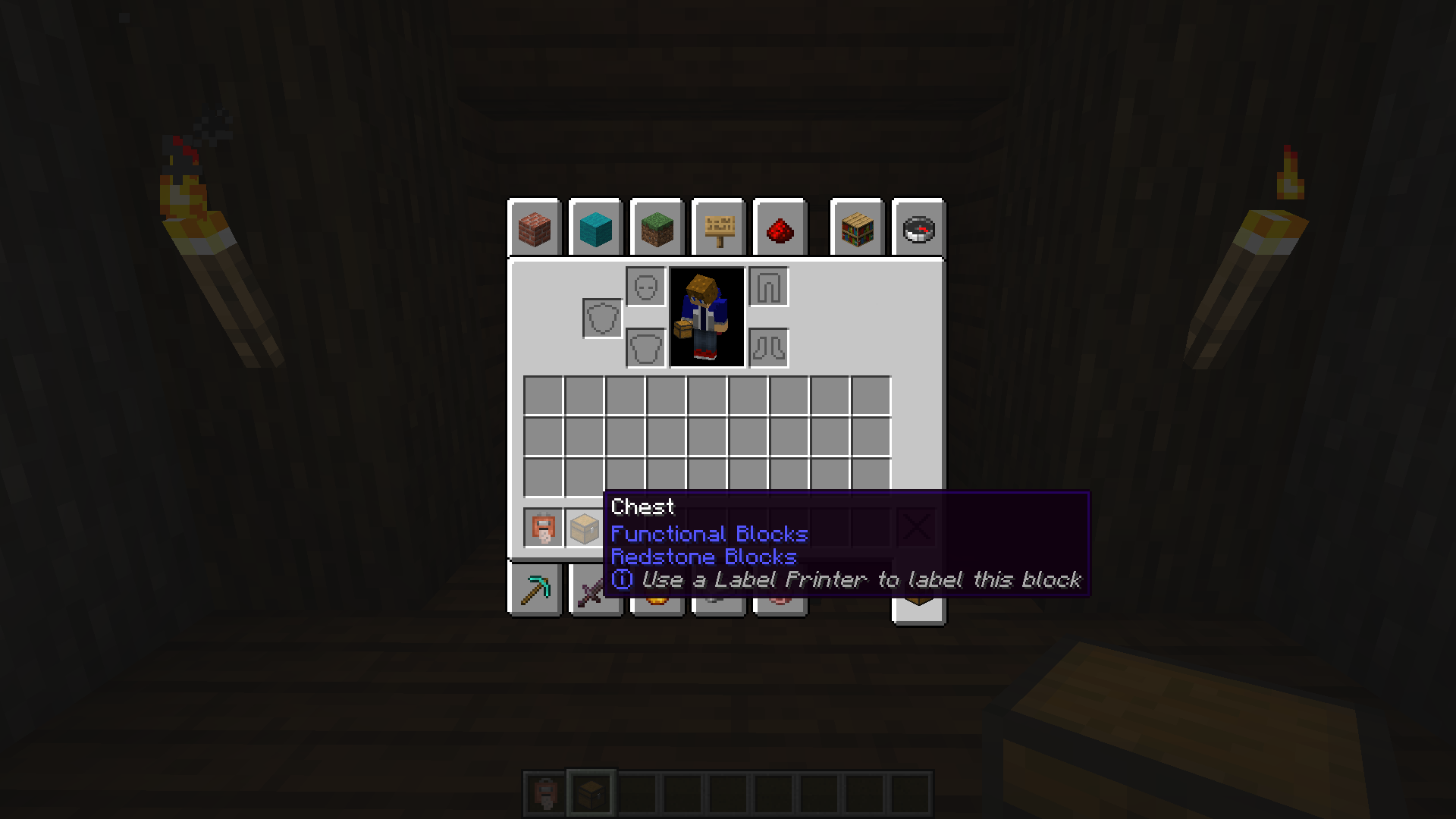 Seeing what containers can be labeled Hover over a block in your inventory to see if it can be labeled
Versions
Files
Relations
Project Relations
More like this
Similar Mods
Suggestions use data such as tags, dependencies, dependents, descriptions, titles, and more to rank how much they overlap with this mod.
On ModDex
Community snapshot
By the numbers
Statistics
Want to reach Minecraft players?
We're looking for a server hosting partner to feature here and other parts of the site. Interested? Send us a message!
Get in touchGet it on
Available Platforms
On ModDex
Community snapshot
By the numbers