Community listing page, reviews may not be monitored by the author.
LagFinder

No reviews yet
Find WHERE your server lags: ranks the hottest chunks with their block entities and mobs, highlights them in the world, exports an HTML heatmap. Server-side, no client mod needed.

Community voices
Reviews
No reviews yet. Be the first to review this project!
Get it on
Available Platforms
About
Project Details
For authors
Embed Badge
If you're the author of this project, you can embed a live badge anywhere that supports HTML or Markdown. It updates automatically whenever ratings change.
Use HTML for any page that supports it, or Markdown for README files and Markdown-based descriptions.
Identifiers
Platform IDs
Resources
External Links
About
Description
LagFinder
Your server is lagging and spark tells you "block entity ticking: 34%". Great - but where? Which chunk, which farm, whose base?
LagFinder answers that in one minute, with no client mod:
/lagfinder start 30    - sample 30 seconds (zero overhead when idle)
/lagfinder top         - the hottest chunks, ranked

#1 overworld chunk [5, 5]   4.04 ms/tick (42%)  [BE 1.13  ent 2.91]  zombie 2.42, hopper 1.13  near Steve (12 m)  [tp]
#2 overworld chunk [60, 60] 0.48 ms/tick (5%)   [BE 0.48]            hopper 0.48                                  [tp]

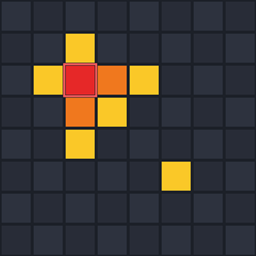
/lagfinder show        - glowing red/orange/yellow markers over the hottest chunks, visible to every player, even vanilla clients
/lagfinder hide        - remove the markers
/lagfinder export      - self-contained HTML heatmap + table you can open in a browser or send to your players
/lagfinder status      - is sampling running, how many ticks were measured
(/lagmap works as an alias for every command.)
What it measures, per chunk
- block entities (hoppers, furnaces, modded machines) - with the type that costs most
- entities - with the mob type that costs most
- scheduled block & fluid ticks and random ticks
- what share of the whole server tick that chunk takes, and the nearest player
- click [tp] in chat to teleport straight to the chunk
Why LagFinder
- Real measurement, not an estimate. Every block entity, entity, block tick and random tick is timed with nanosecond precision and attributed to its chunk.
- Server-side only. Nothing to install for players. Works with vanilla clients.
- No dependencies. No Fabric API, no Architectury, no Kotlin.
- Zero overhead when not sampling - one boolean check per hook. Start it only when you need it.
- Spiritual successor to LagGoggles (1.12) and Observable (up to 1.21.4), rebuilt from scratch for 1.21.8 - 26.3.
Versions
Fabric (Quilt works too) and NeoForge: 1.21.8, 1.21.9, 1.21.10, 1.21.11, 26.1.x, 26.2, 26.3. Java 21 for 1.21.x, Java 25 for 26.x. Pick the file that matches your game version and loader.
Permission level 2 (op) is required for /lagfinder.
How to read the result
ms/tick is how much of every server tick that chunk costs. A vanilla tick has 50 ms; a chunk that takes 10+ ms/tick on its own is the reason your TPS drops. The breakdown tells you what in that chunk is expensive (a mob farm, a wall of hoppers, a modded machine), and the nearest player tells you whose it is.
Found a bug or want a feature? Use the Issues tab.
Screenshots
Gallery
-
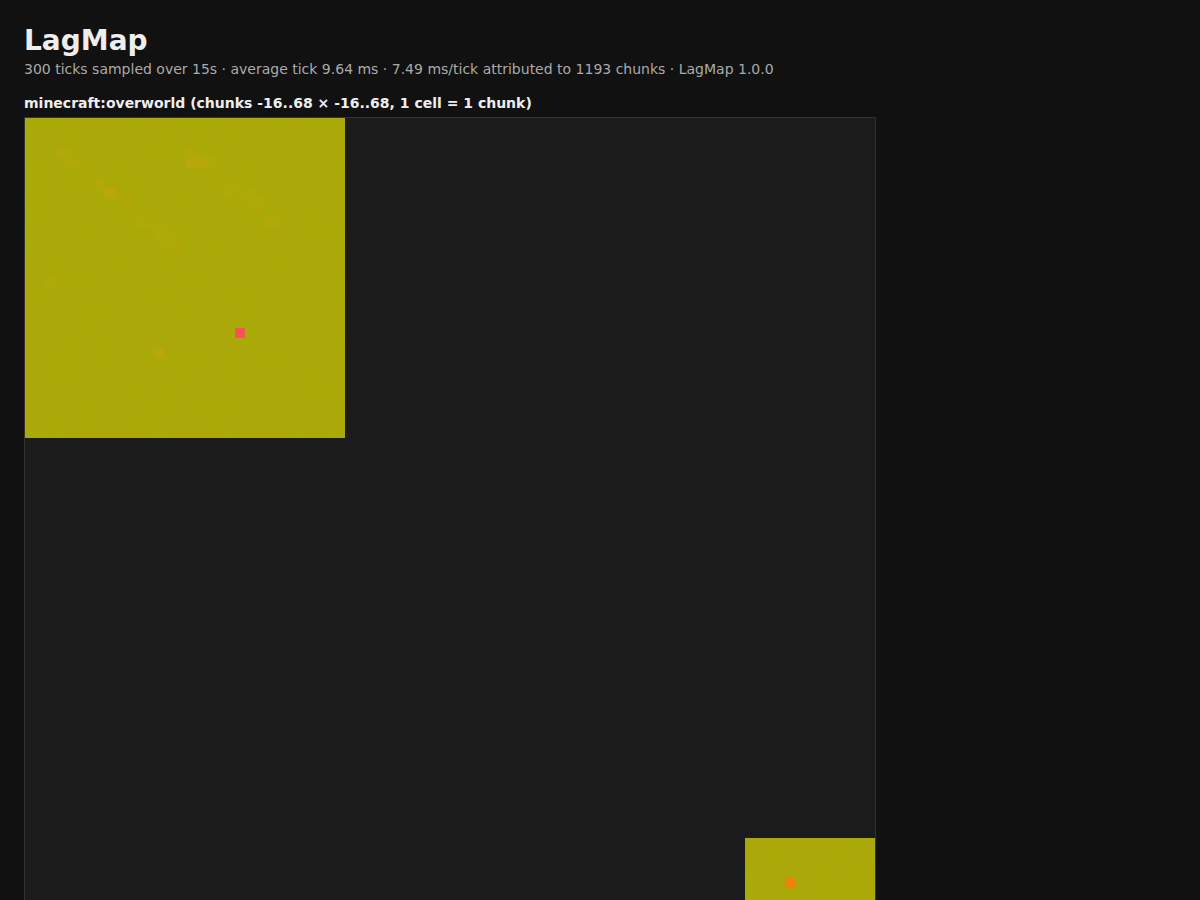 lagmap-report-example.png lagmap-report-example.png
Versions
Files
Relations
Project Relations
More like this
Similar Mods
Suggestions use data such as tags, dependencies, dependents, descriptions, titles, and more to rank how much they overlap with this mod.
On ModDex
Community snapshot
By the numbers
Statistics

Get it on
Available Platforms
On ModDex
Community snapshot
By the numbers
Statistics
Resources