Community listing page, reviews here may not be monitored by the author.
LangSwitch


No reviews yet
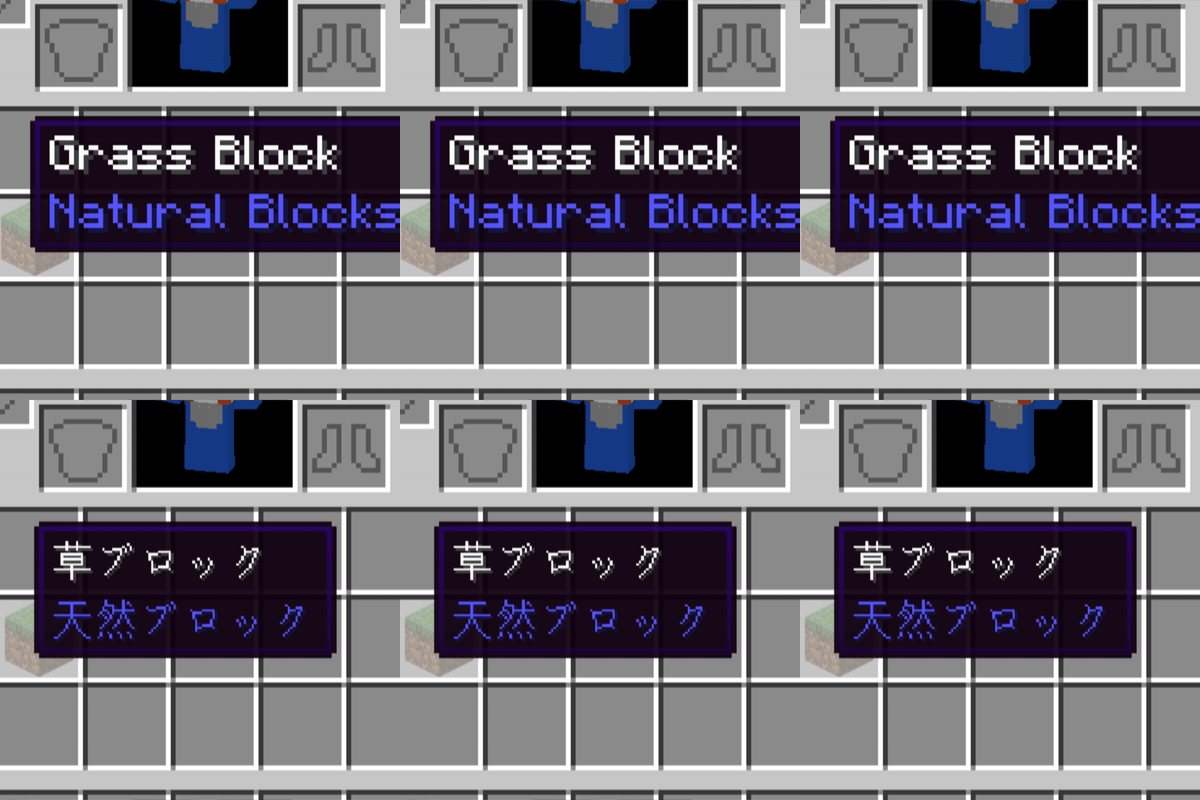
Instantly toggle Minecraft's UI language with one key — no reload, no menu diving. Switch between your language and the one you're learning even while a GUI (inventory, books) is open. Perfect for language learners comparing translations.
Community voices
Reviews
No reviews yet. Be the first to review this project!
Get it on
Available Platforms
Compatibility
Supported Environments
Runs entirely on the client. Works on vanilla servers.
About
Project Details
For authors
Embed Badge
If you're the author of this project, you can embed a live badge anywhere that supports HTML or Markdown. It updates automatically whenever ratings change.
Use HTML for any page that supports it, or Markdown for README files and Markdown-based descriptions.
Identifiers
Platform IDs
Resources
External Links
About
Description
Vanilla Minecraft's Options → Language menu triggers a full resource reload every time you switch, causing a noticeable multi-second stutter. LangSwitch skips that reload entirely, so the language changes instantly with effectively zero load time.
Features
- One-tap language toggle: press your configured toggle key to switch between your chosen target language and whichever language you were just using
- Instant, load-free switching: swaps only the language data directly instead of triggering a full resource-pack reload, so there's virtually no delay
- Works even with a GUI open: the toggle key still works while inventories, books, chests, etc. are open — great for comparing translations while playing (ideal for language learning)
- Ctrl-modifier to prevent misfires: the toggle key only fires when held together with Ctrl, so it won't accidentally trigger while typing in chat or on a sign
- Google Translate–style searchable language picker: pick your target language from a searchable list instead of hunting through raw language codes
- Dedicated config keybind: registered in the vanilla key-binding menu, so you can always reopen the settings screen to change anything
How to use
- Press the key that opens the settings screen (default: J)
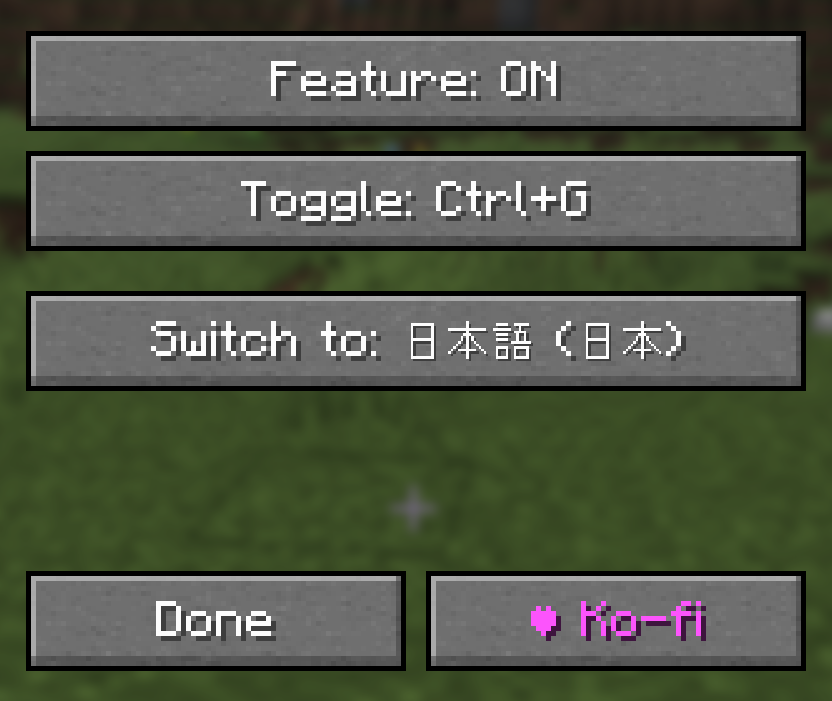
- Click "Toggle key" and press any key to bind it (fires as Ctrl + that key)
- Click "Switch to" and search for/select your target language
- In-game, hold Ctrl and press your bound key to instantly toggle between your target language and whatever language you were using
Supported environment
- Client-side only (no server-side install required)
- Supported loaders: Forge / NeoForge / Fabric
- Supported versions: 1.20.1 through 1.21.11
 LangSwitch
Instantly switch the game's display language with a single key press.
Vanilla Minecraft's Options → Language menu triggers a full resource reload every time you switch, causing a noticeable multi-second stutter. LangSwitch skips that reload entirely, so the language changes instantly with effectively zero load time.
Features
- One-tap language toggle: press your configured toggle key to switch between your chosen target language and whichever language you were just using
- Instant, load-free switching: swaps only the language data directly instead of triggering a full resource-pack reload, so there's virtually no delay
- Works even with a GUI open: the toggle key still works while inventories, books, chests, etc. are open — great for comparing translations while playing (ideal for language learning)
- Ctrl-modifier to prevent misfires: the toggle key only fires when held together with Ctrl, so it won't accidentally trigger while typing in chat or on a sign
- Google Translate–style searchable language picker: pick your target language from a searchable list instead of hunting through raw language codes
- Dedicated config keybind: registered in the vanilla key-binding menu, so you can always reopen the settings screen to change anything
How to use
- Press the key that opens the settings screen (default: J)
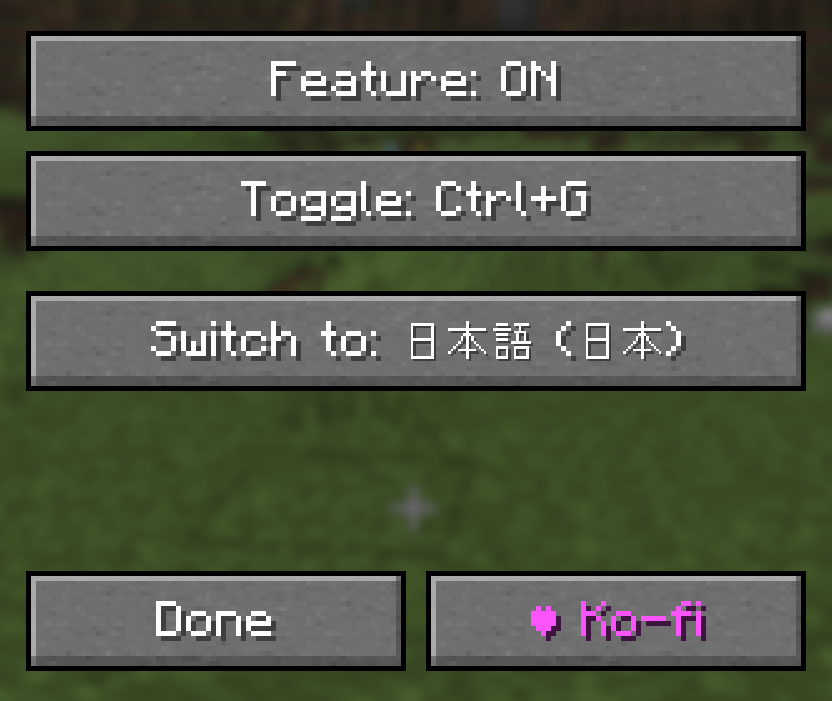
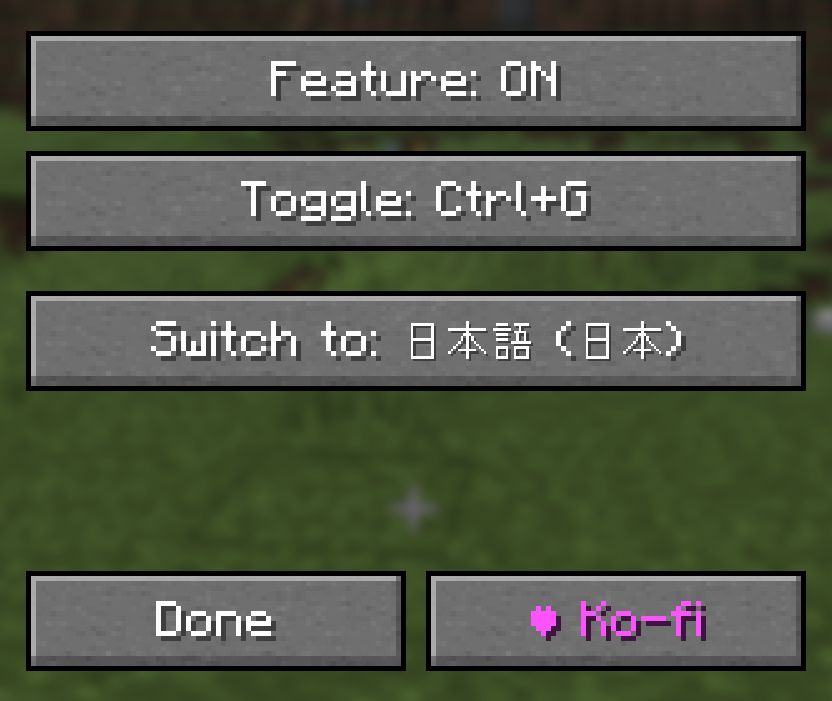
- Click "Toggle key" and press any key to bind it (fires as Ctrl + that key)
- Click "Switch to" and search for/select your target language
- In-game, hold Ctrl and press your bound key to instantly toggle between your target language and whatever language you were using
Supported environment
- Client-side only (no server-side install required)
- Supported loaders: Forge / NeoForge / Fabric
- Supported versions: 1.20.1 through 1.21.11
Screenshots
Gallery
-
 ã¹ã¯ãªã¼ã³ã·ã§ãã 2026-07-11 103943.png ã¹ã¯ãªã¼ã³ã·ã§ãã 2026-07-11 103943.png
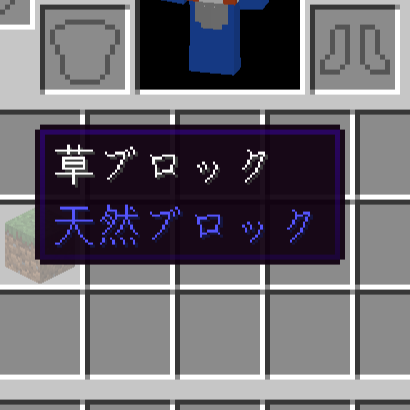
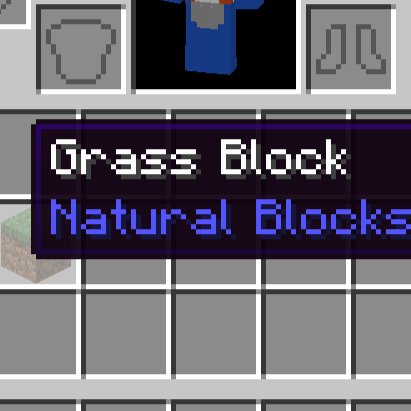
Versions
Files
Relations
Project Relations
More like this
Similar Mods
Suggestions use data such as tags, dependencies, dependents, descriptions, titles, and more to rank how much they overlap with this mod.
On ModDex
Community snapshot
By the numbers
Statistics
Want to reach Minecraft players?
We're looking for a server hosting partner to feature here and other parts of the site. Interested? Send us a message!
Get in touchGet it on
Available Platforms
On ModDex
Community snapshot
By the numbers
Statistics
Resources