
Community listing page, reviews may not be monitored by the author.
Late Game Golems


No reviews yet
Allows you to upgrade Iron Golem's to use guns, shields, swords, maces, armors, change AI and other upgrades. Designs inspired by Warhammer 40k.

Community voices
Reviews
No reviews yet. Be the first to review this project!
Get it on
Available Platforms
Compatibility
Supported Environments
Must be installed on both the client and the server.
About
Project Details
For authors
Embed Badge
If you're the author of this project, you can embed a live badge anywhere that supports HTML or Markdown. It updates automatically whenever ratings change.
Use HTML for any page that supports it, or Markdown for README files and Markdown-based descriptions.
Identifiers
Platform IDs
Resources
External Links
About
Description
major update for [NeoForge]-1.21.1, [Forge]-1.20.1
Click here to submit a bug report
Modpack policy: you can add this to modpacks.
Client Config
#Settings for Late Game Golem
[upgraded_golem]
    #Display Death Message
    upgraded_golem_death_msg = false
Common Config
#Settings for Late Game Golem
[upgraded_golem]
    #Golem's target whitelist. Golem will not aggro at mob, Use modid to whitelist all entities from a mod, or modid:entityname to whitelist a specific entity only.
    entity_target_whitelist = ["modid", "modid:mobname"]
    #Golem's Retaliate whitelist. Golem will not retaliate against mob, Use modid to whitelist all entities from a mod, or modid:entityname to whitelist a specific entity only.
    entity_retaliate_whitelist = ["modid", "modid:mobname"]
    #Golem's target Blacklist. Golem will aggro at mob, Use modid to blacklist all entities from a mod, or modid:entityname to blacklist a specific entity only.
    entity_target_blacklist = ["modid", "modid:mobname"]
    #Item blacklist: if a player right-clicks a golem while holding an item in the blacklist, the inventory will not open. Use modid to ban all items from a mod, or modid:itemname to ban a specific item only.
    item_right_click_blacklist = ["mobbattle", "minecraft:bedrock"]

    #Golem Stats
    [upgraded_golem.stats]
        #stat change will not apply to existing golems
        #Golem Health Multiplier
        # Default: 1.0
        # Range: 0.001 ~ 1000.0
        health_multiplier = 1.0
        #Golem Ranged Damage Multiplier
        # Default: 1.0
        # Range: 0.001 ~ 1000.0
        ranged_damage_multiplier = 1.0
        #Golem Melee Damage Multiplier
        # Default: 1.0
        # Range: 0.001 ~ 1000.0
        melee_damage_multiplier = 1.0

    #Behavior
    [upgraded_golem.behavior]
        #If true, all monsters (or Enemy-type mobs) will be forced to target Upgraded Golems.
        #If false, only mobs that already target Iron Golems will gain Upgraded Golem targeting.
        all_monsters_target_golem = true
        #Golems can be angry at players.
        angry_at_player = false
        #Golem will target player that hurt golem's owner
        protect_owner = false
        #Only Golem's Owner can access its inventory
        owner_invetnory_lock = false

Upgrade iron golem into a Late Game Golem.
Upgrades include:
- Death Modules - which activate on golem's death.
- AI Chips - which change golem's behavior.
- Melee Weapons - golem can dual wield them.
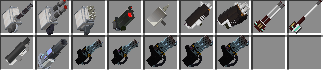
- Special Weapons - Guns, Shields, Lanterns.
- Upgrade - Improves stats and provides abilities.
- Gems - additional stat improvements.









move control of entity in the Upgrade Painter Workshop UI.
- left click & drag to rotate entity,
- scroll wheel to zoom in and out.
- right click & drag to move entity position.
Gems
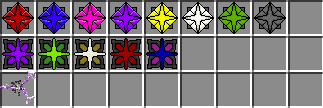
Shields

Melees
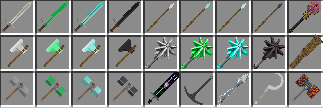
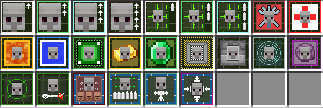
Upgrades
Guns
Death Modules

AI Chips

Misc

major version update for [NeoForge]-1.21.1, [Forge]-1.20.1
Modpack policy: you can add this to modpacks.
Client Config
#Settings for Late Game Golem
[upgraded_golem]
    #Display Death Message
    upgraded_golem_death_msg = false
Common Config
#Settings for Late Game Golem
[upgraded_golem]
	#Golem's target whitelist. Golem will not aggro at mob, Use modid to whitelist all entities from a mod, or modid:entityname to whitelist a specific entity only.
	entity_target_whitelist = ["modid", "modid:mobname"]
	#Golem's Retaliate whitelist. Golem will not retaliate against mob, Use modid to whitelist all entities from a mod, or modid:entityname to whitelist a specific entity only.
	entity_retaliate_whitelist = ["modid", "modid:mobname"]
	#Golem's target Blacklist. Golem will aggro at mob, Use modid to blacklist all entities from a mod, or modid:entityname to blacklist a specific entity only.
	entity_target_blacklist = ["modid", "modid:mobname"]
	#Item blacklist: if a player right-clicks a golem while holding an item in the blacklist, the inventory will not open. Use modid to ban all items from a mod, or modid:itemname to ban a specific item only.
	item_right_click_blacklist = ["mobbattle", "minecraft:bedrock"]

	#Golem Stats
	[upgraded_golem.stats]
		#stat change will not apply to existing golems
		#Golem Health Multiplier
		# Default: 1.0
		# Range: 0.001 ~ 1000.0
		health_multiplier = 1.0
		#Golem Ranged Damage Multiplier
		# Default: 1.0
		# Range: 0.001 ~ 1000.0
		ranged_damage_multiplier = 1.0
		#Golem Melee Damage Multiplier
		# Default: 1.0
		# Range: 0.001 ~ 1000.0
		melee_damage_multiplier = 1.0

	#Behavior
	[upgraded_golem.behavior]
		#If true, all monsters (or Enemy-type mobs) will be forced to target Upgraded Golems.
		#If false, only mobs that already target Iron Golems will gain Upgraded Golem targeting.
		all_monsters_target_golem = true
		#Golems can be angry at players.
		angry_at_player = false
		#Golem will target player that hurt golem's owner
		protect_owner = false
		#Only Golem's Owner can access its inventory
		owner_invetnory_lock = false
Upgrade iron golem into a Late Game Golem.
Upgrades include:
- Death Modules - which activate on golem's death.
- AI Chips - which change golem's behavior.
- Melee Weapons - golem can dual wield them.
- Special Weapons - Guns, Shields, Lanterns.
- Upgrade - Improves stats and provides abilities.
- Gems - additional stat improvements.
move control of entity in the Upgrade Painter Workshop UI.
- left click & drag to rotate entity,
- scroll wheel to zoom in and out.
- right click & drag to move entity position.
Gems
Shields
Melees
Upgrades
Guns
Death Modules
AI Chips
Misc
Screenshots
Gallery
-
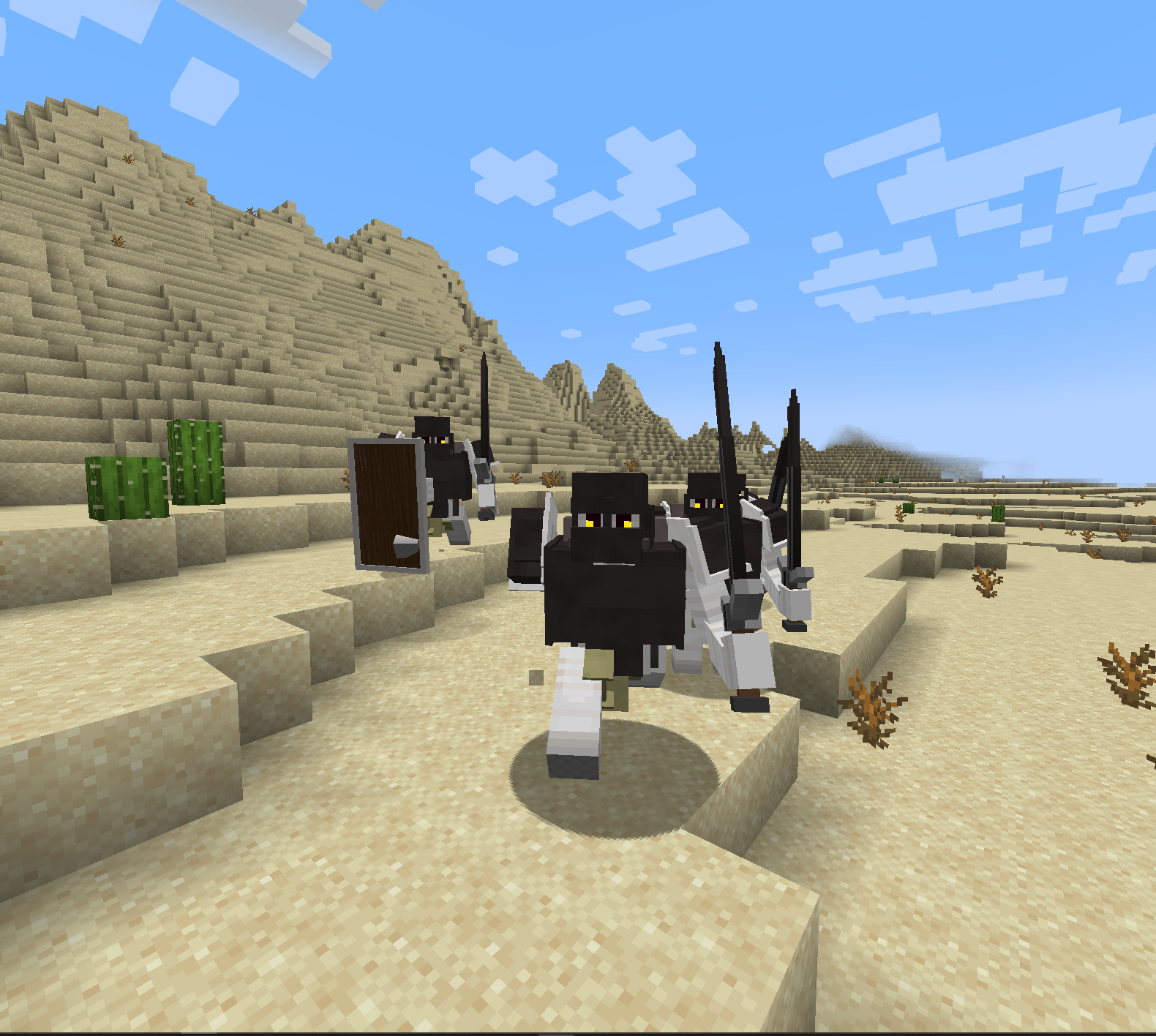 Golems following me
 -
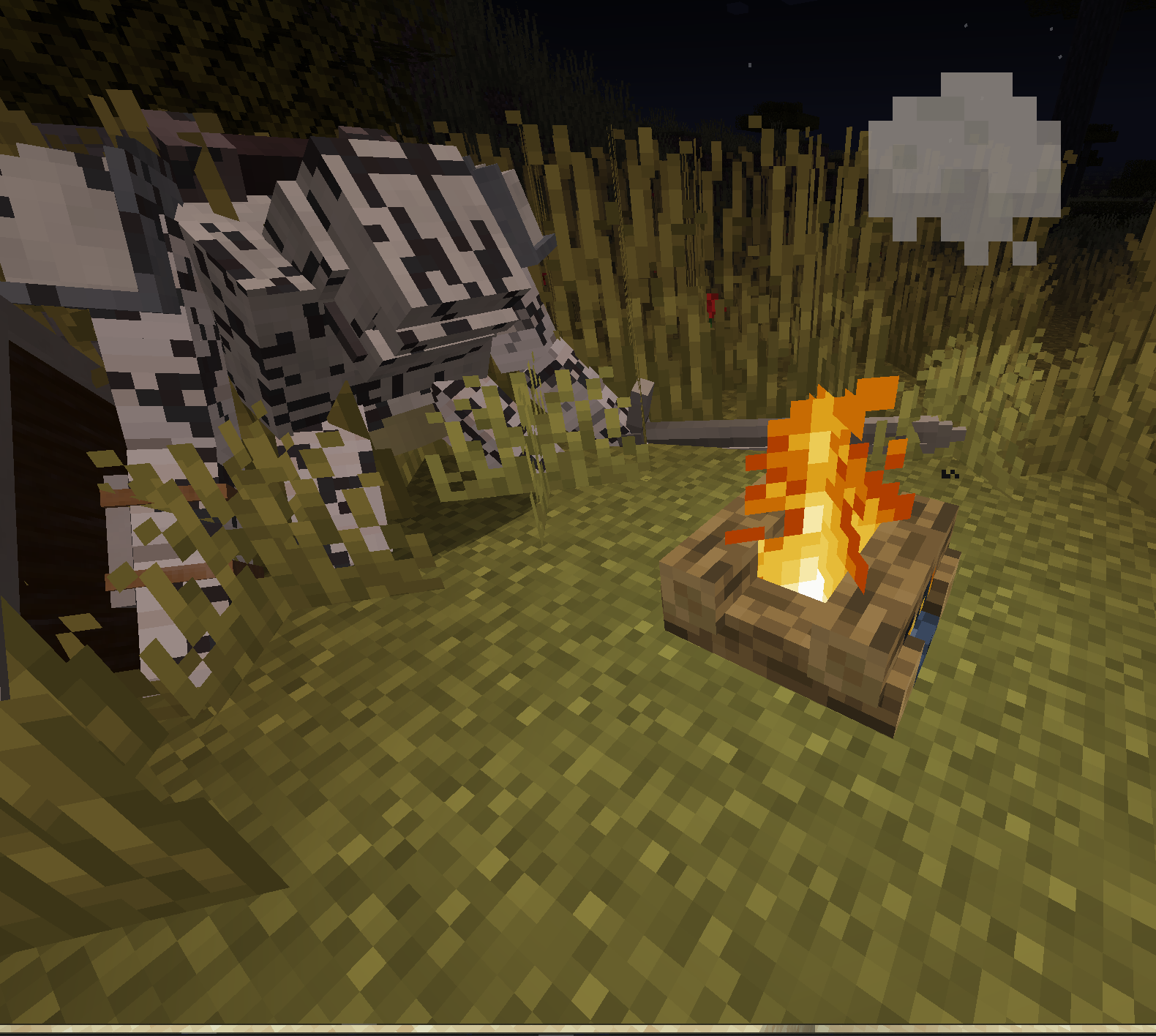
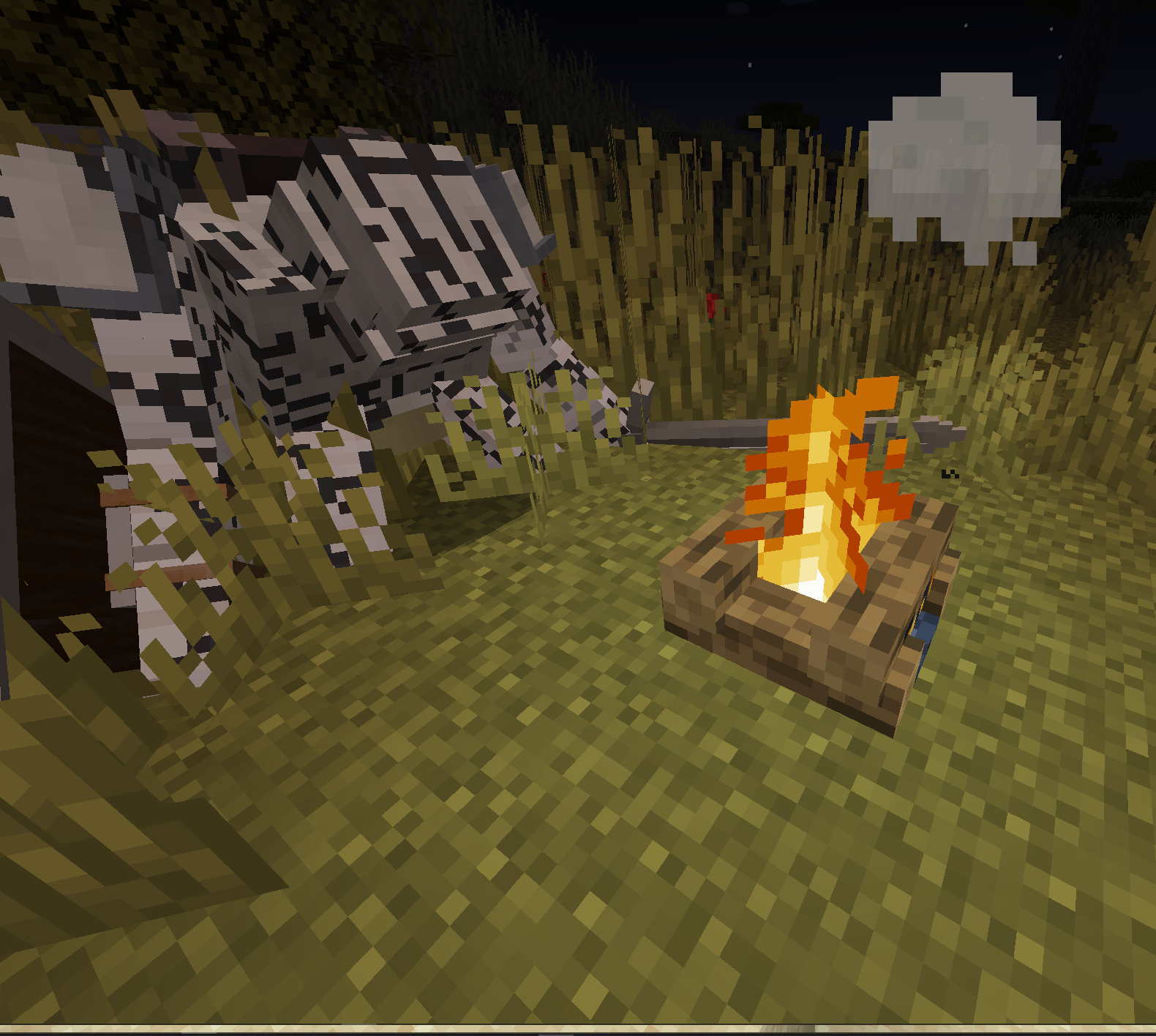 Deactivated golem by the campfire
 -
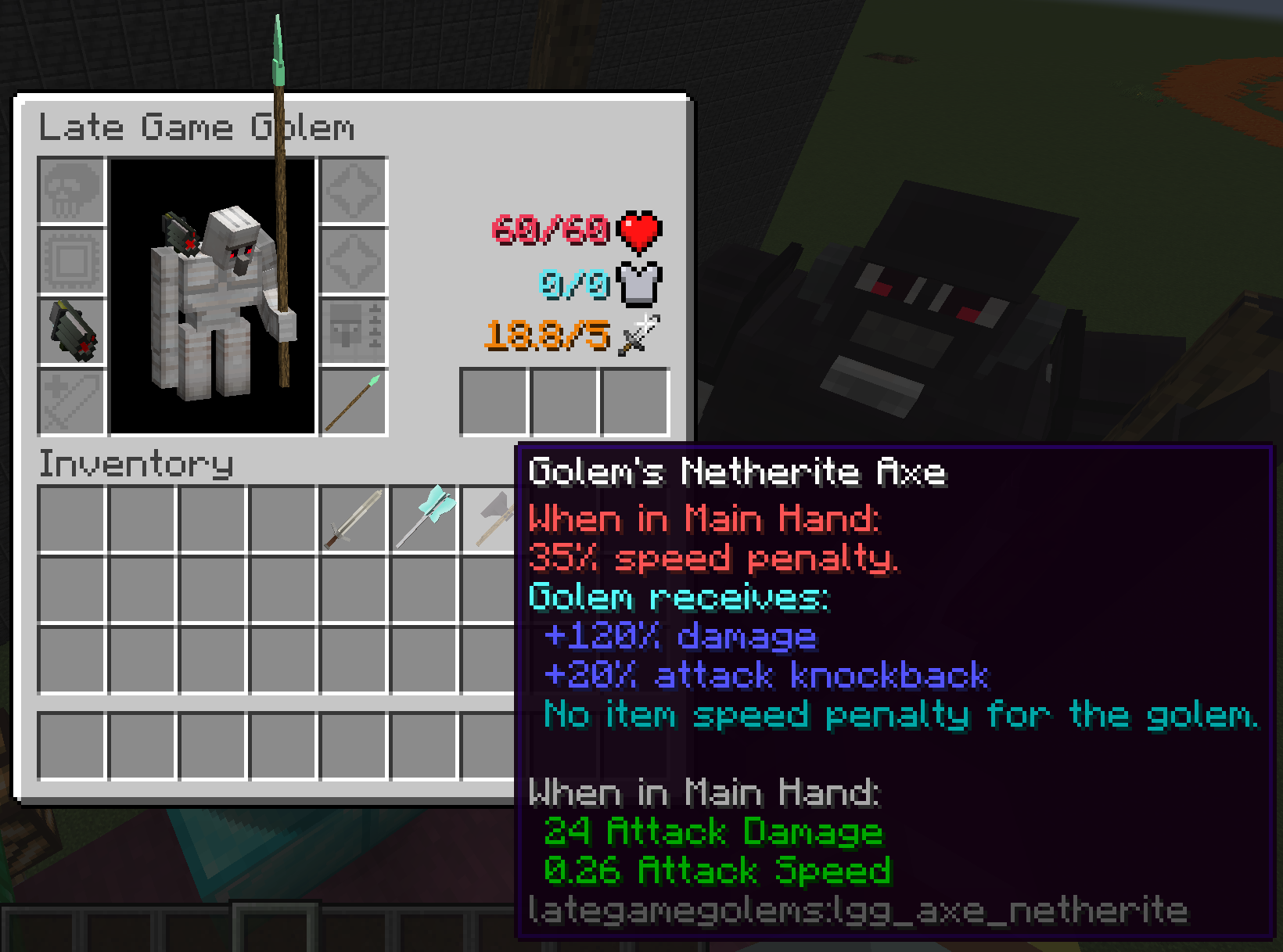 update 1.1.1.0
 -
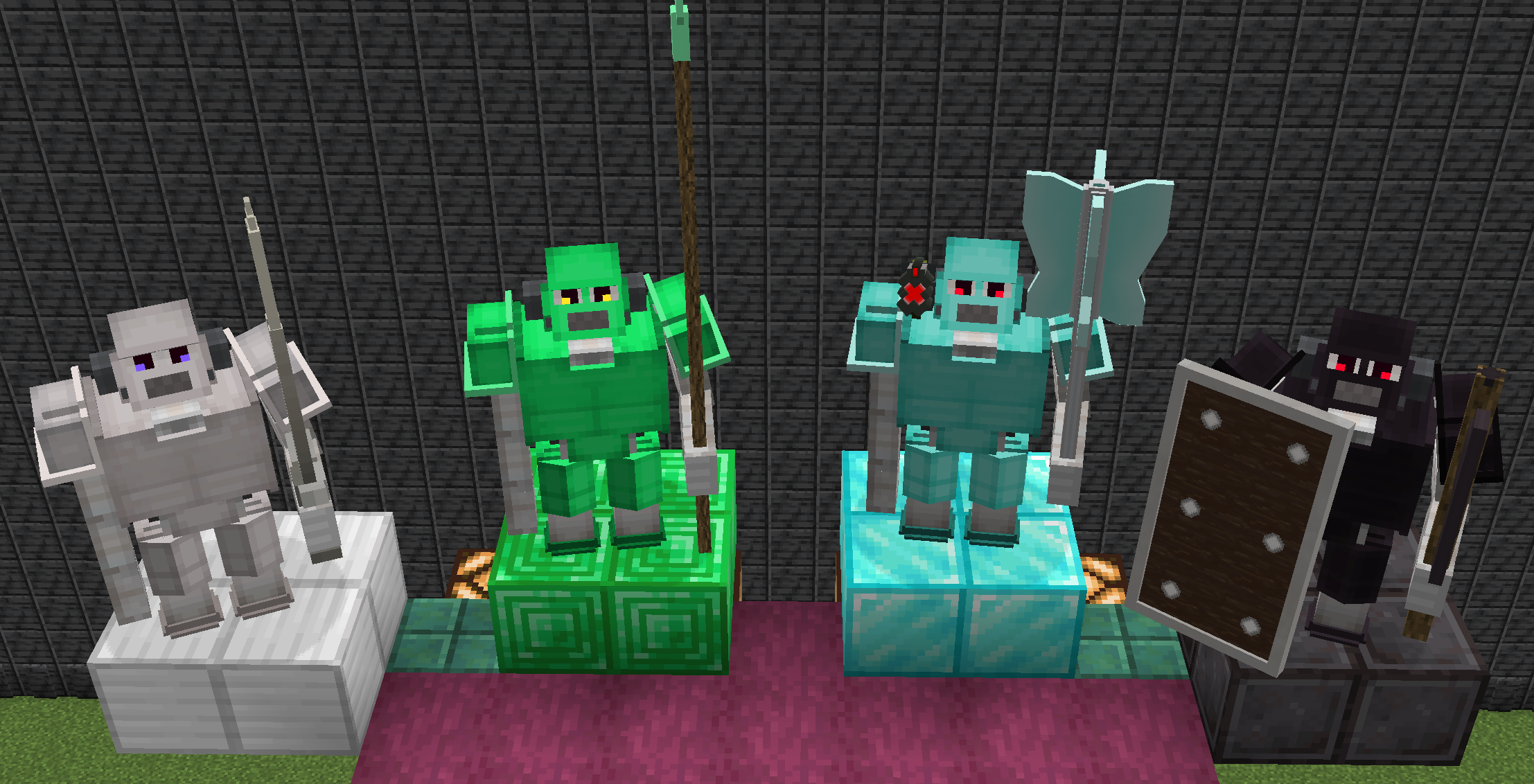 update 1.1.1.0 x1
 -
 update 1.1.1.0 x2
 -
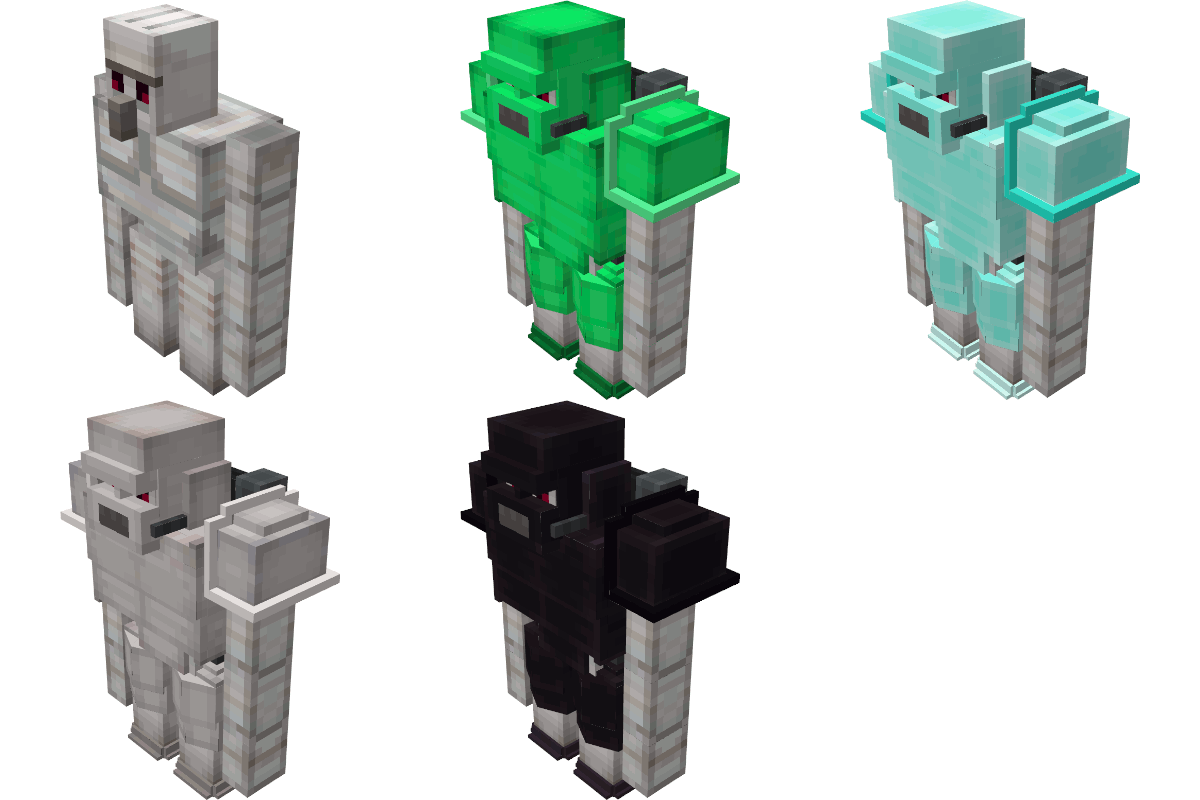 Logo
Logo -
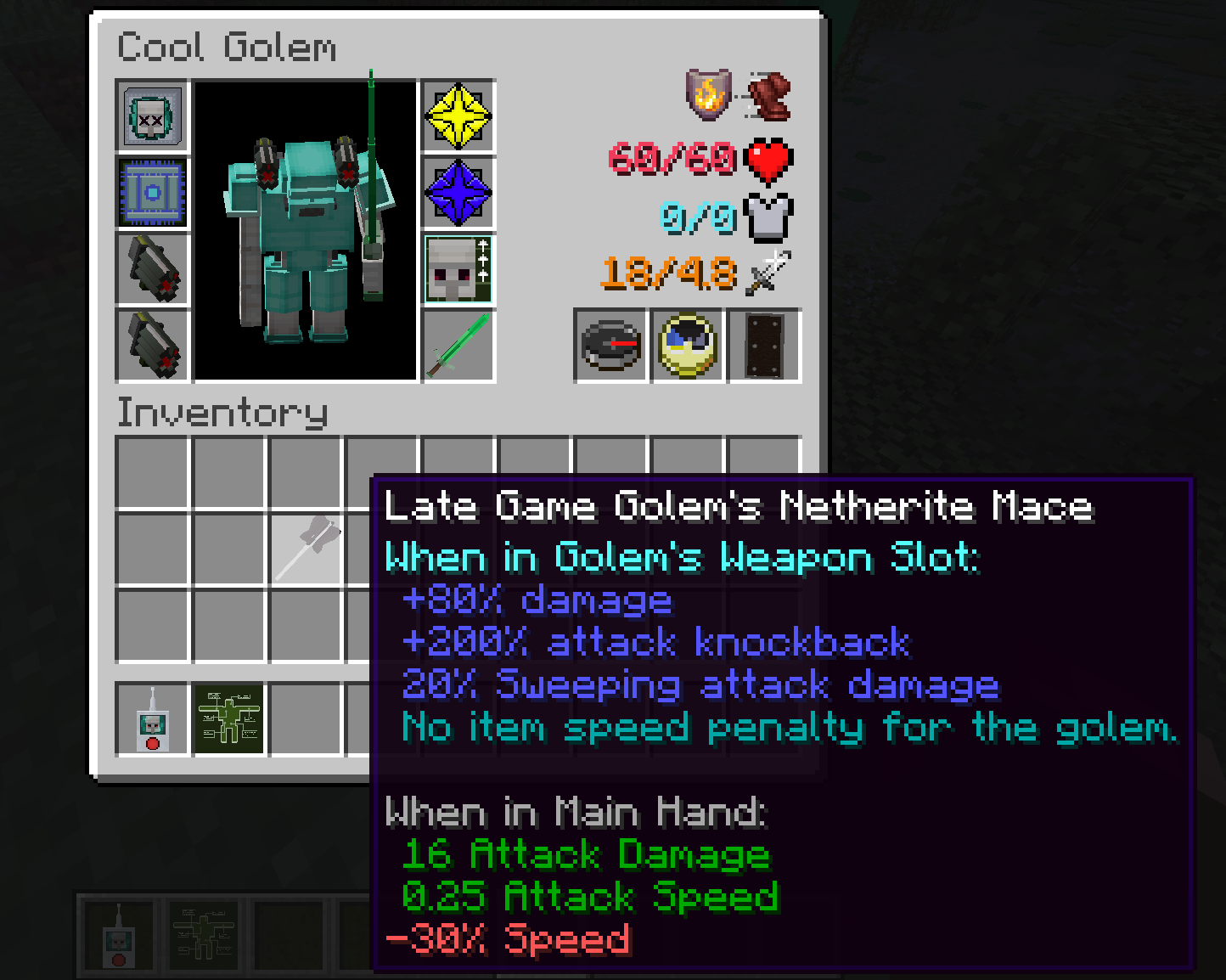 Screenshot 1.2.0.0
 -
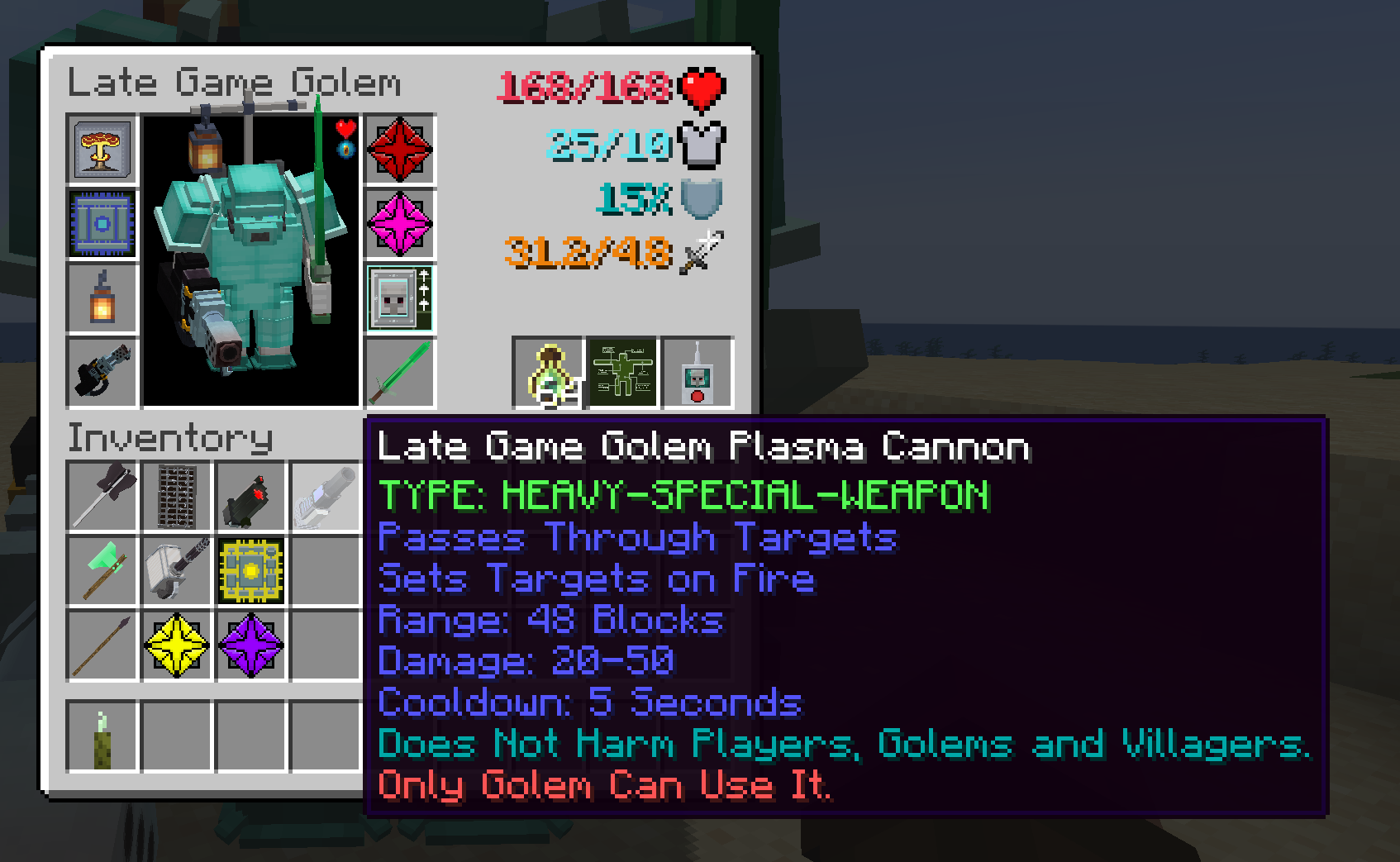 LGG 2.0.0.0
 -
showcase-1-ezgif.webp showcase-1-ezgif.webp
-
showcase-2-ezgif.webp showcase-2-ezgif.webp
-
showcase-3-ezgif.webp showcase-3-ezgif.webp
-
showcase-5-ezgif.webp showcase-5-ezgif.webp
-
showcase-inaction.webp showcase-inaction.webp
-
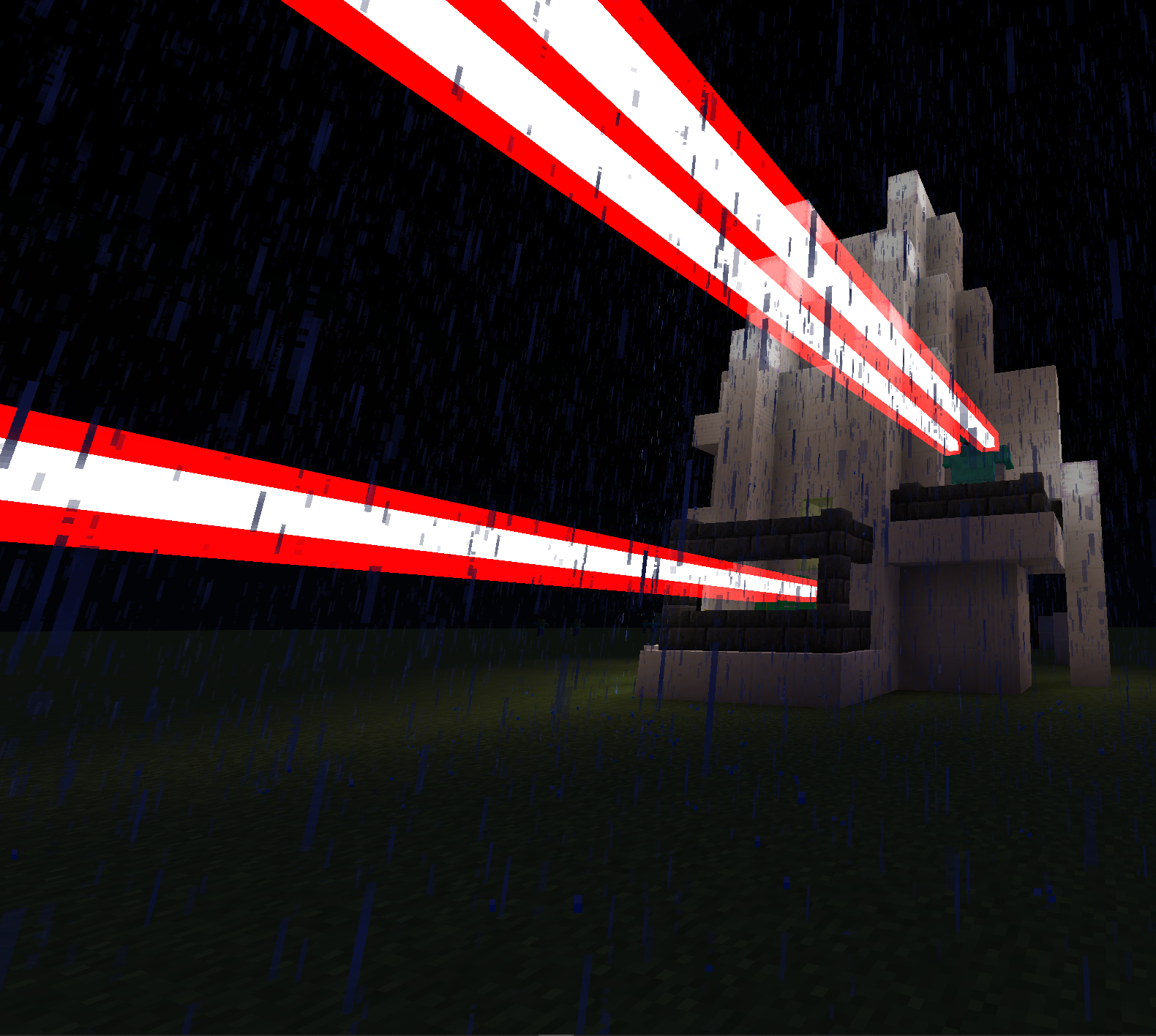
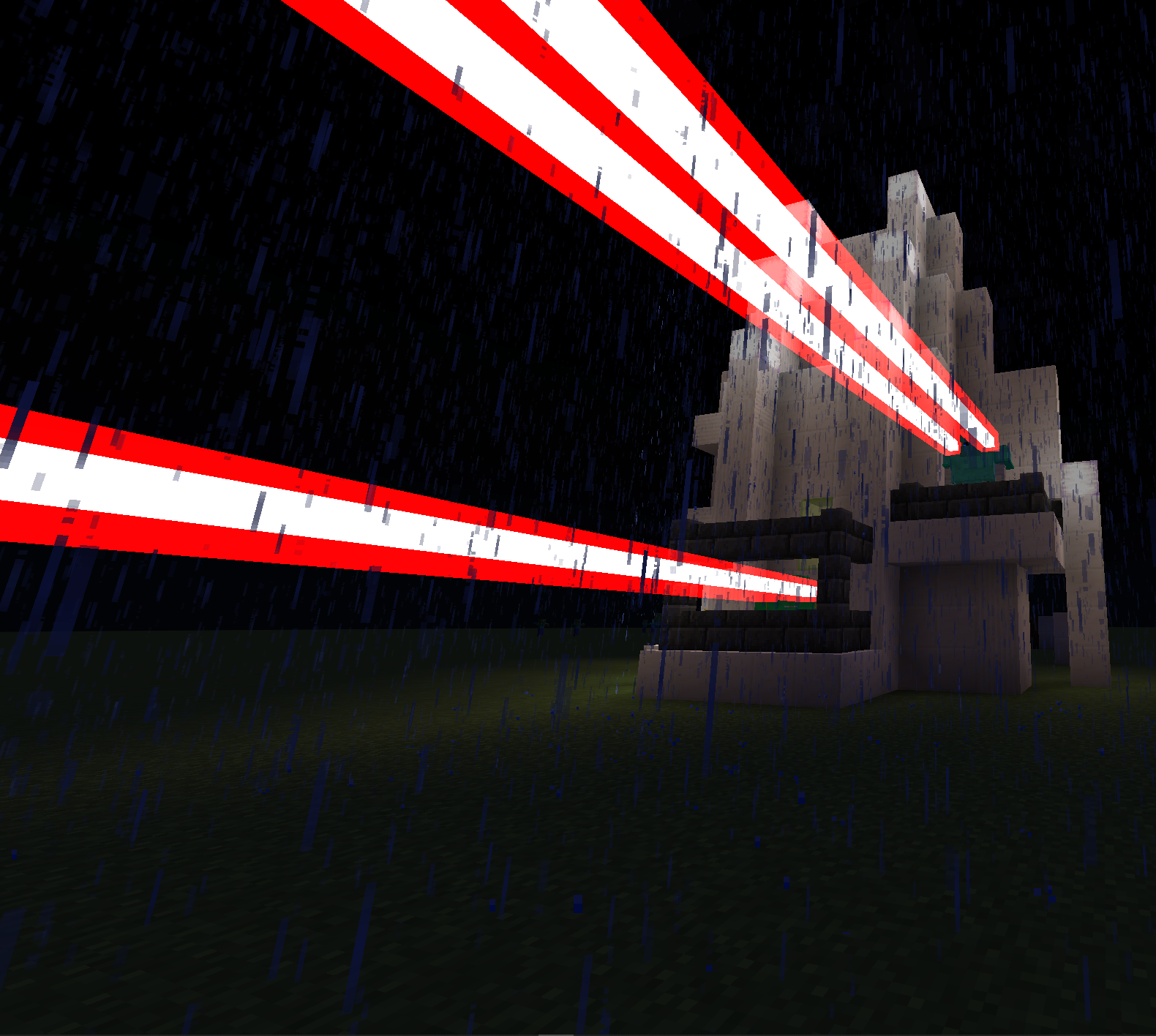 Golems defending holy church!
 -
 Screenshot_20260330_215423.png Screenshot_20260330_215423.png
 -
Screenshot_20260330_215405.png Screenshot_20260330_215405.png
-
Screenshot_20260330_215219.png Screenshot_20260330_215219.png
-
Screenshot_20260330_215150.png Screenshot_20260330_215150.png
-
Screenshot_20260330_215001.png Screenshot_20260330_215001.png
-
Screenshot_20260330_214851.png Screenshot_20260330_214851.png
-
-
-
 Tutorial Starting point
 -
-
-
-
Versions
Files
Relations
Project Relations
More like this
Similar Mods
Suggestions use data such as tags, dependencies, dependents, descriptions, titles, and more to rank how much they overlap with this mod.
- Illager-Gloom Raiders
- Mushmin
- Arda’s Omega Golem: The Corrupted Titan
- Mebahel's Creatures - Draugr Invasion
- Moss Overgrowth! (i am in the middle of revamping this because it's kinda slop)
- Annoying Villagers: Creatures and Weapons
- Mine Royale
- Late Game Weapons
- Late-game Fuel
- End Game Origins
- All The Arcanist Gear
- Starforged
On ModDex
Community snapshot
By the numbers
Statistics

Get it on
Available Platforms
On ModDex
Community snapshot
By the numbers
Statistics
Resources