![[LEI] Lazy Enough Items](https://media.forgecdn.net/avatars/thumbnails/2033/98/256/256/639243924727193833.png)
Community listing page, reviews here may not be monitored by the author.
[LEI] Lazy Enough Items

No reviews yet
A sidebar for containers: search any item, view its recipes & uses, browse a codex of mobs, biomes & structures — then sort, fill and store your loot in a personal Cloud.
Community voices
Reviews
No reviews yet. Be the first to review this project!
Get it on
Available Platforms
About
Project Details
For authors
Embed Badge
If you're the author of this project, you can embed a live badge anywhere that supports HTML or Markdown. It updates automatically whenever ratings change.
Use HTML for any page that supports it, or Markdown for README files and Markdown-based descriptions.
Identifiers
Platform IDs
Resources
External Links
About
Description
📌 LEI — The Experience It Brings You
Current version
21.1-1.1.1
Type: client-side mod (optional server install)
✅ Overview
An all-in-one data manager built around a container sidebar: open any inventory, chest or machine screen and the LEI panel is right there, with smart search, recipe lookup and a visual codex. The server side is optional single-player gets every feature and it never changes the vanilla GUI layout or adds any blocks or items.
- Wish your inventory screen itself could search items, look up recipes and find mobs — or sort your loot in one click? That is exactly what LEI does.
- A dockable sidebar that brings search, recipes, codex and sorting tools to any container screen;
- Never modifies the vanilla GUI layout, never steals item slots, and does not conflict with JEI, REI or EMI;
- Registers no blocks, items or entities — nothing is left behind after uninstalling;
- No server required for the core features; on multiplayer it is an optional install, only needed for features such as the Cloud Casket.
🔍 Quick tour
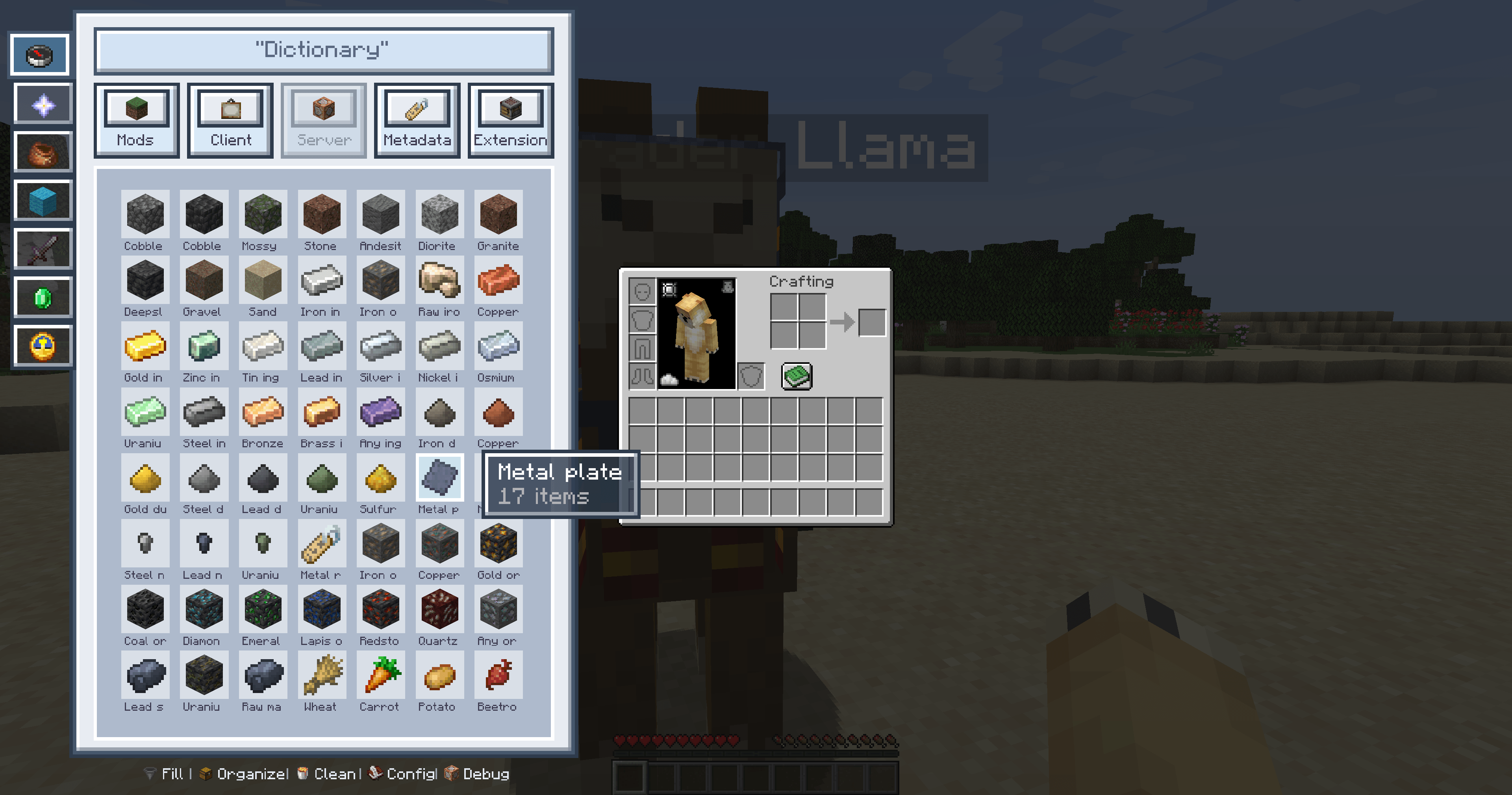
- Data & debug: ore-dictionary unification, semantic tags, recipe lookup, global search, unlimited storage, one-click fill, item sorting, quick destroy
- Helpers: merge NBT, merge families, merge building blocks, merge ore dict, container scan, auto-click, simulated right-click, entity tracking
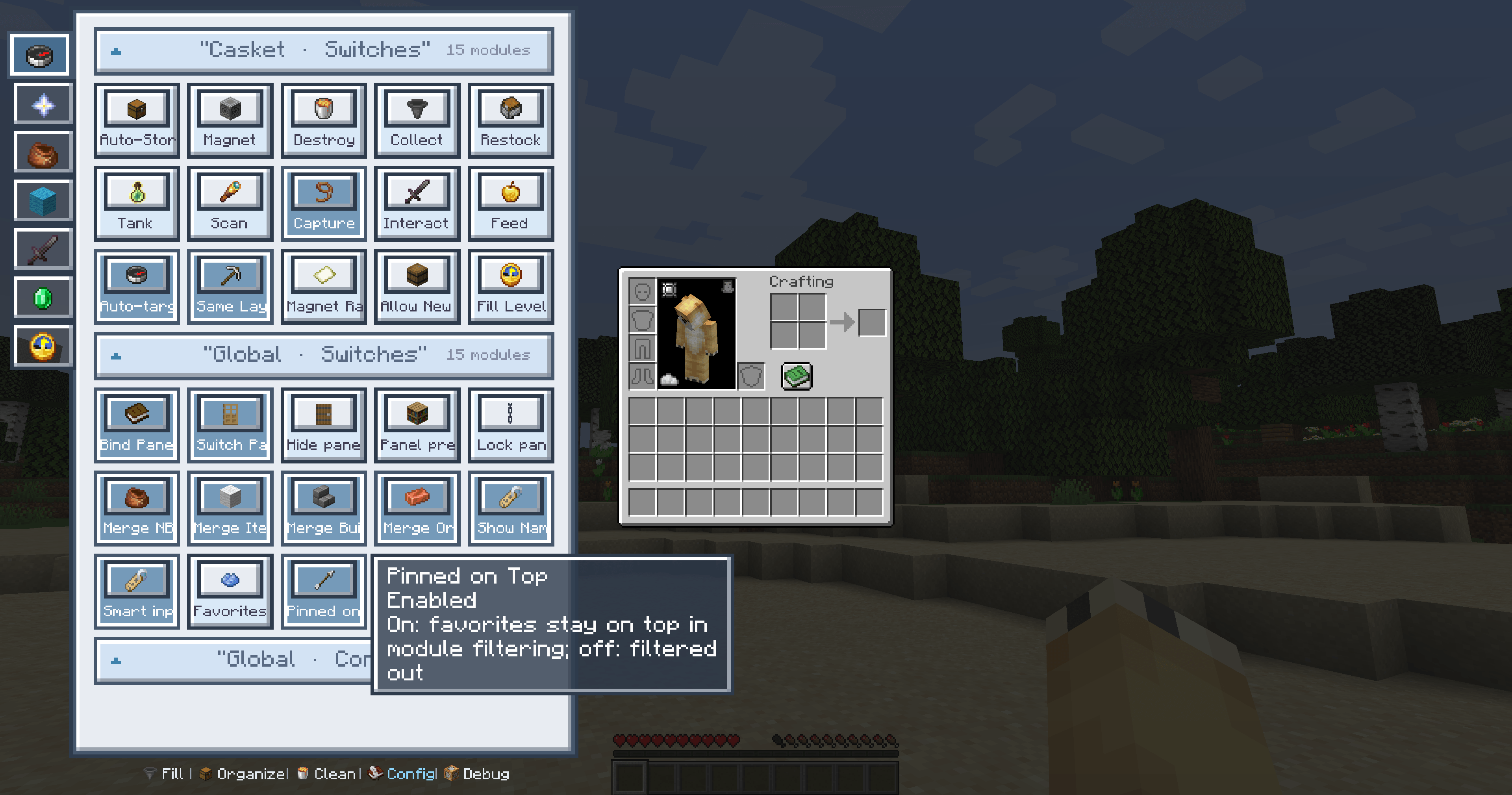
- Cloud Casket storage: paged storage, auto magnet, auto destroy, container pickup, auto restock, fluid storage, creature capture, auto feed
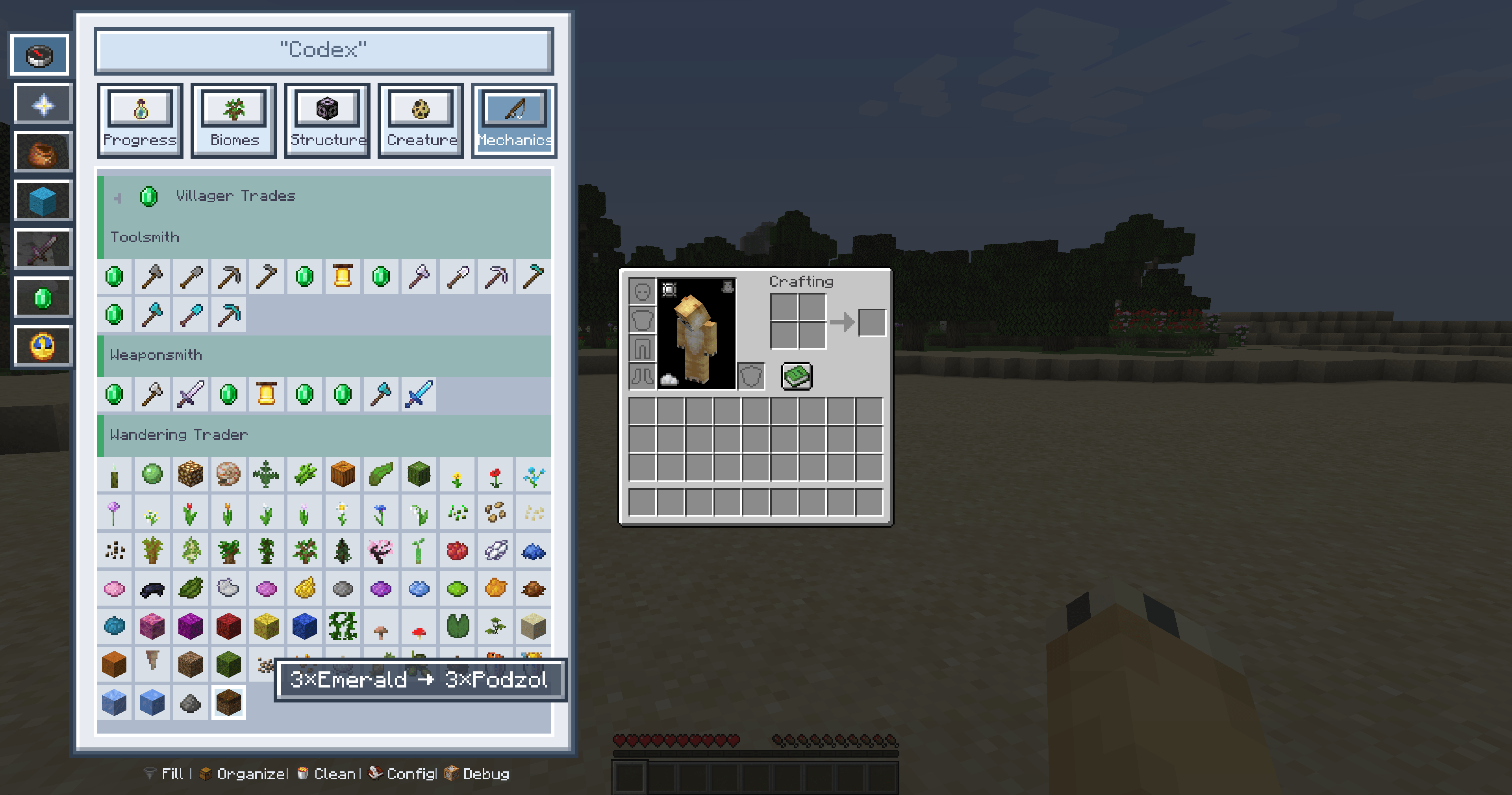
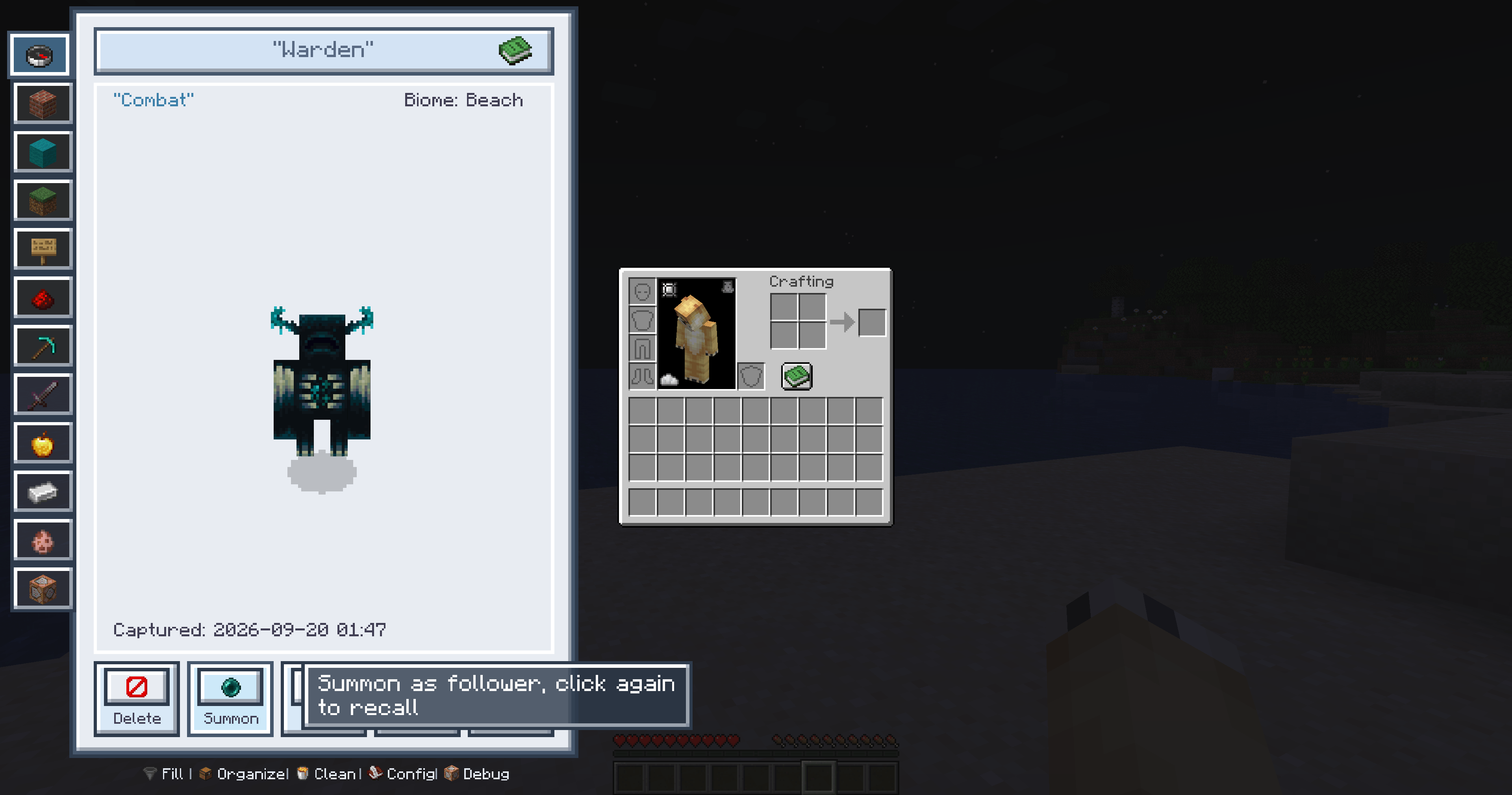
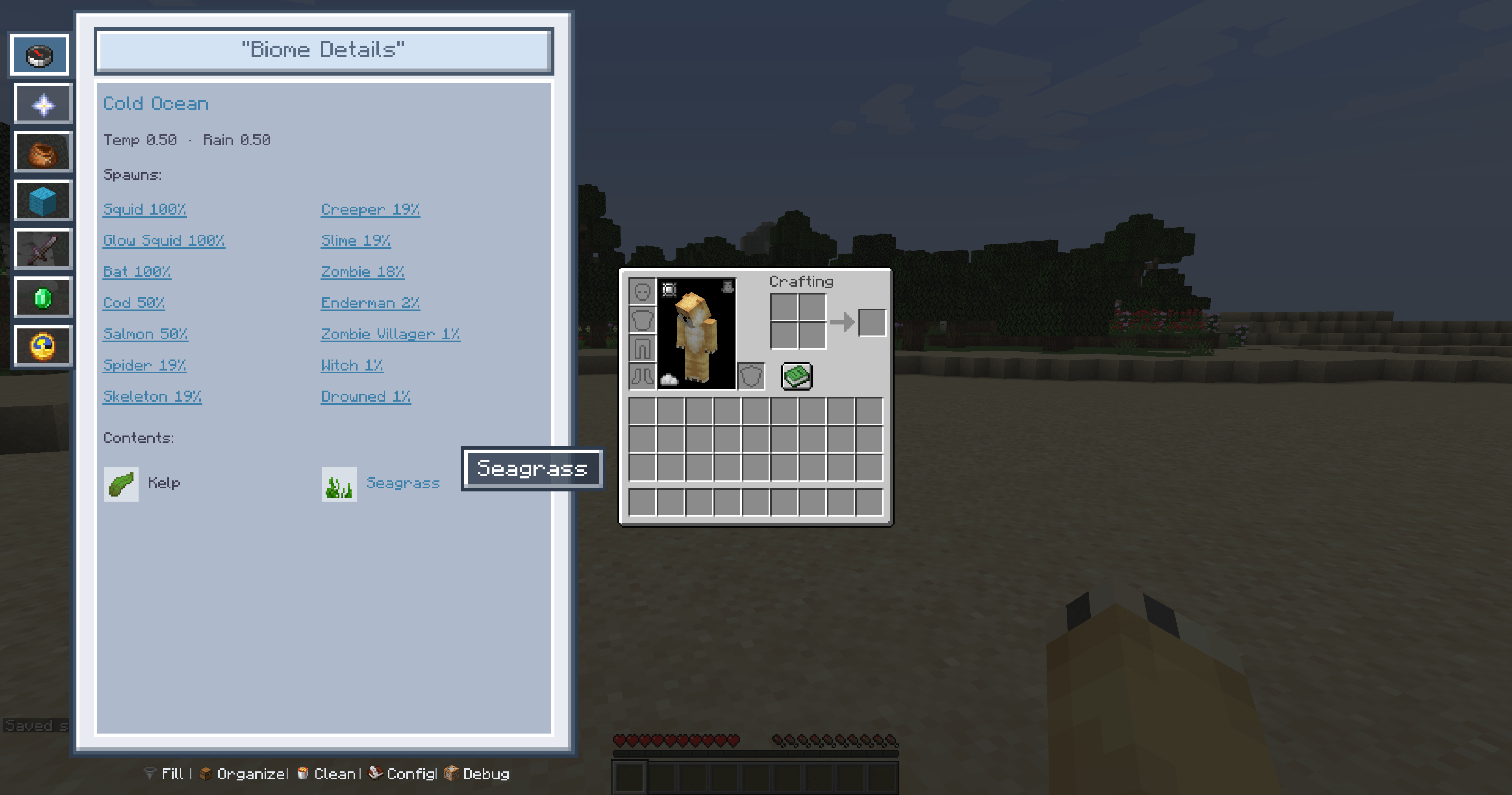
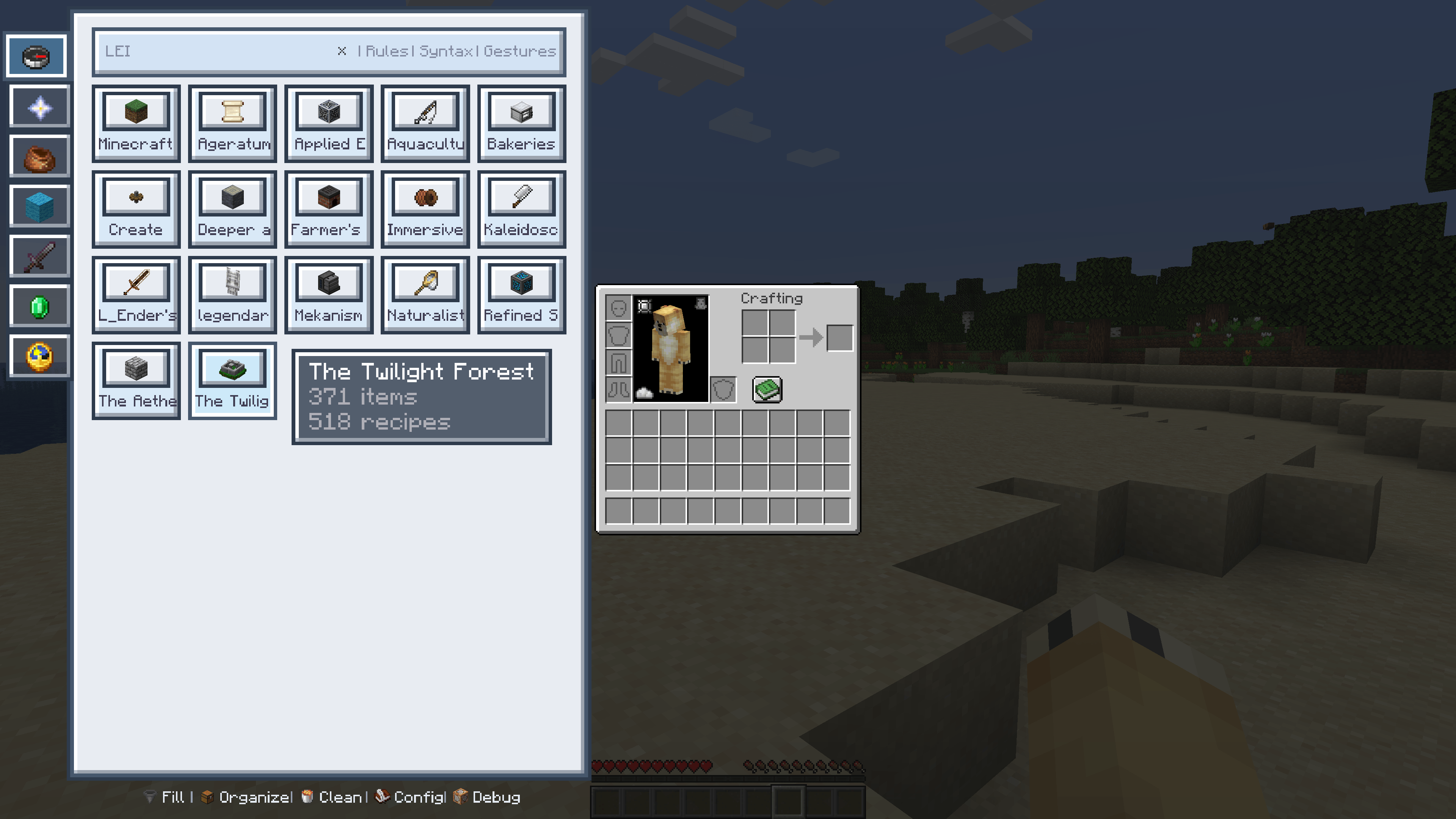
- Codex: advancements, biomes, structures, creatures, gameplay mechanics, mod integration, handbook integration
- Client: IME conflict fix, HUD editor, keybind conflict manager, simulated key presses, client debugging, quick mod config
- Server: multiplayer configuration, admin debugging
Adaptive sidebar, always at hand
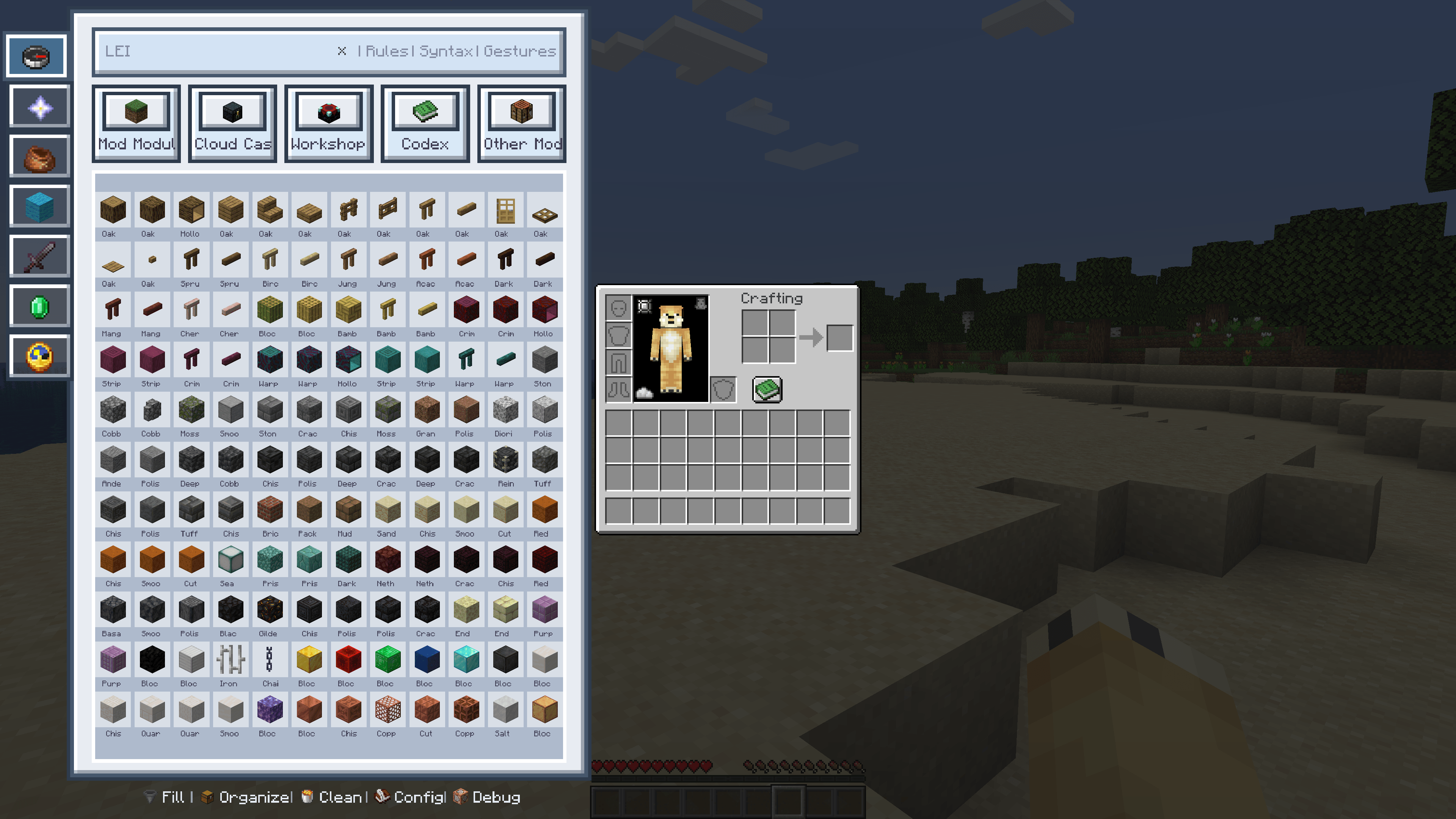
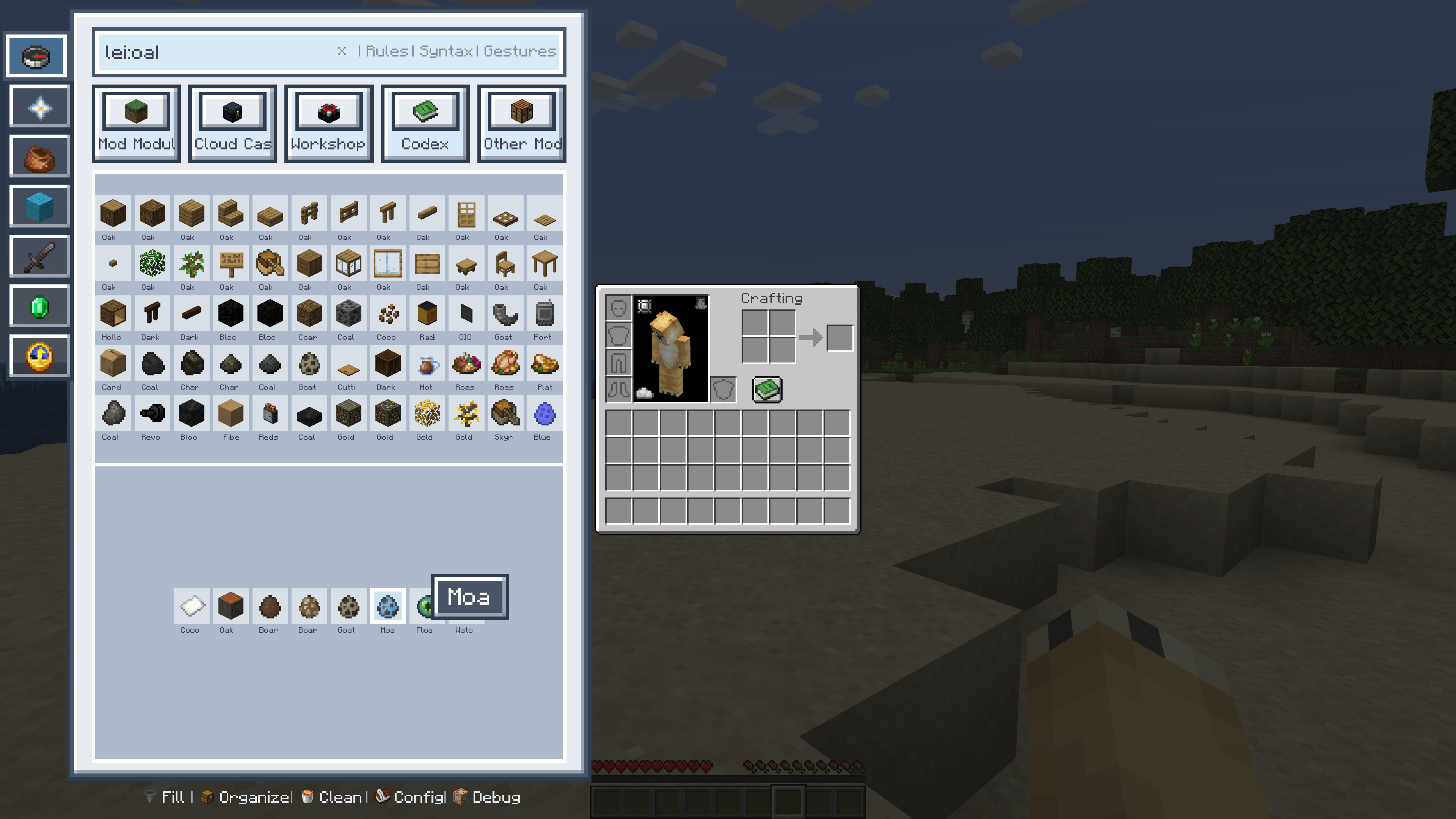
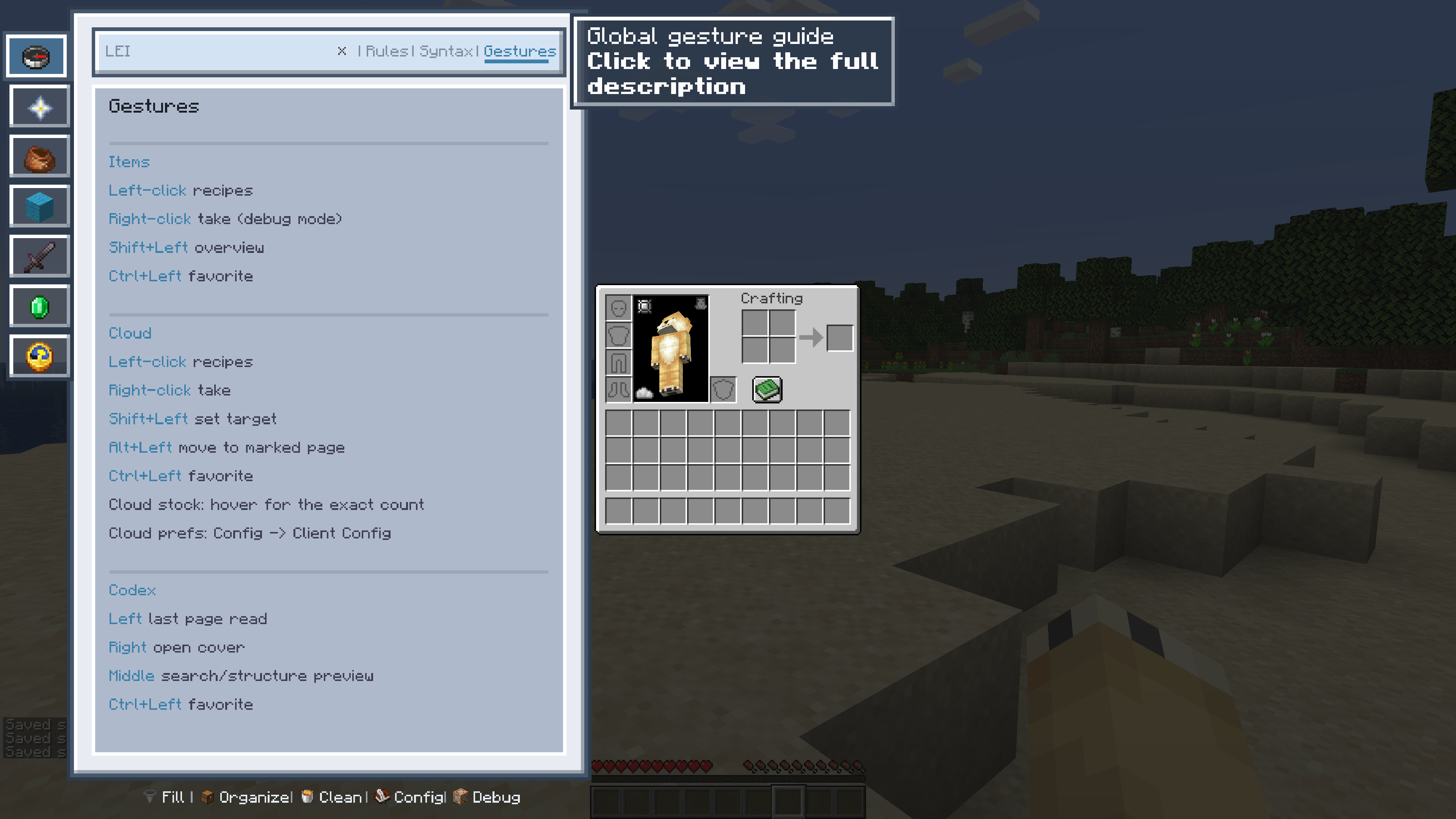
The LEI panel adapts to inventories, chests, machines and every kind of container screen. Custom zoom and vertical stretch, slide-to-hide when docked to an edge, and it can be bound to the recipe-book button — no need to memorise key combos. Open any GUI and the core features are already at your fingertips.
Smart search, everywhere
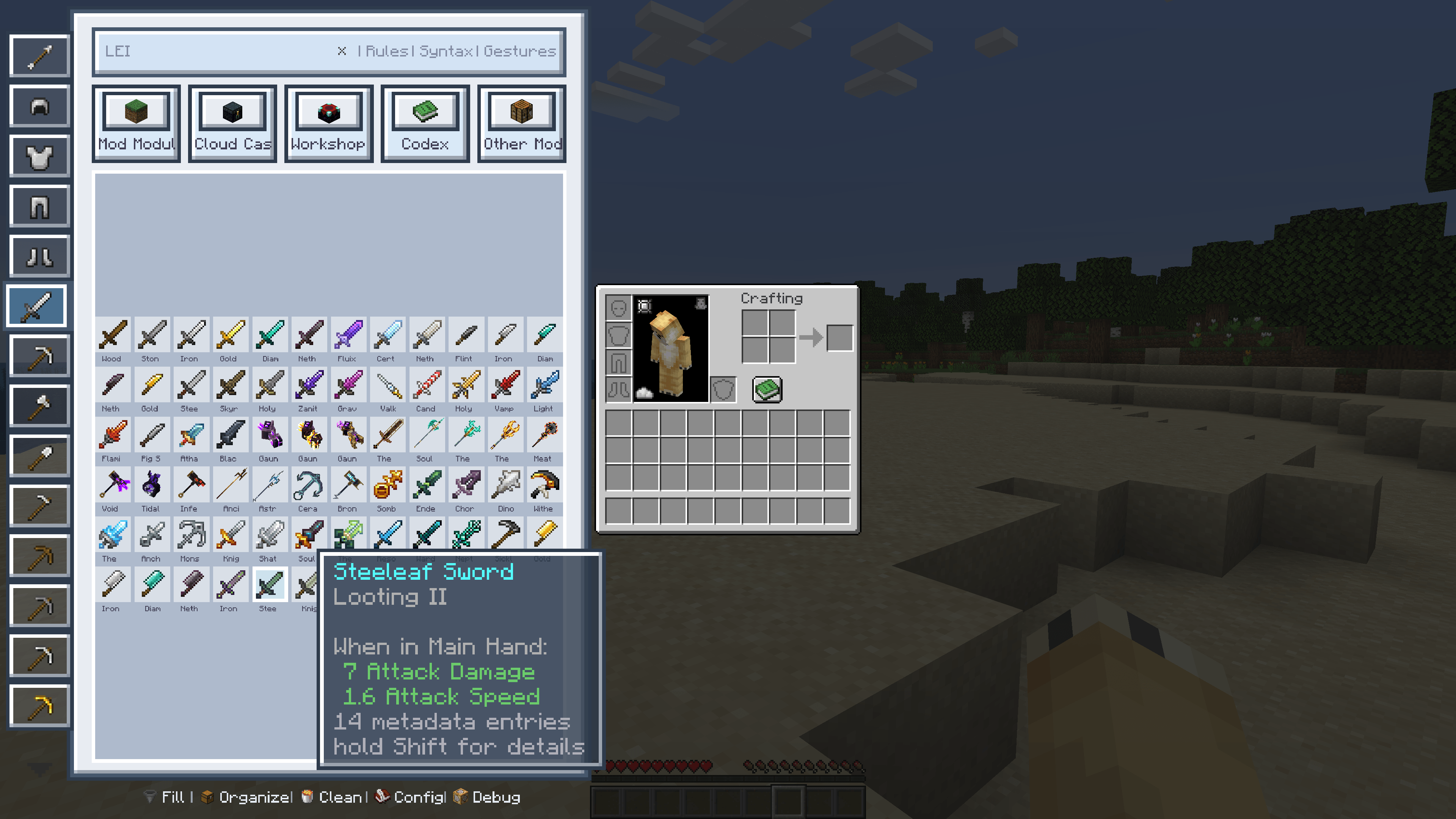
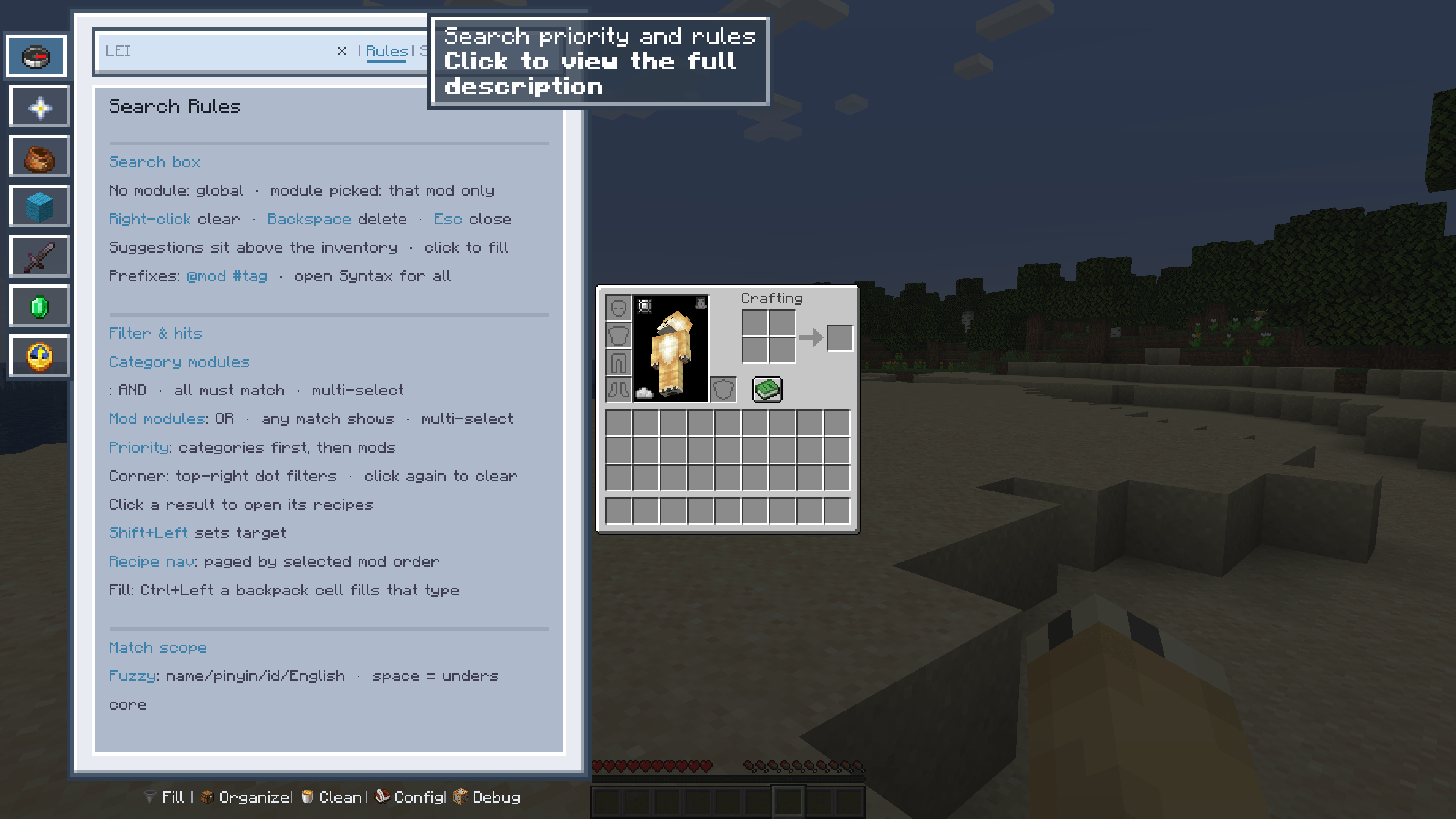
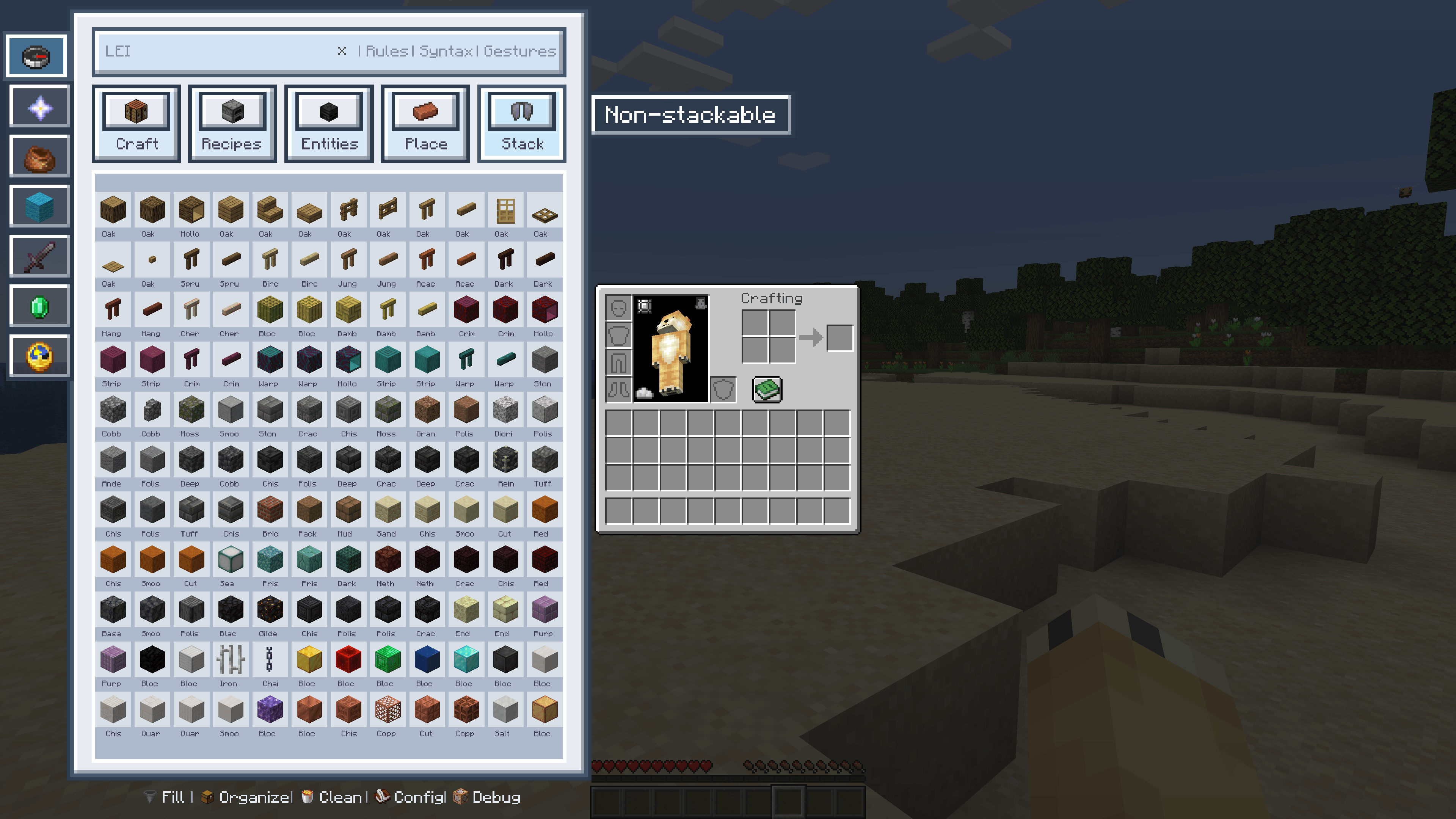
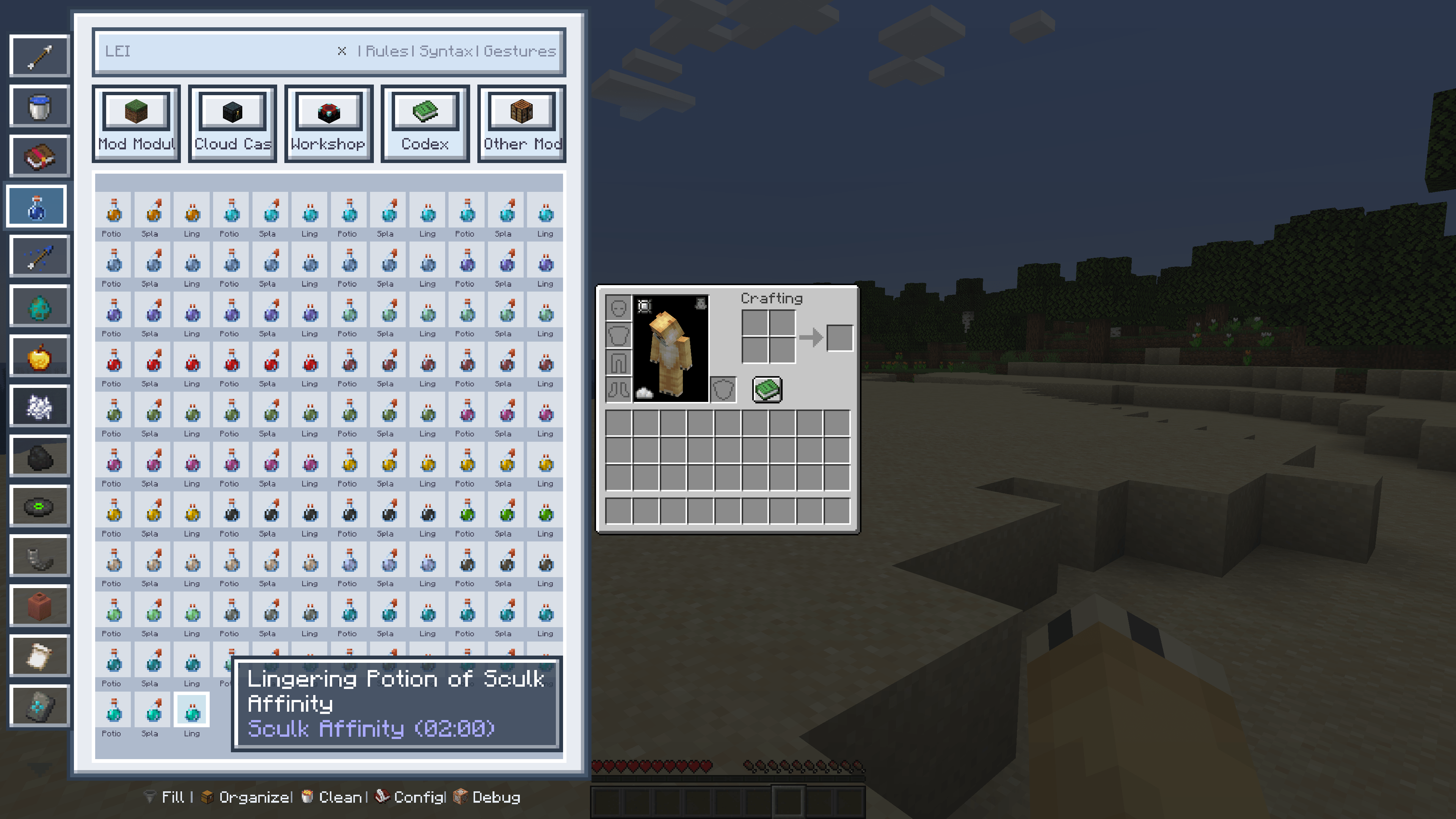
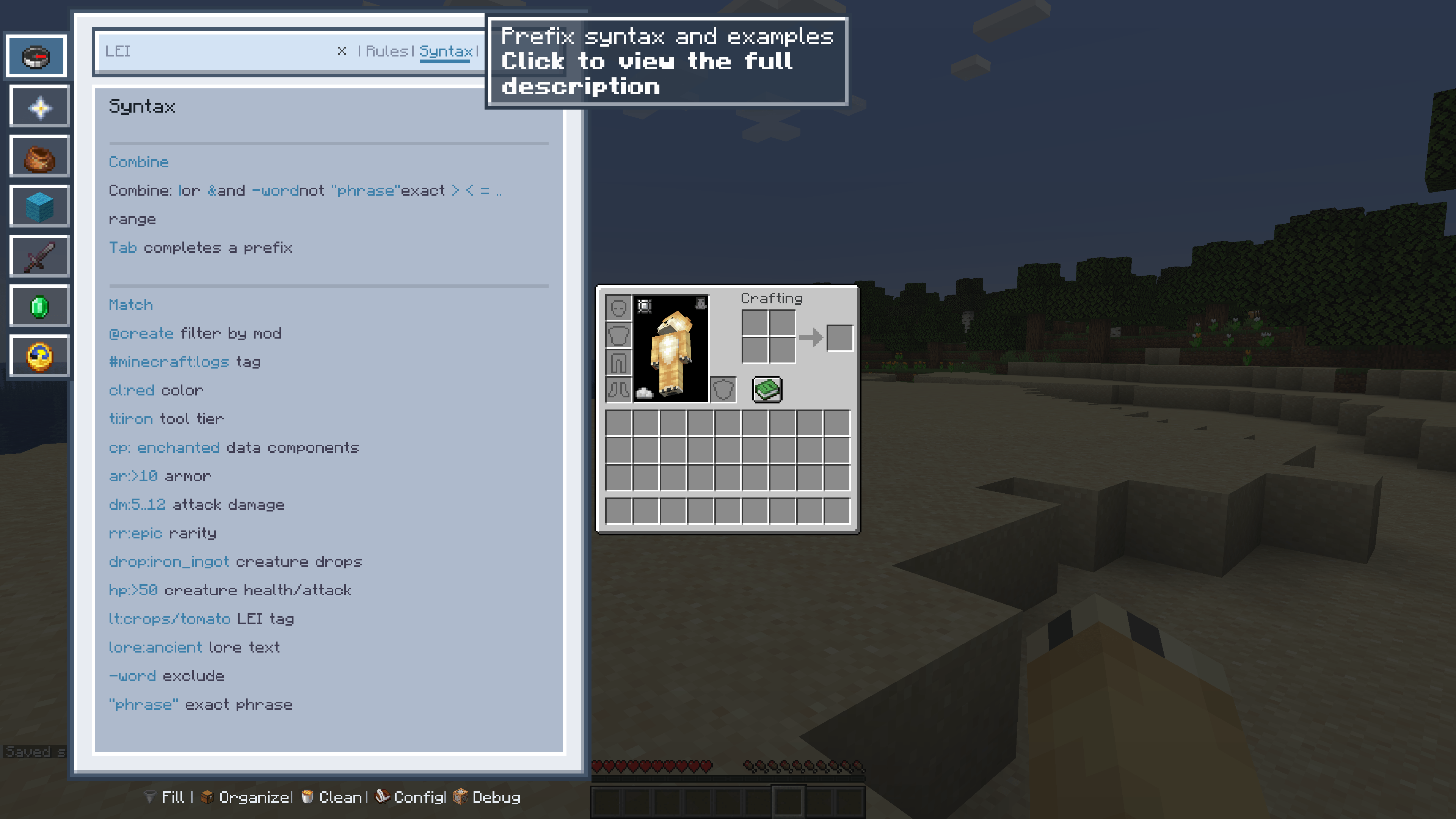
No more digging through endless item lists. Search across mods, crafting, recipes, entities, placement and stacking, with a full set of search syntax and a built-in tutorial page. Fuzzy matching, auto-suggestions and category filters keep it friction-free.
Recipes and uses on one page
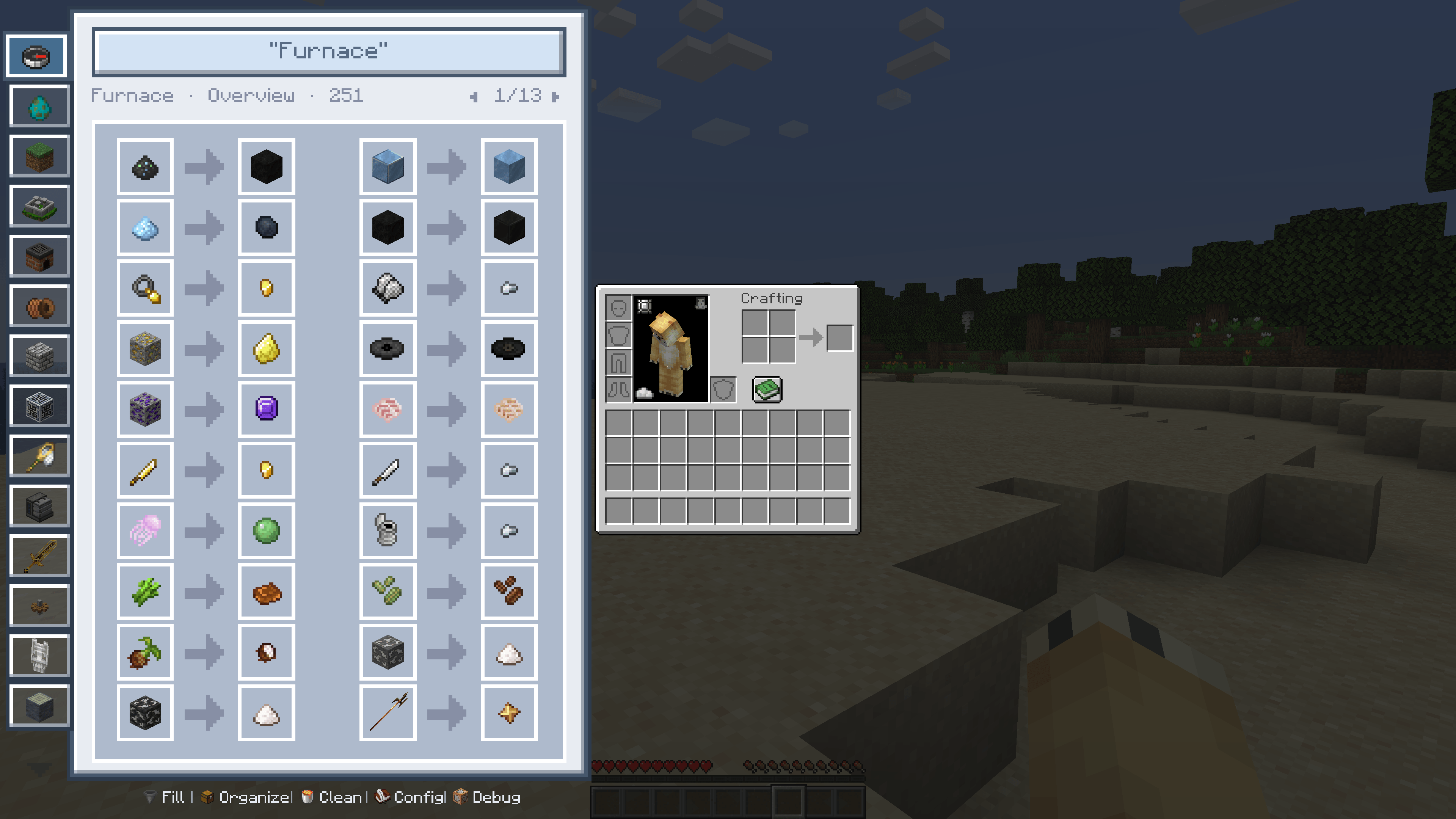
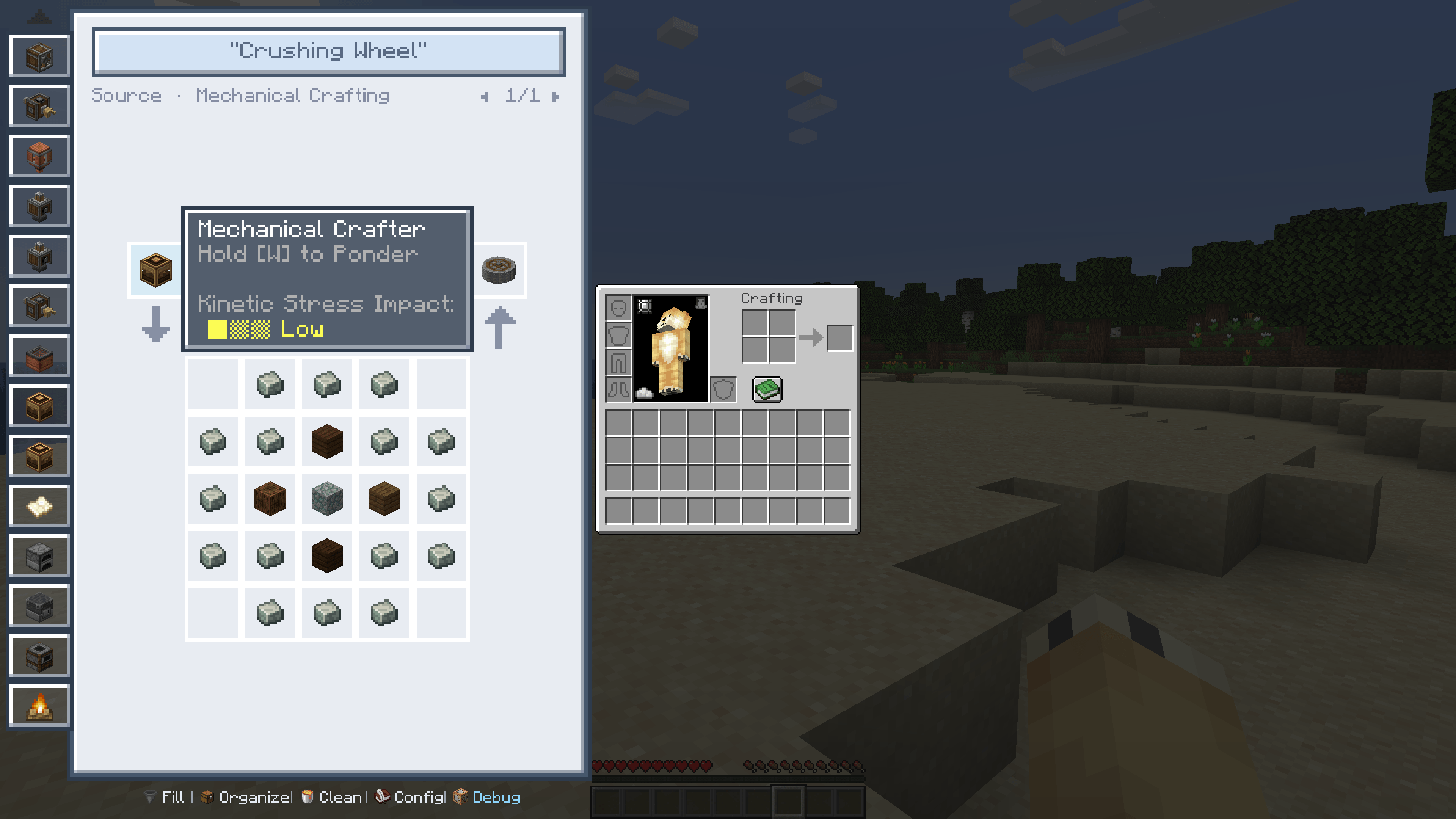
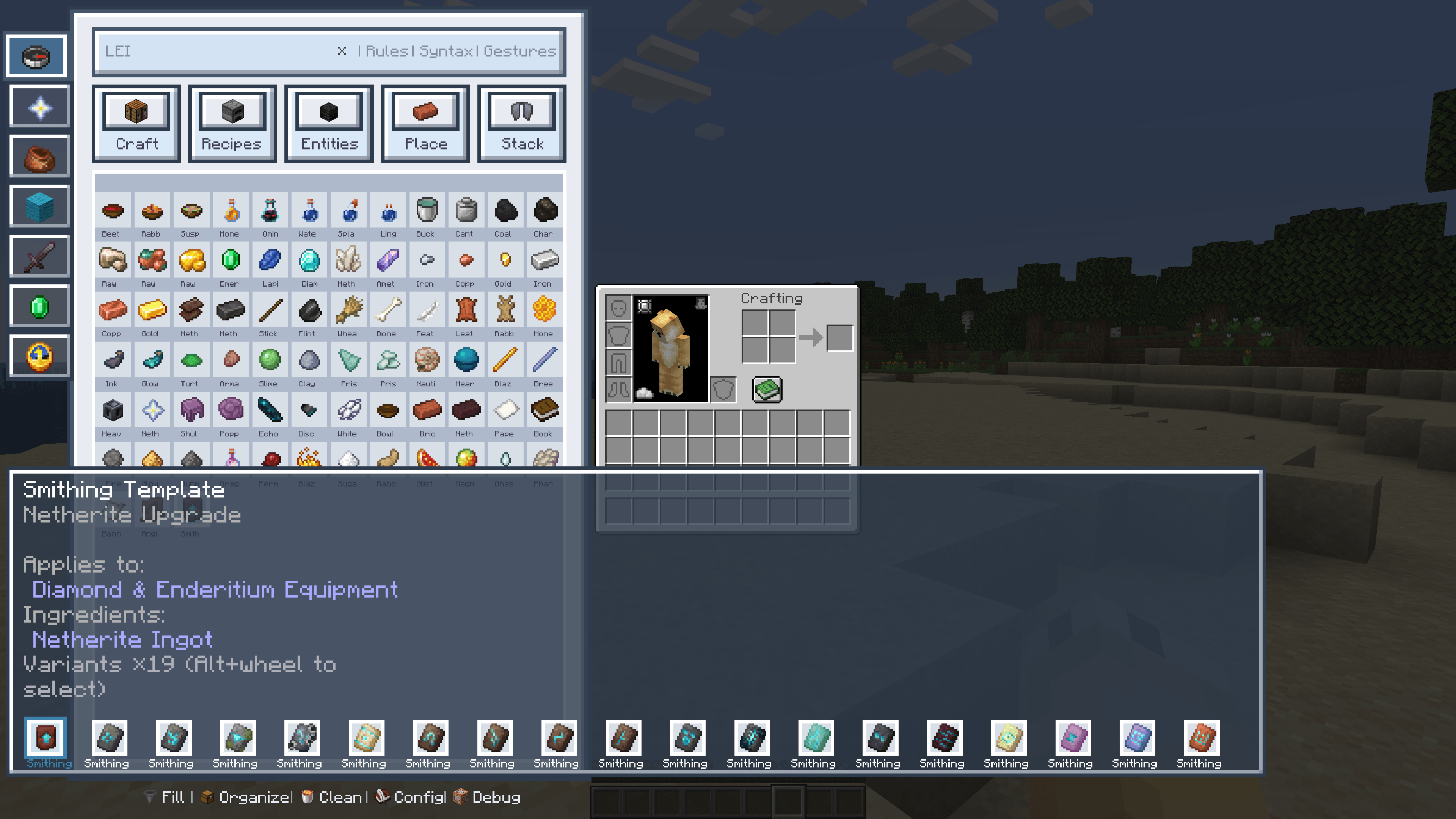
Recipe view, crafting tree and use overview all shown together — no jumping to another screen. Trace both directions: see how an item is obtained and what else it can be used for.
Personal Cloud Casket, beyond containers
A built-in remote data warehouse that stores and retrieves items across screens and even across saves, freeing you from local container space and container limits. Fluids, energy, XP and even creatures can all be managed in one place — stable, clearly categorised and ready whenever you need it.
Integrated tools, total control
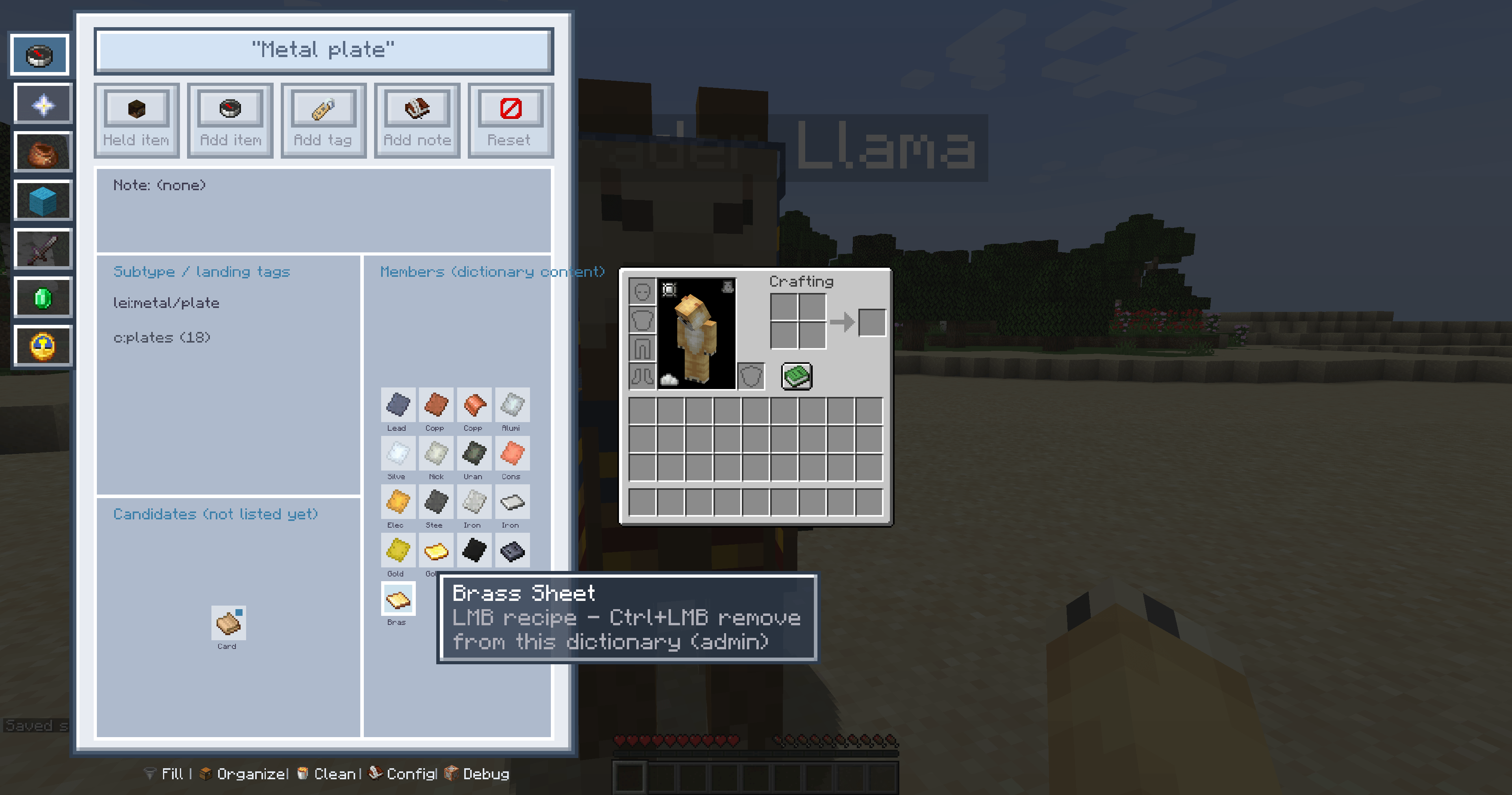
An ore dictionary built on three-layer data tags, unifying items across mods and packs. Custom debug globals (multiplayer) with hot reload, and all those scattered sorting, restocking and cleaning tools collected into one sidebar — no more keybind chaos, deeply linked with smart search.
Visual codex, fully integrated
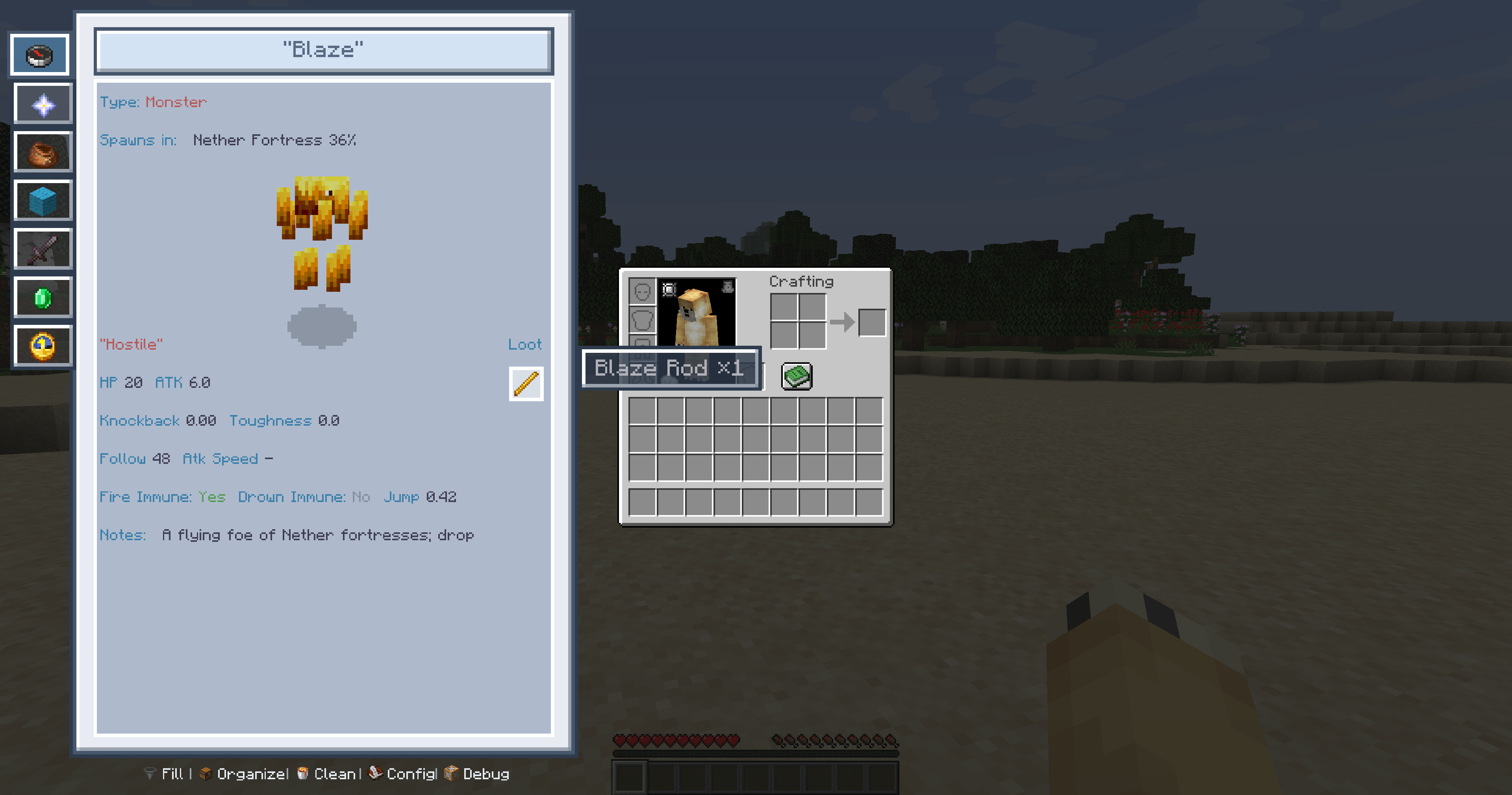
A complete visual compendium: advancements, biomes, creatures and structures with 3D previews, plus gameplay mechanics and mod introductions. Hierarchical tree categories, built-in links, plenty of bundled structure templates, and mod content integrated so a click takes you straight there.
Clear module separation, quick management
Categorised by mod, with client, server and metadata extensions providing the details. Supports both the LEI and vanilla HUD editors, multi-mod keybind conflict management, and simulated key presses per category — no memorising, just click when you need it.
Creative Workshop, deeply compatible
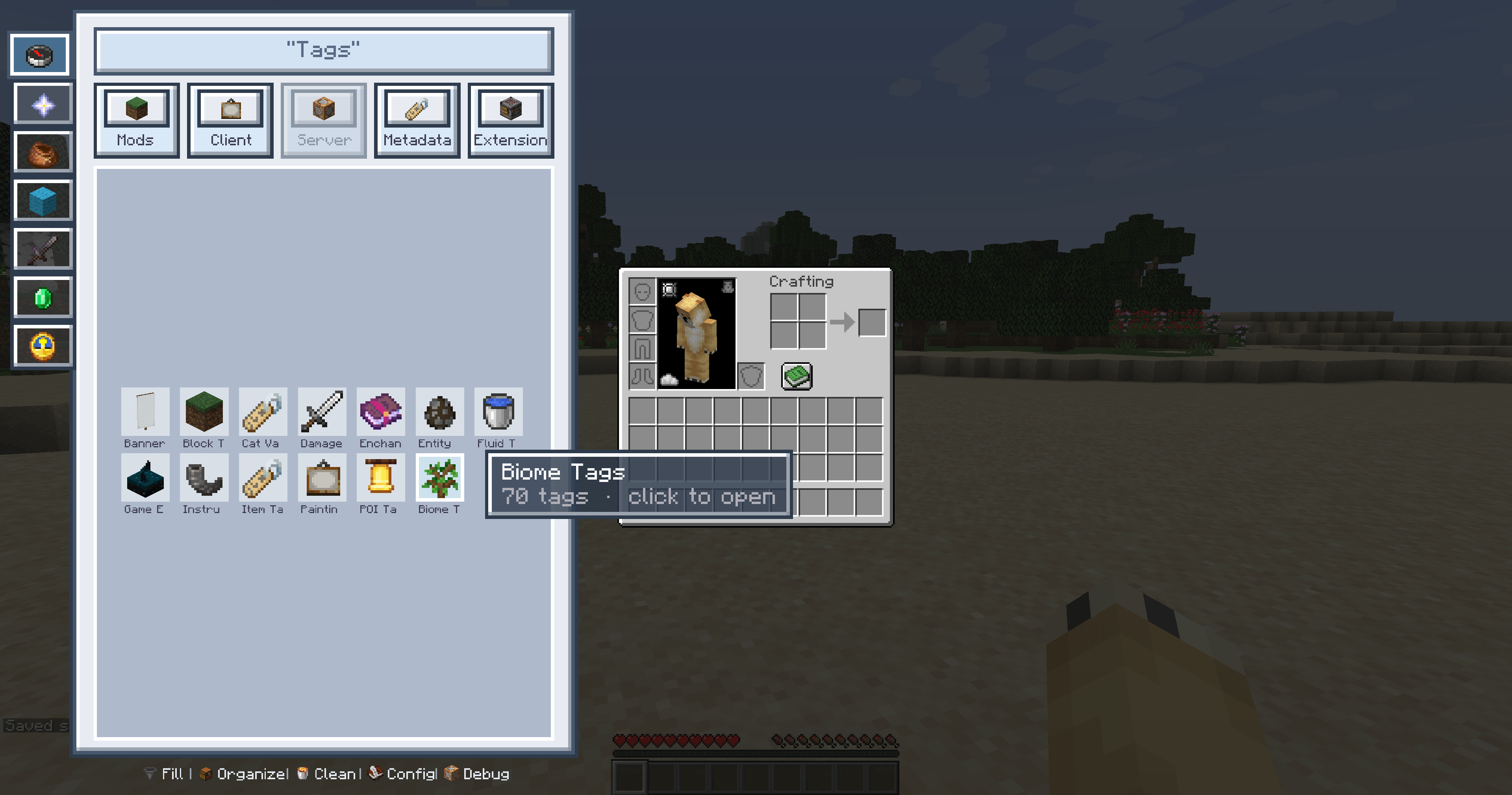
An all-round workshop built on data components and semantic tags: tag lookup, sound search, mod dependencies, quick search, global config, quick debugging, keybind conflict management, simulated keys and more. Deeply integrated with the Patchouli and Ageratum handbook systems — the single entry point for mod compatibility, the open API, and global debugging and editing.
Single-player and multiplayer, smart adaptation
Single-player unlocks everything. On multiplayer, permissions are detected and features adapt or degrade automatically; when the server has no LEI installed the mod falls back to client-only features, and vanilla servers can be joined safely.
🚀 LEI — Core Architecture Roadmap
- 🧬 Three-Layer Semantic Data System — native automatic data, mod-defined data and player-personal data form a brand-new, standalone LEI semantic data architecture.
- 🏷️ Parallel Tag Ecosystem — universal semantic tags for unified categorization, retrieval and aggregation.
- 🔌 Open API Ecosystem — simple, complete metadata registration & query, plus event-callback APIs.
- 📊 Visual Data Structures — universal dual-mode UI components for immersive data browsing.
- 🔗 Expanding Cross-Mod Compatibility — through the open API and the data system, smoothing compatibility with more and more modded environments.
⚙️ Basic Usage
- 🖱️ Sidebar on — open any inventory, chest, machine or container GUI: the LEI sidebar is always there, no manual activation needed.
- ✨ Features — one-click switching between Search, Codex, Recipes, Sort and Cloud: minimal operations, zero learning cost.
- ⌨️ Default keys — all rebindable in the Controls screen:
- 🎚️ Personalization — feature toggles, interaction logic and multiplayer permission levels are all configurable.
❓ FAQ
Q: Can I include LEI in my modpack?
A: Absolutely you are free to use it in your modpack at any time, and LEI will keep adding APIs designed for modpack authors.
Q: Does it conflict with JEI, REI or EMI?
A: No. Those mods focus on recipe lookup; LEI focuses on an integrated toolkit and data ecosystem. They can be used side by side.
Q: Can I join a server without LEI installed?
A: Yes. Client-only features (search, codex, sorting and more) work fully; server features such as the Cloud Casket are greyed out automatically. Vanilla servers and servers without LEI can both be joined normally.
Q: Where is my data stored? Will uninstalling lose it?
A: In the client config folder. Cloud Casket data follows the save (single-player: the save folder; server: the world folder) and is isolated per player UUID.
Q: Will it lag on low-end machines?
A: It uses caching and rendering optimisations, so the everyday overhead is small and it runs on the vast majority of setups.
Q: Does it need any third-party dependencies?
A: No. It natively supports vanilla and modded content, and support for more mods is being added — leave a comment if you want a specific mod prioritised.
💬 LEI is under steady, continuous development building its own semantic data system and a cross-mod compatibility ecosystem, polishing details and widening mod coverage with every release, aiming to be the lightweight utility that fits most modded environments.Questions, feedback or mod-adaptation requests? Leave a comment LEI is shaped by player feedback.
Screenshots
Gallery
-
 Z1.png Z1.png
 -
 Z39.png Z39.png
 -
 Z47.png Z47.png
 -
 Z12.png Z12.png
 -
 Z24.png Z24.png
 -
 Z44.png Z44.png
 -
 Z6.png Z6.png
 -
 Z43.png Z43.png
 -
 Z34.png Z34.png
 -
 Z8.png Z8.png
 -
 Z14.png Z14.png
 -
 Z38.png Z38.png
 -
 Z2.png Z2.png
 -
 Z3.png Z3.png
 -
 Z4.png Z4.png
 -
 Z5.png Z5.png
 -
 Z7.png Z7.png
 -
 Z9.png Z9.png
 -
 Z10.png Z10.png
 -
 Z45.png Z45.png
Versions
Files
Relations
Project Relations
More like this
Similar Mods
Suggestions use data such as tags, dependencies, dependents, descriptions, titles, and more to rank how much they overlap with this mod.
On ModDex
Community snapshot
By the numbers
Statistics
Want to reach Minecraft players?
We're looking for a server hosting partner to feature here and other parts of the site. Interested? Send us a message!
Get in touchGet it on
Available Platforms
On ModDex
Community snapshot
By the numbers
Statistics
Resources