Community listing page, reviews may not be monitored by the author.
Lower My Paths and Slabs!


No reviews yet
Lowers blocks on top of anything (such as slabs). Configurable and toggleable!

Community voices
Reviews
No reviews yet. Be the first to review this project!
Get it on
Available Platforms
Compatibility
Supported Environments
Must be installed on both the client and the server.
About
Project Details
For authors
Embed Badge
If you're the author of this project, you can embed a live badge anywhere that supports HTML or Markdown. It updates automatically whenever ratings change.
Use HTML for any page that supports it, or Markdown for README files and Markdown-based descriptions.
Identifiers
Platform IDs
About
Description
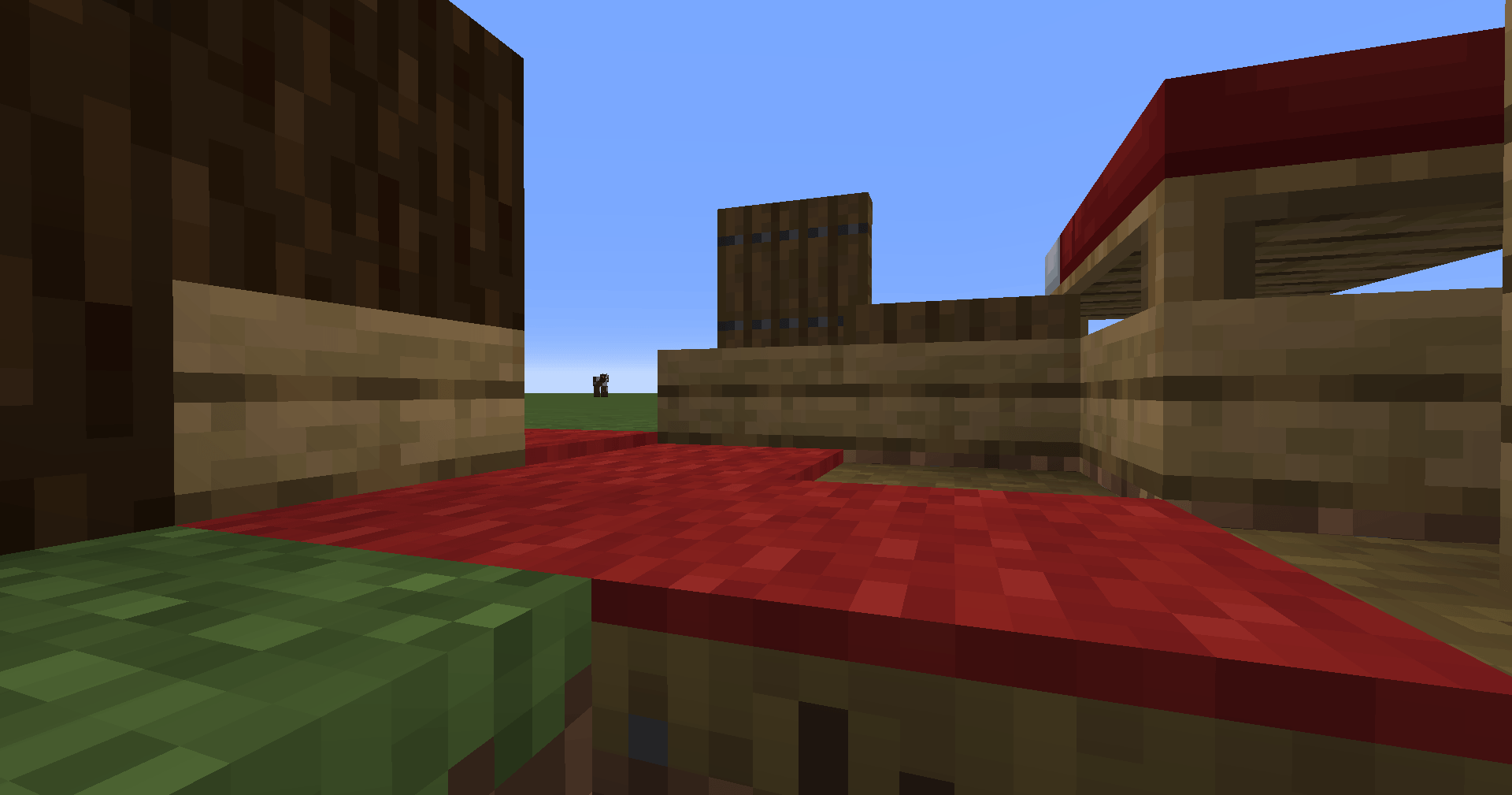
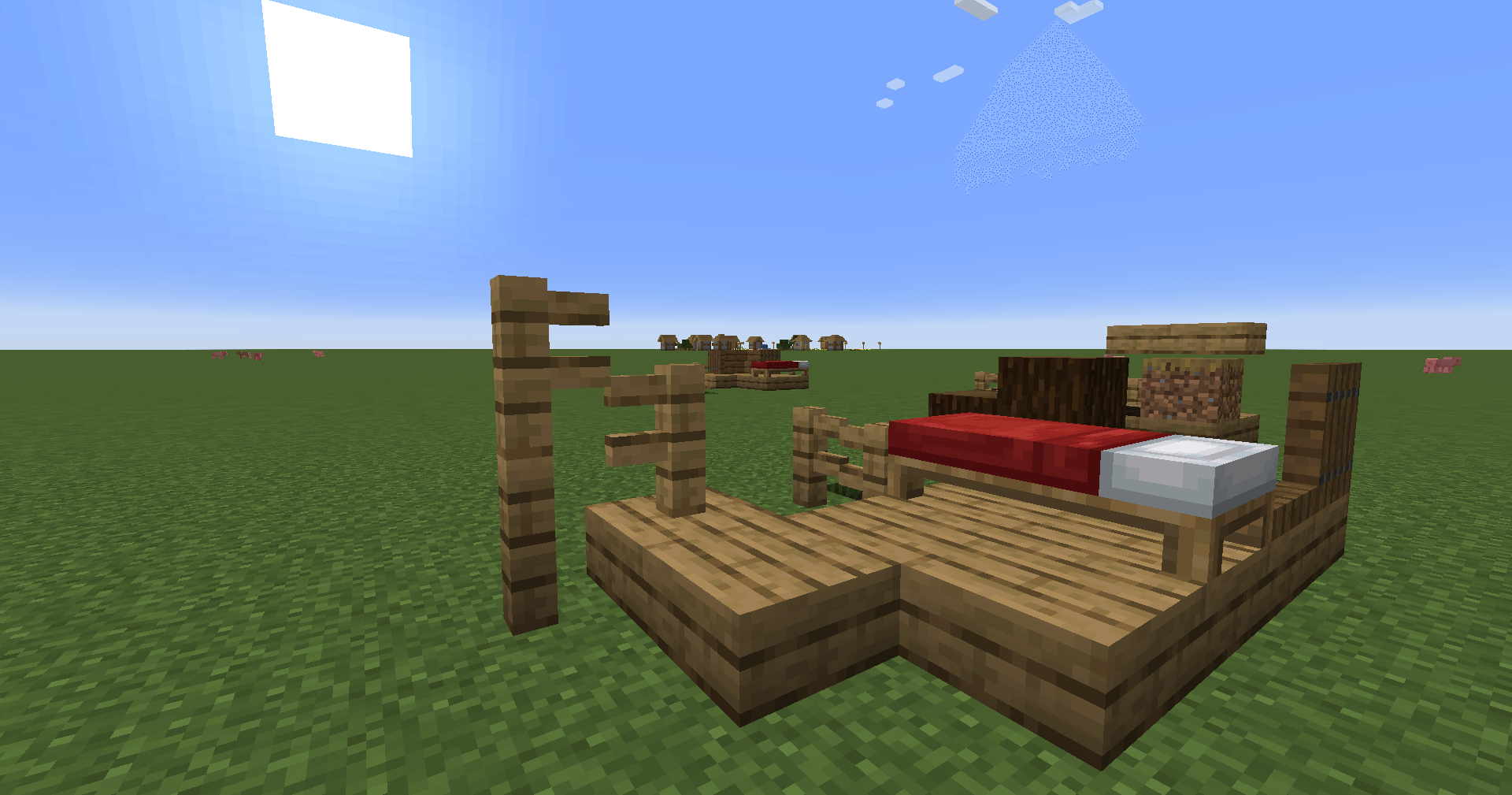
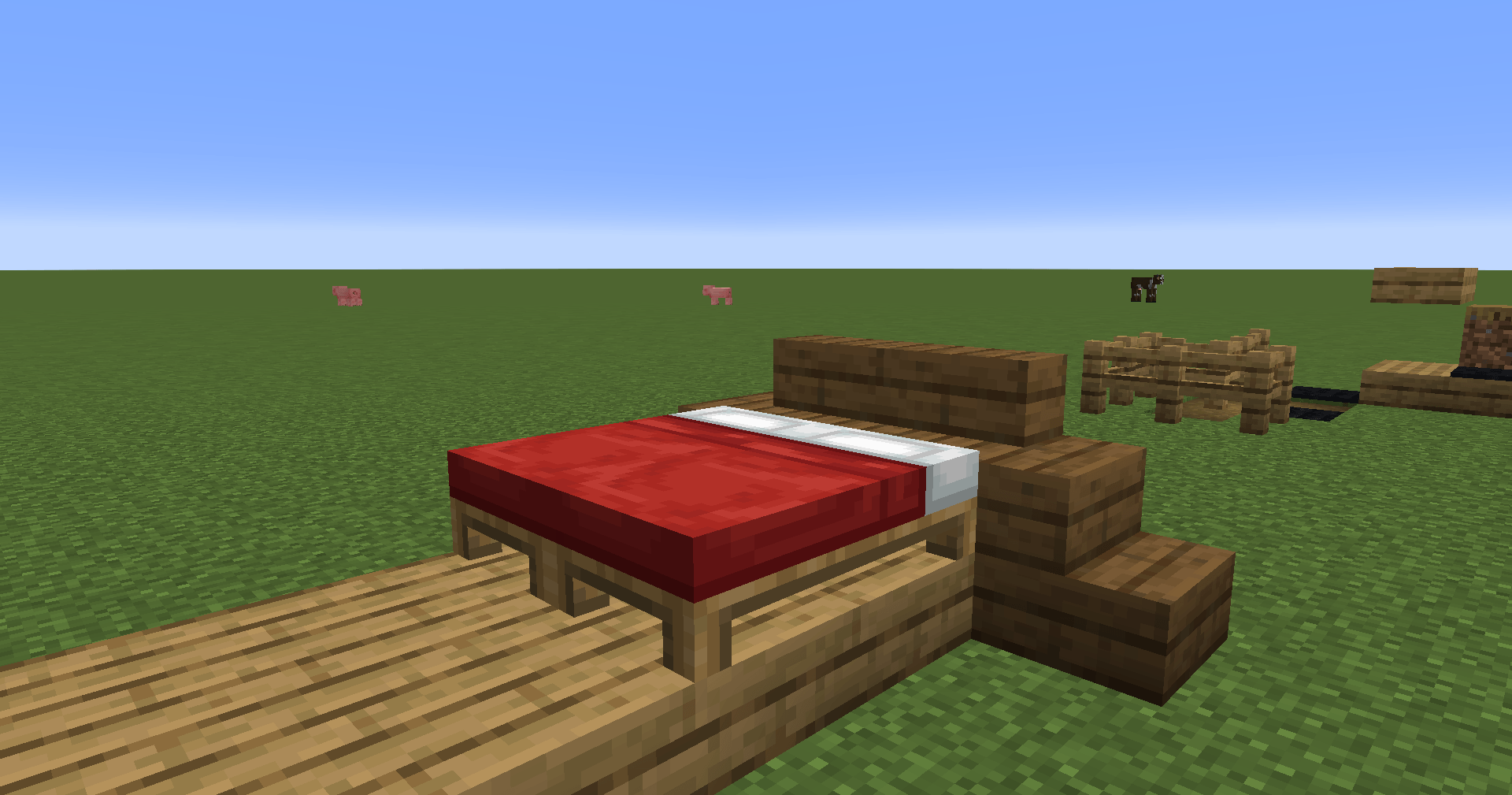
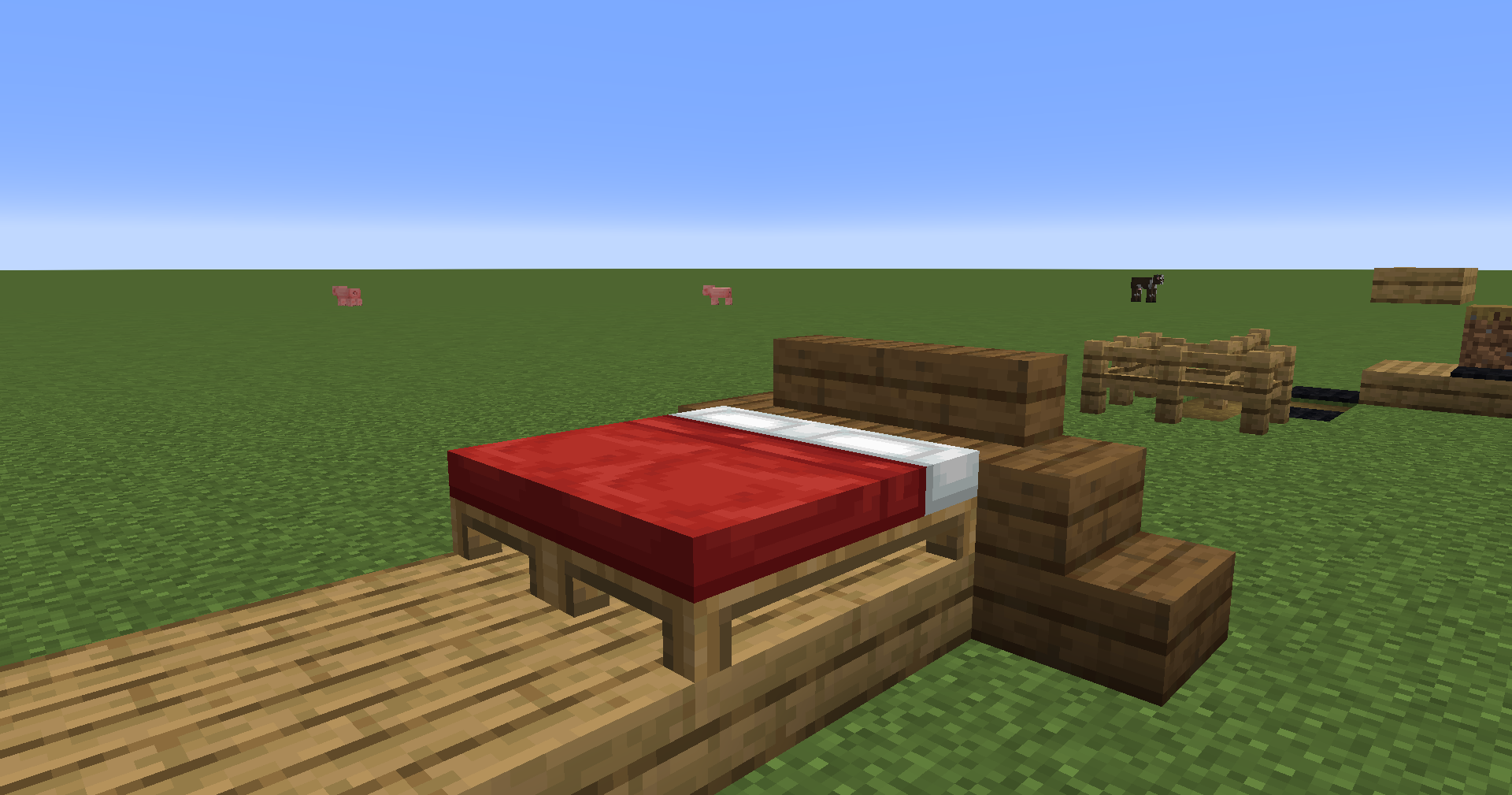
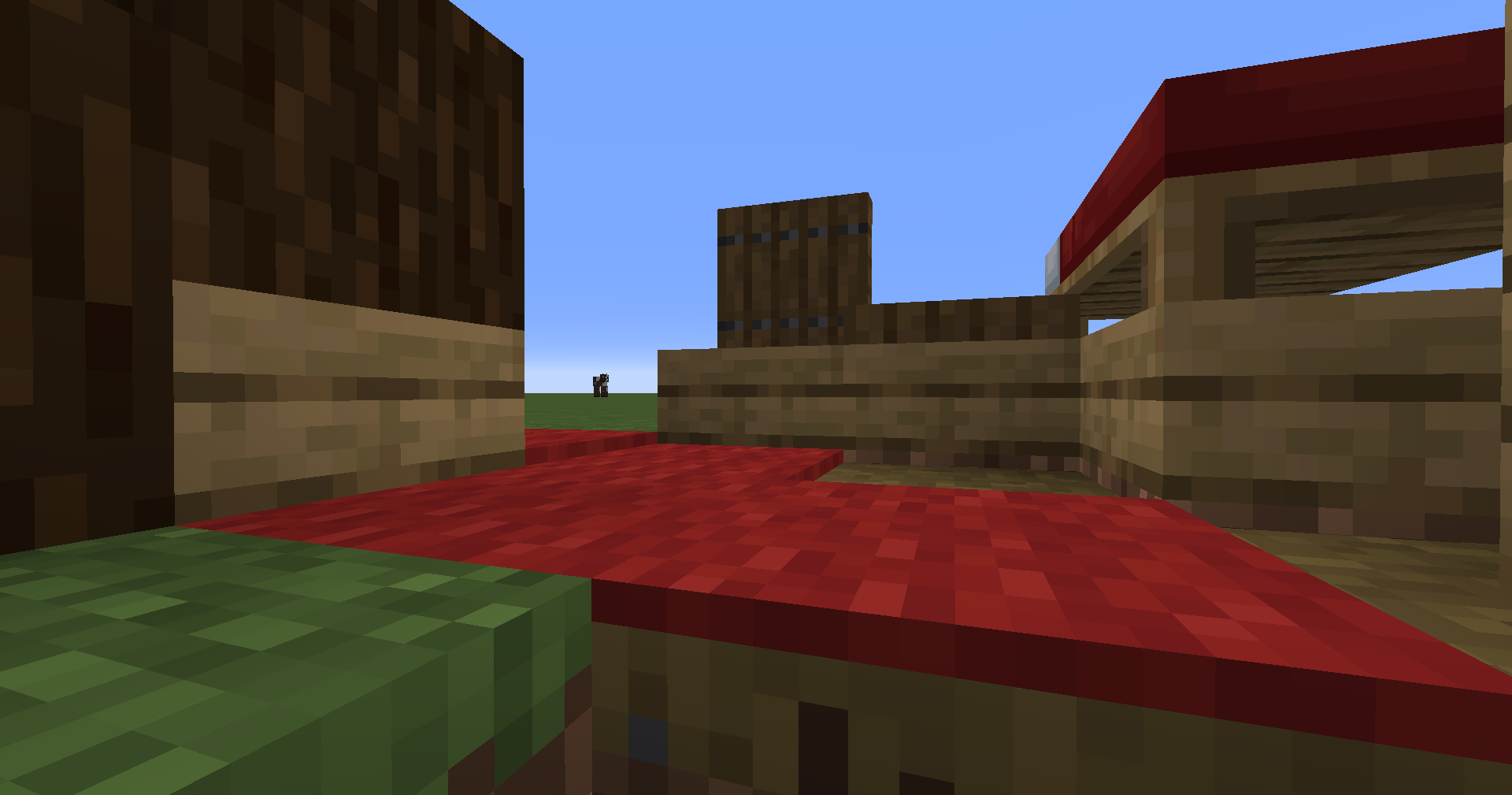
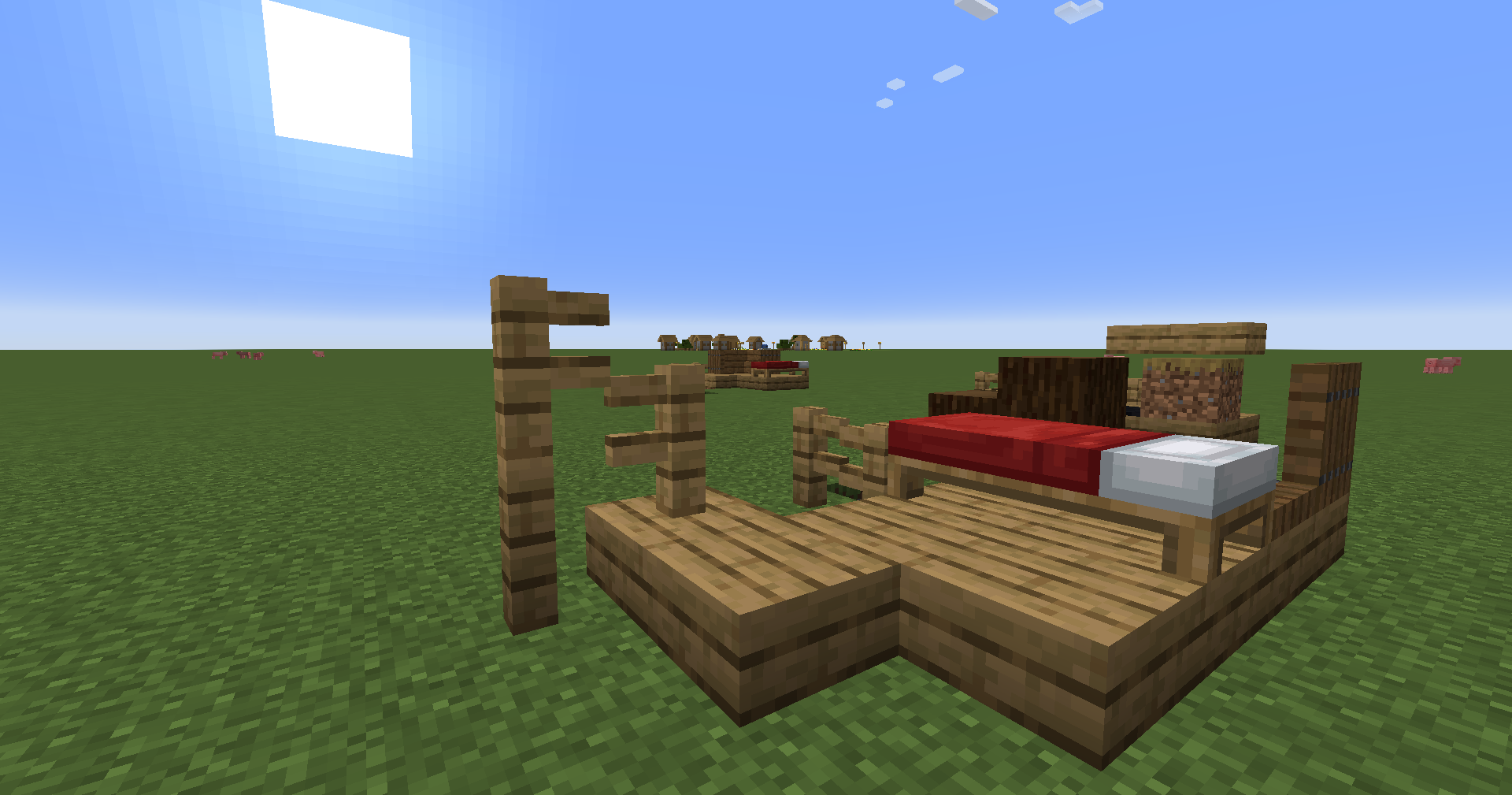
A Minecraft mod that lets you place blocks on top of any block (so you could also do it with carpets via config), by lowering the entire block (model, collision, etc.). Read more to find out about the Offset Tool!
This mod doesn't modify anything permanently, therefore you can remove it or add it back at anytime!
There is an Offset Tool (found in the Tools & Utilities tab) which toggles lowering per-block. Offsets are off by default except for blocks sitting directly on a dirt path or bottom slab, and you can turn them on or off by right-clicking with the Offset Tool. By default, toggling offsets requires permission level 4 (configurable in config/lmps_permissions.json on the server).
To mark other blocks as supports, see config/lmps_supports.json on the server. For example, the configuration below would add support for red carpets (so you could offset blocks onto red carpets):
{
  "supports": [
    "minecraft:dirt_path",
    "#minecraft:slabs",
    "minecraft:red_carpet"
  ]
}
Multipart blocks only offset when every part sits above a path block or bottom slab.
Config screen using YACL! Access it via NeoForge's Mods screen or Mod Menu on Fabric.
A Minecraft mod that lets you place blocks on top of any block (so you could also do it with carpets via config), by lowering the entire block (model, collision, etc.). Read more to find out about the Offset Tool!
This mod doesn't modify anything permanently, therefore you can remove it or add it back at anytime!
There is an Offset Tool (found in the Tools & Utilities tab) which toggles lowering per-block. Offsets are off by default except for blocks sitting directly on a dirt path or bottom slab, and you can turn them on or off by right-clicking with the Offset Tool. By default, toggling offsets requires permission level 4 (configurable in config/lmps_permissions.json on the server).
To mark other blocks as supports, see config/lmps_supports.json on the server. For example, the configuration below would add support for red carpets (so you could offset blocks onto red carpets):
{
  "supports": [
    "minecraft:dirt_path",
    "#minecraft:slabs",
    "minecraft:red_carpet"
  ]
}
Multipart blocks only offset when every part sits above a path block or bottom slab.
Config screen using YACL! Access it via NeoForge's Mods screen or Mod Menu on Fabric.
Screenshots
Gallery
-
 2025-12-18_17.12.58.png 2025-12-18_17.12.58.png
 -
 2025-12-18_17.13.13.png 2025-12-18_17.13.13.png
 -
 2025-12-18_17.14.30.png 2025-12-18_17.14.30.png
Versions
Files
Relations
Project Relations
More like this
Similar Mods
Suggestions use data such as tags, dependencies, dependents, descriptions, titles, and more to rank how much they overlap with this mod.
On ModDex
Community snapshot
By the numbers
Statistics

Get it on
Available Platforms
On ModDex
Community snapshot
By the numbers