

Community listing page, reviews here may not be monitored by the author.
Locked In Slots


No reviews yet
Lock your inventory slots. Protect your tools. Prevent accidents, fully client-side.
Community voices
Reviews
No reviews yet. Be the first to review this project!
Get it on
Available Platforms
Compatibility
Supported Environments
Runs entirely on the client. Works on vanilla servers.
About
Project Details
For authors
Embed Badge
If you're the author of this project, you can embed a live badge anywhere that supports HTML or Markdown. It updates automatically whenever ratings change.
Use HTML for any page that supports it, or Markdown for README files and Markdown-based descriptions.
Identifiers
Platform IDs
About
Description
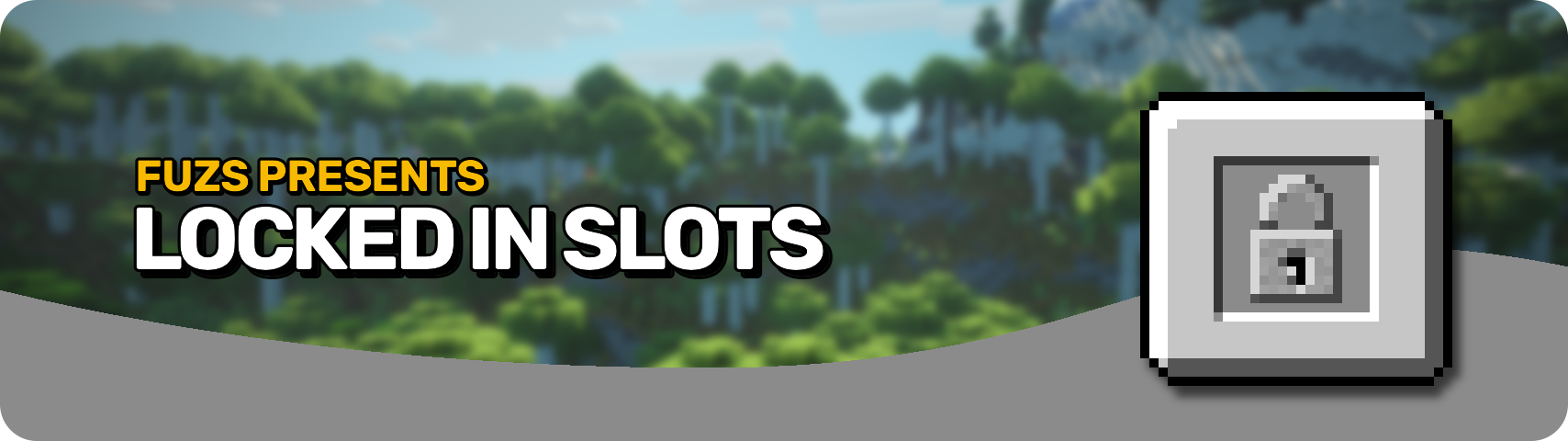








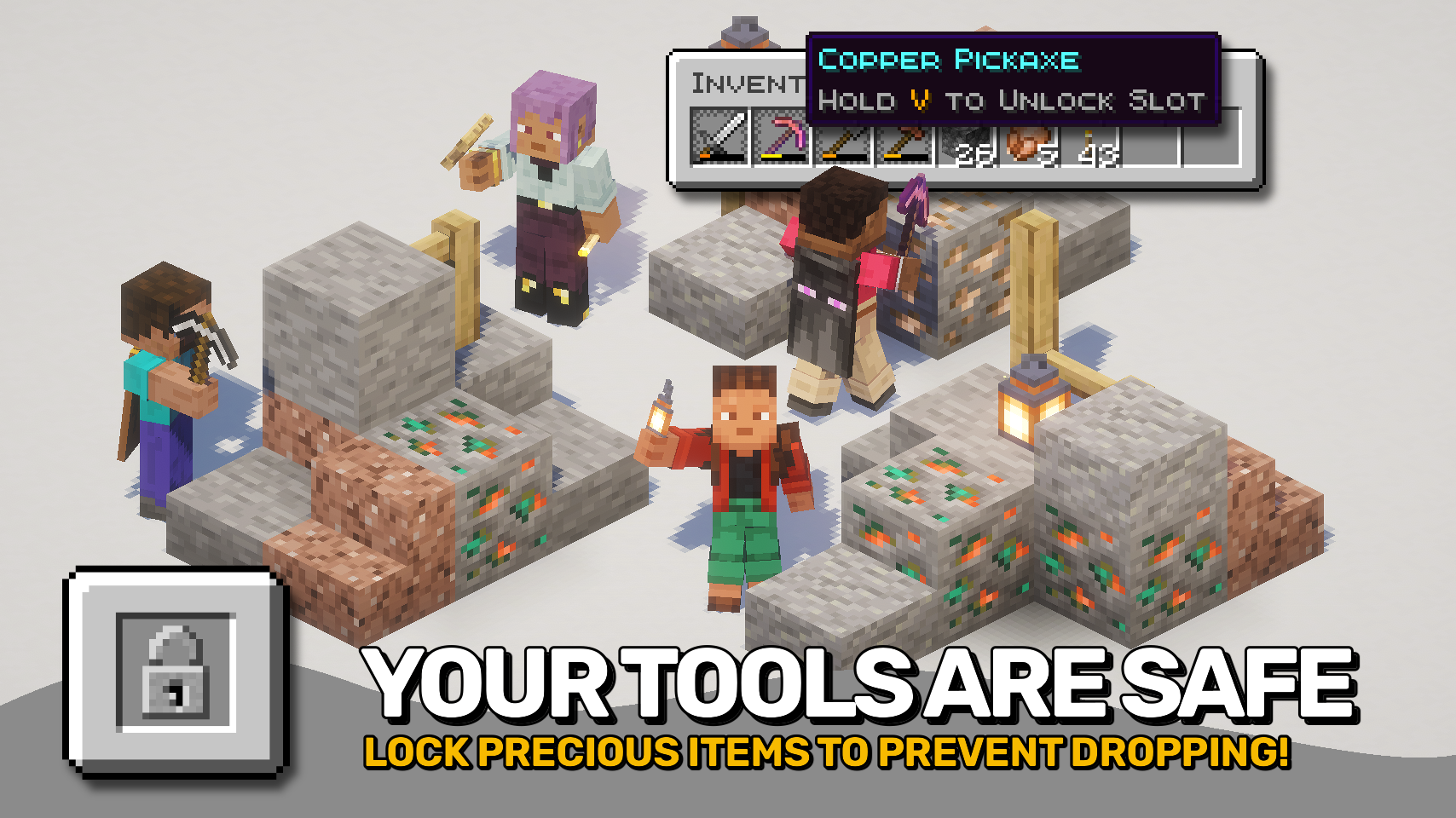
Locked In Slots helps protect your most important items from accidental inventory mistakes. 🔒 Simply hover a slot and press the lock key to toggle its locked state. Locked slots keep valuable tools, weapons, and other items safely in place until you decide otherwise.
No more accidentally dropping your pickaxe, moving your sword into a chest, or replacing an important hotbar slot during a hectic adventure. Once a slot is locked, its contents stay exactly where they belong. 🛡️
Best of all, the mod is fully client side and works in both singleplayer and on multiplayer servers. ✨

- 🔒 Quick Slot Locking: Lock or unlock inventory slots with a configurable key while hovering them.
- 🎯 Hotbar Support: Lock the selected hotbar slot even when no inventory screen is open.
- 🛡️ Prevent Item Pickup: Locked items cannot be picked up or moved out of their slot.
- 🚫 No Accidental Drops: Pressing Q will no longer drop items from locked slots.
- 🔄 Prevent Item Swapping: Locked slots cannot be replaced with other items.
- 📦 Allow Stack Growth: Stackable items can still receive additional matching items while remaining protected.
- 💡 Helpful Unlock Hints: Optional tooltips remind you how to unlock protected slots.
- ⚙️ Flexible Configuration: Customize lock timing, slot restrictions, supported slot types, and more.
- 🌍 Fully Client Side: Works seamlessly in singleplayer and on servers without requiring installation on the server.


⏩ INSTALLATION REQUIRED ON CLIENT
⏩ REQUIRES PUZZLES LIB TO BE INSTALLED (FABRIC & NEOFORGE)
⏩ REQUIRES FABRIC API TO BE INSTALLED (FABRIC)
⏩ REQUIRES FORGE CONFIG API PORT TO BE INSTALLED (FABRIC)

If available for a mod, configuration is possible directly from in-game using the mod menu (requires Mod Menu by Prospector to be installed on Fabric).
For manual configuration using an external text editor all files are found at .minecraft/config, named as MOD_ID-client.toml, MOD_ID-common.toml, or MOD_ID-server.toml, depending on the type of config. Not all types might exist for a mod, if any at all.

🌟 Big thanks to D4rkness_King and their SlotLock mod for inspiring this project.
 |
 |
|
 |
 |
|
 |
 |
|
 |
 |
|
 |
 |
|

© 2026 @heyitsfuzs. All rights reserved. This page was last edited on 11 September 2026, at 06:44 (UTC).
Locked In Slots helps protect your most important items from accidental inventory mistakes. 🔒 Simply hover a slot and press the lock key to toggle its locked state. Locked slots keep valuable tools, weapons, and other items safely in place until you decide otherwise.
No more accidentally dropping your pickaxe, moving your sword into a chest, or replacing an important hotbar slot during a hectic adventure. Once a slot is locked, its contents stay exactly where they belong. 🛡️
Best of all, the mod is fully client side and works in both singleplayer and on multiplayer servers. ✨
- 🔒 Quick Slot Locking: Lock or unlock inventory slots with a configurable key while hovering them.
- 🎯 Hotbar Support: Lock the selected hotbar slot even when no inventory screen is open.
- 🛡️ Prevent Item Pickup: Locked items cannot be picked up or moved out of their slot.
- 🚫 No Accidental Drops: Pressing Q will no longer drop items from locked slots.
- 🔄 Prevent Item Swapping: Locked slots cannot be replaced with other items.
- 📦 Allow Stack Growth: Stackable items can still receive additional matching items while remaining protected.
- 💡 Helpful Unlock Hints: Optional tooltips remind you how to unlock protected slots.
- ⚙️ Flexible Configuration: Customize lock timing, slot restrictions, supported slot types, and more.
- 🌍 Fully Client Side: Works seamlessly in singleplayer and on servers without requiring installation on the server.
⏩ INSTALLATION REQUIRED ON CLIENT
⏩ REQUIRES PUZZLES LIB TO BE INSTALLED (FABRIC & NEOFORGE)
⏩ REQUIRES FABRIC API TO BE INSTALLED (FABRIC)
⏩ REQUIRES FORGE CONFIG API PORT TO BE INSTALLED (FABRIC)
If available for a mod, configuration is possible directly from in-game using the mod menu (requires Mod Menu by Prospector to be installed on Fabric).
For manual configuration using an external text editor all files are found at .minecraft/config, named as MOD_ID-client.toml, MOD_ID-common.toml, or MOD_ID-server.toml, depending on the type of config. Not all types might exist for a mod, if any at all.
🌟 Big thanks to D4rkness_King and their SlotLock mod for inspiring this project.
 |
 |
|
 |
 |
|
 |
 |
|
 |
 |
|
 |
|
© 2026 @heyitsfuzs. All rights reserved. This page was last edited on 11 September 2026, at 06:44 (UTC).
Screenshots
Gallery
Versions
Files
Relations
Project Relations
More like this
Similar Mods
Suggestions use data such as tags, dependencies, dependents, descriptions, titles, and more to rank how much they overlap with this mod.
On ModDex
Community snapshot
By the numbers
Statistics
Want to reach Minecraft players?
We're looking for a server hosting partner to feature here and other parts of the site. Interested? Send us a message!
Get in touchGet it on
Available Platforms
On ModDex
Community snapshot
By the numbers