![[TACZ] Lootchest Refill](https://media.forgecdn.net/avatars/thumbnails/1551/80/256/256/639006660040301884.png)
Community listing page, reviews here may not be monitored by the author.
[TACZ] Lootchest Refill

No reviews yet
TACZ Lootchest container refill chest refill
Community voices
Reviews
No reviews yet. Be the first to review this project!
Get it on
Available Platforms
About
Project Details
For authors
Embed Badge
If you're the author of this project, you can embed a live badge anywhere that supports HTML or Markdown. It updates automatically whenever ratings change.
Use HTML for any page that supports it, or Markdown for README files and Markdown-based descriptions.
Identifiers
Platform IDs
Resources
External Links
About
Description
## Loot Chest Refill
**Transform any container into a refillable loot chest!**
**Loot Chest Refill** is a lightweight yet powerful mod that lets server admins and map makers turn any container into a dynamic, automatically refilling loot source.
Use it with vanilla chests, barrels, shulker boxes or *any* block with an inventory, and control everything with customizable categories and timers.
---
## Features
- **Universal container support** – Works with any block that has an inventory (chests, barrels, shulker boxes, hoppers, dispensers, etc.).
- **Custom loot categories** – Create unlimited categories such as `weapons`, `ammo`, `medical`, `military`, `food`, `rare`, and more.
- **Full NBT support** – Items keep their enchantments, custom names, lore and all NBT data.
- **Per-container timers** – Each loot chest has its own UUID and independent refill timer.
- **Smart timer system** – The timer only starts when a player opens the chest, not while it’s idle.
- **Configurable chances** – Set individual spawn chances (0.01%–100%) per item.
- **Per-chest overrides** – Override the category’s default refill time on specific chests.
- **Persistent data** – All loot and chest data is saved and survives server restarts.
---
## How It Works
1. Create a loot category with a refill time.
2. Add items to the category by holding them in your hand.
3. Look at any container and assign the category to it.
4. The container is instantly filled with loot.
5. When a player opens it, the refill timer starts.
6. Once the timer expires, the chest refills automatically.
7. The timer pauses again until another player opens the chest.
---
## Commands
> All commands require operator permission (level 2).
### Category Management
| Command | Description |
|----------------------------------------------|-------------------------------------------------------------------|
| `/lootchest category create <name> [seconds]` | Create a new loot category. Default refill: 300 seconds (5 min). |
| `/lootchest category delete <name>` | Delete a category. |
| `/lootchest category list` | List all categories with item count and refill time. |
| `/lootchest category info <name>` | Show detailed info about a category (items and chances). |
| `/lootchest category settime <name> <seconds>` | Change the refill time of a category. |
### Item Management
| Command | Description |
|----------------------------------------------|-------------------------------------------------------------------|
| `/lootchest additem <category> <chance>` | Add the item in your main hand to a category. Chance is 0.01–100%. Preserves stack size and NBT. |
| `/lootchest removeitem <category> <index>` | Remove an item from a category by its index. |
| `/lootchest clearitems <category>` | Remove all items from a category. |
### Chest Management
| Command | Description |
|------------------------------------------|-------------------------------------------------------------------|
| `/lootchest setchest <category>` | Assign a category to the container you’re looking at. |
| `/lootchest setchesttime <seconds>` | Set a custom refill time for a specific chest (`-1` to use category default). |
| `/lootchest chestinfo` | Show info about the targeted chest (UUID, category, status, timer). |
| `/lootchest refill` | Force an immediate refill of the targeted chest. |
| `/lootchest removechest` | Remove loot chest data from a container (returns it to normal). |
| `/lootchest listchests` | List all registered loot chests on the server. |
### Data Management
| Command | Description |
|---------------------|-------------------------------------|
| `/lootchest save` | Manually save all loot data. |
| `/lootchest reload` | Reload all loot data from disk. |
---
## Quick Start
```txt
/lootchest category create weapons 600
/lootchest additem weapons 25.0
/lootchest additem weapons 50.0
/lootchest additem weapons 10.0
/lootchest setchest weapons
Configuration
Edit config/lootchestrefill-common.toml:
| Option | Default | Description |
|---|---|---|
defaultRefillTime |
300 | Default refill time in seconds. |
minItemsPerRefill |
1 | Minimum items spawned per refill. |
maxItemsPerRefill |
5 | Maximum items spawned per refill. |
broadcastRefill |
false | Log refills to console (debug). |
Use Cases
Survival servers – Create loot spots that periodically respawn.
PvP servers – Military crates, weapon stashes, supply drops.
RPG servers – Dungeon loot, boss rewards, treasure chests.
Adventure maps – Scripted loot with controlled chances.
Minigames – Battle royale / hunger games-style chest refills.
Permissions
All commands require operator level 2.
For more granular permissions, use a permission mod such as LuckPerms.
Technical Details
Minecraft: 1.20.1
Mod Loader: Forge 47.2.0+
Side: Server-side only (works on dedicated servers, clients don’t need the mod).
Support
Found a bug or have a suggestion?
Screenshots
Gallery
-
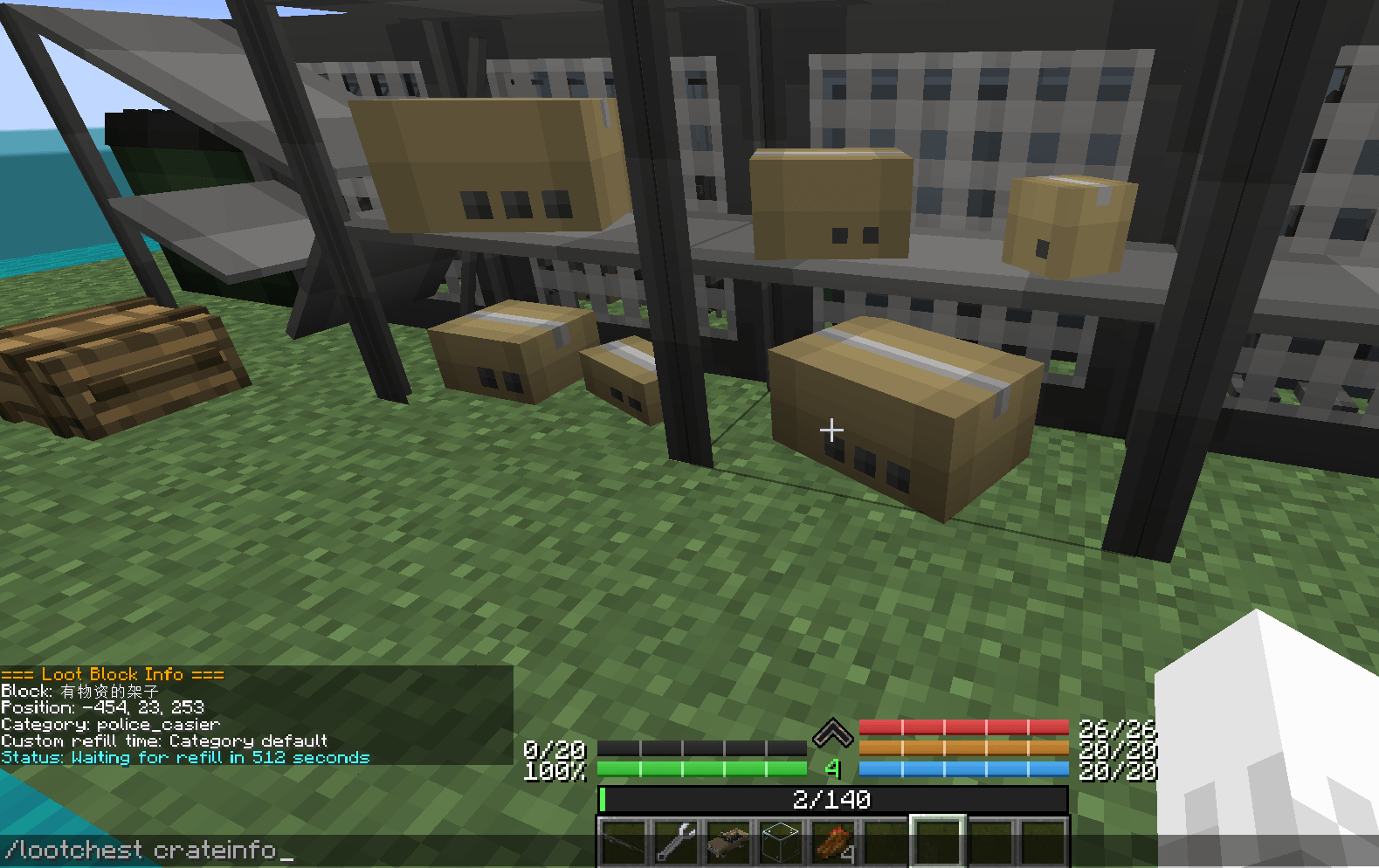 Capture dâécran 2025-12-22 140939.png Capture dâécran 2025-12-22 140939.png
 -
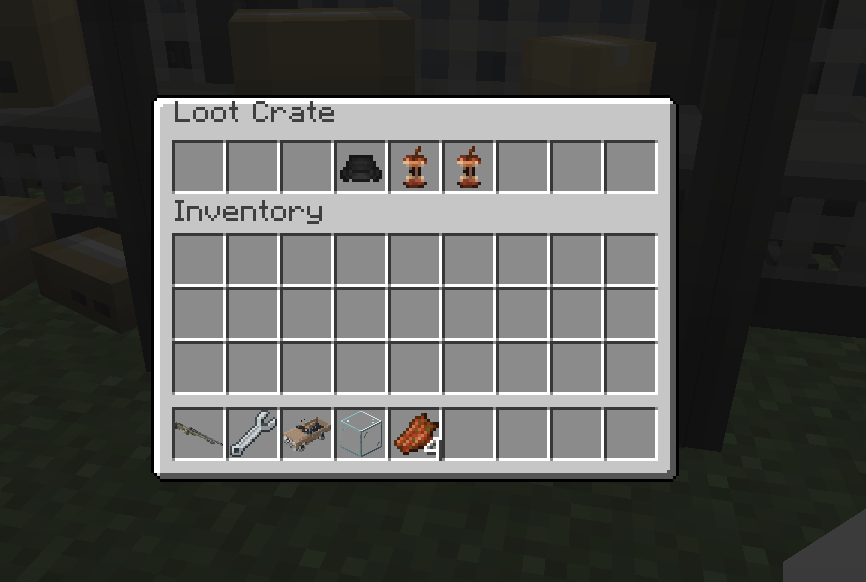 Capture dâécran 2025-12-22 140825.png Capture dâécran 2025-12-22 140825.png
 -
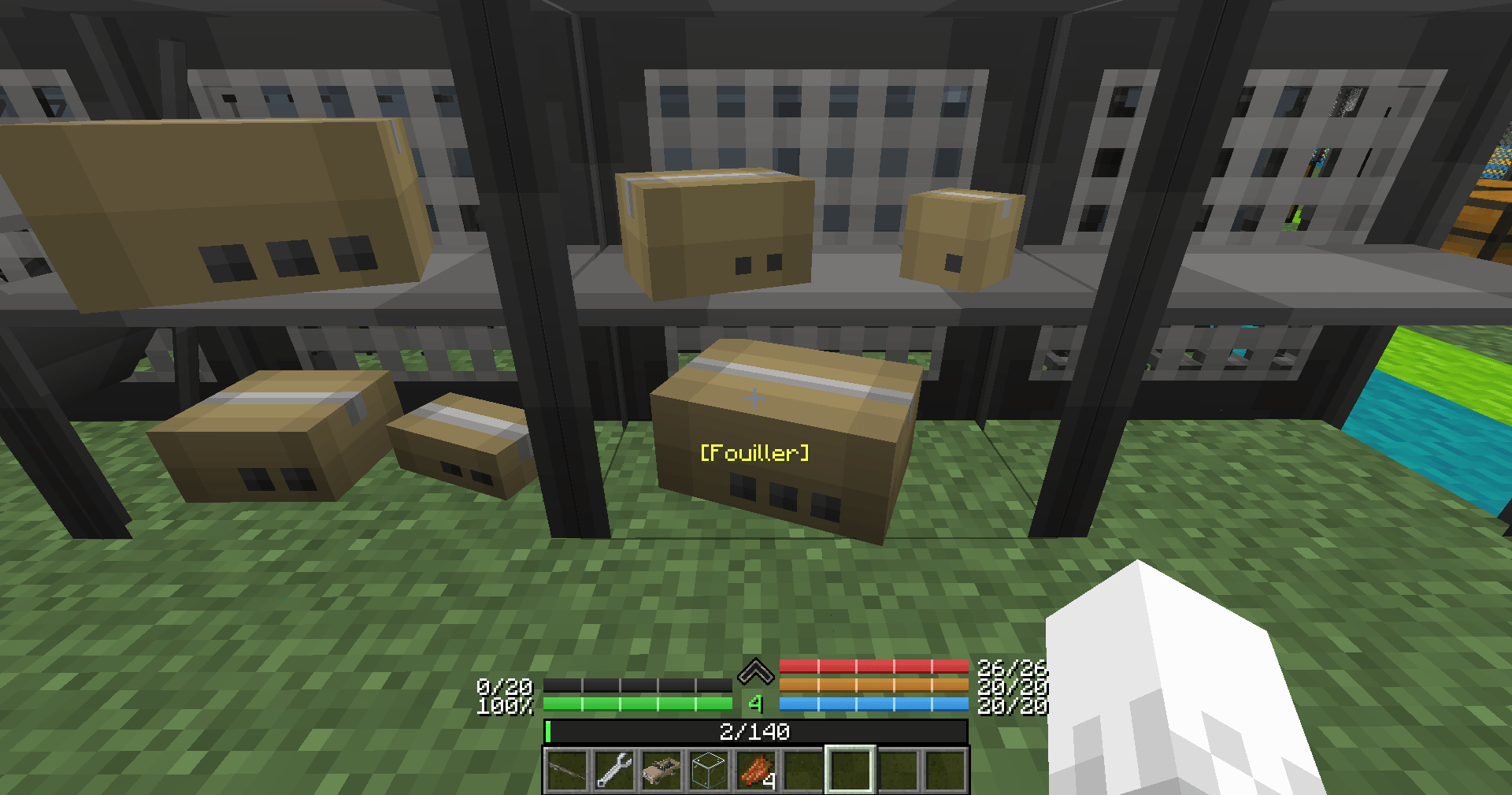 2025-12-22_14.07.32.png 2025-12-22_14.07.32.png
Versions
Files
Relations
Project Relations
More like this
Similar Mods
Suggestions use data such as tags, dependencies, dependents, descriptions, titles, and more to rank how much they overlap with this mod.
On ModDex
Community snapshot
By the numbers
Statistics
Want to reach Minecraft players?
We're looking for a server hosting partner to feature here and other parts of the site. Interested? Send us a message!
Get in touchGet it on
Available Platforms
On ModDex
Community snapshot
By the numbers
Statistics
Resources