
Community listing page, reviews may not be monitored by the author.
Lucid Textures

No reviews yet
Filters block textures so distant terrain shows no moiré or false block outlines, on the vanilla renderer and Sodium.

Community voices
Reviews
No reviews yet. Be the first to review this project!
Get it on
Available Platforms
About
Project Details
For authors
Embed Badge
If you're the author of this project, you can embed a live badge anywhere that supports HTML or Markdown. It updates automatically whenever ratings change.
Use HTML for any page that supports it, or Markdown for README files and Markdown-based descriptions.
Identifiers
Platform IDs
Resources
External Links
About
Description
Lucid
Clean block textures at a distance. Lucid removes the moiré (the curved lines) and the false block outlines on far terrain and on floors and walls seen at a flat angle. It filters the block atlas inside the terrain shader and keeps every sample within its own texture, so nothing bleeds in from the one next to it. Client side only.
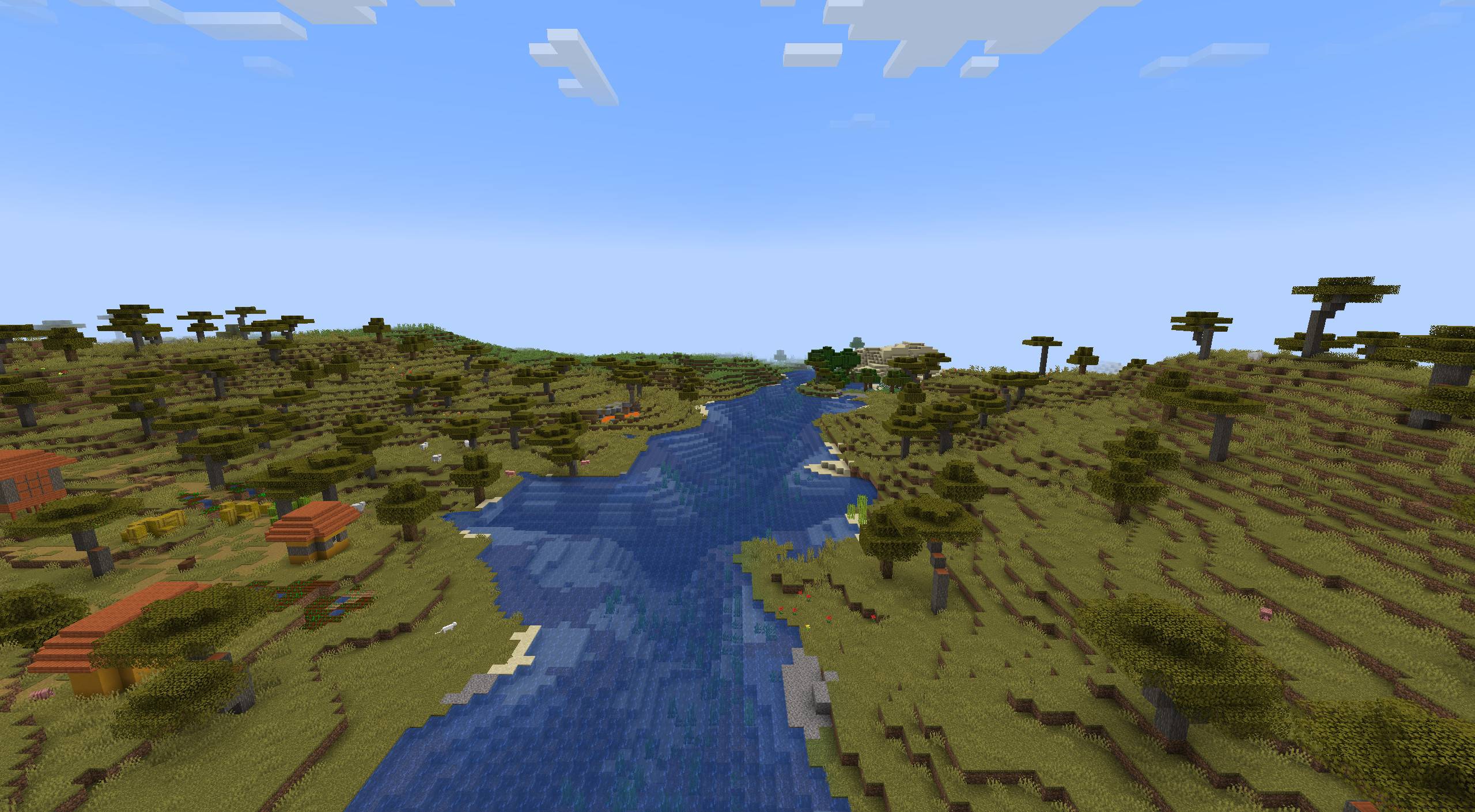
Filtering
- Vanilla takes the nearest pixel of a mip level without blending, which leaves moiré far away. Lucid blends: trilinear, or up to 16 samples along the long side of the pixel's footprint.
- Every sample is clamped to the rectangle of its own texture.
- Blocks near the camera keep their exact pixels: the filter fades in over the first mip level.
Modes
- Vanilla leaves the game's sampling alone.
- Smooth is trilinear: the moiré goes, but floors seen edge-on turn soft.
- Sharp 2x, 4x, 8x and 16x add anisotropic filtering with up to that many samples at steep angles, keeping the detail on floors and walls. Sharp 8x is the default.
- A change shows on the next frame. The settings are under Mods, Lucid, Config.
Texture repair
- Odd-sized textures: a mod texture whose size is not a multiple of 16 (12x12, 24x24, 125x125) is padded with its own edge pixels, so it no longer turns to noise or black far away.
- Transparent edges: transparent pixels take the colour of the nearest visible one and mipmaps are averaged by coverage, so leaf edges, grass fringes and the rims of path blocks and slabs do not darken.
- Both are on by default and apply after a resource reload (F3+T). Textures a mod loads through its own sprite class are left alone.
Requirements
Minecraft 1.21.1, Java 21, NeoForge 21.1. Client only, nothing to install on the server. Mipmap Levels must be above 0. Works with the vanilla renderer and with Sodium 0.8, whose terrain shader is patched as it loads. While an Iris shader pack draws the world the filter stays off, and with Embeddium only the texture repair runs.

Related mods
NeoForge 1.21.1, client side. Free to use in modpacks.
Screenshots
Gallery
-
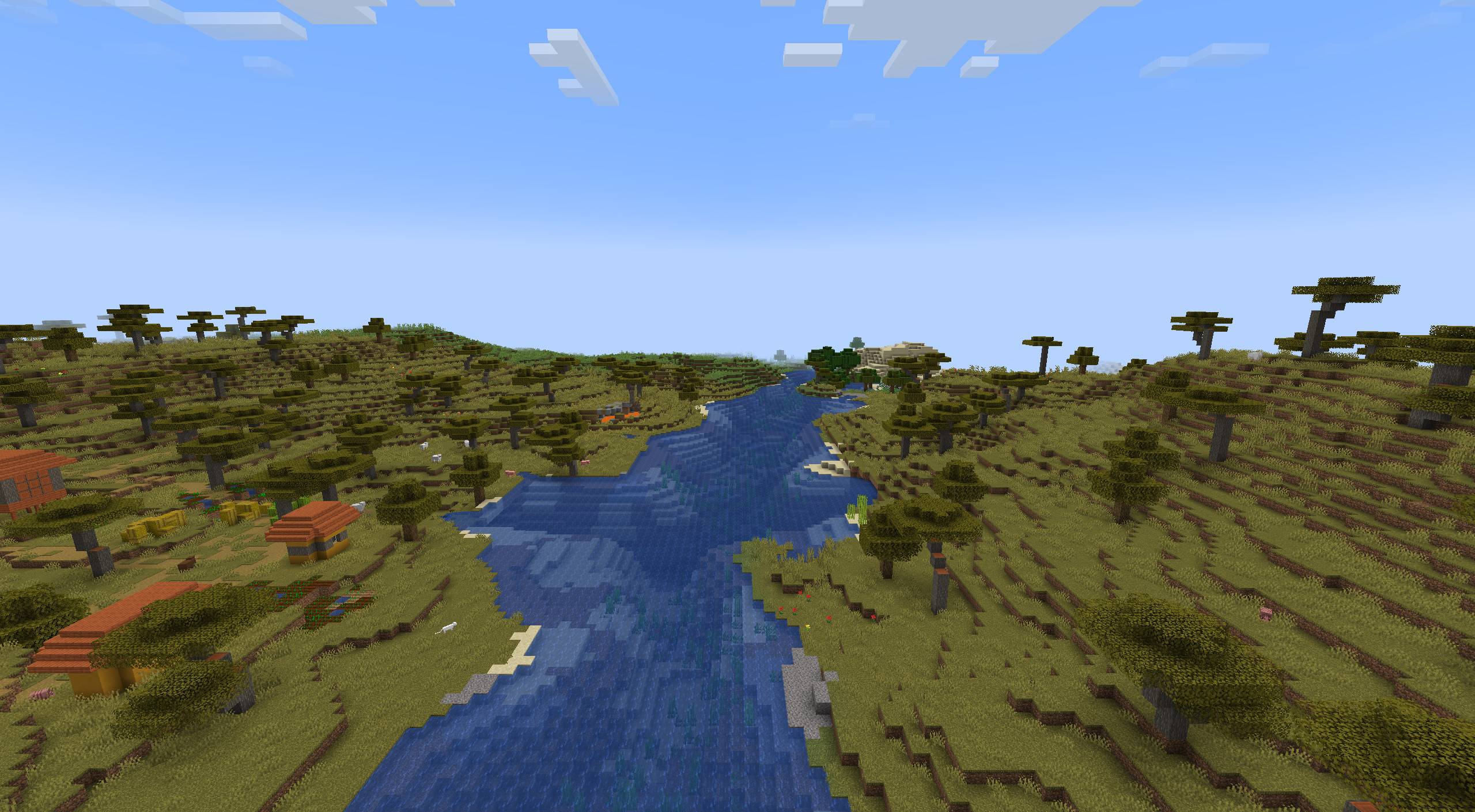 Lucid Textures Lucid Textures
Versions
Files
Relations
Project Relations
More like this
Similar Mods
Suggestions use data such as tags, dependencies, dependents, descriptions, titles, and more to rank how much they overlap with this mod.
On ModDex
Community snapshot
By the numbers
Statistics

Get it on
Available Platforms
On ModDex
Community snapshot
By the numbers
Statistics
Resources