
Community listing page, reviews here may not be monitored by the author.
Magnetic Players

No reviews yet
Adjust players' item pickup range and delay to your heart's desire!
Community voices
Reviews
No reviews yet. Be the first to review this project!
Get it on
Available Platforms
Compatibility
Supported Environments
Runs entirely on the server. Also works in singleplayer.
About
Project Details
For authors
Embed Badge
If you're the author of this project, you can embed a live badge anywhere that supports HTML or Markdown. It updates automatically whenever ratings change.
Use HTML for any page that supports it, or Markdown for README files and Markdown-based descriptions.
Identifiers
Platform IDs
About
Description
Magnetic Players
Magnetic Players allows you to configure how close you have to be to dropped items before you can pick them up, and how long you have to wait before you can pick them up after they've been dropped.
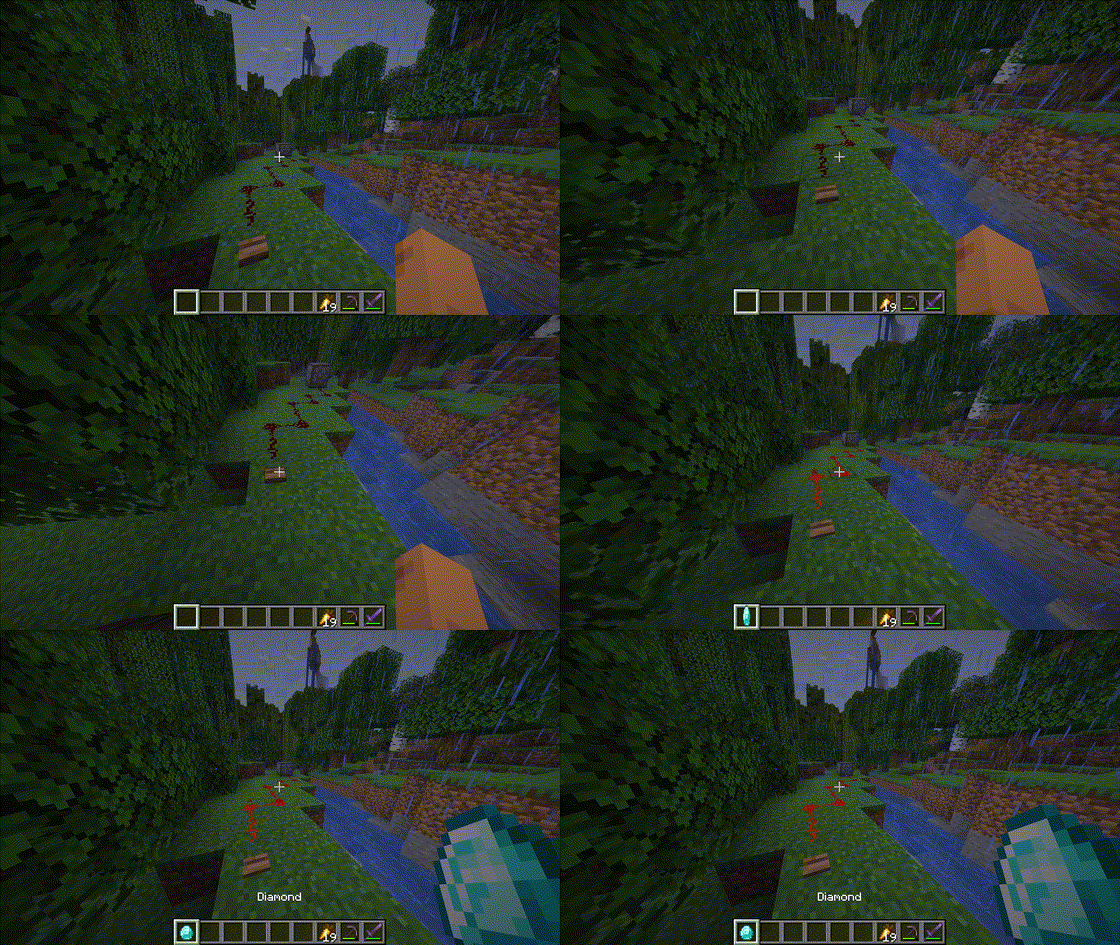
Reach as far as you want!
Maybe you want to tweak the settings just a bit so that dropped items are a bit less annoying to pick up, or maybe you want to become a living vacuum that sucks up everything in a 100 block radius. Configure it to your heart's desire (limits do apply at some point...)!
By default, all values are set to the same values as in vanilla Minecraft, so if you just install Magnetic Players and leave the config unchanged, nothing in-game will change! When you reset a config option through Mod Menu, it will reset to the vanilla Minecraft value. Deleting the config file (magnetic_players.json5 in the standard config directory) will also generate a fresh config with default values.
The changes Magnetic Players makes are not persistent (it does not change Minecraft permanently, only when it is installed). You can safely remove Magnetic Players from your client or server at any point (preferably with the client/server closed though).
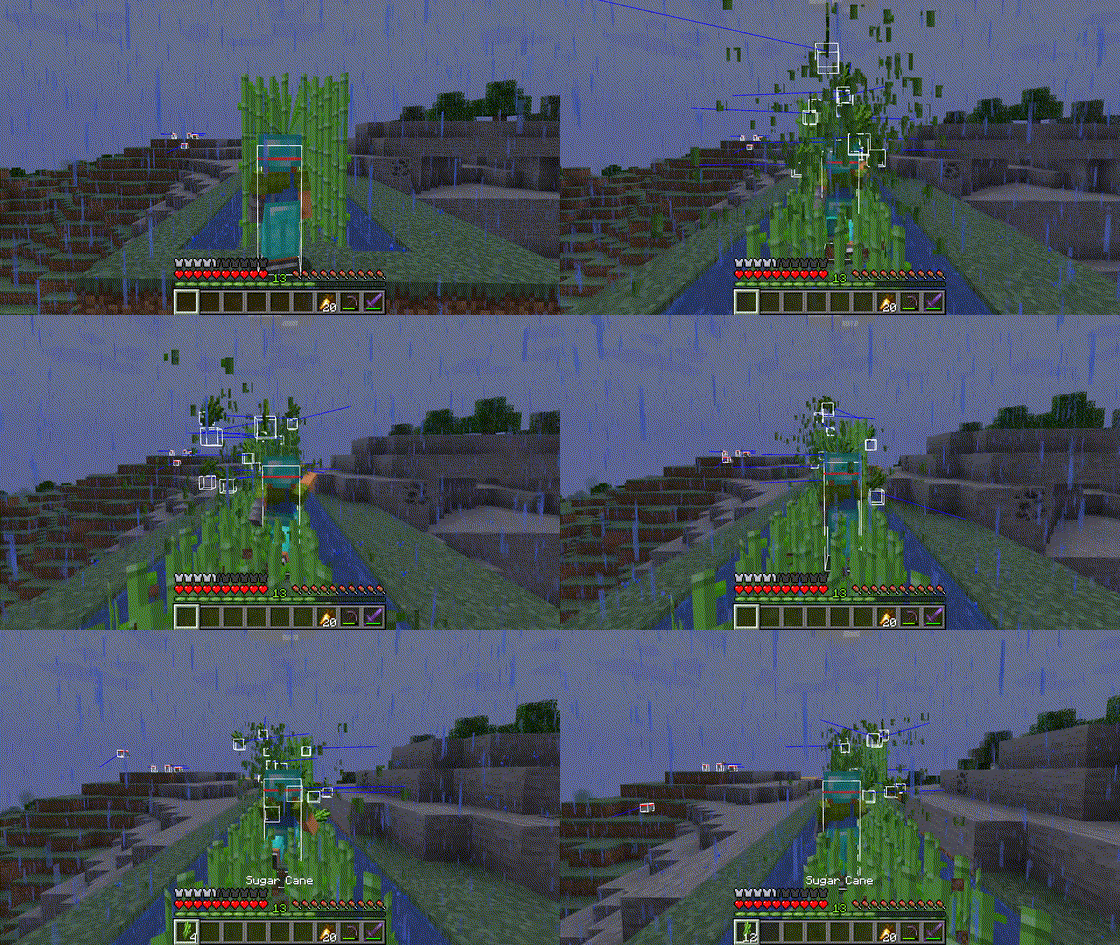
With the right settings, you won't have to worry about missing any sugar cane!
Dependencies & Support
Magnetic Players is supported on both the singleplayer client and the dedicated server; It is a server-side mod, that doesn't need to be installed on the client side (on servers).
YACL is required for the config and the config screen. Mod Menu is an optional dependency for if you want to actually access this config screen. See Configuration for ways to configure Magnetic Players.
Configuration
Magnetic Players can be configured through Mod Menu in single-player if you have it installed (optional). Changes made in the graphical config take effect immediately upon saving, thus do not require a restart.
Configuring can also be done manually by editing the config file directly, located in the standard config directory. It's called magnetic_players.json5. Configuring this way requires either a restart of the game or server, or use of the /magnetic_players reload command, by the player in singleplayer, or, an owner (permission level 4) (gamemaster / level 2 in version 1.0.0 only) or the console on a (dedicated) server, for changes to take effect.
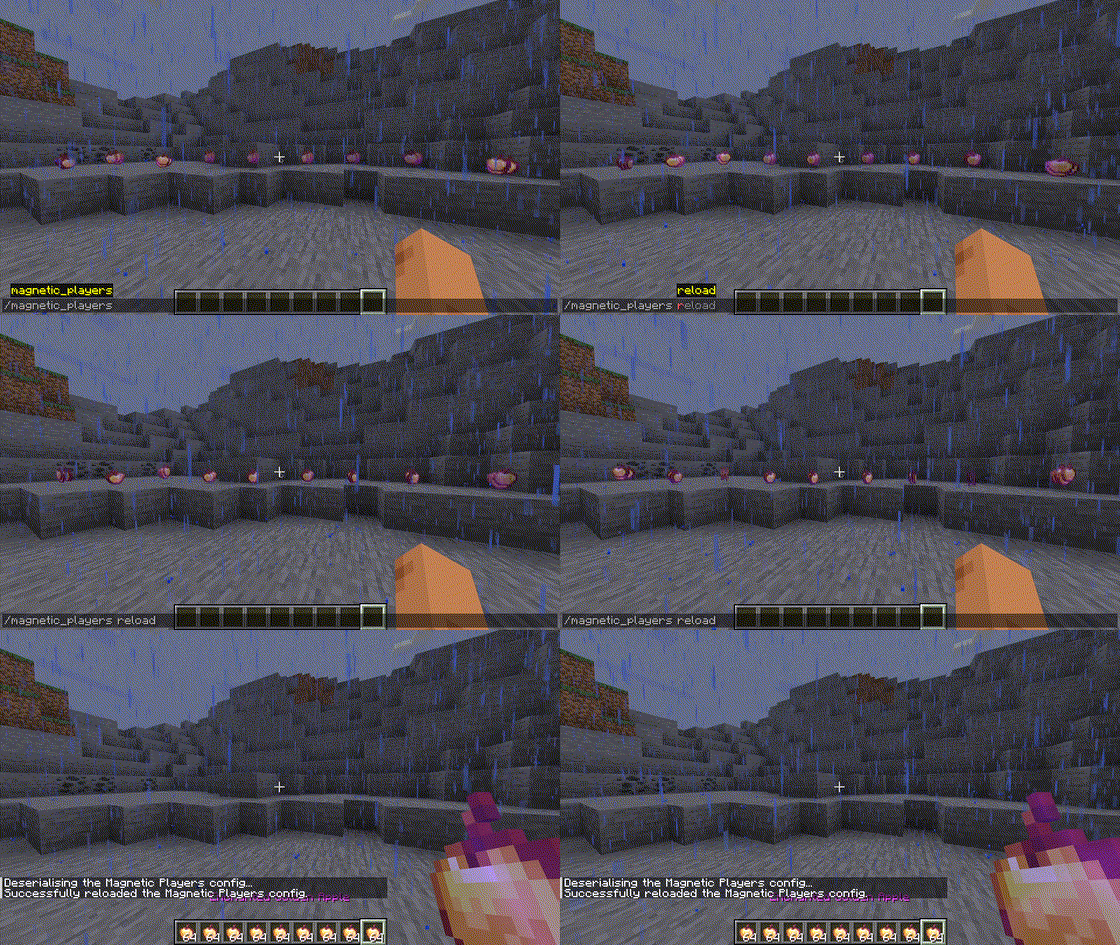
With great power comes great responsibility!
Below, all configurable variables are listed and explained (in a similar way to the config file and the config GUI through Mod Menu, so you don't have to read them here).
Drop Pickup Ranges
Configure the pickup ranges for all dropped items.
Note: The combined (3D) pickup range is cubical.
Note: These ranges are added onto the player box, which means that setting them to 0.0 will still allow players to pick up items.
Pickup Range X
The pickup range in blocks, as a radius around the player in the x-axis.
- Vanilla Default: 1.0
- Allowed Range: >= 0 && <= 250
Pickup Range Y
The pickup range in blocks, as a radius around the player in the y-axis.
- Vanilla Default: 0.5
- Allowed Range: >= 0 && <= 250
Pickup Range Z
The pickup range in blocks, as a radius around the player in the z-axis.
- Vanilla Default: 1.0
- Allowed Range: >= 0 && <= 250
Drop Pickup Delays
Configure the time a player has to wait before they can pick up items that were dropped in a few specific ways.
Note: Setting delays to 32767 will disable item pickup, even if the item survives for that long.
Player Drop Pickup Delay
The time in ticks that has to pass before a player can pick up an item they dropped, either directly or in some cases as a result of an interaction.
- Vanilla Default: 40
- Allowed Range: >= 0 && <= 32767
Includes:
- Dropping items
- Dropping items in a bundle
- Using beehives with a glass bottle
- Taking books from chiselled bookshelves when inventory is full
- Taking flowers from pots when inventory is full
- Using compasses on lodestones when inventory is full
- Taking books from lecterns when inventory is full
Block Drop Pickup Delay
The time in ticks that has to pass before a player can pick up a block they broke, or in some cases obtained an item from as a result of an interaction.
- Vanilla Default: 10
- Allowed Range: >= 0 && <= 32767
Includes:
- Breaking/Destroying blocks
- Emptying full composters
- Using beehives with shears
- Books dropped by breaking lecterns
- Breaking shulker boxes
- Retrieving jukebox discs
- Sniffers dropping seeds
- Sniffers breeding
Entity Loot Drop Pickup Delay
The time in ticks that has to pass before a player can pick up an item an entity dropped, including those of non-living entities, like falling sand.
- Vanilla Default: 10
- Allowed Range: >= 0 && <= 32767
Dolphin Drop Pickup Delay
The time in ticks that has to pass before a player can pick up an item a dolphin tossed while playing.
- Vanilla Default: 40
- Allowed Range: >= 0 && <= 32767
Fox Drop Pickup Delay
The time in ticks that has to pass before a player can pick up an item a fox spit out of its mouth.
- Vanilla Default: 40
- Allowed Range: >= 0 && <= 32767
Extra
Personally, I might set the config to something like this for actual survival play:
- Pickup Range X = 1.5
- Pickup Range Y = 1.0
- Pickup Range Z = 1.5
- Player Drop Pickup Delay = 30
- Block Drop Pickup Delay = 5 (or 10 for a vanilla feel)
- Entity Loot Pickup Delay = 5 (or 10 for a vanilla feel)
- Dolphin Drop Pickup Delay = 30
- Fox Drop Pickup Delay = 30
This way, for me, 1. Waiting to pick up items you accidentally dropped is way less cumbersome while still being able to (nearly as) easily throw away items without accidentally picking them up again, 2. You won't have to worry about items falling to the ground by breaking blocks 1 block below your feet in the air as long as you stay close to the edge, 3. Farming sugar cane close enough can be done (for the most part) whilst running and without going back to pick up stray items, and 4. Drops from farming activities, such as leaves, sticks and saplings from a chopped tree take less time to pick up and become less prone to being missed by the player, and this all without feeling too overpowered or weird looking.
But by all means, set the values to whatever you want, for whatever you want!
TODO
Note: If I feel like it.
- Add an interface for mod developers to use this mod to (conditionally) change (or add onto) player pickup ranges and delays so they can create things such as trinkets that increase the player's pickup range
- Alongside this, also provide an easy way to depend on this mod without having to JIJ it or something (→ create Maven repo)
- Divide pickup delay settings into more settings for more control over specific drop actions
Magnetizing!
Screenshots
Gallery
-
Long distance item pickup Reach as far as you want!
-
Farming sugar cane with high pickup range settings With the right settings, you won't have to worry about missing any sugar cane!
-
Reloading the config to pick up faraway items With great power comes great responsibility!
Versions
Files
Relations
Project Relations
More like this
Similar Mods
Suggestions use data such as tags, dependencies, dependents, descriptions, titles, and more to rank how much they overlap with this mod.
On ModDex
Community snapshot
By the numbers
Statistics

Want to reach Minecraft players?
We're looking for a server hosting partner to feature here and other parts of the site. Interested? Send us a message!
Get in touchGet it on
Available Platforms
On ModDex
Community snapshot
By the numbers