
Community listing page, reviews here may not be monitored by the author.
Manhunt: Trust No One

No reviews yet
Minecraft manhunt, but you don't know each other's roles.
Community voices
Reviews
No reviews yet. Be the first to review this project!
Get it on
Available Platforms
Compatibility
Supported Environments
Runs entirely on the server. Also works in singleplayer.
About
Project Details
For authors
Embed Badge
If you're the author of this project, you can embed a live badge anywhere that supports HTML or Markdown. It updates automatically whenever ratings change.
Use HTML for any page that supports it, or Markdown for README files and Markdown-based descriptions.
Identifiers
Platform IDs
Resources
External Links
About
Description
Manhunt: Trust No One
Minecraft Manhunt is a popular game mode where runners try to complete the game while being hunted by the hunters.
This data pack introduces a new twist by randomizing the roles of each player, making it more challenging and unpredictable. Each player only knows their own role and killing the same team causes you death!
This data pack was inspired by the Secret Hunter series by zorato and the game Among Us.
🎮 How to play?
- Create a new world.
- Configure the game how you want.
- Make sure everyone is ready and type
/function tno:startto start the game. - Have fun :)
⚙️ Configurations
To edit configurations, you can do /scoreboard players set <config_name> tno.config <value>.
| Name | Description | Default value | Type | Requirement |
|---|---|---|---|---|
| show_team | Whether to show team color on tablist and name. | 0( false) |
bool | - |
| respawn_runner | Whether runners should be able to respawn. | 0( false) |
bool | - |
| respawn_hunter | Whether hunters should be able to respawn. | 1( true) |
bool | - |
| spread_players | Whether players should be spread when the game starts. | 0( false) |
bool | - |
| interval_random_role | Time in ticks for role randomization interval (value less than 1 will disable this feature). | 0 |
int | - |
Note: Type bool only has true or false states which are represented by 1 and 0 in int, setting it to other numbers will result in an unexpected outcome.
📦 How to install?
- Download the data pack from Modrinth or GitHub.
- Open your Minecraft world folder and navigate to the
datapacksfolder. - Drag and drop the downloaded
.zipfile into thedatapacksfolder. - Unzip the file. (It should look like this:
<world>/datapacks/manhunt-trust-no-one-X.X.X/...) - Open your world in Minecraft and run the command
/reloadto load the data pack. (or/minecraft:reloadif you're on a server) - Done!
Screenshots
Gallery
-
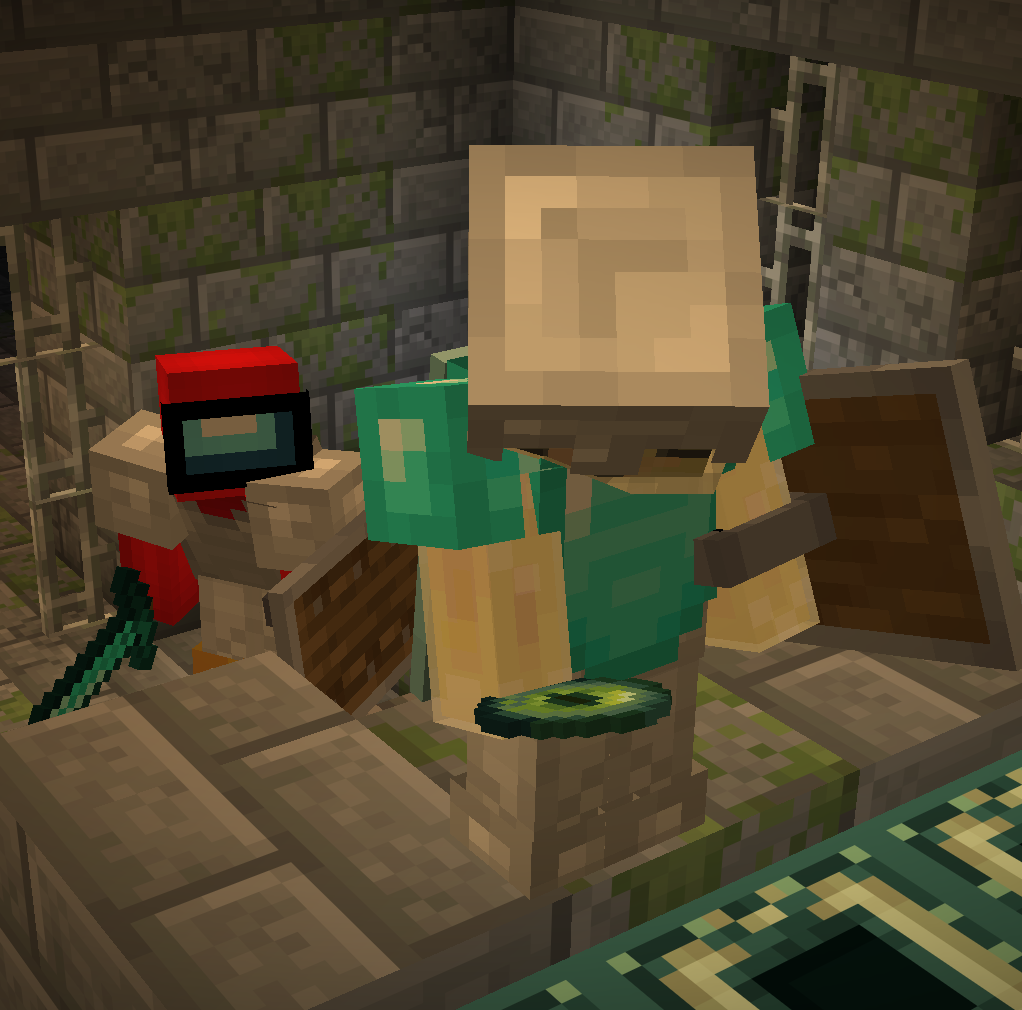 Icon Datapack icon
Versions
Files
Relations
Project Relations
More like this
Similar Mods
Suggestions use data such as tags, dependencies, dependents, descriptions, titles, and more to rank how much they overlap with this mod.
On ModDex
Community snapshot
By the numbers
Statistics

Want to reach Minecraft players?
We're looking for a server hosting partner to feature here and other parts of the site. Interested? Send us a message!
Get in touchGet it on
Available Platforms
On ModDex
Community snapshot
By the numbers
Statistics
Resources