
Community listing page, reviews here may not be monitored by the author.
MarketBlocks

No reviews yet
The complete player shop & economy suite: Trade Stands and Market Crates with 3D item displays, a server marketplace, and autonomous AI traders buying your goods!

Community voices
Reviews
No reviews yet. Be the first to review this project!
Get it on
Available Platforms
About
Project Details
For authors
Embed Badge
If you're the author of this project, you can embed a live badge anywhere that supports HTML or Markdown. It updates automatically whenever ratings change.
Use HTML for any page that supports it, or Markdown for README files and Markdown-based descriptions.
Identifiers
Platform IDs
About
Description
MarketBlocks — Player Shops & Server Economy Suite



Bring your multiplayer world to life with bustling player shop districts, server trading, and living AI customers!
MarketBlocks is a complete player shop and server economy mod. Build physical shop counters (Trade Stands & Market Crates), manage a dynamic global marketplace, and sell goods to autonomous Wandering Trader NPCs that actively browse your stores.
🏪 Player Shops
Build functional market stalls that seamlessly blend into medieval towns or modern shopping hubs.
- Trade Stand: 2-block-tall counter featuring a floating, spinning 3D display item inside a protective glass case.
- Market Crate: Rustic 1-block crate featuring dynamically draining stock rendering that visually empties as items are purchased.
- Custom Clerk NPCs: Station a visual clerk behind your counter! Pick from 15 Villager professions or display any player's skin simply by typing their username.
- Flexible 2-to-1 Pricing: Accept up to two distinct currency items for one purchase (e.g. 5 Diamonds + 2 Gold Ingots).
- Safe Bulk Purchases: Hold Shift while clicking to instantly buy the maximum quantity you can afford.
- 100% Grief-Proof: Completely immune to explosions, mining fatigue, and unauthorized breaking.
🚶 Autonomous Trader NPCs (AI Shoppers)
Never worry about dead shopping districts again! Intelligent Wandering Traders actively browse your server's market streets.
- Passive Income: Traders naturally spawn near stocked shops and buy goods even when the shop owner is offline!
- 3 Customer Ranks: Citizens (everyday essentials), Wealthy (bulk buyers with monocles), and Nobles (aristocrats with large budgets for luxury items).
- Smart Counter Reach: NPCs pathfind naturally, pause in front of counters, and trade smoothly over tables, slabs, and fences.
- Living Behaviors: Traders examine items, shake their heads if overpriced, cheer with happy particles on purchase, and carry bought items visibly in their arms!
🌐 Central Server Marketplace
A global commerce hub accessible anytime or physically linked to market stalls at your server spawn.
- Universal Access: Open anytime by pressing O (rebindable) or right-click linked decorative counters at spawn.
- Live In-Game Admin Editor: Operators can create categories, add offers, and adjust prices directly inside the GUI — no JSON editing or restarts needed!
- Dynamic Demand Pricing: Item prices automatically rise during high-demand buying surges and gradually cool down over time.
- Fair Economy Control: Set global stock caps, daily player limits, and scheduled promotional discount events.
🔌 Mod Compatibility & Integrations
MarketBlocks is designed to play nicely with essential multiplayer and quality-of-life mods out of the box:
- JourneyMap & Xaero's Maps: Real-time shop markers and clickable chat waypoints (
/mb search <item>). - Jade & WTHIT: Live in-crosshair HUD displaying item previews, prices, stock, and owner details.
- FTB Chunks & OpenPAC: Seamless trading support inside claimed team territories without permission issues.
- Just Enough Items (JEI): Native GUI layout protection preventing panel overlap.
❓ Frequently Asked Questions (FAQ)
Can I include MarketBlocks in my modpack?
- Yes, feel free to include MarketBlocks in any modpack!
Which mod loaders are supported?
- Both NeoForge and Fabric.
Does it work on dedicated servers?
- Yes! Fully server-authoritative with anti-grief protection and land-claim compatibility.
Where can I find crafting recipes, commands, and configs?
- In-game via JEI / REI / EMI, or check our GitHub Wiki.
💬 Documentation & Community


Need help setting up a trade or found a bug? Click above to visit our wiki or report an issue!
Screenshots
Gallery
-
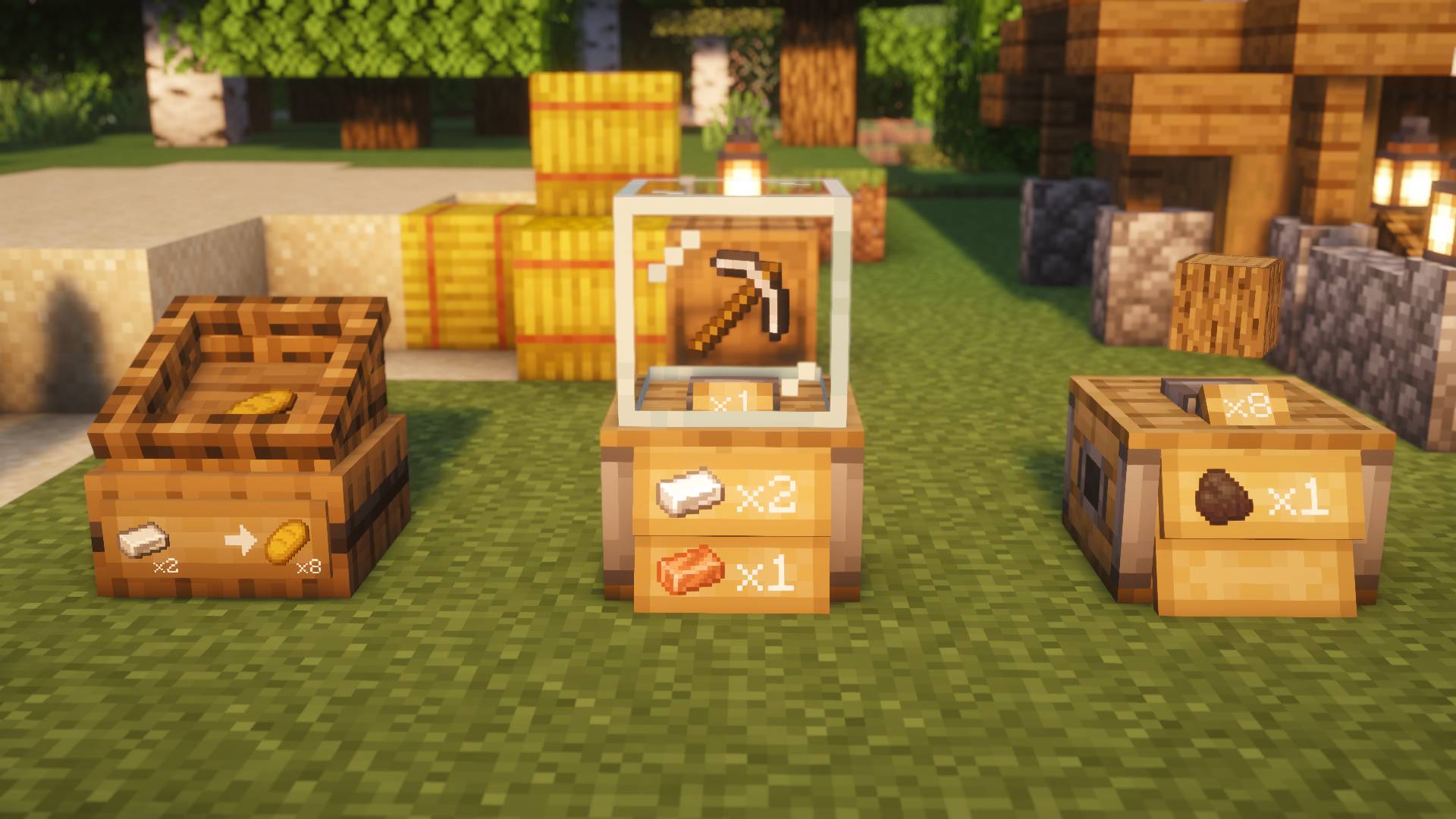 Physical Player Shops
 -
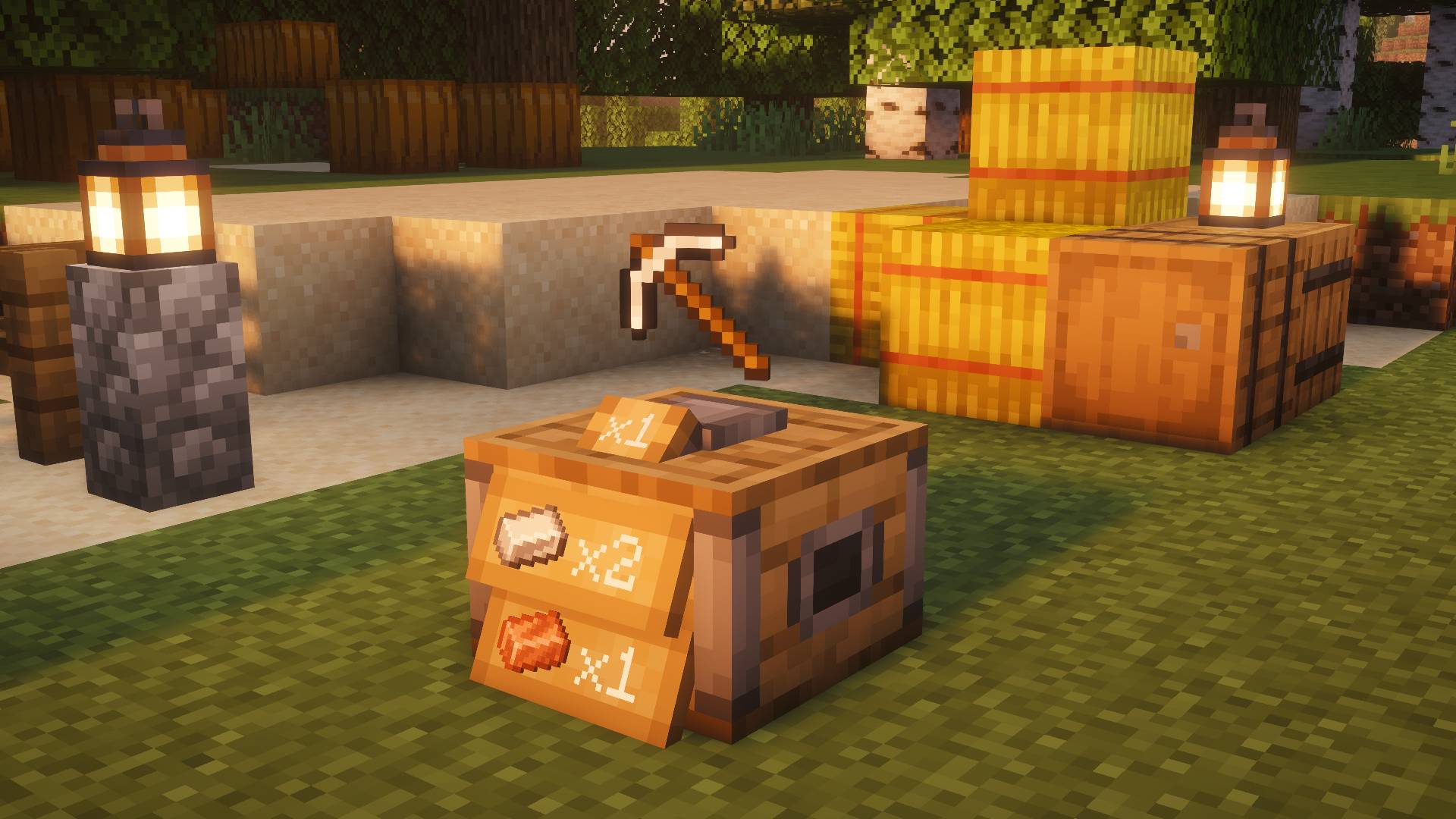 Trade Stand – 3D Floating Item Display
 -
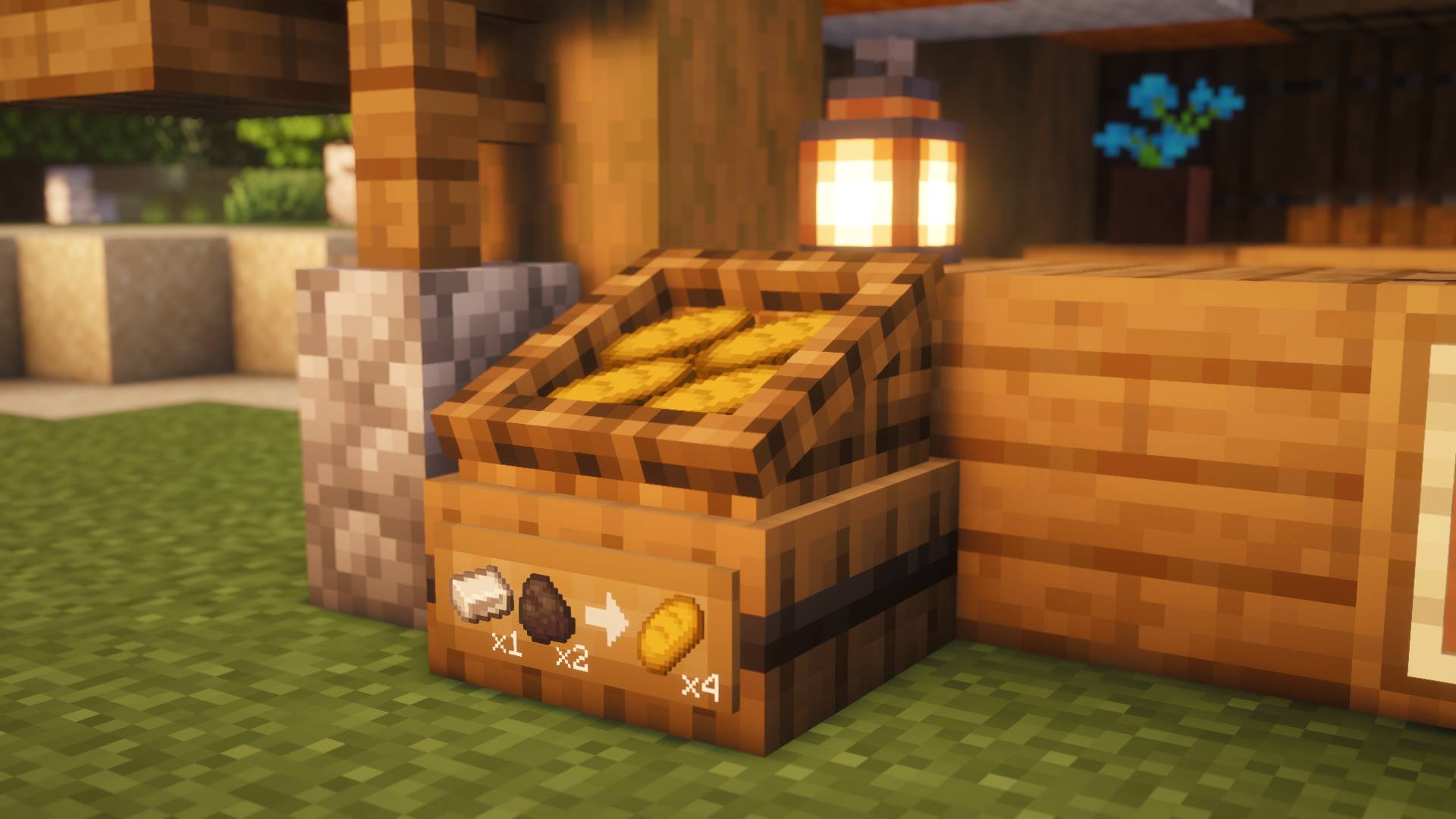 Market Crate – Rustic Shop Counter
 -
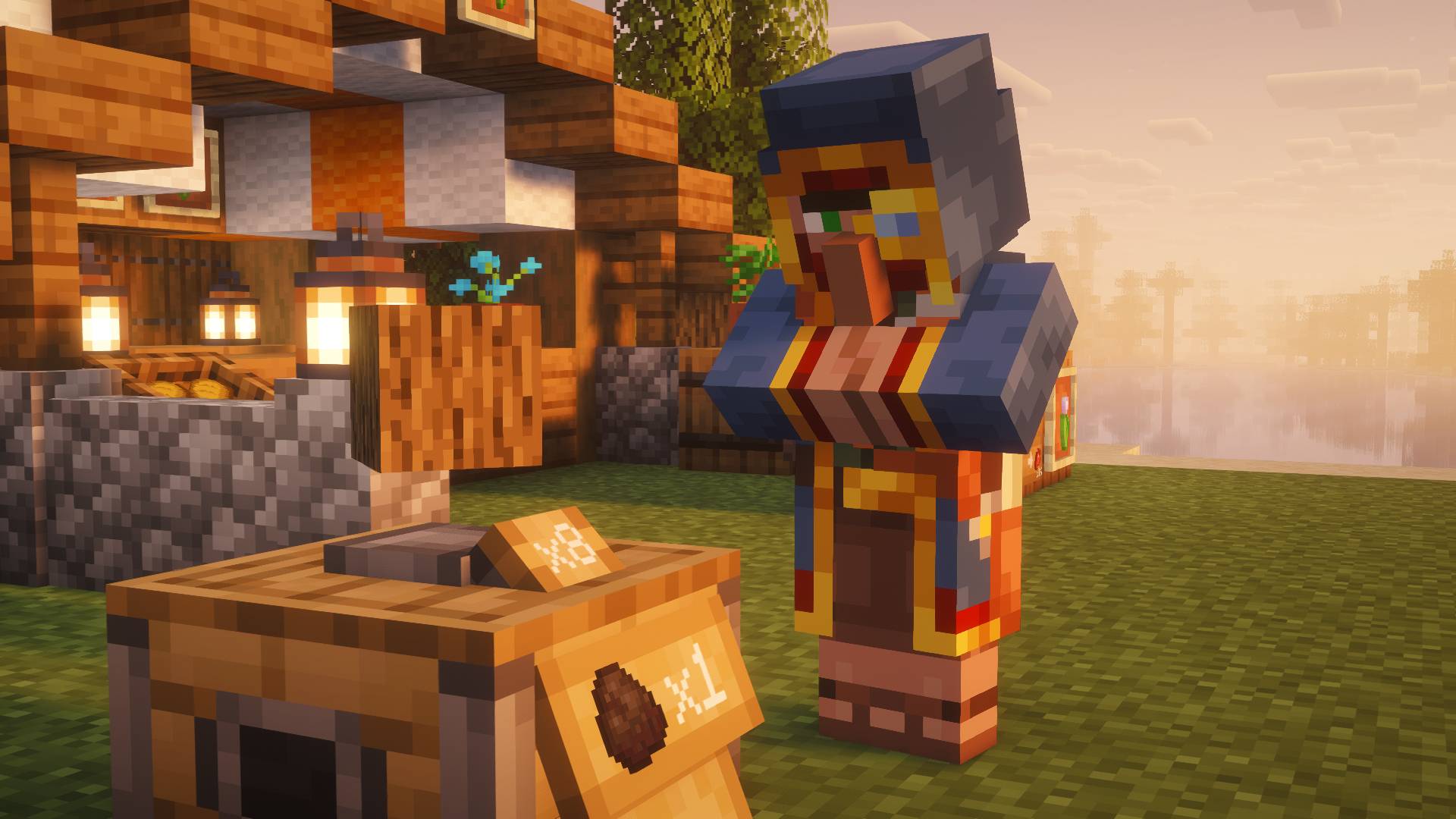 Wandering Trader NPC Inspecting Shop
 -
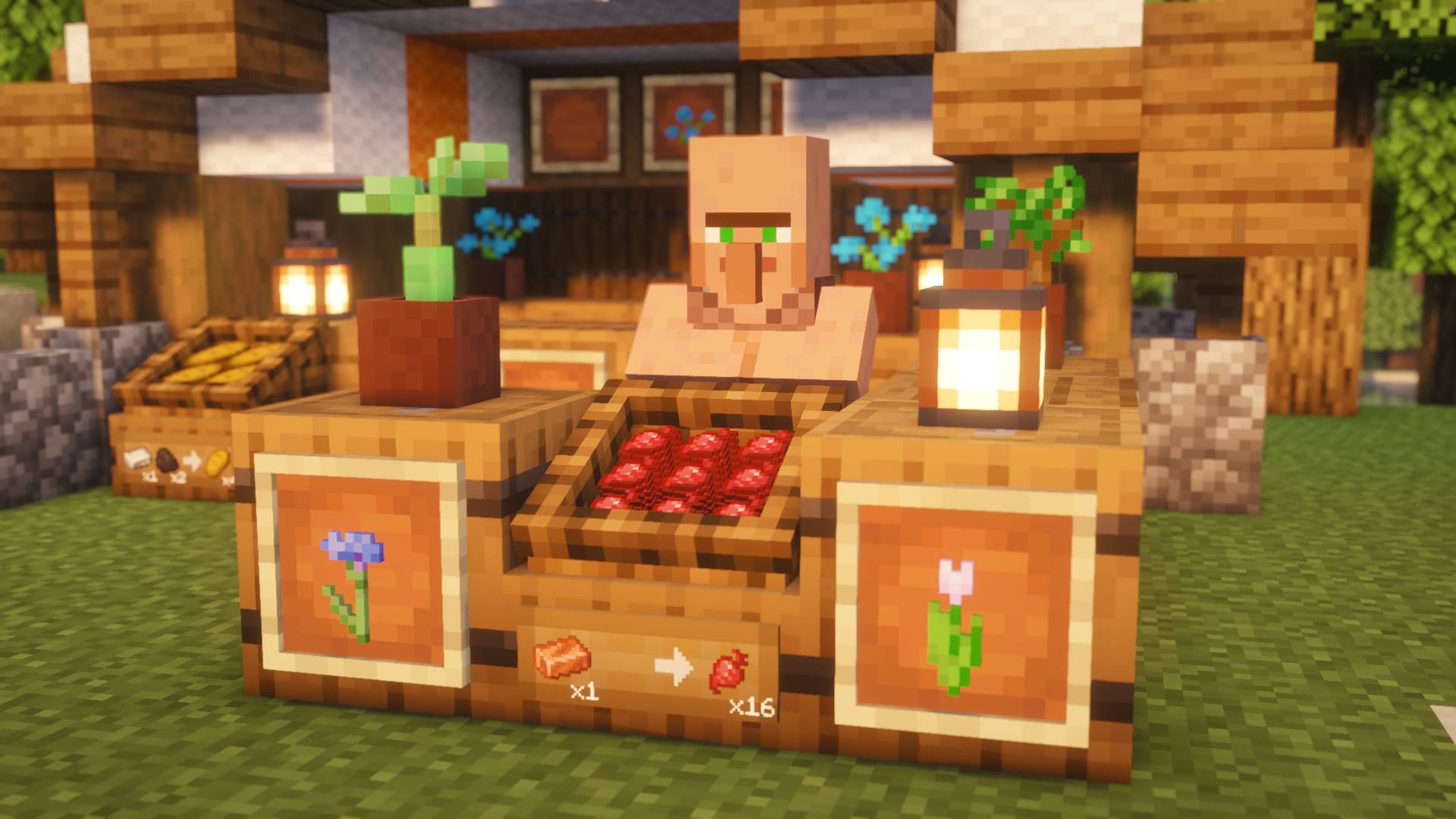 Custom Clerk NPCs & Villager Professions
 -
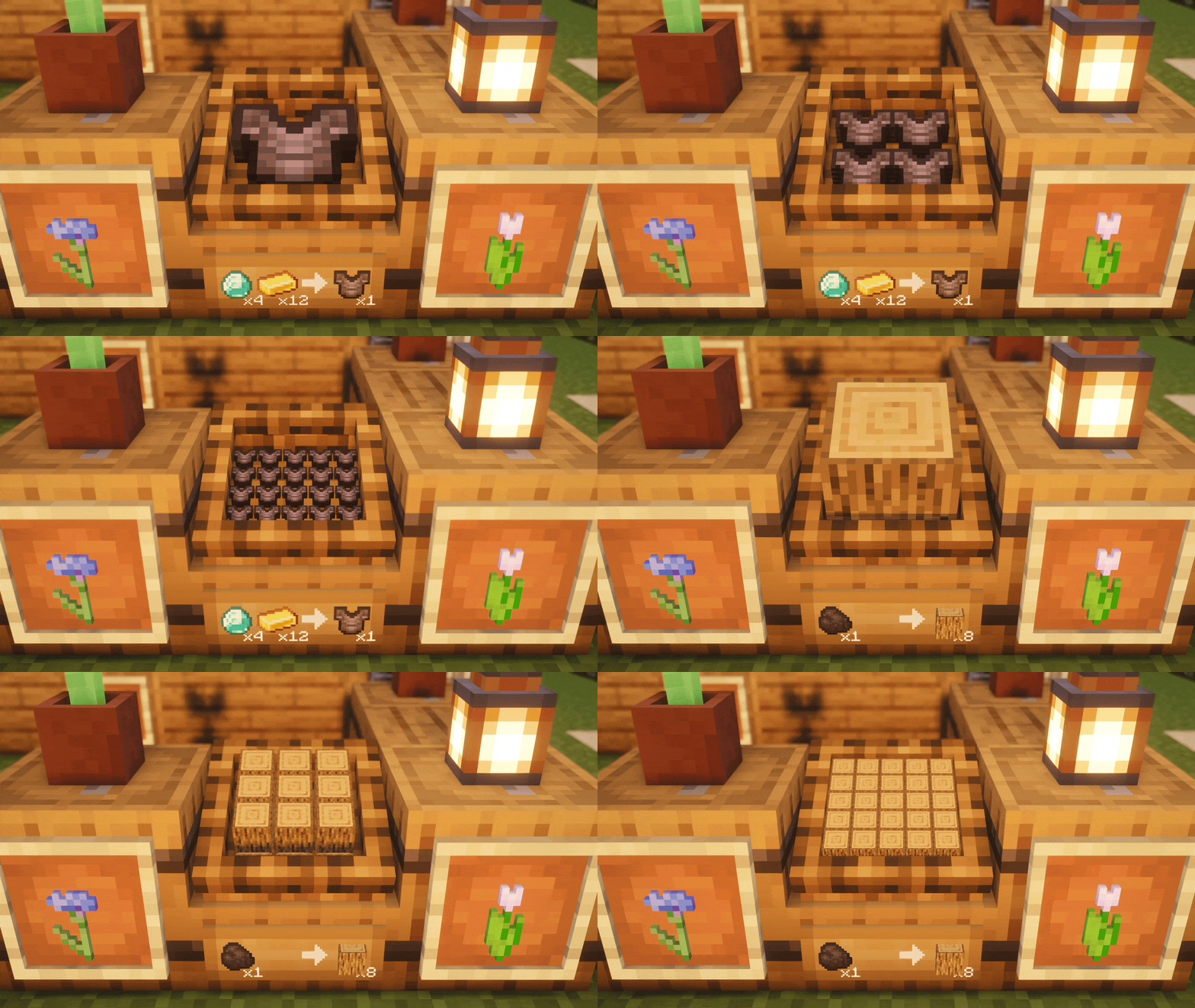 Market Crate Dynamic Stock Drain Animation
 -
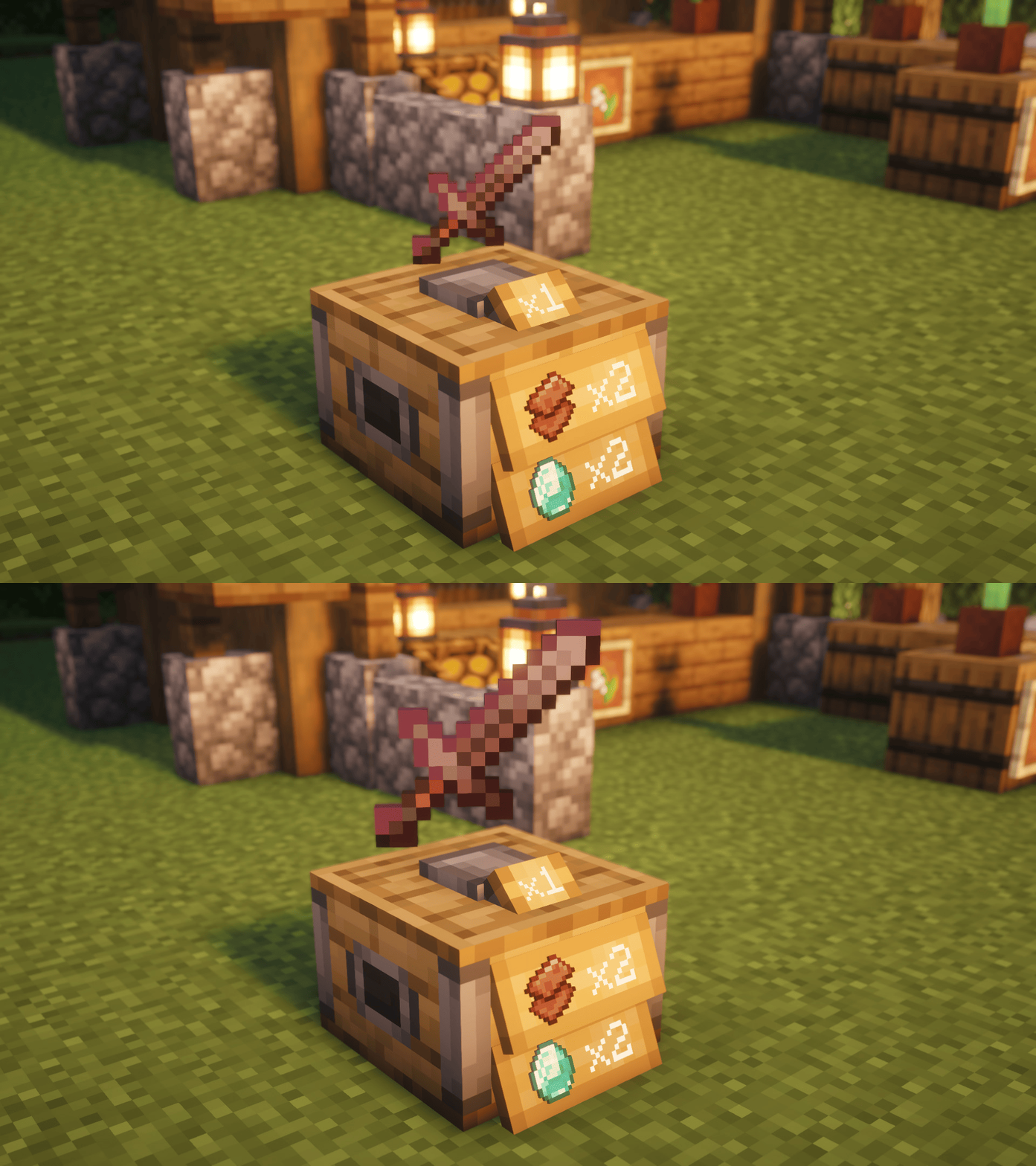 Trade Stand 3D Floating Item Animation
 -
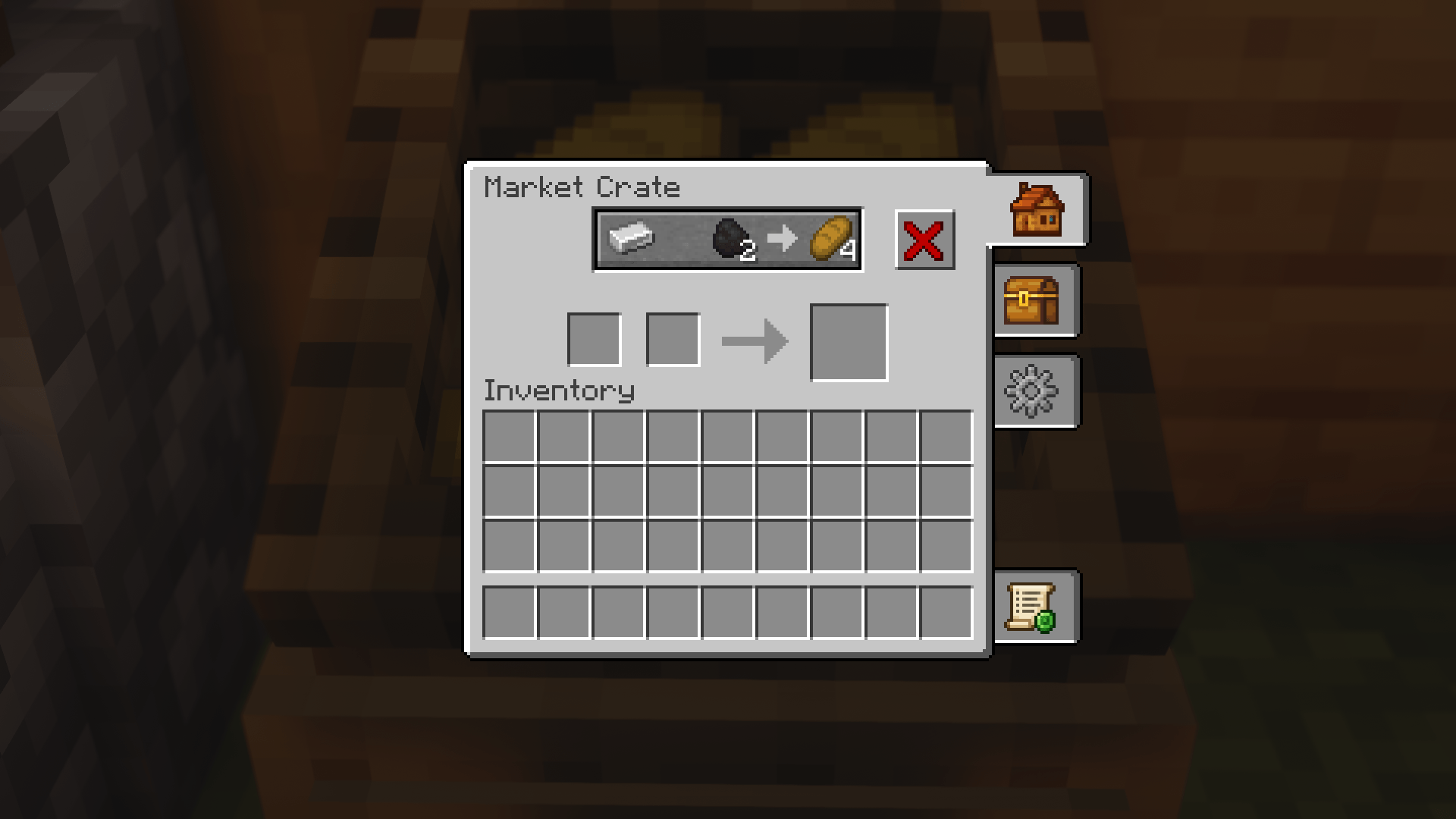 Shop Offer & Price Setup GUI
 -
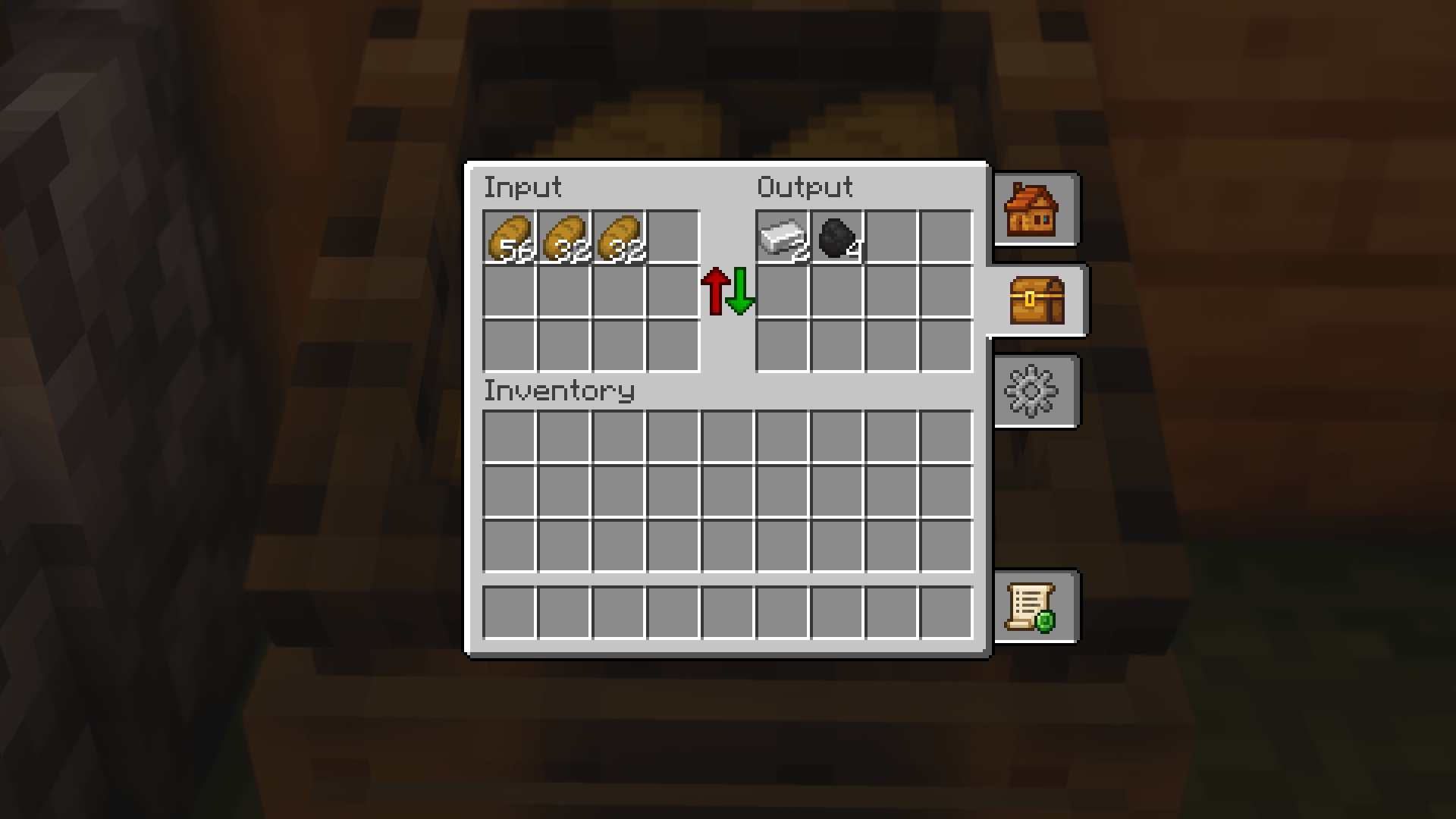 Shop Stock & Inventory Storage
 -
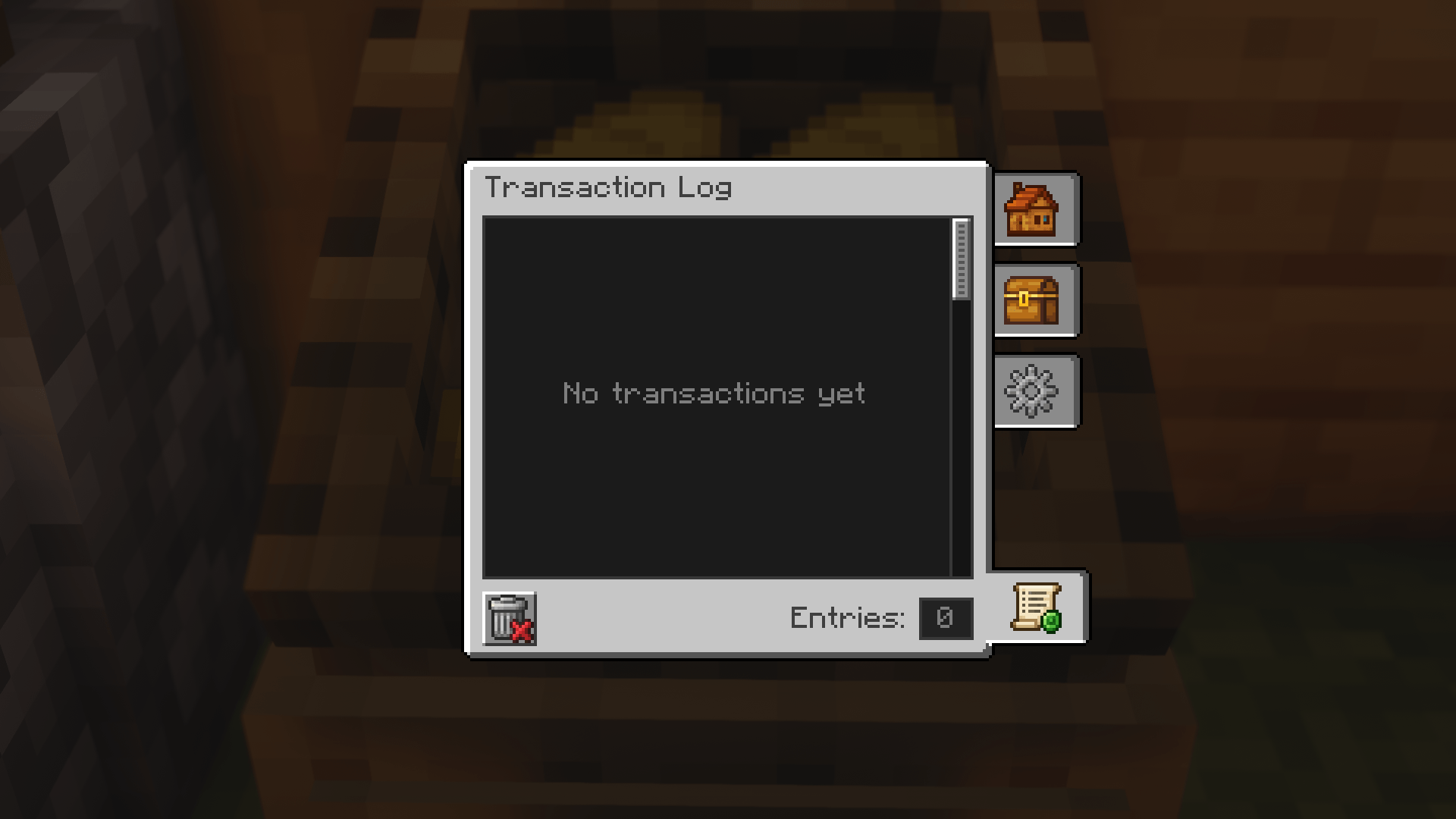 Shop Transaction History Log
 -
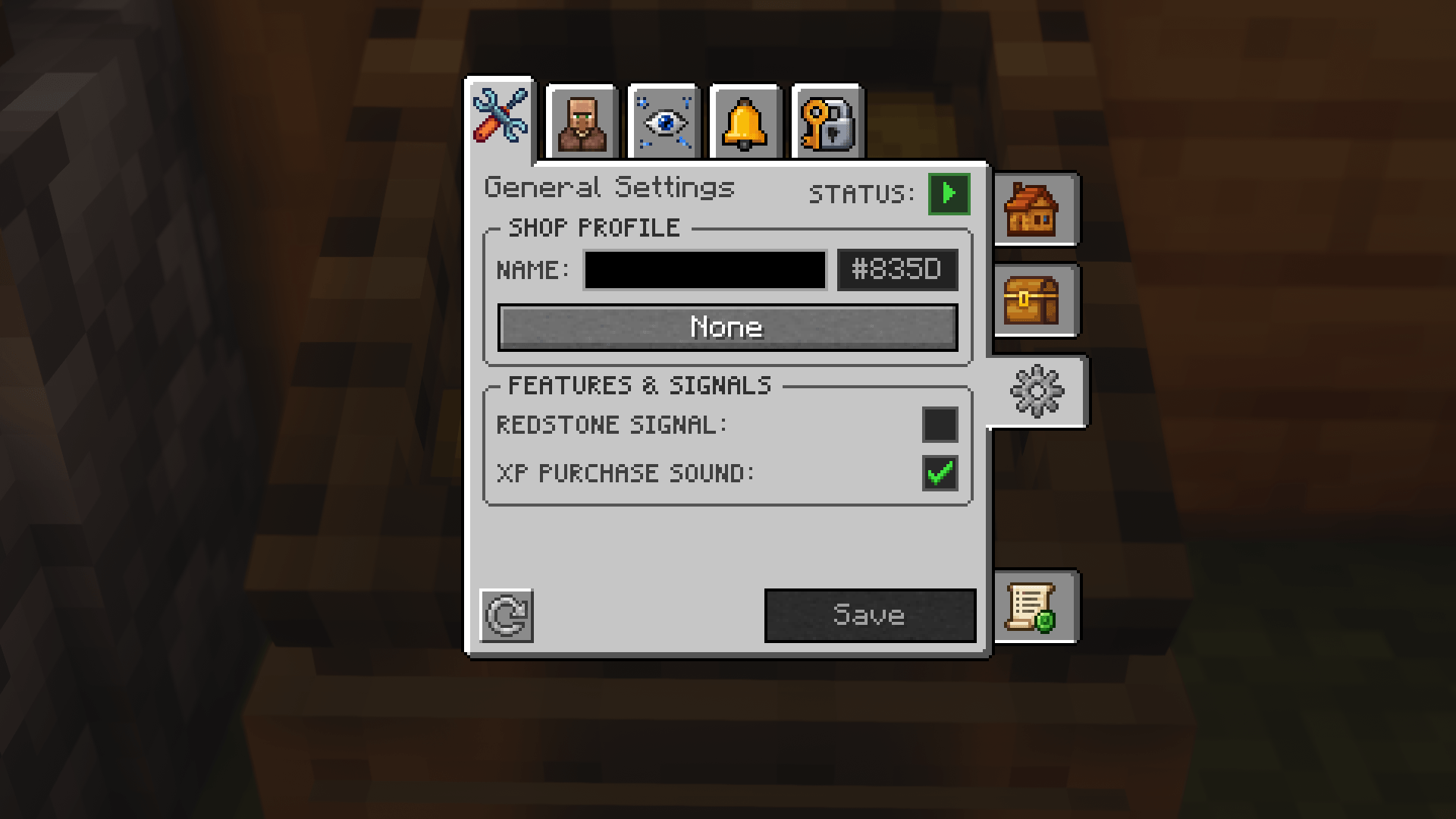 Shop Owner General Settings Tab
 -
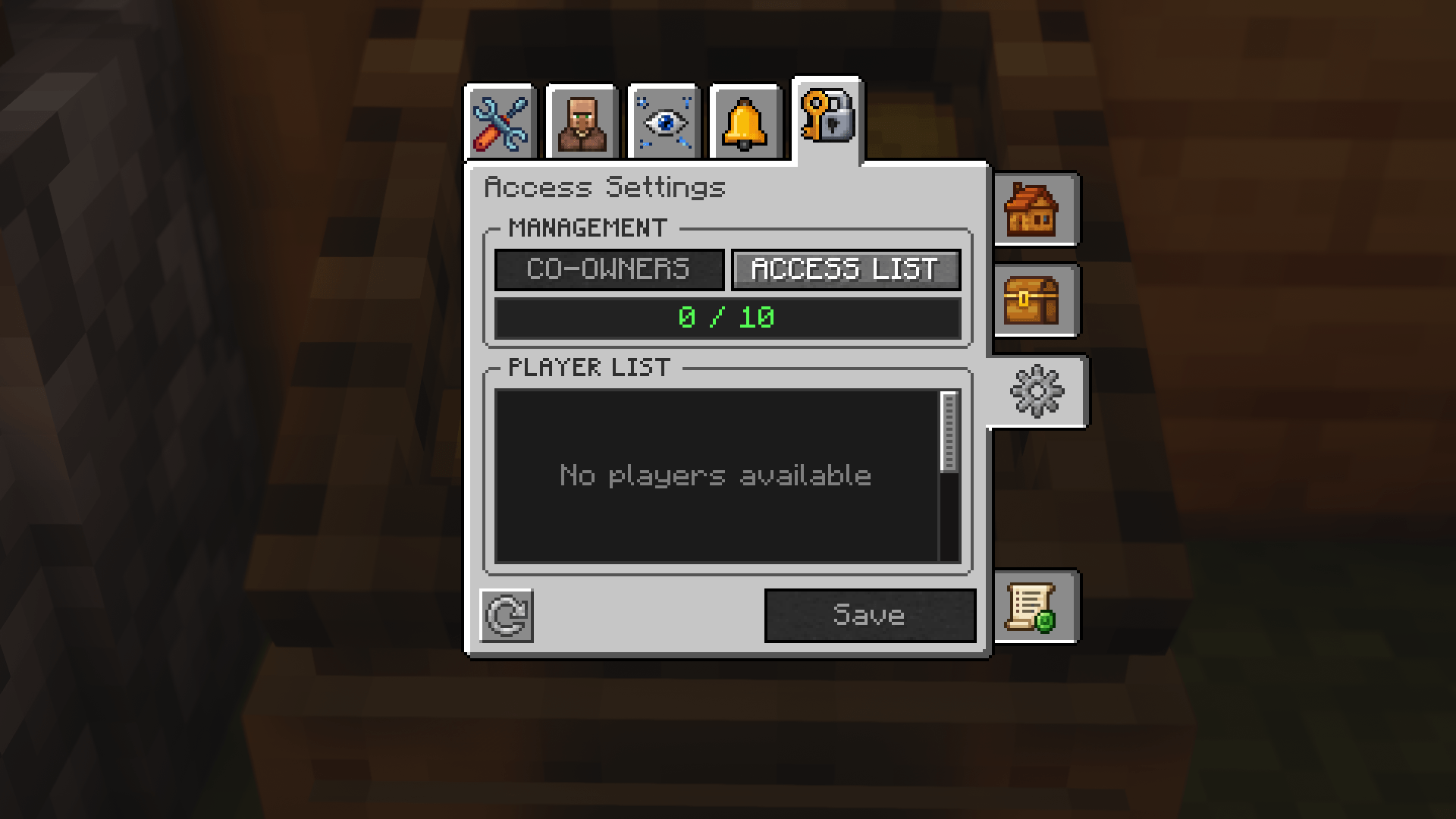 Shop Owner Access Tab
 -
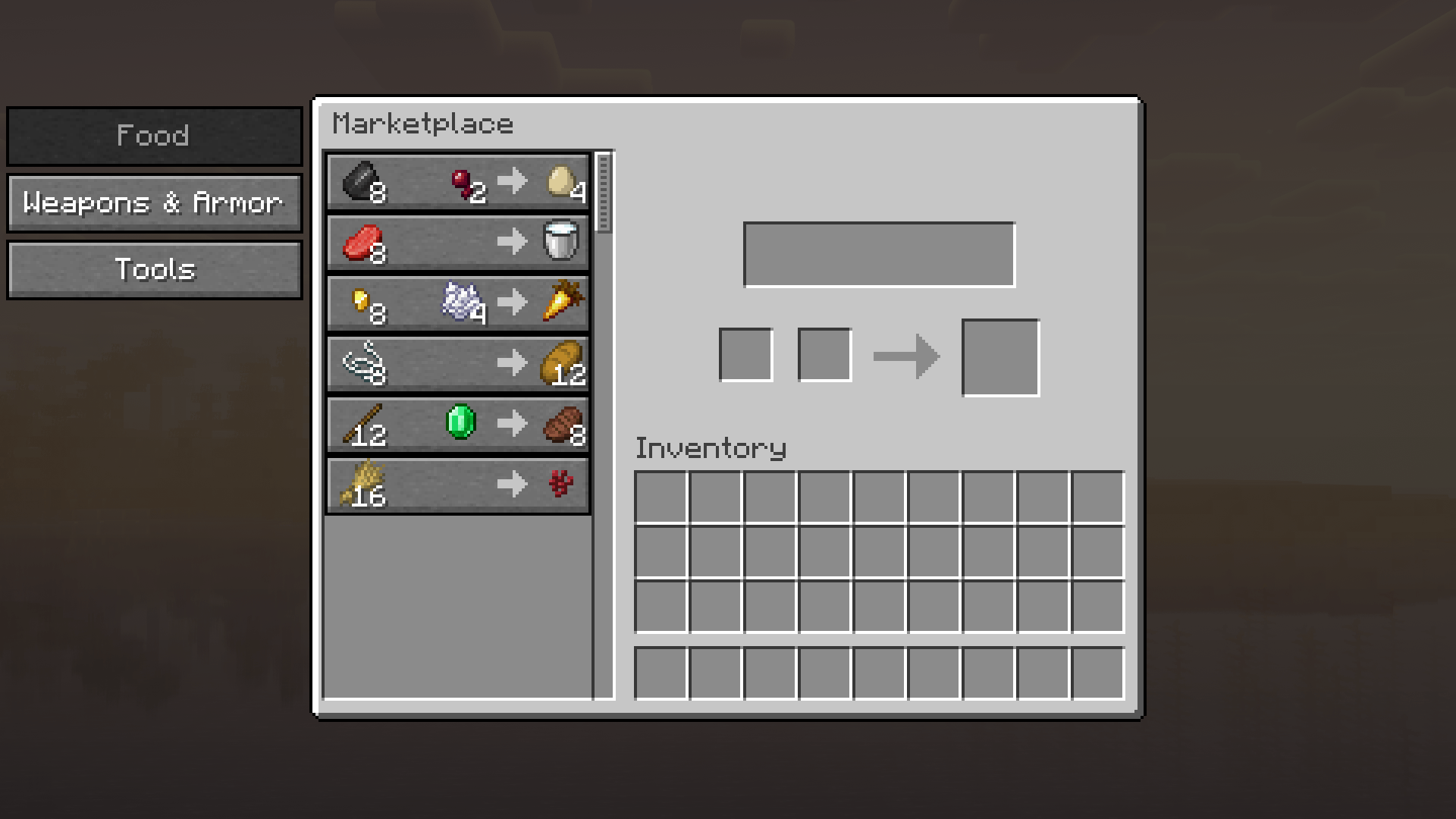 Central Server Marketplace Interface
 -
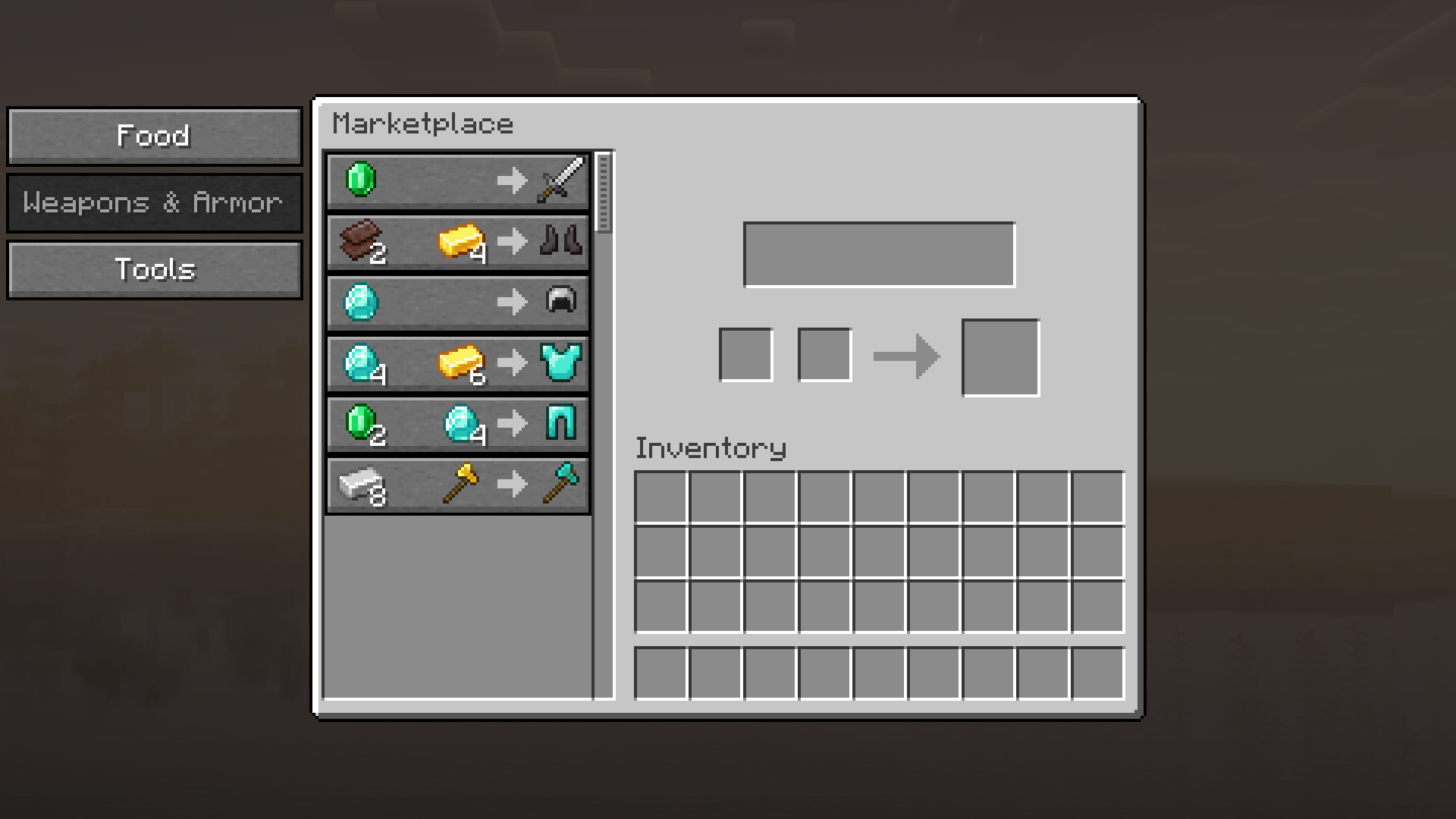 Marketplace Offer Details & Purchase
 -
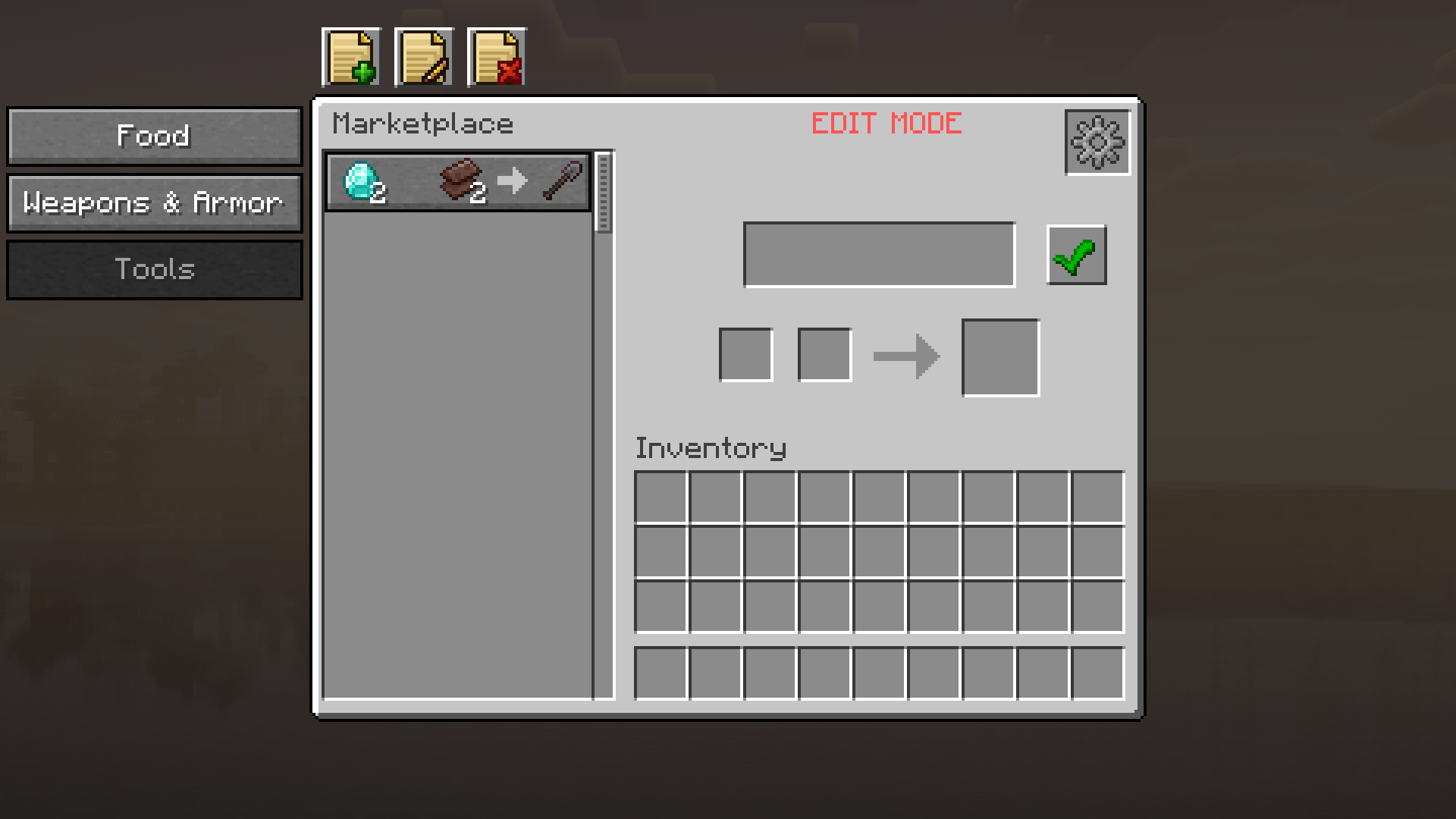 Marketplace Admin Live Editor
 -
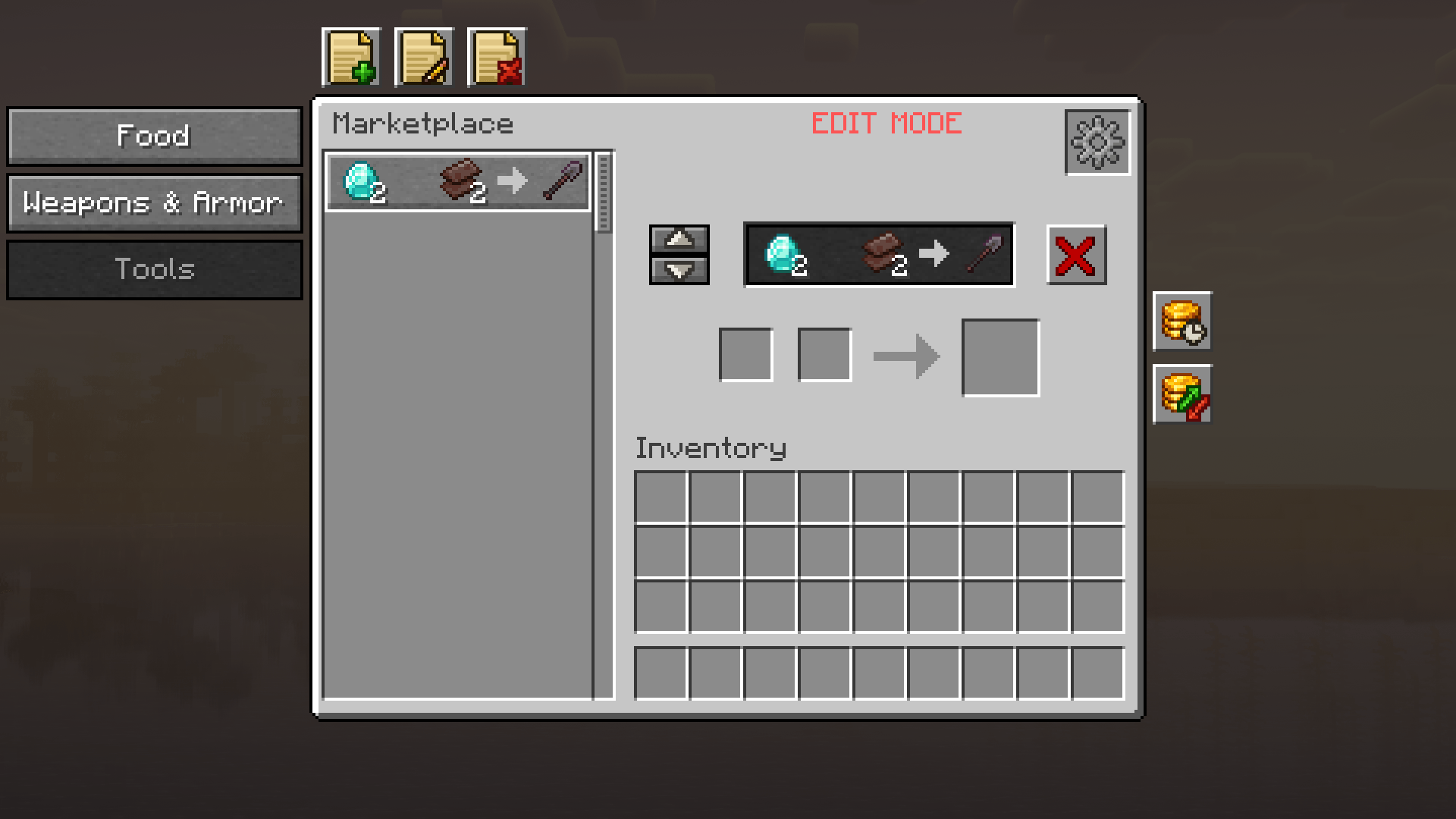 Marketplace Admin Offer Management
 -
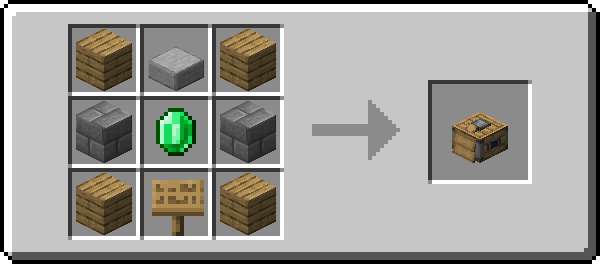 Trade Stand Crafting Recipe
 -
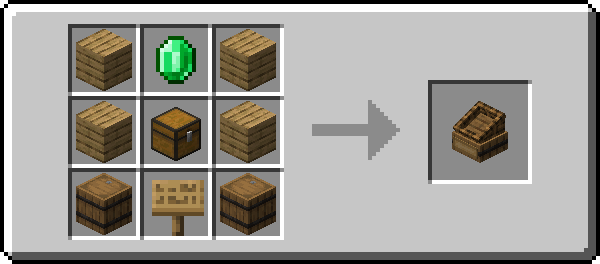 Market Crate Crafting Recipe
 -
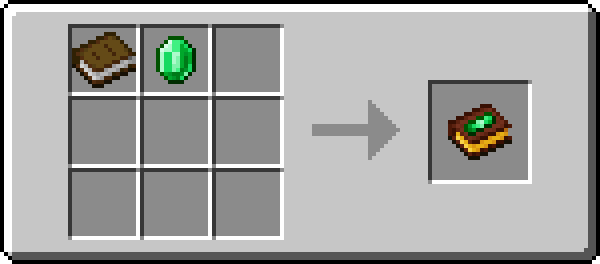 Trade Book Crafting Recipe
 -
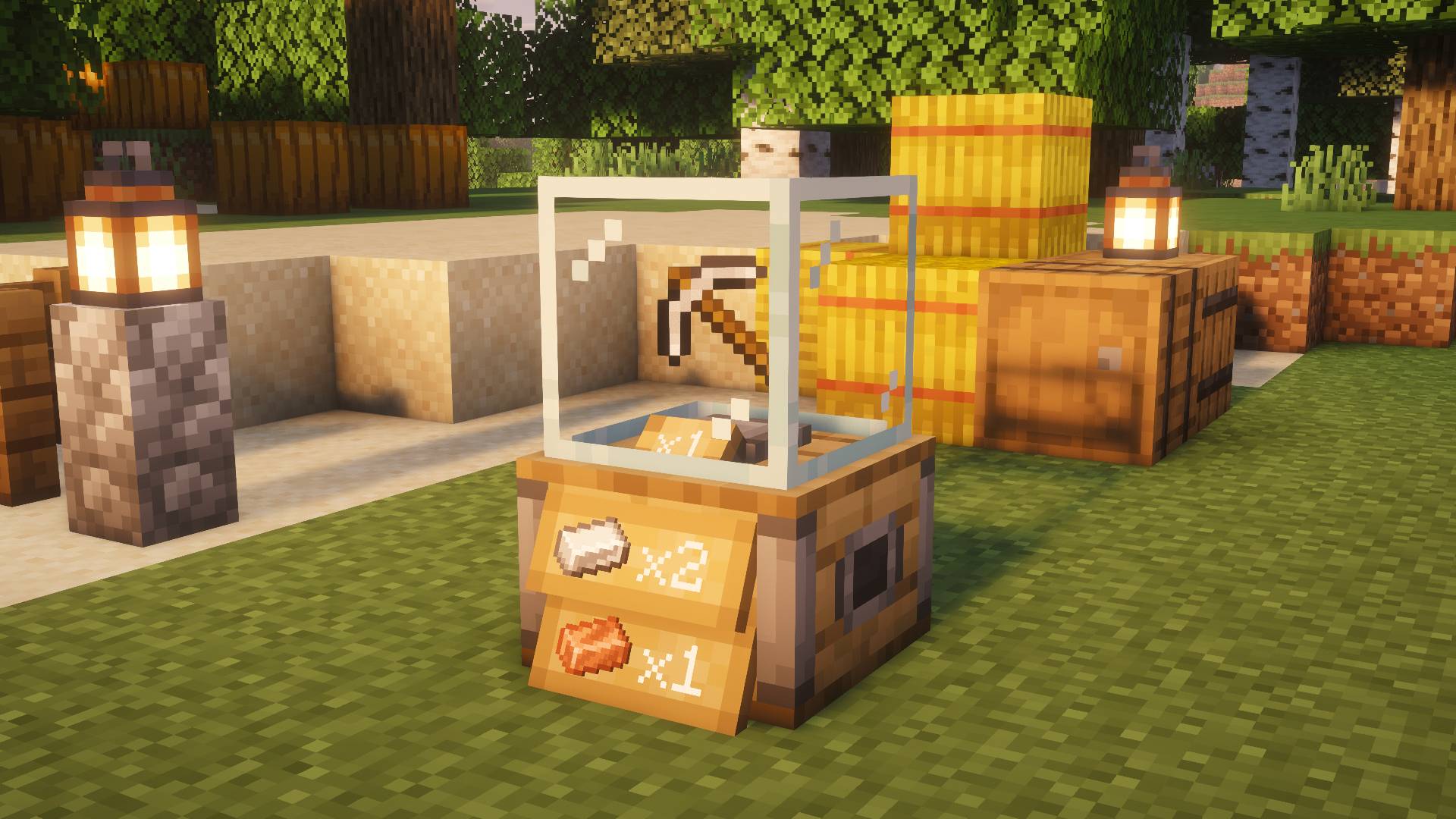 Trade Stand Counter Showcase
Versions
Files
Relations
Project Relations
More like this
Similar Mods
Suggestions use data such as tags, dependencies, dependents, descriptions, titles, and more to rank how much they overlap with this mod.
On ModDex
Community snapshot
By the numbers
Statistics
 (opens in a new tab)
Get it on
Available Platforms
On ModDex
Community snapshot
By the numbers