
Community listing page, reviews here may not be monitored by the author.
Material Boxes

No reviews yet
Client-side mod that helps gather and keep track of materials for builds
Community voices
Reviews
No reviews yet. Be the first to review this project!
Get it on
Available Platforms
About
Project Details
For authors
Embed Badge
If you're the author of this project, you can embed a live badge anywhere that supports HTML or Markdown. It updates automatically whenever ratings change.
Use HTML for any page that supports it, or Markdown for README files and Markdown-based descriptions.
Identifiers
Platform IDs
Resources
External Links
About
Description
Material Boxes documentation
Material Boxes is a client-side Fabric mod for Minecraft 26.2 that makes gathering materials for a build easier. You load your build's material list, mark storage containers as Material Boxes, and the mod shows you what's still missing: which slots to fill, how much is stored, and what you still need to collect.
It's client-only, so it works on servers that don't have it installed.
Quick start
- Press B (or type
/materials) to open the Materials List. - Paste your list into the import panel on the left ("64 stone", "3 stacks oak planks"…), or click Litematica to load a Litematica material list export. Then click Replace.
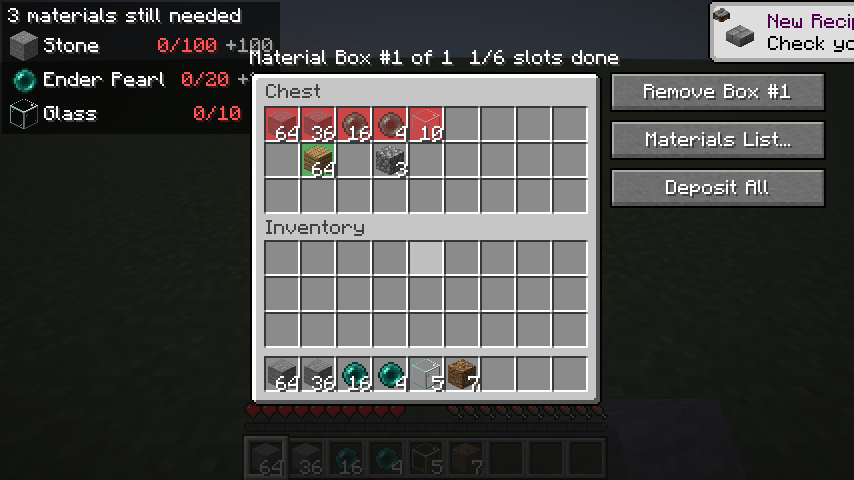
- Open a chest and click + Material Box. Red slots show what goes there.
- Fill the red slots. Shift-click items in from your inventory, or click Deposit All.
- Watch the missing materials HUD in the top-left corner while you gather. Press H to hide or show it.
Features
| Page | Covers |
|---|---|
| Importing a material list | Pasting text, Litematica exports, screenshots read by Claude, Replace vs Add, saved replacements |
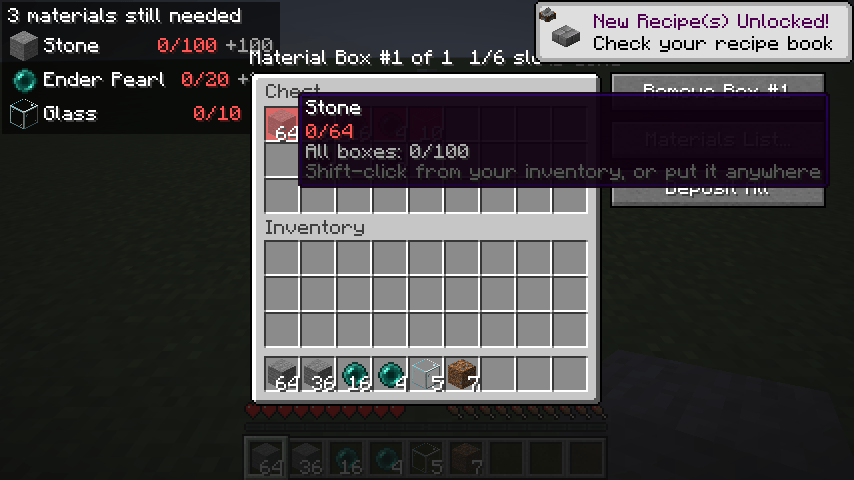
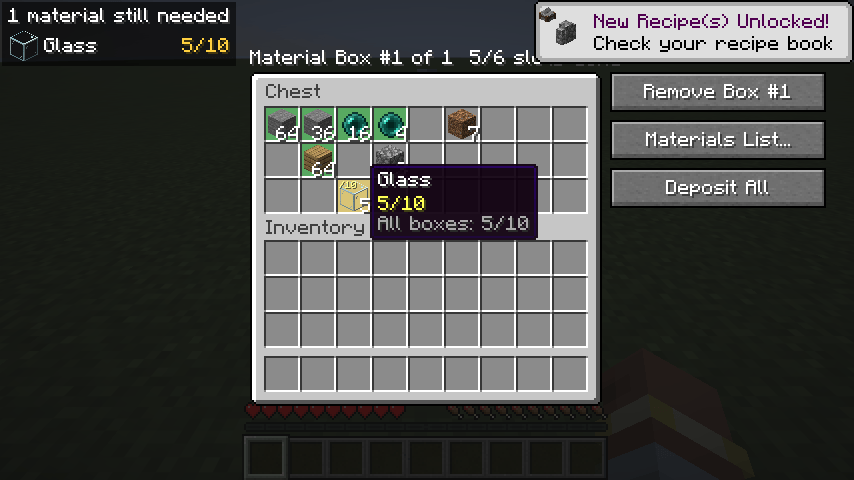
| Material Boxes | Marking containers, red/yellow/green slots, hover tooltips, shift-click and Deposit All, shulker contents, breaking and moving boxes, the Boxes screen |
| The Materials List screen | Progress, search and sort, replacing items, changing amounts, Copy, Clear, the import panel |
| Saved lists | Saving, loading, renaming and deleting lists, replacements, and each list's own Material Boxes |
| Missing materials HUD | The on-screen checklist |
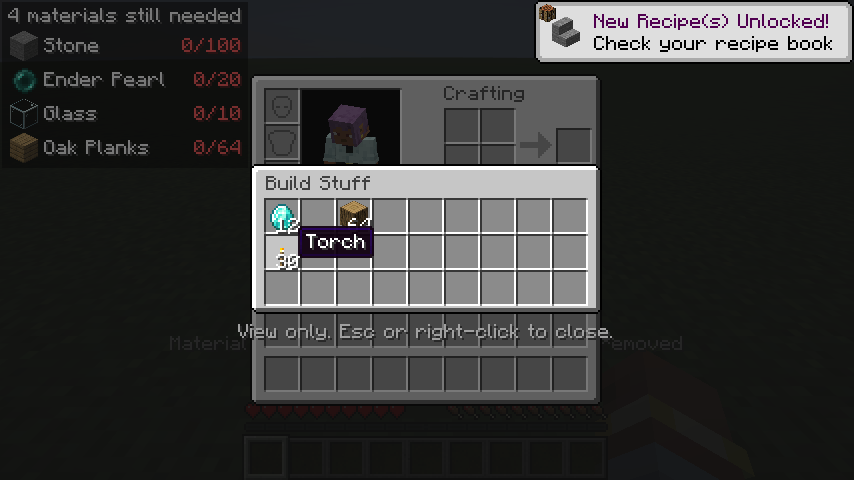
| Shulker box preview | Looking inside shulker boxes in your inventory |
| Settings, controls and files | Key bindings, commands, the settings screen, where data is saved |
| Compatibility and limitations | Requirements, tested mods, known limitations, troubleshooting |
Screenshots
Gallery
-
 1-new-box-with-existing-items.png 1-new-box-with-existing-items.png
 -
 1b-hover-missing-stone.png 1b-hover-missing-stone.png
 -
 3-glass-moved-by-hand.png 3-glass-moved-by-hand.png
 -
 6-shulker-preview.png 6-shulker-preview.png
 -
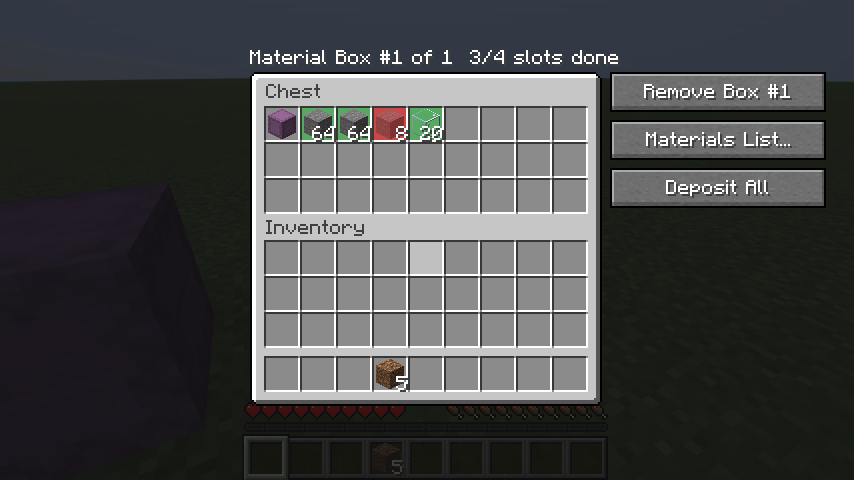 15-deposit-all.png 15-deposit-all.png
 -
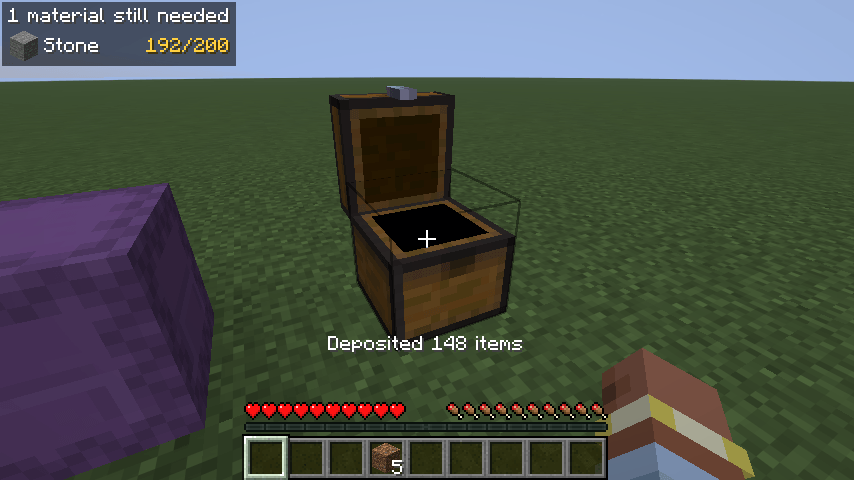 16-missing-materials-hud.png 16-missing-materials-hud.png
 -
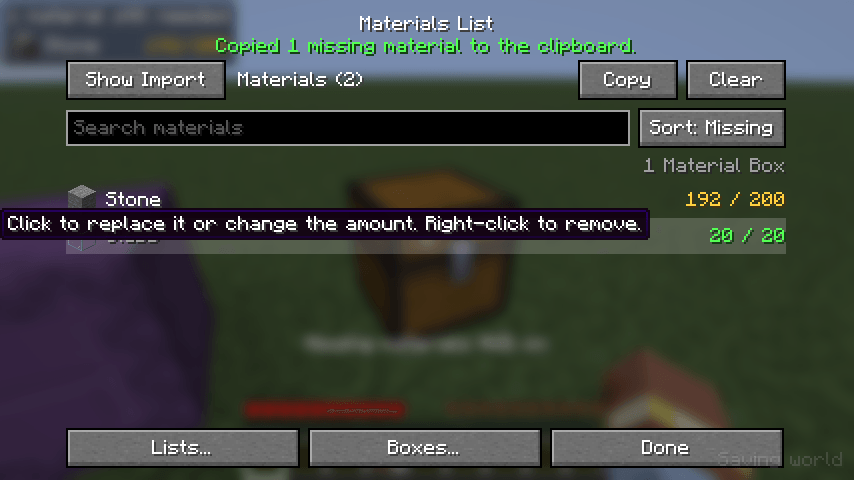 17-sorted-by-missing.png 17-sorted-by-missing.png
Versions
Files
Relations
Project Relations
More like this
Similar Mods
Suggestions use data such as tags, dependencies, dependents, descriptions, titles, and more to rank how much they overlap with this mod.
On ModDex
Community snapshot
By the numbers
Statistics
Want to reach Minecraft players?
We're looking for a server hosting partner to feature here and other parts of the site. Interested? Send us a message!
Get in touchGet it on
Available Platforms
On ModDex
Community snapshot
By the numbers
Statistics
Resources