
Community listing page, reviews here may not be monitored by the author.


Community voices
Reviews
No reviews yet. Be the first to review this project!
Get it on
Available Platforms
Compatibility
Supported Environments
Runs entirely on the client. Works on vanilla servers.
About
Project Details
For authors
Embed Badge
If you're the author of this project, you can embed a live badge anywhere that supports HTML or Markdown. It updates automatically whenever ratings change.
Use HTML for any page that supports it, or Markdown for README files and Markdown-based descriptions.
Identifiers
Platform IDs
About
Description
MCglTF is a 3D model loader library which load glTF format file and prepare the required techniques to render the model for Minecraft Modding enviroment.
Various features from glTF spec are available, but still remain a good compatibility and performance.
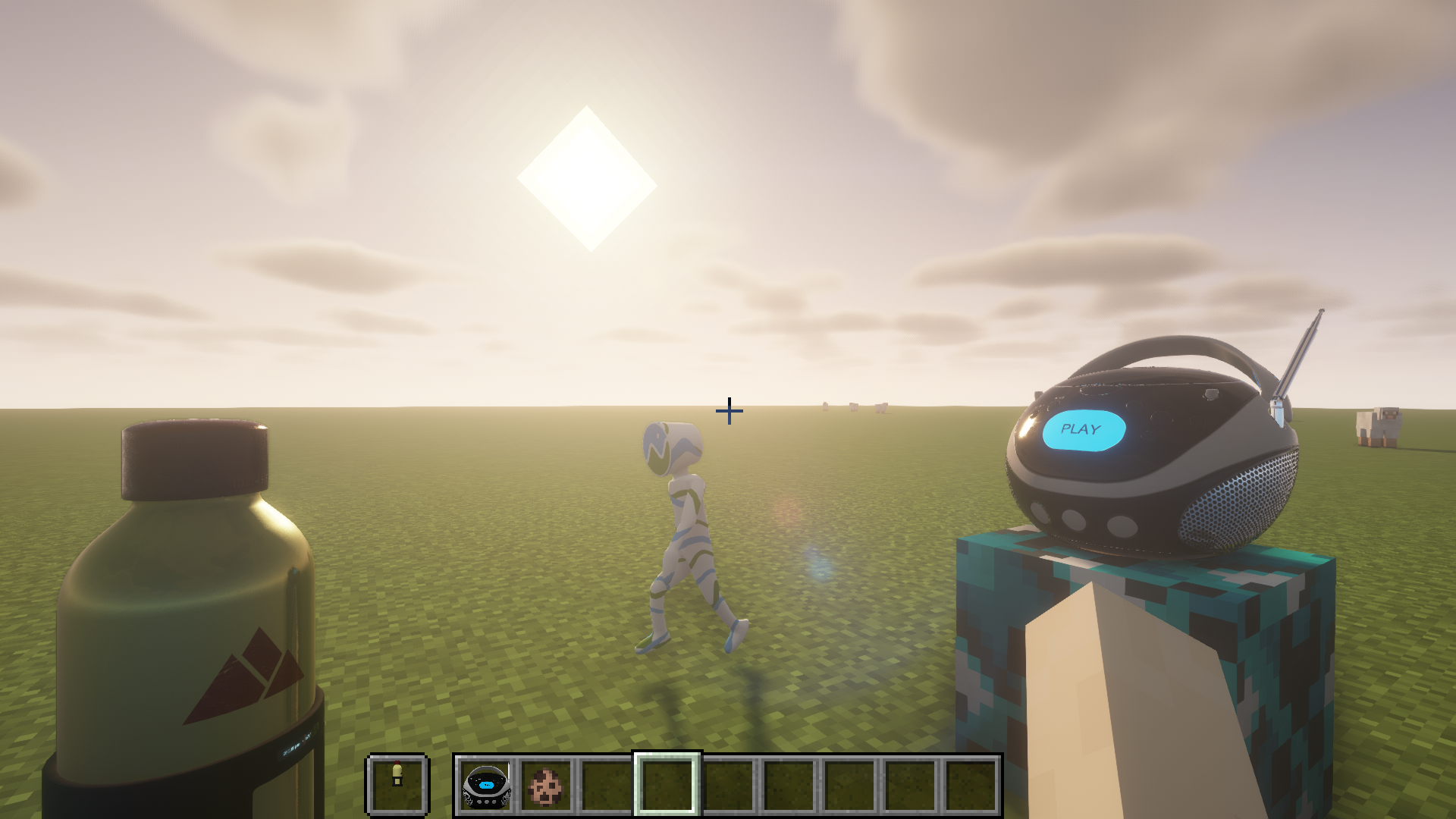
What is glTF?
The following image gives an overview of glTF:
 From github.com/javagl/gltfOverview/
Japanese translation by Takuto Takahashi
More detail github.com/KhronosGroup/glTF/
Usages
The example codes for rendering Block, Item, and Entity
Features
- ✅ GLTF format (Embedded resources or via ResourceLocation)
- ✅ GLB format
- ✅ UVs
- ✅ Normals
- ✅ Tangents
- ✅ Vertex colors
- ✅ Materials (Require OptiFine or Iris Shaders and supported ShaderPack for PBR and Normal map)
- ✅ Textures
- ❎ Mutiple texture coordinates (For compatibility reason with Vanilla)
- ✅ Rig
- ✅ Animations (multiple)
- ✅ Morph targets
- ✅ Zero-scale node culling (https://github.com/KhronosGroup/glTF/pull/2059)
Frequently Asked Question
Q. Why my texture for my model does not show up?
A. You need to defined material inside "extras" of "materials" to link your texture. For more details please visit wiki page.
Q. Why two animations cannot control translation/rotation/scale/weight in same node at the same time and cause one of the animation not playing?
A. There is no animation blending technique defined in glTF specification, so the animations created by GltfAnimationCreator does not support animation blending too. You need to create your own animation processor based on your scenario.
Q. How to apply my custom processing to the model like custom material(e.g. apply player skin) or create special OpenGL commands for specified node?
A. For more advanced way to generate OpenGL commands for glTF model, you can override and return false to isReceiveSharedModel(GltfModel, GltfRenderDatas) in your IGltfModelReceiver. This allow you to create your custom RenderedGltfModel based on supplied GltfModel. (Beware to add your OpenGL objects like VBO, VAO, Texture, etc to GltfRenderDatas for deletion during refresh resource.)
Credit
- JglTF by javagl: https://github.com/javagl/JglTF
- Mikk Tangent Generator by jMonkeyEngine: https://github.com/jMonkeyEngine/jmonkeyengine
MCglTF is a 3D model loader library which load glTF format file and prepare the required techniques to render the model for Minecraft Modding enviroment.
Various features from glTF spec are available, but still remain a good compatibility and performance.
Usages
The example codes for rendering Block, Item, and Entity
Features
- ✅ GLTF format (Embedded resources or via ResourceLocation)
- ✅ GLB format
- ✅ UVs
- ✅ Normals
- ✅ Tangents
- ✅ Vertex colors
- ✅ Materials (Require OptiFine or Iris Shaders and supported ShaderPack for PBR and Normal map)
- ✅ Textures
- ❎ Mutiple texture coordinates (For compatibility reason with Vanilla)
- ✅ Rig
- ✅ Animations (multiple)
- ✅ Morph targets
- ✅ Zero-scale node culling (https://github.com/KhronosGroup/glTF/pull/2059)
Frequently Asked Question
Q. Why my texture for my model does not show up?
A. You need to defined material inside "extras" of "materials" to link your texture. For more details please visit wiki page.
Q. Why two animations cannot control translation/rotation/scale/weight in same node at the same time and cause one of the animation not playing?
A. There is no animation blending technique defined in glTF specification, so the animations created by GltfAnimationCreator does not support animation blending too. You need to create your own animation processor based on your scenario.
Q. How to apply my custom processing to the model like custom material(e.g. apply player skin) or create special OpenGL commands for specified node?
A. For more advanced way to generate OpenGL commands for glTF model, you can override and return false to isReceiveSharedModel(GltfModel, GltfRenderDatas) in your IGltfModelReceiver. This allow you to create your custom RenderedGltfModel based on supplied GltfModel. (Beware to add your OpenGL objects like VBO, VAO, Texture, etc to GltfRenderDatas for deletion during refresh resource.)
Credit
- JglTF by javagl: https://github.com/javagl/JglTF
- Mikk Tangent Generator by jMonkeyEngine: https://github.com/jMonkeyEngine/jmonkeyengine
Screenshots
Gallery
-
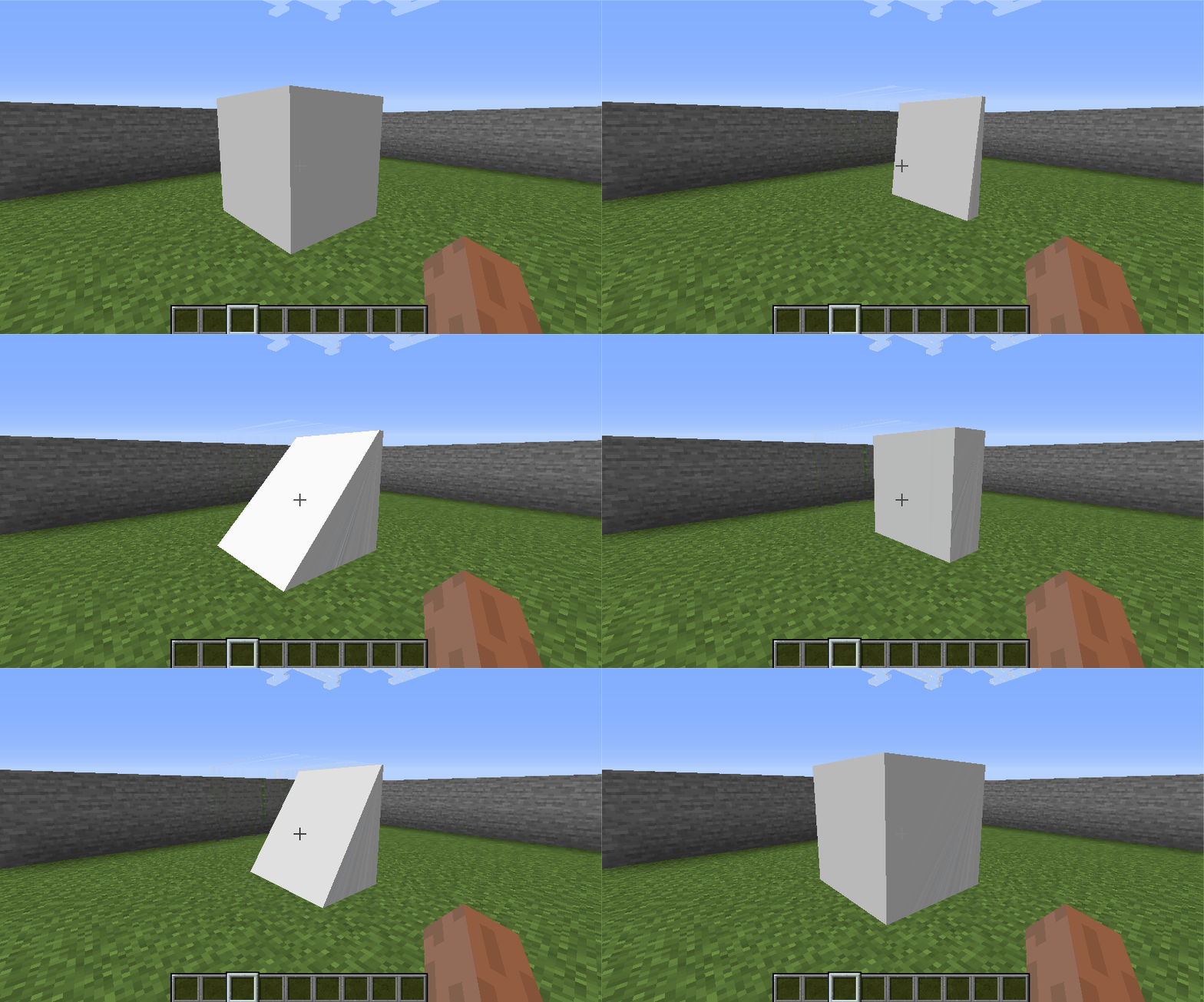 Morph Targets (Click thumb to view gif) Test from github.com/KhronosGroup/glTF-Sample-Models/tree/master/2.0/AnimatedMorphCube
 -
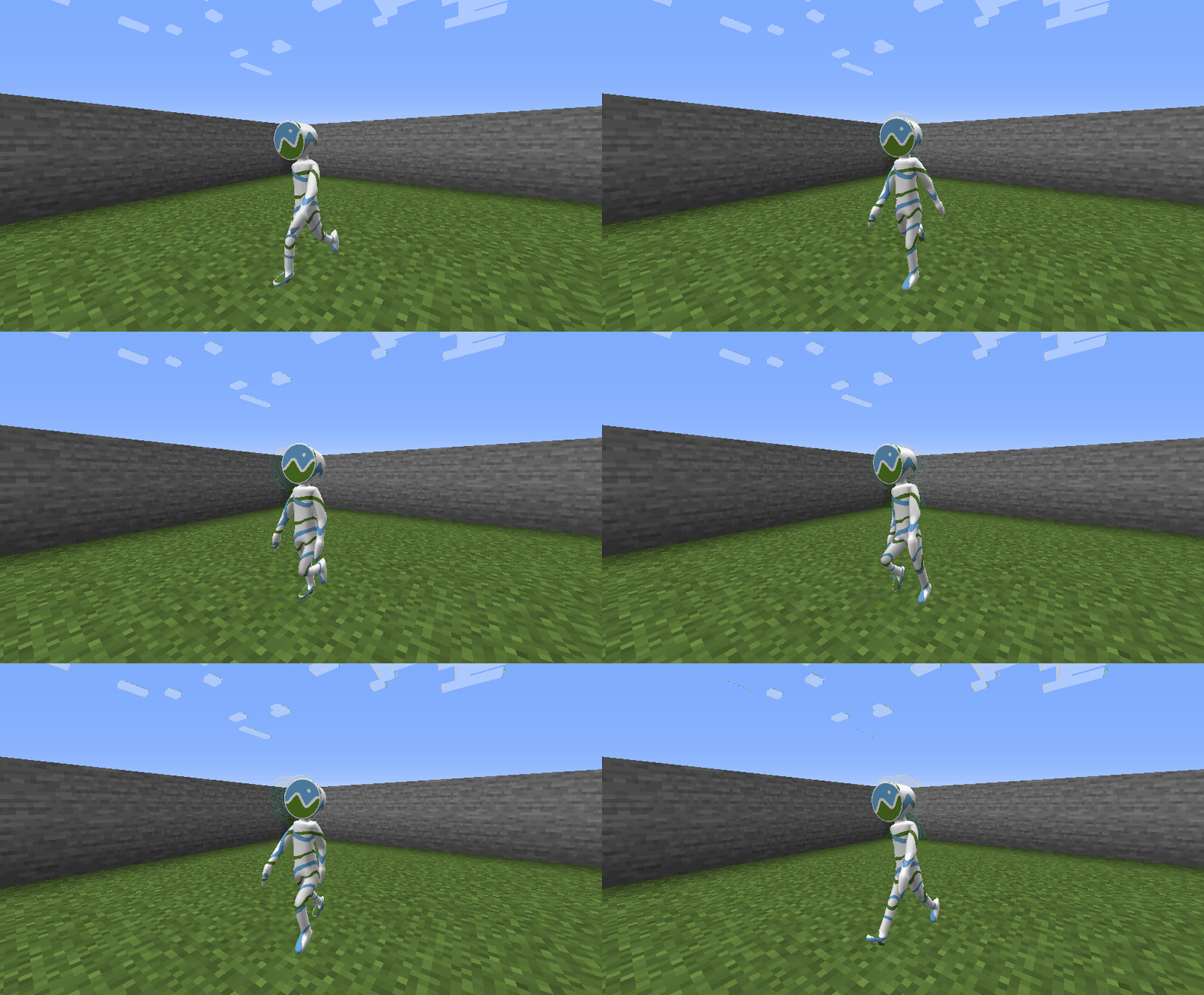 Vertex Skinning (Click thumb to view gif) Test from github.com/KhronosGroup/glTF-Sample-Models/tree/master/2.0/CesiumMan
 -
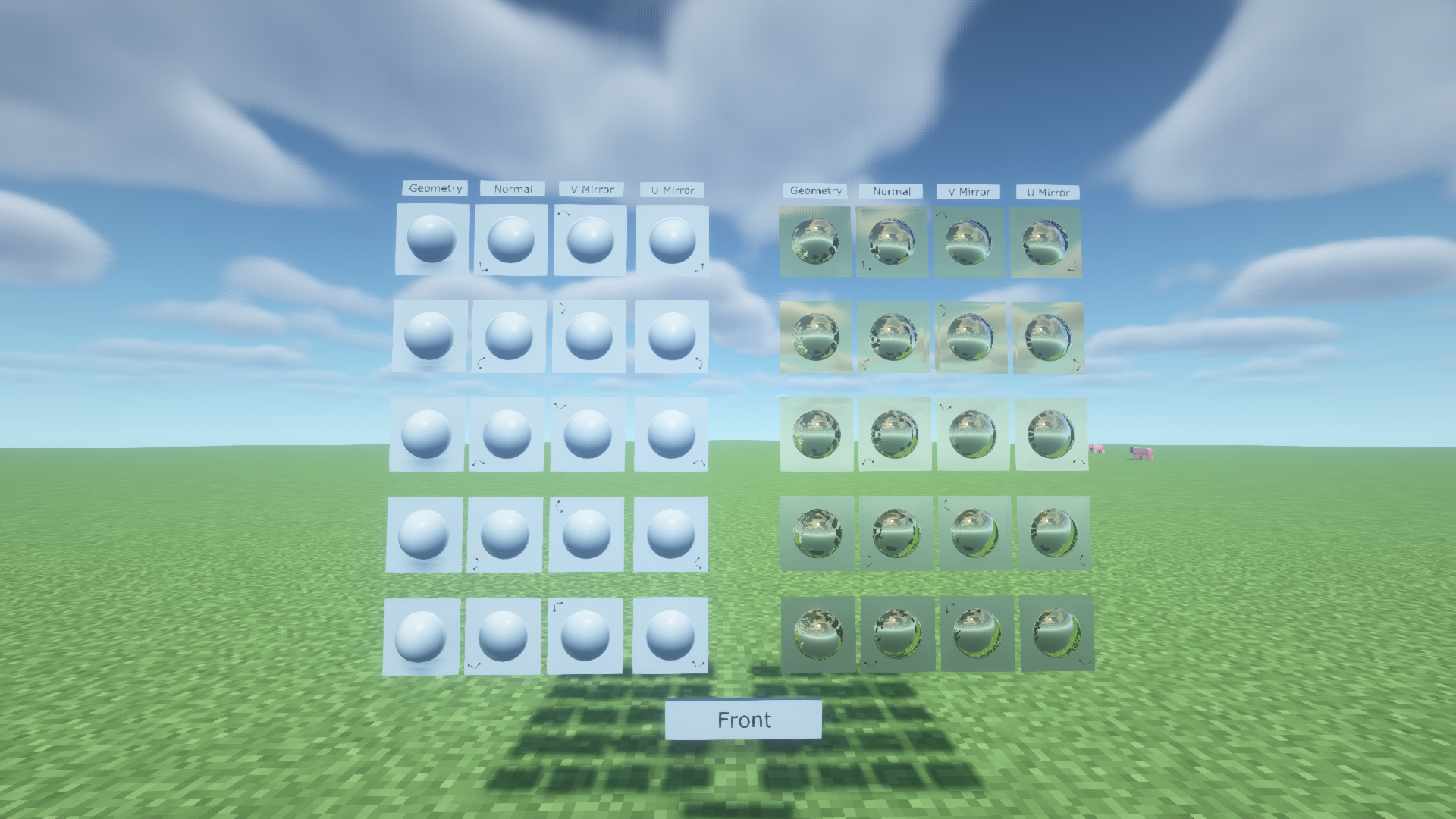 Tangents from MeshPrimitives' Attribute Test from github.com/KhronosGroup/glTF-Sample-Models/tree/master/2.0/NormalTangentMirrorTest with BSL Shaders
 -
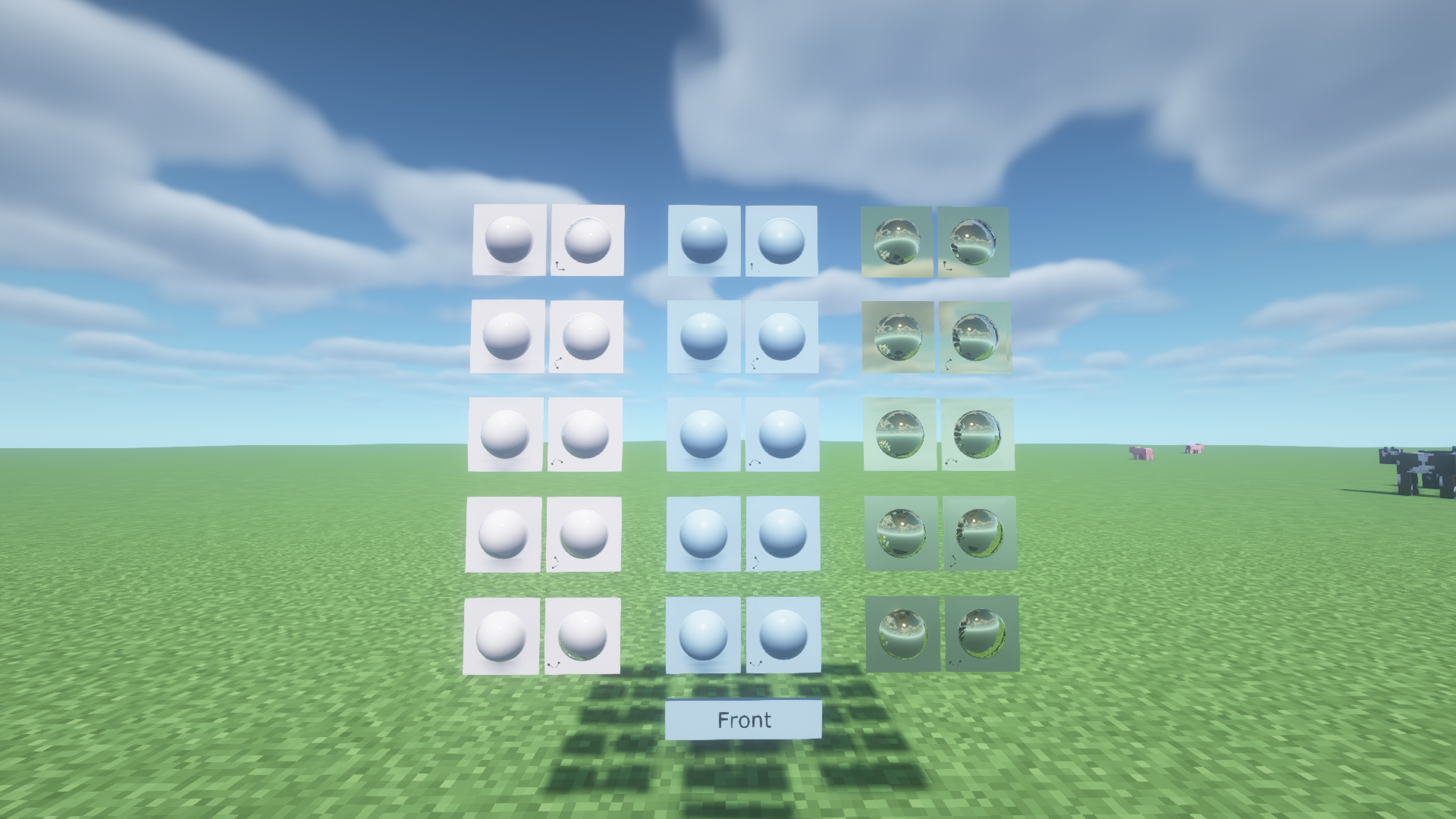 Tangents generated from Mikk Tangent Space Generator Test from github.com/KhronosGroup/glTF-Sample-Models/tree/master/2.0/NormalTangentTest with BSL Shaders
 -
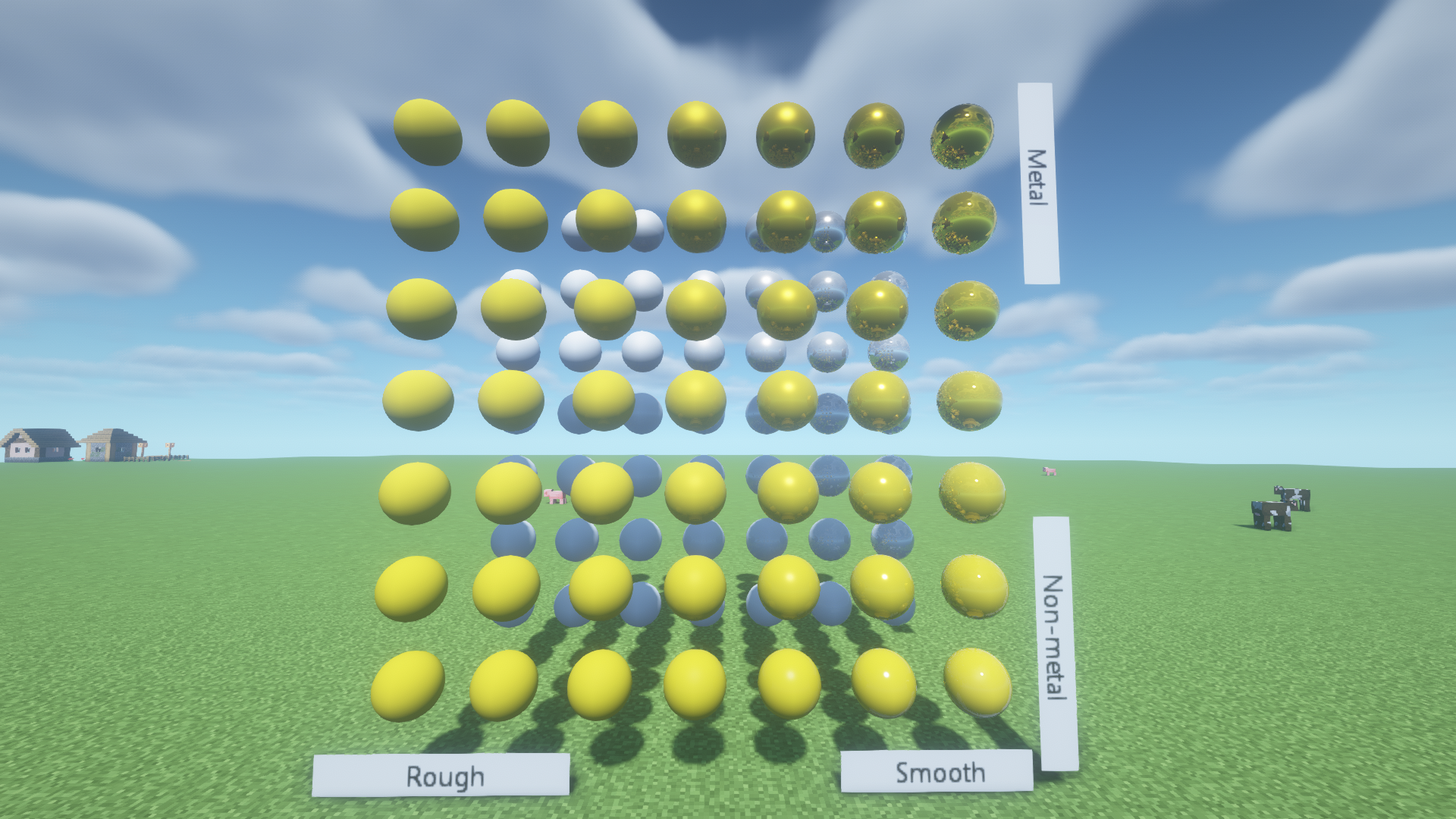 PBR Materials Test from github.com/KhronosGroup/glTF-Sample-Models/tree/master/2.0/MetalRoughSpheres with BSL Shaders
 -
Work with BSL Shaders This is ingame screenshot with example usage: github.com/ModularMods/MCglTF-Example
-
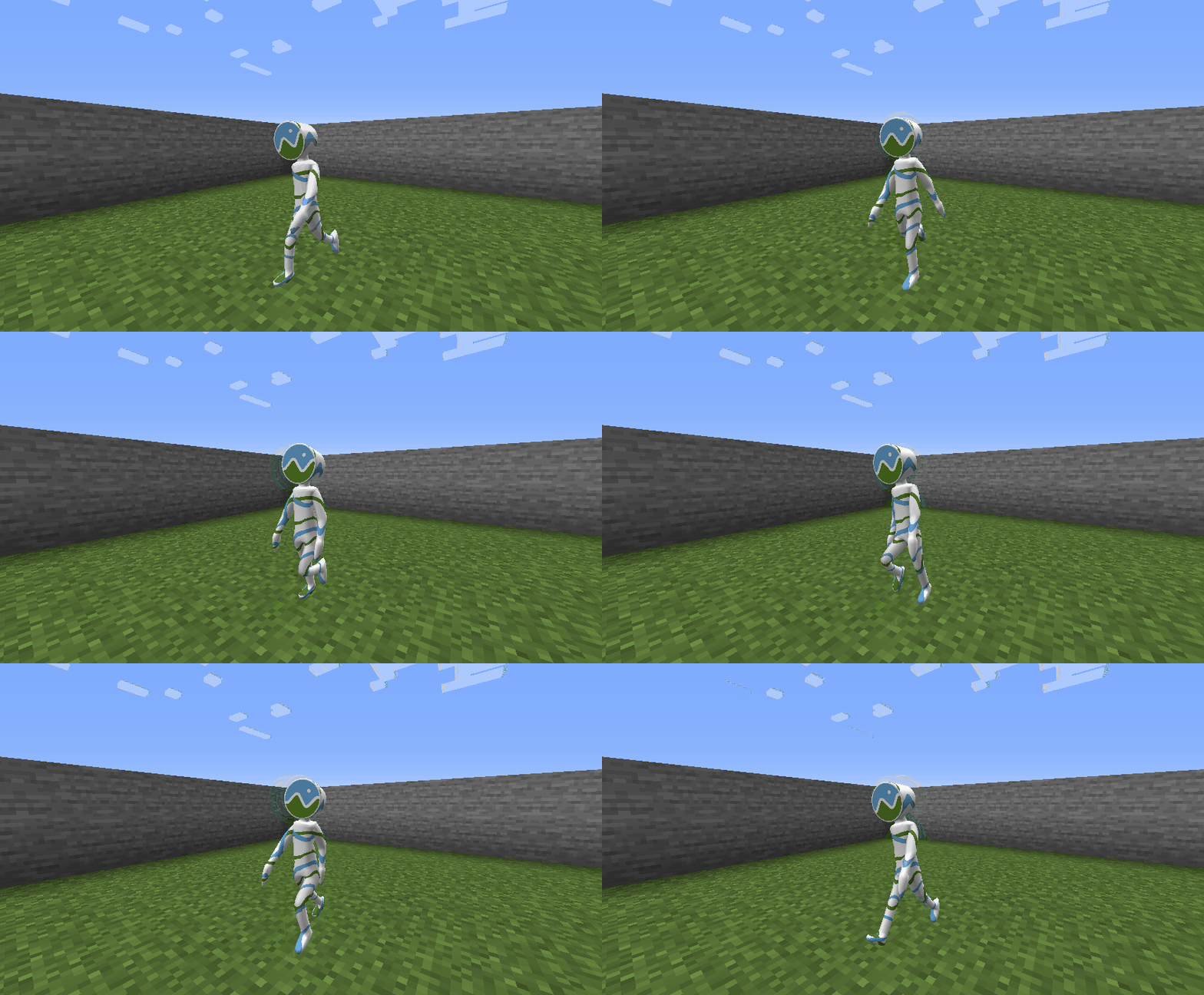 Skinning
 -
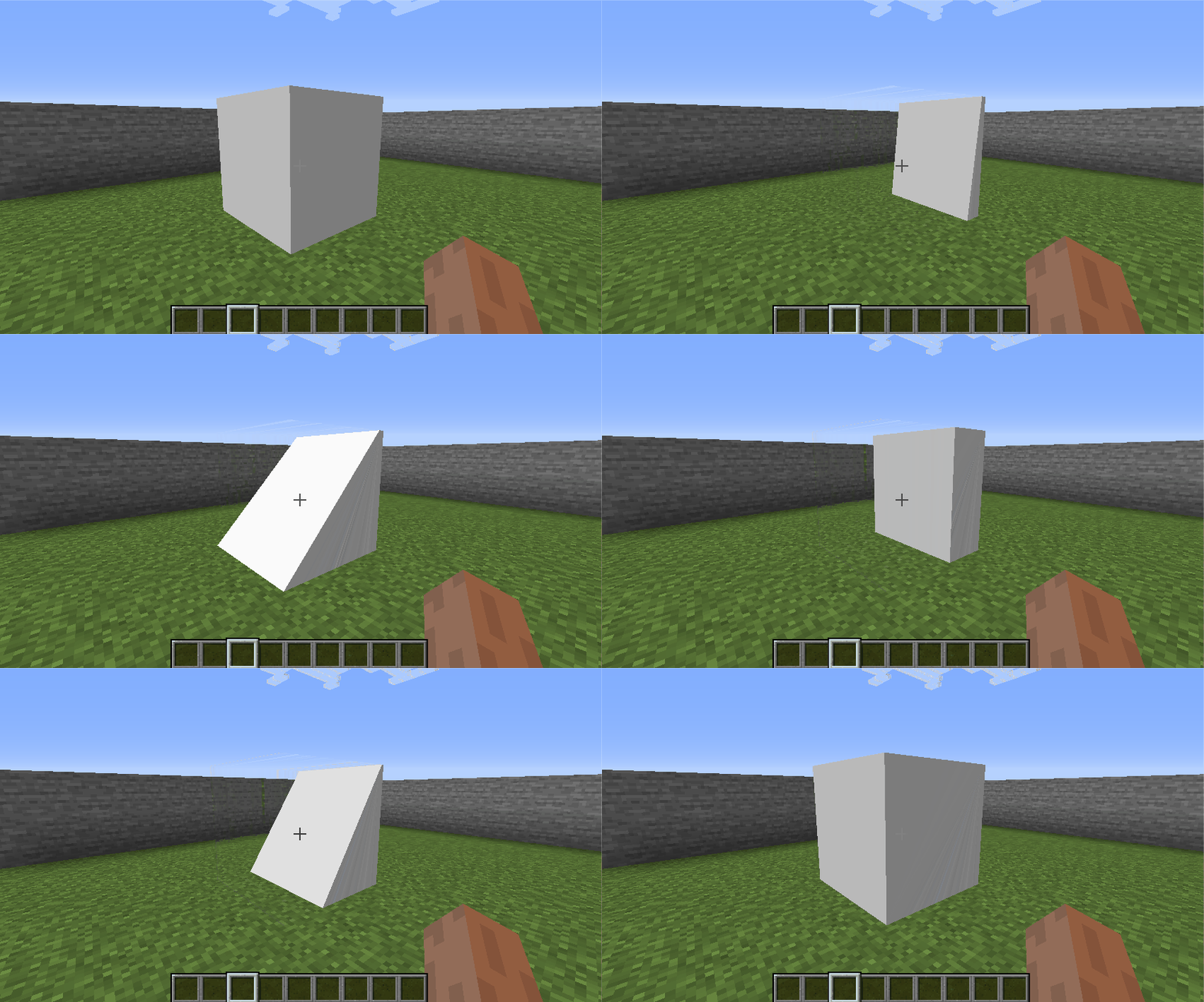 Morph target
 -
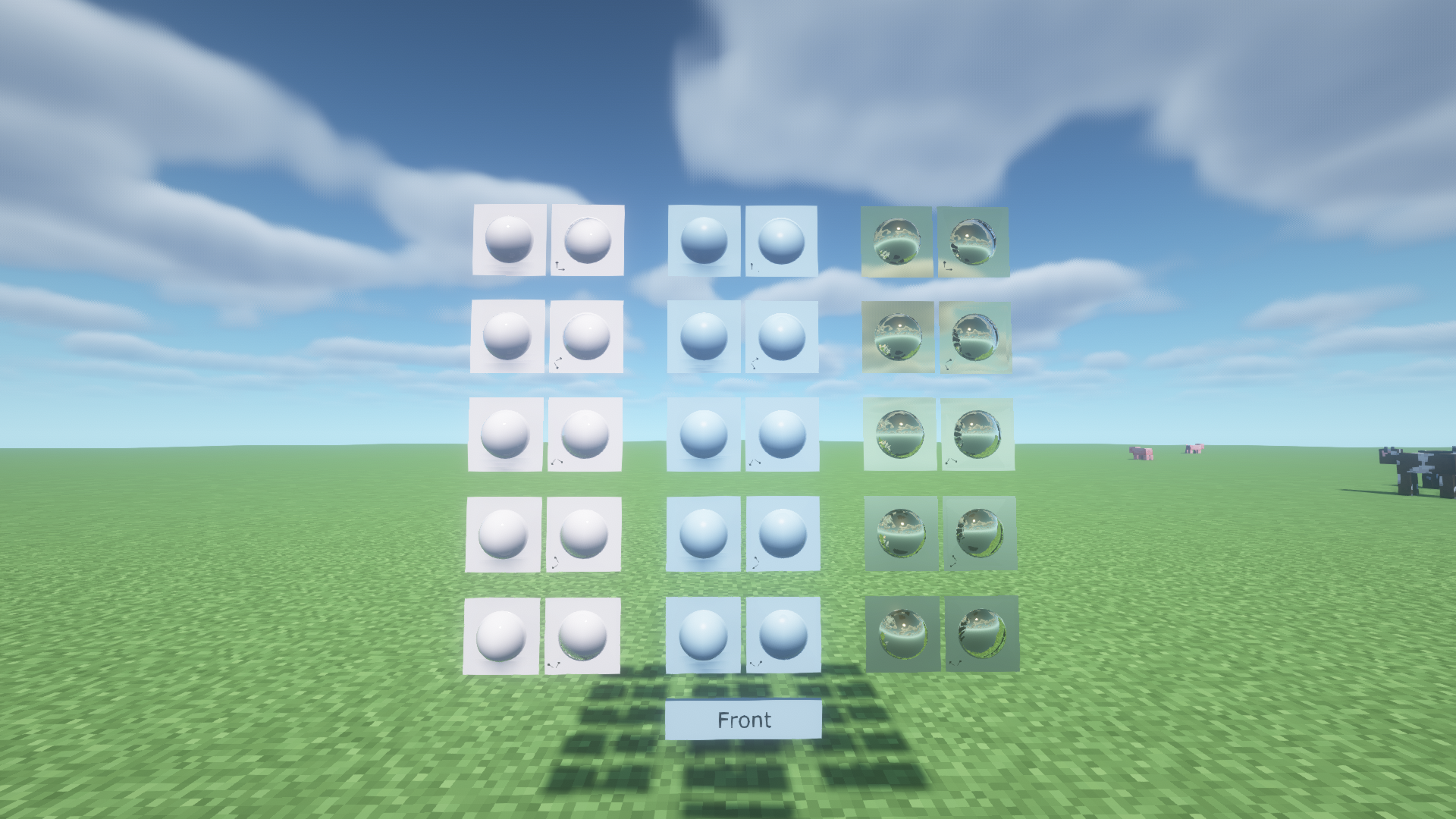 Shaders
Versions
Files
Relations
Project Relations
More like this
Similar Mods
Suggestions use data such as tags, dependencies, dependents, descriptions, titles, and more to rank how much they overlap with this mod.
On ModDex
Community snapshot
By the numbers
Statistics
Want to reach Minecraft players?
We're looking for a server hosting partner to feature here and other parts of the site. Interested? Send us a message!
Get in touchGet it on
Available Platforms
On ModDex
Community snapshot
By the numbers