
Community listing page, reviews here may not be monitored by the author.
MetaSuits

No reviews yet
Equip custom 3D Blockbench models and 2D armor cosmetics with live GUI selection, client-side fallback, and vanilla armor hiding.
Community voices
Reviews
No reviews yet. Be the first to review this project!
Get it on
Available Platforms
Compatibility
Supported Environments
Must be installed on both the client and the server.
About
Project Details
For authors
Embed Badge
If you're the author of this project, you can embed a live badge anywhere that supports HTML or Markdown. It updates automatically whenever ratings change.
Use HTML for any page that supports it, or Markdown for README files and Markdown-based descriptions.
Identifiers
Platform IDs
Resources
External Links
About
Description
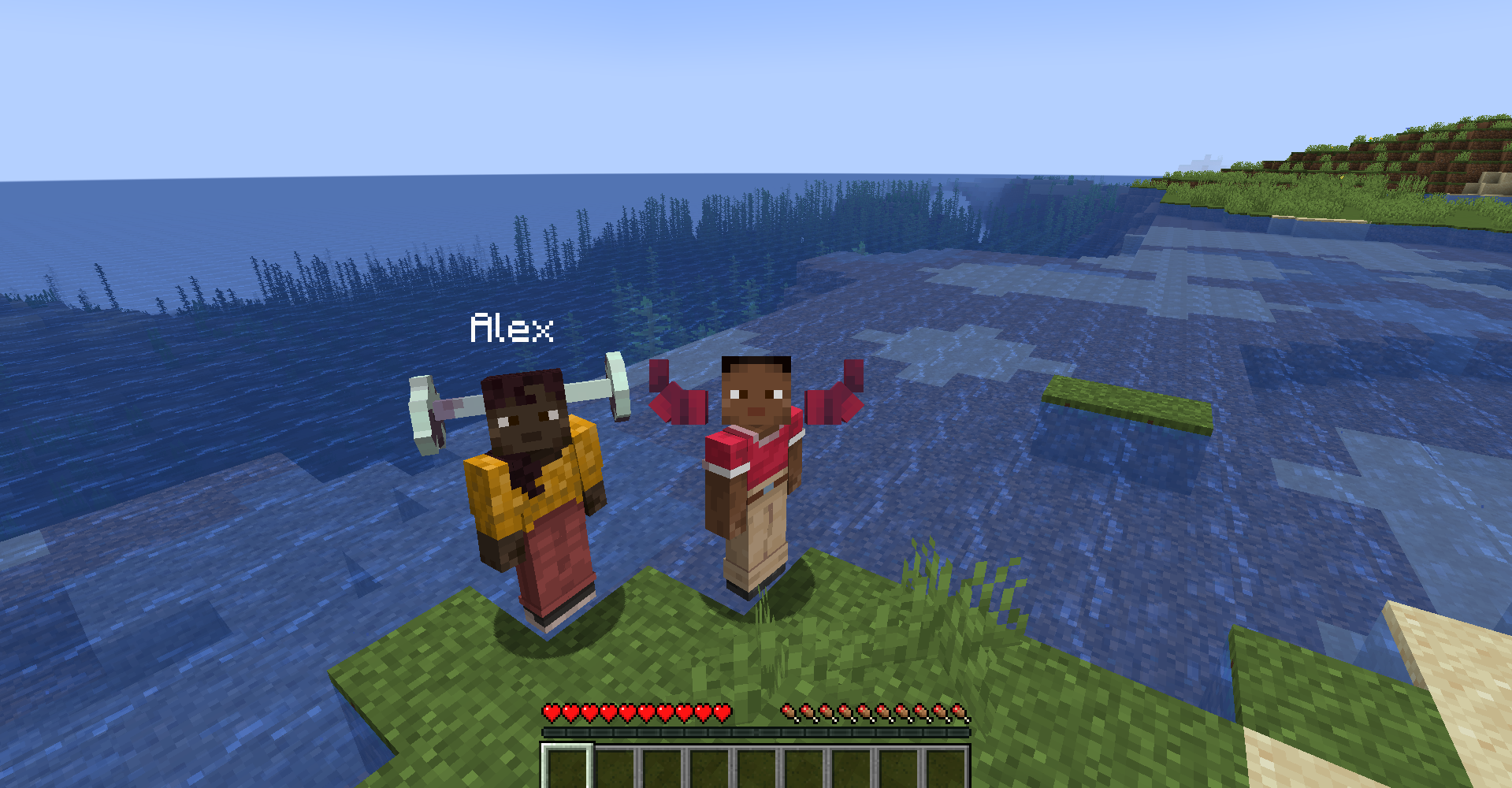
👕 MetaSuits - Custom 3D & 2D Armor Cosmetics
❗ MULTIPLAYER WORKS ONLY ON SERVER, NOT LAN SINGLEPLAYER ❗
MetaSuits is a modern, lightweight NeoForge mod (Minecraft 1.21.1) that allows players to easily equip custom 3D Blockbench models (.json) and 2D armor textures (.png) without needing OptiFine, CIT, or complex resource pack setups.
✨ Features
- 🧊 3D Blockbench Models (
.json/.model.json): Drop your 3D Blockbench models directly into themetasuits/folder and wear 3D hats, helmets, armor, or accessories with 1:1 precision! - 👕 Composite Suits (
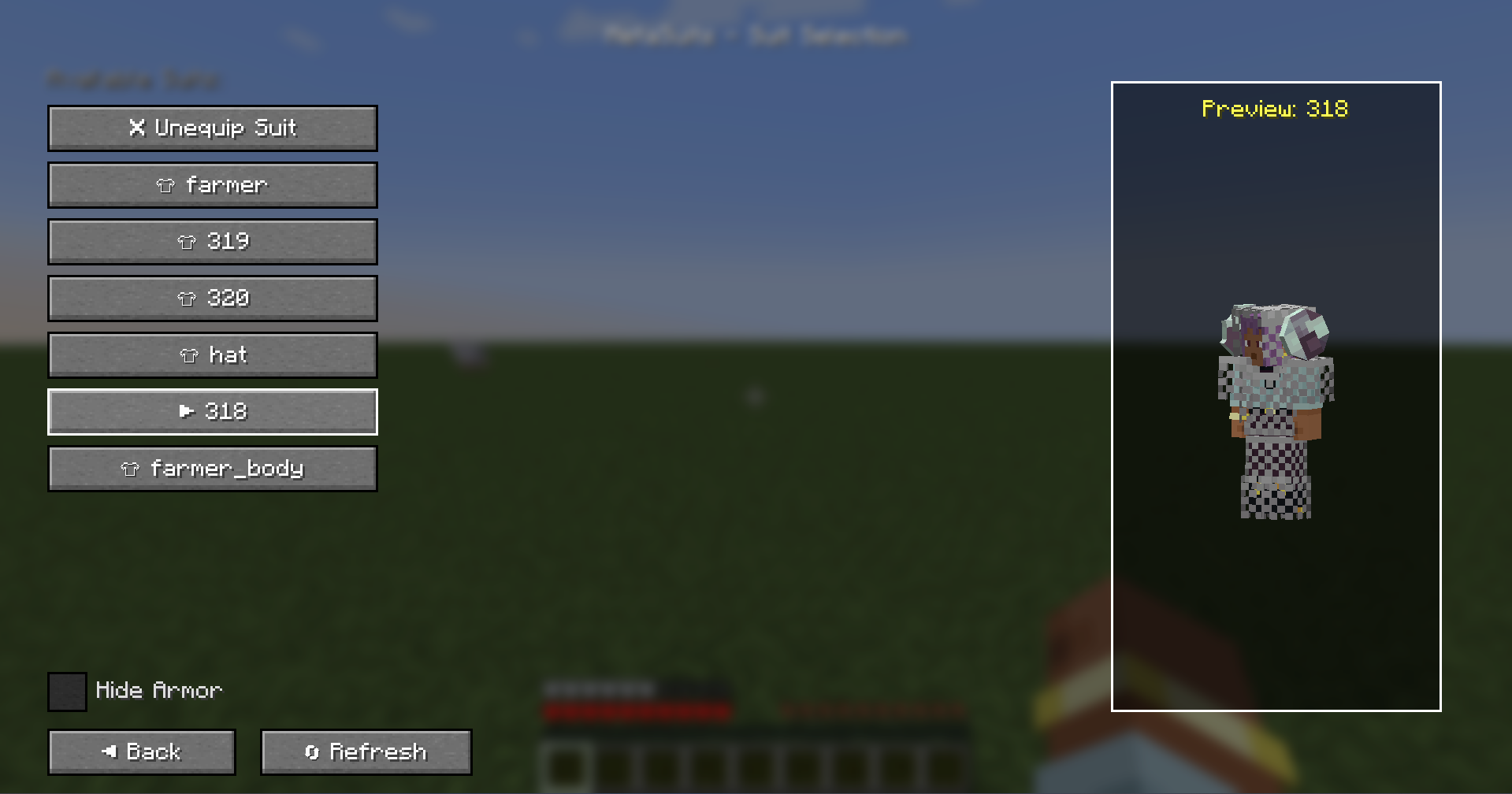
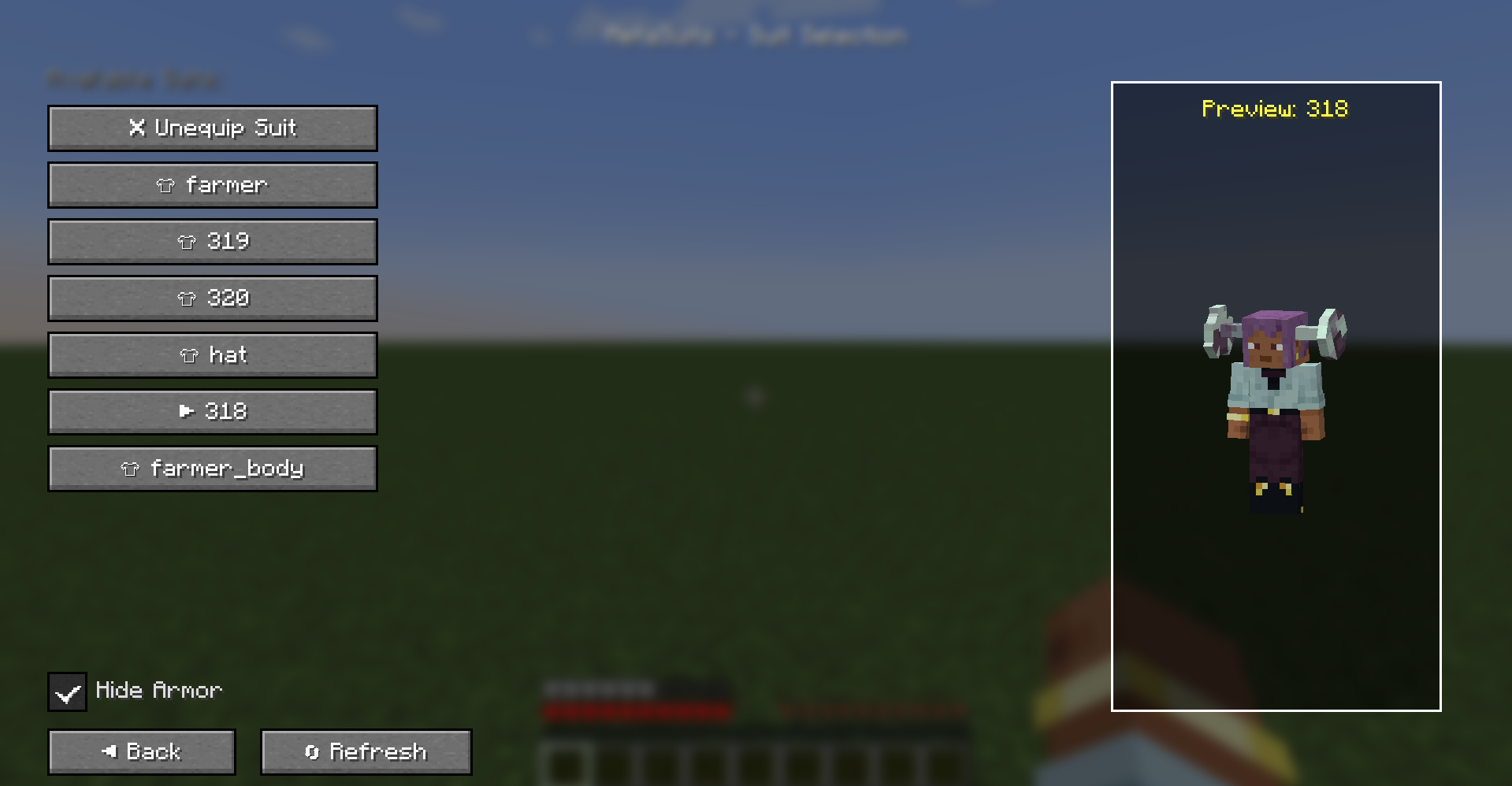
.suit.json): Combine multiple 3D models and 2D textures into full custom armor sets. - 🛡️ Hide Vanilla Armor Toggle: Hide standard vanilla armor (helmets, chestplates, leggings, boots) with a single click while preserving full armor defense and stats!
- 🔄 Live Hot-Reload: Click "🔄 Refresh" in the GUI to instantly reload your files without restarting Minecraft.
- 👁️ Interactive 3D Player Preview: Features a 3D player preview in the selection GUI that rotates and turns its head to follow your mouse cursor!
- 🌐 Client-Only Server Compatibility: Connect to any vanilla, Spigot, Paper, Fabric, or NeoForge server! If the server doesn't have MetaSuits installed, suits operate seamlessly in Client-Only Mode (visible to you).
- 🌍 10 Language Localizations: Fully translated into English, Russian, Simplified Chinese, Spanish, German, French, Japanese, Brazilian Portuguese, Ukrainian, and Polish.
🎮 How to Use
- Open your game directory and find or create the
metasuits/folder. - Put your
.json(Blockbench models) or.pngtexture files insidemetasuits/.- Put model texture assets inside
metasuits/textures/(e.g.metasuits/textures/318.png).
- Put model texture assets inside
- Open Minecraft, press
Eto open your Inventory, and click the 👕 button next to your character. - Select your suit, toggle "Hide Armor" if desired, and enjoy your custom look!
⚙️ Configuration Format
1. Composite Suit (farmer.suit.json)
{
  "name": "farmer",
  "head": "hat",
  "body": "farmer_body.model",
  "legs": "",
  "boots": ""
}
2. Custom Model from Blockbench (farmer_body.model.json)
Screenshots
Gallery
Versions
Files
Relations
Project Relations
More like this
Similar Mods
Suggestions use data such as tags, dependencies, dependents, descriptions, titles, and more to rank how much they overlap with this mod.
- Mekasuit X Magic
- MekaSuit Space Compatibility Addon
- Mekanism: Enchantable MekaSuit
- Stronger Mekasuit
- Mekanism x Vampirism Integration: MekaSuit Modules
- TaCZ - Mekanism Mekasuit compatibility
- Mekalus (Oculus fork with fixed Mekanism MekaSuit rendering)
- Mekanism: CleanVision
- MekaLivingExtension
- Mekanism: Extra Modules
On ModDex
Community snapshot
By the numbers
Statistics

Want to reach Minecraft players?
We're looking for a server hosting partner to feature here and other parts of the site. Interested? Send us a message!
Get in touchGet it on
Available Platforms
On ModDex
Community snapshot
By the numbers
Statistics
Resources