Community listing page, reviews here may not be monitored by the author.
MI-84 Calculator


No reviews yet
The Minecraft Instruments 84: an all-in-one calculator for blocky calculations!
Community voices
Reviews
No reviews yet. Be the first to review this project!
Get it on
Available Platforms
Compatibility
Supported Environments
Runs entirely on the client. Works on vanilla servers.
About
Project Details
For authors
Embed Badge
If you're the author of this project, you can embed a live badge anywhere that supports HTML or Markdown. It updates automatically whenever ratings change.
Use HTML for any page that supports it, or Markdown for README files and Markdown-based descriptions.
Identifiers
Platform IDs
About
Description
The Minecraft Instruments 84: an all-in-one calculator for blocky calculations!
Version 0.3 targets fabric 1.21.1 and is client-side only. It's the latest development version.
Dependencies
- Fabric API
- Fabric Language Kotlin
Use
Open an inventory and click the X button at the bottom-left or the H Hotkey to show or hide the calculator.
The default keybindings work only while an inventory is open:
N— reset the calculator positionH— toggle calculator visibilityK— toggle the inventoryXbutton
All three bindings can be changed under Controls.
Version 0.3 highlights
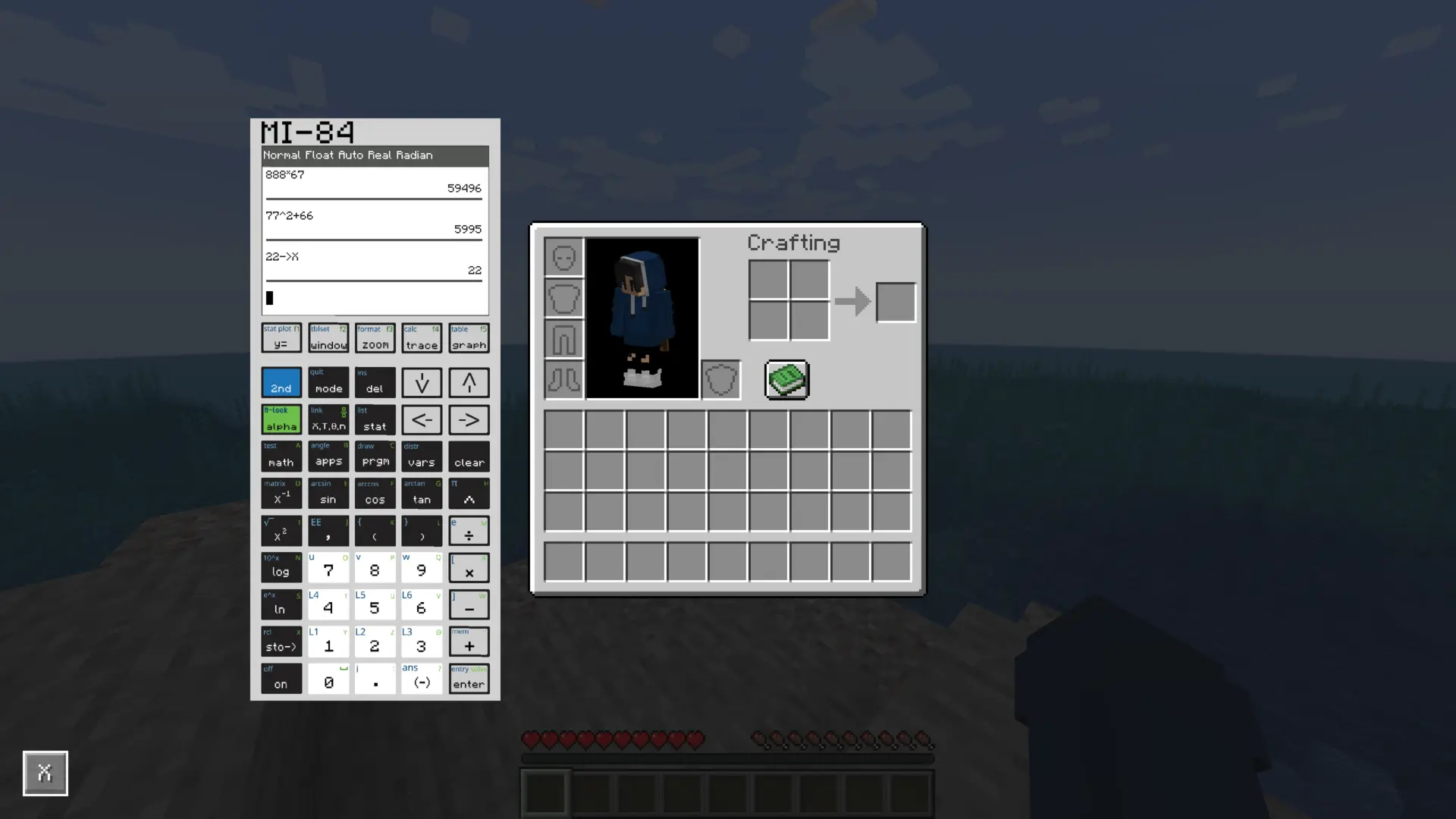
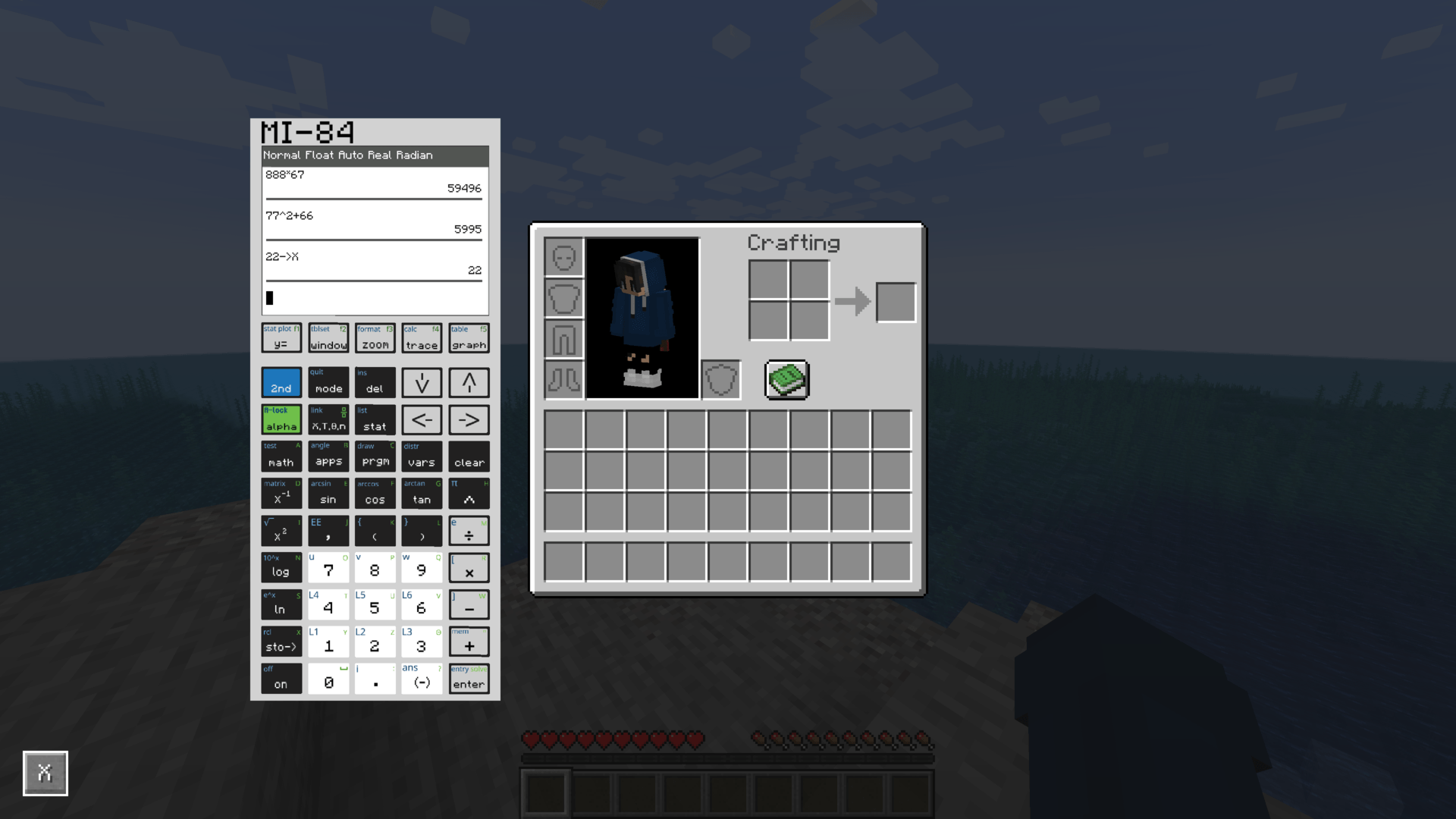
- Scientific and rectangular-complex calculation with persistent history and scalar variables.
- Structured fractions, roots, combinatorics, TEST/LOGIC, partial ANGLE and MATH-family menus.
- Persistent real lists, named lists, STAT→Edit, and LIST NAMES/OPS/MATH operations.
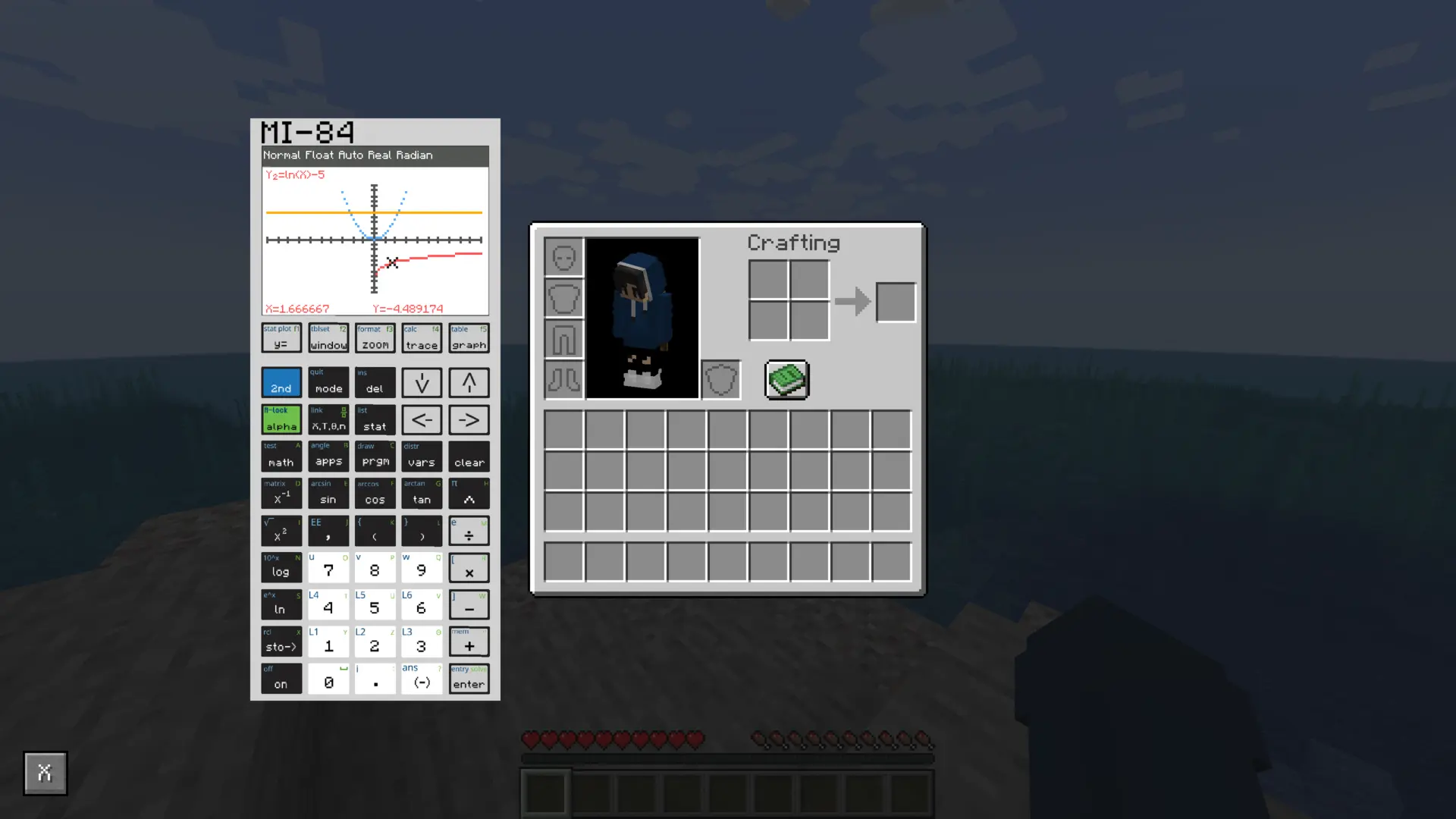
- Y=, Window, trace, zoom, graph TABLE/TBLSET, and renderer-backed FORMAT settings.
- Persistent STAT PLOT configuration with Scatter and Line rendering.
Current limitations
- Input uses the calculator's on-screen keys; computer-keyboard expression entry is not supported.
- Polar and sequence graph modes, graph CALC tools, matrices, programming, and statistical calculations remain deferred.
- Statplot Histogram, box-plot, and relative-frequency settings are visible as
[deferred]; only Scatter and Line currently render. - The overlay may be clipped at unusually small GUI sizes
The Minecraft Instruments 84: an all-in-one calculator for blocky calculations!
Version 0.3 targets fabric 1.21.1 and is client-side only. It's the latest development version.
Dependencies
- Fabric API
- Fabric Language Kotlin
Use
Open an inventory and click the X button at the bottom-left or the H Hotkey to show or hide the calculator.
The default keybindings work only while an inventory is open:
N— reset the calculator positionH— toggle calculator visibilityK— toggle the inventoryXbutton
All three bindings can be changed under Controls.
Version 0.3 highlights
- Scientific and rectangular-complex calculation with persistent history and scalar variables.
- Structured fractions, roots, combinatorics, TEST/LOGIC, partial ANGLE and MATH-family menus.
- Persistent real lists, named lists, STAT→Edit, and LIST NAMES/OPS/MATH operations.
- Y=, Window, trace, zoom, graph TABLE/TBLSET, and renderer-backed FORMAT settings.
- Persistent STAT PLOT configuration with Scatter and Line rendering.
Current limitations
- Input uses the calculator's on-screen keys; computer-keyboard expression entry is not supported.
- Polar and sequence graph modes, graph CALC tools, matrices, programming, and statistical calculations remain deferred.
- Statplot Histogram, box-plot, and relative-frequency settings are visible as
[deferred]; only Scatter and Line currently render. - The overlay may be clipped at unusually small GUI sizes
Screenshots
Gallery
-
 Home view demo
 -
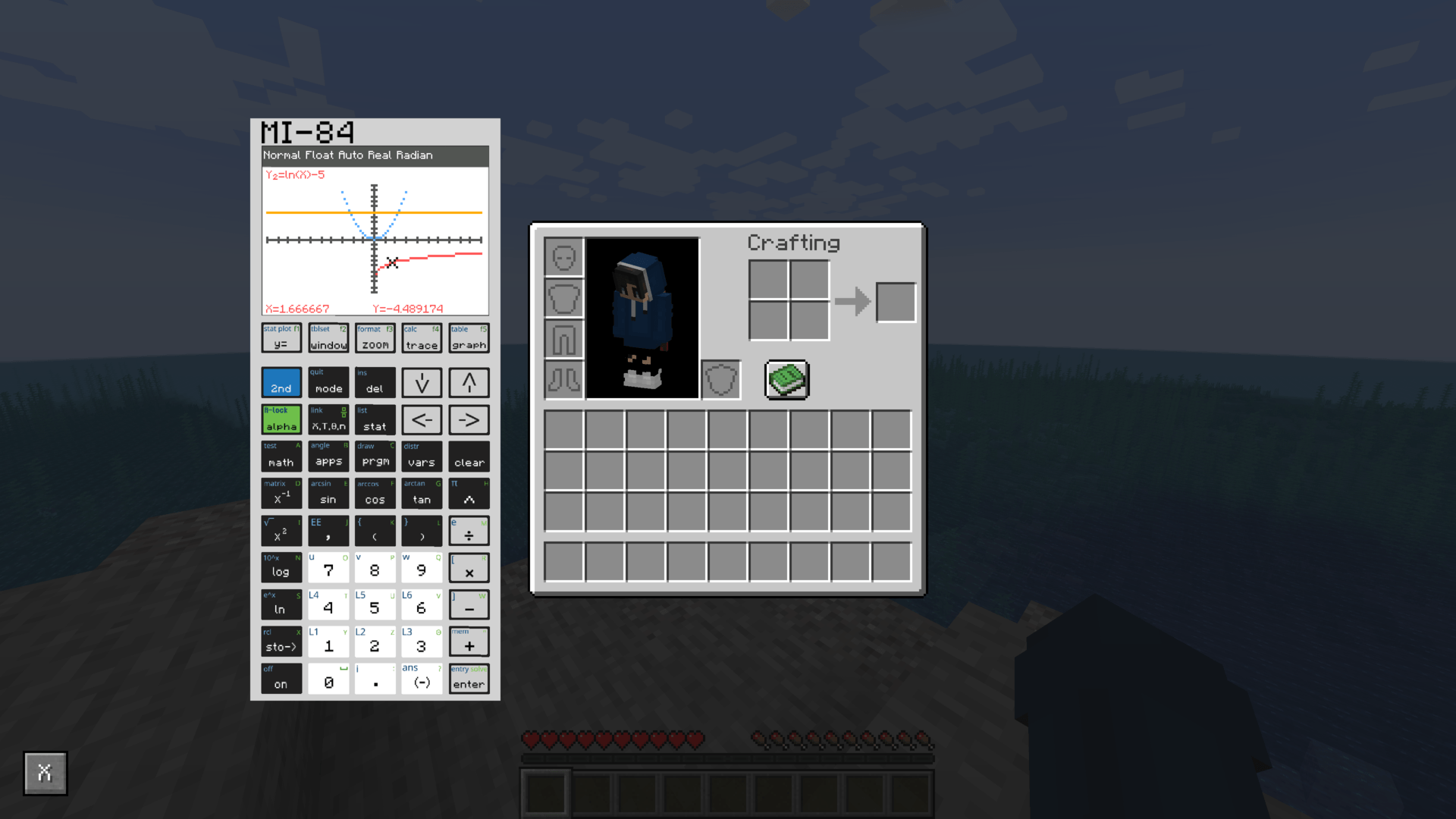 Graph view demo
 -
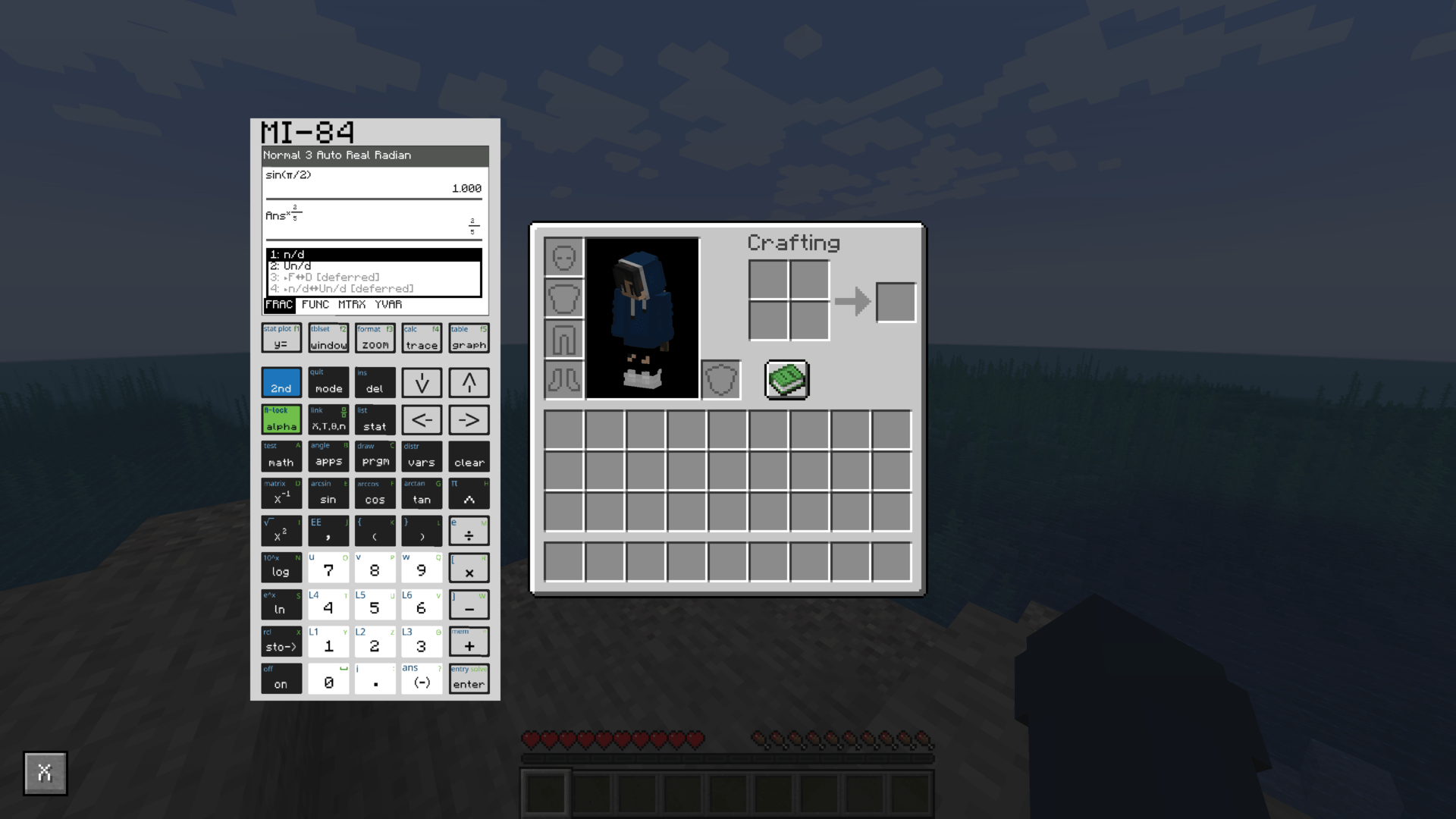 F1 demo
 -
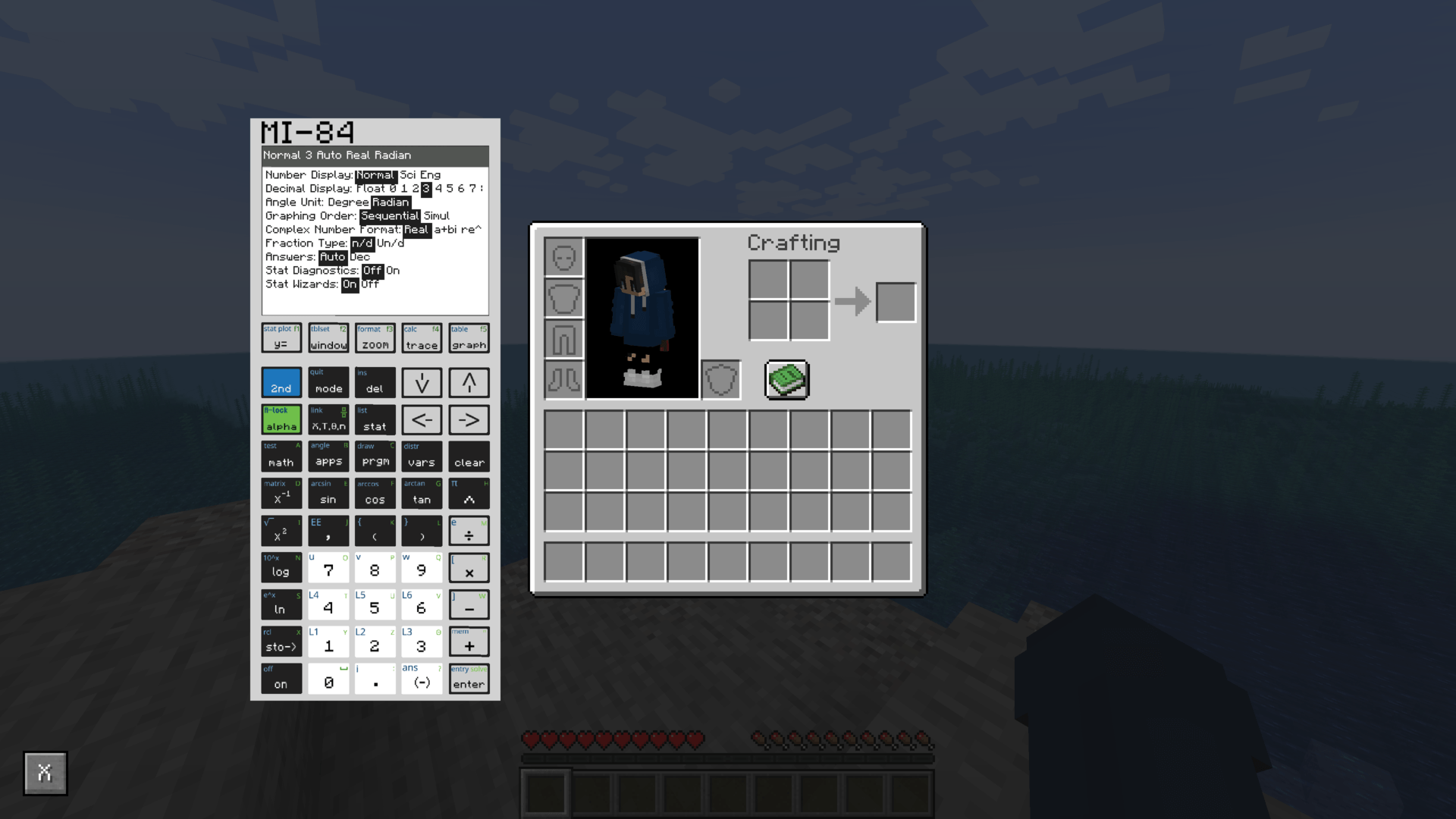 Mode view demo
-
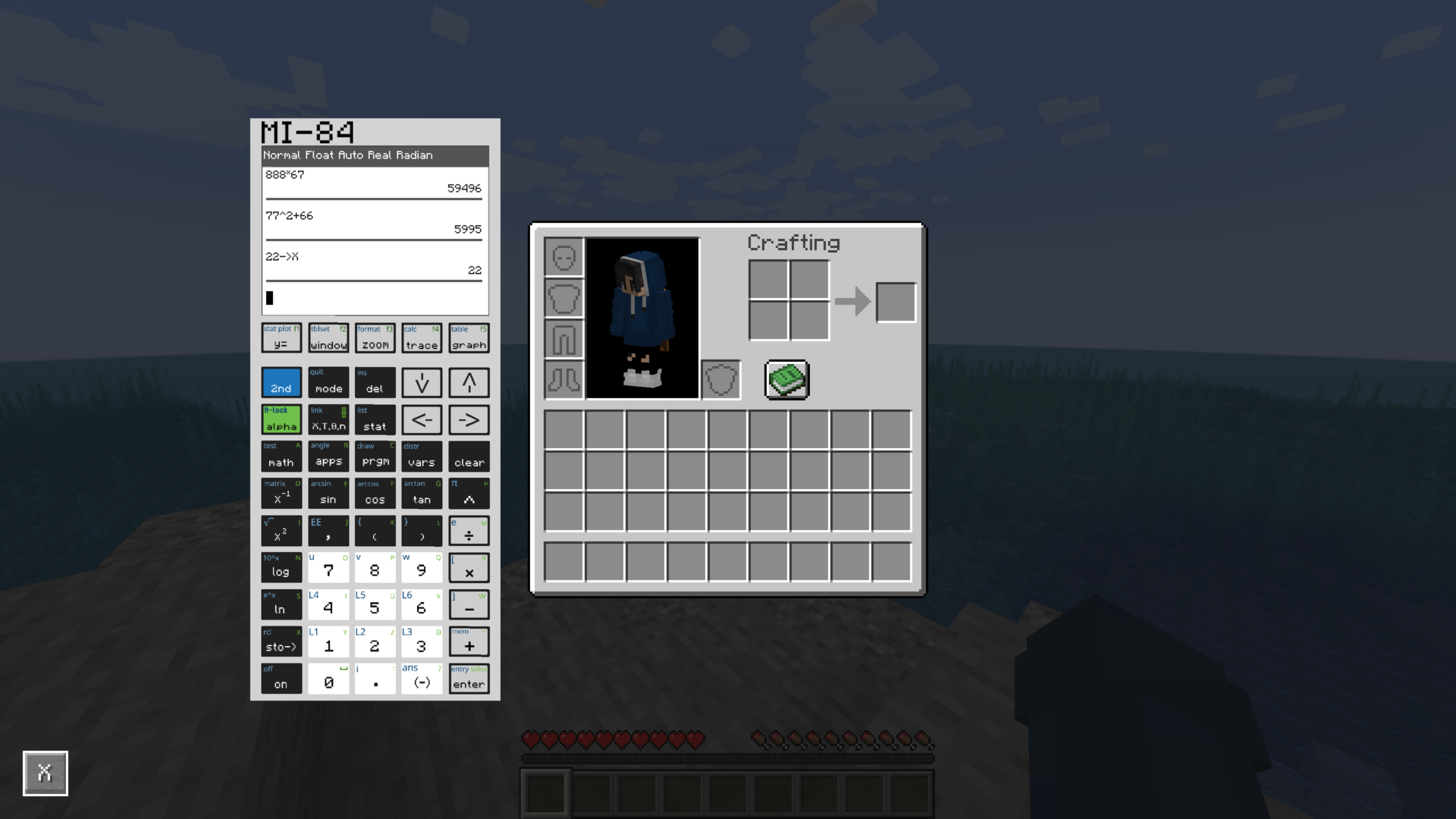 Home view demo
 -
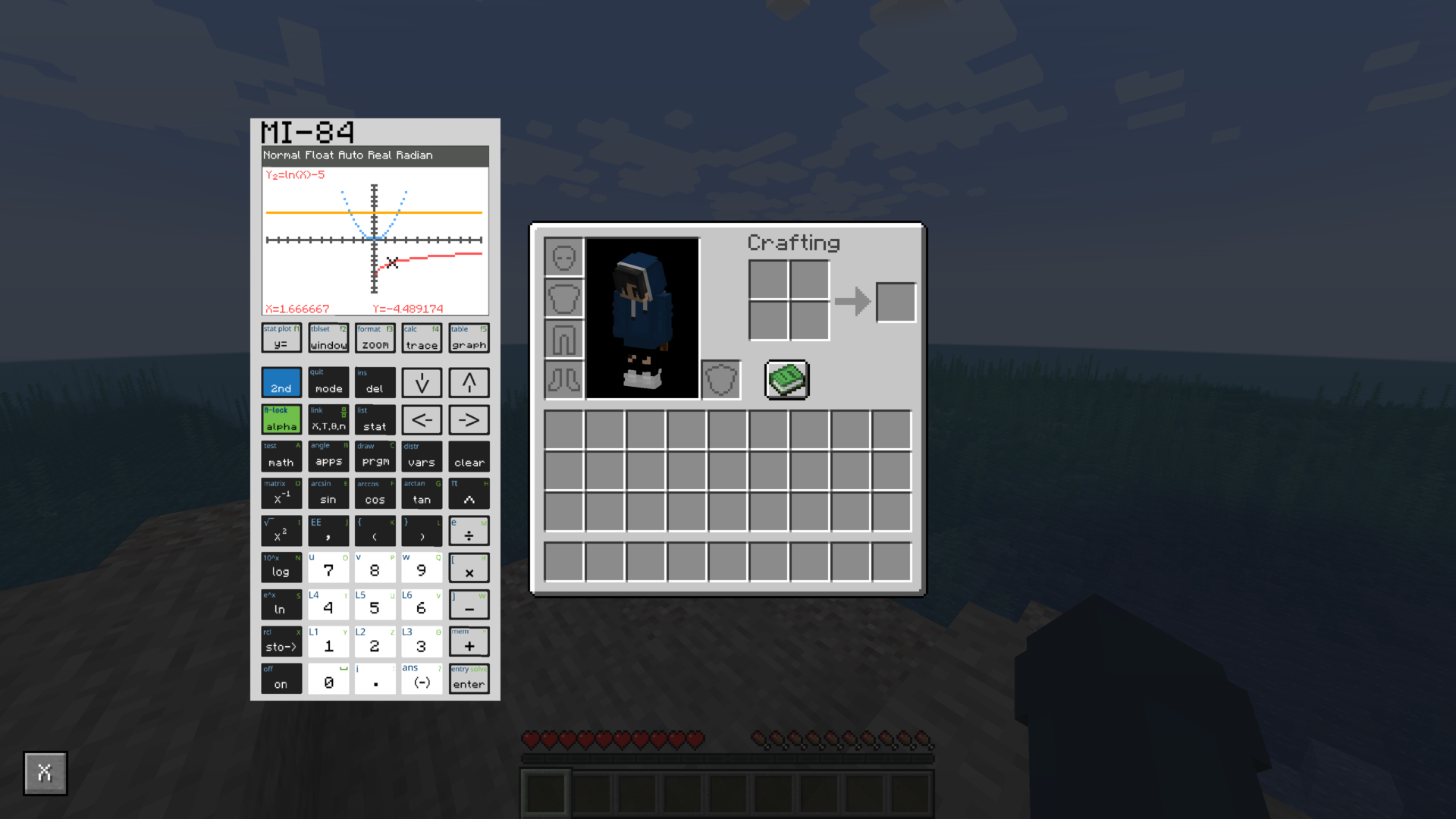 Graph view demo
 -
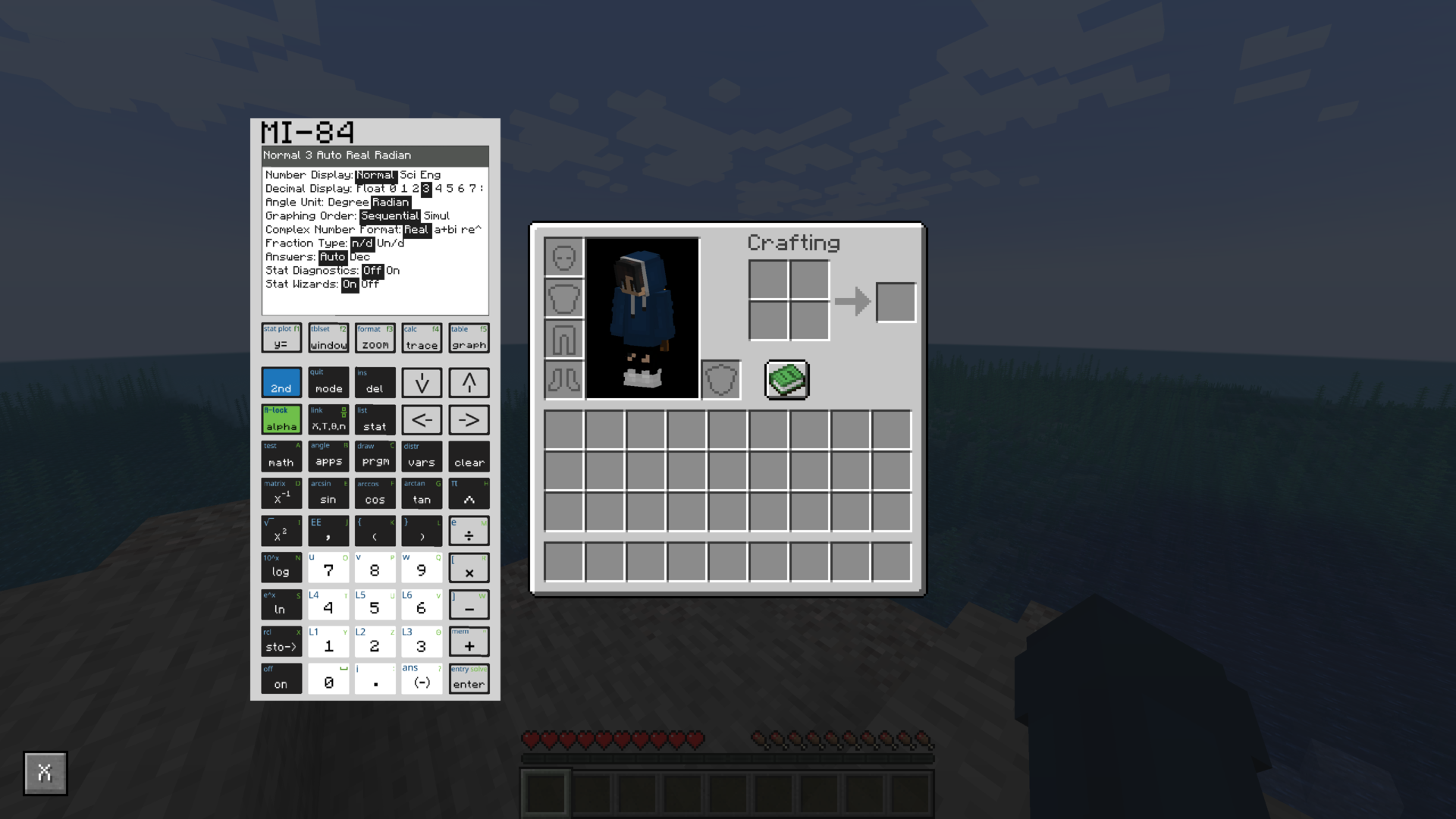 Mode view demo
 -
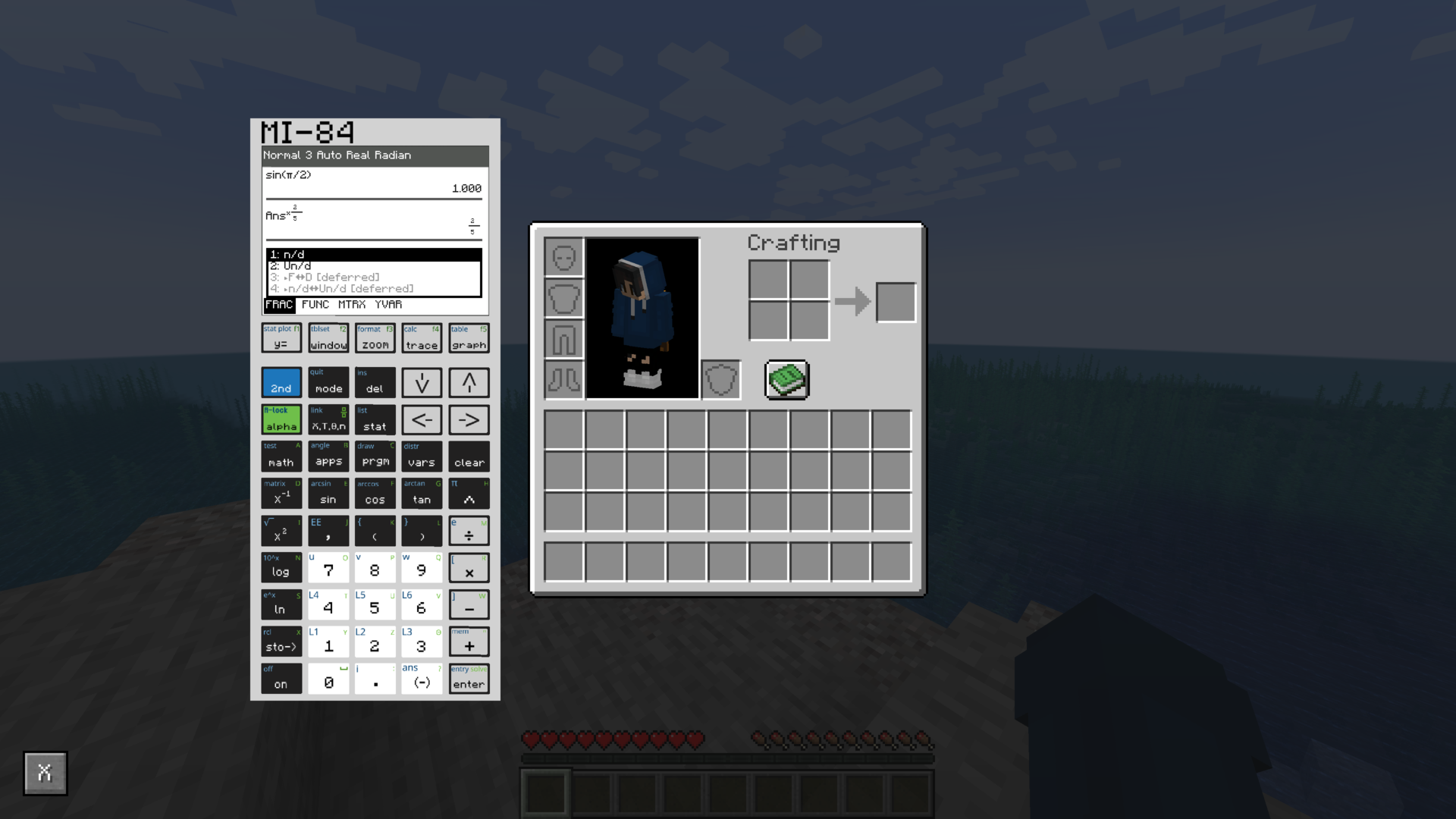 F1 menu & fractions
Versions
Files
Relations
Project Relations
More like this
Similar Mods
Suggestions use data such as tags, dependencies, dependents, descriptions, titles, and more to rank how much they overlap with this mod.
On ModDex
Community snapshot
By the numbers
Statistics
Want to reach Minecraft players?
We're looking for a server hosting partner to feature here and other parts of the site. Interested? Send us a message!
Get in touchGet it on
Available Platforms
On ModDex
Community snapshot
By the numbers