
Community listing page, reviews may not be monitored by the author.
MineColonies Horizon

No reviews yet
Vanilla Minecraft-style screens for every MineColonies window, a HUD of your builders' missing resources and beams to find citizens and huts. Client and server

Community voices
Reviews
No reviews yet. Be the first to review this project!
Get it on
Available Platforms
About
Project Details
For authors
Embed Badge
If you're the author of this project, you can embed a live badge anywhere that supports HTML or Markdown. It updates automatically whenever ratings change.
Use HTML for any page that supports it, or Markdown for README files and Markdown-based descriptions.
Identifiers
Platform IDs
About
Description
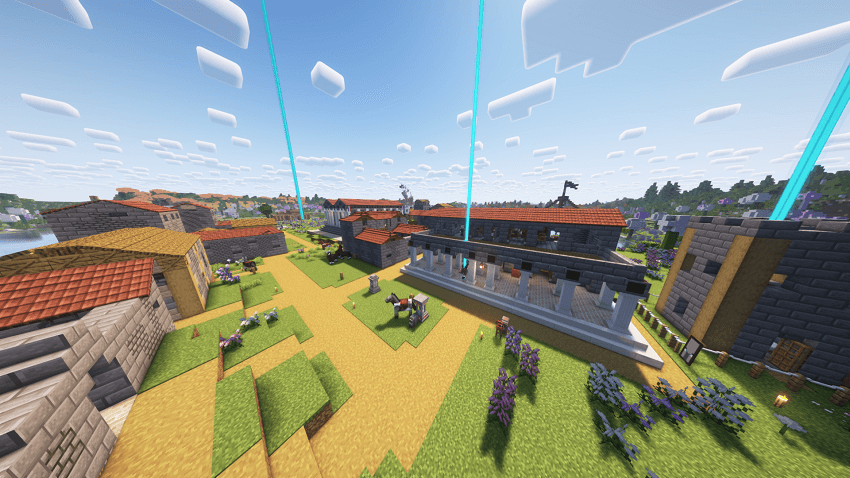
Your colony, finally readable.
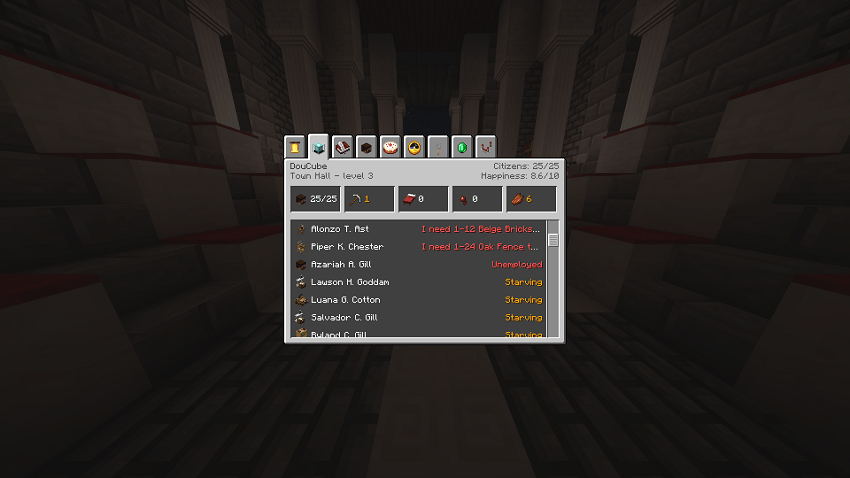
MineColonies Horizon replaces MineColonies' windows with clean, vanilla-style Minecraft screens, and adds the tools you keep wishing you had: what your builders still need, on screen, a beam to find any citizen, and a dashboard that tells you why something isn't working.
Client-side: install it on your own game, nothing changes for the other players. Only the custom citizen names and the hungry cook fix need it on the server too.
What you get
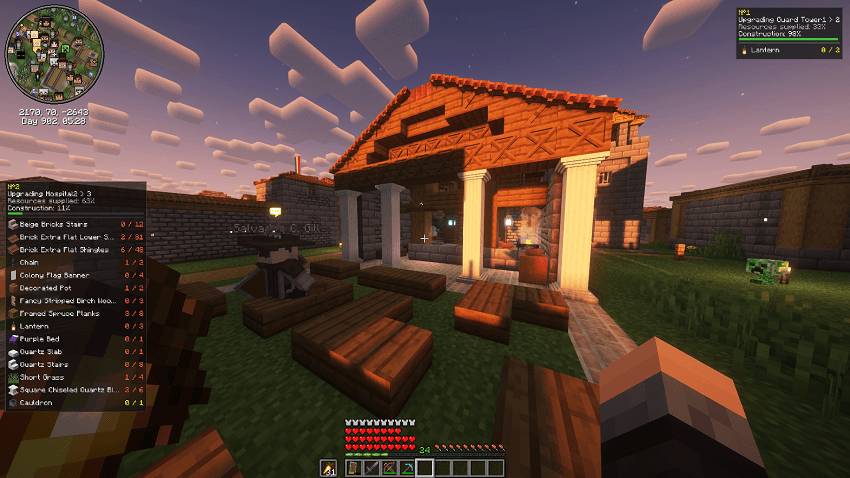
Resource HUD: stop opening the scroll
Hold a builder's Resource Scroll and press J: the missing materials stay on screen while you gather them, with the construction progress. Pin several builders, move the panels with P, hide them with H.
Find anyone, find anything
Press "locate" on a citizen, a hut or the clipboard: a coloured beam rises above it, with direction and distance. Graves of dead citizens get a red beam until they are collected. Builders' "finished" chat messages are clickable.
"Why is my citizen not working?"
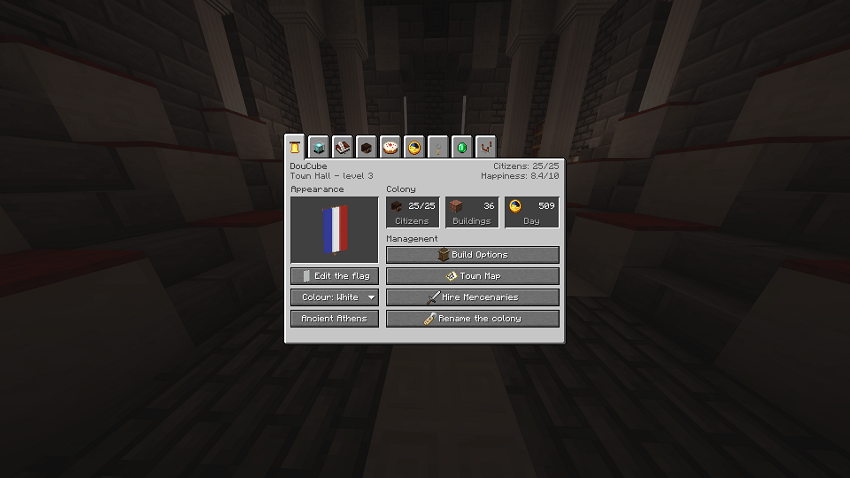
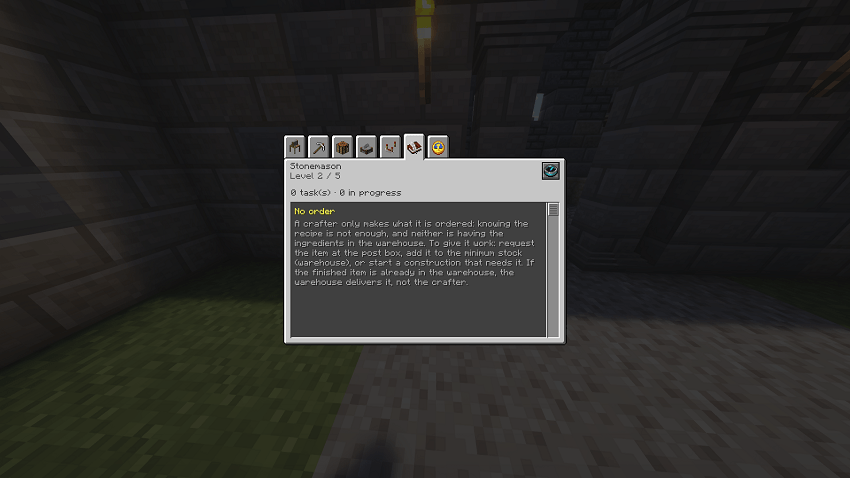
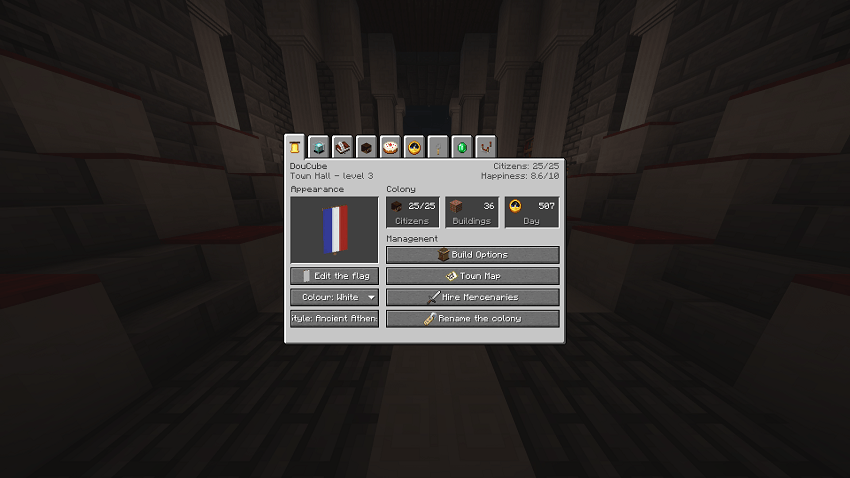
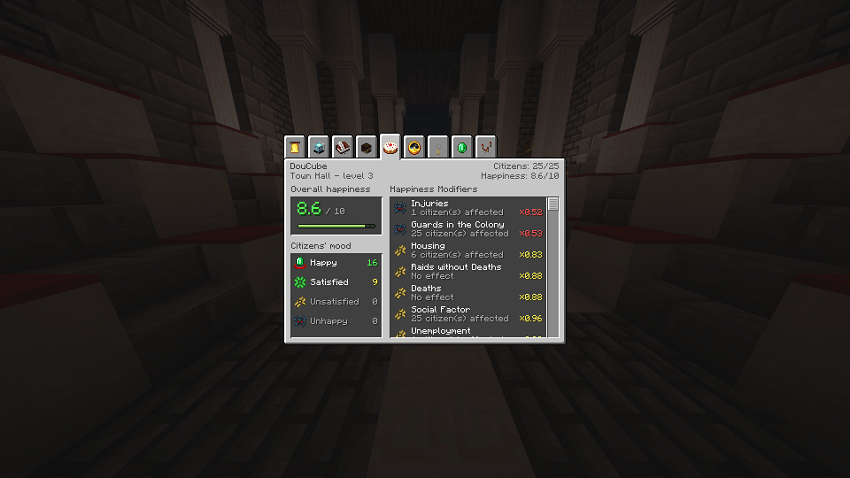
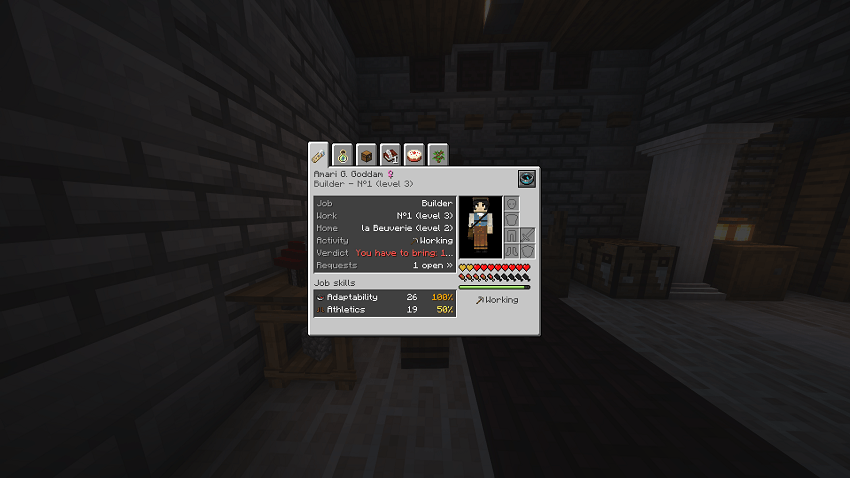
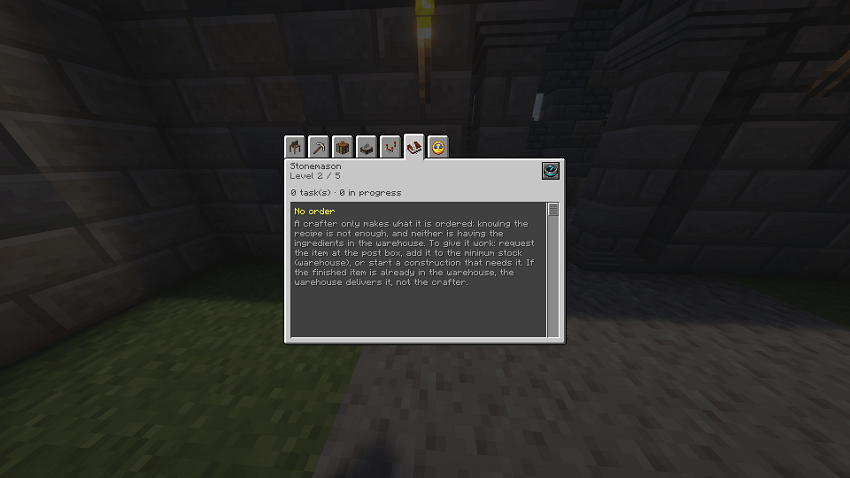
Every citizen page ends with a verdict: homeless, starving, no order, missing ingredient, no tool... The town hall opens on a dashboard of what needs your attention first.
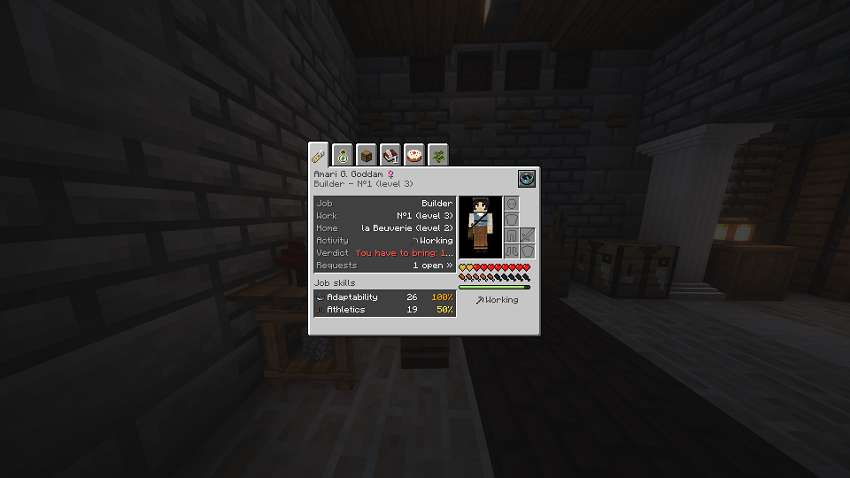
Every window, redone
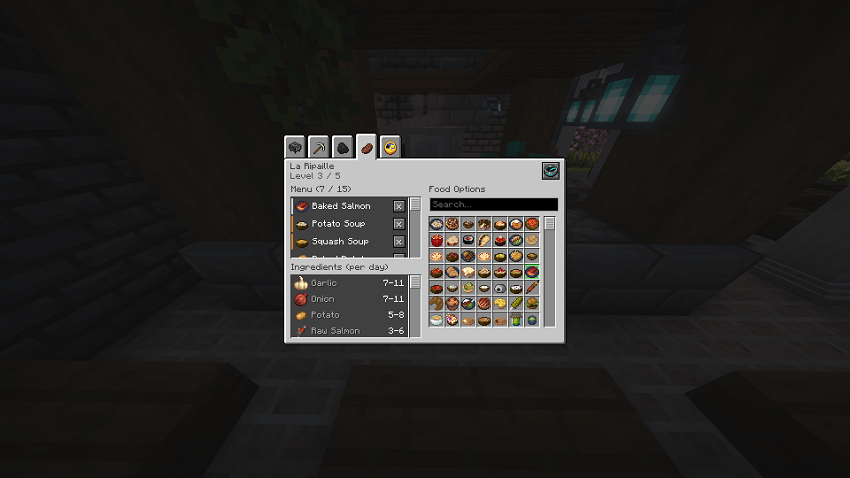
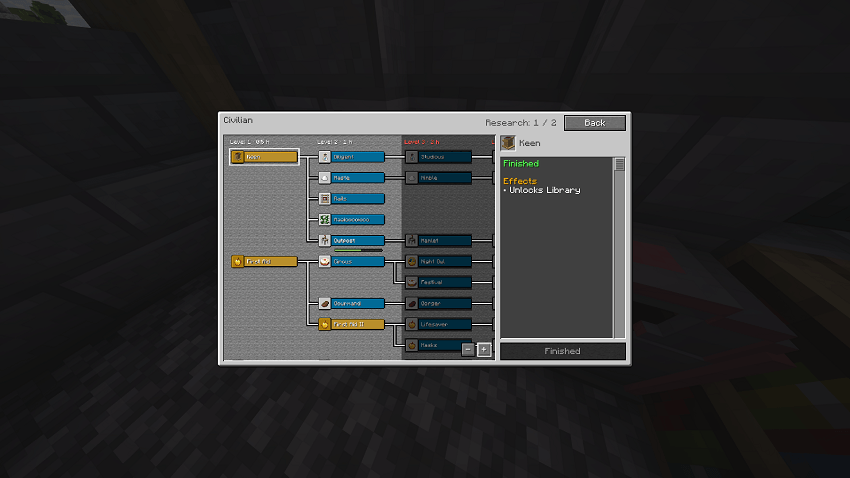
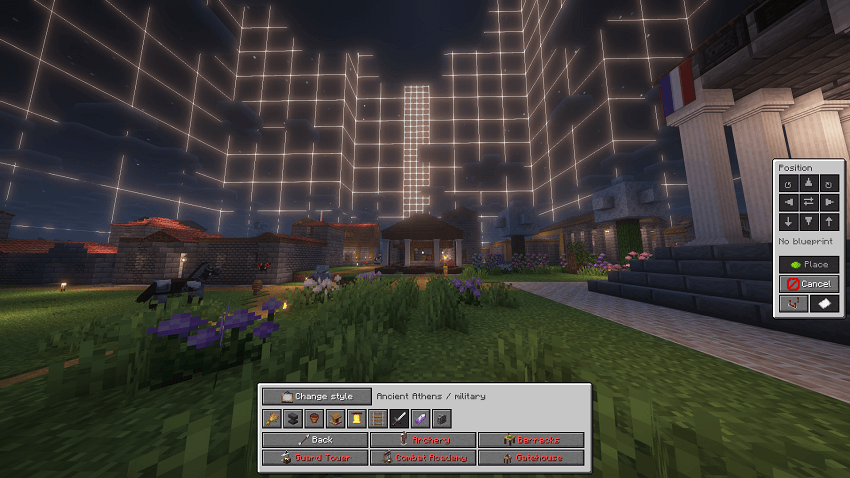
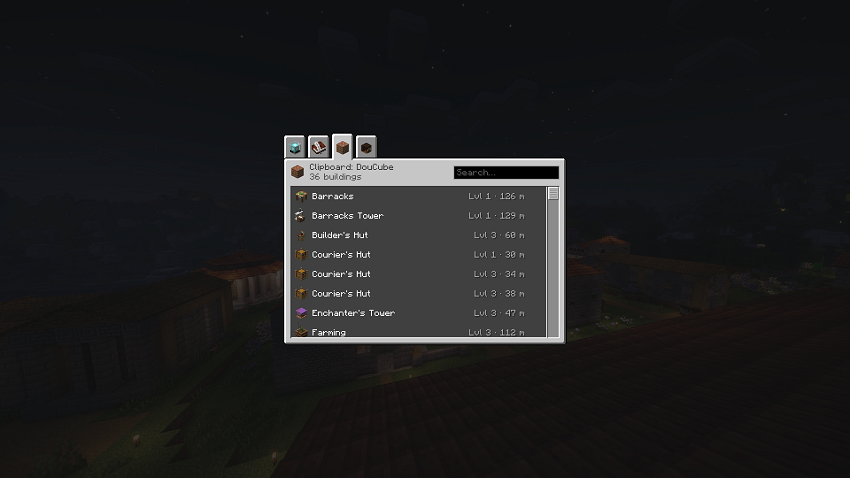
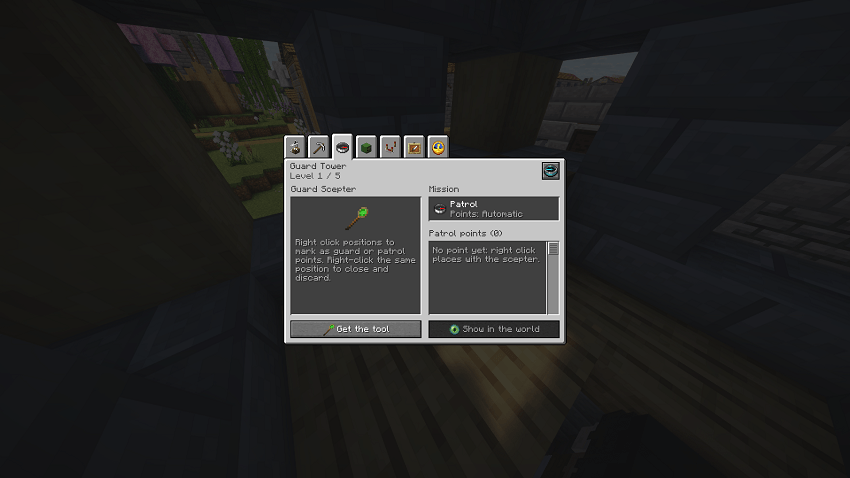
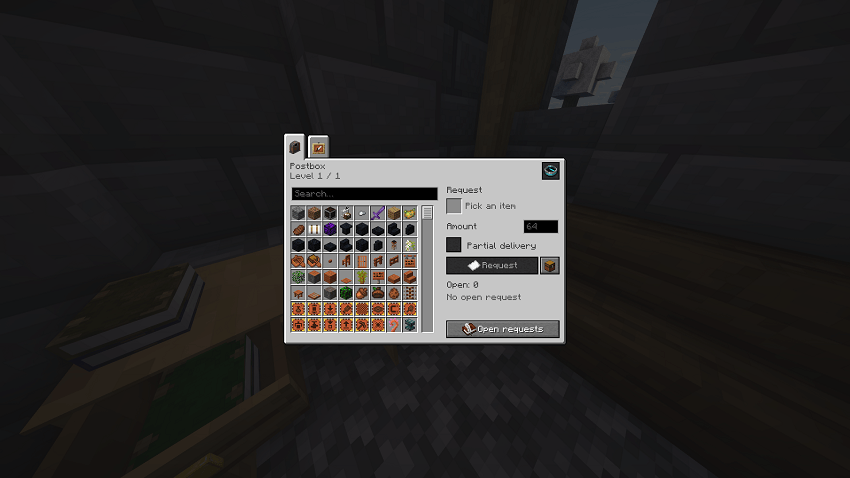
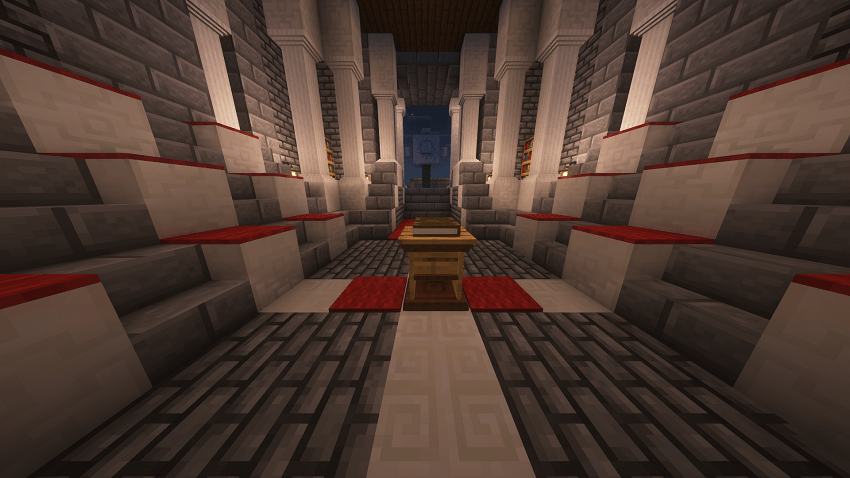
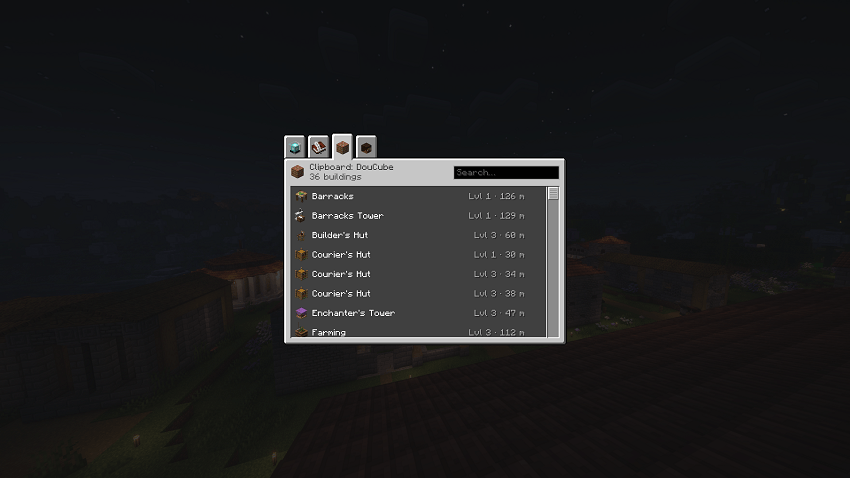
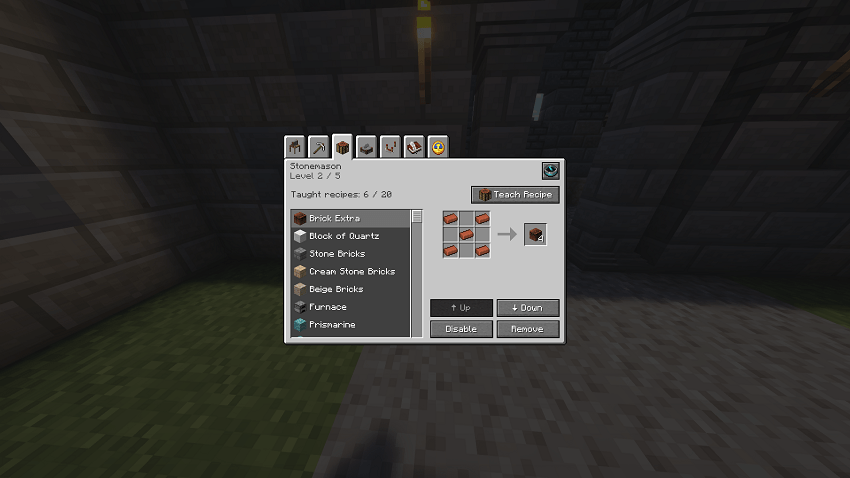
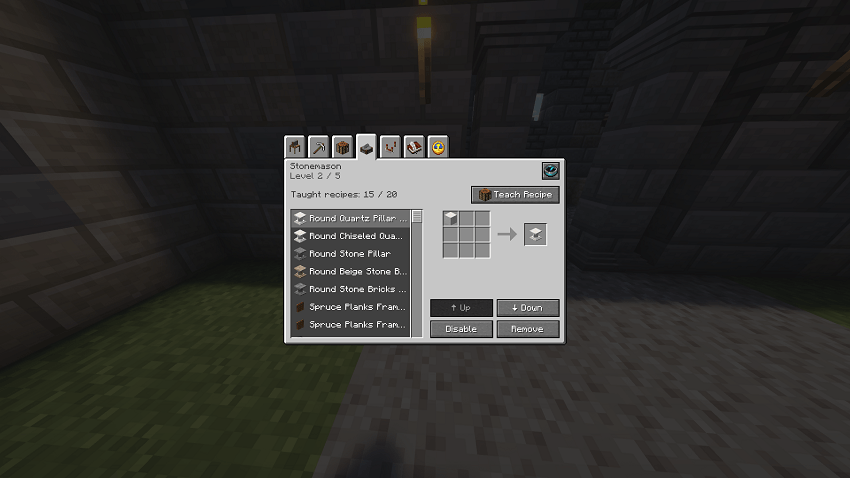
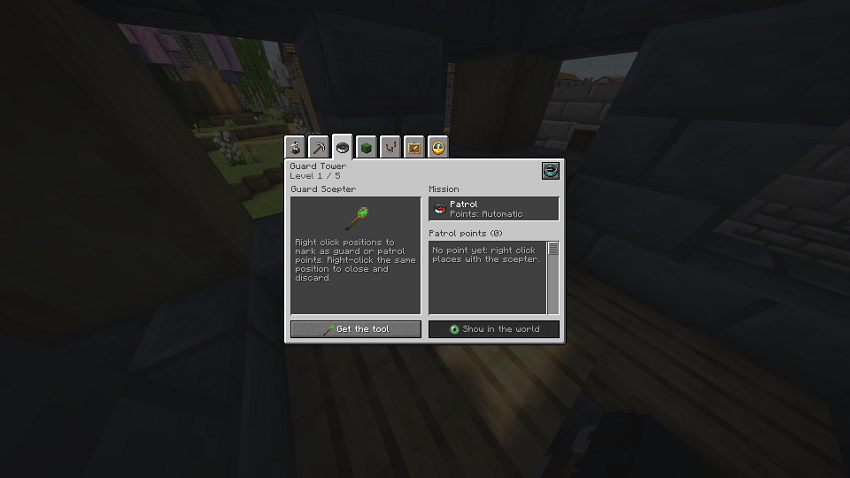
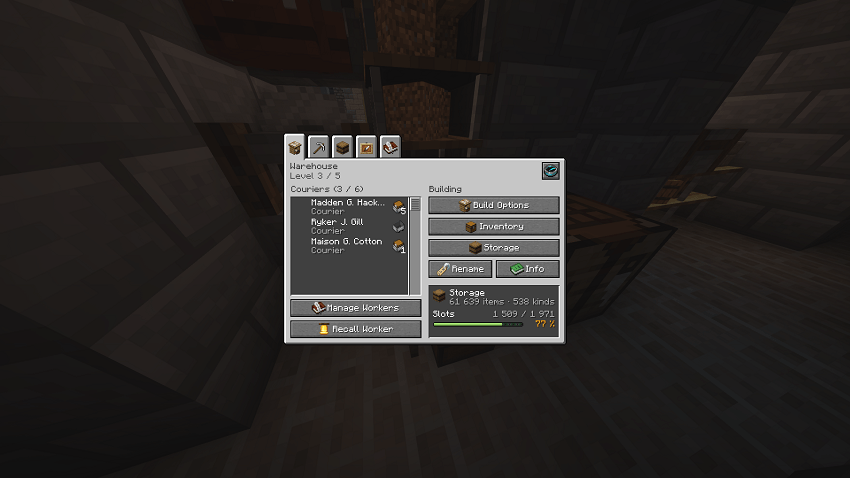
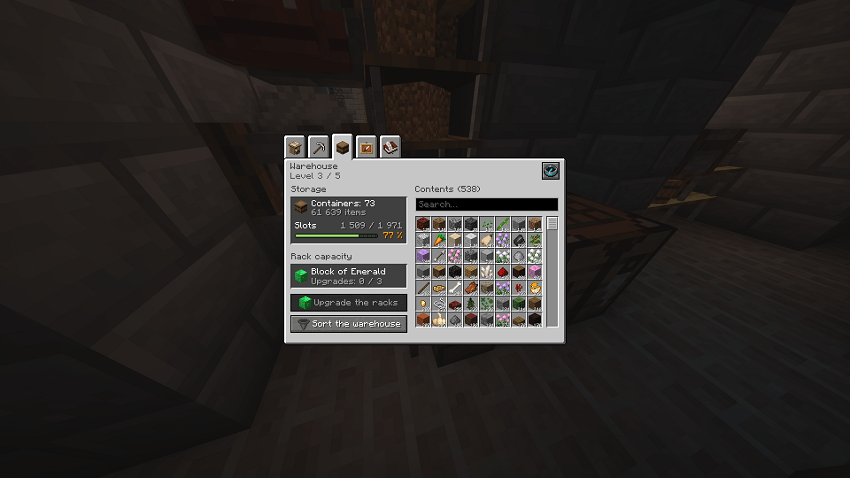
Citizens, town hall, every hut, university research tree, build tool, Architect's Cutter, clipboard, colony map, quest log, dialogs... about a hundred windows, all in the same style as the rest of the game. Before an upgrade, a page tells you what the next level brings.
Your own citizen names
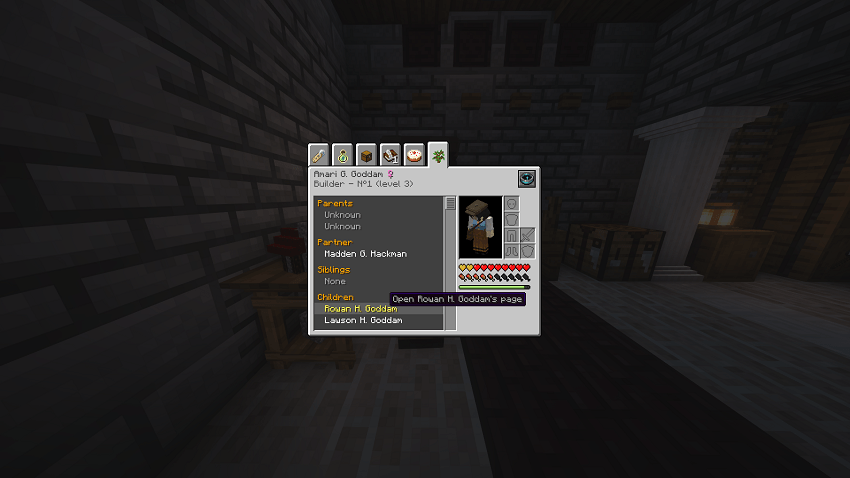
Pick where new citizens get their names: built-in lists (French, English, Spanish, Italian, German, Japanese, Medieval, Ancient Rome, Norse, Elves, Dwarves, Orcs) or your own (family, friends, a favourite series). Mix as many lists as you want. Names already in the colony are avoided and children keep a parent's surname.
See more
Citizens (3 screenshots)
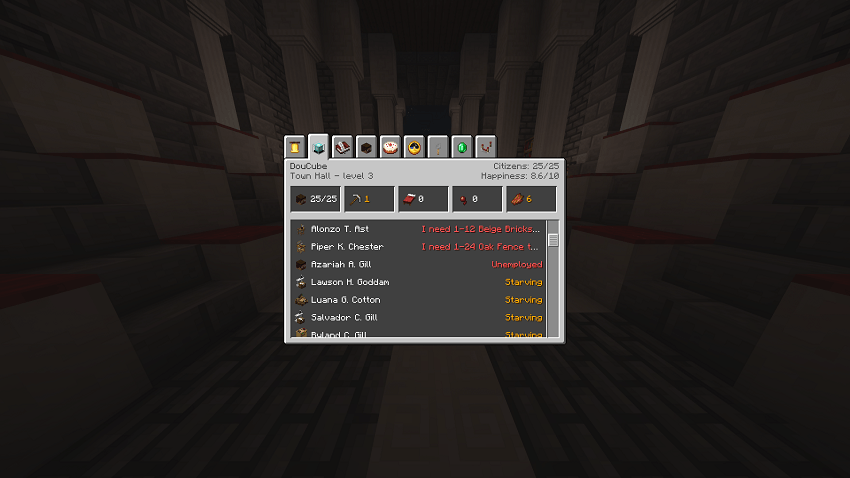
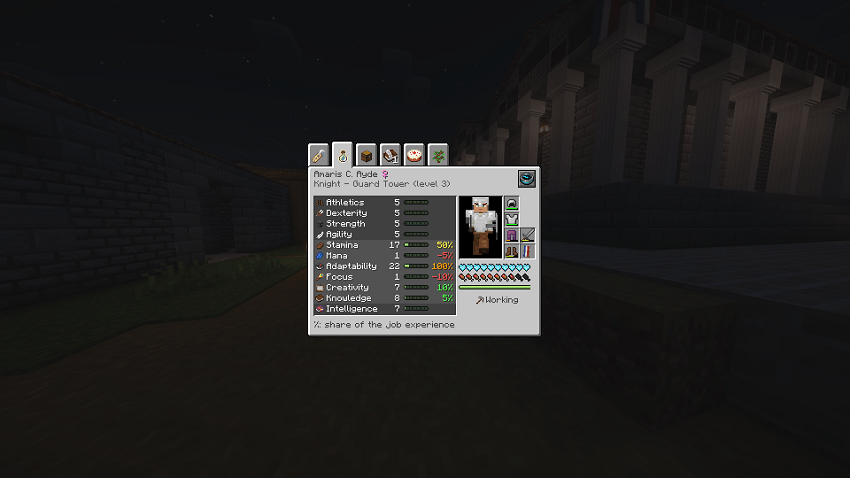
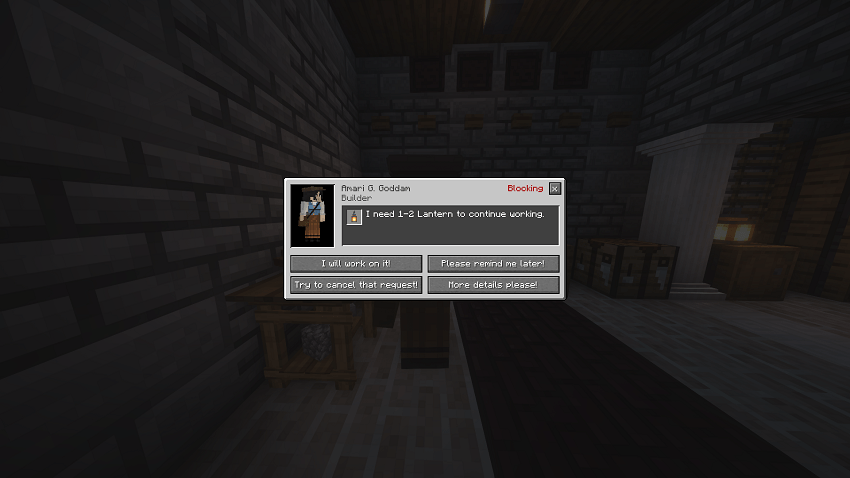
Huts & buildings (7 screenshots)
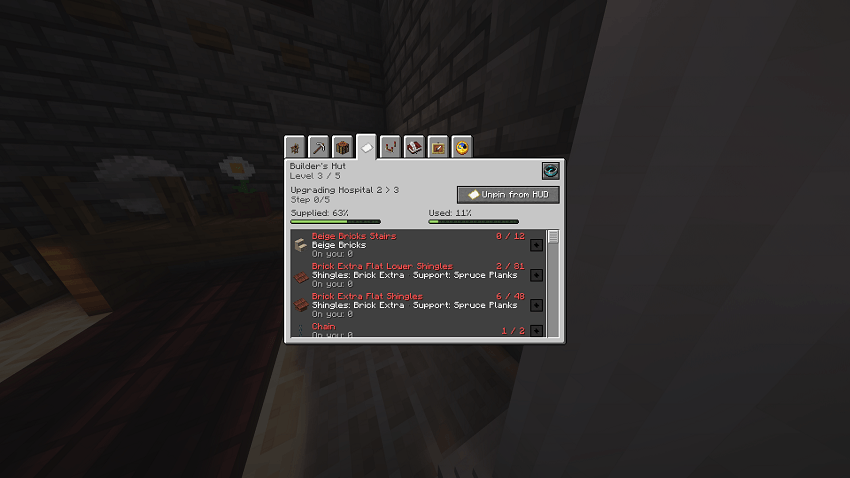
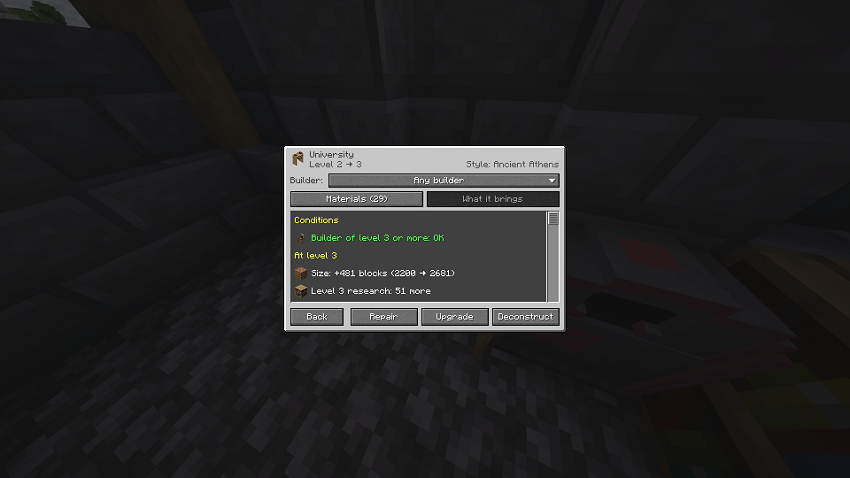
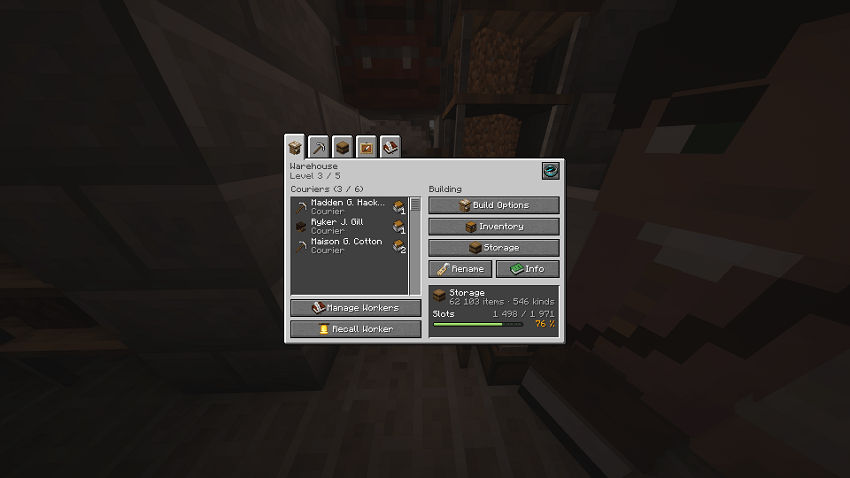
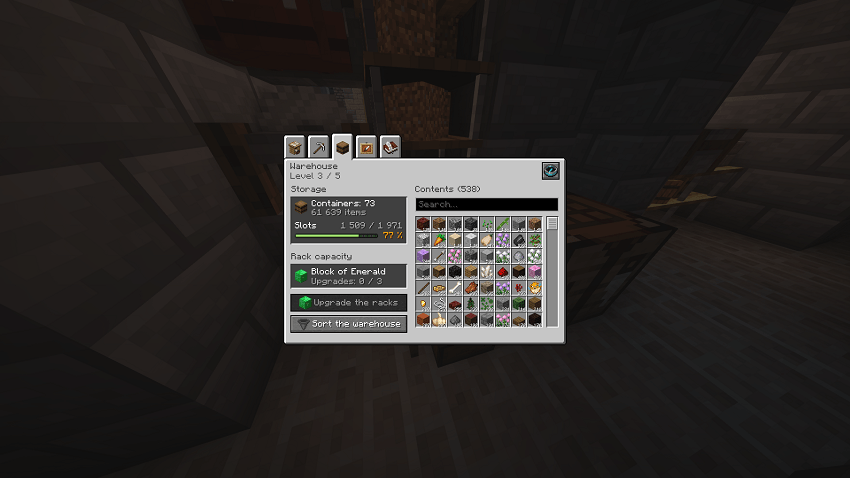
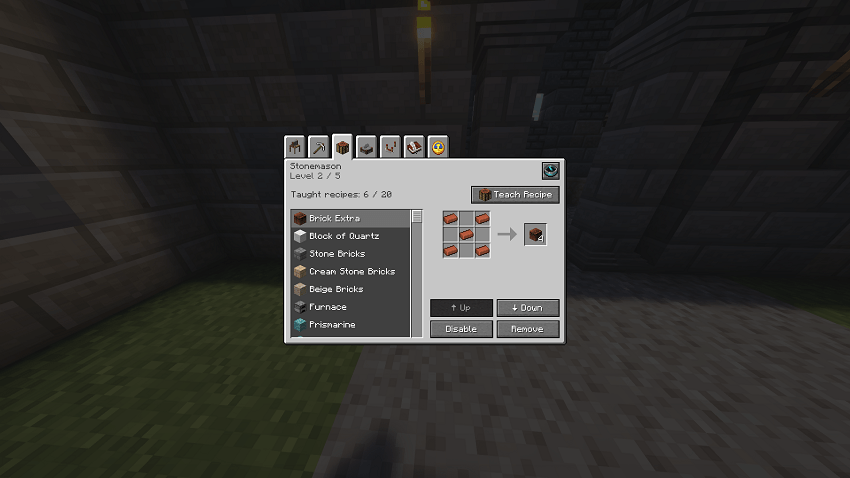
Research, tools & more (5 screenshots)
Good to know
- Safe by design: every screen has its own switch (key K). If a MineColonies update changes something a screen relies on, that screen turns itself off and MineColonies' own window is shown. No crash.
- Works with: MineColonies, Structurize (build tool) and Domum Ornamentum (Architect's Cutter).
- Languages: English, French.
Requirements
- Minecraft 1.21.1, NeoForge 21.1.251 or newer
- MineColonies 1.1.1368 or newer (tested on 1.1.1403)
Keys
- J pin the Resource Scroll you hold · H show/hide the HUD · P move the panels
- G colony guide · K settings
Unofficial addon, not made by or affiliated with the LDT Team, the authors of MineColonies. It is a different project from "Tweaks addon for MineColonies" and from the "MineColonies Horizons" modpack.
Made with the help of AI (Claude, by Anthropic). The ideas, the choices and the in-game testing are mine; the AI wrote much of the code. Found a bug? Tell me in the comments. Licence: GPL-3.0, source code in the files of each version.
Screenshots
Gallery
-
 2026-10-07_18.45.38.png 2026-10-07_18.45.38.png
-
 2026-10-07_18.45.52.png 2026-10-07_18.45.52.png
-
 2026-10-07_18.45.57.png 2026-10-07_18.45.57.png
-
 2026-10-07_18.46.06.png 2026-10-07_18.46.06.png
-
 2026-10-07_18.47.02.png 2026-10-07_18.47.02.png
-
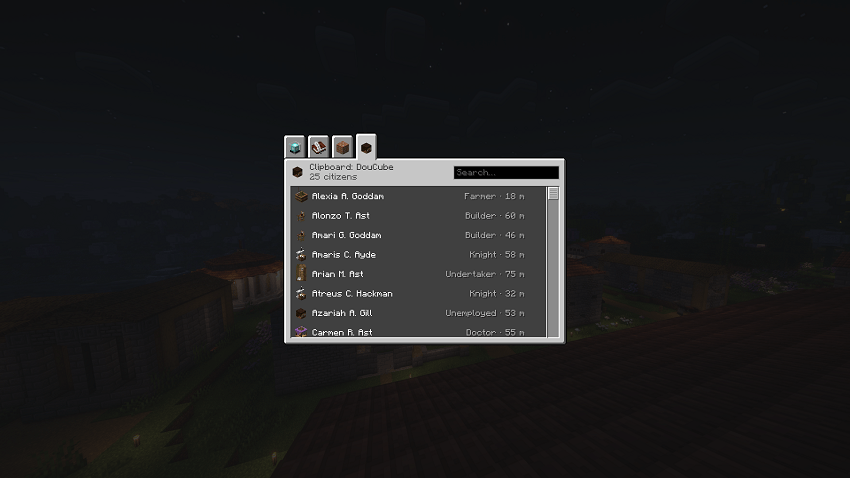 2026-10-07_18.47.03.png 2026-10-07_18.47.03.png
-
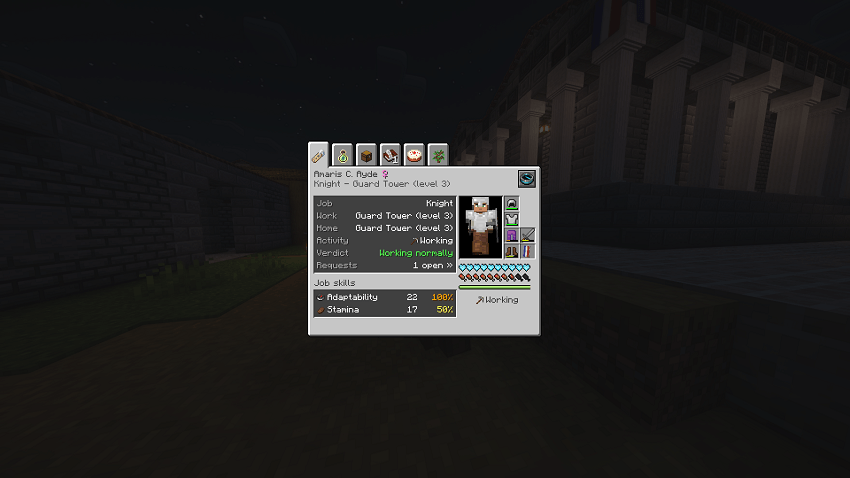 2026-10-07_18.47.21.png 2026-10-07_18.47.21.png
-
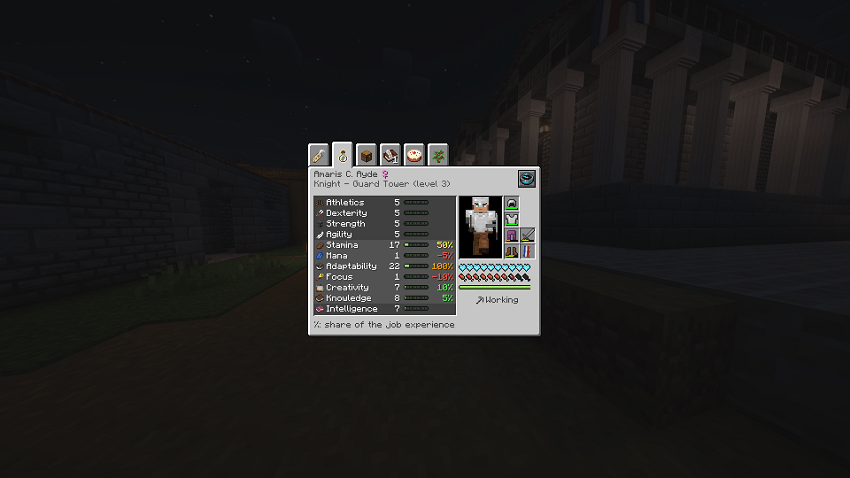 2026-10-07_18.47.25.png 2026-10-07_18.47.25.png
-
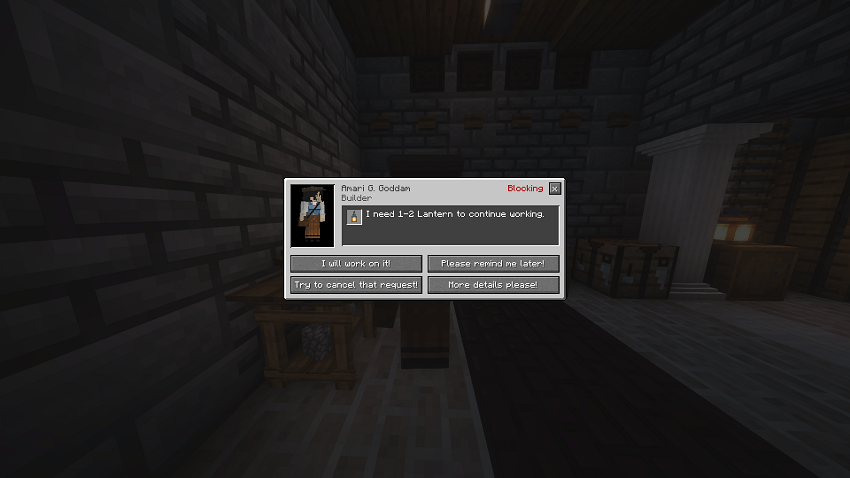 2026-10-07_18.51.16.png 2026-10-07_18.51.16.png
-
 2026-10-07_18.51.19.png 2026-10-07_18.51.19.png
-
 2026-10-07_18.52.24.png 2026-10-07_18.52.24.png
-
 2026-10-07_18.53.11.png 2026-10-07_18.53.11.png
-
 2026-10-07_18.53.12.png 2026-10-07_18.53.12.png
-
 2026-10-07_18.53.24.png 2026-10-07_18.53.24.png
-
 2026-10-07_18.53.50.png 2026-10-07_18.53.50.png
-
 2026-10-07_18.54.18.png 2026-10-07_18.54.18.png
-
 2026-10-07_18.54.26.png 2026-10-07_18.54.26.png
-
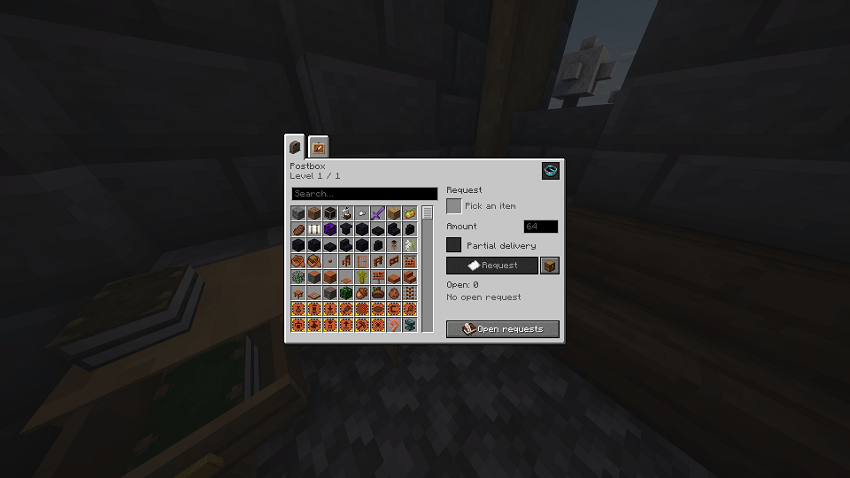 2026-10-07_18.55.10.png 2026-10-07_18.55.10.png
-
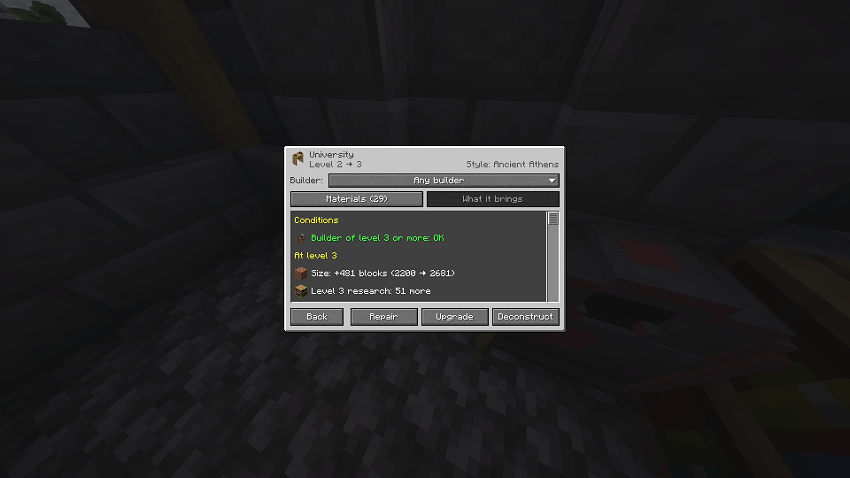 2026-10-07_18.55.22.png 2026-10-07_18.55.22.png
-
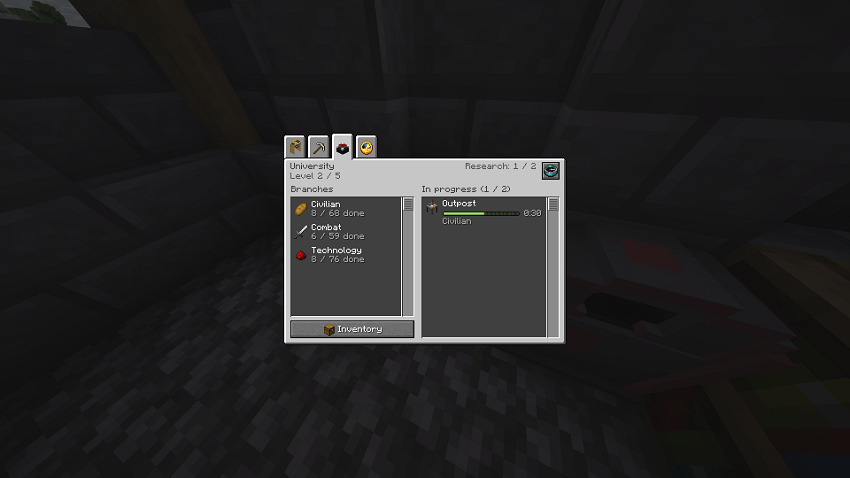 2026-10-07_18.55.29.png 2026-10-07_18.55.29.png
Versions
Files
Relations
Project Relations
More like this
Similar Mods
Suggestions use data such as tags, dependencies, dependents, descriptions, titles, and more to rank how much they overlap with this mod.
On ModDex
Community snapshot
By the numbers
Statistics

Get it on
Available Platforms
On ModDex
Community snapshot
By the numbers