
Community listing page, reviews here may not be monitored by the author.
Minecraft Chaos Datapack

No reviews yet
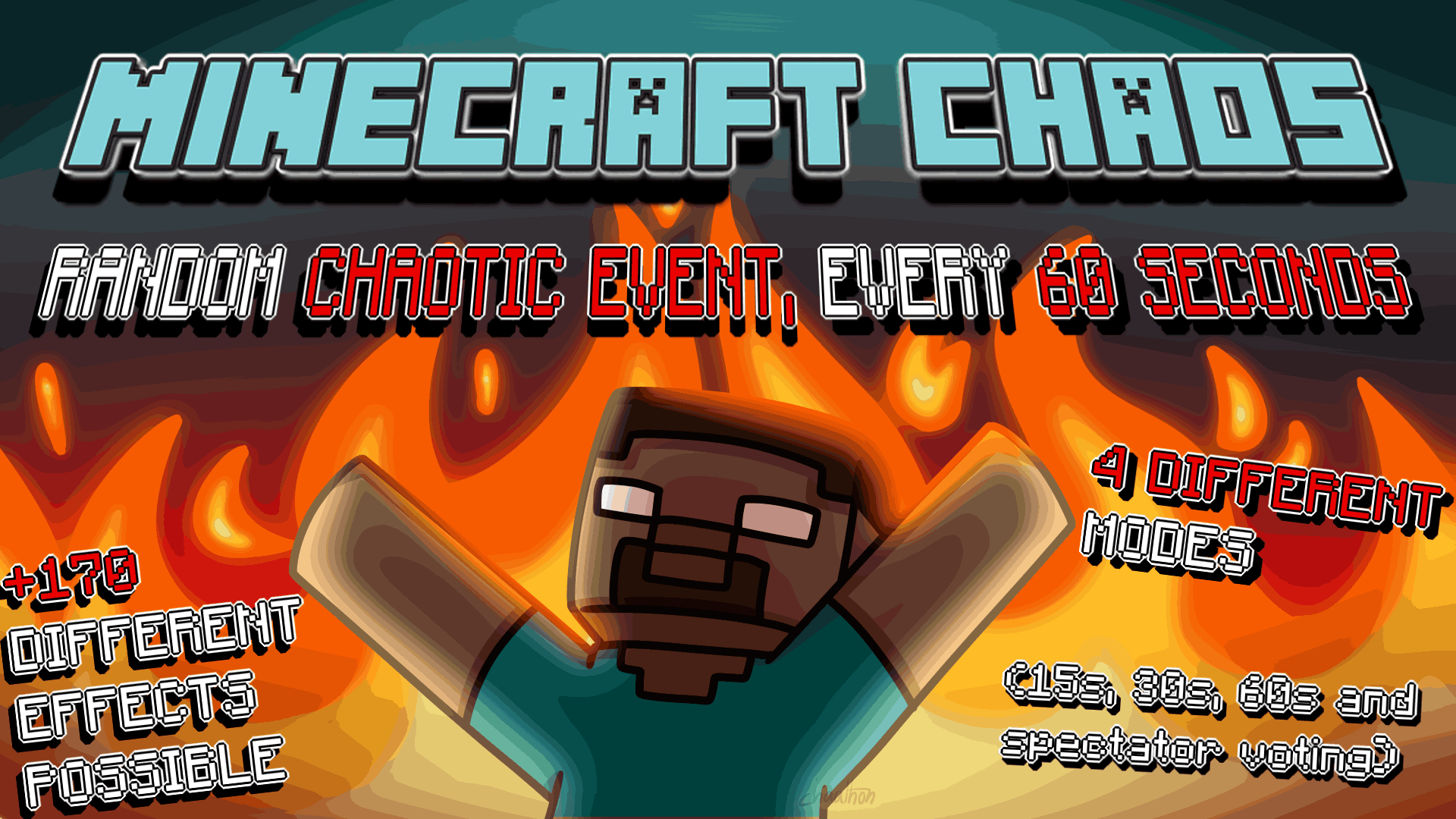
Inspired by the GTA Chaos Mod. There are 190 different effects possible in this challenge datapack!
Community voices
Reviews
No reviews yet. Be the first to review this project!
Get it on
Available Platforms
About
Project Details
For authors
Embed Badge
If you're the author of this project, you can embed a live badge anywhere that supports HTML or Markdown. It updates automatically whenever ratings change.
Use HTML for any page that supports it, or Markdown for README files and Markdown-based descriptions.
Identifiers
Platform IDs
Resources
External Links
About
Description
Every 60 seconds, you'll get a random chaotic effect applied! It can be effects such as spawning mobs, getting special items, generating structures... or more crazy effects, like making all mobs spin, an anvil apocalypse, or explode all mobs!
This datapack has quite a bunch of settings to customize your experience and have fun the way you would like to - all the details are found below.
Donate
If you like this datapack and what I do, you can consider donating so I can keep this updated with a bit more ease in the future with your support, as my finantial situation hasn't been the best recently. Only do so if you can aford it, anything is appreciated!

Please note that I'm being helped by someone to run this PayPal account, hence the name.
How to use
In version 1.4 and above (Minecraft 1.21.6+)
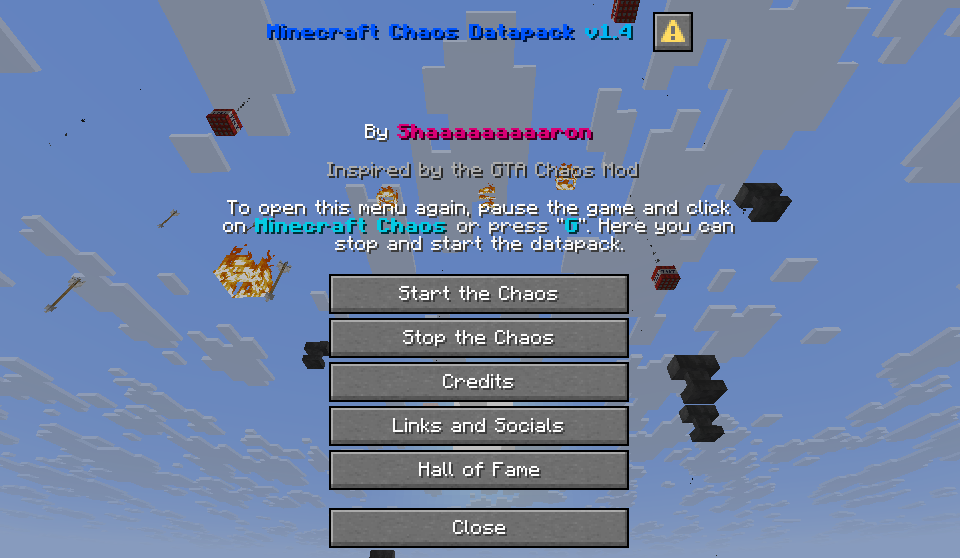
Simply press the Quick Actions keybind (which is 'G' by default) or pause the game and select Minecraft Chaos in order to open the main menu.
In this menu, you'll be able start the chaos by selecting your settings, stop the chaos, read the credits, check my socials, and take a look at the Hall of Fame!
In versions prior to 1.4 (Minecraft 1.21.4 and below)
Use /trigger chaos.info in order to open the settings menu in the chat. Use your mouse to click and select everything in the chat in order to start the chaos.
Modes
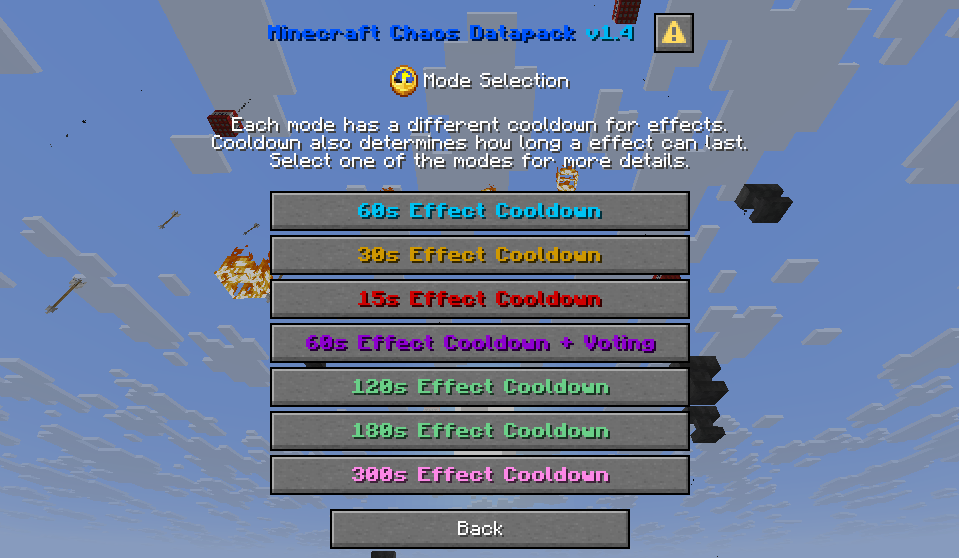
- 60s Cooldown Mode: Every minute you will get a random effect with a duration of 3 minutes in most cases. Some can last 60, 30, or 10 seconds.
- 30s Cooldown Mode: Every 30 seconds you will get a random effect with a duration of 1:30 in most cases. Some can last 45, 15, or 10 seconds.
- 15s Cooldown Mode: Every 15 seconds you will get a random effect with the same duration times as 30s Cooldown Mode.
- 60s Cooldown + Voting Mode: Every 30 seconds players in spectator mode will get a poll and have other 30 seconds to vote for an effect the runner will get. If there is a tie, a random effect from the poll will be selected. This mode is meant to be played in multiplayer.
- 120s, 180s, and 300s Cooldown Modes: Same effect duration times as 60s Cooldown Mode, but with a longer cooldown between effects.
Modifiers
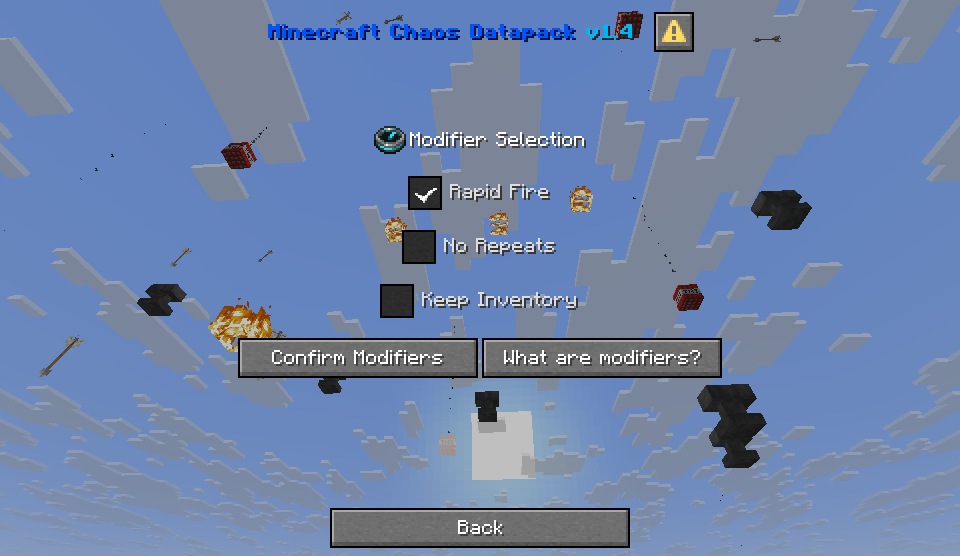
Modifiers are extra options you can enable and disable to the runs that you play
- Rapid Fire: Every so often, a warning of the incoming rapid fire will appear. When the rapid fire happens, a large amount of effects with really short duration will activate in quick succession. Can be very, very chaotic. Yet fun, though. Give it a try before disabling it!
- No Repeats: If enabled, effects cannot be selected again after being applied during the run. After all effects have been applied, everything will be able to be available to be selected again.
- Keep Inventory: If enabled, the gamerule Keep Inventory will be set to true for the run. It's important you enable it this way instead of manually using the /gamerule command since an effect can disable it after it runs out! But don't worry, with this setting, not only it will remain on for the run, but the effect that can disable it cannot be selected either.
Credits
- chaathon - Thumbnail Artist
- HeDeAnTheonlyone - Tags Library
- Misode Data Pack Generators - Helped creating the new dialogs
- MC Stacker - Command helper and updating old NBT tags
Screenshots
Gallery
-
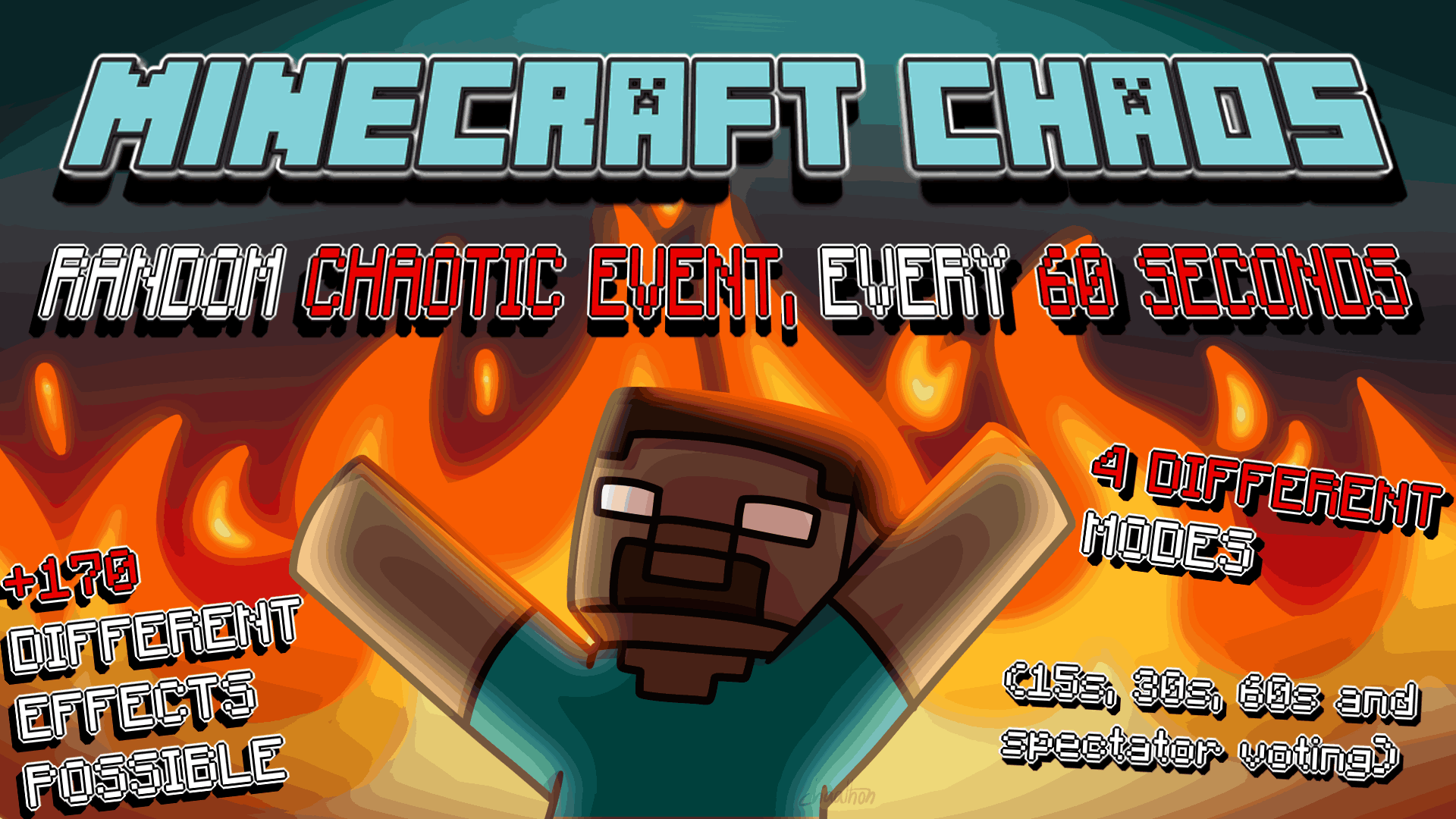 Minecraft Chaos Datapack Art by chaathon
 -
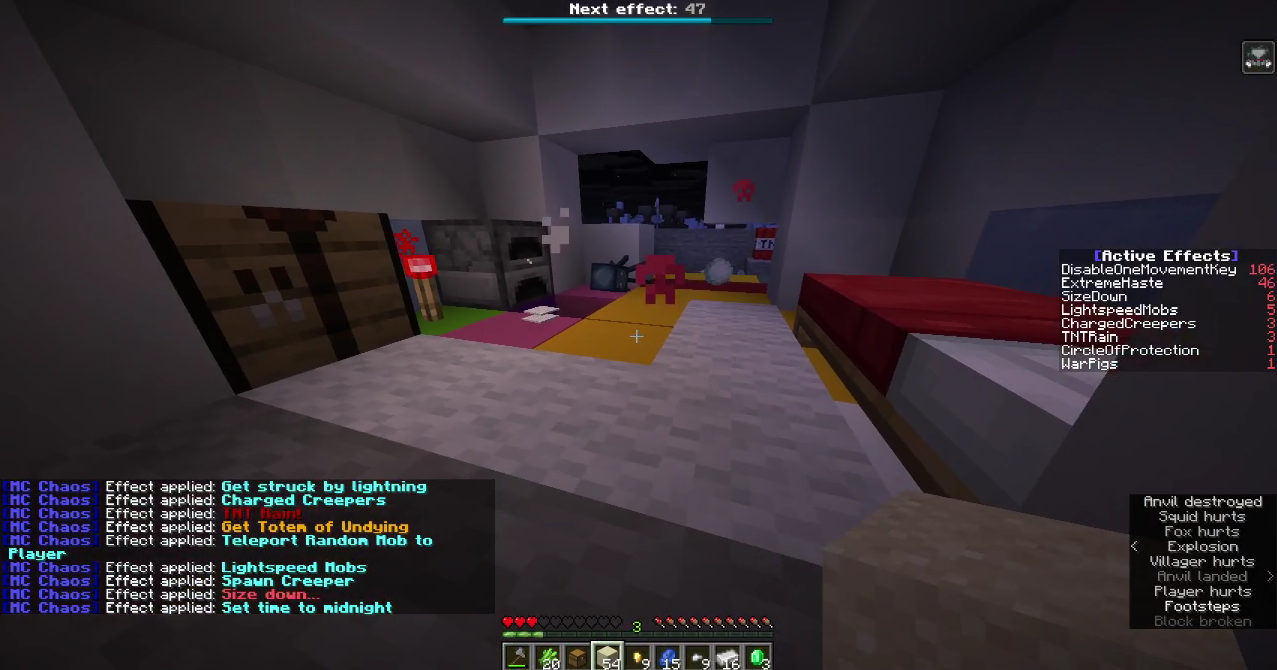 Ongoing Rapid Fire The Rapid Fire modifier is very chaotic... but can also lead to very funny, hard-to-process situations.
 -
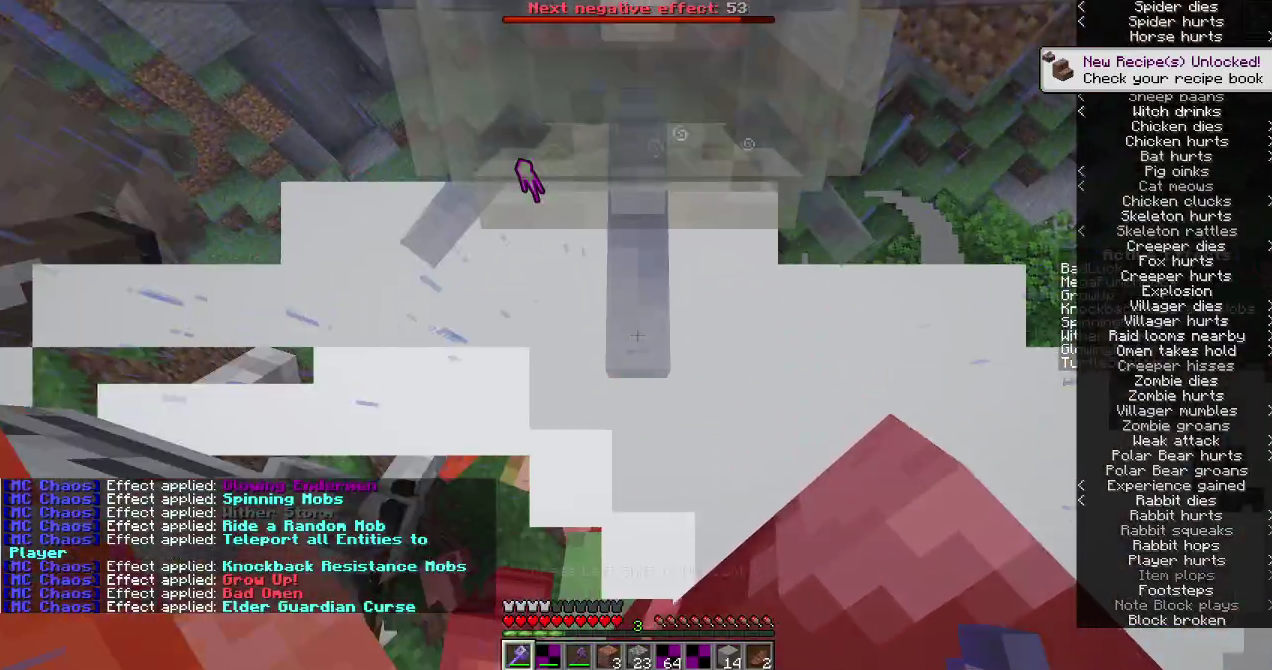 An even crazier Rapid Fire
 -
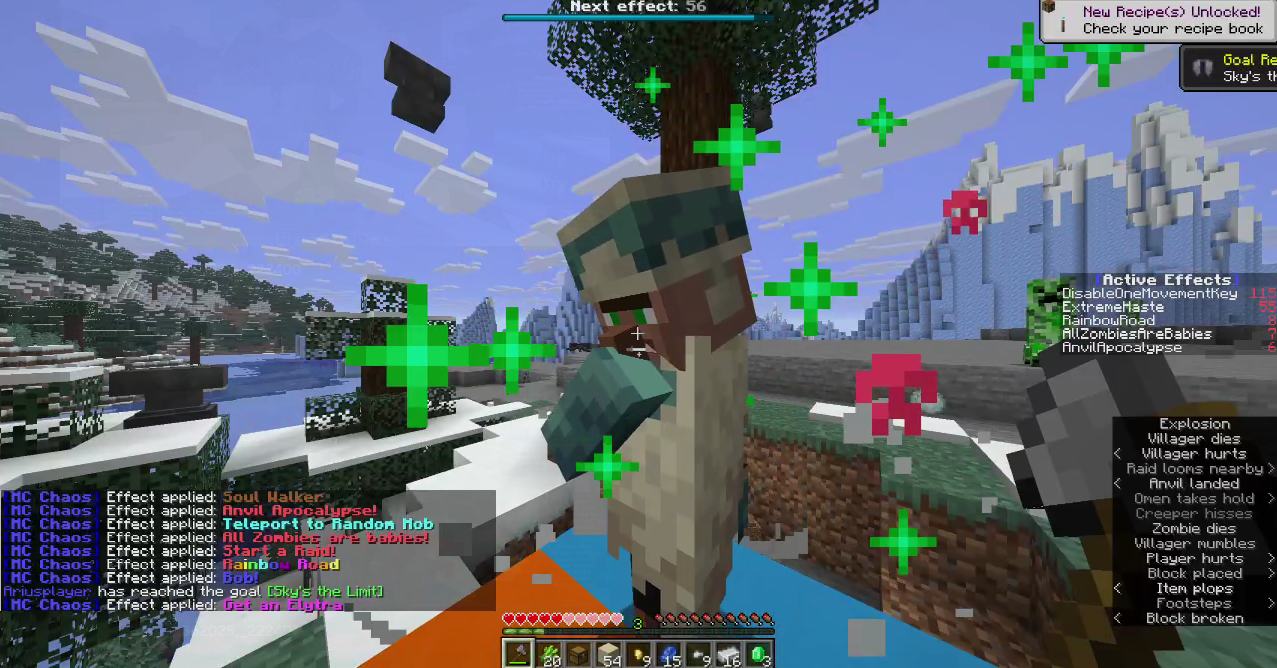 A bunch of effects applied
Versions
Files
Relations
Project Relations
More like this
Similar Mods
Suggestions use data such as tags, dependencies, dependents, descriptions, titles, and more to rank how much they overlap with this mod.
On ModDex
Community snapshot
By the numbers
Statistics

Want to reach Minecraft players?
We're looking for a server hosting partner to feature here and other parts of the site. Interested? Send us a message!
Get in touchGet it on
Available Platforms
On ModDex
Community snapshot
By the numbers
Statistics
Resources