
Community listing page, reviews here may not be monitored by the author.
MineExporteR

No reviews yet
export Minecraft buildings to .obj format
Includes quality of life improvements and small tweaks to enhance and customize gameplay.
Forge is a popular mod loader for versions 1.1+ of Minecraft.
Community voices
Reviews
Filters
Click once to include, again to exclude, again to clear
No reviews yet. Be the first to review this project!
Get it on
Available Platforms
About
Project Details
For authors
Embed Badge
If you're the author of this project, you can embed a live badge anywhere that supports HTML or Markdown. It updates automatically whenever ratings change.
Use HTML for any page that supports it, or Markdown for README files and Markdown-based descriptions.
Identifiers
Platform IDs
Resources
External Links
About
Description
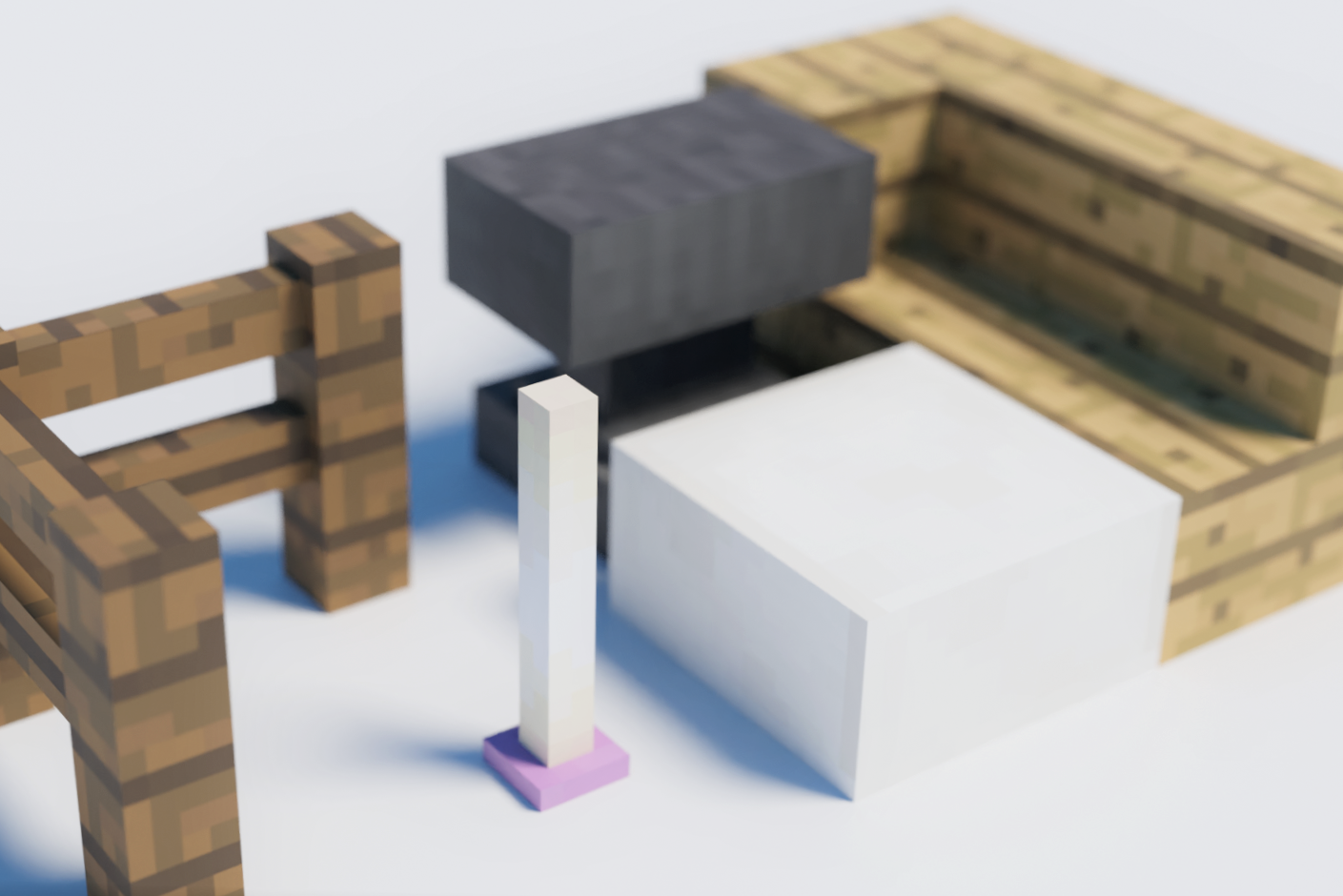
MineExporteR is a mod for Minecraft 1.12.2 that allows you to output your world to external rendering software such as Blender. It features support for modded block and optifine connected textures.
Commands
/mexp pos1
- Set start point of region.
/mexp pos2
- Set end point of region.
/mexp export
- Export selected region as .obj file.
- At this time, if you have optifine, set the shader to "None".
- Also, set the Graphics setting to "Fancy".
Setting Files
None(will be added soon)
How to use
Exported data are located in envionment_folder/MineExporter. Then import the data to rendering software.
If you are using Blender, run this script to disable texture blur and backside culling.
Cautions
- The file will be overwritten with each rendering. It is highly recommended to move the output files to another location before import them into external 3D software.
- This mod is in beta testing. There is a possibility that some blocks may not be output correctly, but we are continuing to develop it so that it will output as much as possible as it looks in Mikra before the official release.
- I am developing the latest version on github, but please use that only if you can build it at your own risk. There is no guarantee that it will work. (Instead, I will try to make the version distributed here as stable as possible).
Known bugs / Unimplemented features
・Tile Entities will not be output.
・Some CTM methods will not be output.
・The CTM (different from optifine's) used in Chisel mod, etc. is not supported.
Discord
If you have any questions or share your creations, you can join the Discord Server!
Screenshots
Gallery
Versions
Files
Relations
Project Relations
More like this
Similar Mods
Suggestions use data such as tags, dependencies, dependents, descriptions, titles, and more to rank how much they overlap with this mod.
On ModDex
Community snapshot
By the numbers
Statistics
Want to reach Minecraft players?
We're looking for a server hosting partner to feature here and other parts of the site. Interested? Send us a message!
Get in touchGet it on
Available Platforms
On ModDex
Community snapshot
By the numbers
Statistics
Resources