
Community listing page, reviews may not be monitored by the author.
Minema: Legacy

No reviews yet
A Minecraft mod for offline rendering and video capturing.

Community voices
Reviews
No reviews yet. Be the first to review this project!
Get it on
Available Platforms
About
Project Details
For authors
Embed Badge
If you're the author of this project, you can embed a live badge anywhere that supports HTML or Markdown. It updates automatically whenever ratings change.
Use HTML for any page that supports it, or Markdown for README files and Markdown-based descriptions.
Identifiers
Platform IDs
Resources
External Links
About
Description
Minema: Legacy
Minema is a mod that allows you to record smooth videos in Minecraft even at extremely low frame rates by turning the Minecraft engine into an offline renderer.
This allows you to use very expensive rendering techniques which would normally be too slow for real-time rendering and capturing.
Technically, it can be compared with the startmovie command in Source engine or the fixed_time_step variable in CryEngine.
If you try to record, for instance, an explosion of 1,000,000 TNT blocks with tools like Fraps, Dxtory or Shadowplay, you would get nothing more than a slideshow. Even if your PC is fast enough for the targeted movie frame rate, it usually produces less smooth results than Minema. But keep in mind that this mod is designed for intermediate users that need to record cinematic or experimental Minecraft movies rather than for "normal" gameplay movies.
Known bugs
After movie capturing is finished, the integrated server may go into a "fast-forward" mode to re-sync with the real time.
Usage
To start and stop a recording session, simply press F4. The key can be configured in the key bindings menu.
If you're familiar with video encoding, it is highly recommended to use ffmpeg to compress videos on the fly.
Recommended ffmpeg parameters:
Lossy H.264:
-f rawvideo -pix_fmt rgb24 -s %WIDTH%x%HEIGHT%-r %FPS% -i - -c:v libx264 -preset medium -qp 10 video.mp4Lossless H.264 (RGB mode):
-f rawvideo -pix_fmt rgb24 -s %WIDTH%x%HEIGHT%-r %FPS% -i - -c:v libx264rgb -preset medium -qp 0 video.mp4Note: starting with Minema v3.2, all frames need to be flipped vertically using "-vf vflip"!
BarracudaATA's Other Mods
Credits
- BarracudaATA - Owner, Lead Developer
- MCArchive - First preserving the mods and archiving them
Screenshots
Gallery
-
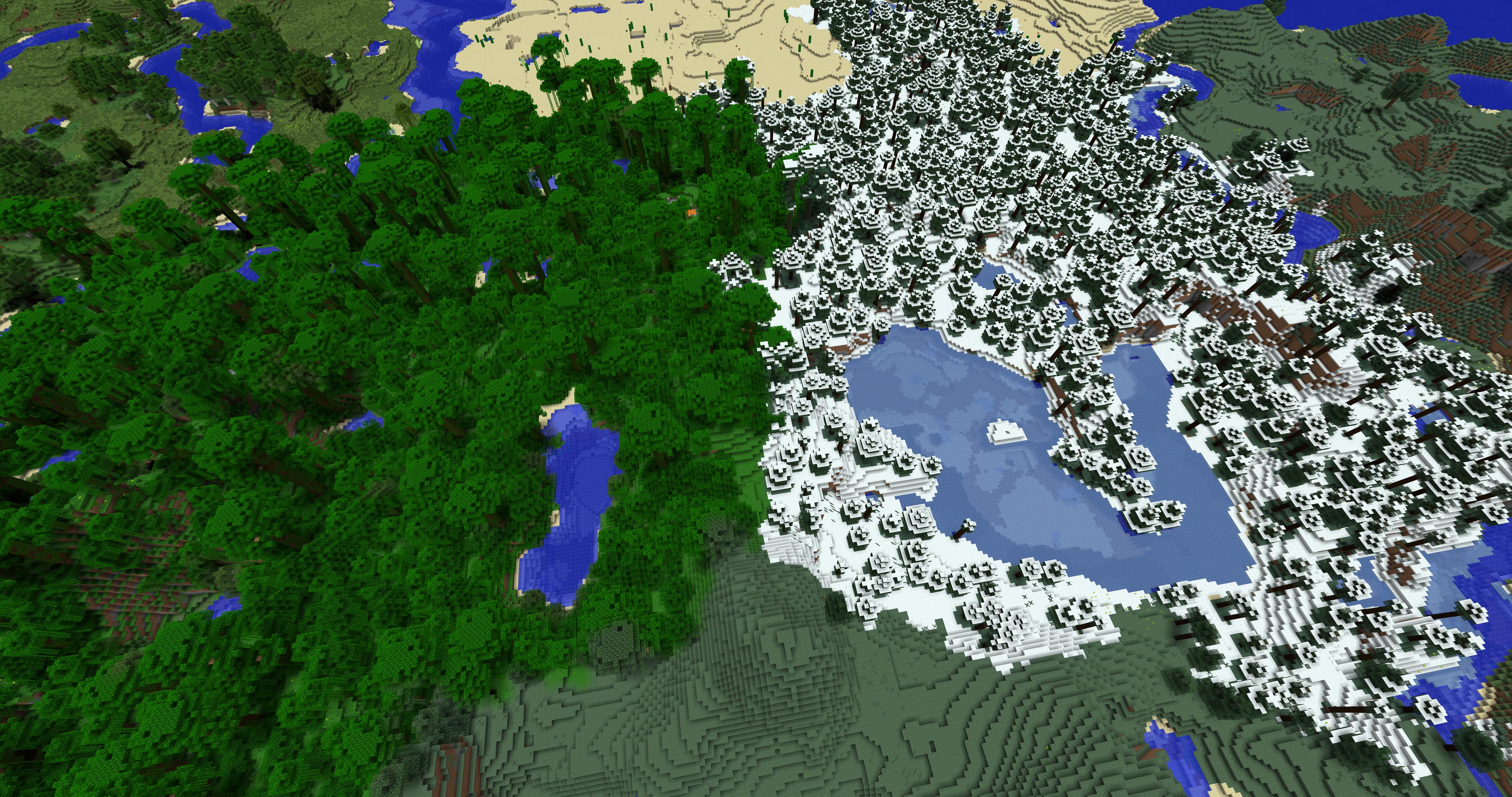 Minema
Versions
Files
Relations
Project Relations
More like this
Similar Mods
Suggestions use data such as tags, dependencies, dependents, descriptions, titles, and more to rank how much they overlap with this mod.
On ModDex
Community snapshot
By the numbers
Statistics

Get it on
Available Platforms
On ModDex
Community snapshot
By the numbers
Statistics
Resources