
Community listing page, reviews may not be monitored by the author.
Mixer

No reviews yet
Ever built a path or wall with multiple blocks and wished you could do that quicker? Look No further!

Community voices
Reviews
No reviews yet. Be the first to review this project!
Get it on
Available Platforms
About
Project Details
For authors
Embed Badge
If you're the author of this project, you can embed a live badge anywhere that supports HTML or Markdown. It updates automatically whenever ratings change.
Use HTML for any page that supports it, or Markdown for README files and Markdown-based descriptions.
Identifiers
Platform IDs
Resources
External Links
About
Description
What is Mixer?
Mixer is a simple client-side mod that helps with building block gradients and textured surfaces.
When the mod is enabled, and you place a block from your hotbar, Mixer automatically switches your selected slot to a different block from your hotbar and uses that for the next placement. This makes it much easier to build textured walls, mixed paths, or any build that uses natural variation instead of a flat, repeated texture.|
How Mixer works
- Mixer looks at the block items in your hotbar and treats them as a palette.
- Each time you successfully place one of those blocks, Mixer randomly selects another block from that palette for the next placement.
- If the placement fails (for example, you’re pressed against a block and nothing is actually placed), Mixer does nothing, and your hotbar selection stays the same.
- The mod does not move items around in your inventory. It only changes which hotbar slot is selected.
Controls
- Toggle Mixer: default key is B
- The keybind appears under the category “HotBowl’s Tweaks” in the Controls menu.
Technical details
- Client-side Fabric mod.
- Designed for use in building-focused gameplay: survival, creative, singleplayer, or servers that allow client-side Fabric mods.
- No external downloads, no server-side requirements, and no gameplay advantage beyond making building with mixed blocks faster and less tedious.
Mixer is meant to stay small and focused: it doesn’t add new items or blocks, it just makes the ones you already use easier to combine into good-looking builds.
This is the first mod I've ever made, and I plan to make a few more under the "HotBowl's Tweaks" name. They will mostly consist of simple QOL mods like this. If you have any requests, let me know. My Discord is HotBowl1080 for direct communication. (I probably can't help you lol, sorry)
Screenshots
Gallery
-
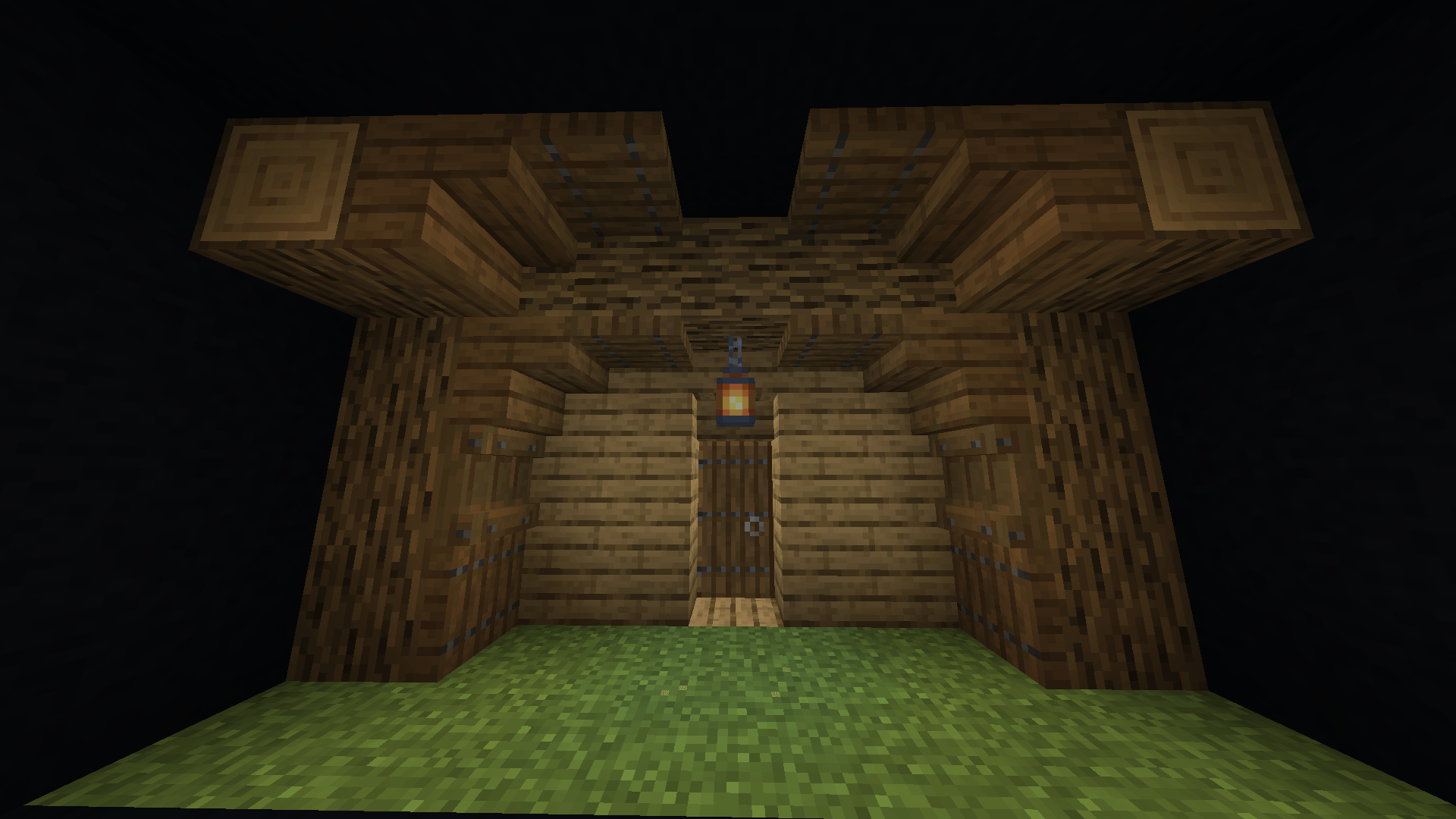 Screenshot 1 Simple Wood Build (Mixer OFF)
 -
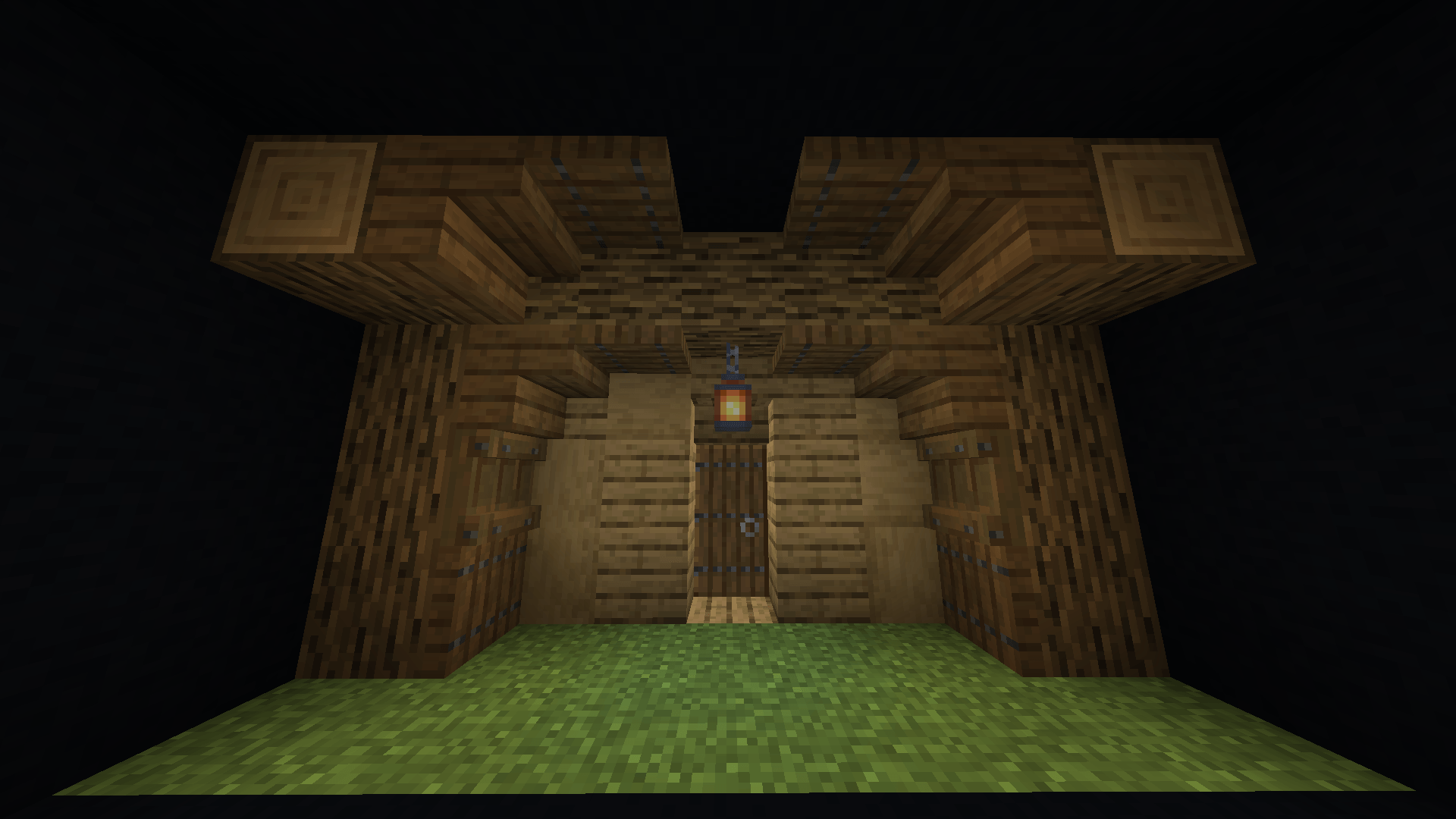 Screenshot 2 Simple Wood Build With Texture (Mixer ON)
 -
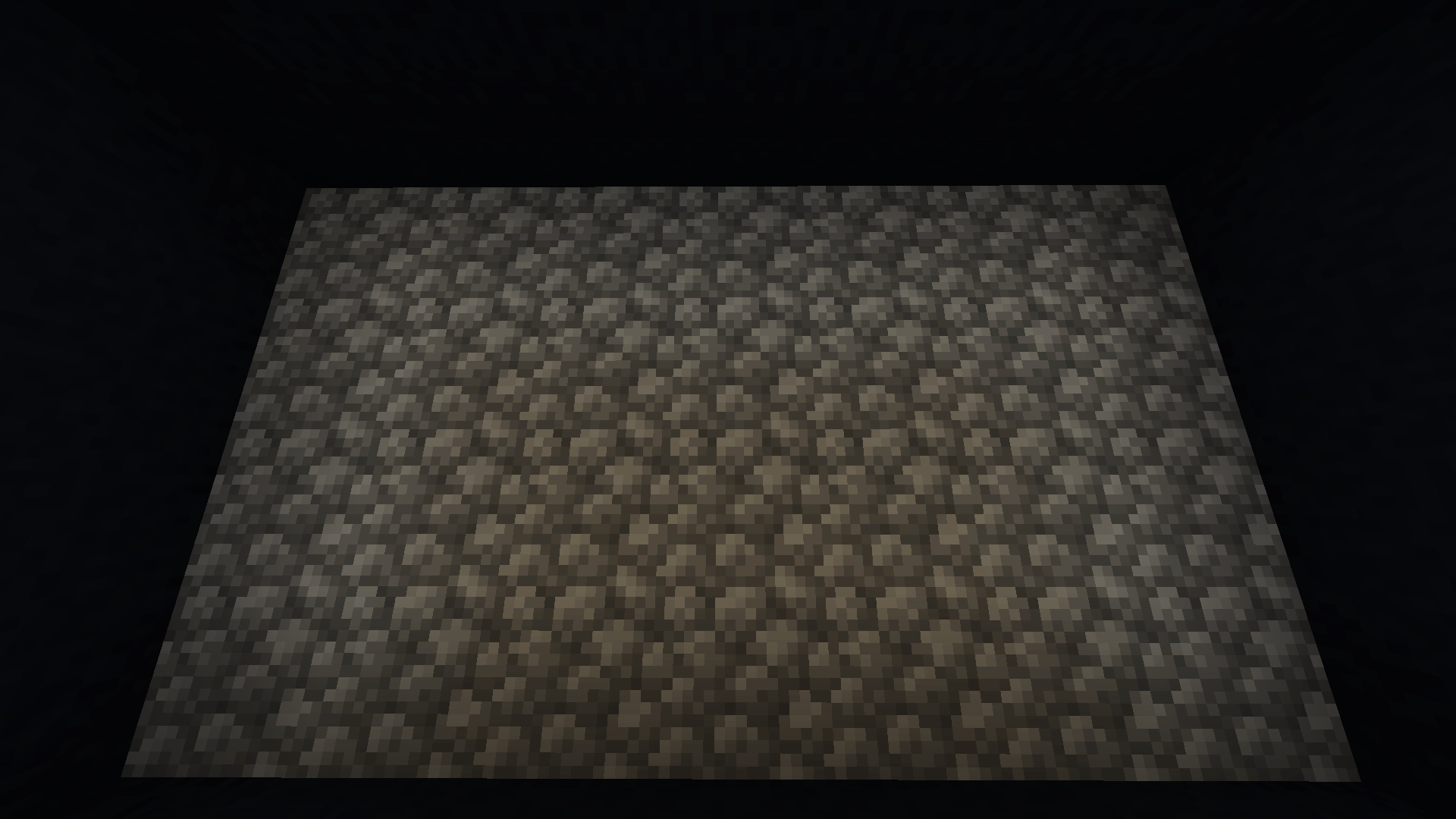 Screenshot 3 Boring Cobblestone Wall (Mixer OFF)
 -
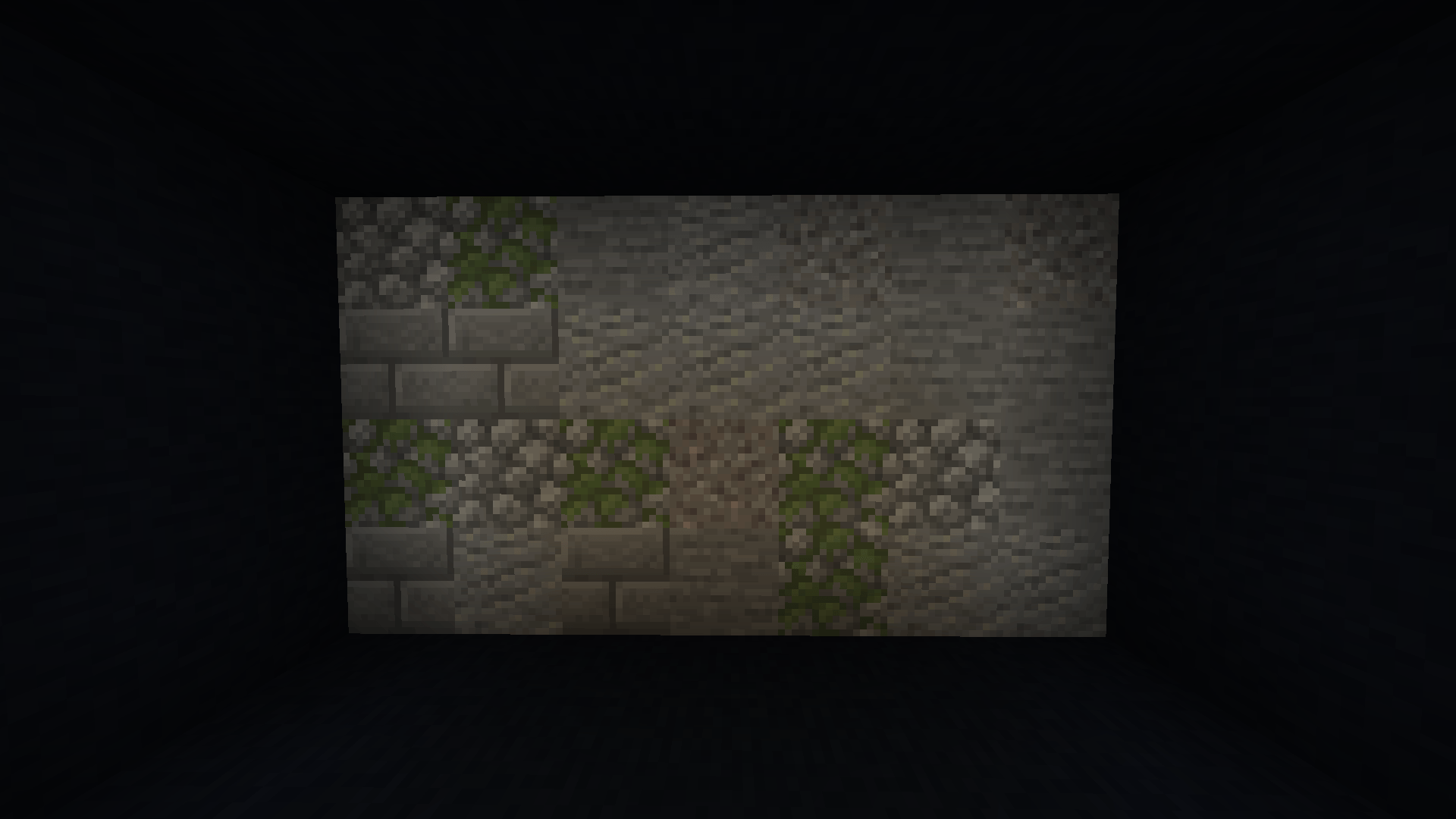 Screenshot 4 Textured Stone Wall (Mixer ON)
Versions
Files
Relations
Project Relations
More like this
Similar Mods
Suggestions use data such as tags, dependencies, dependents, descriptions, titles, and more to rank how much they overlap with this mod.
On ModDex
Community snapshot
By the numbers
Statistics

Get it on
Available Platforms
On ModDex
Community snapshot
By the numbers
Statistics
Resources