
Community listing page, reviews here may not be monitored by the author.
Mob Spawn Indicator


No reviews yet
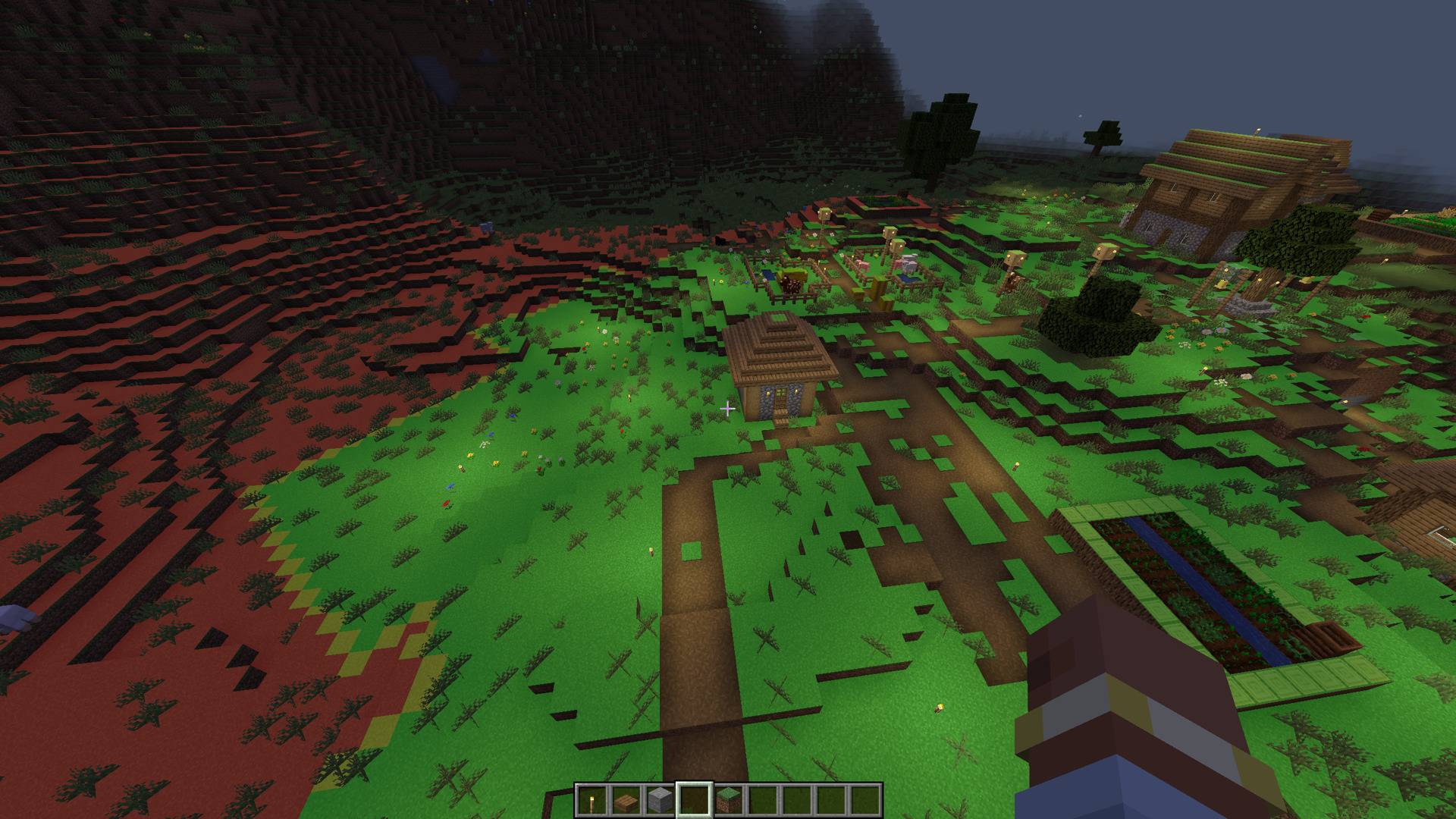
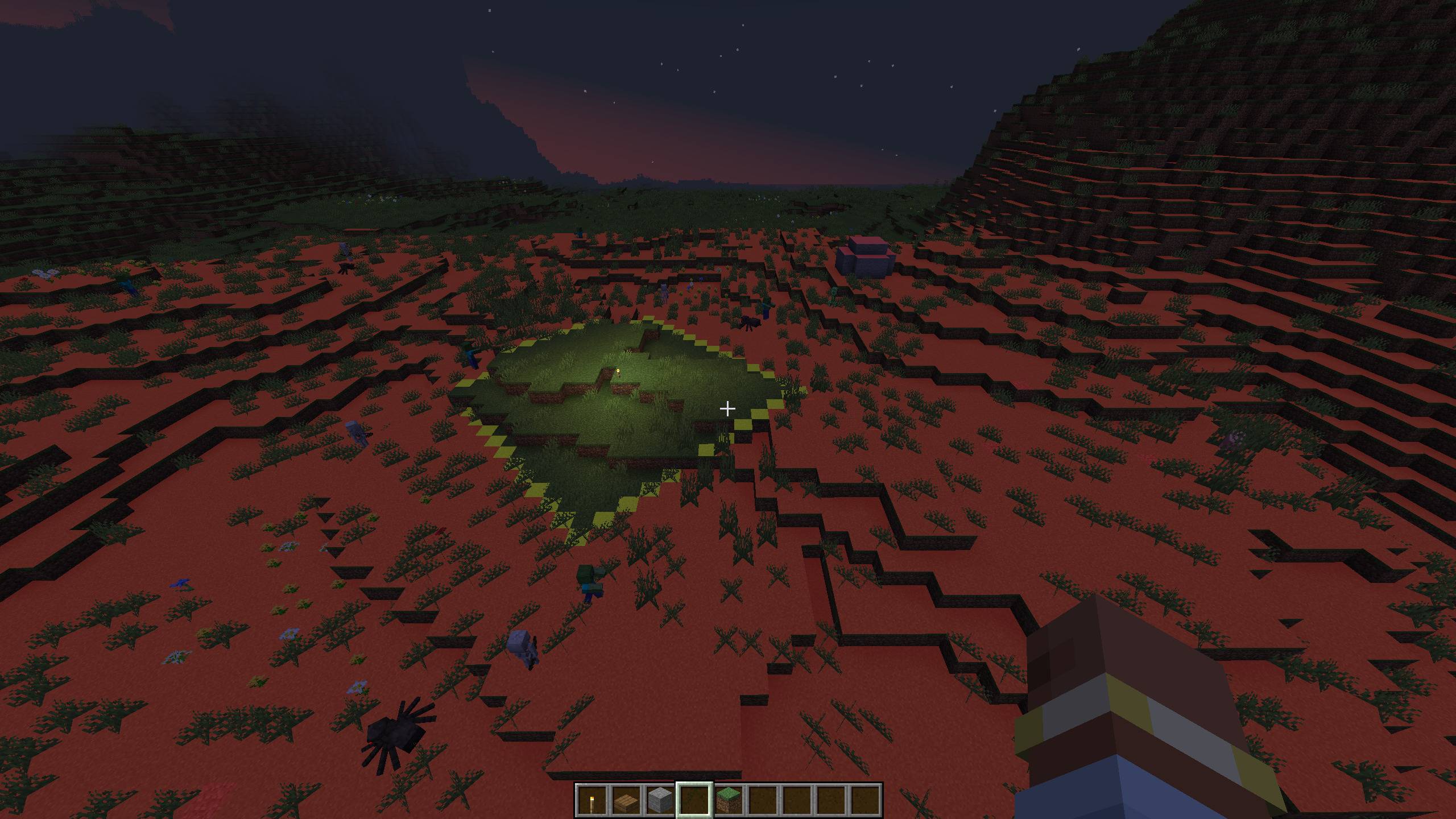
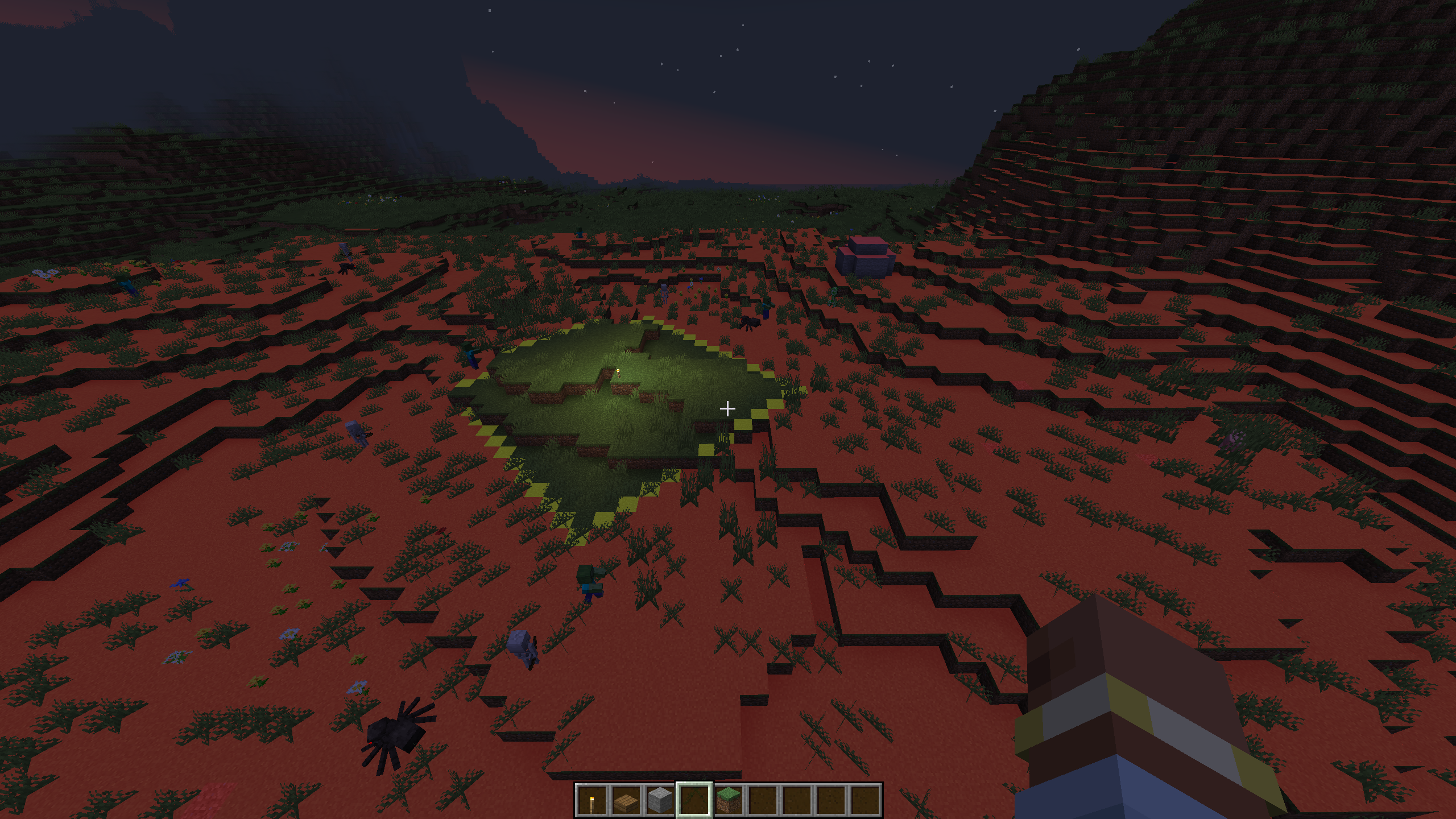
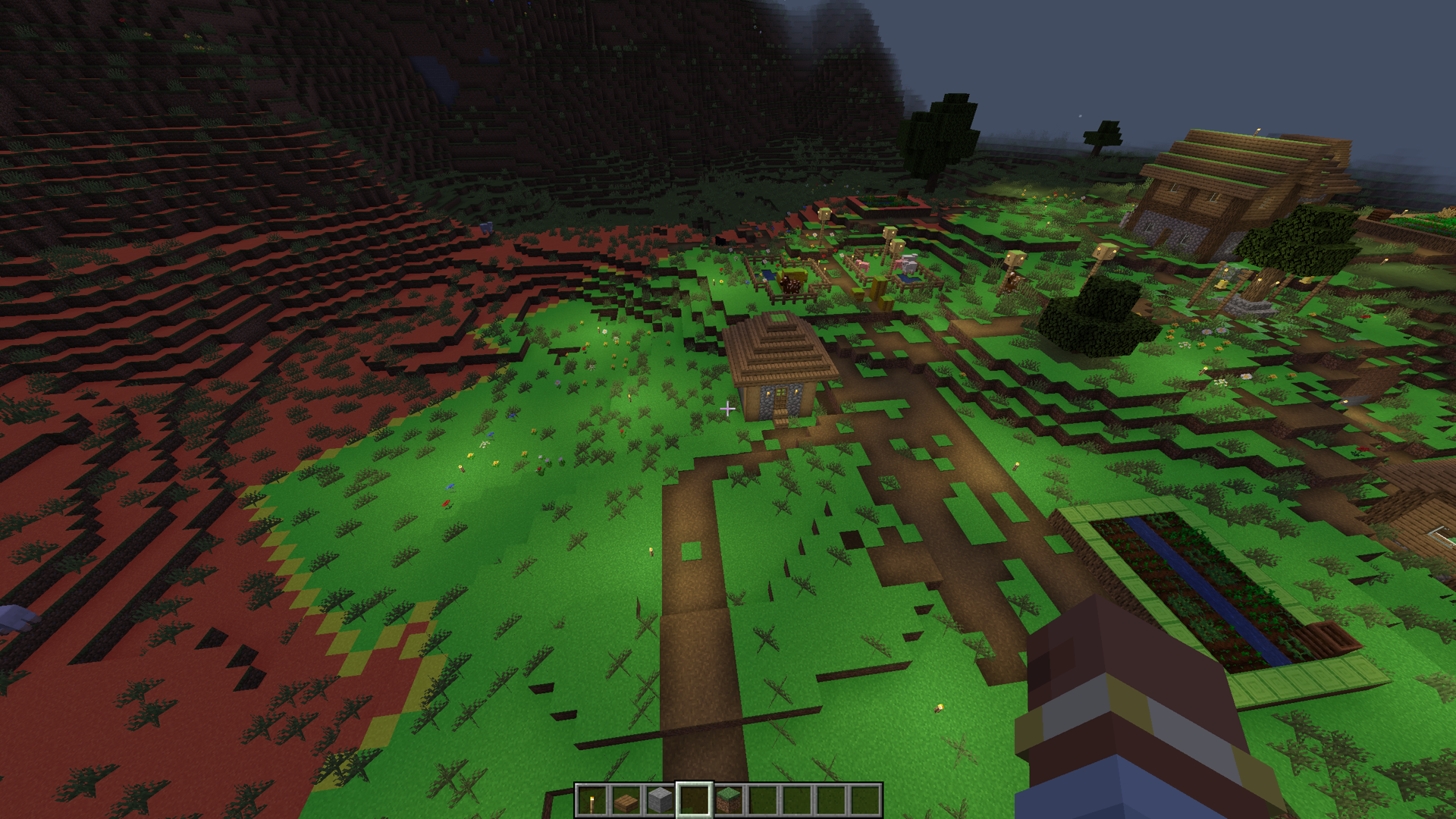
Highlights block surfaces where hostile mobs can spawn using color-coded overlays.

Community voices
Reviews
No reviews yet. Be the first to review this project!
Get it on
Available Platforms
Compatibility
Supported Environments
Runs entirely on the client. Works on vanilla servers.
About
Project Details
For authors
Embed Badge
If you're the author of this project, you can embed a live badge anywhere that supports HTML or Markdown. It updates automatically whenever ratings change.
Use HTML for any page that supports it, or Markdown for README files and Markdown-based descriptions.
Identifiers
Platform IDs
About
Description
Mob Spawn Indicator highlights valid mob spawn floors in your vicinity with color-coded overlays. It uses vanilla spawn rules, so it works on any server without needing to be installed server-side.
Features
- Color-coded overlays on valid spawn floors: red (danger), yellow (warn), green (safe)
- Configurable render distance, opacity, and which colors to display
- Settings GUI accessible from the Options screen or via commands
- Client-side only — works on vanilla servers, SMPs, and modded servers
Commands
/msi settings— open the settings GUI/msi toggle— toggle the overlay on/off/msi on|/msi off— enable or disable the overlay/msi reset— reset all settings to defaults
Configuration
Default keybind: J (toggle overlay)
Config file: config/msi-common.toml
| Option | Default | Description |
|---|---|---|
render_rad |
16 | Render distance in blocks |
overlay_opacity |
0.5 | Overlay transparency |
show_danger |
true | Show red overlay (valid spawn, no space for mobs) |
show_warn |
true | Show yellow overlay (valid spawn, 1 block space) |
show_safe |
false | Show green overlay (valid spawn, 2+ block space) |
Notes
- Uses vanilla Minecraft spawn rules: slabs, stairs, trapdoors, glass, and leaves are correctly excluded as non-spawnable
- Overlays update every 5 ticks
- Works in singleplayer, LAN, and multiplayer
Mob Spawn Indicator highlights valid mob spawn floors in your vicinity with color-coded overlays. It uses vanilla spawn rules, so it works on any server without needing to be installed server-side.
Features
- Color-coded overlays on valid spawn floors: red (danger), yellow (warn), green (safe)
- Configurable render distance, opacity, and which colors to display
- Settings GUI accessible from the Options screen or via commands
- Client-side only — works on vanilla servers, SMPs, and modded servers
Commands
/msi settings— open the settings GUI/msi toggle— toggle the overlay on/off/msi on|/msi off— enable or disable the overlay/msi reset— reset all settings to defaults
Configuration
Default keybind: J (toggle overlay)
Config file: config/msi-common.toml
| Option | Default | Description |
|---|---|---|
render_rad |
16 | Render distance in blocks |
overlay_opacity |
0.5 | Overlay transparency |
show_danger |
true | Show red overlay (valid spawn, no space for mobs) |
show_warn |
true | Show yellow overlay (valid spawn, 1 block space) |
show_safe |
false | Show green overlay (valid spawn, 2+ block space) |
Notes
- Uses vanilla Minecraft spawn rules: slabs, stairs, trapdoors, glass, and leaves are correctly excluded as non-spawnable
- Overlays update every 5 ticks
- Works in singleplayer, LAN, and multiplayer
Screenshots
Gallery
-
 Preview 2 Preview 2
 -
 Preview 1 Preview 1
-
 Preview 1
 -
 Preview 2
Versions
Files
Relations
Project Relations
More like this
Similar Mods
Suggestions use data such as tags, dependencies, dependents, descriptions, titles, and more to rank how much they overlap with this mod.
On ModDex
Community snapshot
By the numbers
Statistics
 (opens in a new tab)
Get it on
Available Platforms
On ModDex
Community snapshot
By the numbers