
Community listing page, reviews may not be monitored by the author.
Mobhighlight

No reviews yet
Never lose a mob again. Client-side vanilla glow outlines on nearby mobs, colored per rule - 7 auto-sorted categories, custom rules, modded mob support.

Community voices
Reviews
No reviews yet. Be the first to review this project!
Get it on
Available Platforms
About
Project Details
For authors
Embed Badge
If you're the author of this project, you can embed a live badge anywhere that supports HTML or Markdown. It updates automatically whenever ratings change.
Use HTML for any page that supports it, or Markdown for README files and Markdown-based descriptions.
Identifiers
Platform IDs
Resources
External Links
About
Description
Mob Highlight
Draws vanilla glowing outlines over mobs within a radius — the spectral-arrow look, visible through walls — colored by rule. Modded entities included, with an in-game configuration screen.
It rides the vanilla outline pipeline, so the outline hugs the entity model itself rather than drawing a hitbox-style box.
Client-side only, no Mixin, nothing to install on the server.
Requires: Minecraft 1.21.11 · Fabric Loader 0.18.4 or newer · Fabric API
中文说明见 README.md。
Installation
Drop mobhighlight-<version>.jar and Fabric API into your mods/ folder.
Delete any older mobhighlight-*.jar first — two jars with the same mod id will abort startup.
Controls
|
Key |
Action |
|
|
Toggle, with an on/off message in chat |
|
|
Open the configuration screen |
|
|
Detection radius ±8 blocks |
Both keys can be rebound from the General tab, which links to the vanilla Controls screen.
Configuration screen
Five tabs:
- General — master switch, through-wall display, invisible entities, outline yourself, radius, per-frame cap, correction interval, keybinds
- Default Rules — the seven auto-sorted categories (Player / Friendly / Neutral / Hostile / Aquatic / Ambient / Other), each with a toggle and a color swatch
- Custom Rules — pick your own entities, name them, give them a color (see below)
- Entity List — every entity including modded ones, with search and filter by mod. Each row cycles three states: follow rules / force glow / never glow
- Mod Sources — per-mod master toggle, the quick way out when a mod turns out to be incompatible
Through-wall display is on by default, which is the vanilla glow behavior at no extra cost. Turning it off outlines only what you can see, at the price of a raycast per frame.
Anything you change is written to config/mobhighlight.json immediately.
About the rules
Default rules sort entities by tag and registered category, with no hardcoded mob list anywhere, so modded mobs land in a sensible category on their own.
Where that gets it wrong, you can pull entities out with your own rule. Villagers are the usual example: registered as MISC with no category tag, so default rules can only file them under "Other". Click "Add entity" to get the category list, open a category, pick the entities — from then on they use that rule's color instead.
An entity already claimed by another rule shows up greyed out and unclickable; remove it from its current rule first. Removing an entity, or deleting the whole rule, puts it back on its default category and color right away.
Commands
Known issues
- Some mods register an entity renderer without an outline variant. Rendering then throws
Can't render an outline for this rendertype!and the game may crash. Vanilla glow has the same limitation — this mod just marks more entities at once and so hits it more easily. If it happens, search the log for that line and turn the offending mod off on the Mod Sources tab.
- There is no way to tell yourself apart from other players, so anything closer than one block to the camera is treated as you and skipped. Set
glowSelfto outline yourself too.
Building
JDK 21 and Gradle 9.x are needed (Loom 1.17 requires Gradle 9 or newer). From the project root:
The jar lands in build/libs/, named after mod_version in gradle.properties.
License
MIT
Screenshots
Gallery
-
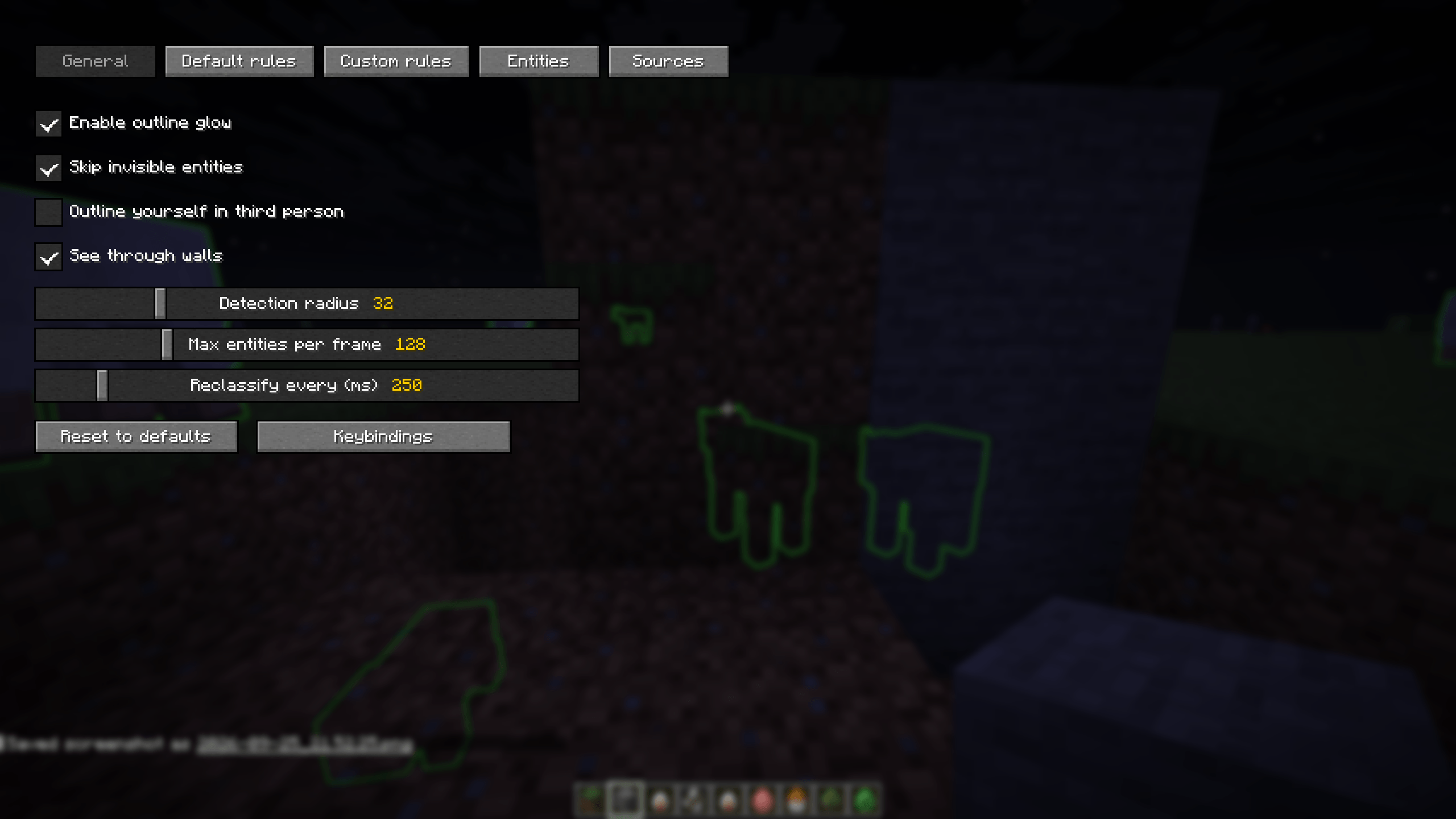 General Settings Customizable options: toggle glow, skip invisible entities, third-person outline, see-through-walls, detection radius, and performance tuning.
 -
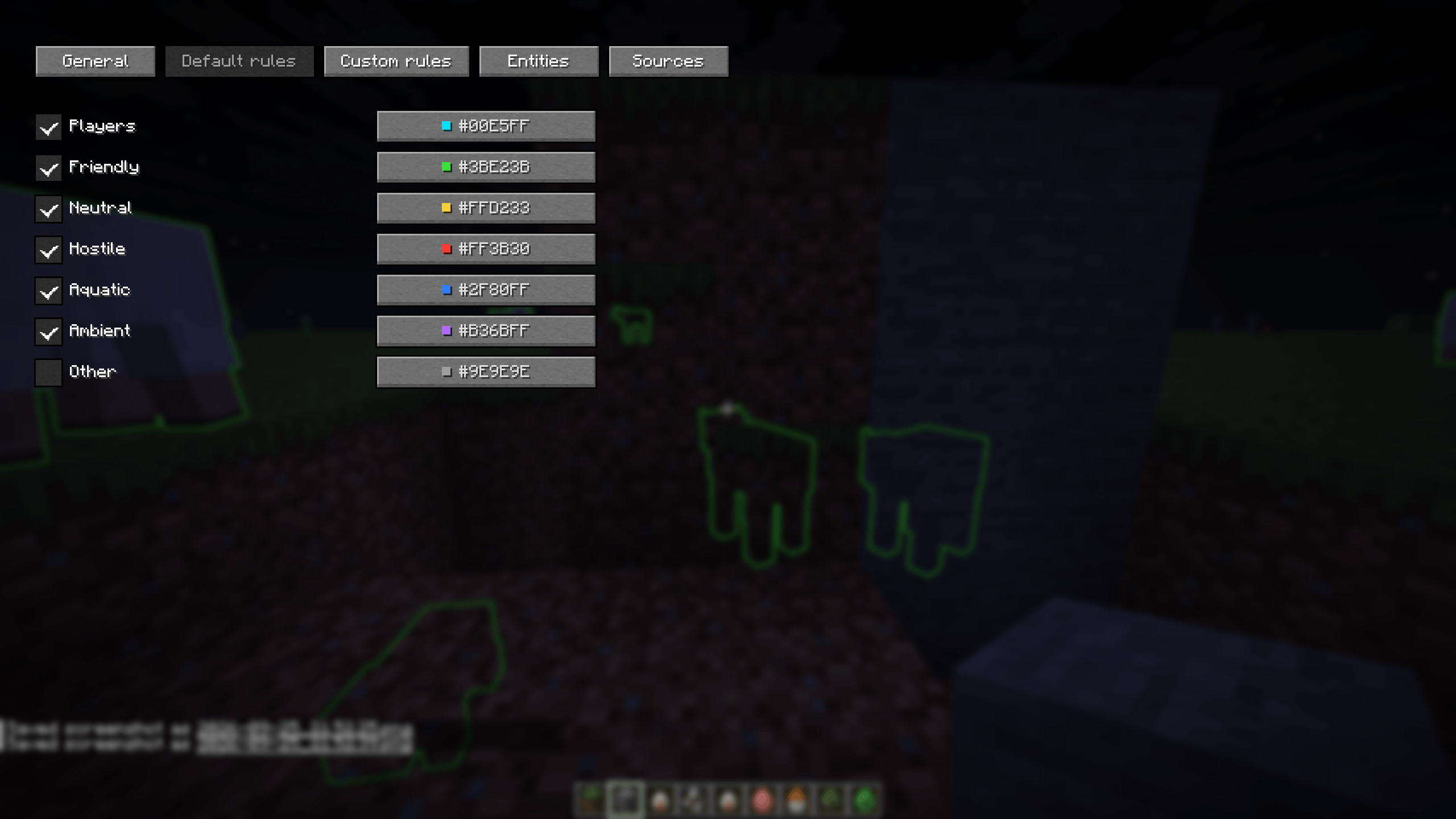 Default Color Rules Auto-assigns colors by category: Players (Blue), Friendly (Green), Neutral (Yellow), Hostile (Red), Aquatic (Blue), Ambient (Purple).
 -
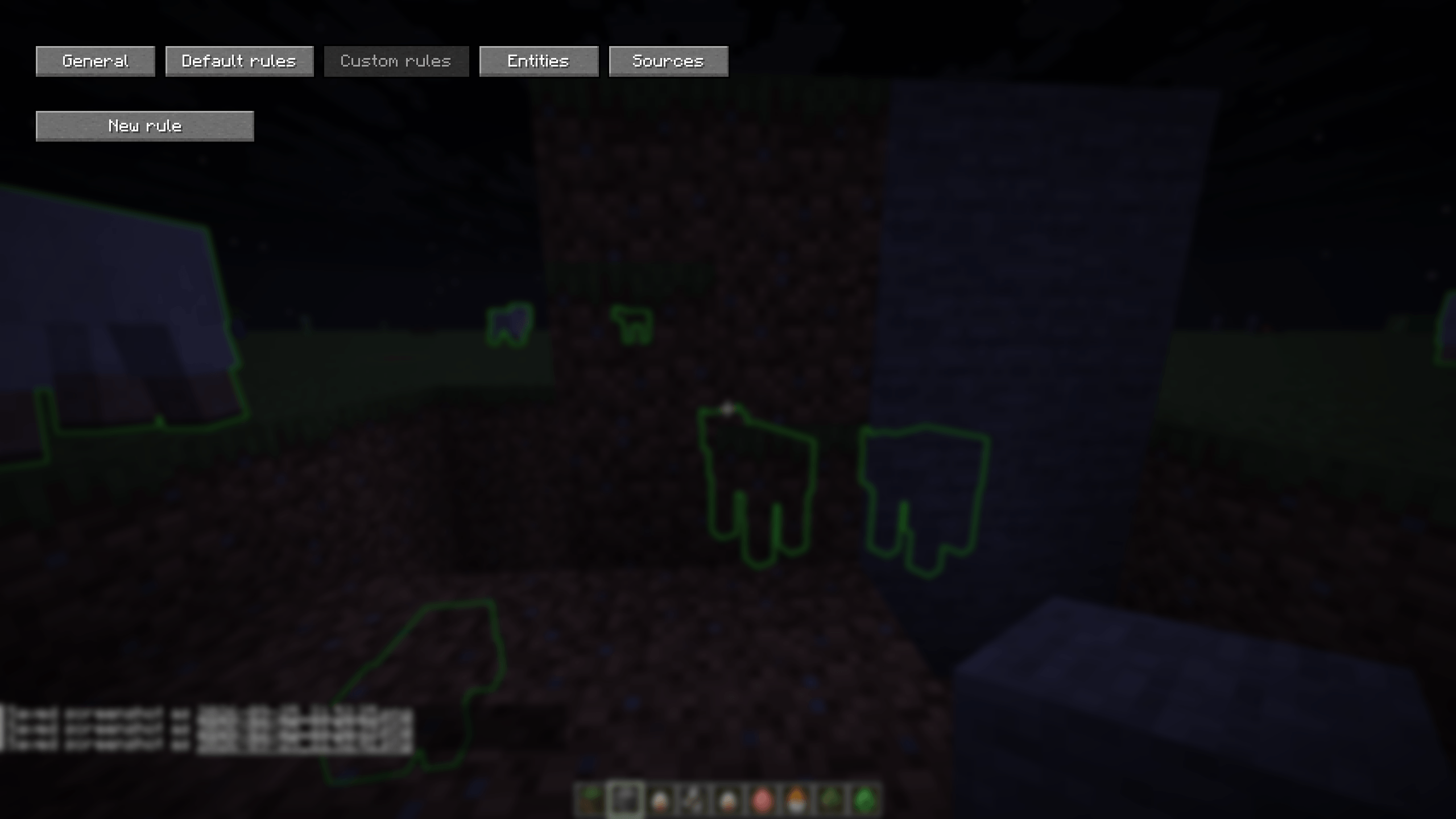 Custom Rules Create your own rules! Tailor specific colors or behaviors for individual entities to suit your gameplay.
 -
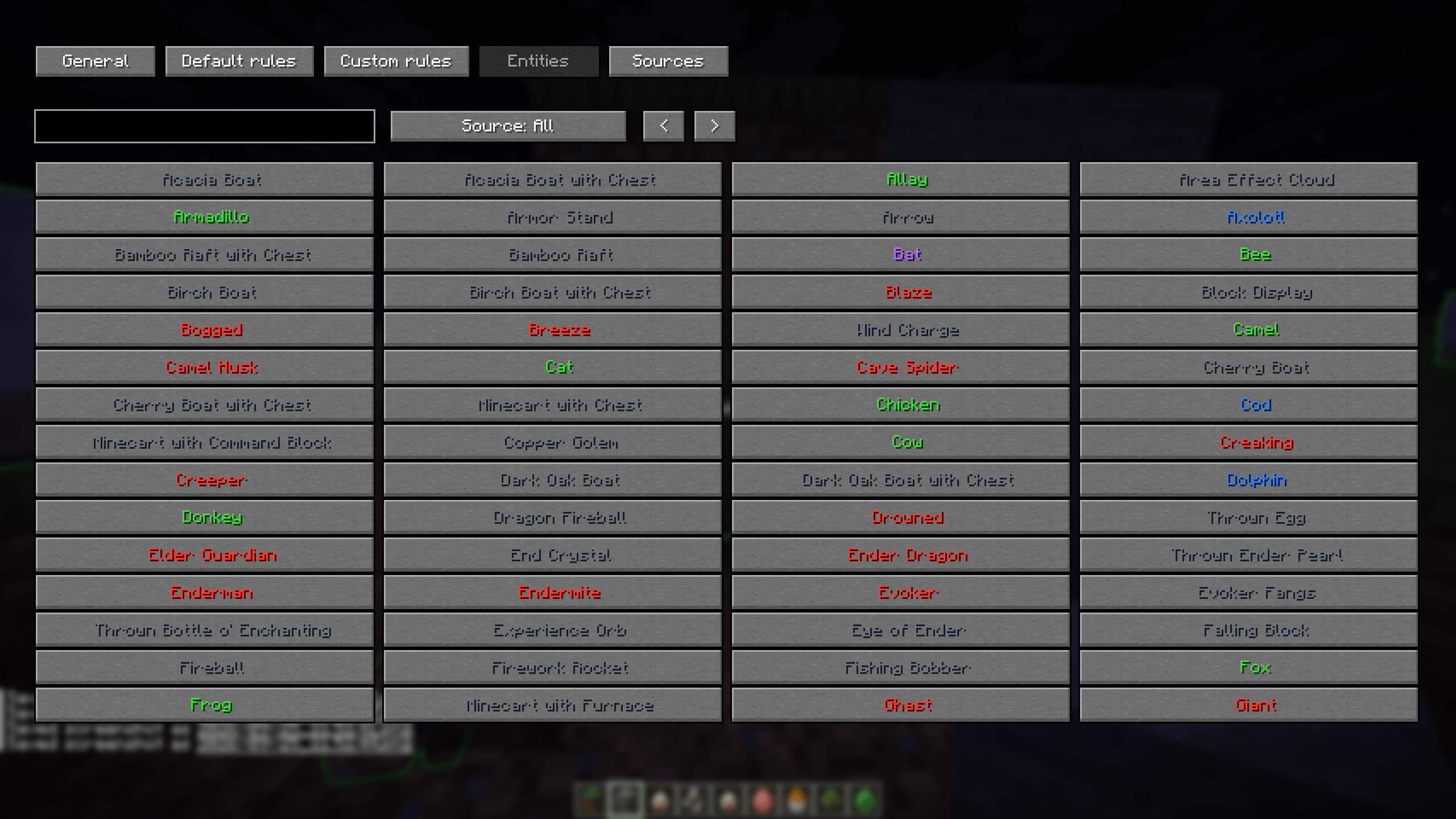 Full Entity Support Built-in support for 157 vanilla entities. Color-coded names help identify categories at a glance.
 -
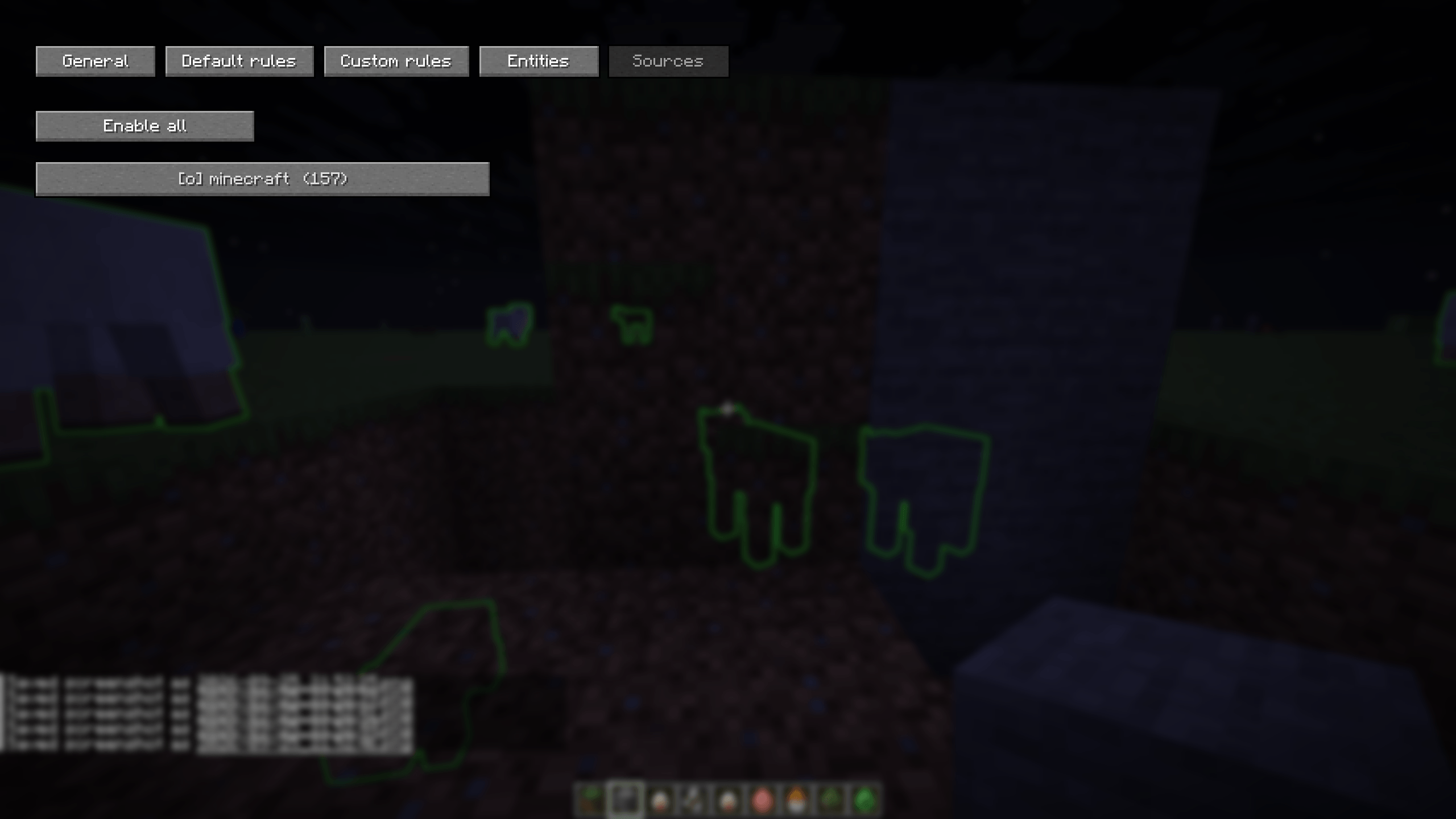 Entity Sources Management Manage entities by source mods. Displays loaded mods like "[0] minecraft (157)" for easy batch management.
Versions
Files
Relations
Project Relations
More like this
Similar Mods
Suggestions use data such as tags, dependencies, dependents, descriptions, titles, and more to rank how much they overlap with this mod.
On ModDex
Community snapshot
By the numbers
Statistics

Get it on
Available Platforms
On ModDex
Community snapshot
By the numbers
Statistics
Resources