Community listing page, reviews may not be monitored by the author.
Mod Debug World Type


No reviews yet
Allows the debug world type to show mods from a specific mod ID.

Community voices
Reviews
No reviews yet. Be the first to review this project!
Get it on
Available Platforms
Compatibility
Supported Environments
Must be installed on both the client and the server.
About
Project Details
For authors
Embed Badge
If you're the author of this project, you can embed a live badge anywhere that supports HTML or Markdown. It updates automatically whenever ratings change.
Use HTML for any page that supports it, or Markdown for README files and Markdown-based descriptions.
Identifiers
Platform IDs
About
Description
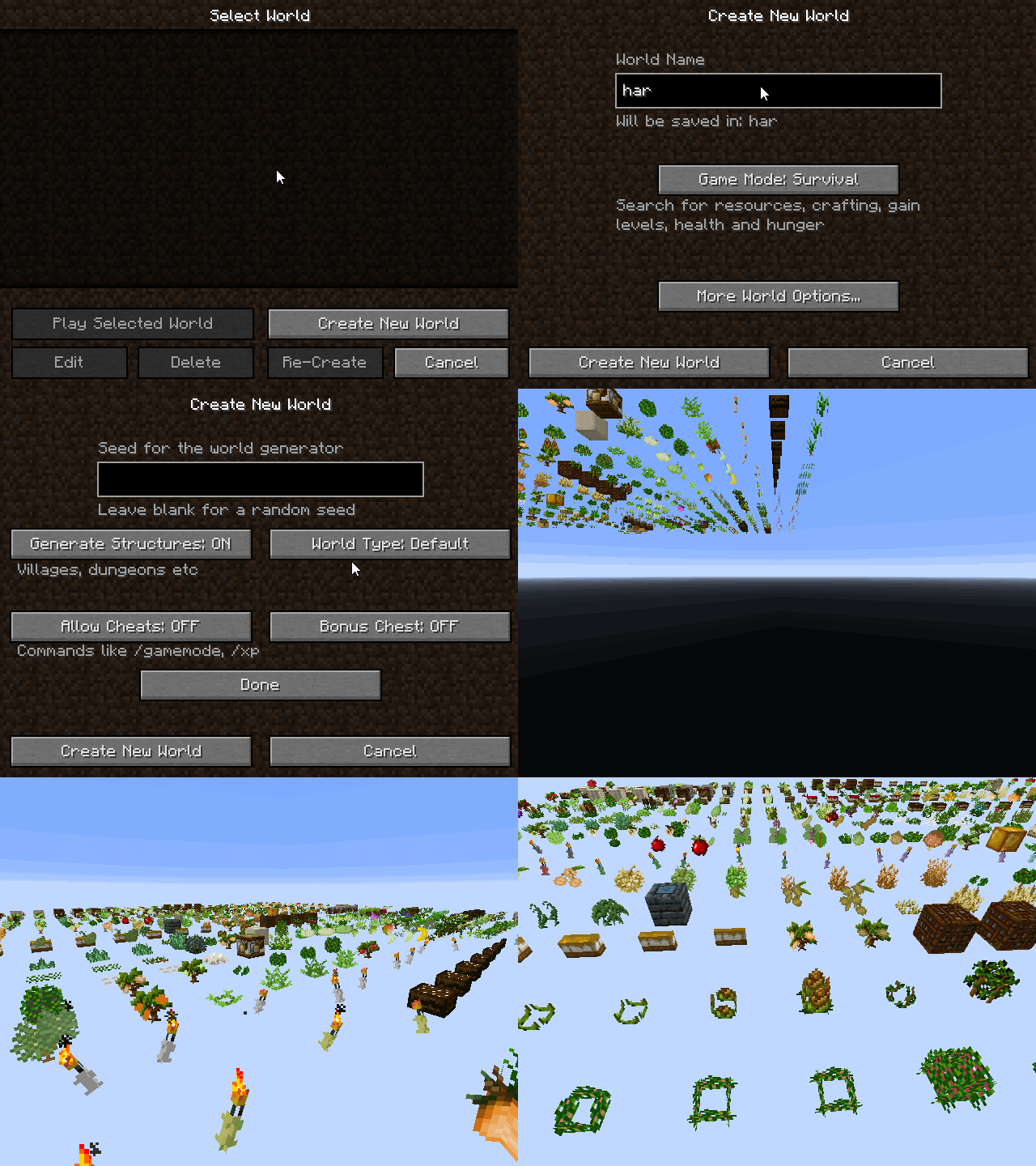
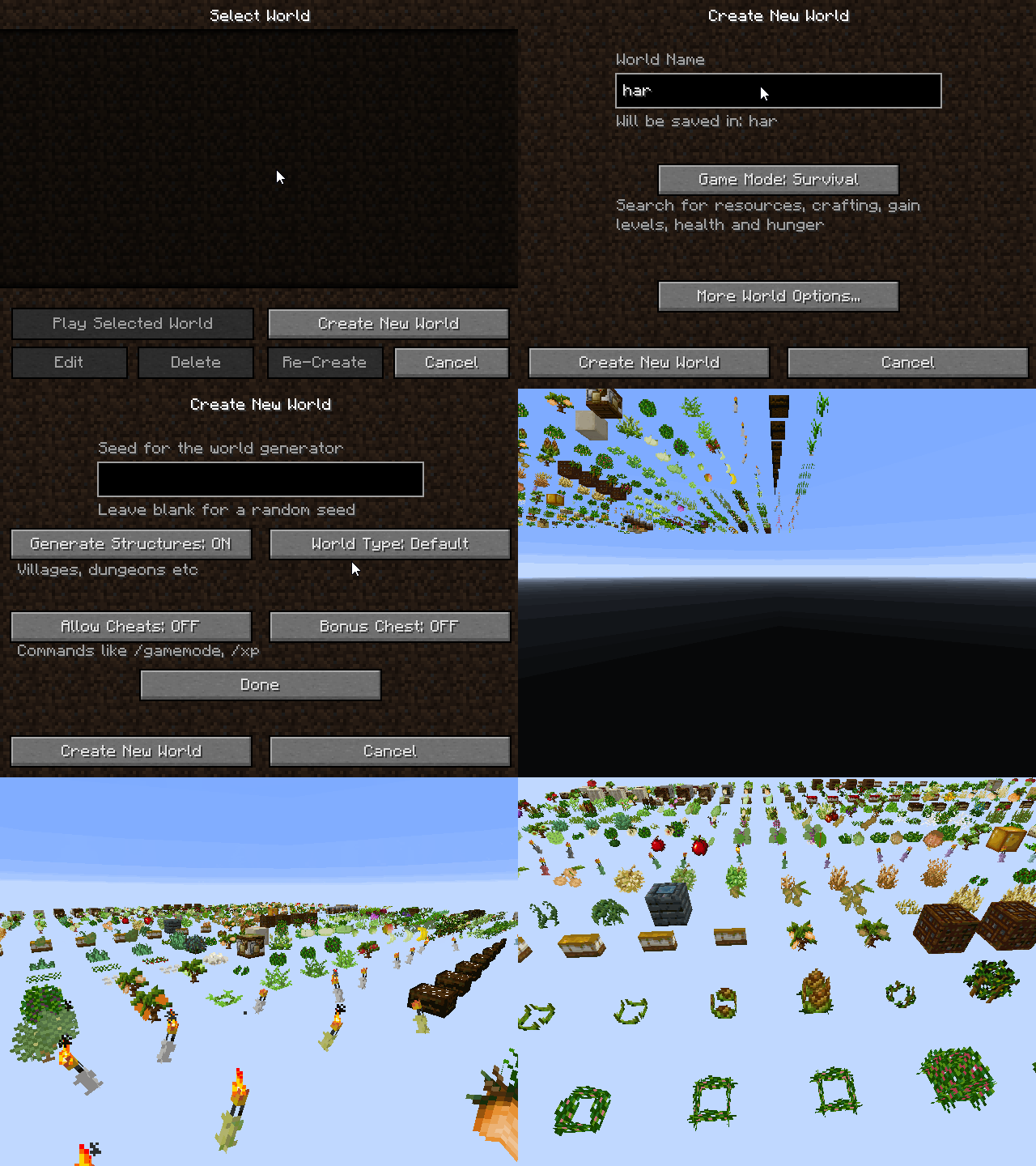
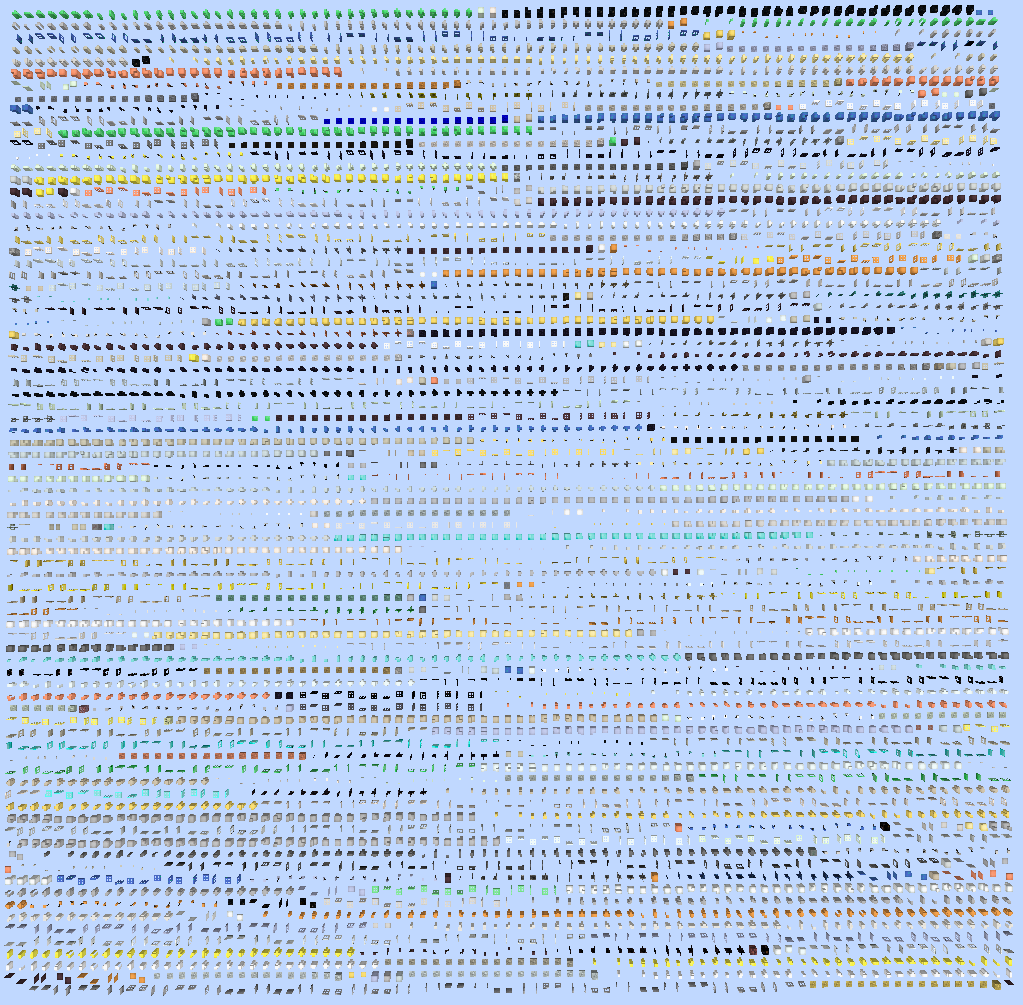
Minecraft has a somewhat hidden world type called the debug world type. It is accessed by holding down the shift key while clicking on the world type button. This world type shows every block in the game, and every variant of those blocks. You can read more info about the debug world type here. This mod changes the debug world to allow displaying content of just one mod. To do this, simply name the world with the ID of the mod you are looking for.
Here is a gif that demonstrates what this mod does.
This mod is mainly intended for mod authors and mod pack makers. It allows content to be isolated for debugging and taking screenshots. This mod may also be useful for mod reviewers who want to do a deep look at a mod, or quickly show off all the variants of a given block.

This project is sponsored by Nodecraft. Use code Darkhax for 30% off your first month of service!
Minecraft has a somewhat hidden world type called the debug world type. It is accessed by holding down the shift key while clicking on the world type button. This world type shows every block in the game, and every variant of those blocks. You can read more info about the debug world type here. This mod changes the debug world to allow displaying content of just one mod. To do this, simply name the world with the ID of the mod you are looking for.
Here is a gif that demonstrates what this mod does.
This mod is mainly intended for mod authors and mod pack makers. It allows content to be isolated for debugging and taking screenshots. This mod may also be useful for mod reviewers who want to do a deep look at a mod, or quickly show off all the variants of a given block.

This project is sponsored by Nodecraft. Use code DARKHAX for 30% off your first month of service!
Screenshots
Gallery
-
Example Gif
-
 Base Metals
 -
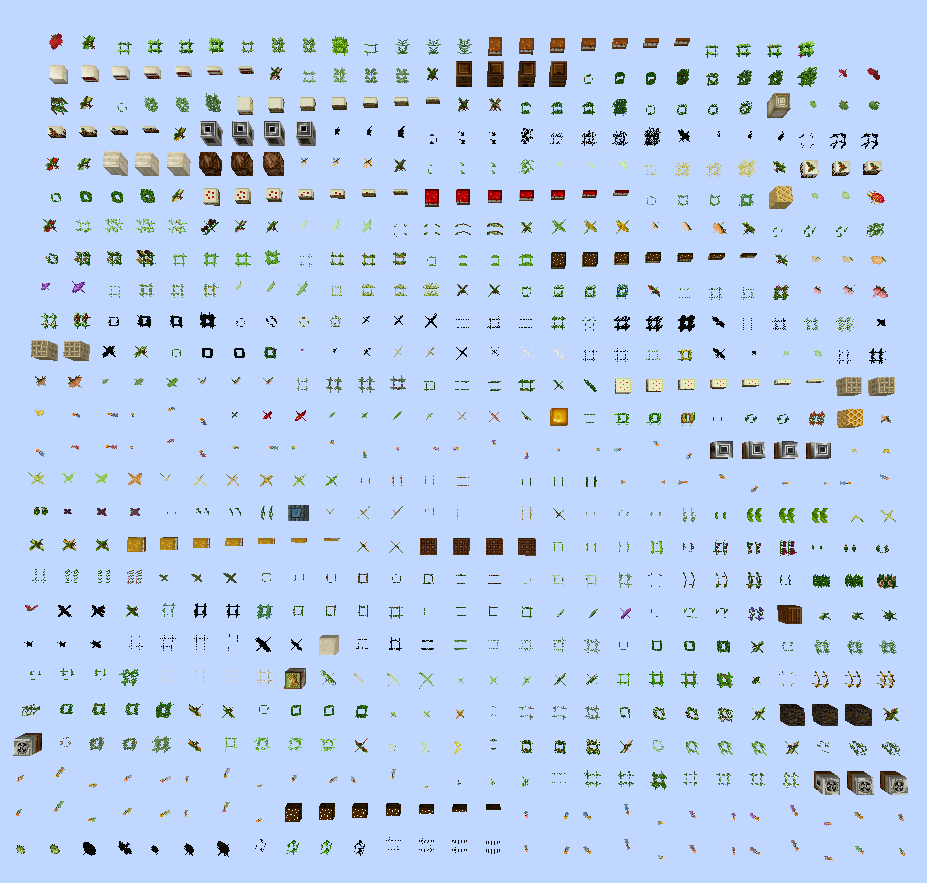 Harvestcraft
 -
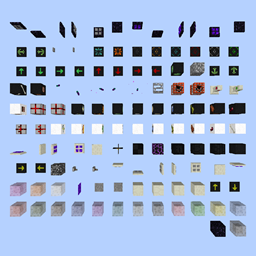
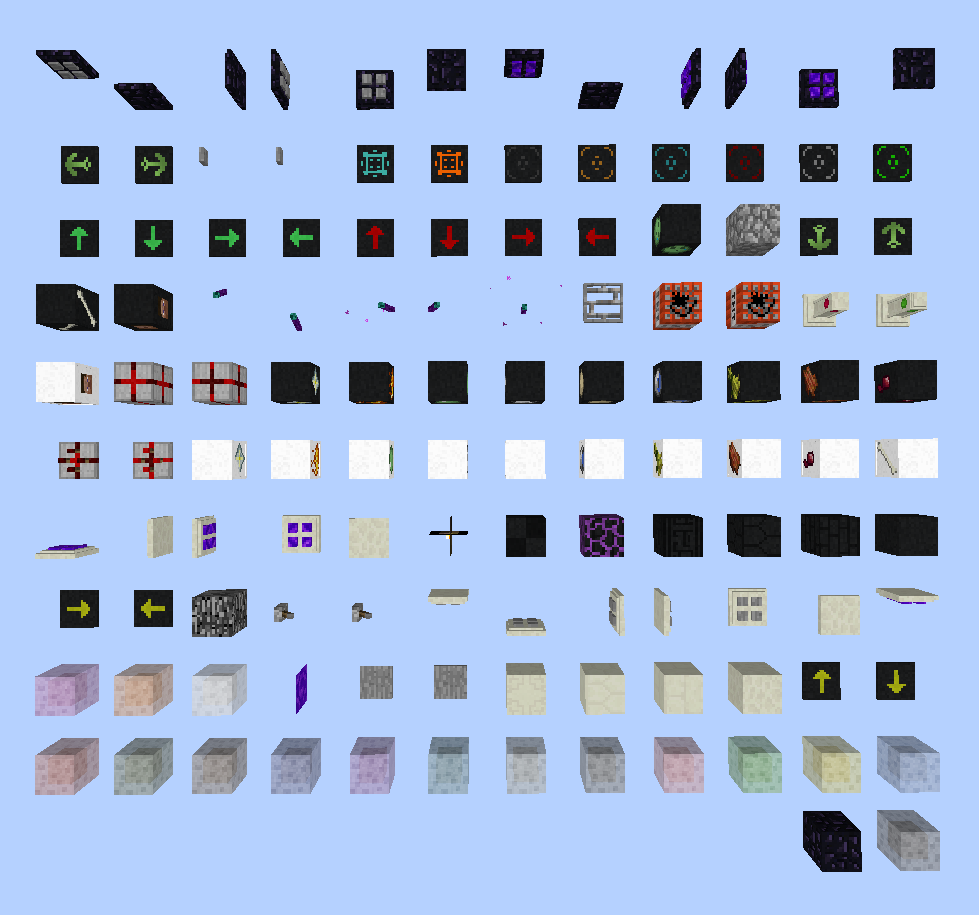 Dark Utilities Screenshot of the world with DarkUtilities as the type.
-
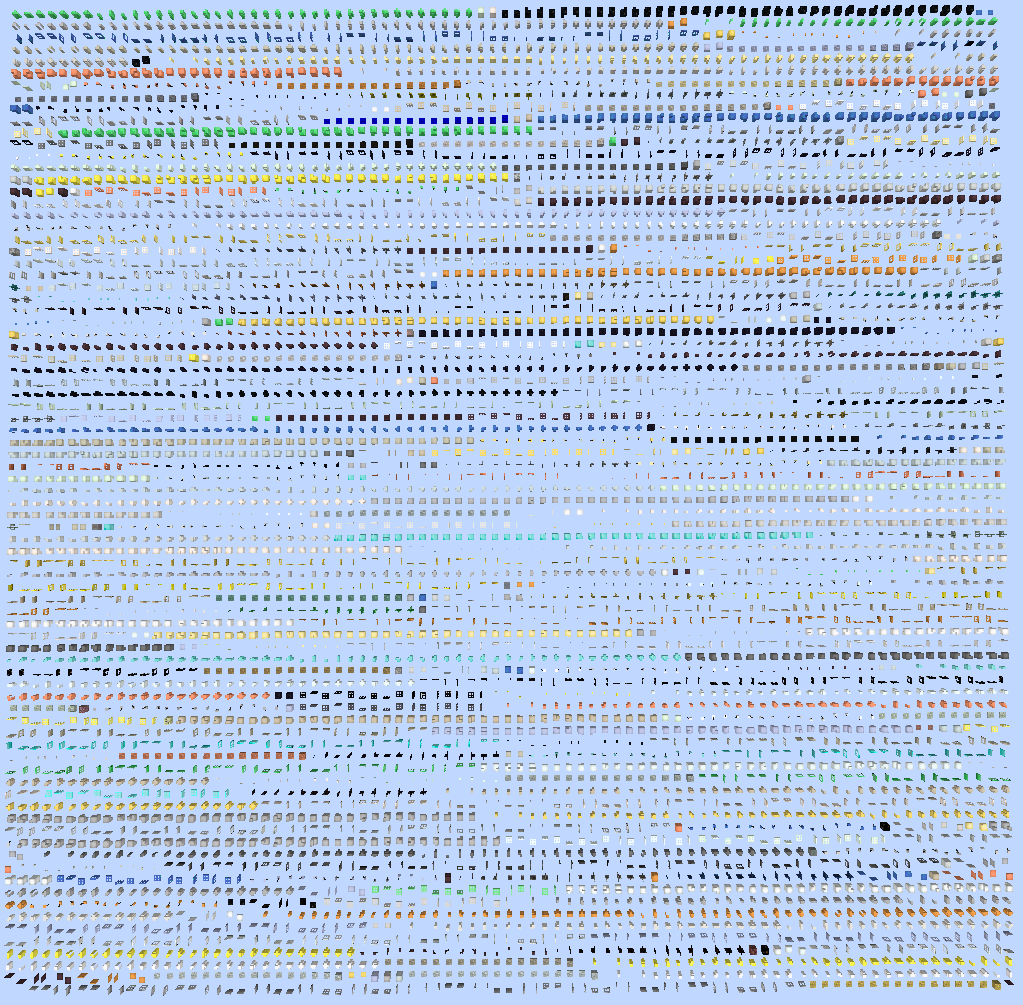 Base Metals
 -
Example Gif
-
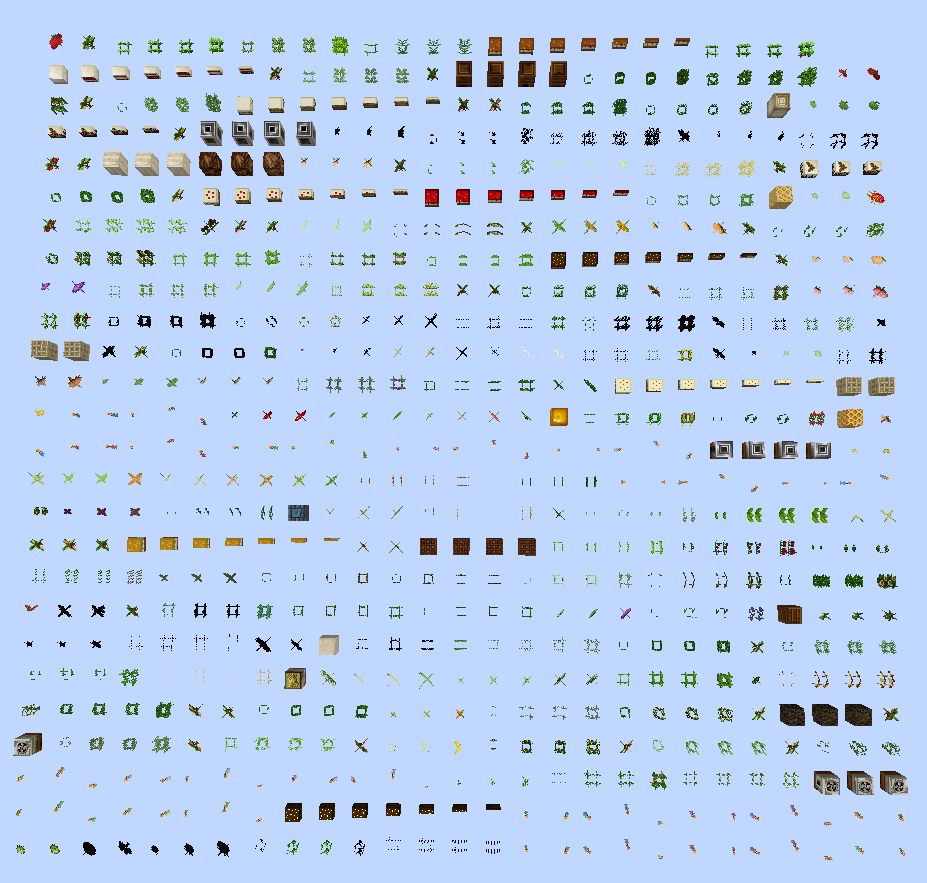 Harvestcraft
 -
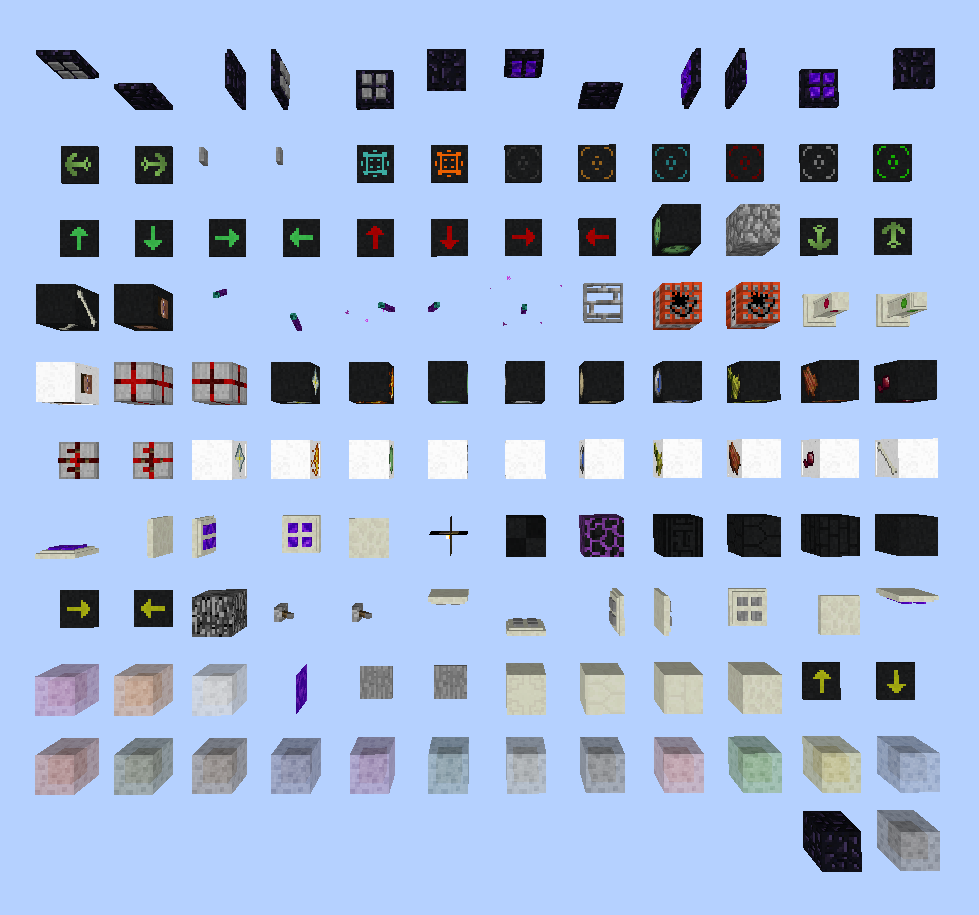 Dark Utilities Screenshot of the world with DarkUtilities as the type.
Versions
Files
Relations
Project Relations
More like this
Similar Mods
Suggestions use data such as tags, dependencies, dependents, descriptions, titles, and more to rank how much they overlap with this mod.
On ModDex
Community snapshot
By the numbers
Statistics
 (opens in a new tab)
Get it on
Available Platforms
On ModDex
Community snapshot
By the numbers