
Community listing page, reviews may not be monitored by the author.
Modern Tooltips

No reviews yet
A clean, modern redesign of Minecraft’s item tooltips, with information that’s actually easy to read.

Community voices
Reviews
No reviews yet. Be the first to review this project!
Get it on
Available Platforms
About
Project Details
For authors
Embed Badge
If you're the author of this project, you can embed a live badge anywhere that supports HTML or Markdown. It updates automatically whenever ratings change.
Use HTML for any page that supports it, or Markdown for README files and Markdown-based descriptions.
Identifiers
Platform IDs
Resources
External Links
About
Description
Modern Tooltips
A clean, modern redesign of Minecraft’s item tooltips, with information that’s actually easy to read.
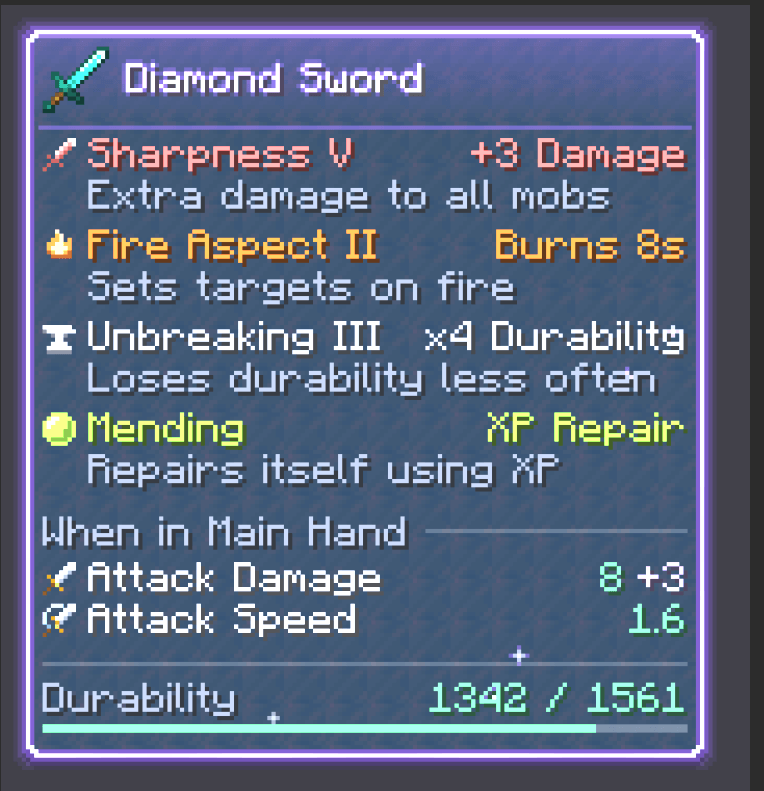
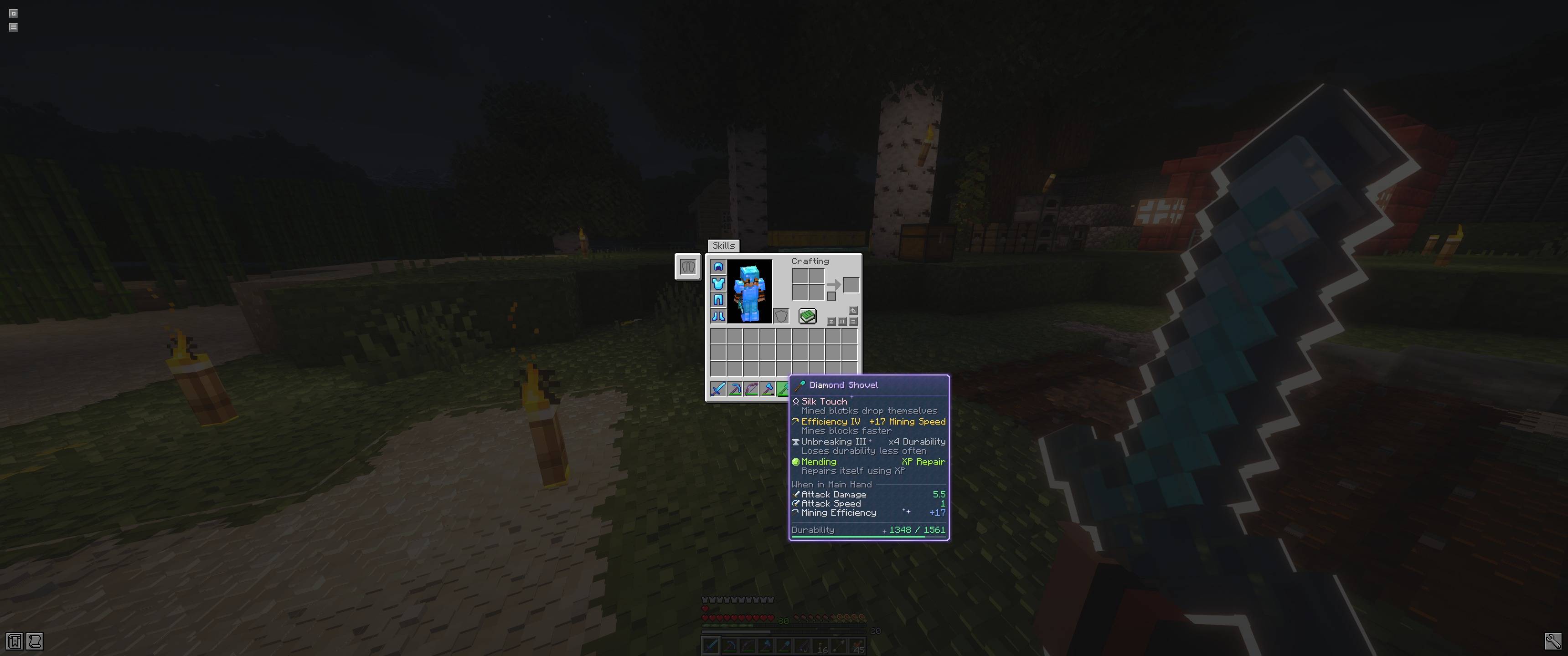
Modern Tooltips replaces the old purple-bordered tooltip box with a sleek dark panel. It reorganises everything inside it so you can see what an item does at a glance.
✨ Features
A modern look
- Dark panel with rounded corners and a soft drop shadow
- Border and header glow tinted by the item’s rarity
- The item’s icon sits next to its name, with a divider underneath
- Tooltips slide in smoothly when they appear
Material-themed gear
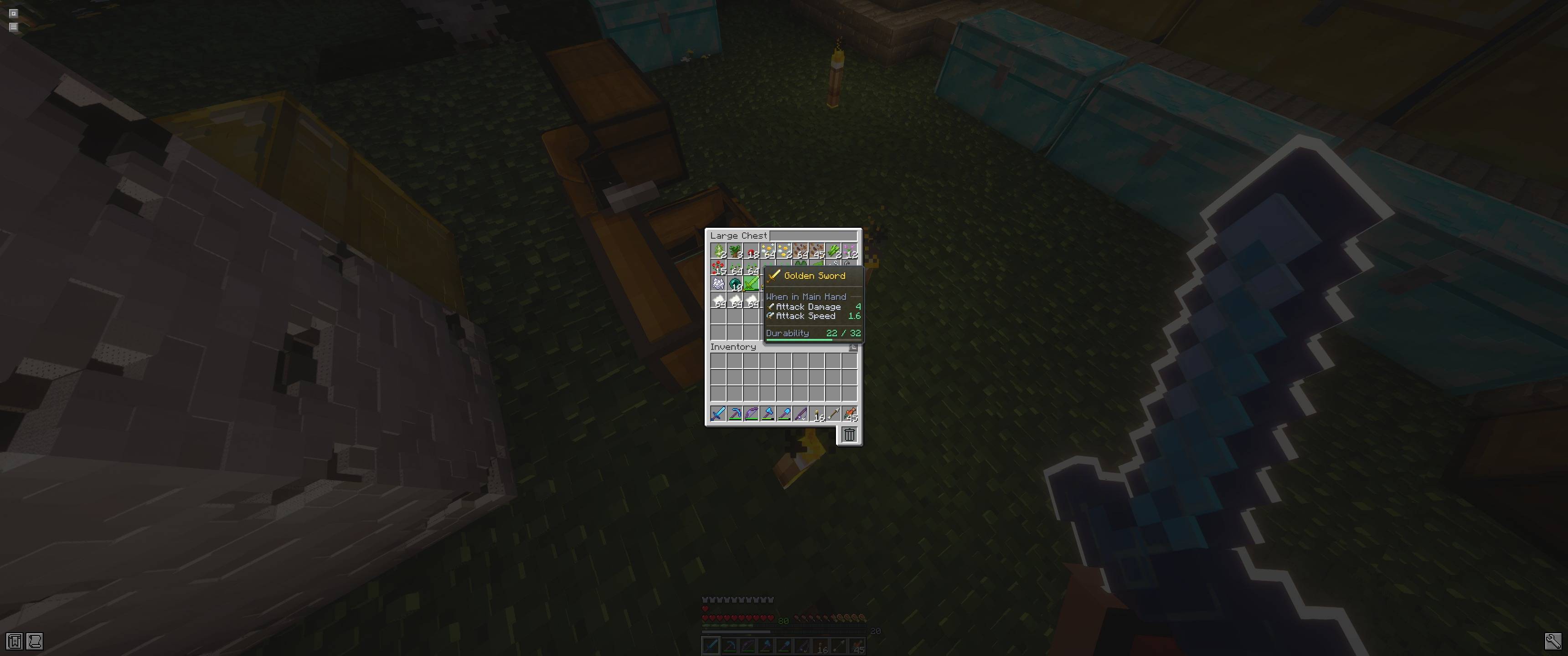
- Tools, weapons and armor show a faint texture of what they’re made of: diamond, netherite, iron, gold, copper, stone, wood, chainmail, prismarine for the trident, heavy core for the mace
- Gear names take their material’s colour, like diamond cyan, gold yellow or copper orange
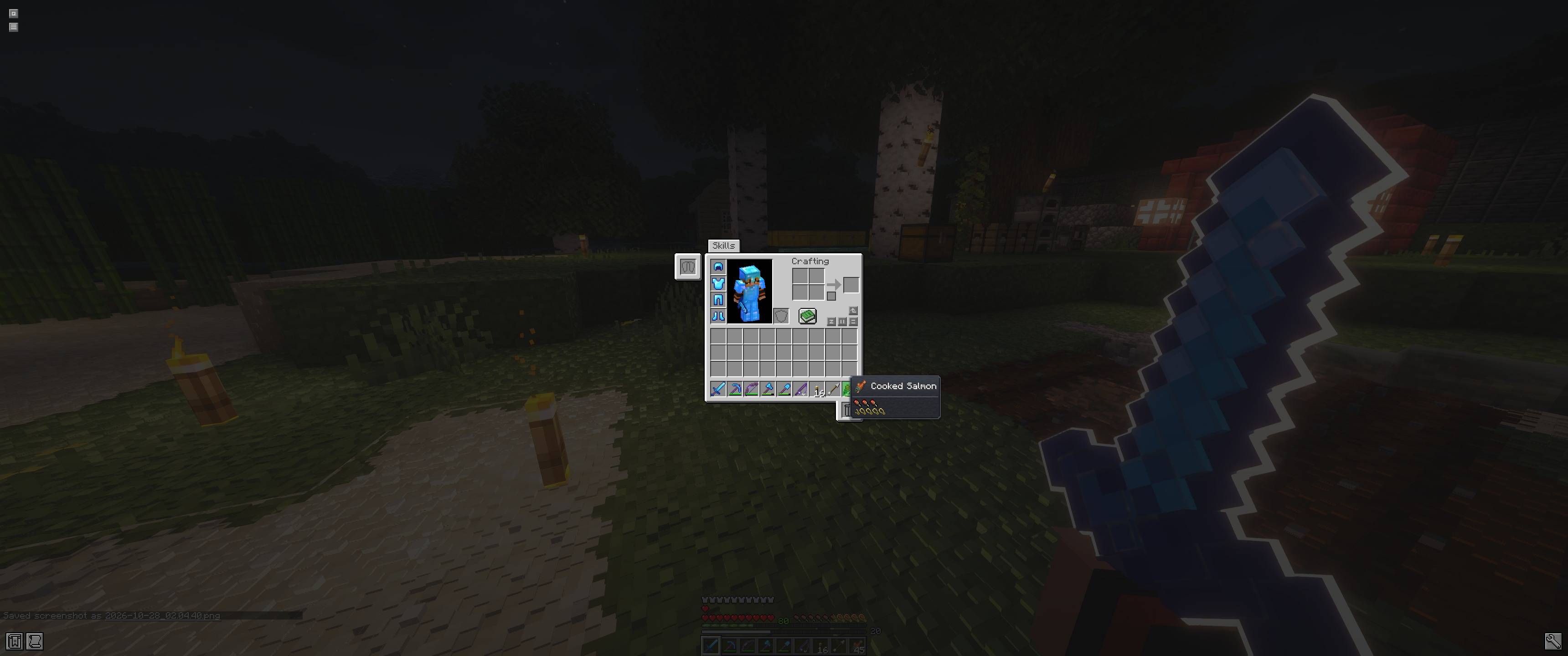
- Everything else gets a subtle stone background
Enchantments you can understand
- Every enchantment has its own pixel-art icon and its own colour
- The actual effect at its current level is shown: +3 Damage, −16% Damage, ×4 Durability, Burns 8s…
- A short description explains what each enchantment does
- Sharpness’s bonus is shown right next to your Attack Damage
Potions at a glance
- Each effect shows its vanilla effect icon, so resource packs that change them change them here too
- Effects are colour-coded with Minecraft’s own effect colours: Speed cyan, Regeneration pink, Poison green, and more
- The real effect at its level is shown: +40% Speed, +1 HP / 1.25s, −80% Damage, +8 Health…
- A short description and the duration sit underneath each effect
- Works for potions, splash and lingering potions, tipped arrows and suspicious stew
Clear stats
- Attack damage, speed, armor, toughness and more are laid out as tidy rows, with the value right-aligned
- Each stat has a little Minecraft-style icon: a sword for damage, a shield for armor, a heart for health, and more
- Section headings like “When in Main Hand” and “When Applied” with a clean divider line
- A durability bar shows how worn an item is, colour-coded green, yellow or red
Magical enchanted items
- Enchanted items get a glowing lavender rim with a soft pulsing halo
- The item name shimmers, with a glint sweeping across it
- Little sparkles twinkle across the tooltip
📦 Requirements
- Minecraft 26.2
- Fabric Loader (Fabric API is not required)
- Client-side only, so it works on any server
🔧 Compatibility
- Works in every inventory screen, including the creative inventory and creative search
- Items with a custom tooltip style from datapacks or mods keep their own look
- Lines it doesn’t recognise (lore, text from other mods) are left as they are
- Modded enchantments get a star icon, and show a description if the mod provides one in the format the Enchantment Descriptions mod uses
- Modded potion effects get a tinted bottle icon
- Likely to conflict with other mods that also redraw tooltips
Screenshots
Gallery
-
 Screenshot 2026-10-27 231914.png Screenshot 2026-10-27 231914.png
-
 screenshot_1.jpg screenshot_1.jpg
-
 screenshot_3.jpg screenshot_3.jpg
-
 screenshot_2.jpg screenshot_2.jpg
Versions
Files
Relations
Project Relations
More like this
Similar Mods
Suggestions use data such as tags, dependencies, dependents, descriptions, titles, and more to rank how much they overlap with this mod.
On ModDex
Community snapshot
By the numbers
Statistics

Get it on
Available Platforms
On ModDex
Community snapshot
By the numbers
Statistics
Resources