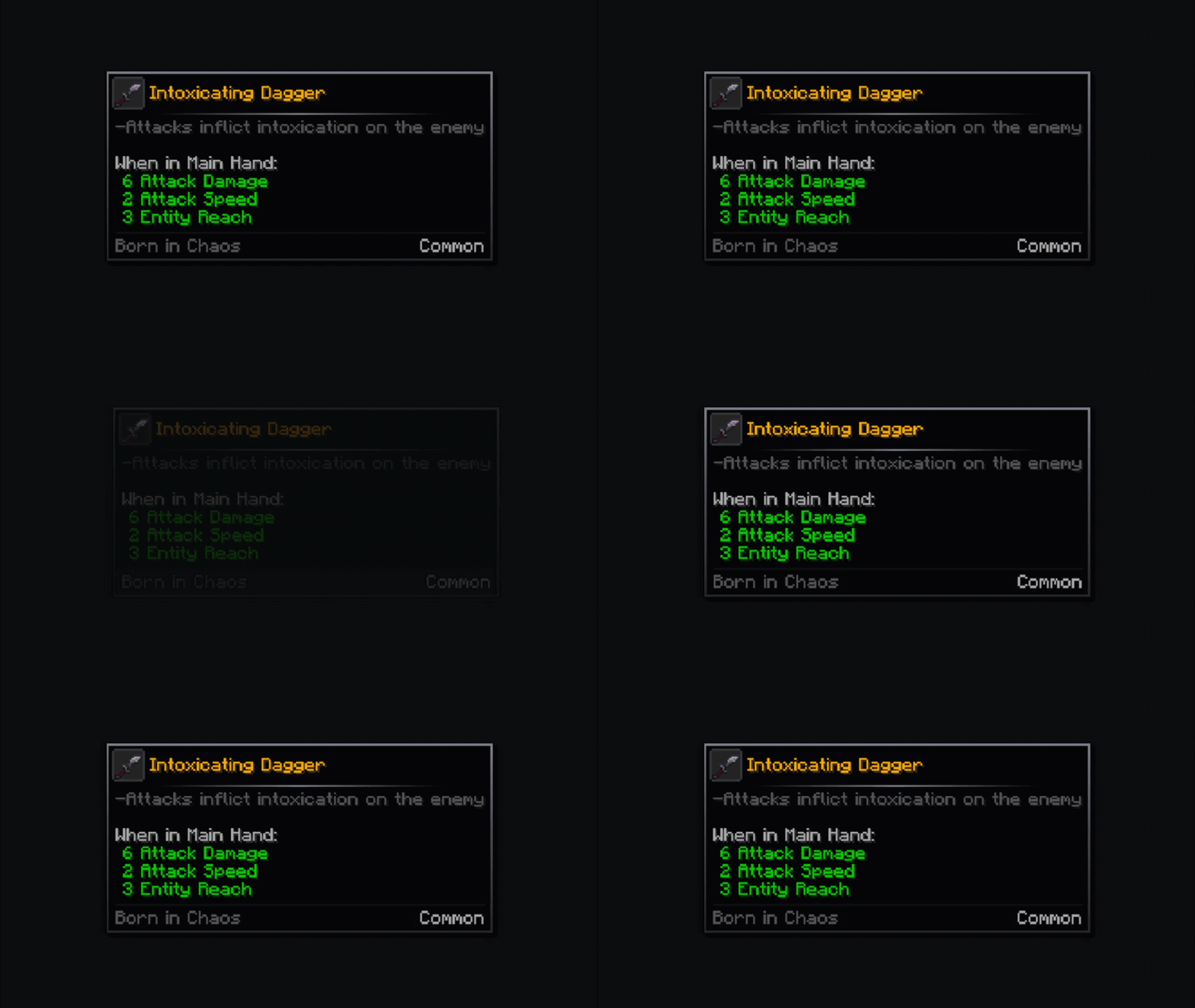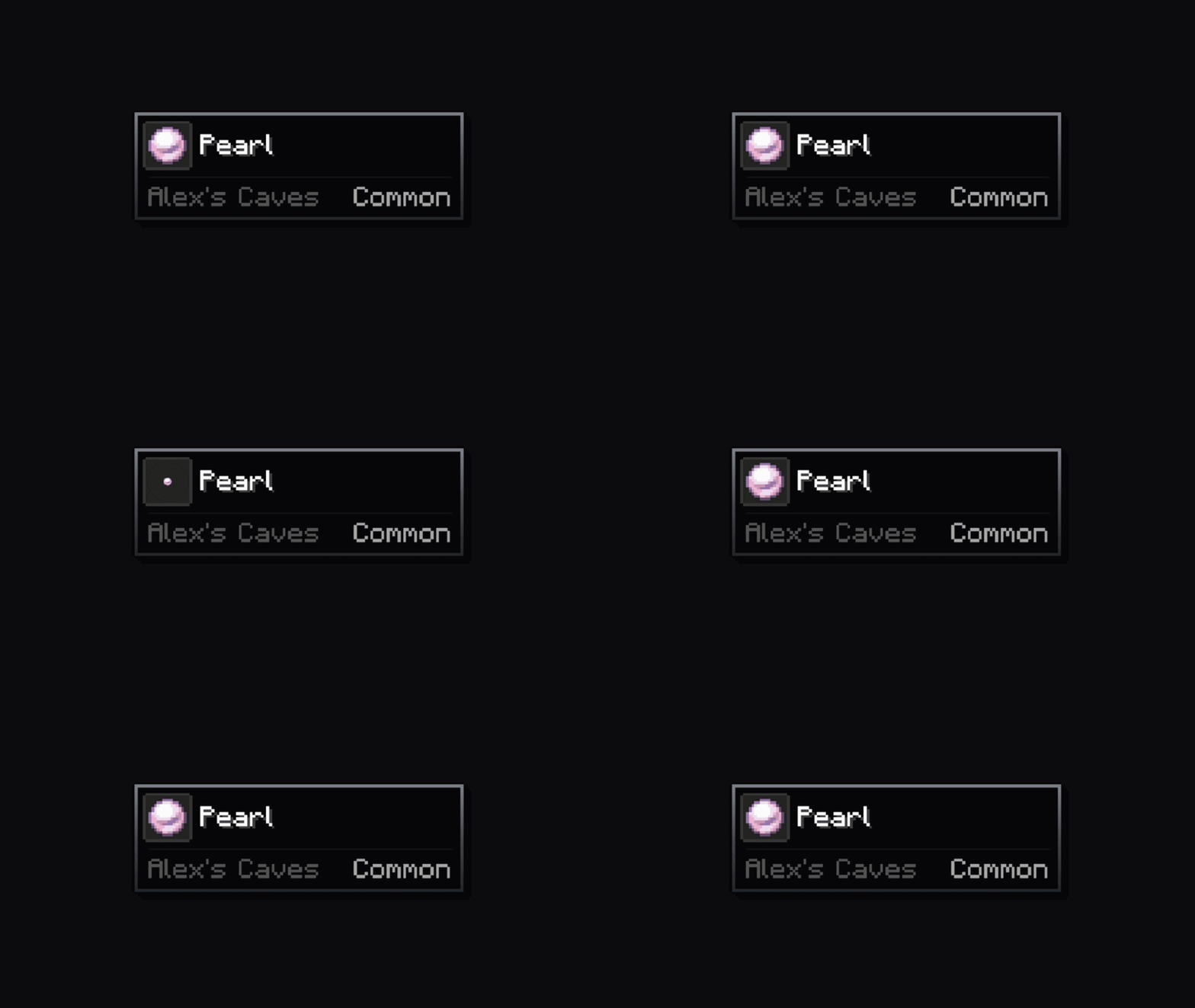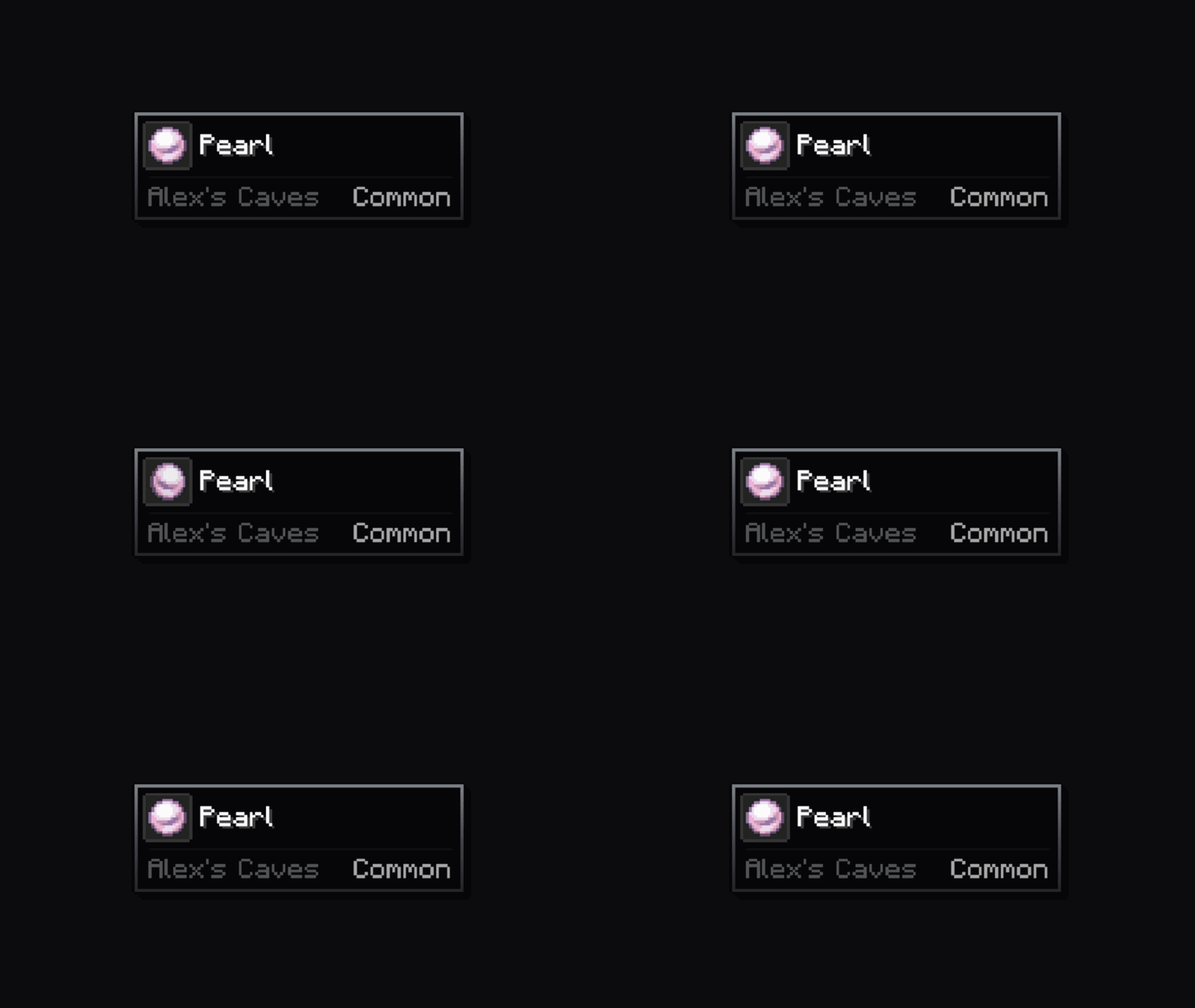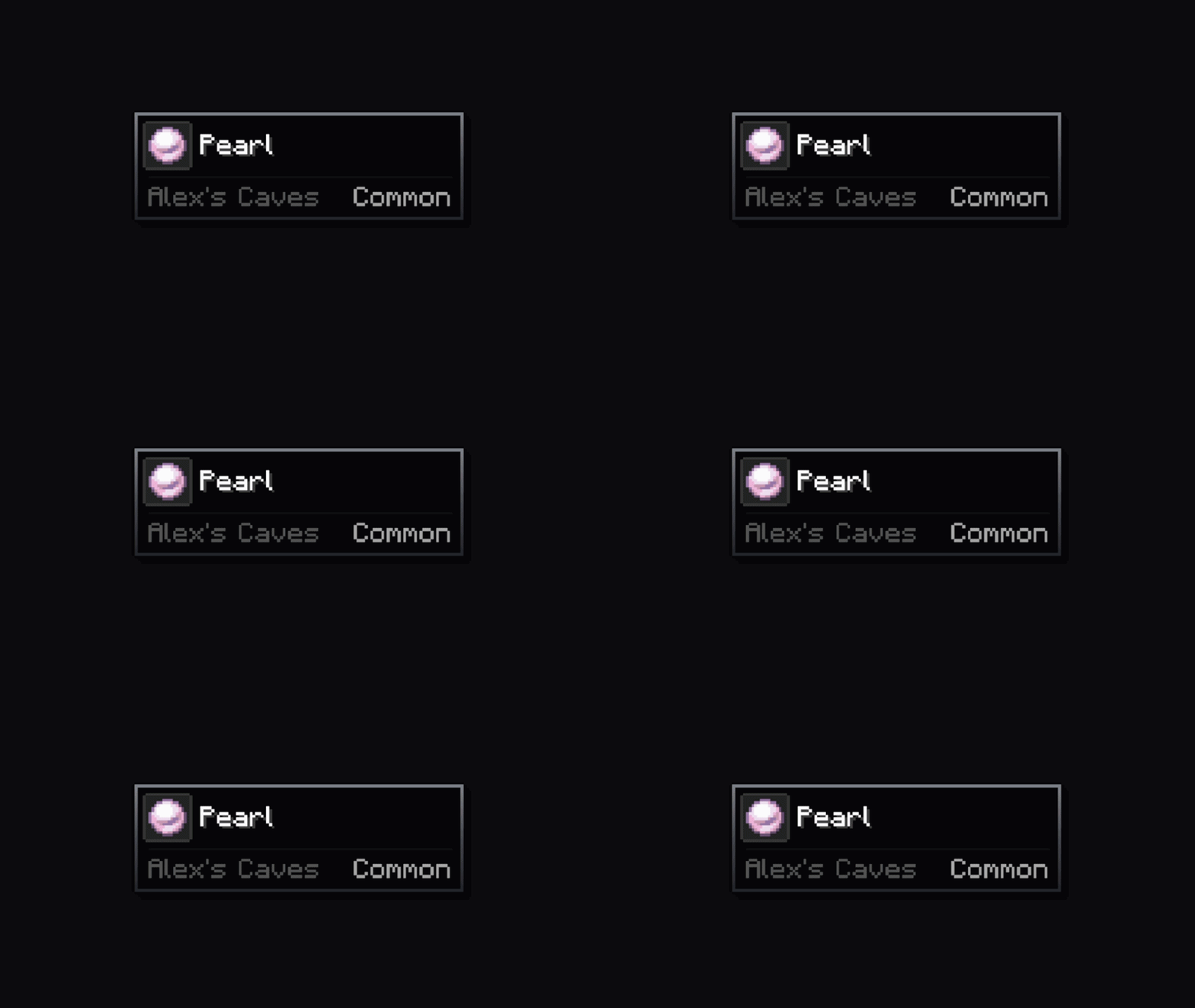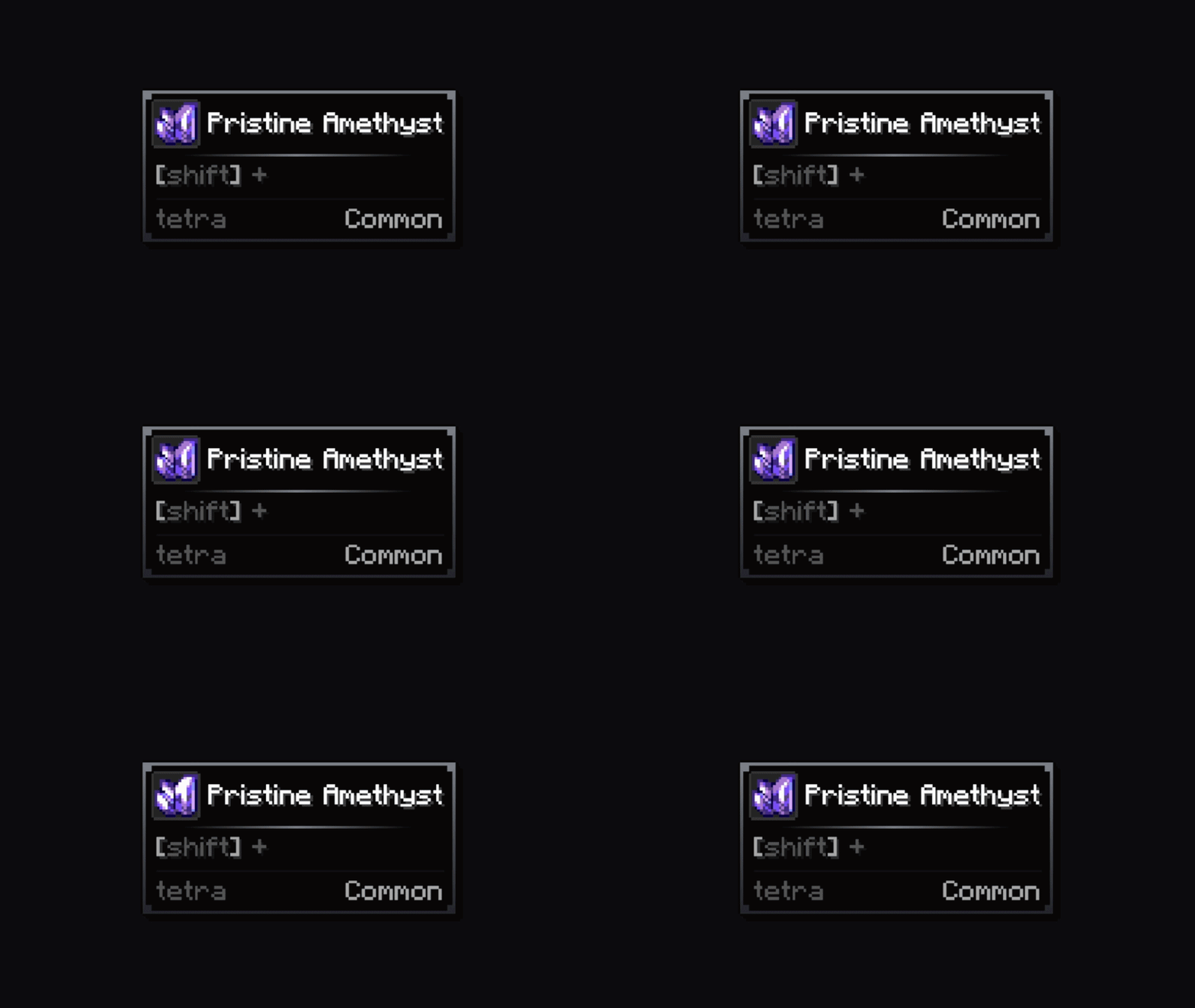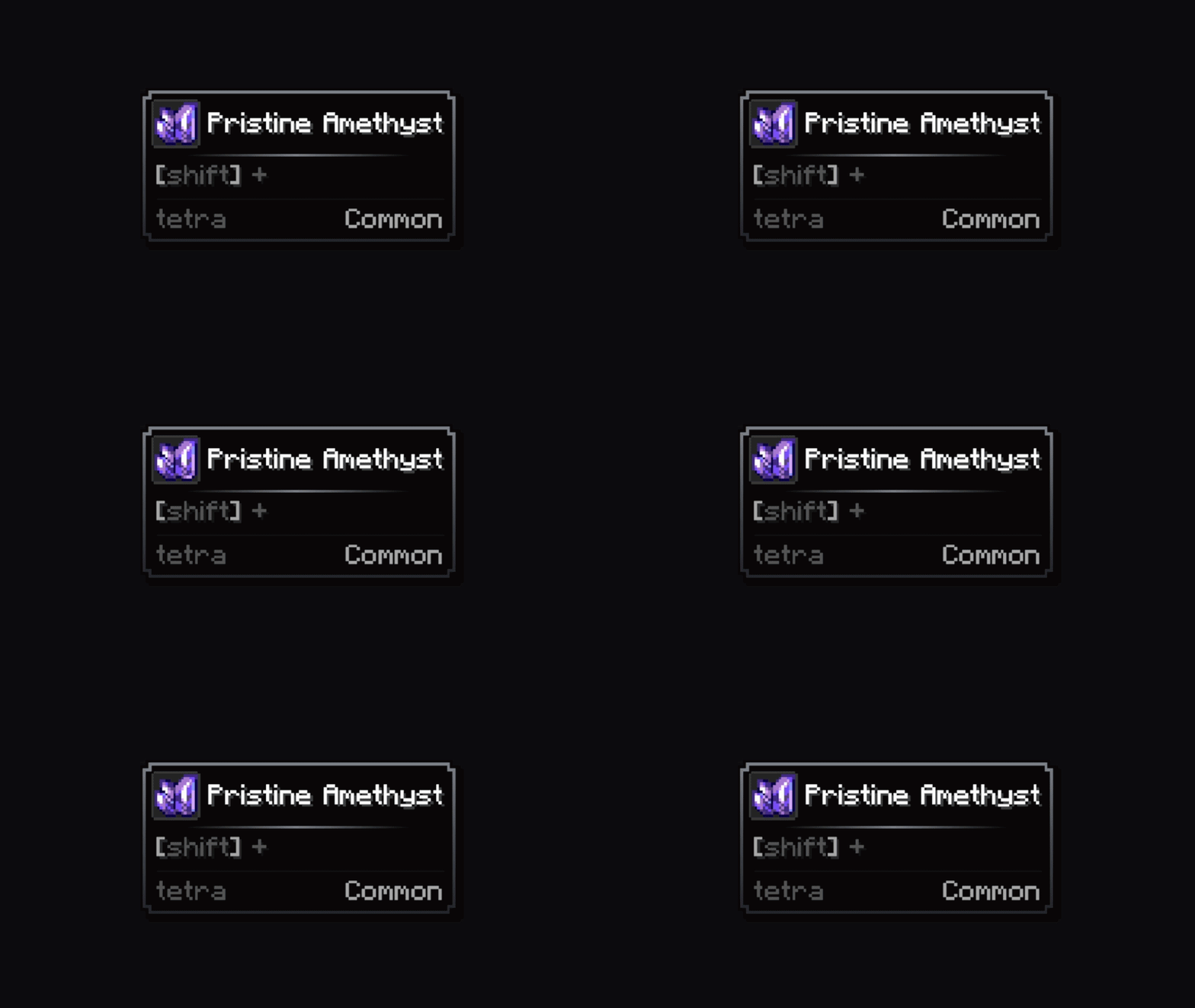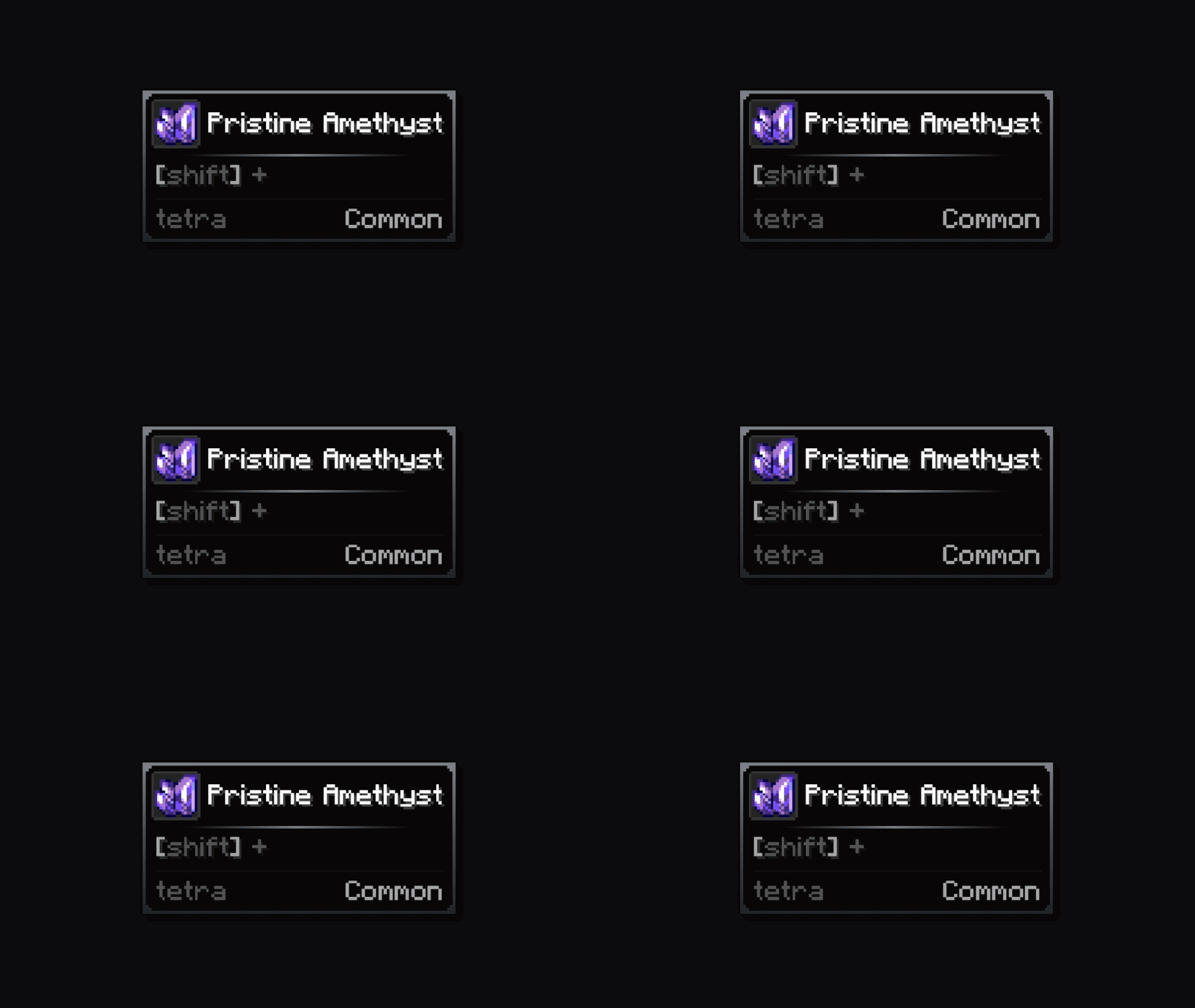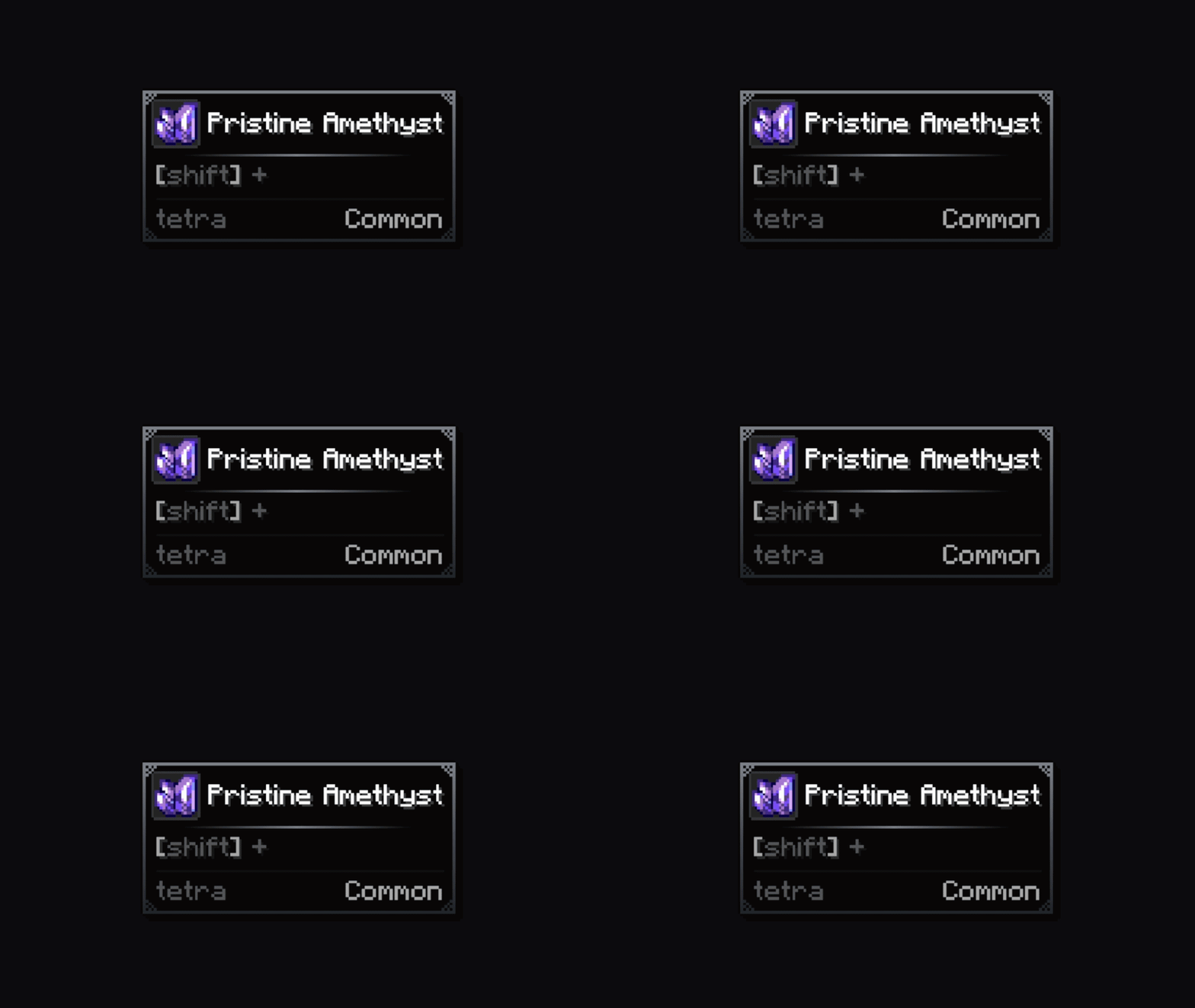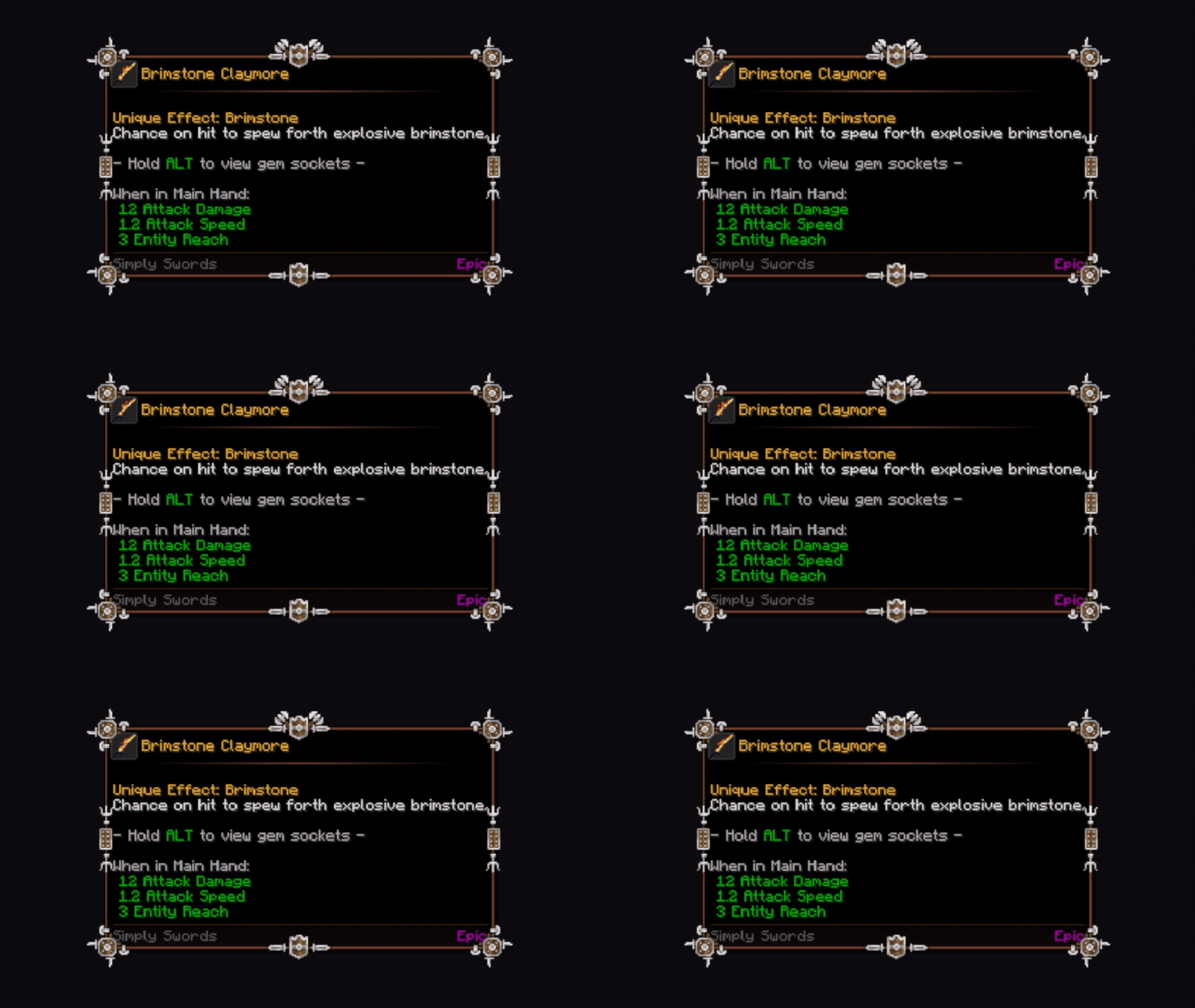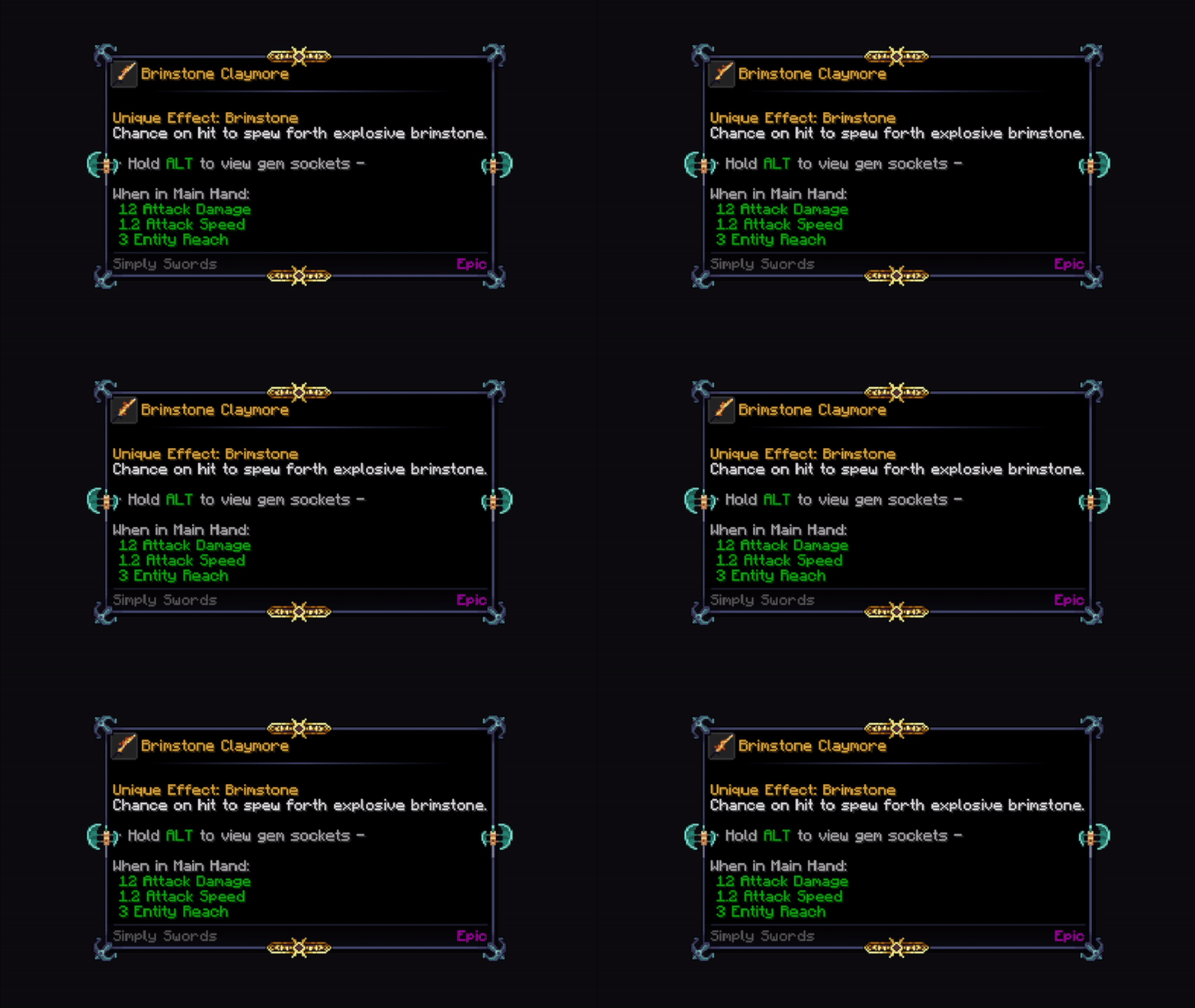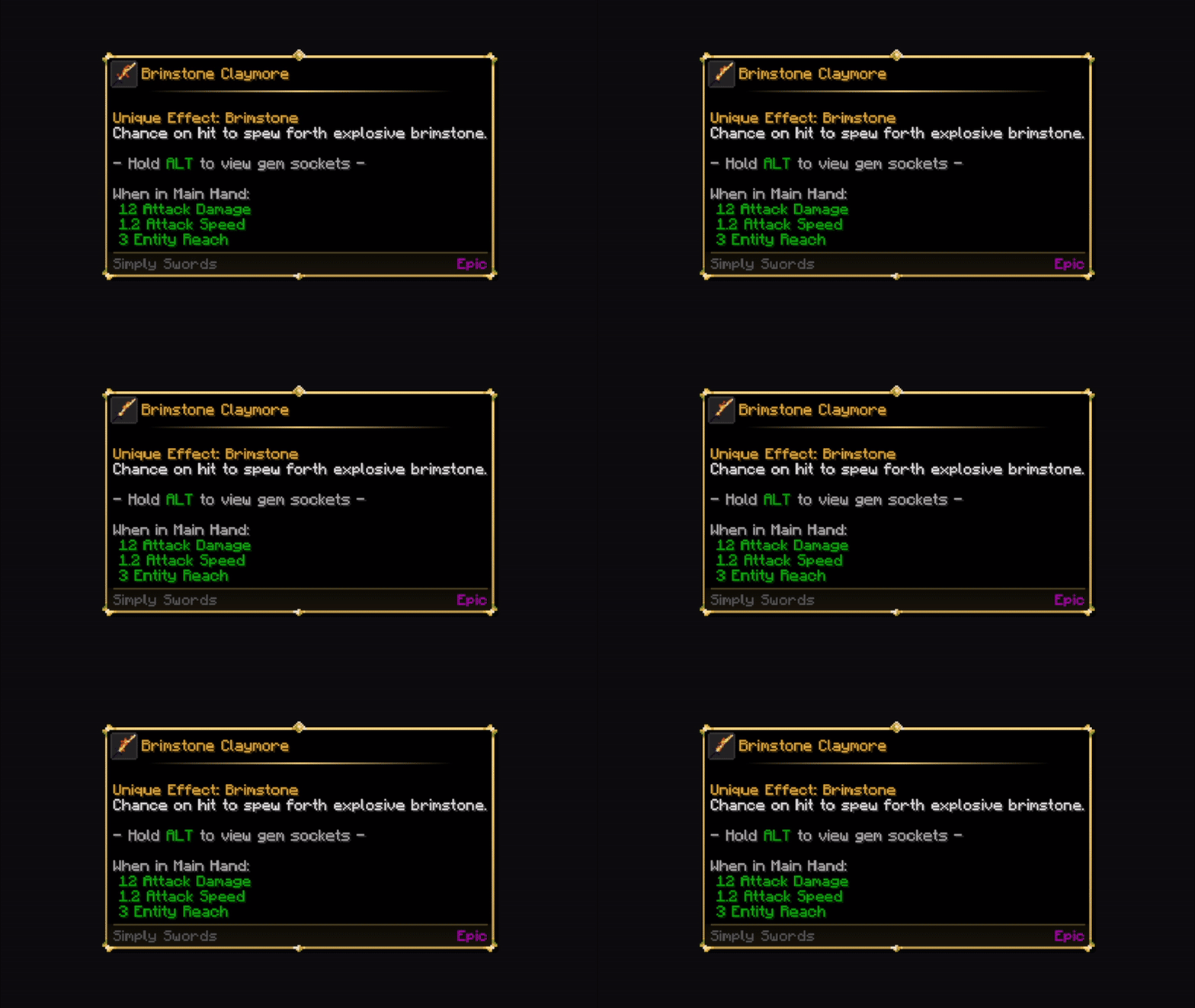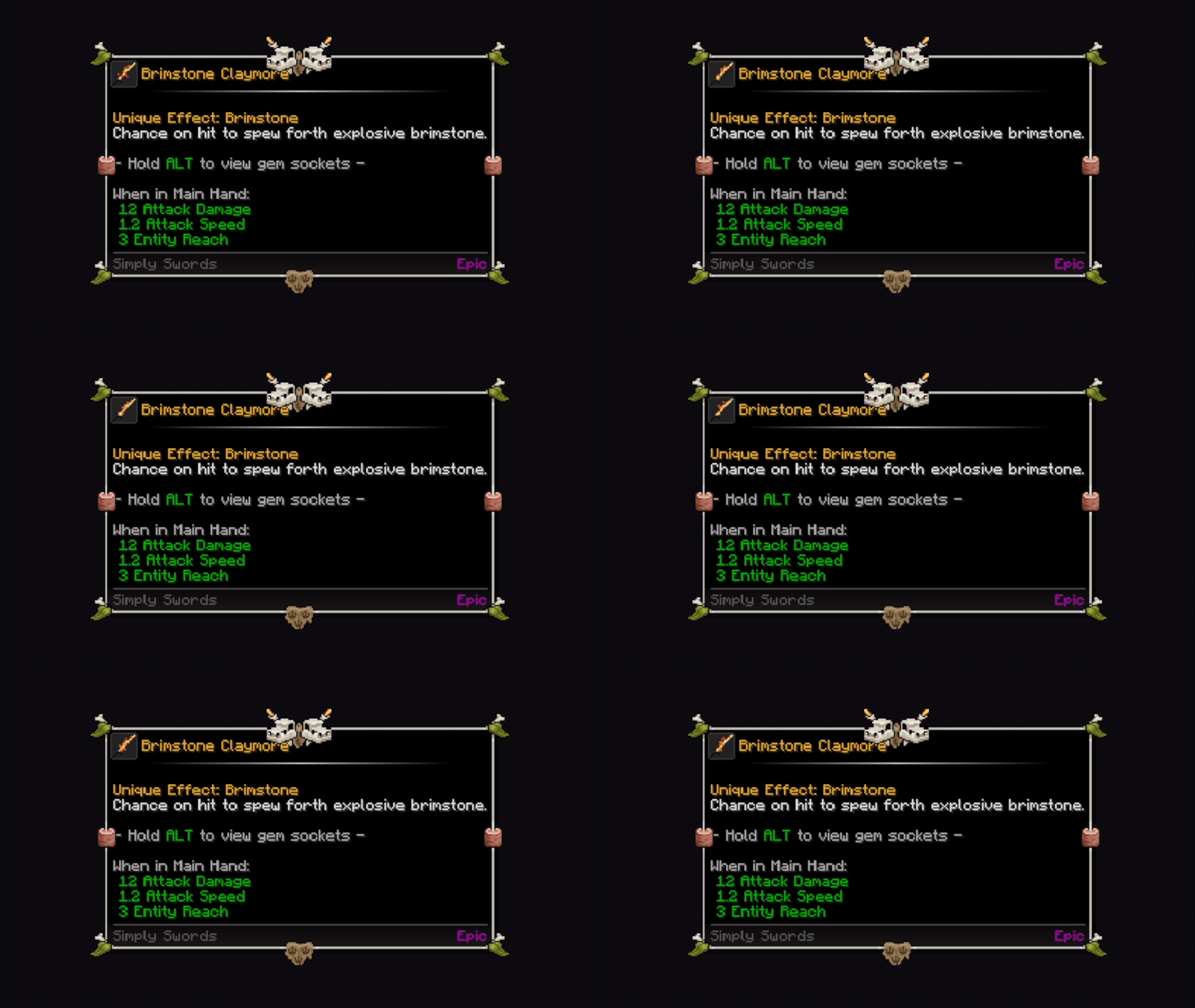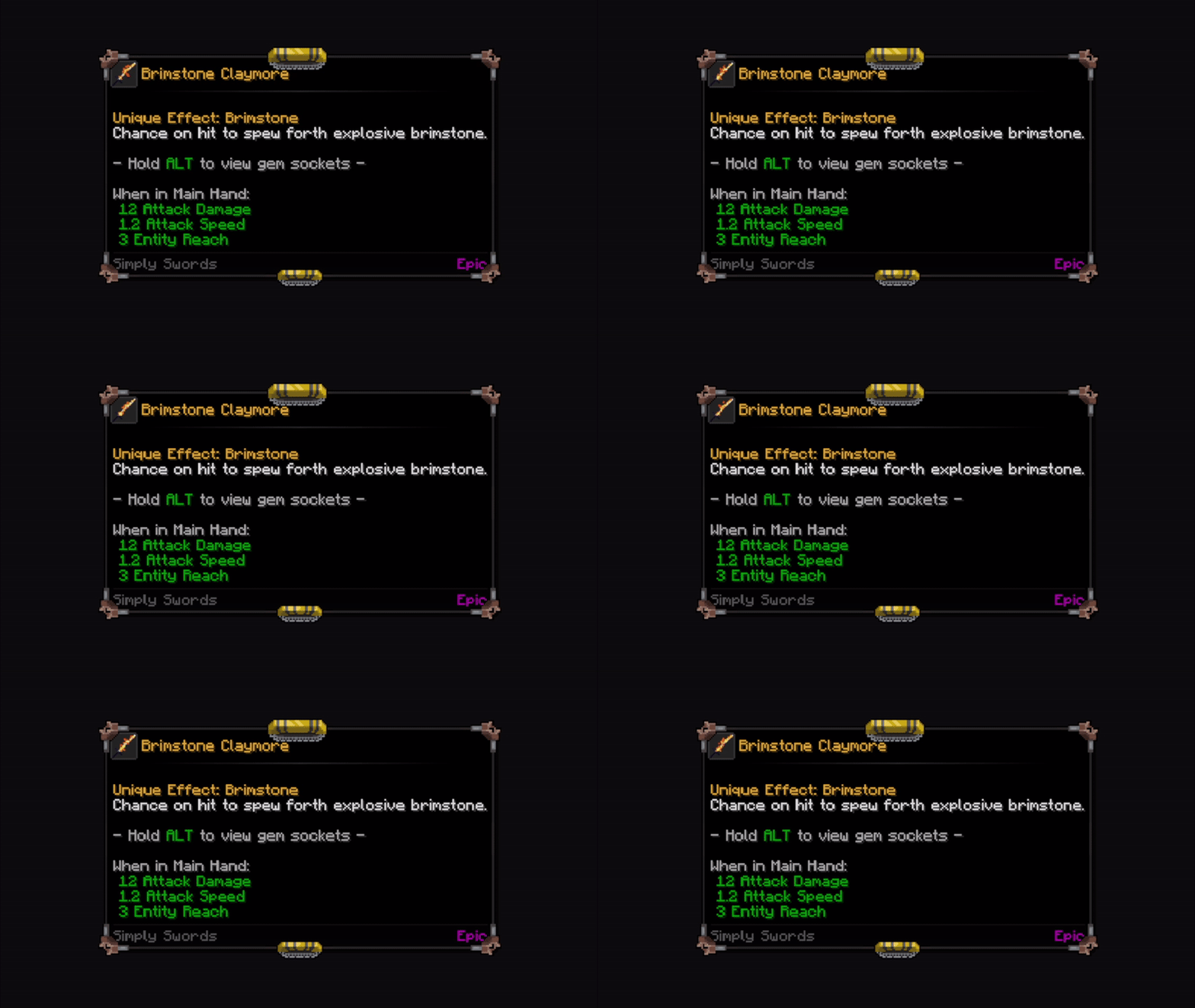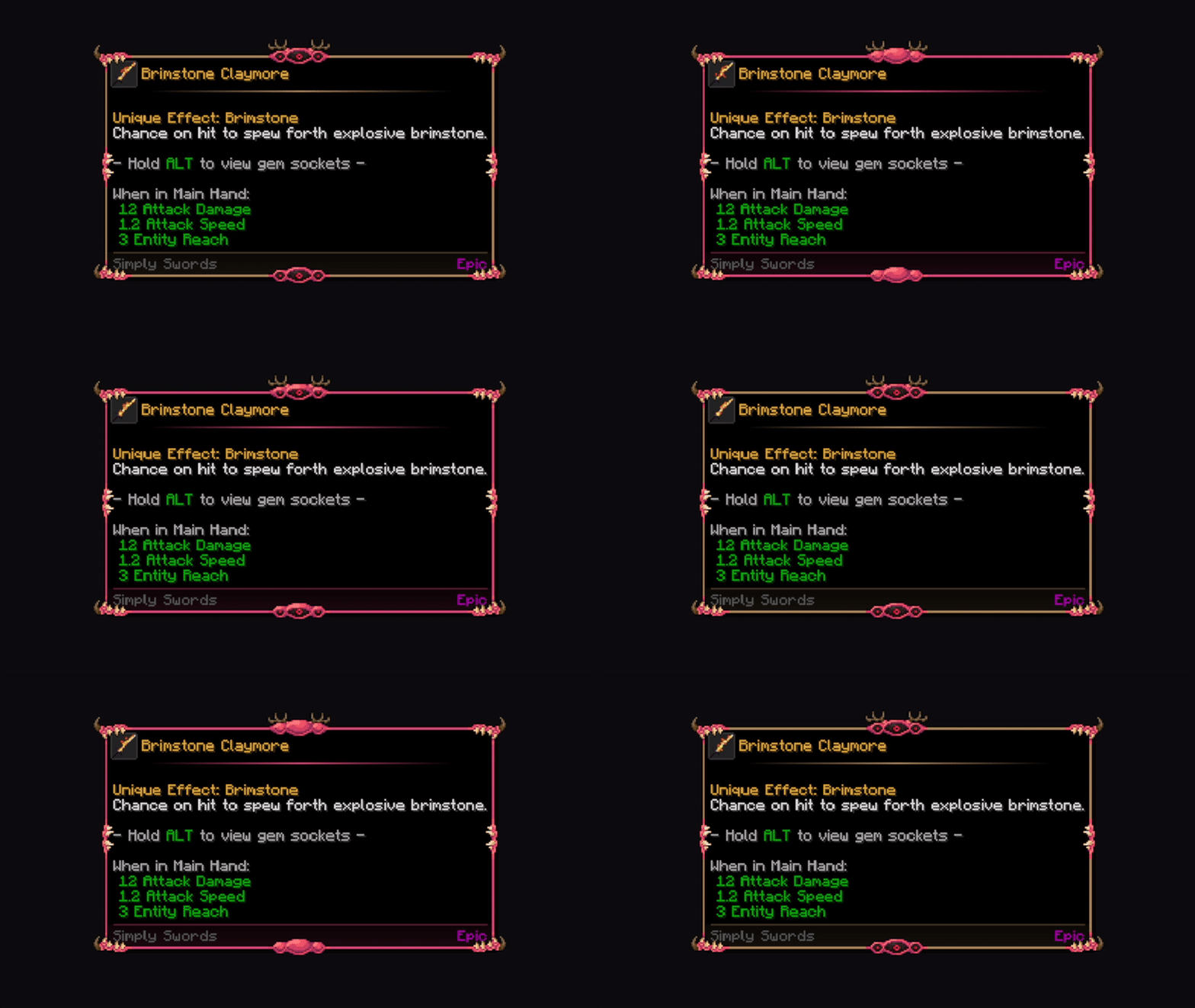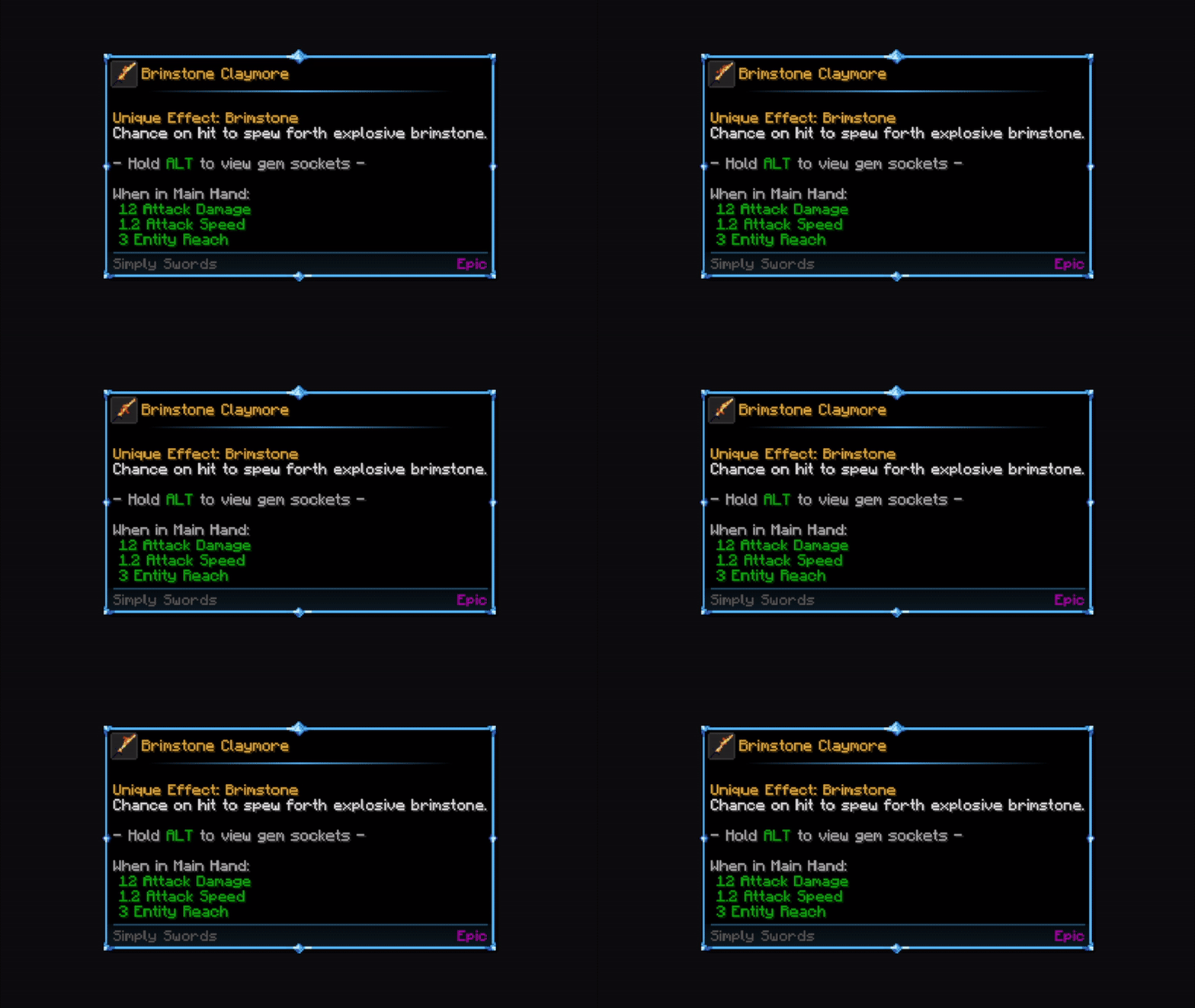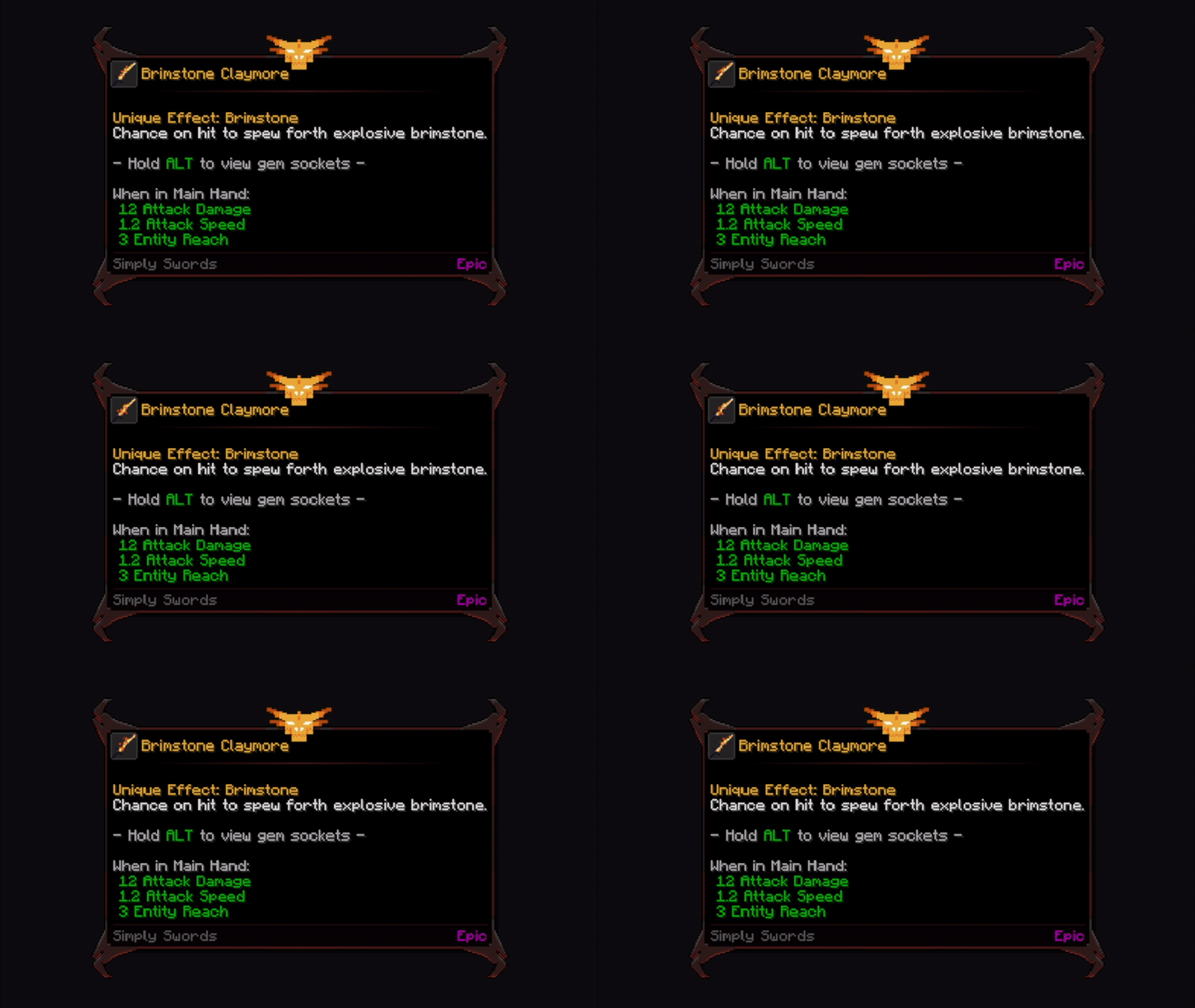

Mod

Tooltip Overhaul
Rank 608
Rank 420 among mods

Quick rating

Tooltip Overhaul

Overall rating distribution
0.5★ (no ratings)
1.0★ (no ratings)
1.5★ (no ratings)
2.0★ (no ratings)
2.5★ (no ratings)
3.0★ (no ratings)
3.5★ (no ratings)
4.0★ (no ratings)
4.5★ (no ratings)
1 rating (100%) · 5.0★
0.5★ 5★
Gameplay
0.0
Aesthetics
0.0
Performance
0.0

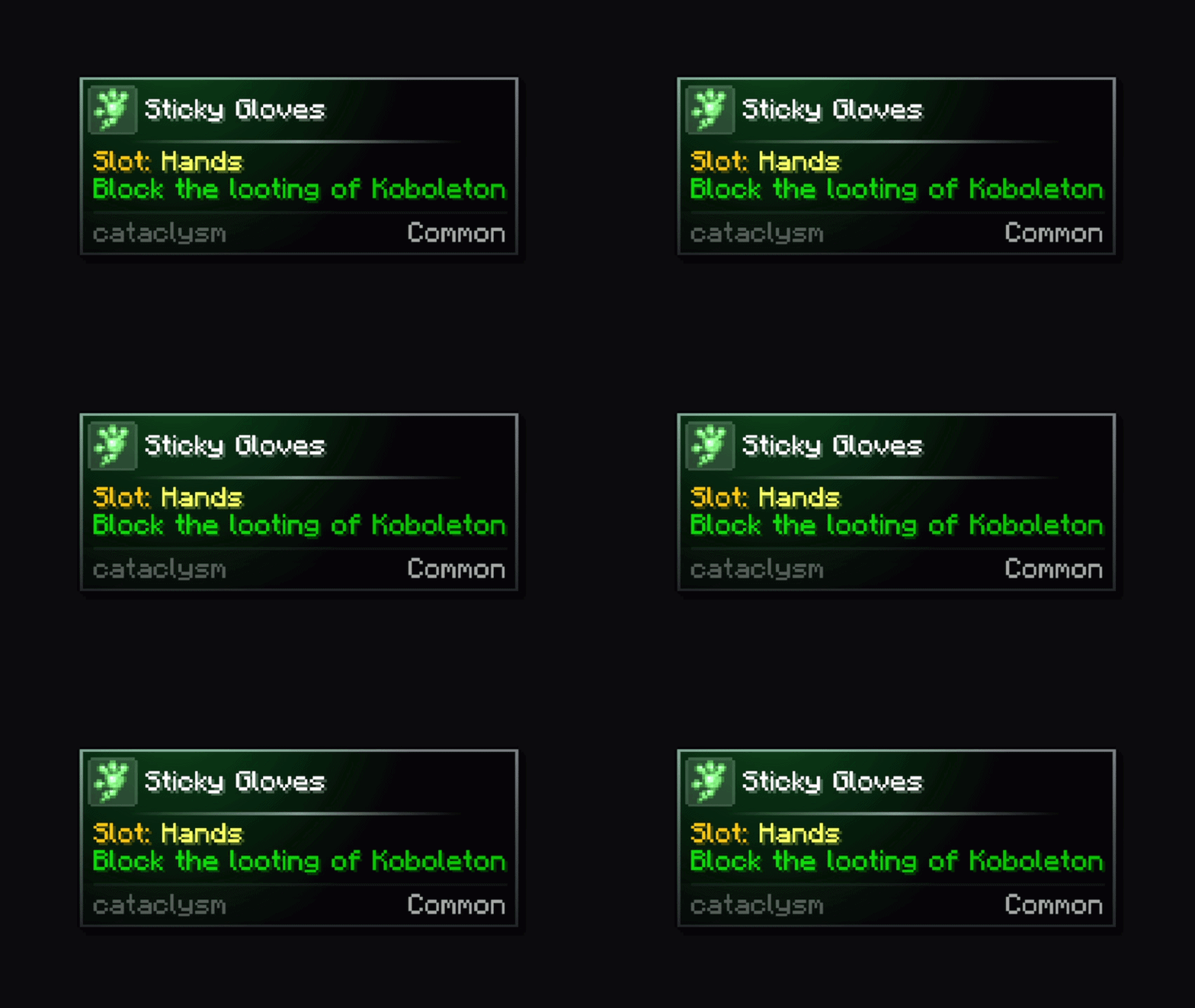
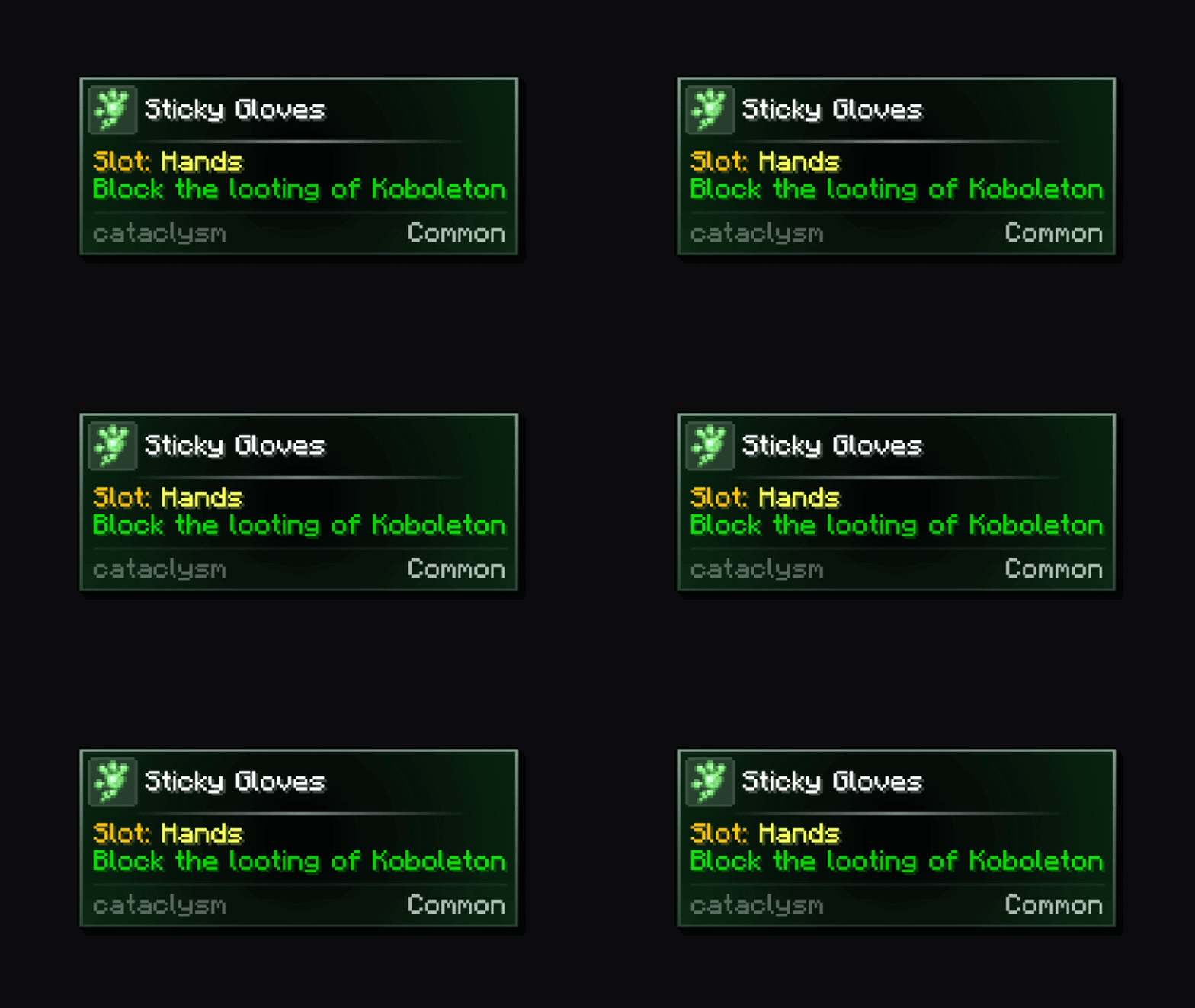
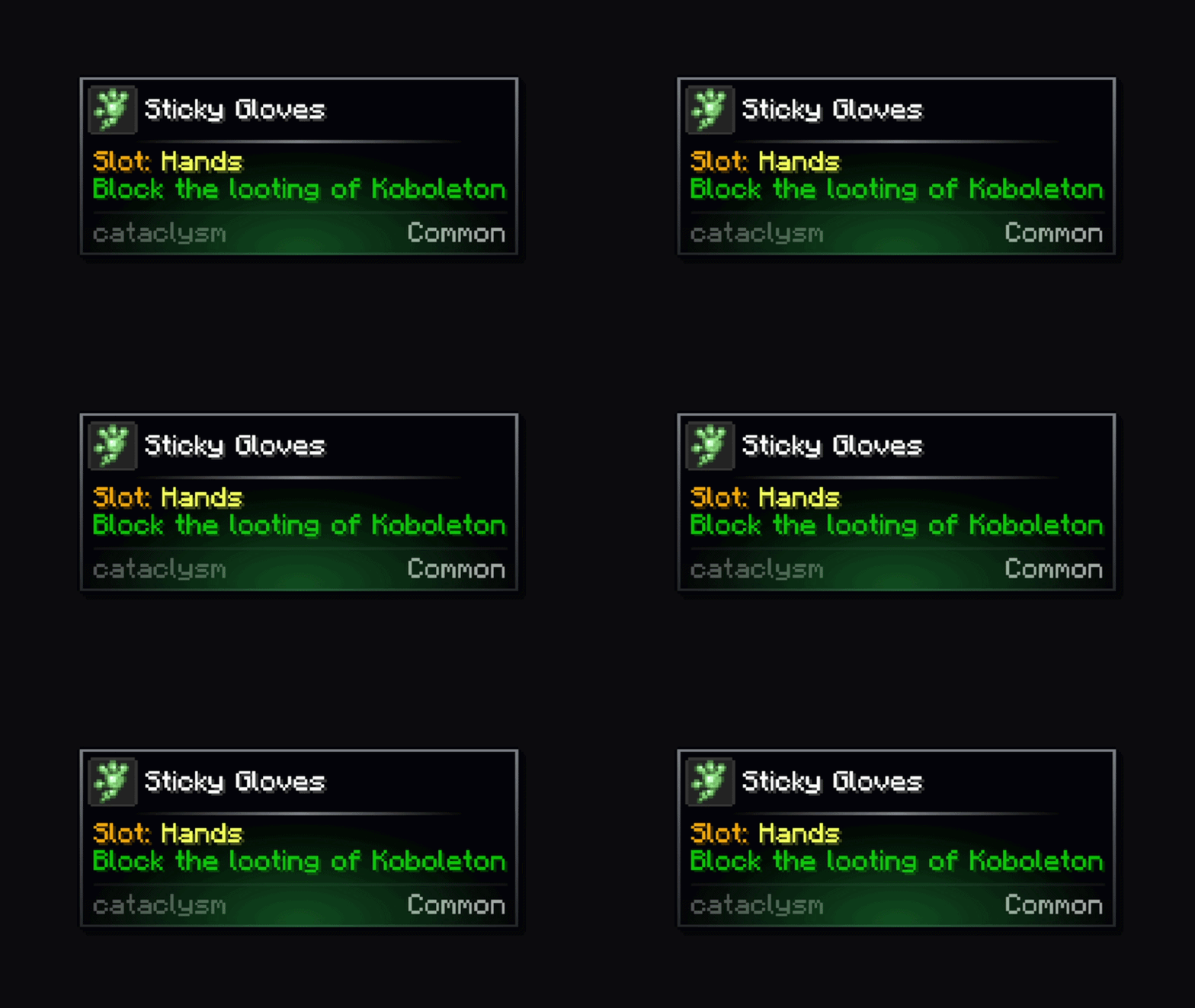
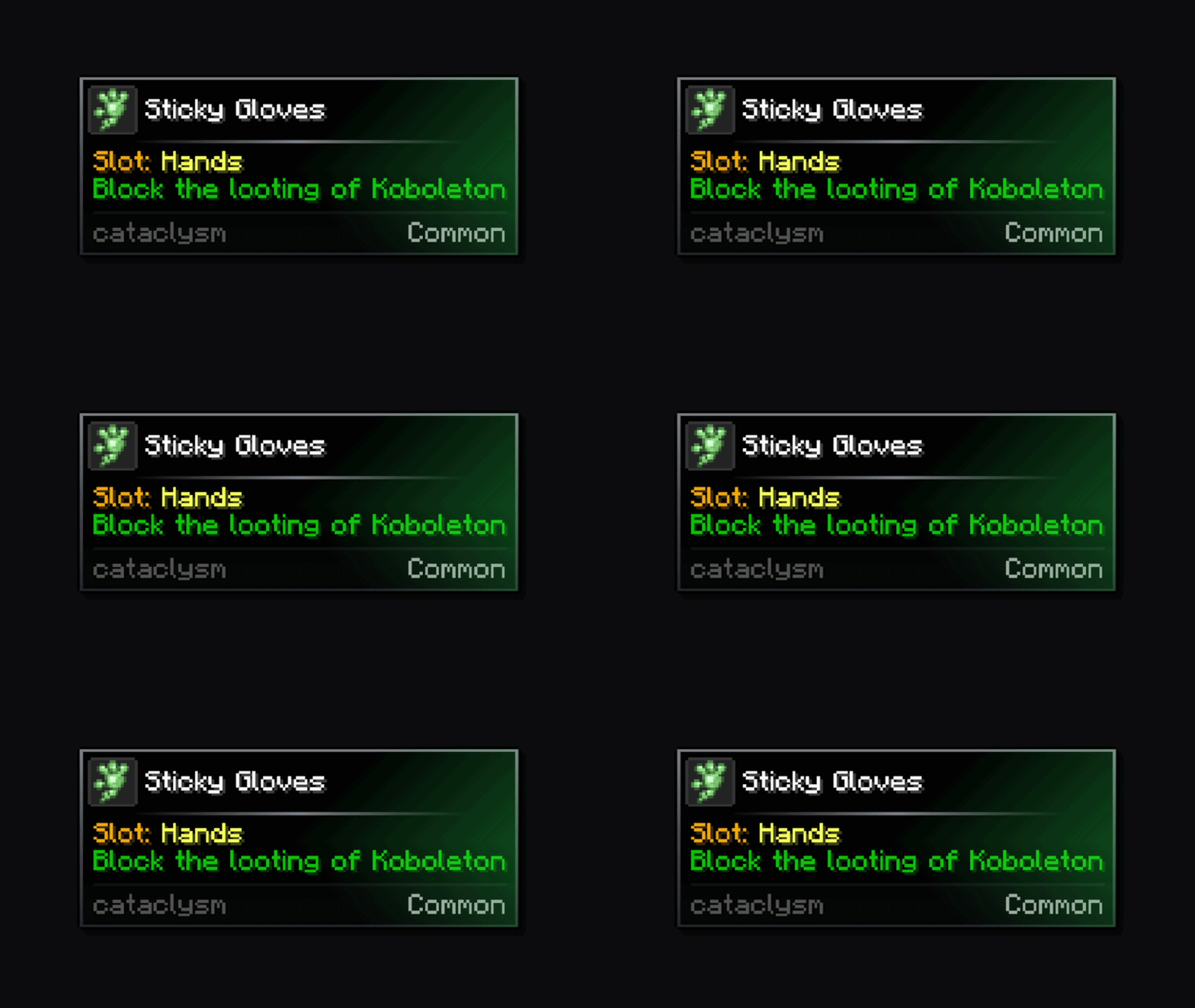
Every tooltip, more modern, sharper, cleaner.

No Theme
No Genre
Aesthetic Improvements
QoL & Tweaks
Client Utility
UI & Menu Tool
Mod Loaders
Forge
NeoForge
Fabric
Minecraft

Community voices

Reviews

Versions
Loading versions…
Match includes

Click once to include, again to exclude, again to clear

Rating Any
Any 0.5 1.0 1.5 2.0 2.5 3.0 3.5 4.0 4.5 5.0
Min
Max
Play Status
Reviews
Time Played
hrs+
Verified developers only
Has developer response
List view
Grid view
Compact view
Sort by
Date
Rating
Helpful
Unhelpful
Edited
Sort ascending
Delete this review?

This removes your review from the project. You can write a new review after.

Review submitted for moderation

Your review has been sent to moderators, who will check that it meets our guidelines before it appears publicly.

No reviews yet. Be the first to review this project!

Get it on

Available Platforms

Compatibility

Supported Environments

Dev Environment
Client Required
Server Unsupported

About

Project Details

Type
Mod
License
GNU General Public License v3.0 only
Latest Version
[FORGE] Tooltip Overhaul 1.5.2-1.20.1
Authors
CurseForge
Modrinth

For authors

Embed Badge

If you're the author of this project, you can embed a live badge anywhere that supports HTML or Markdown. It updates automatically whenever ratings change.

Custom banner text
ModDex rating badge preview

Use HTML for any page that supports it, or Markdown for README files and Markdown-based descriptions.

Identifiers

Platform IDs

CurseForge ID
Modrinth ID

Resources

External Links

About

Description

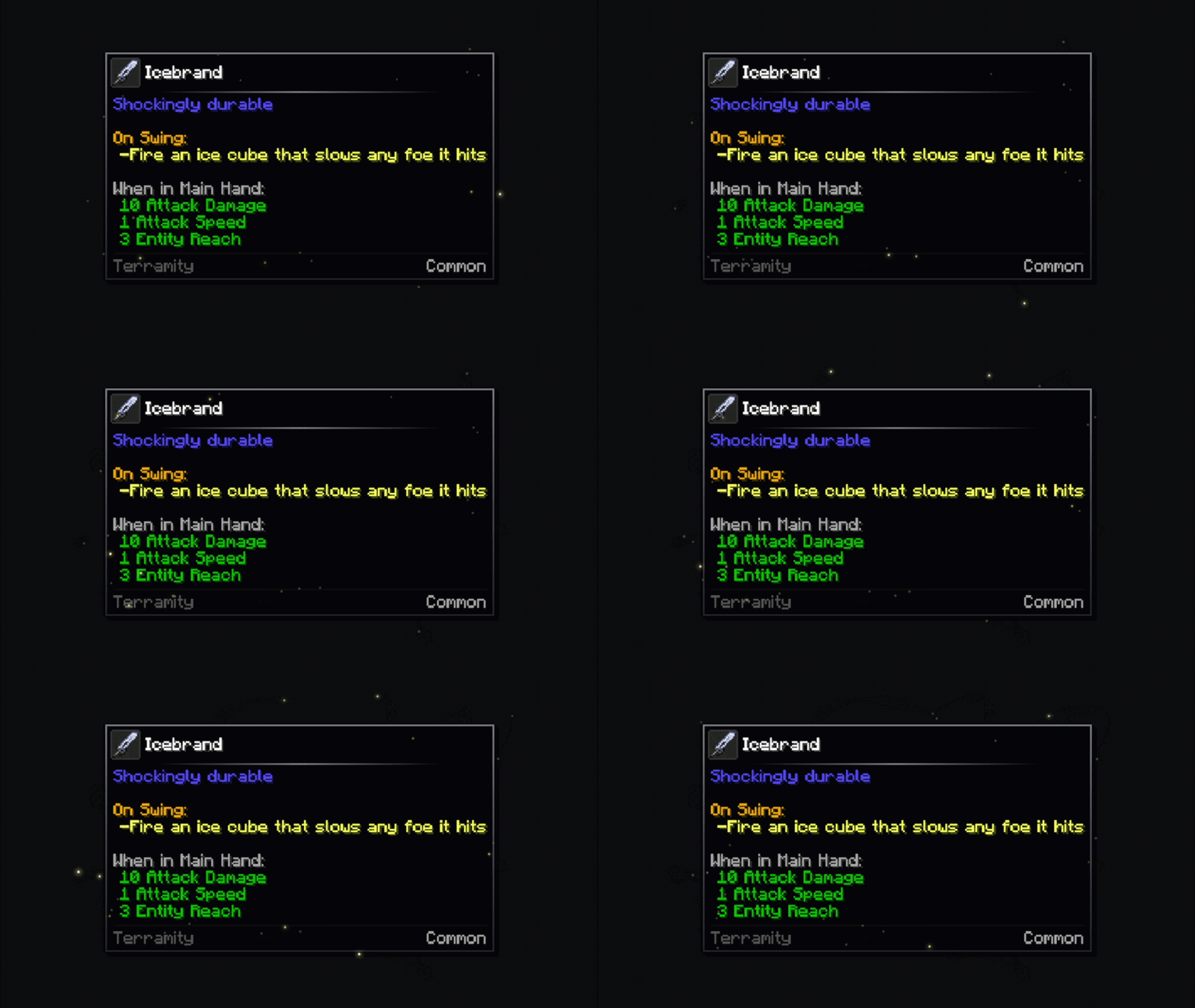
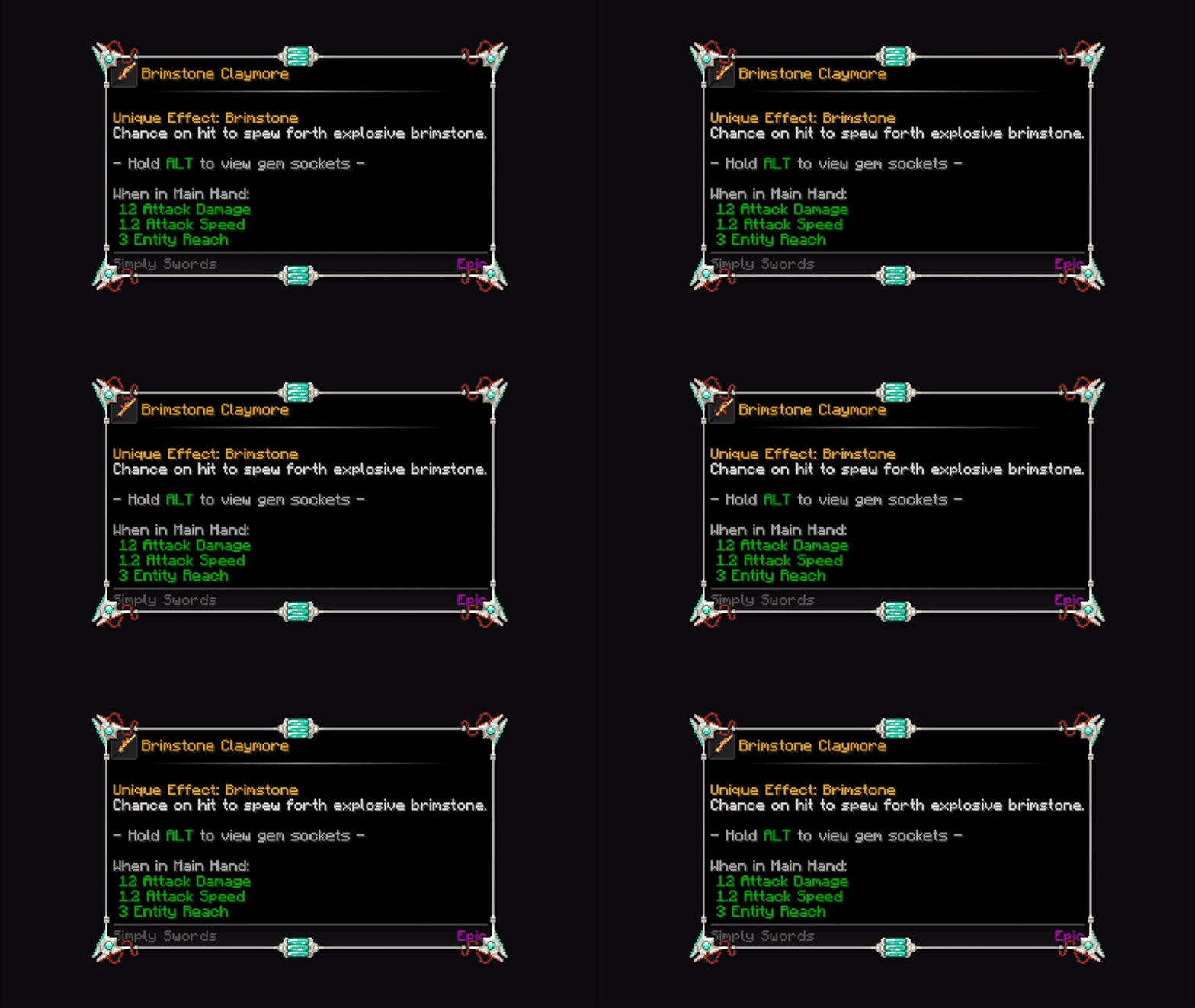
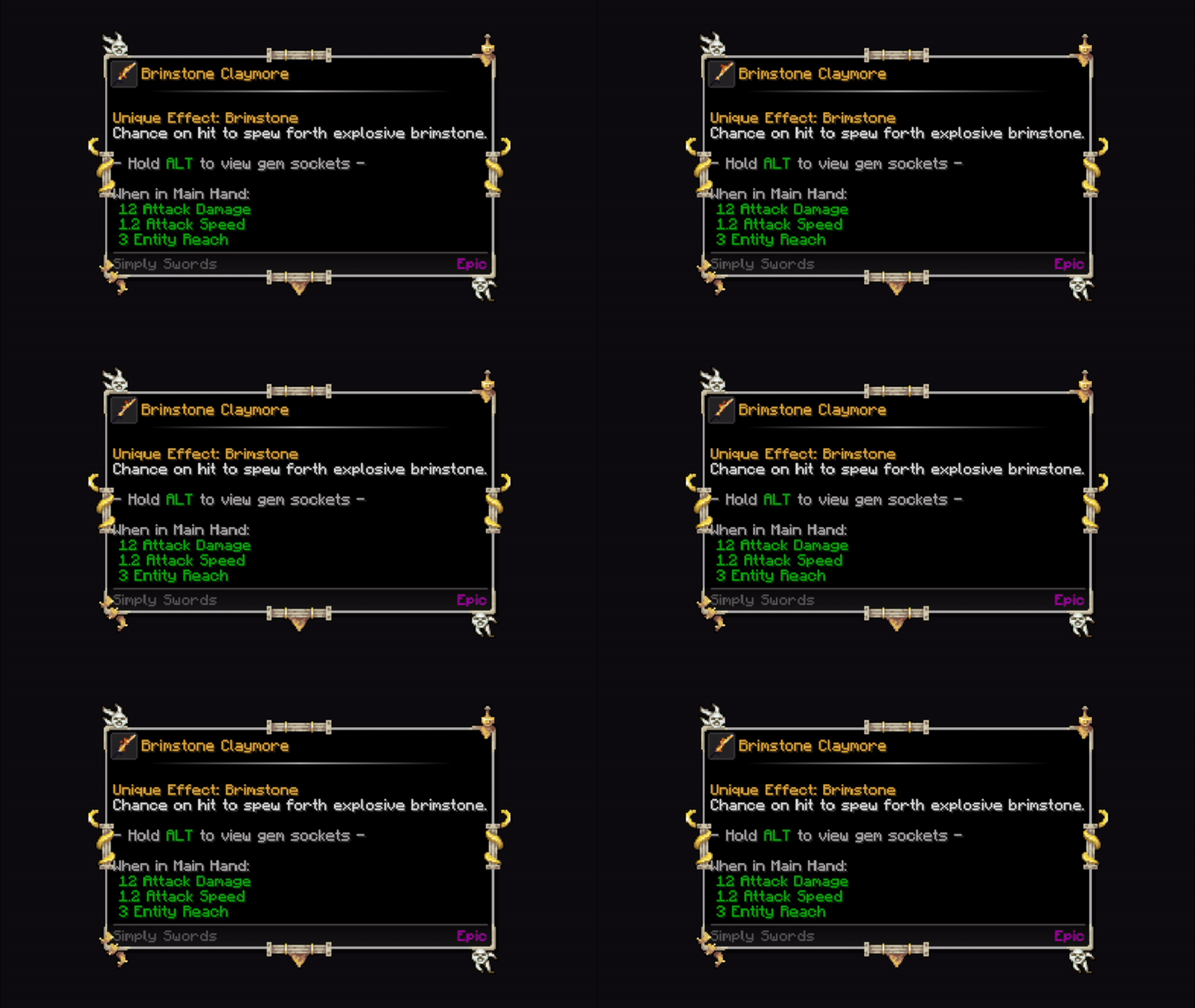
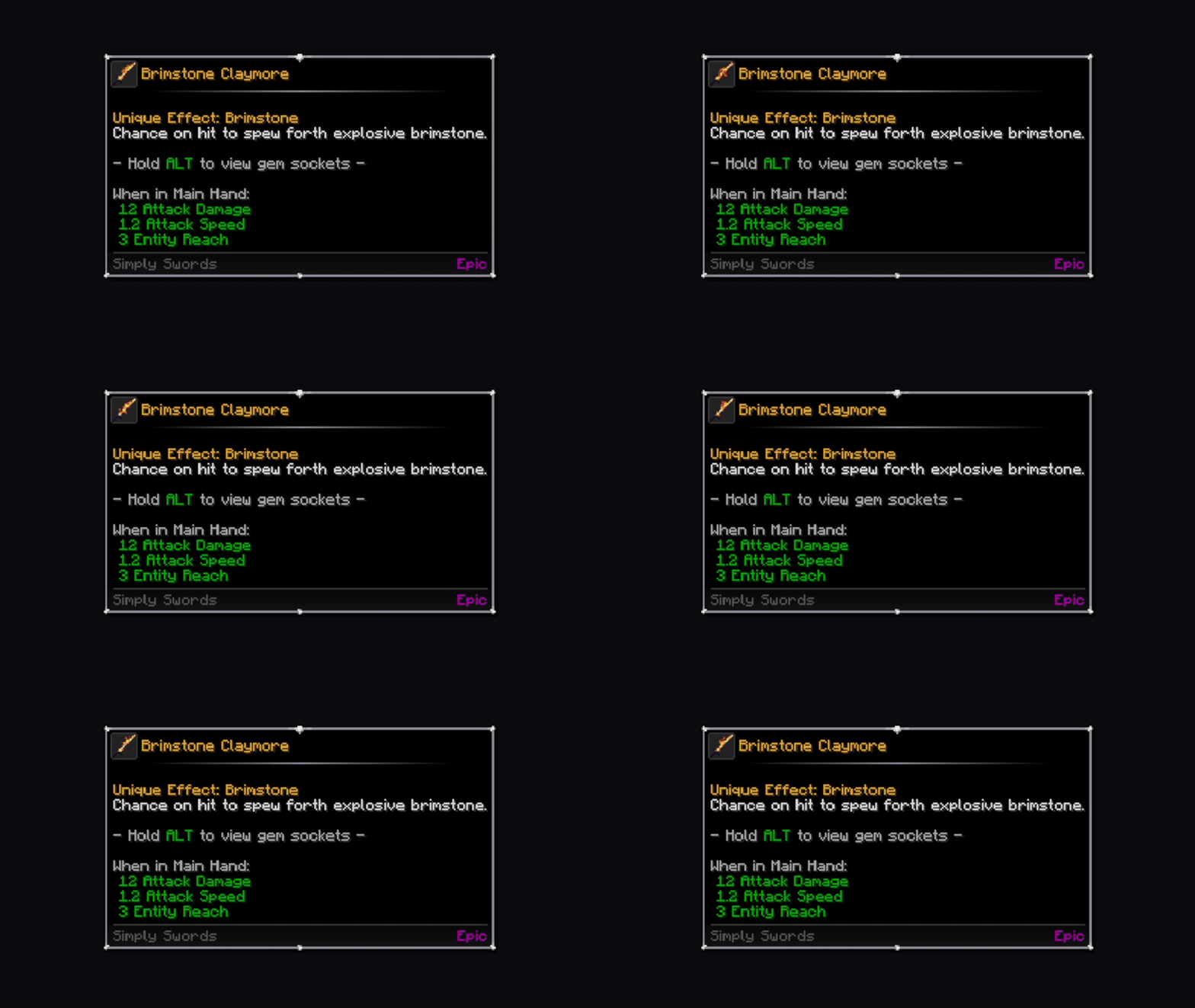
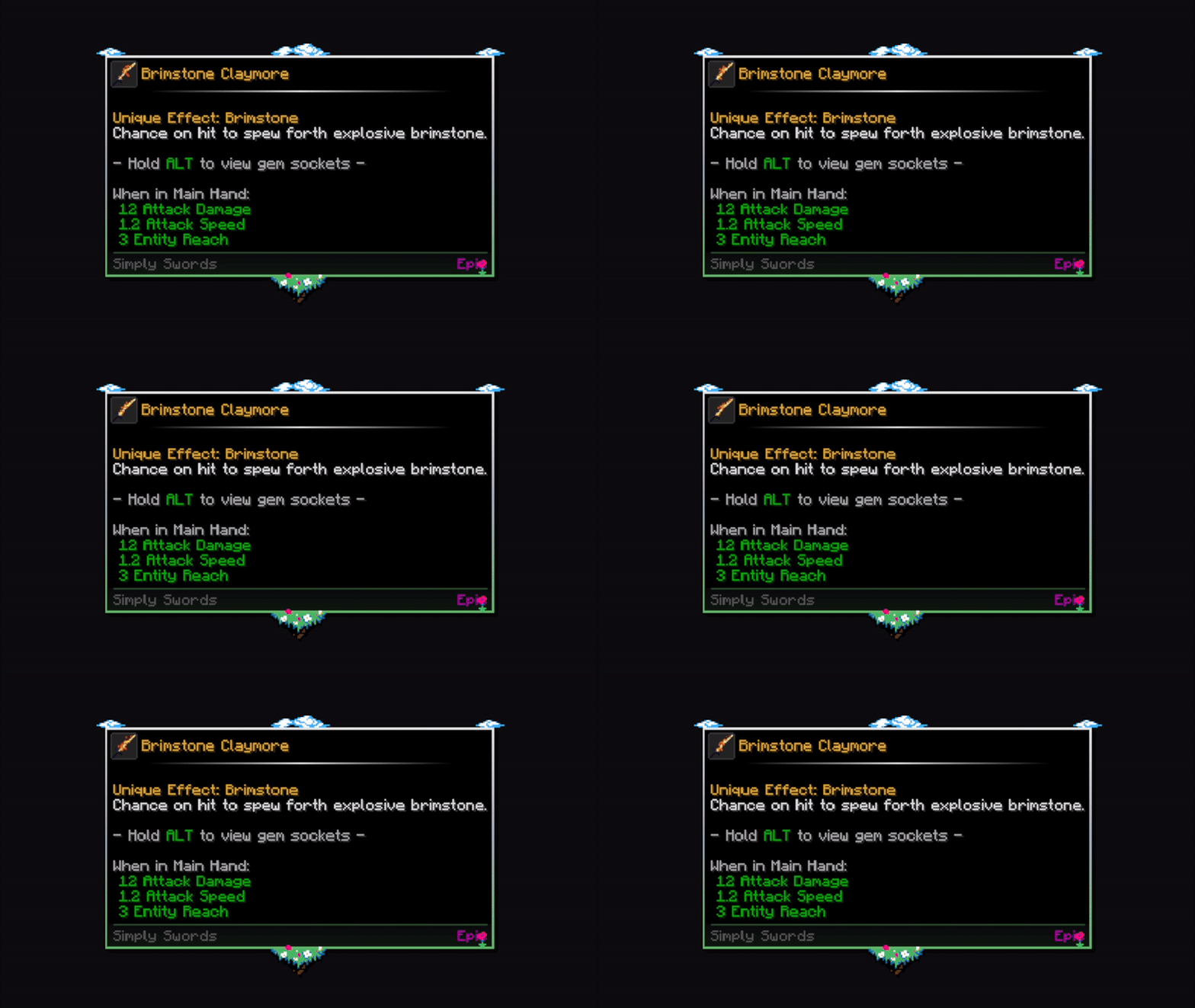
Tooltip Overhaul ✨

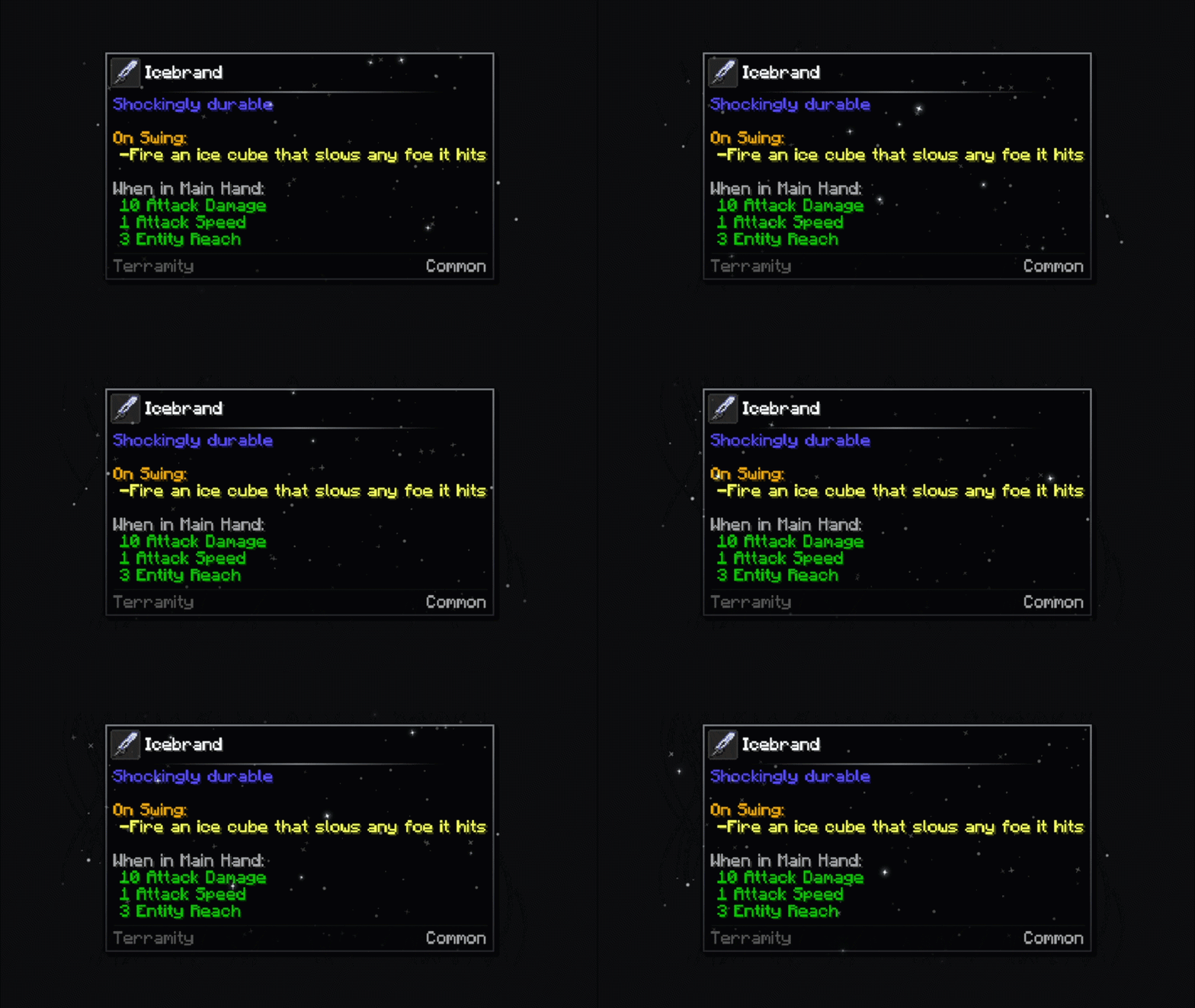
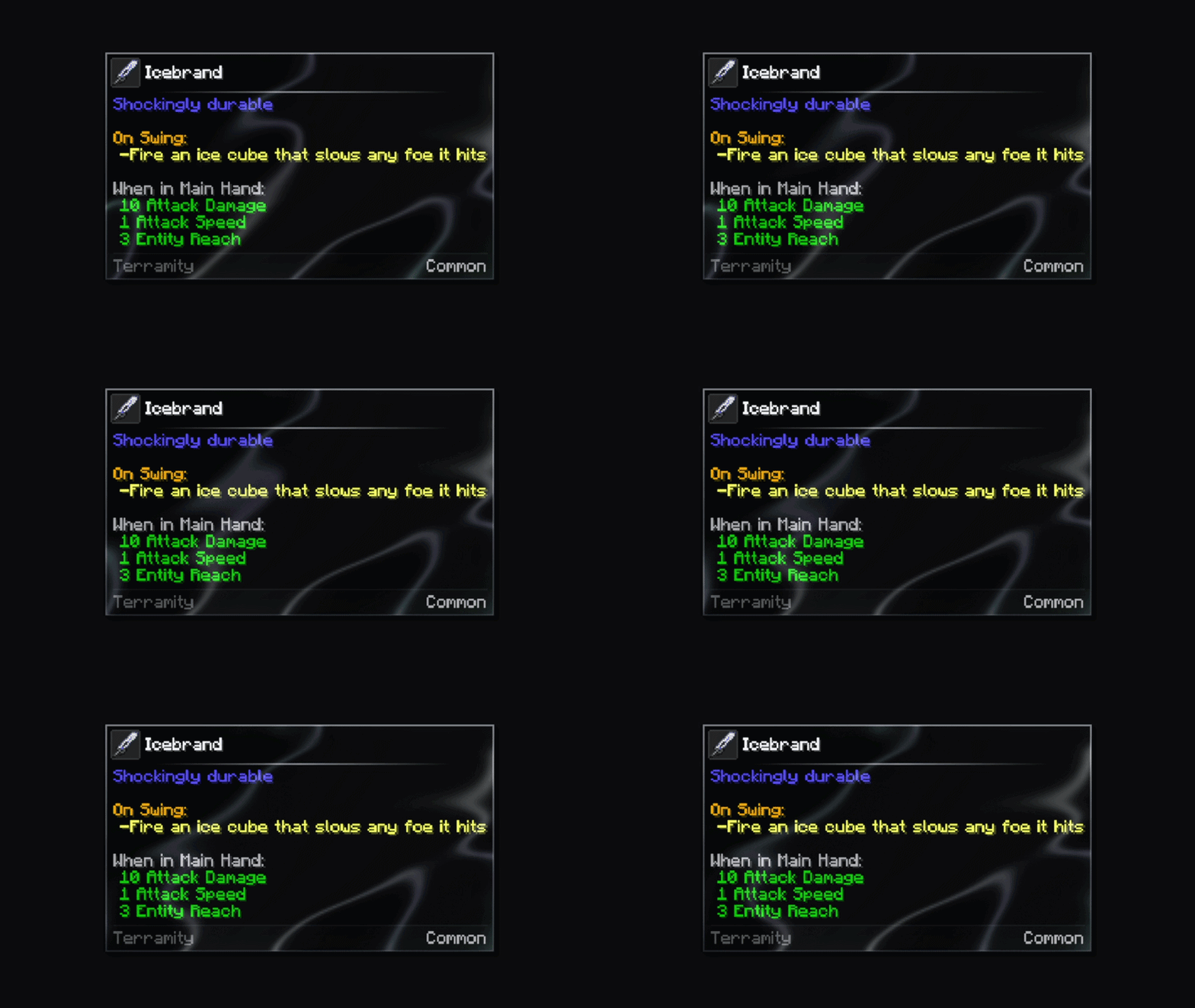
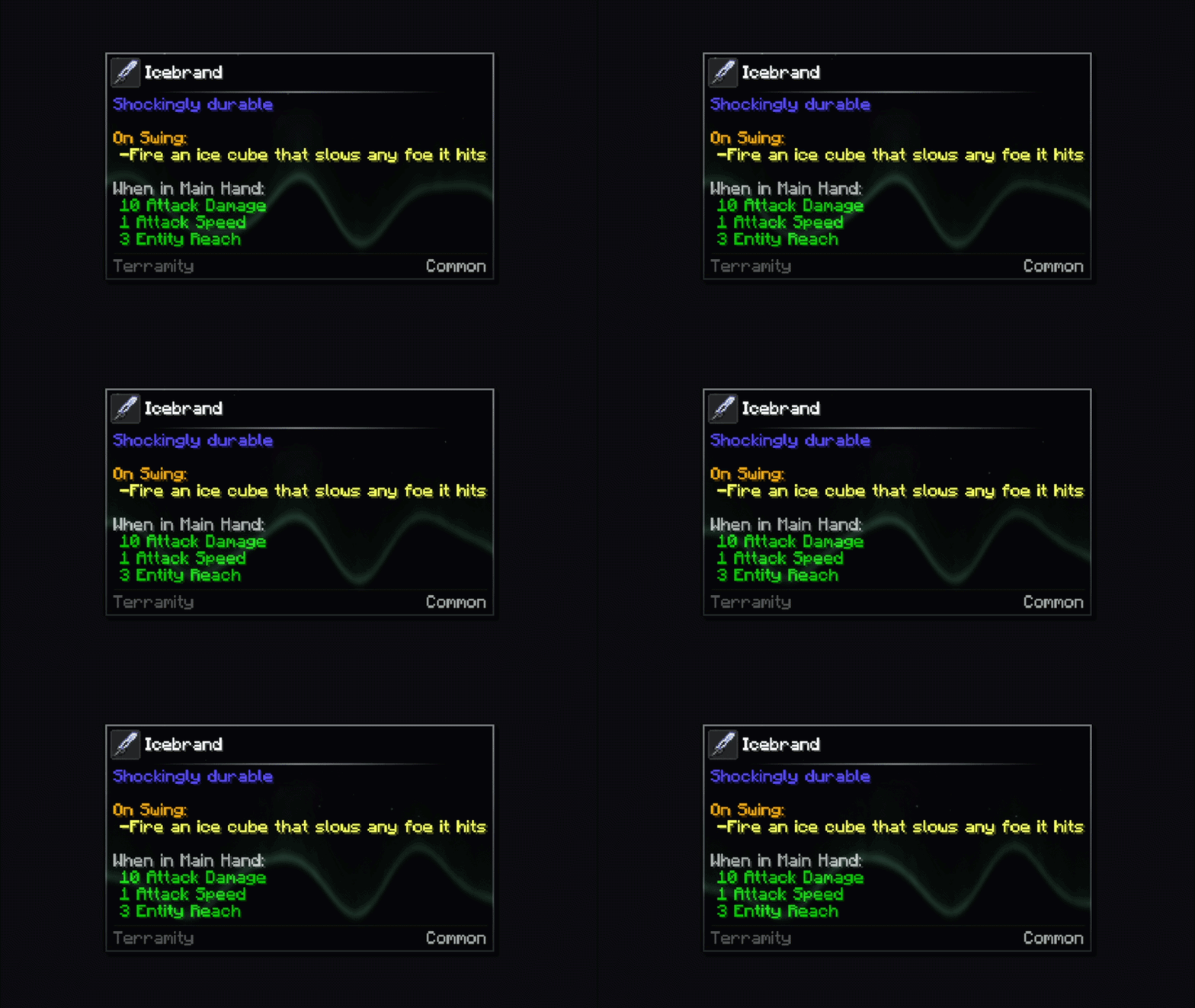
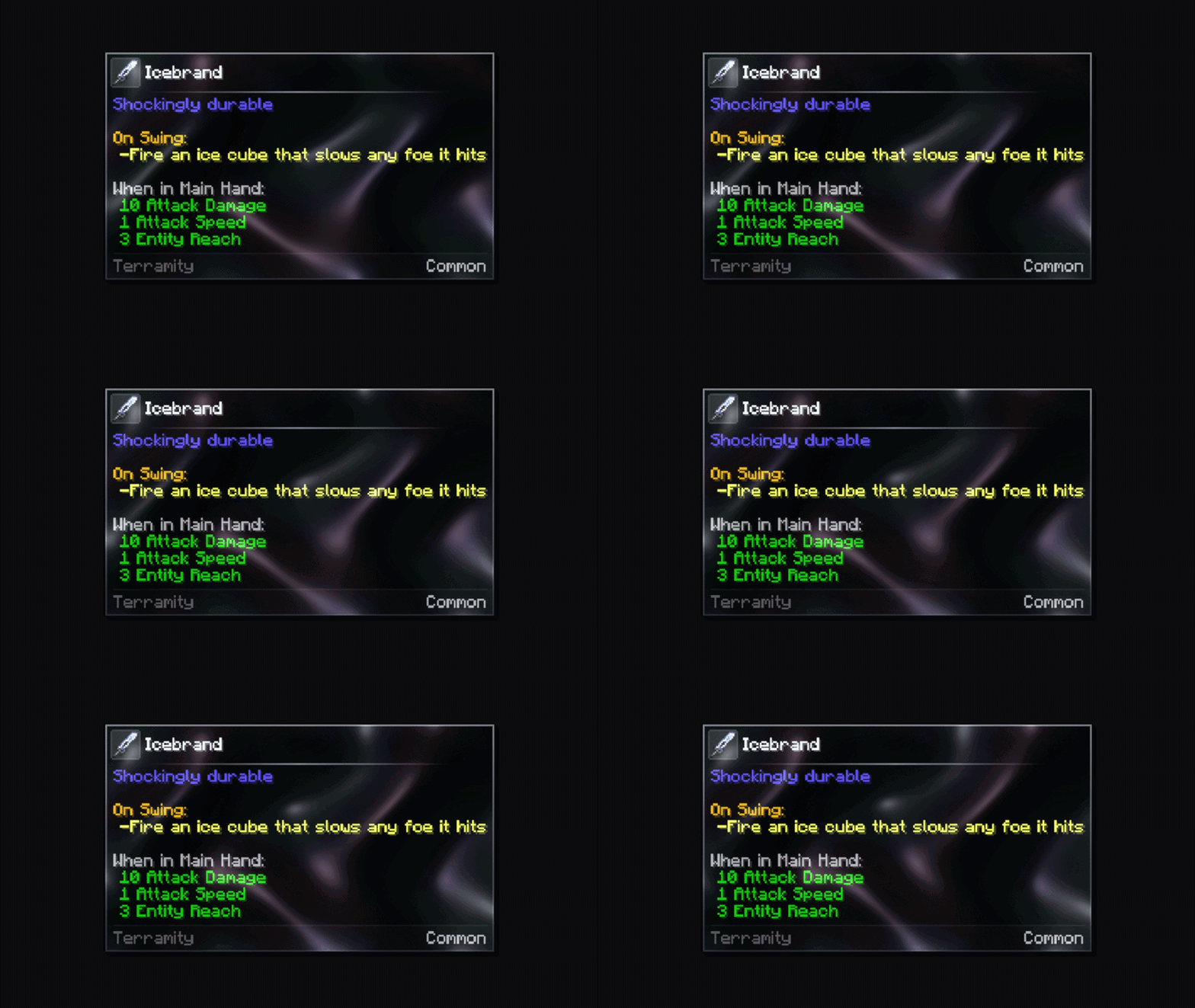
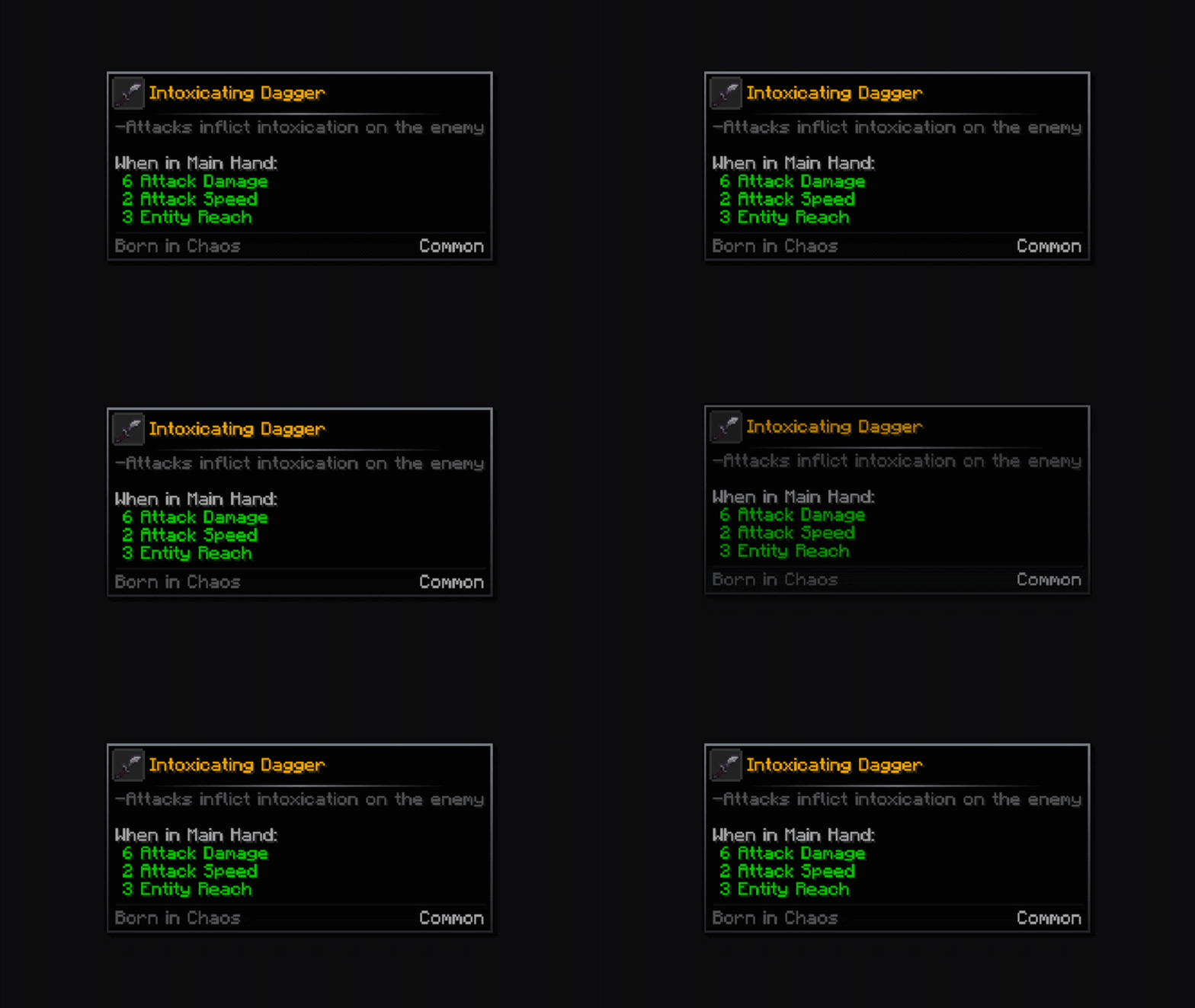
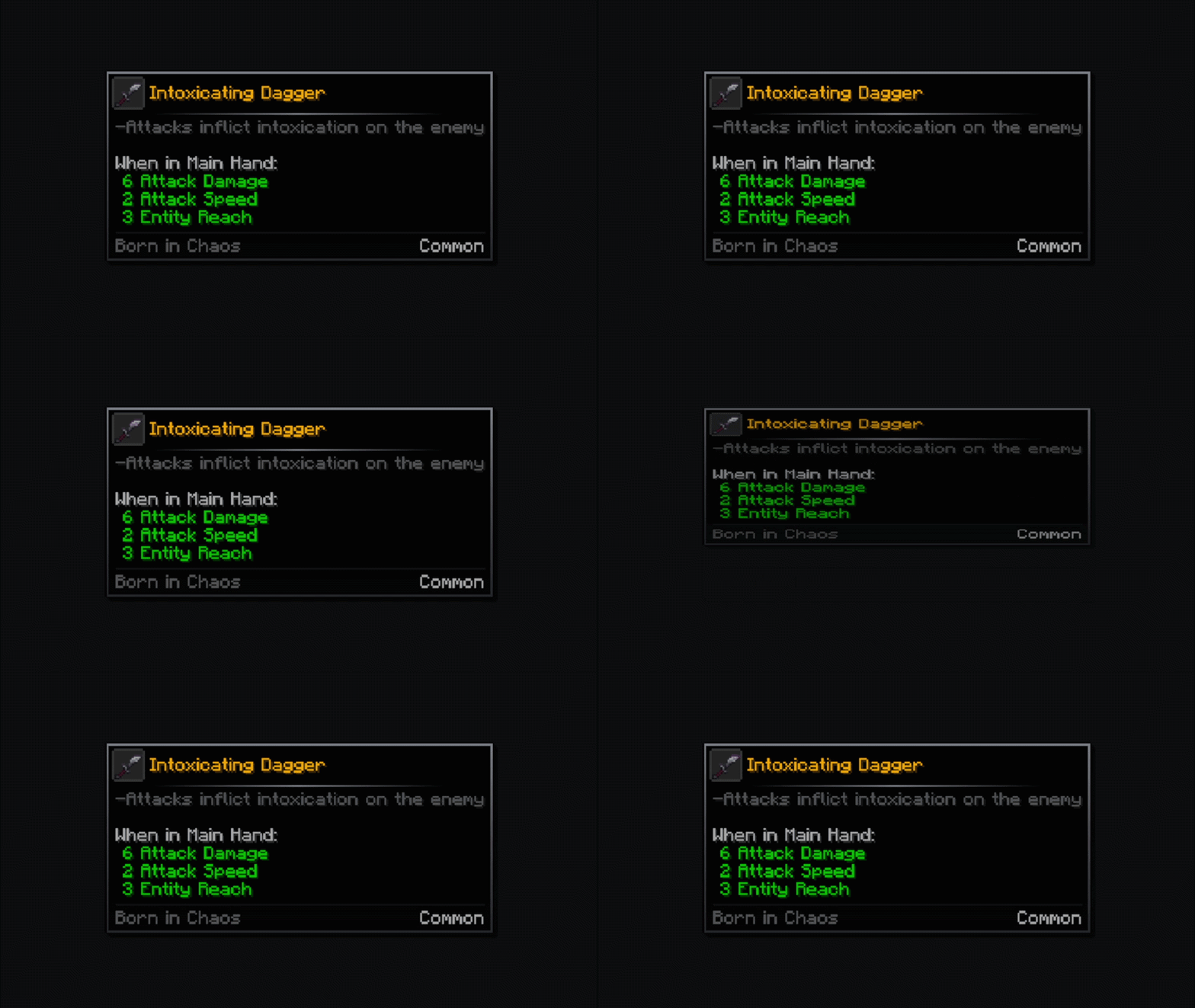
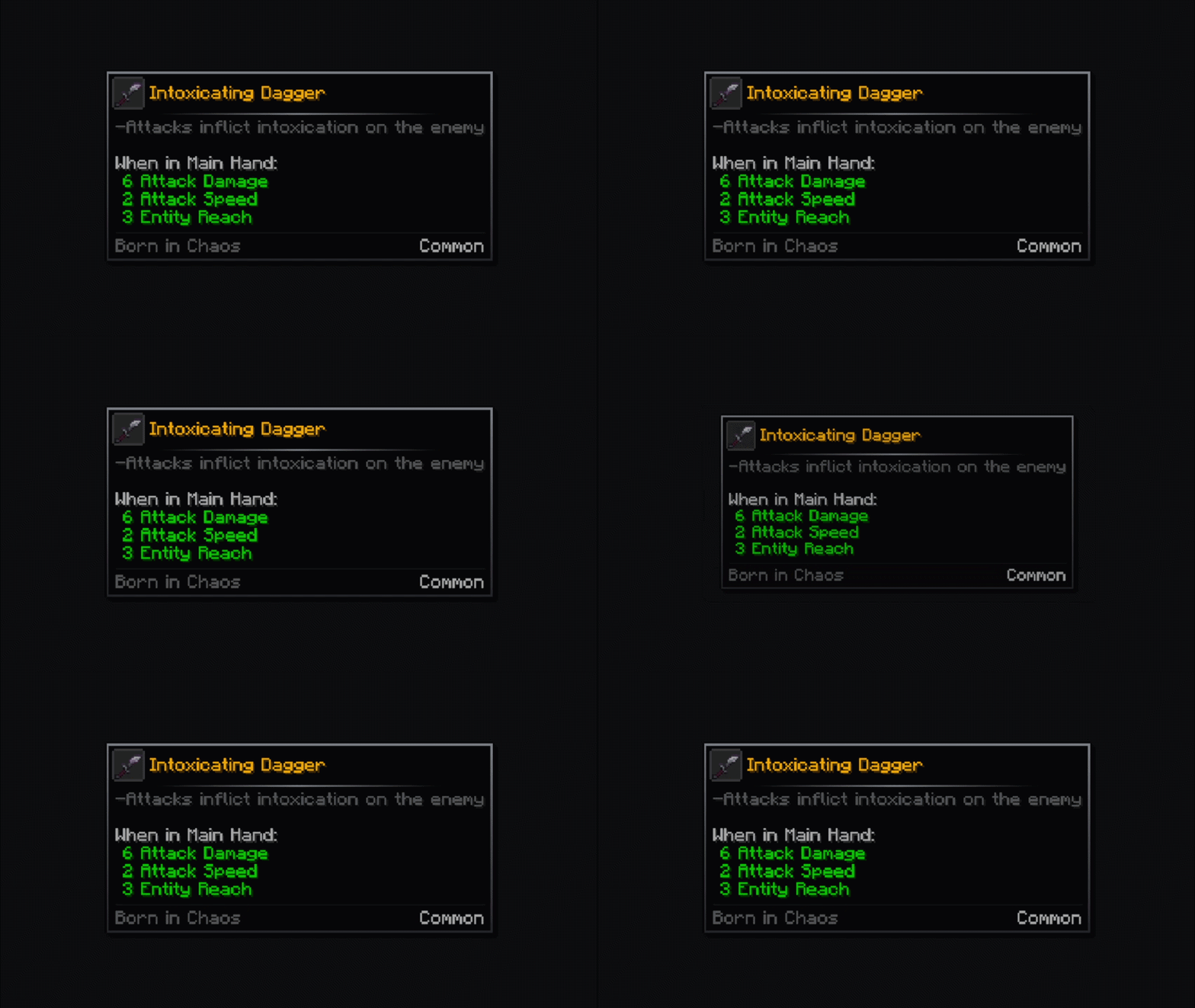
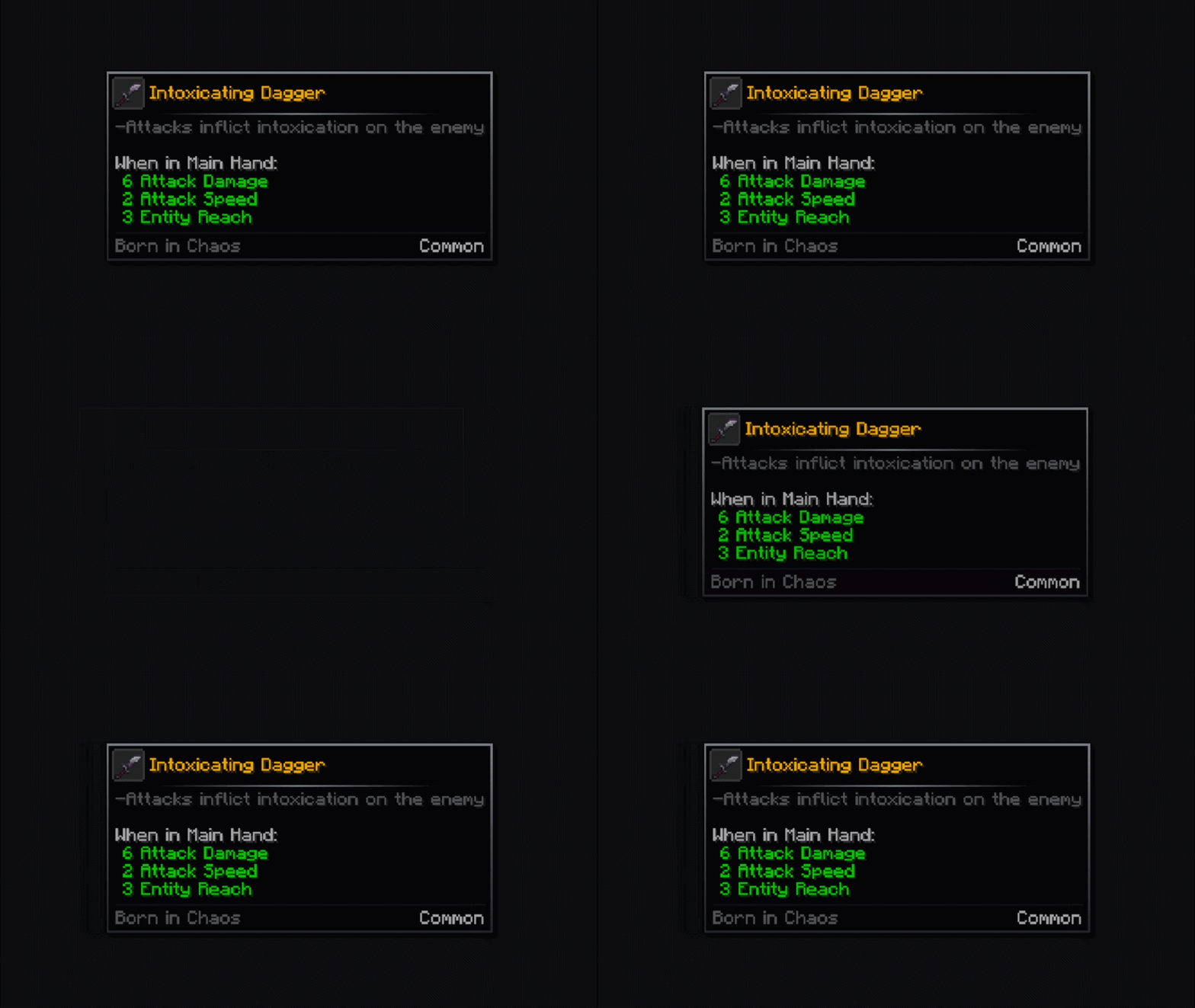
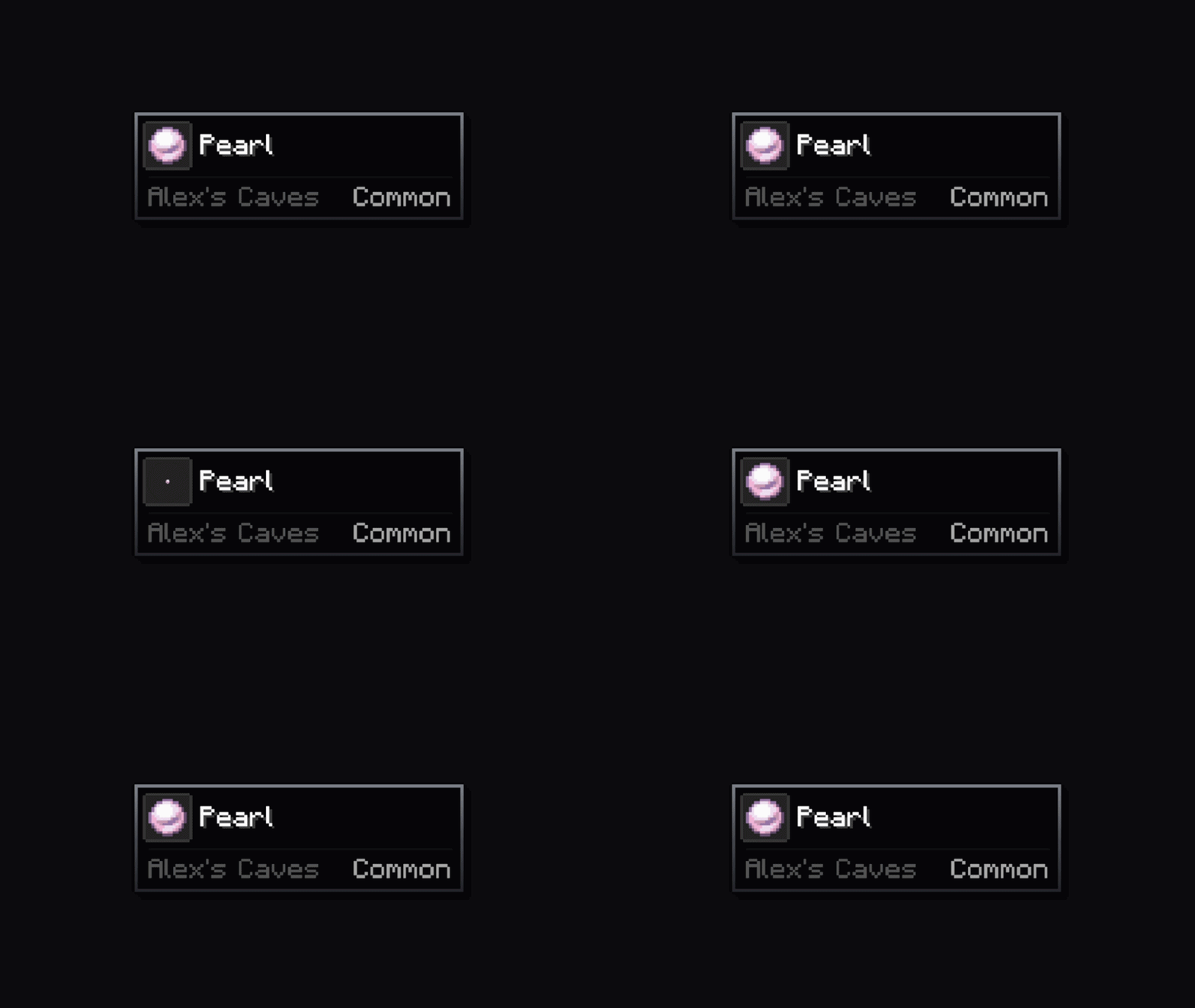
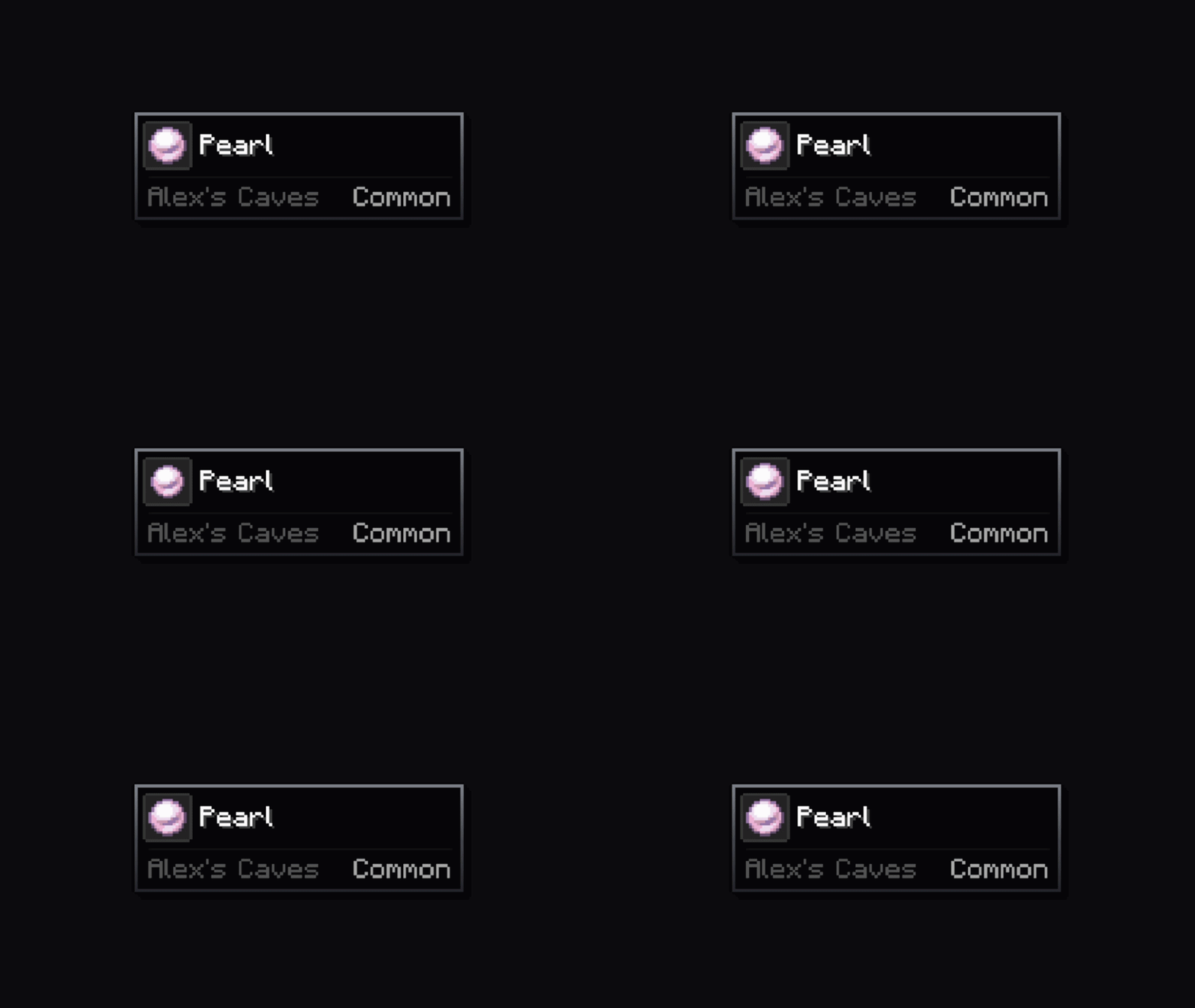
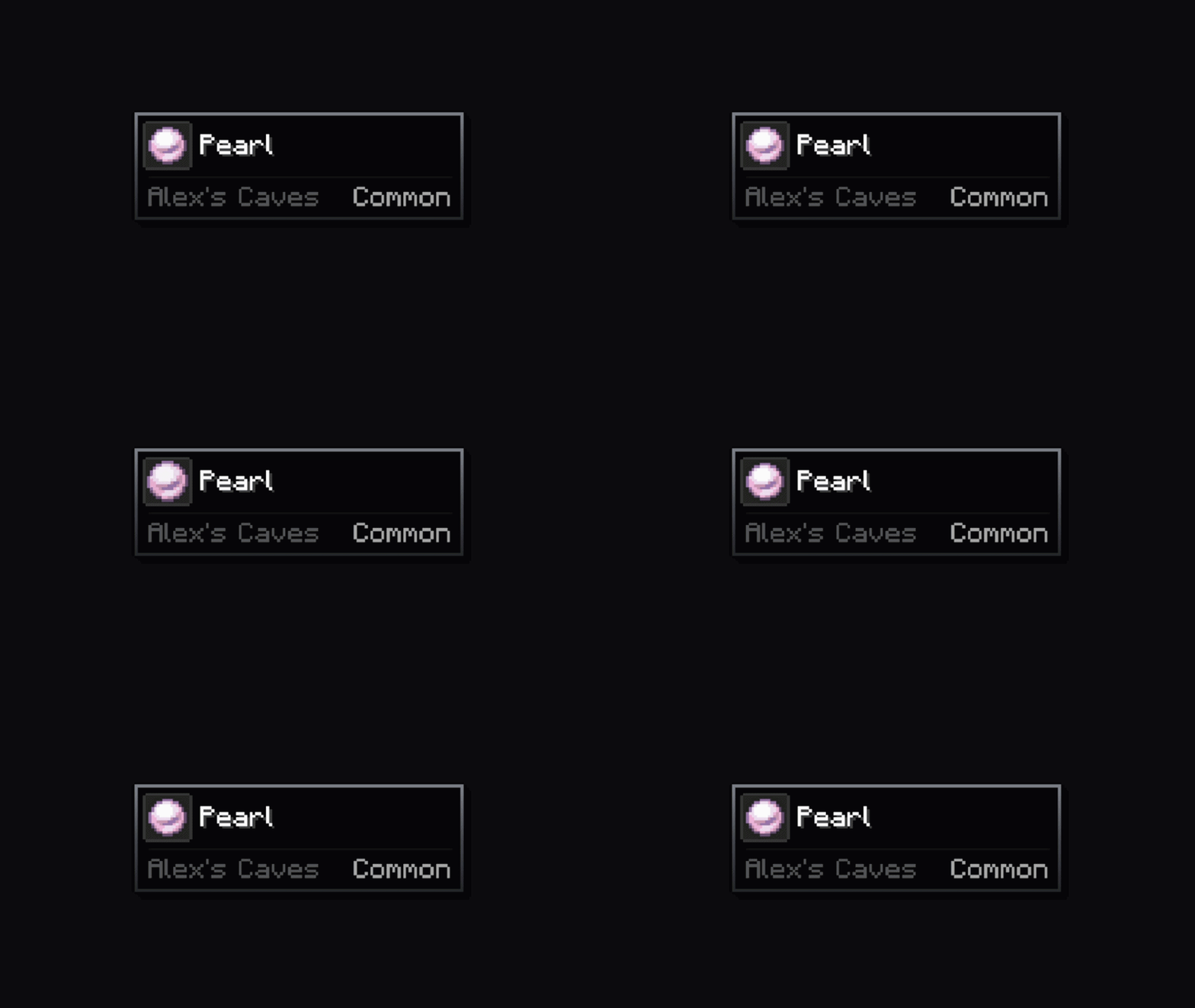
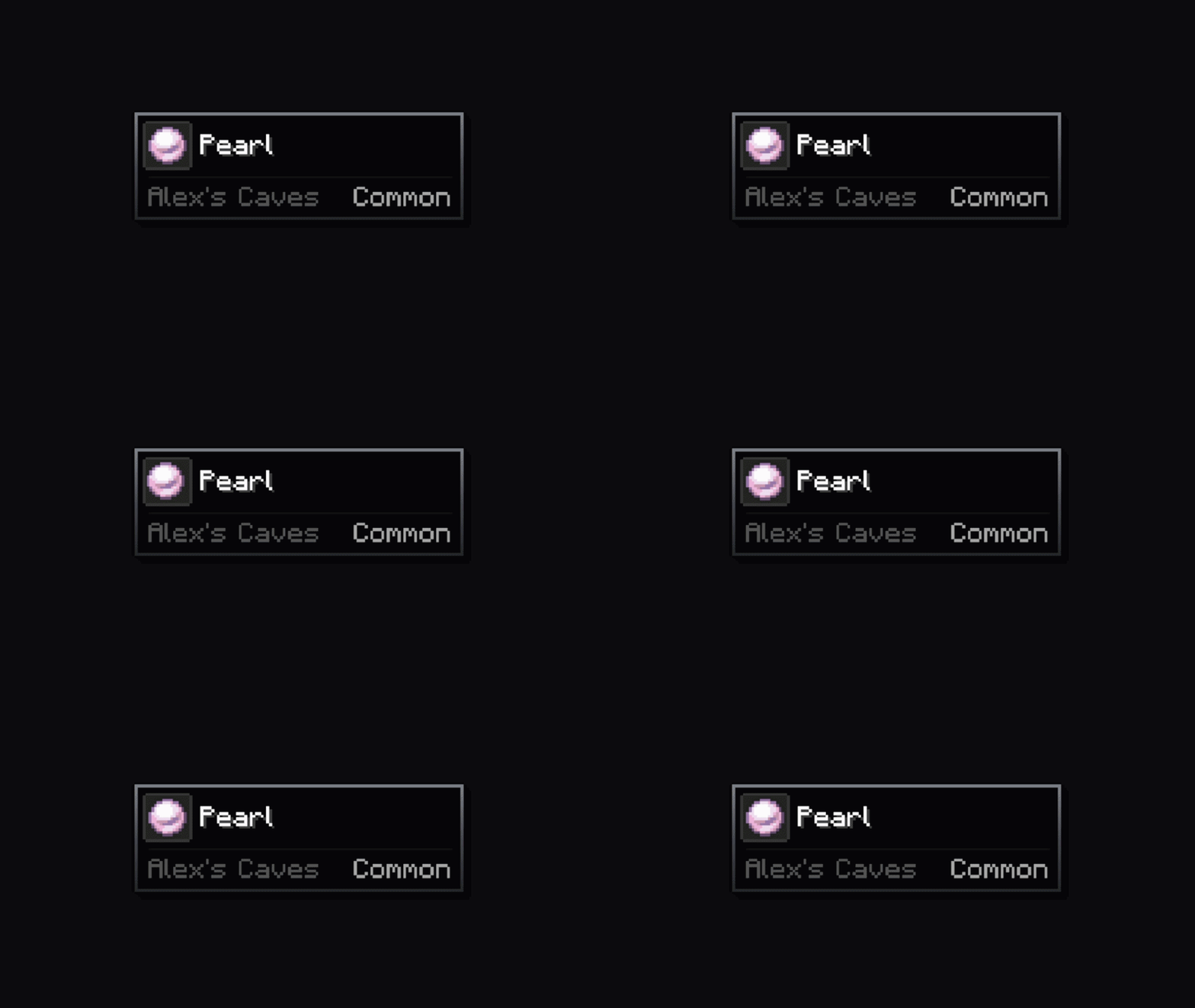
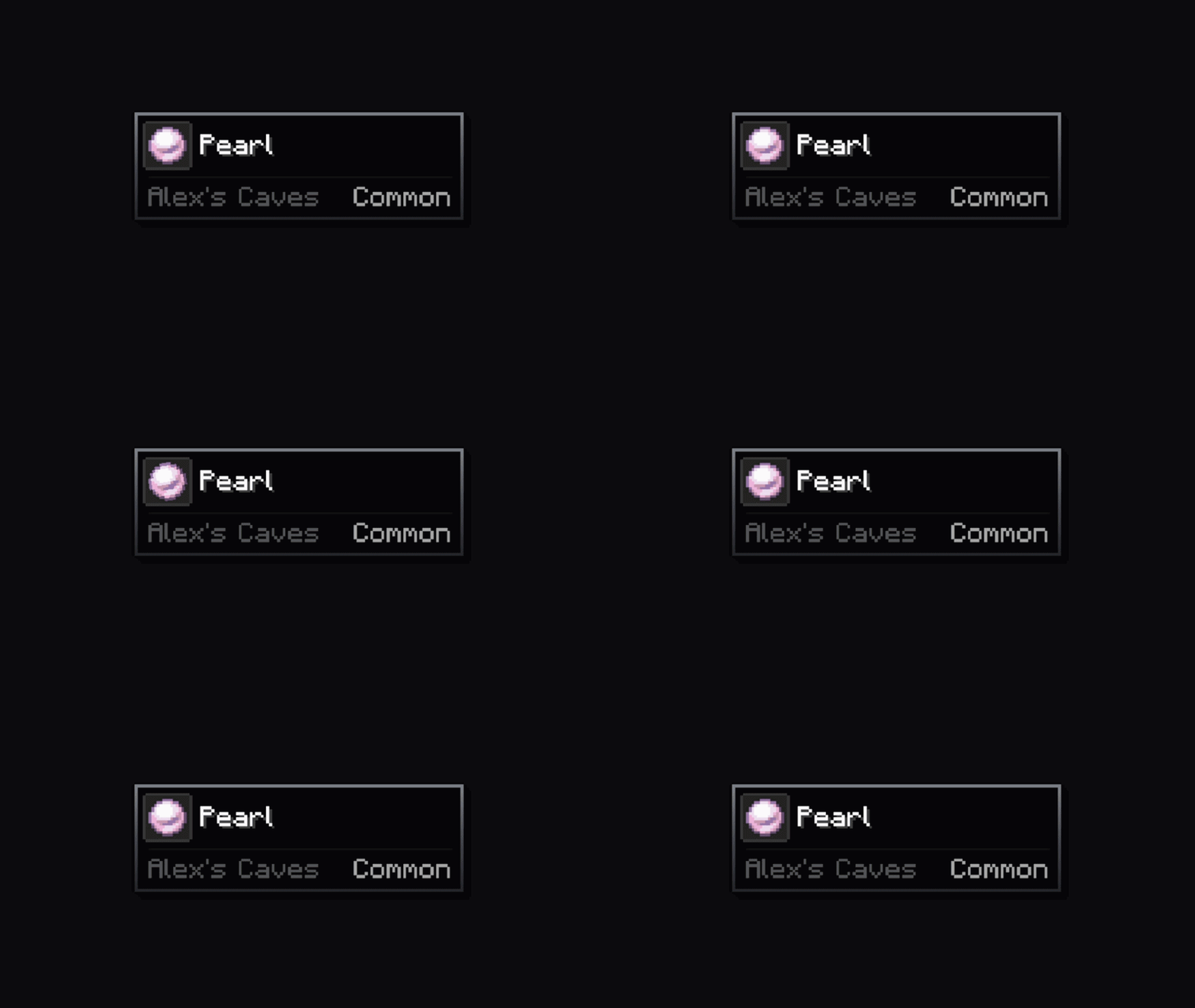
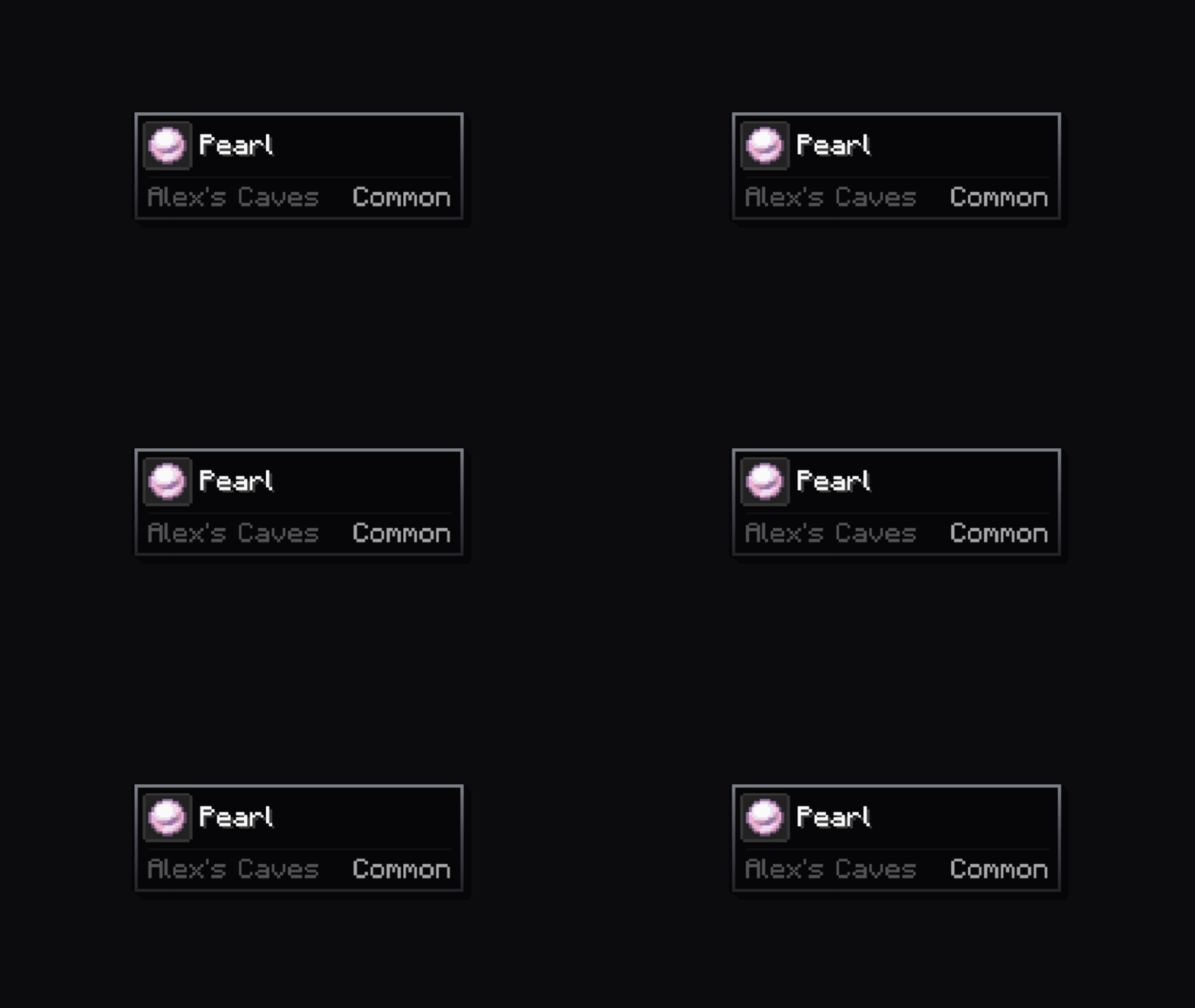
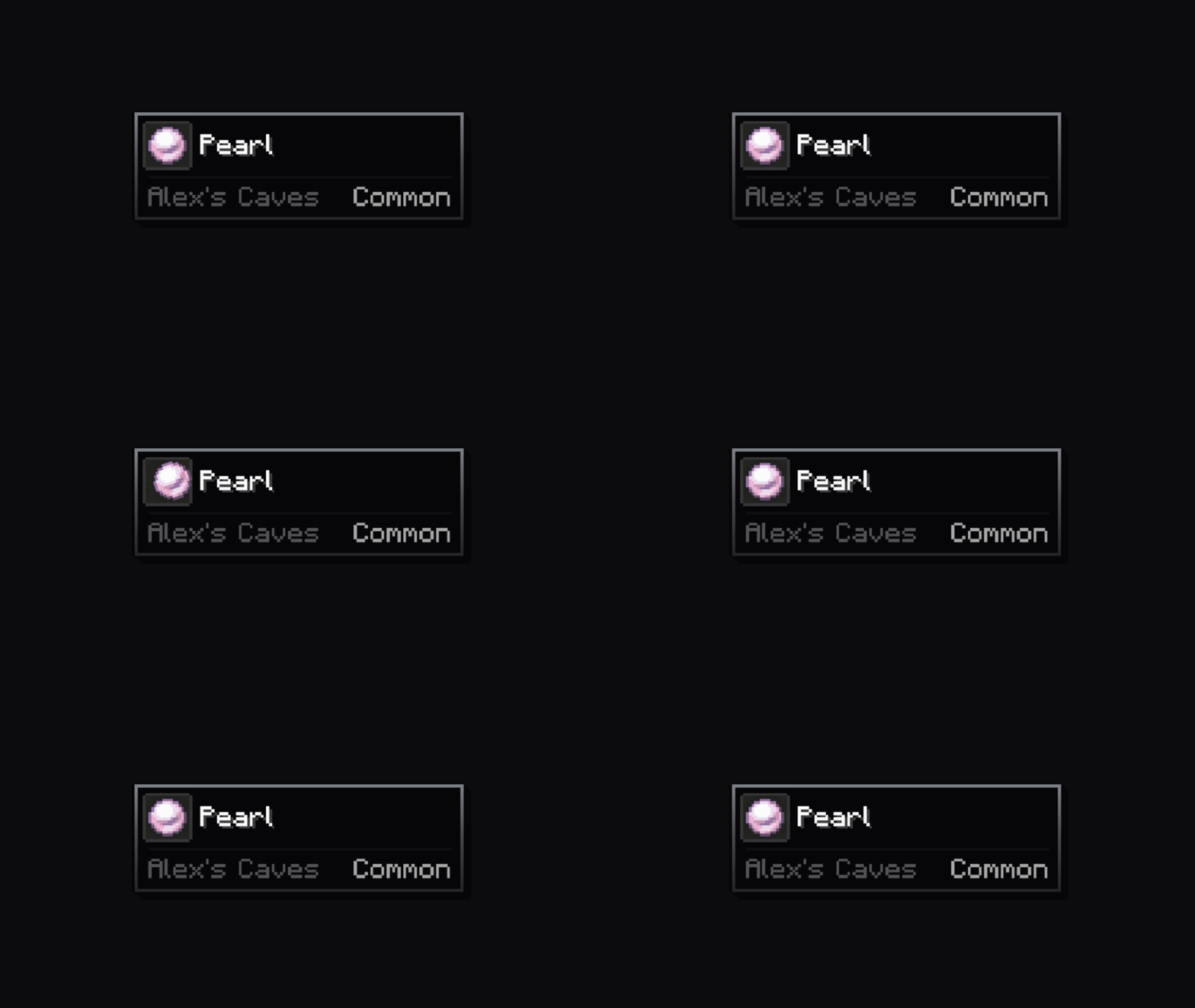
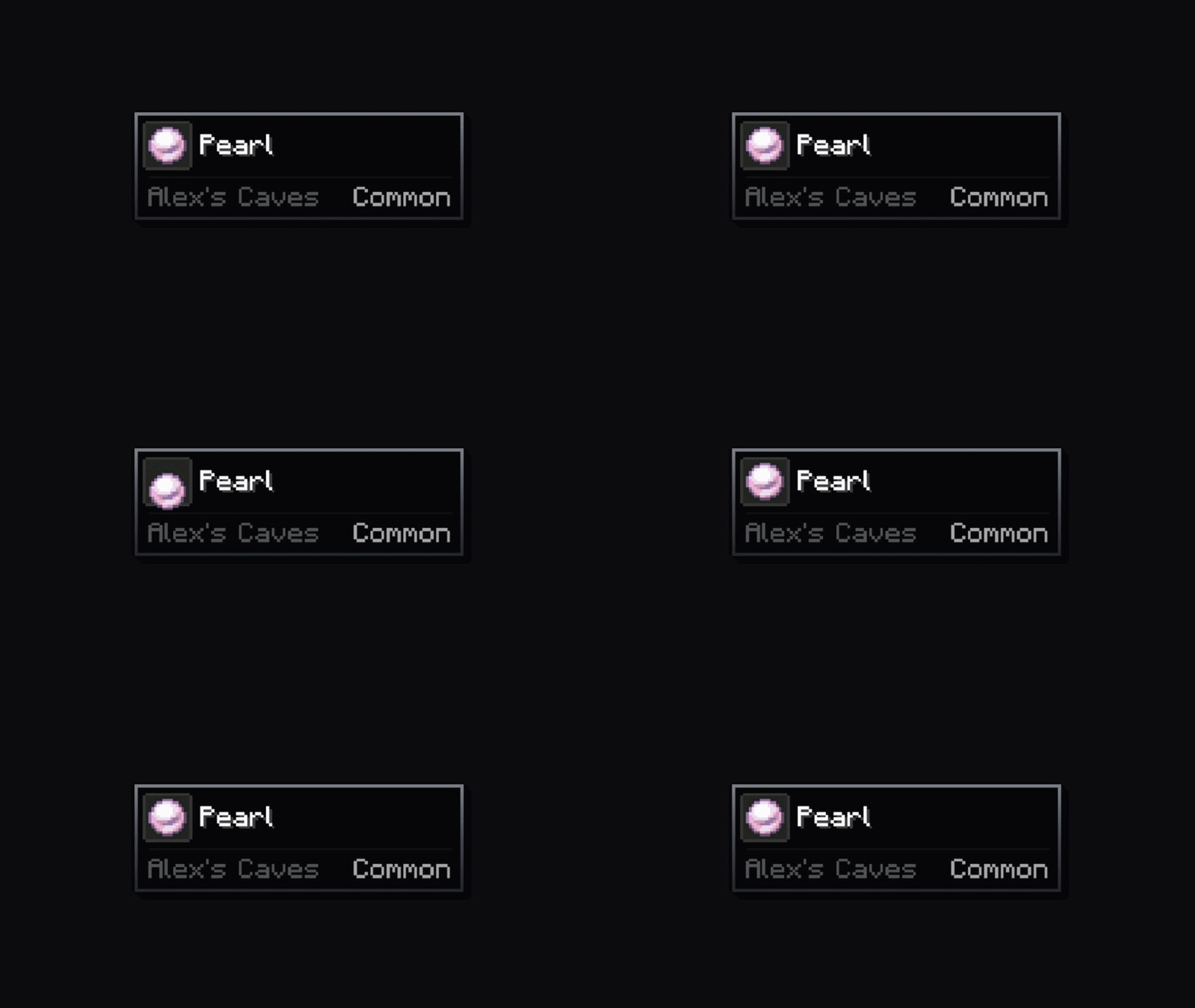
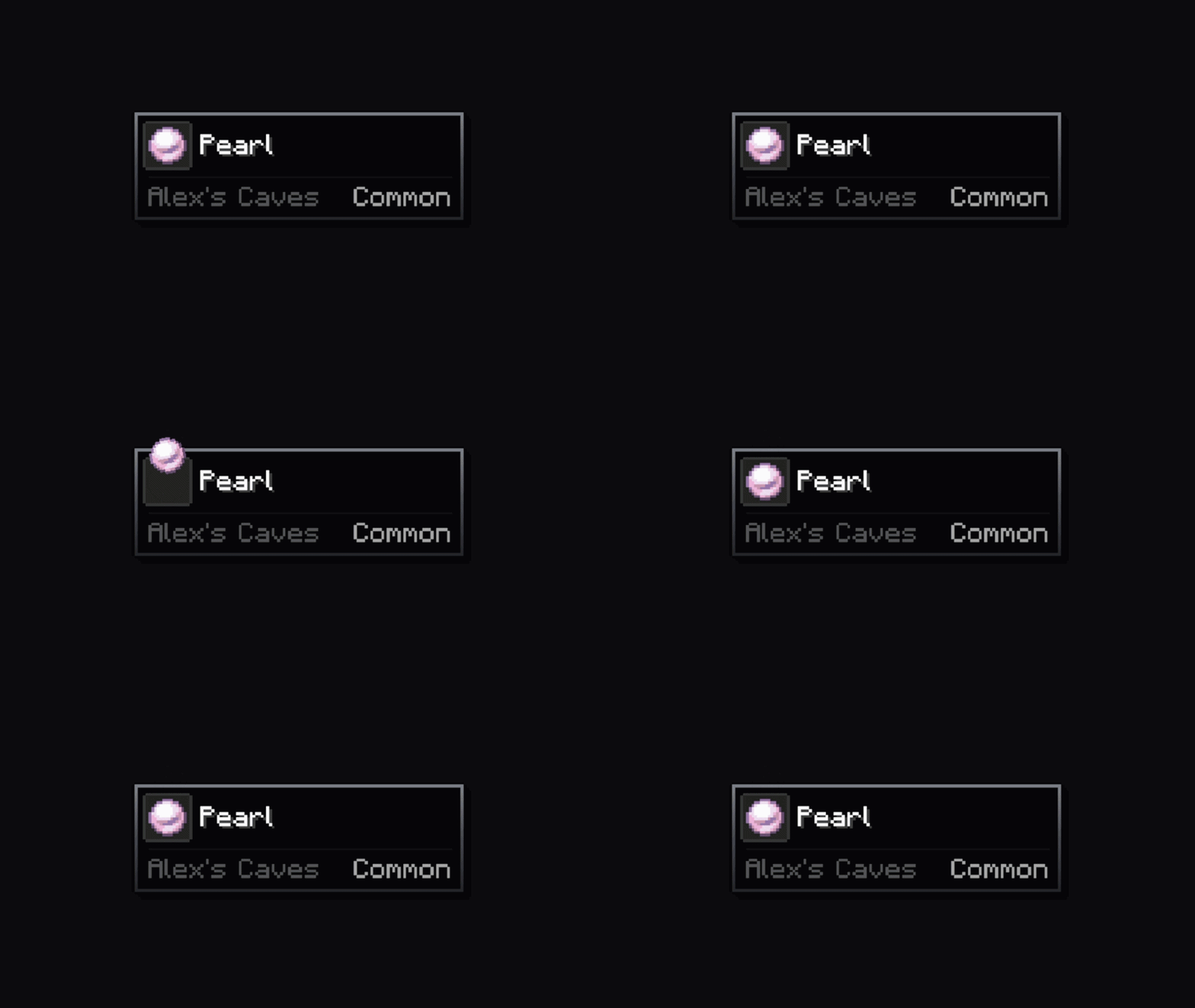
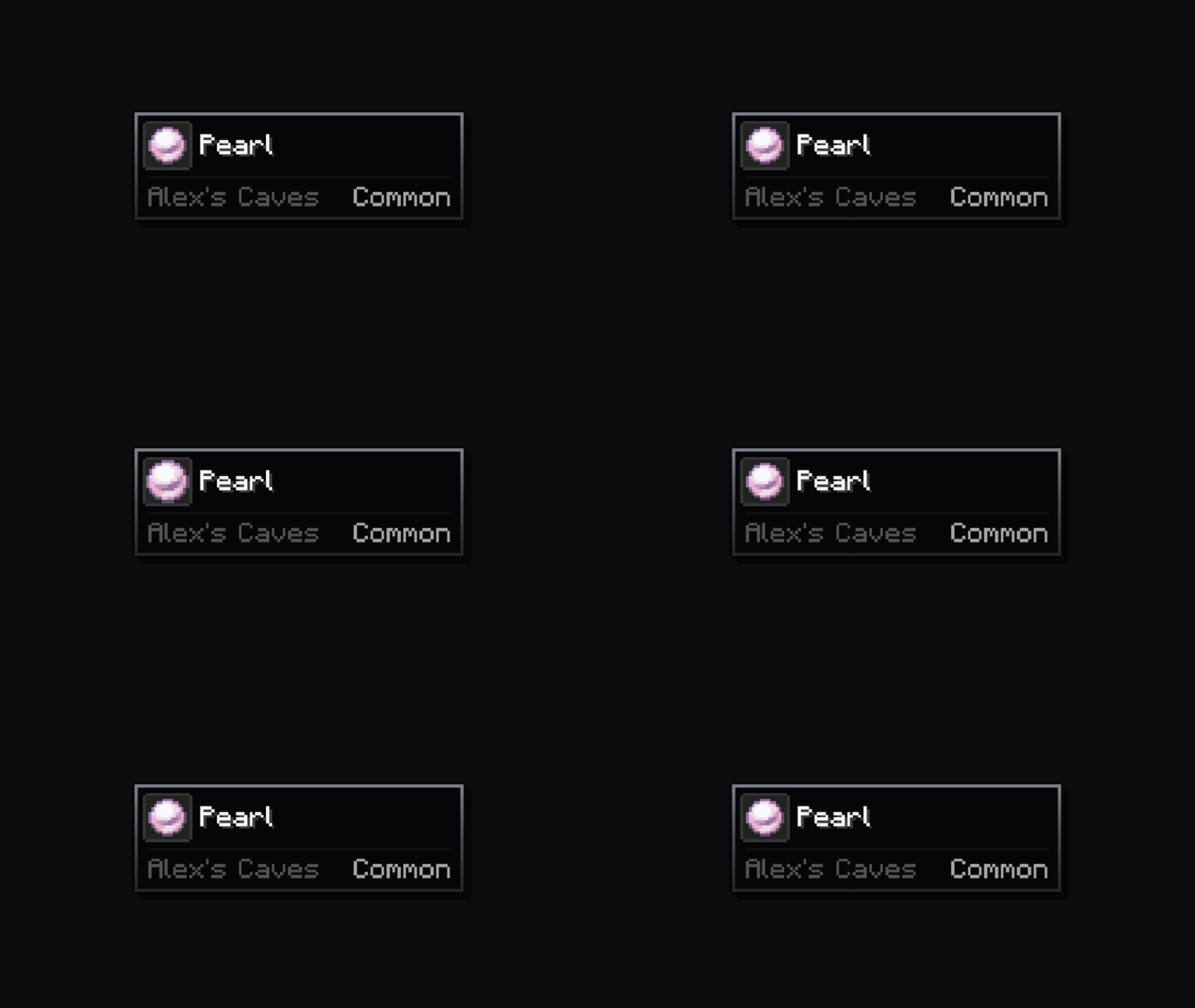
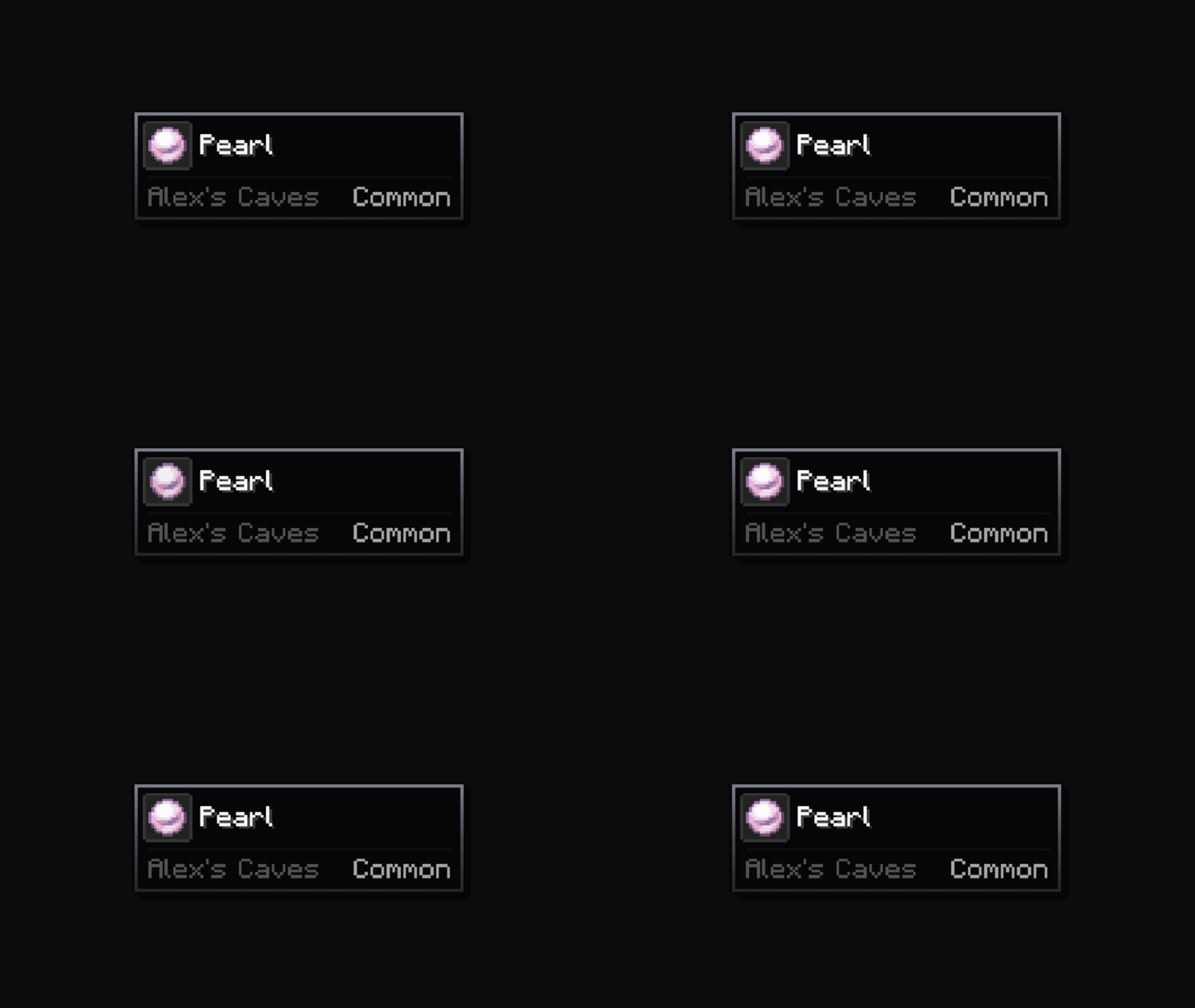
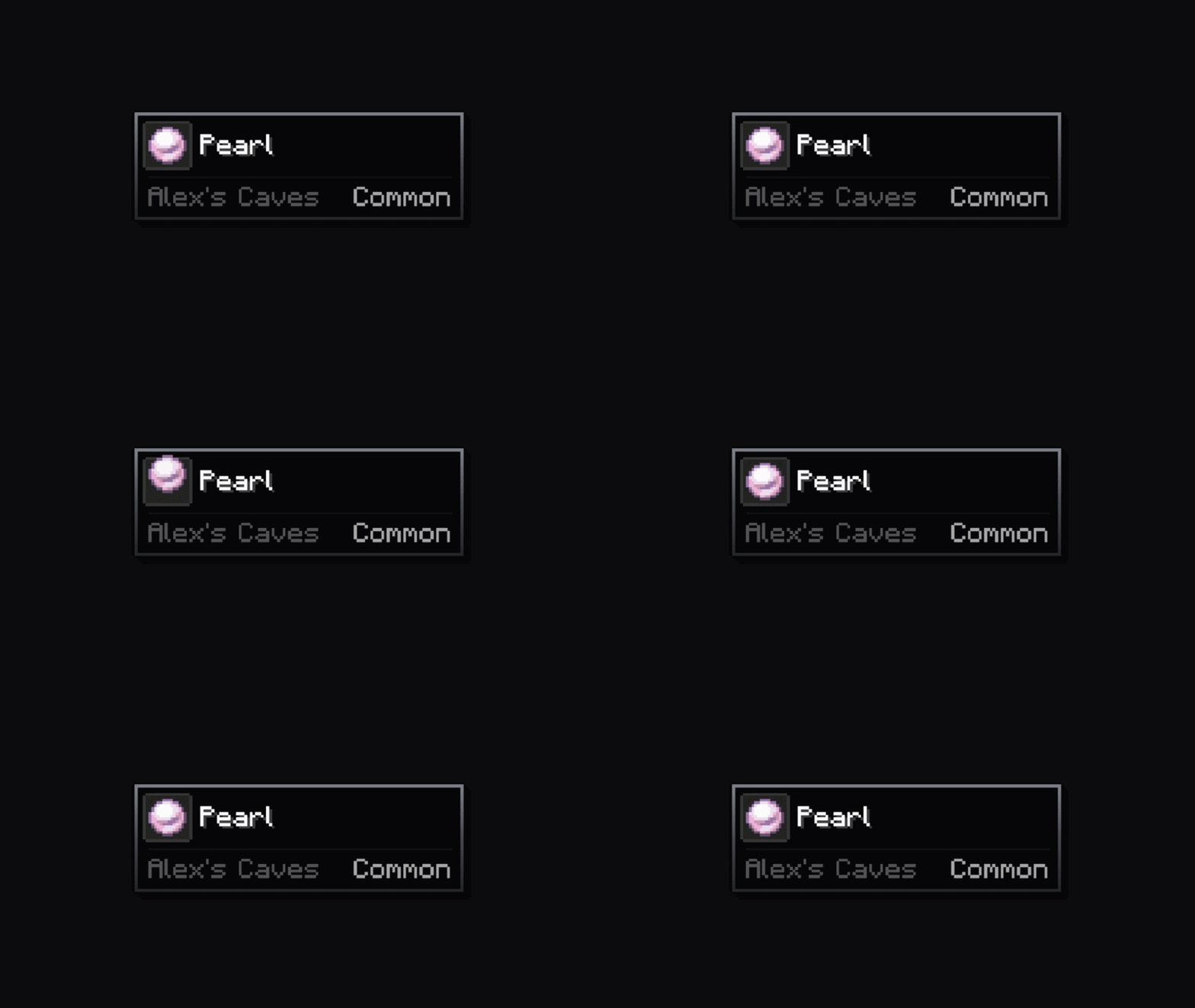
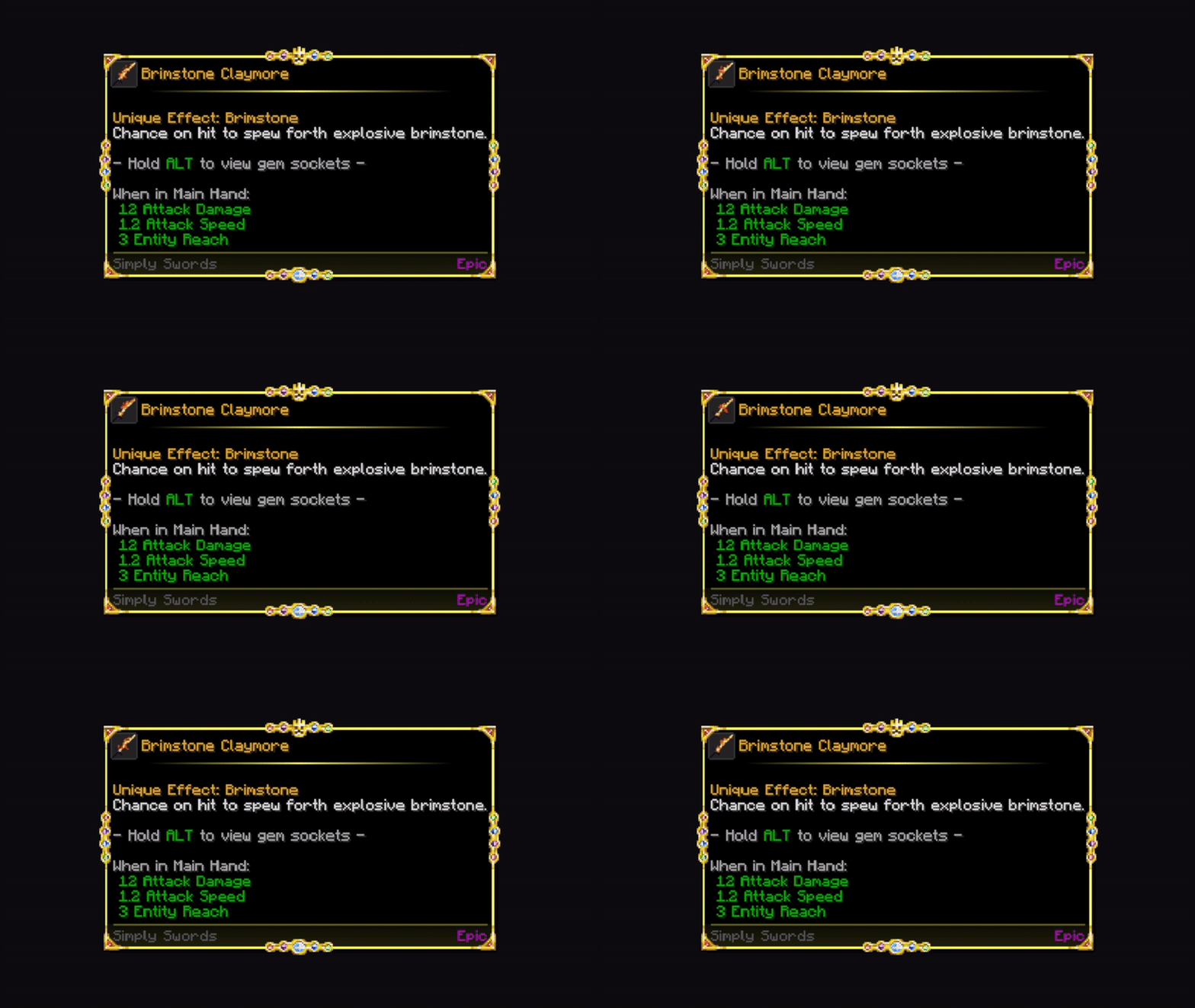
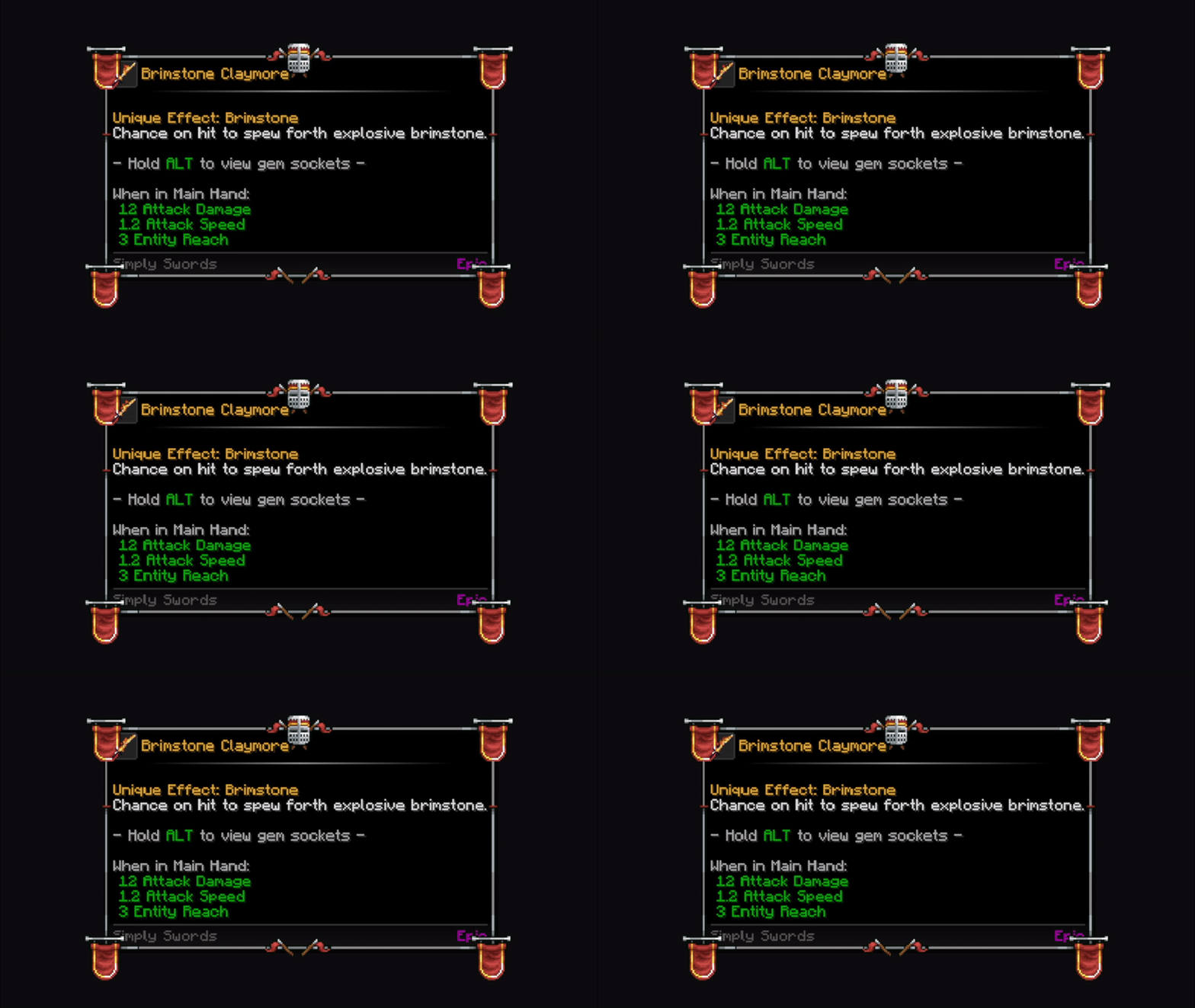
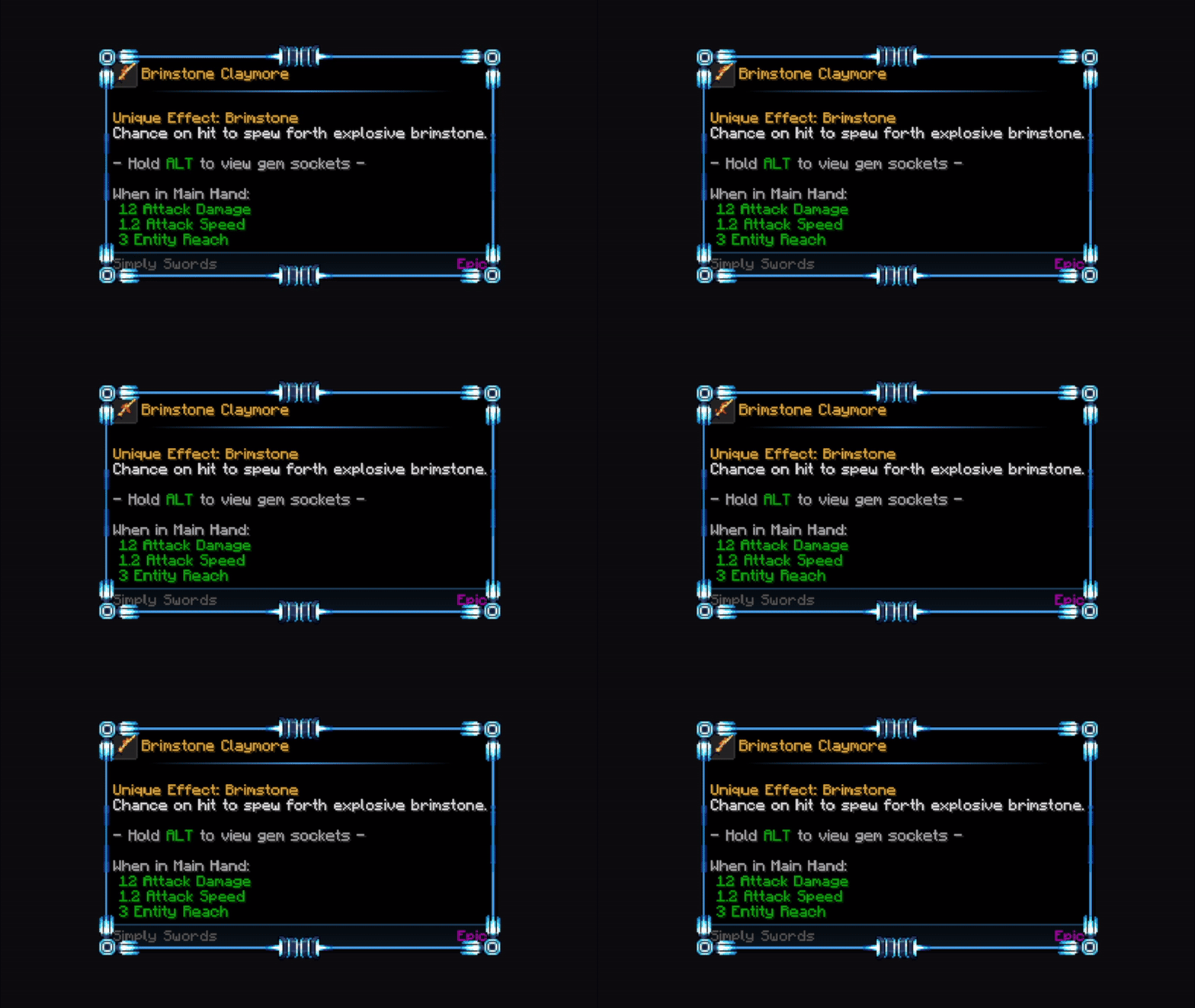
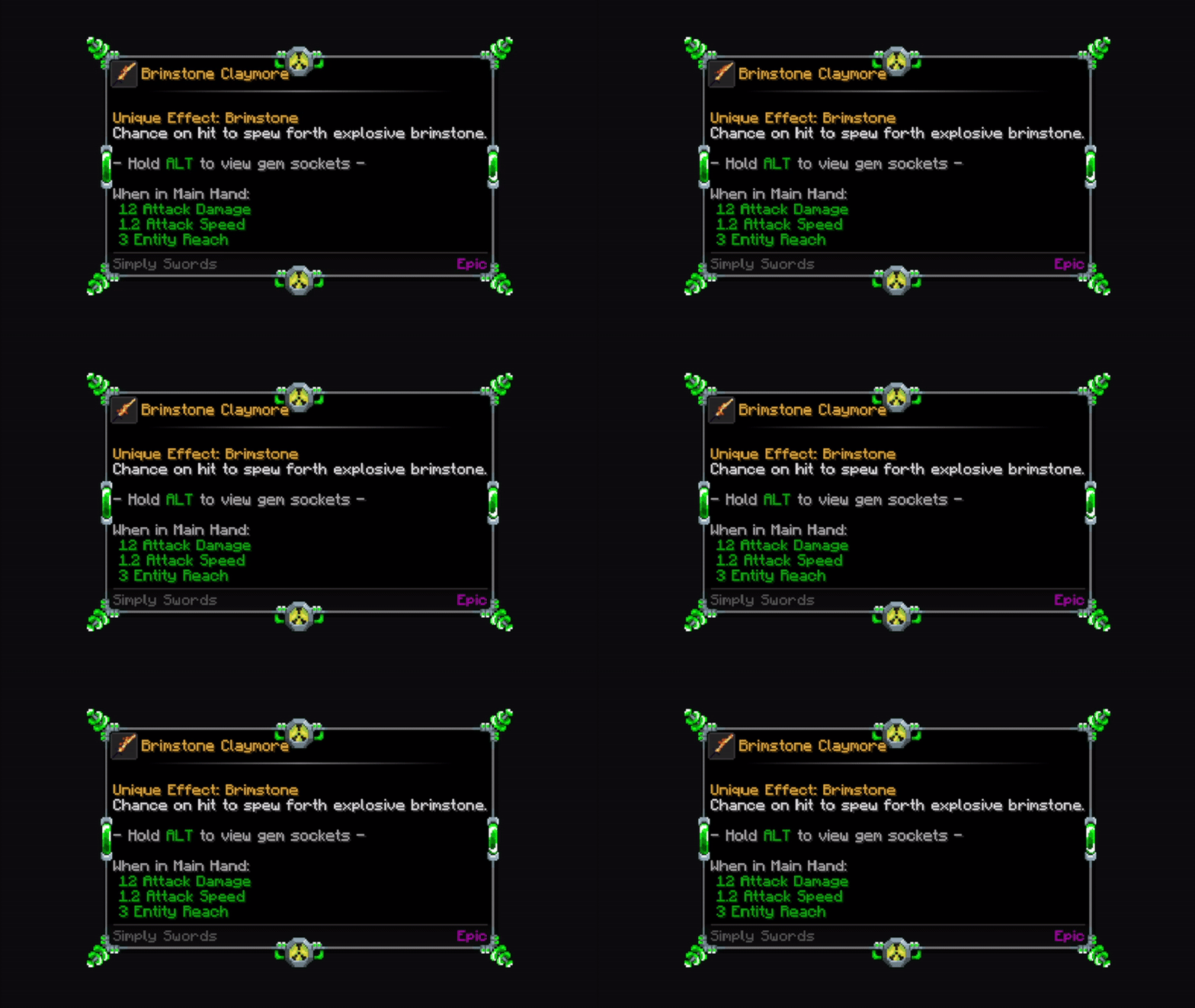
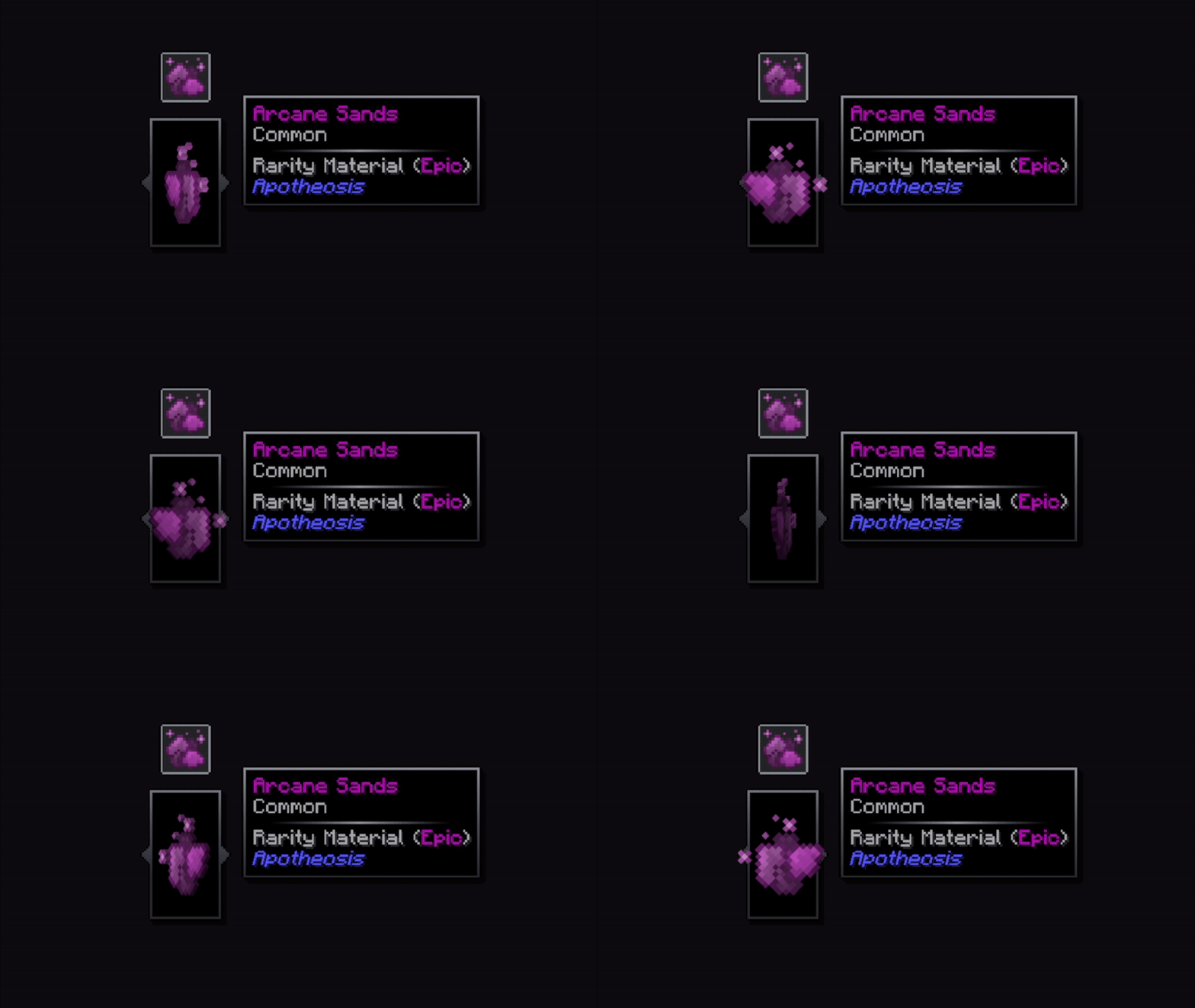
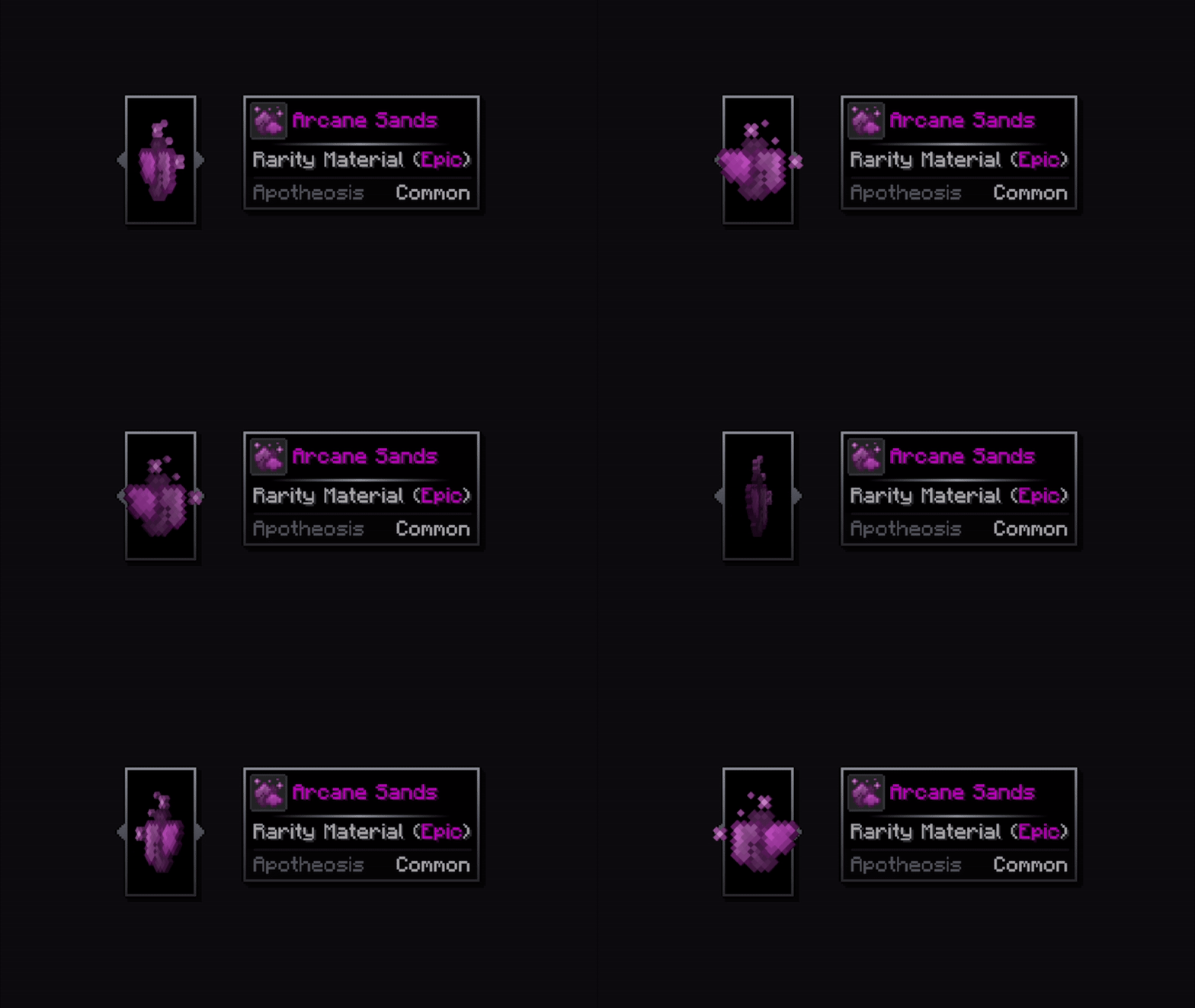
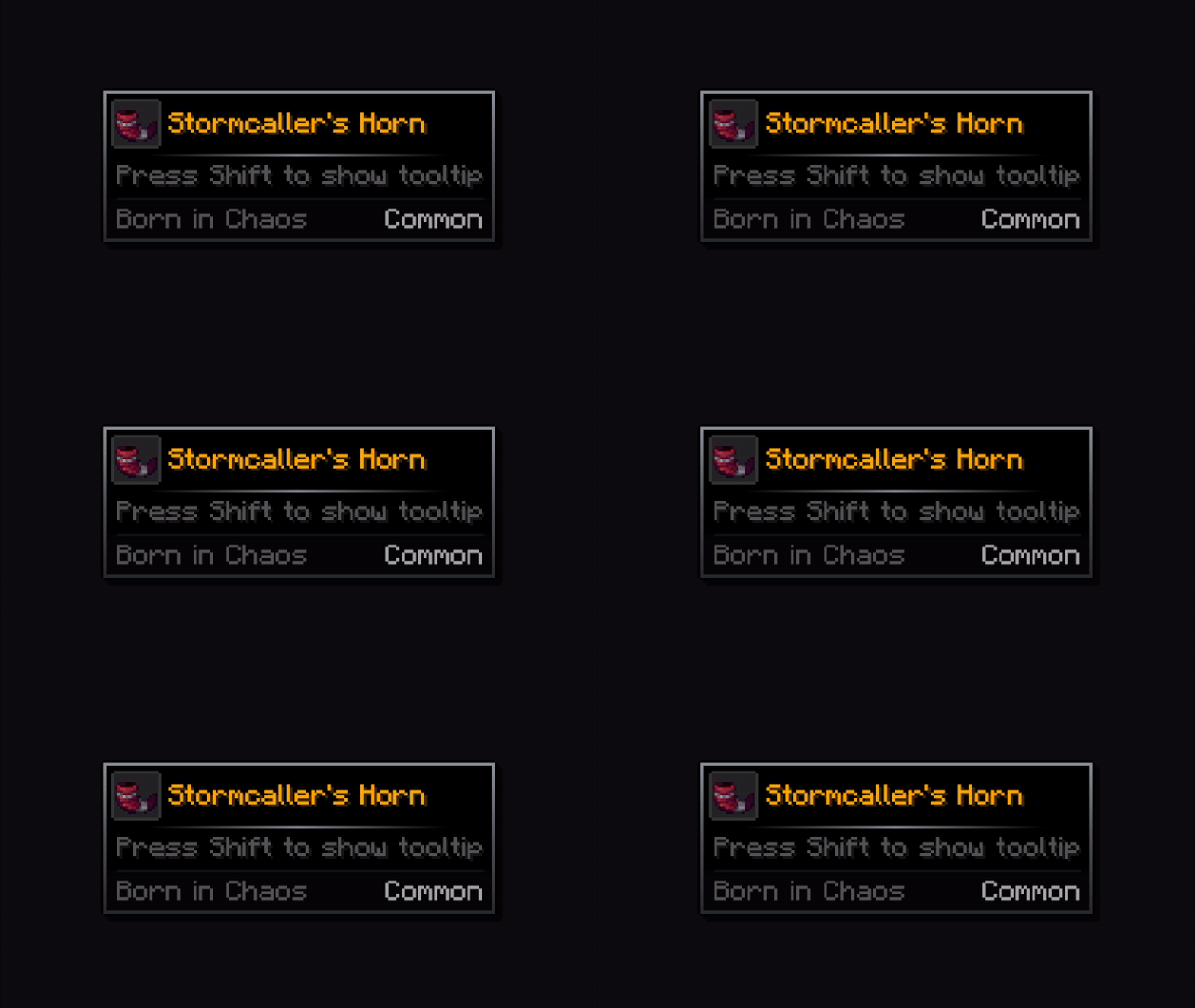
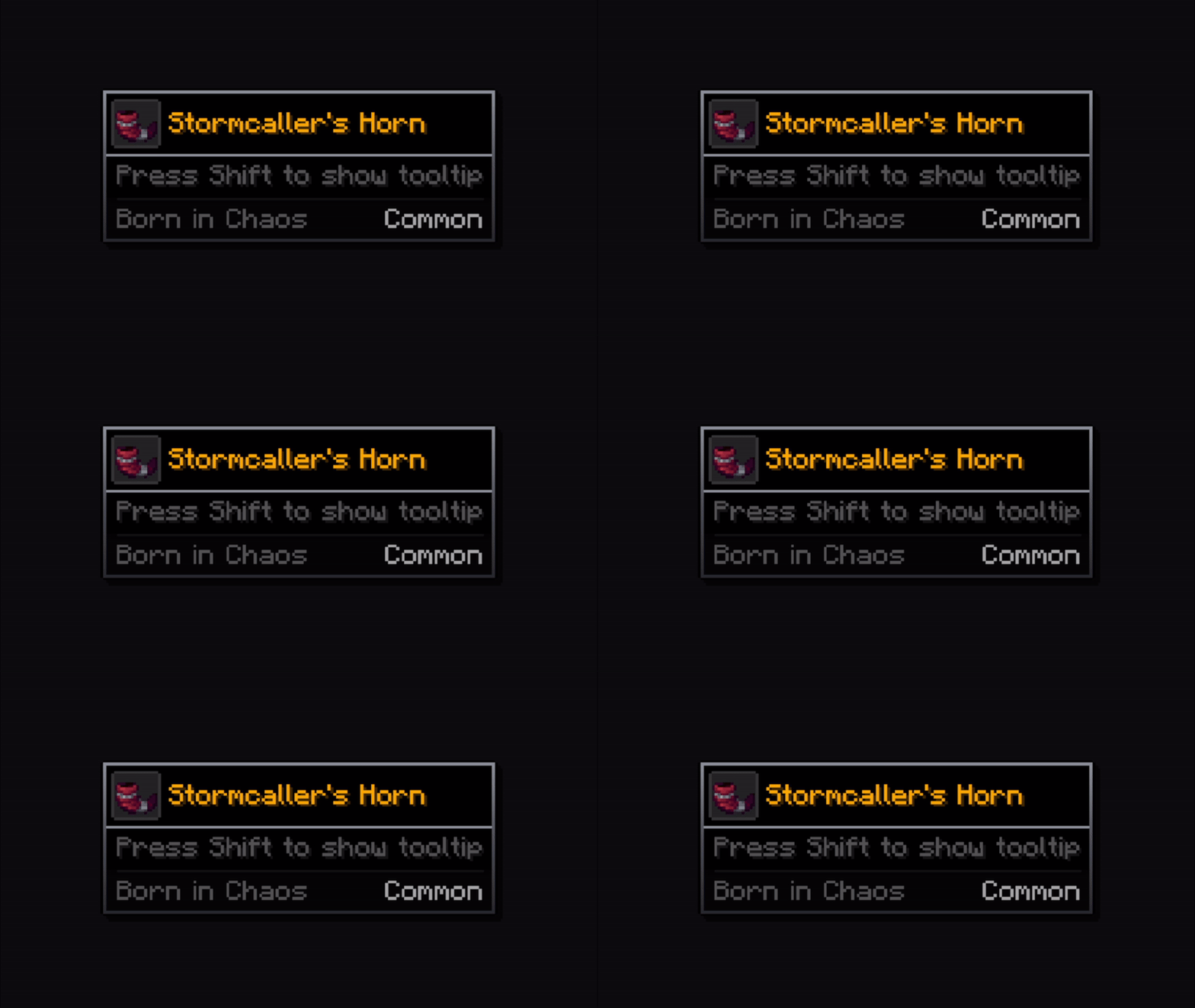
A complete visual refresh for Minecraft tooltips, completely replacing the vanilla tooltip system with a clearer layout. Every tooltip, more modern, sharper, clearer

Core Features 🔧

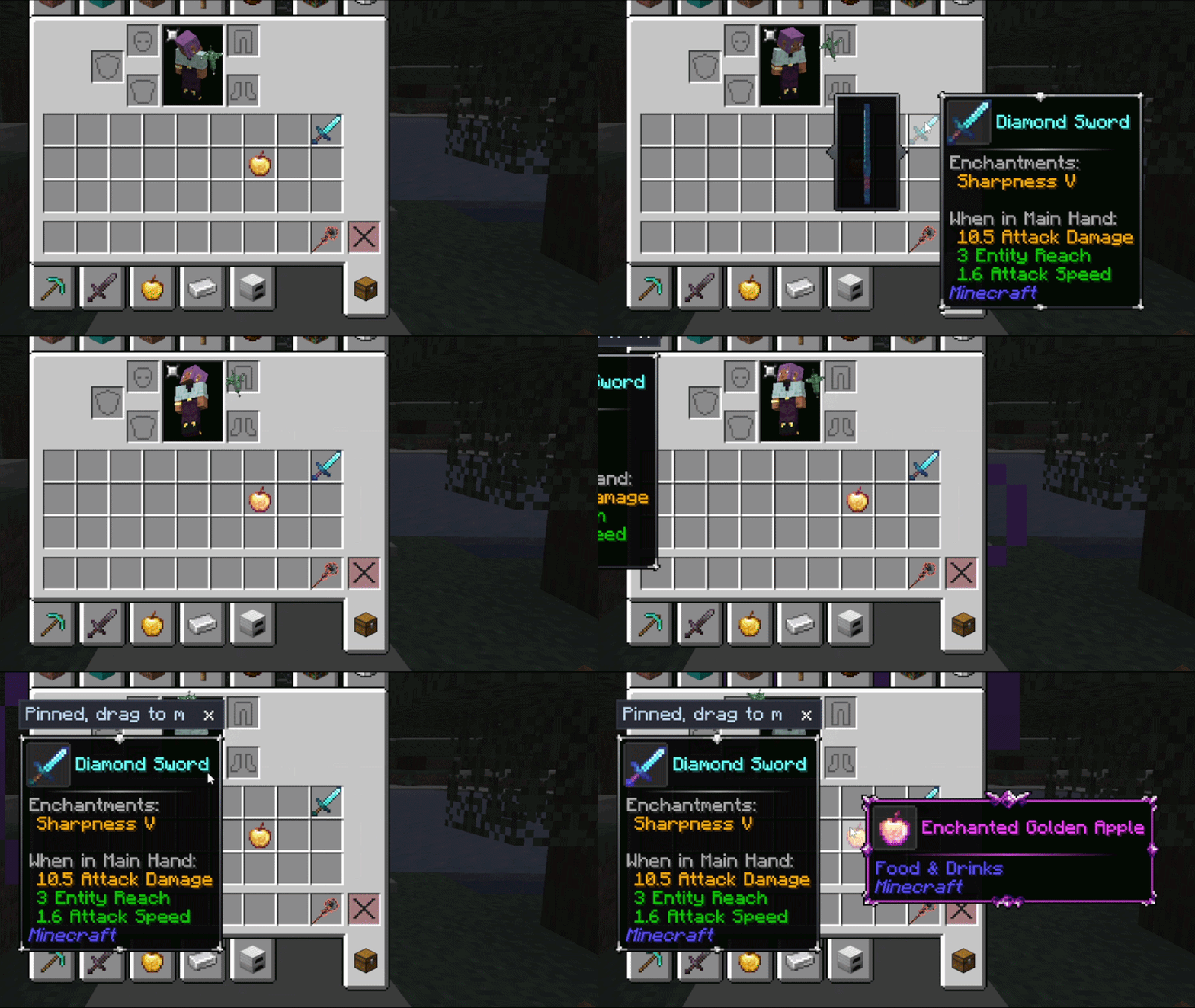
📜 Scrollable Tooltips - When a tooltip is too tall and goes beyond the screen limits, you can scroll through its content.
✂️ Text Wrapping - Prevents tooltips from being too wide by inserting line breaks where needed.
🦋​ Equipment Comparison - Built in toggleable equipment comparison functionality for comparison of armor pieces with the currently equipped one. You can change the keybind in-game.
🤝 Compatibility - Works with JEI, EMI, ModernFix, Flerovium, FTB Quests, Apotheosis, etc.
🎨 Maximum Customization - You can change, crop, expand and move whatever you want! Customize freely among a big variety of options!
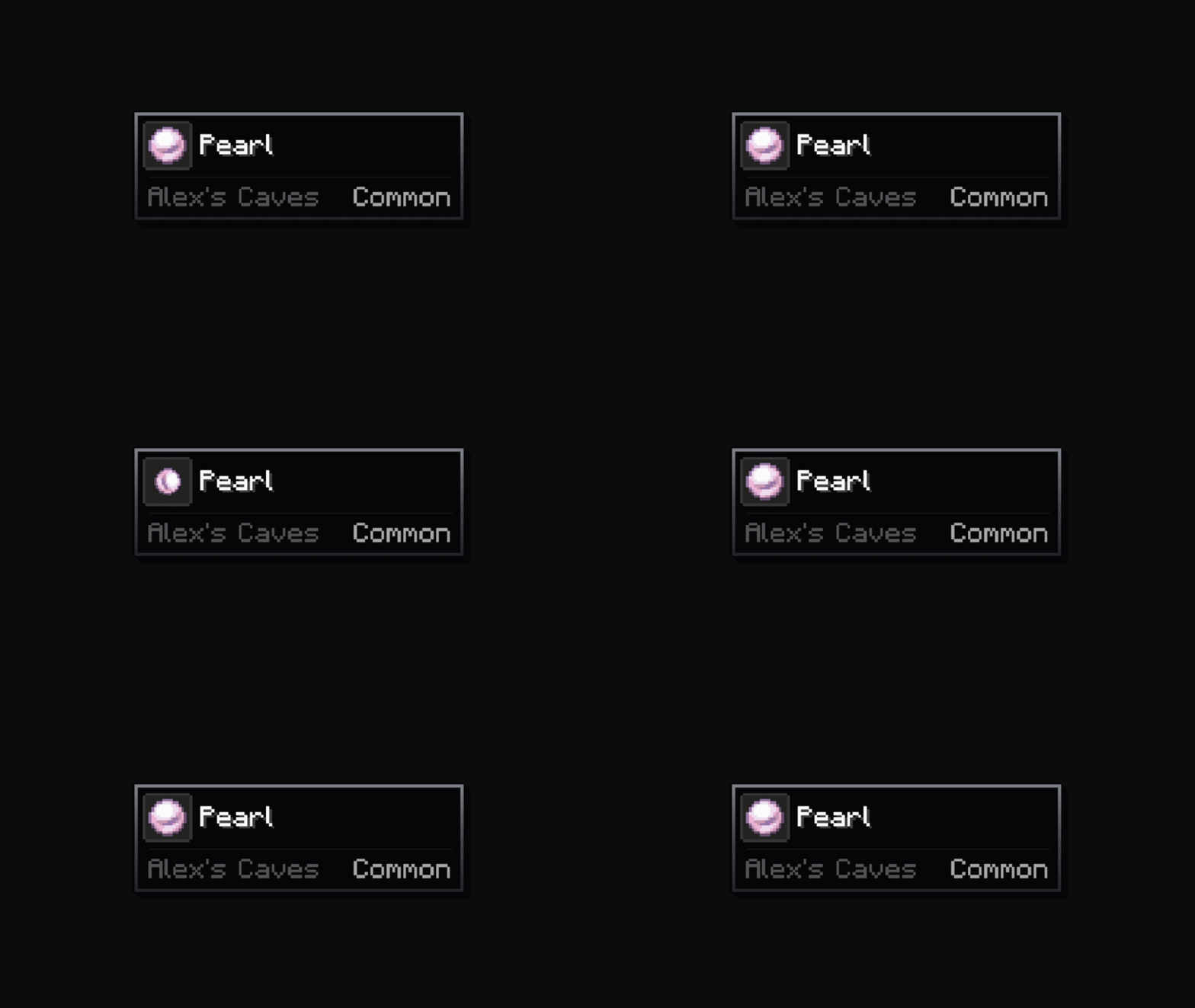
📊 Rating Element - Just below the item name, a rarity/qualifier appears (configurable, off by default).
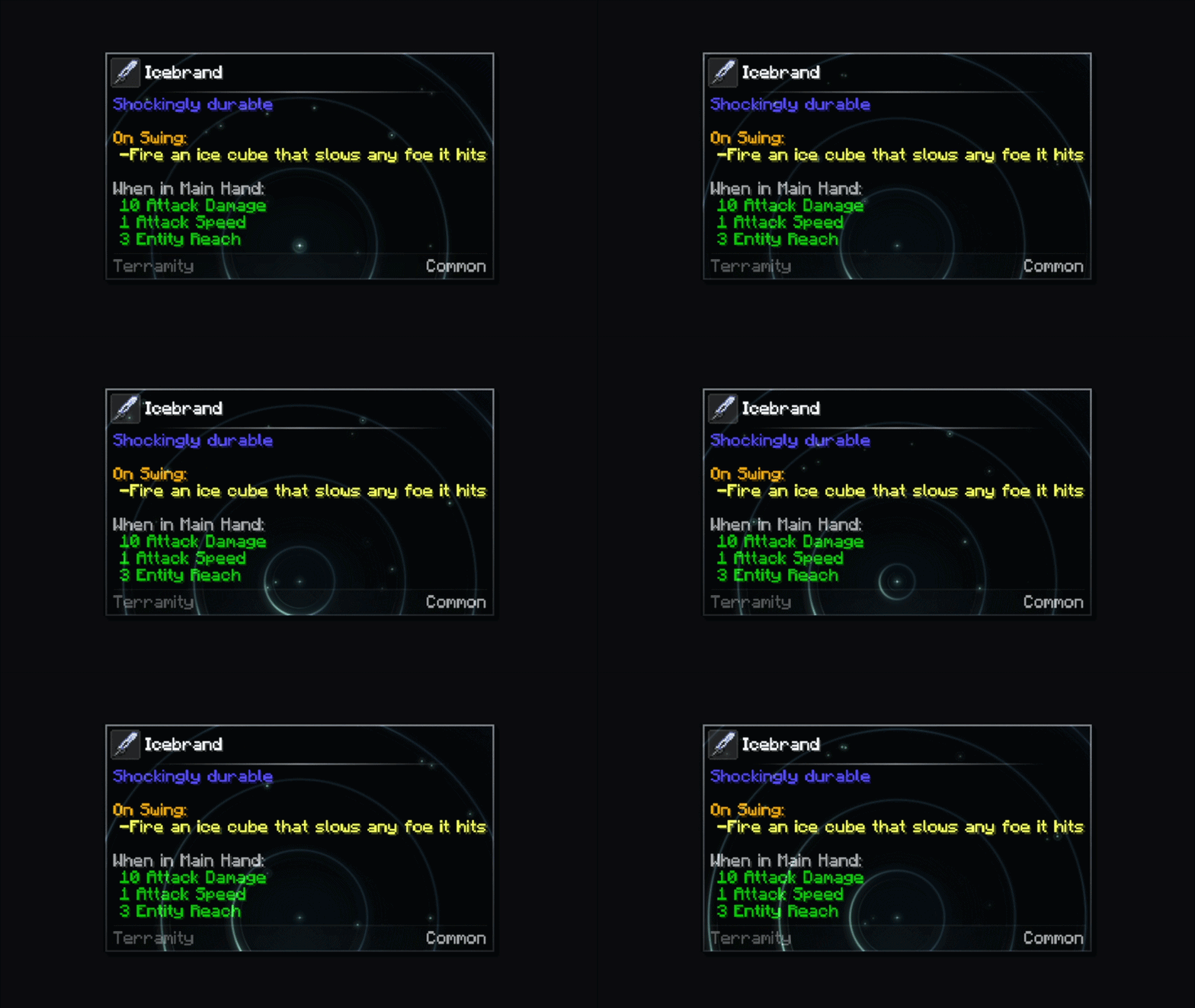
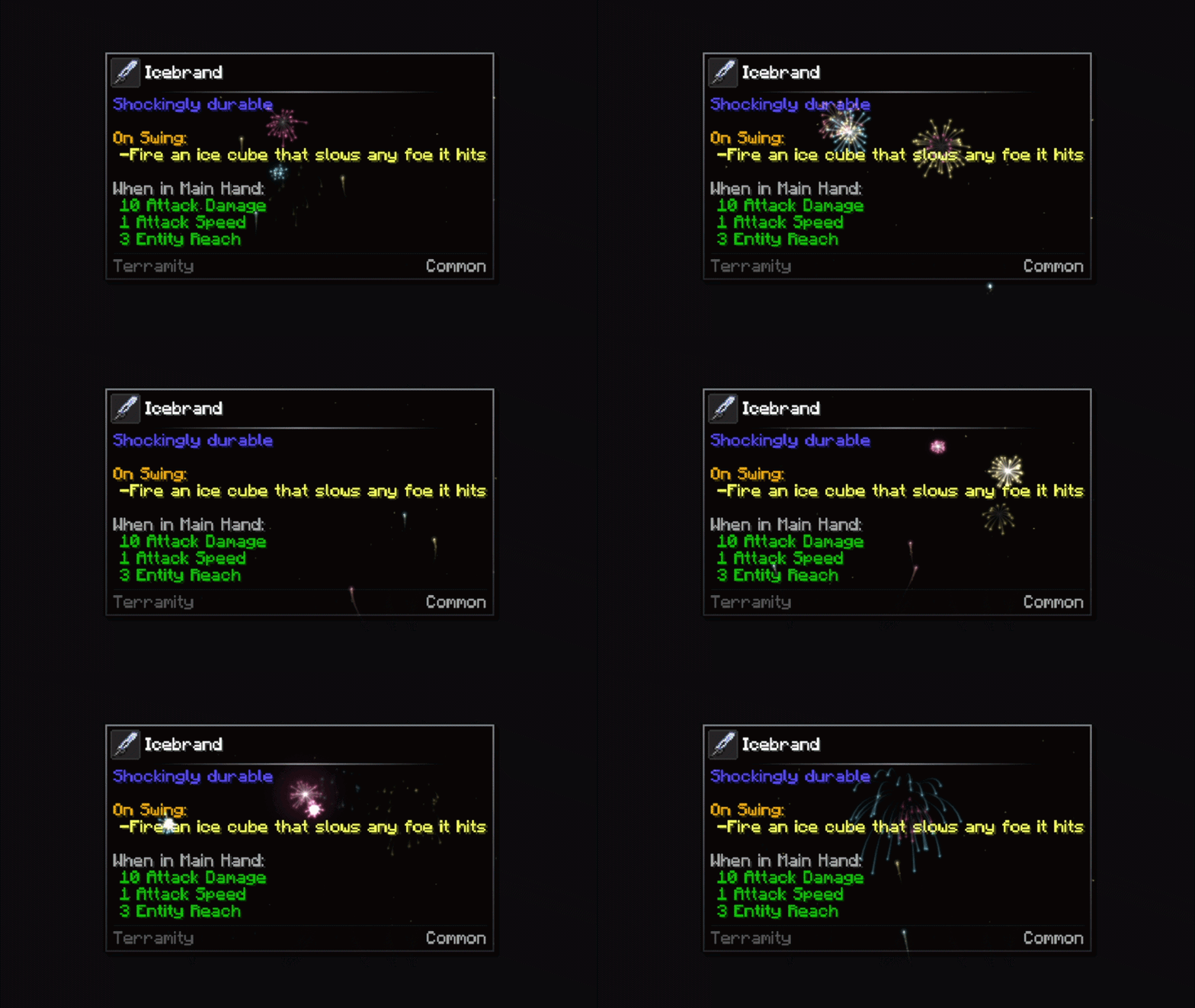
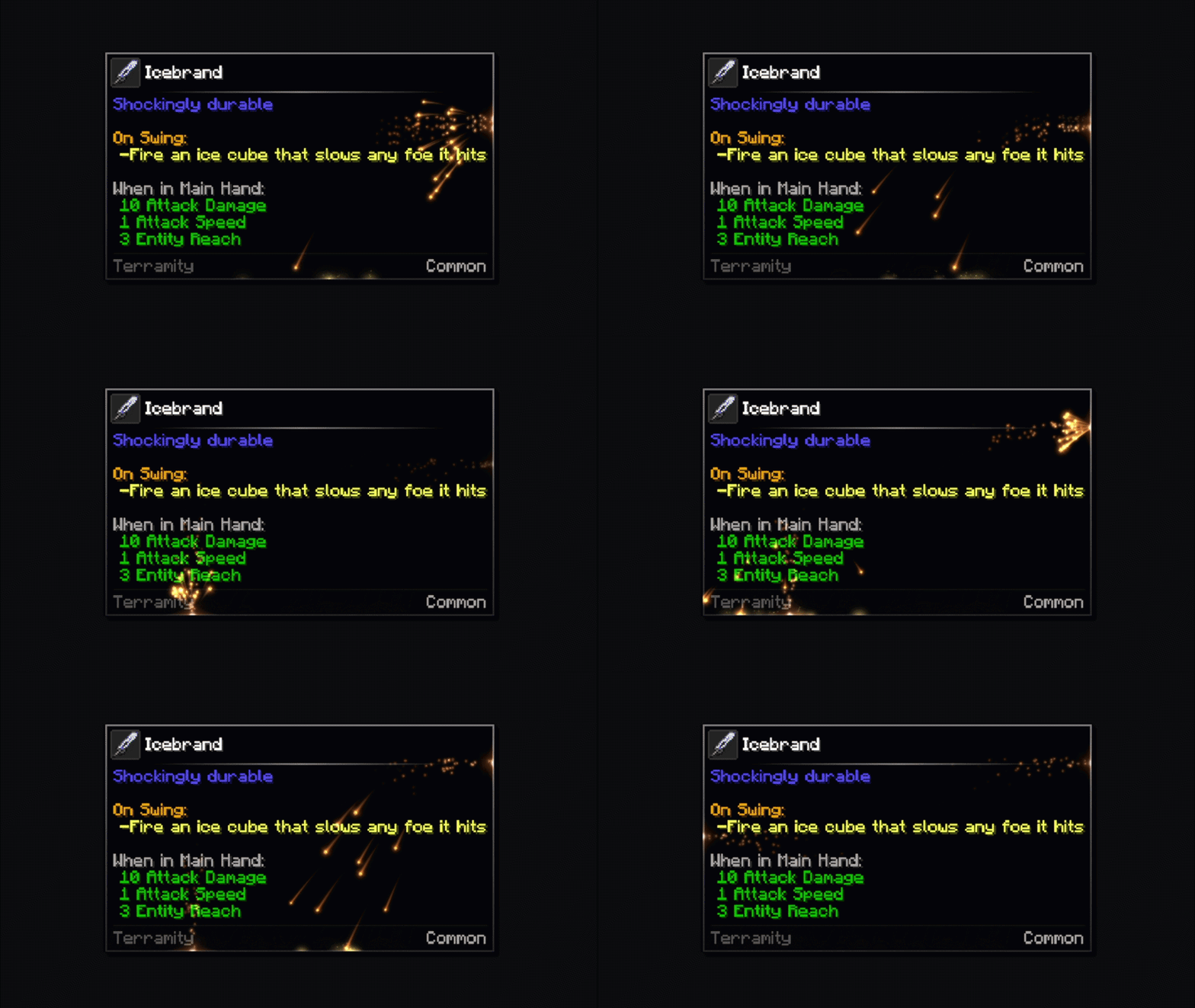
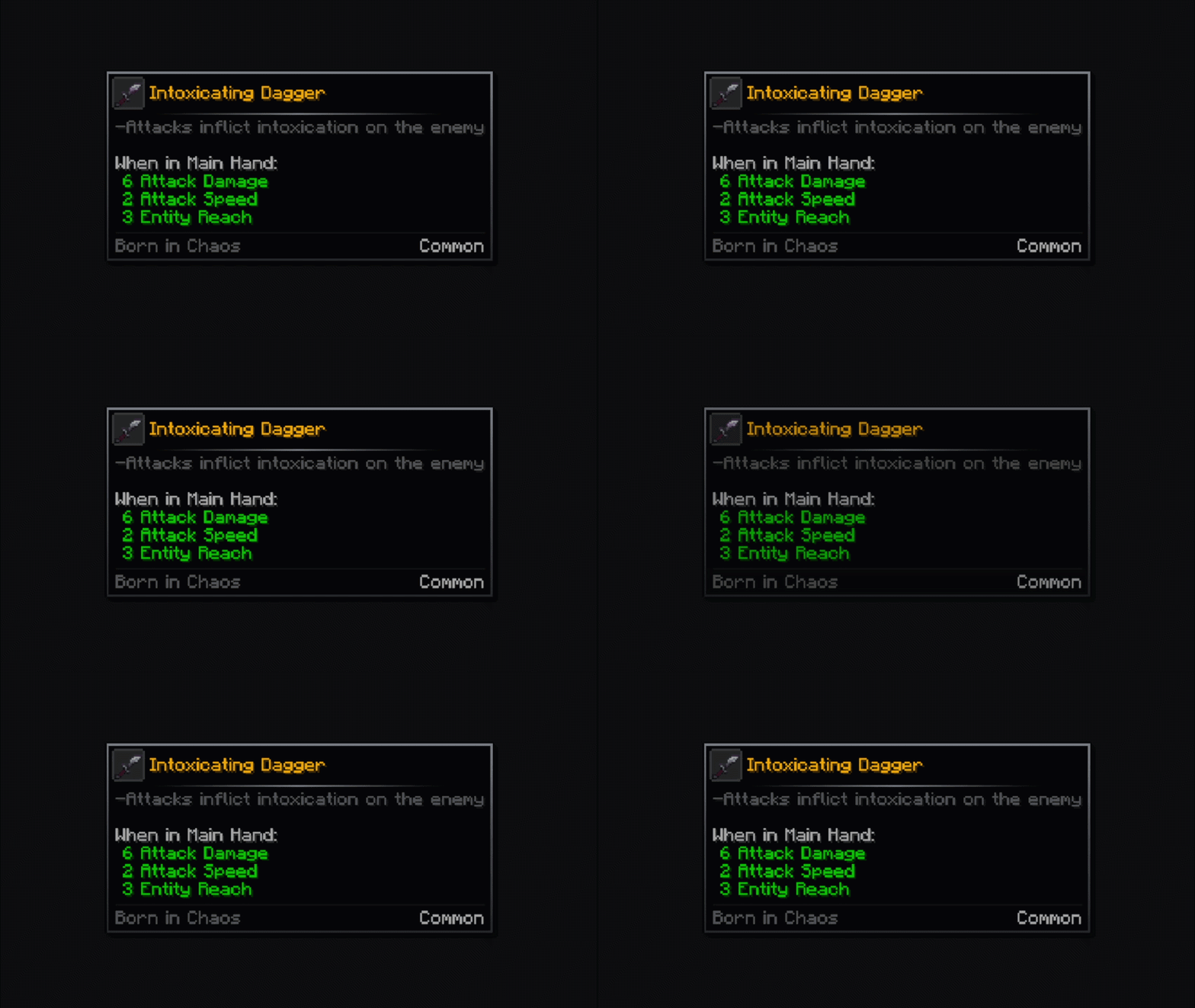
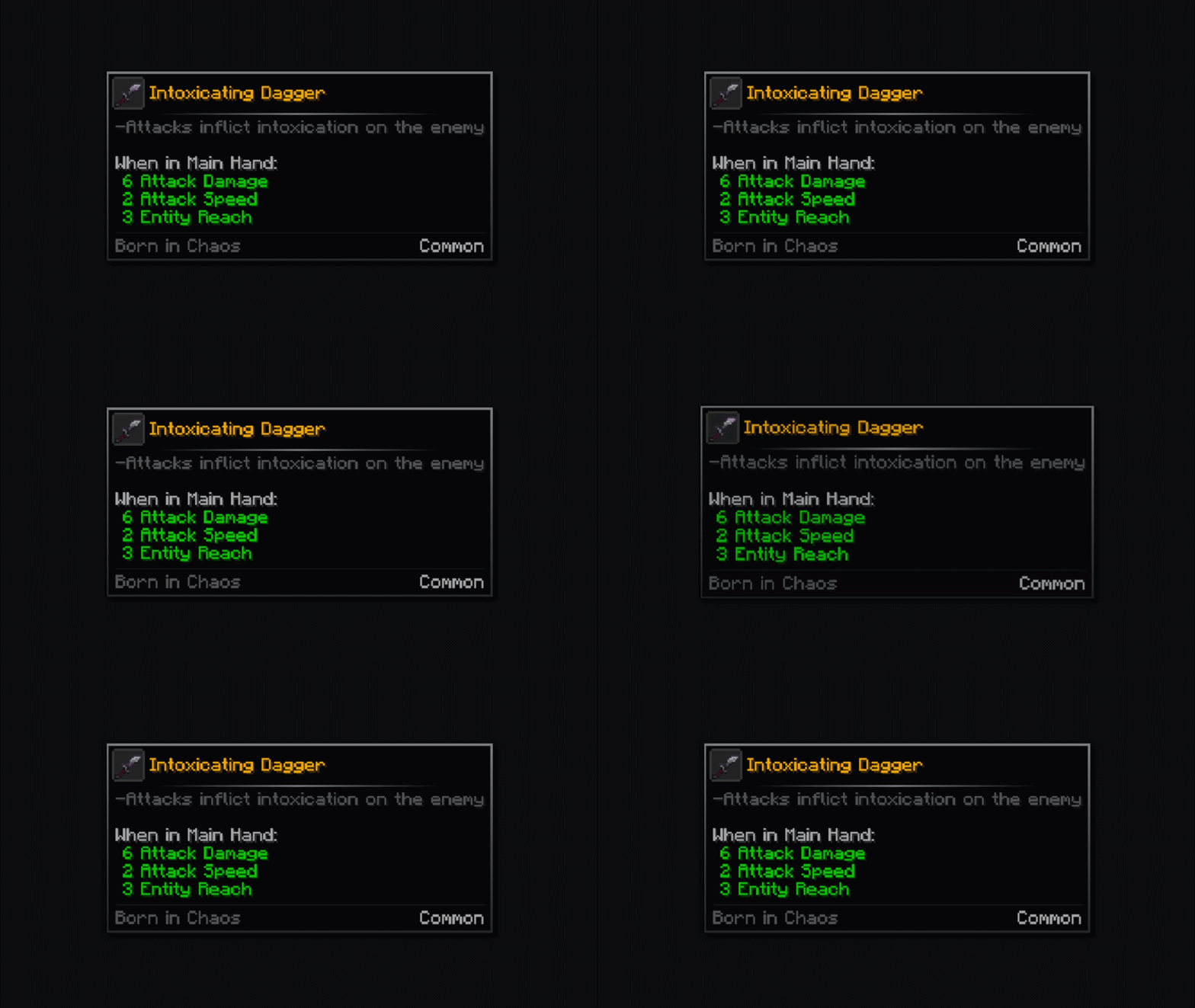
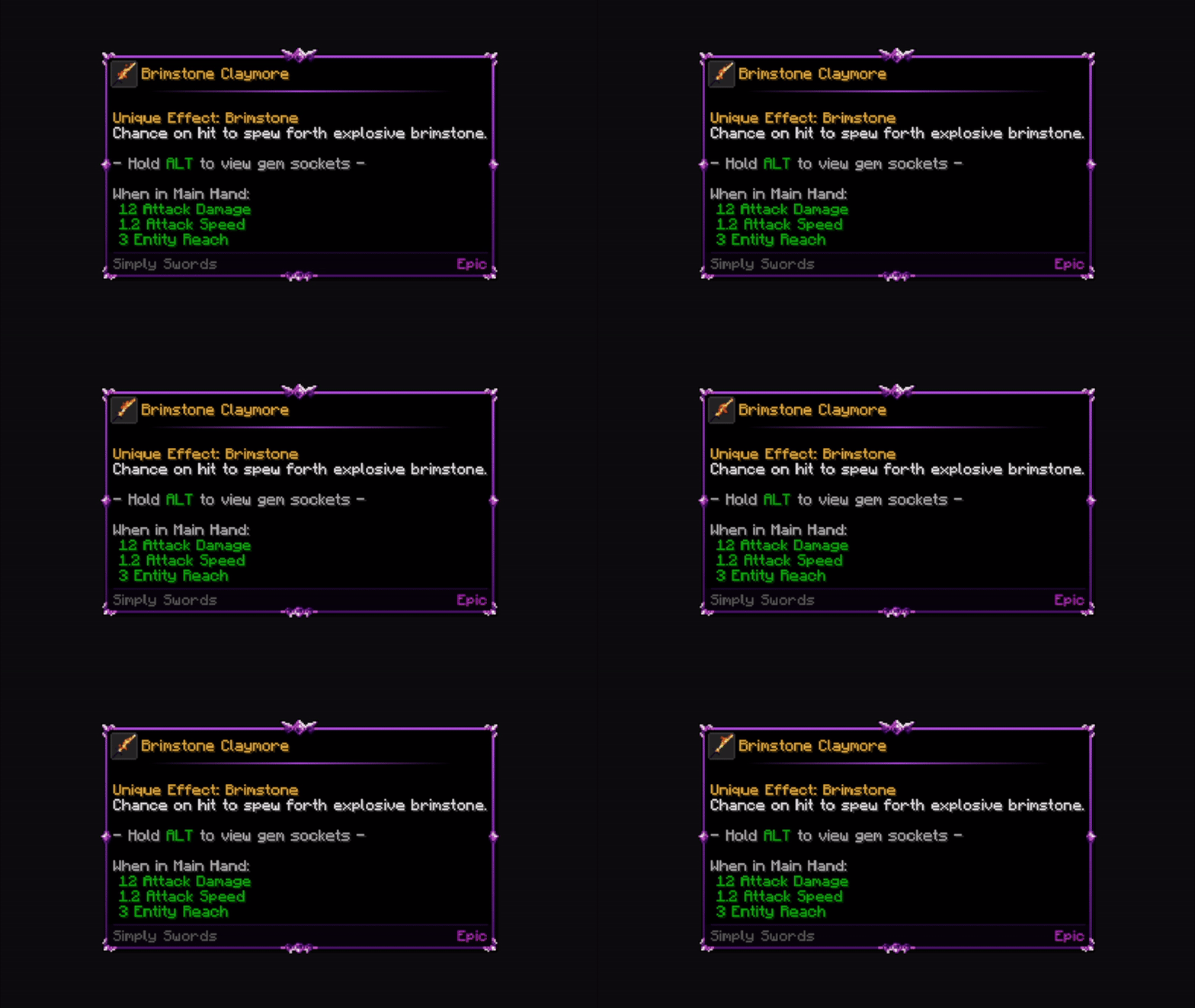
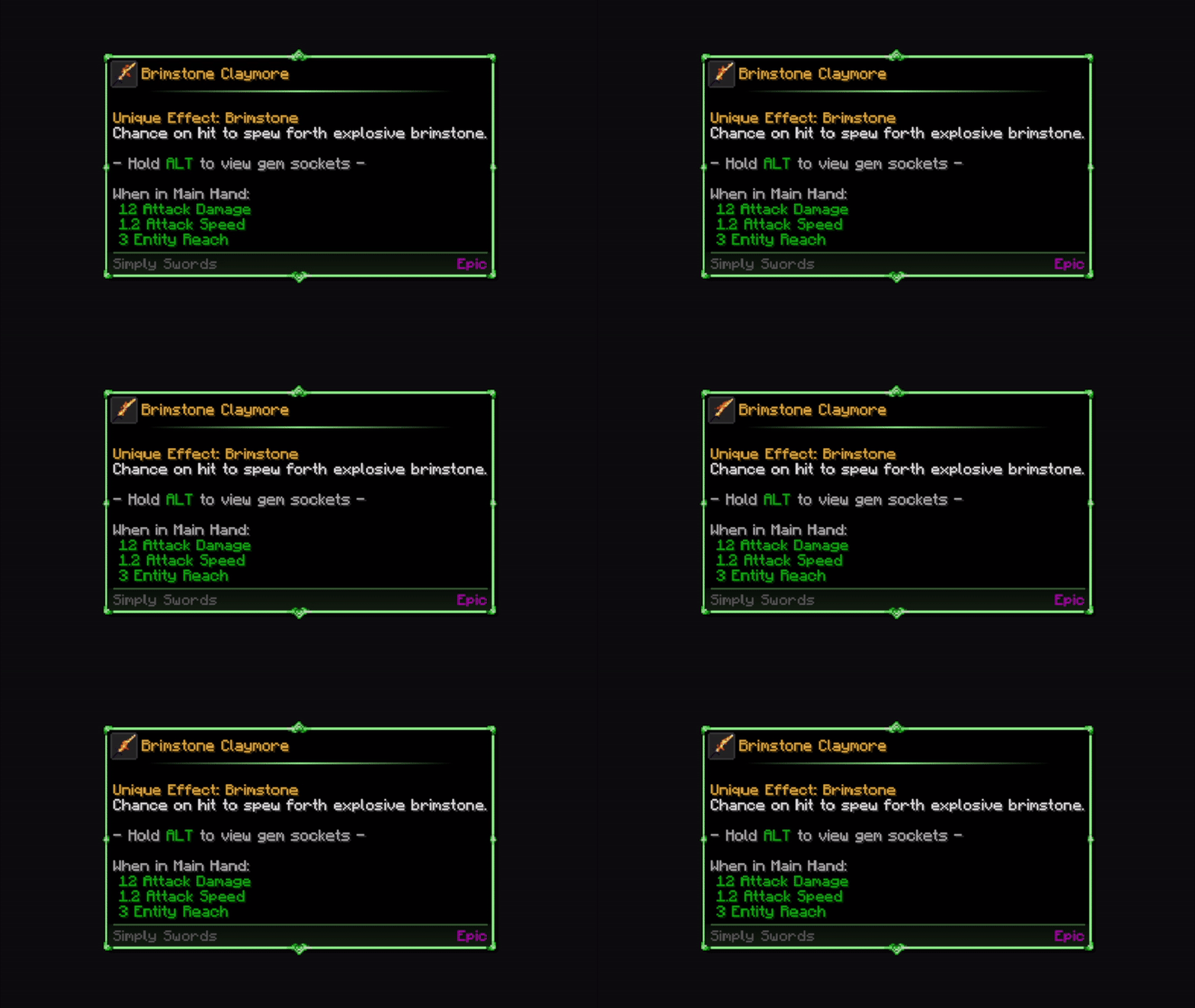
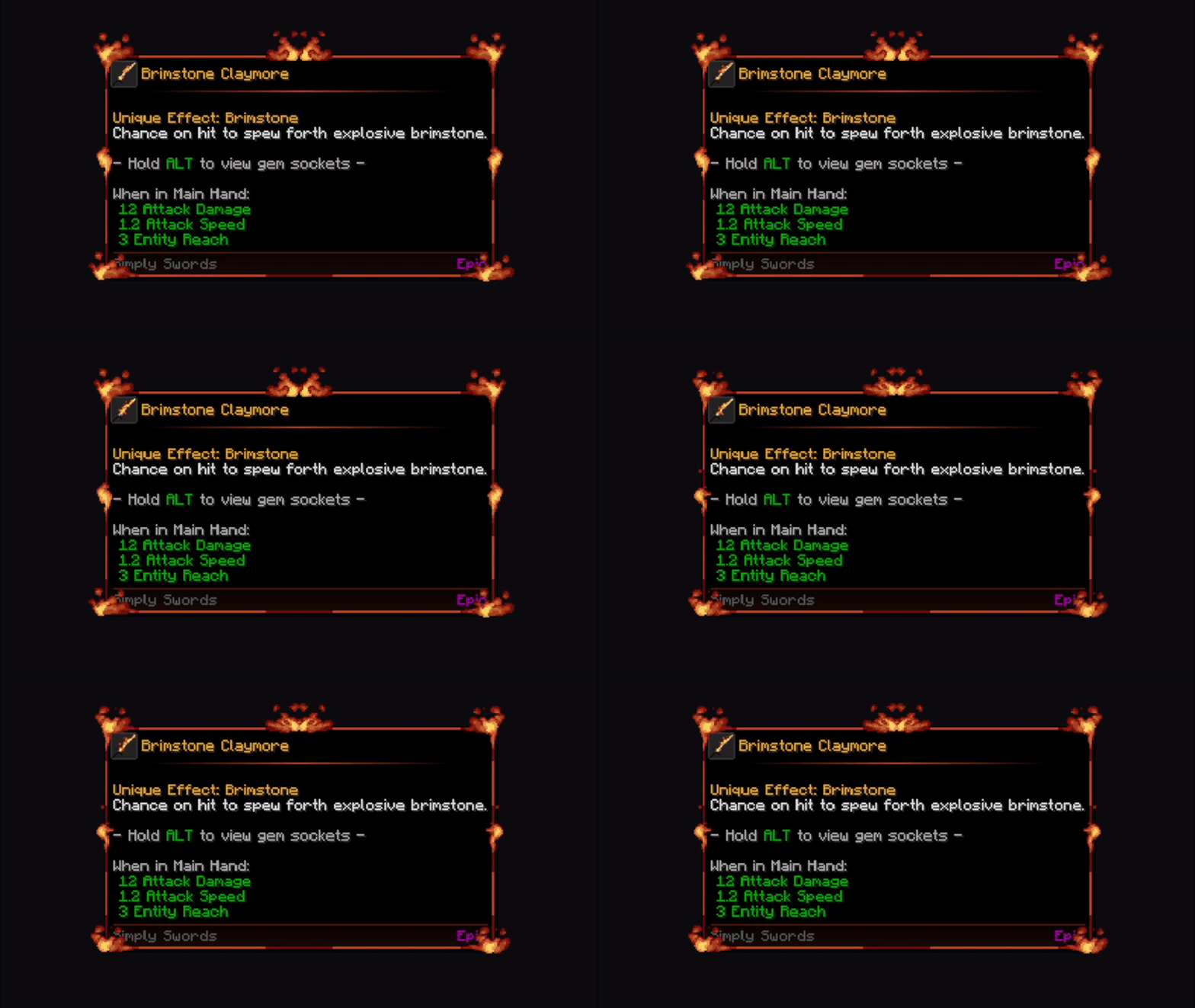
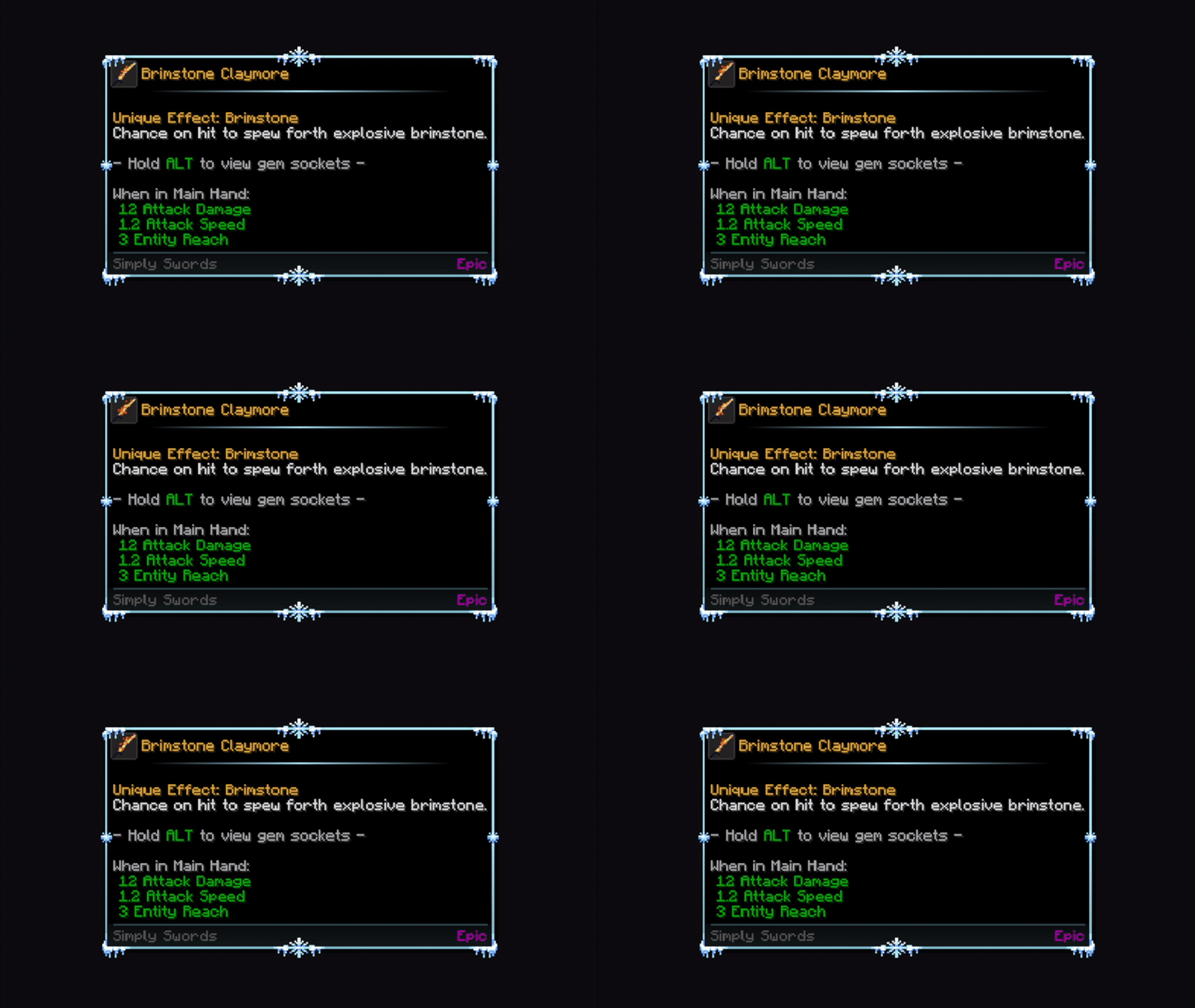
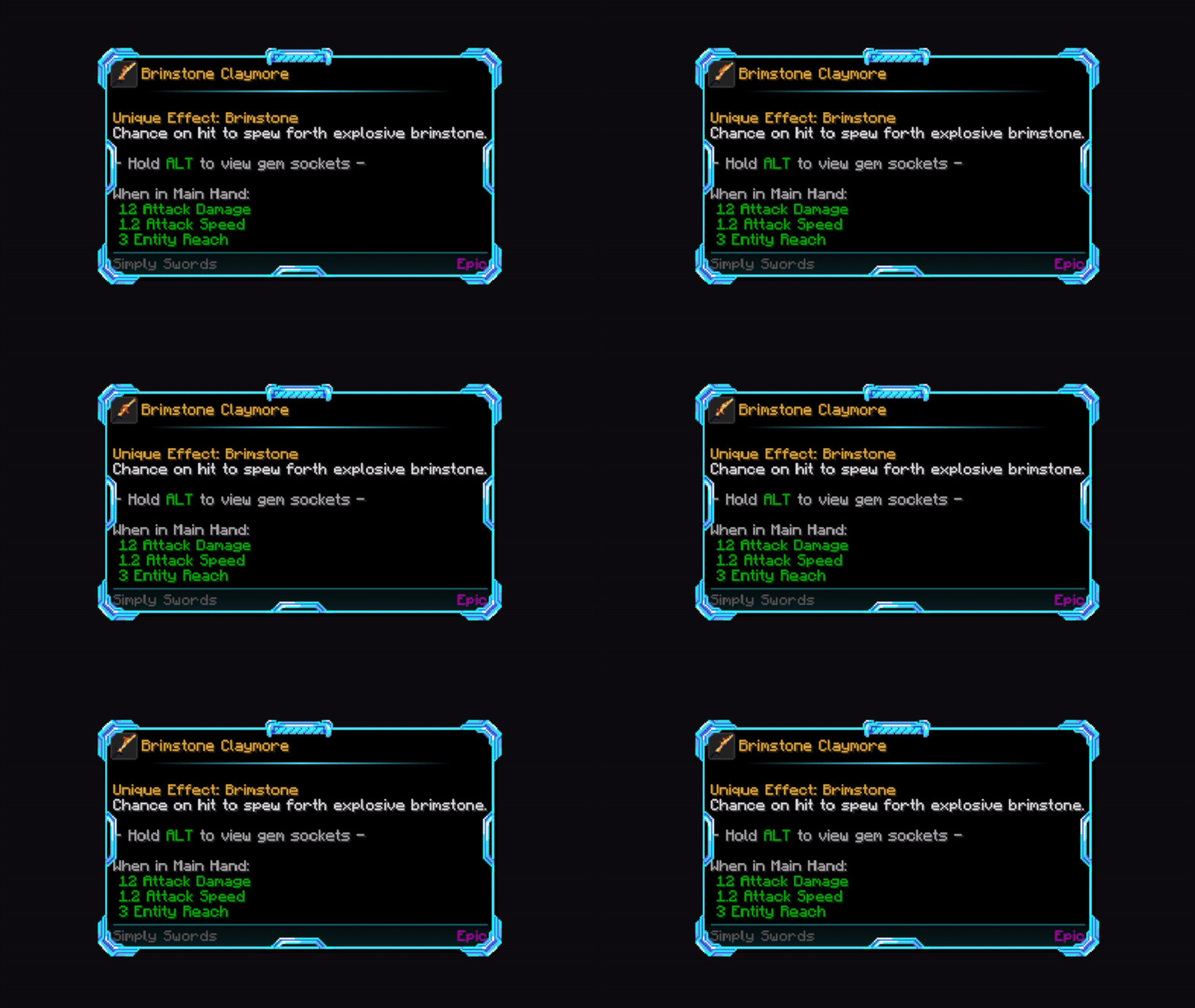
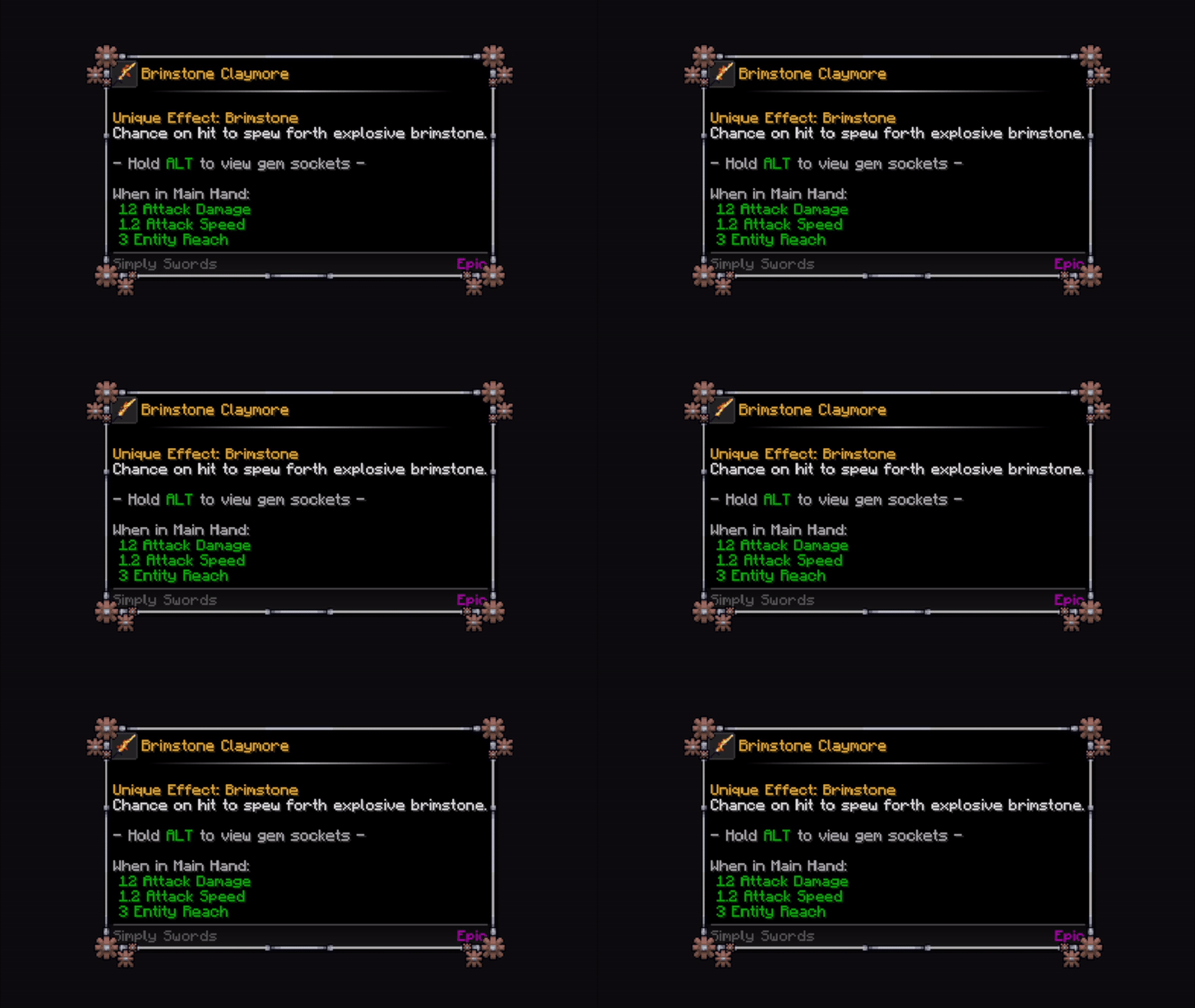
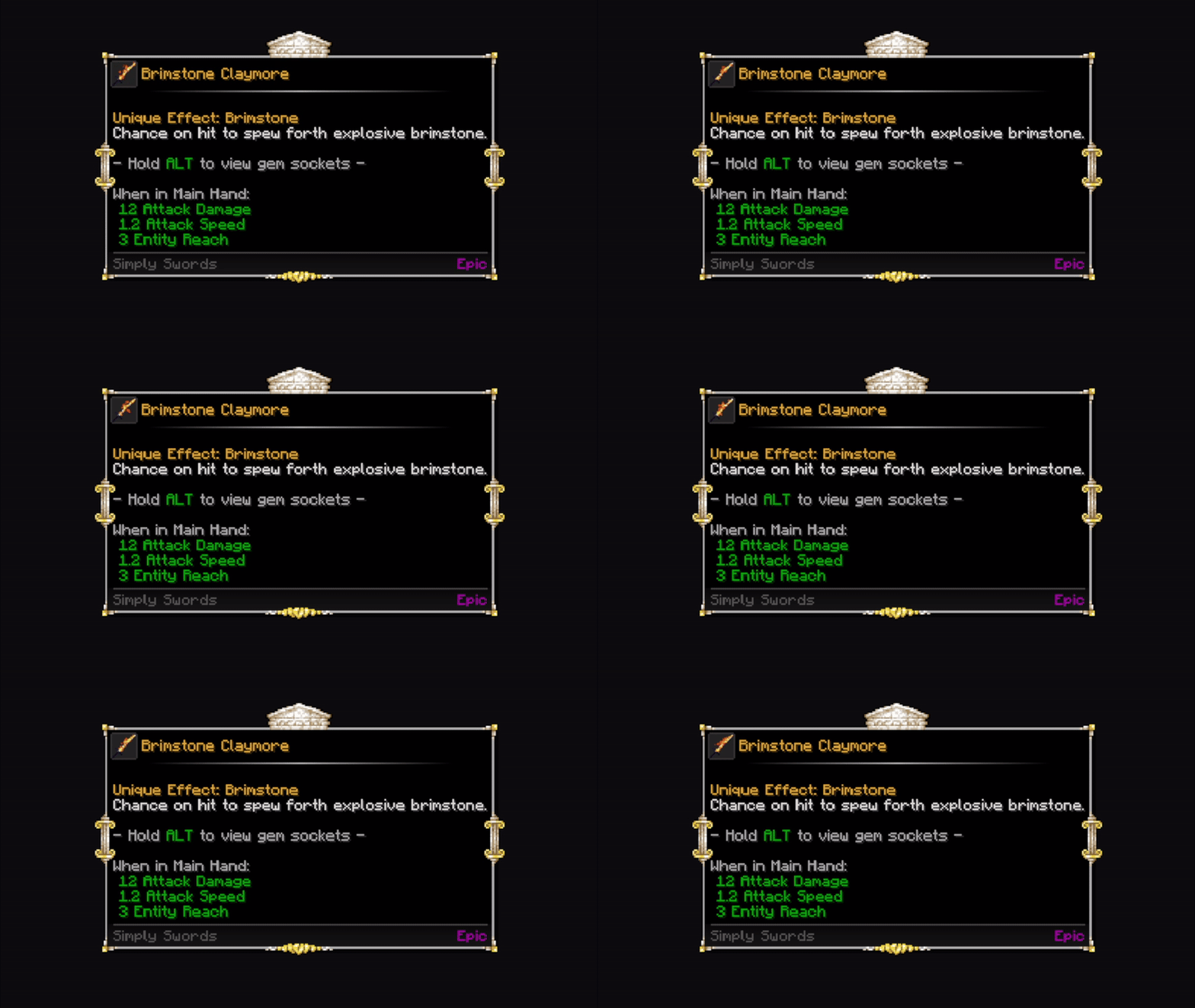
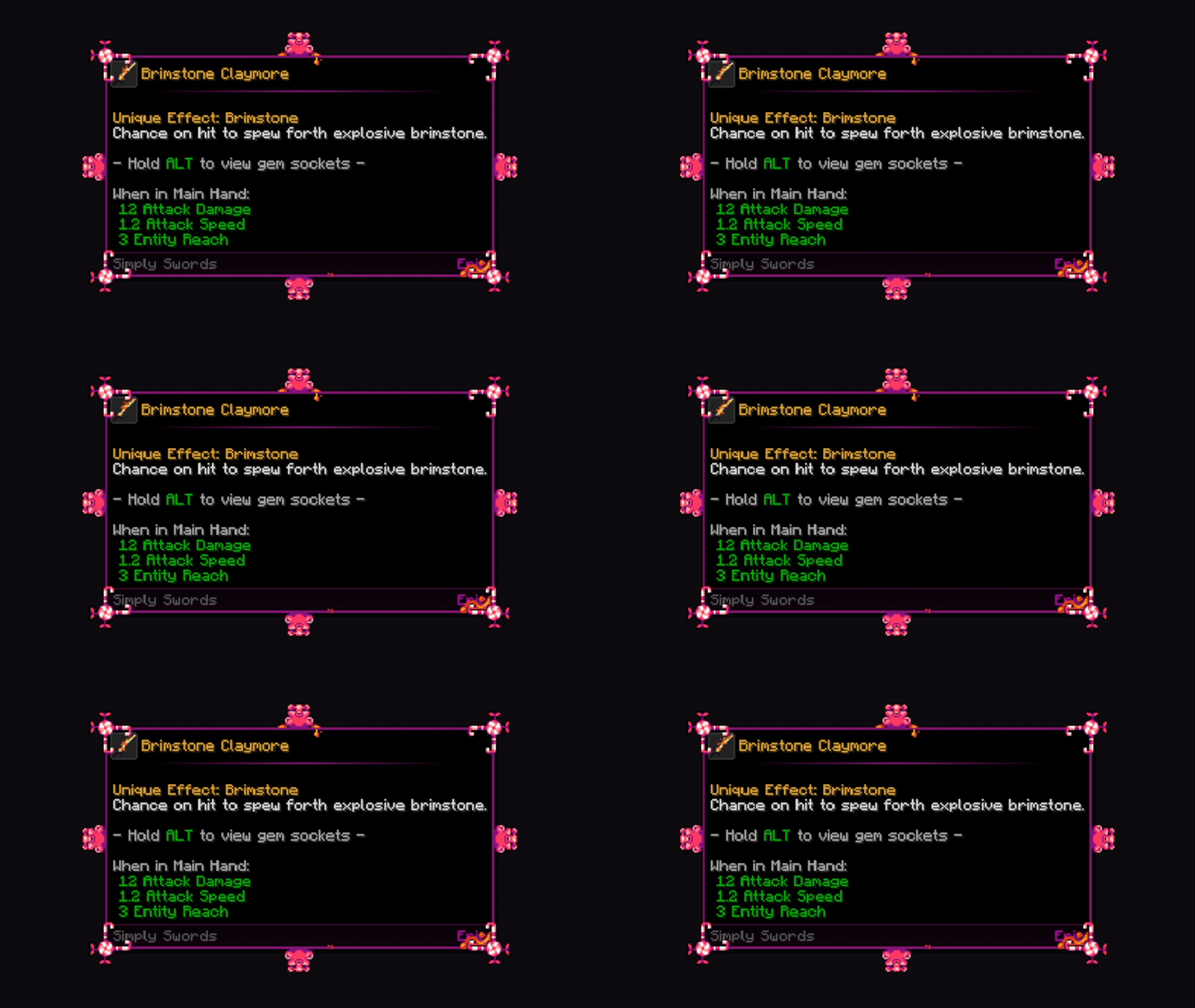
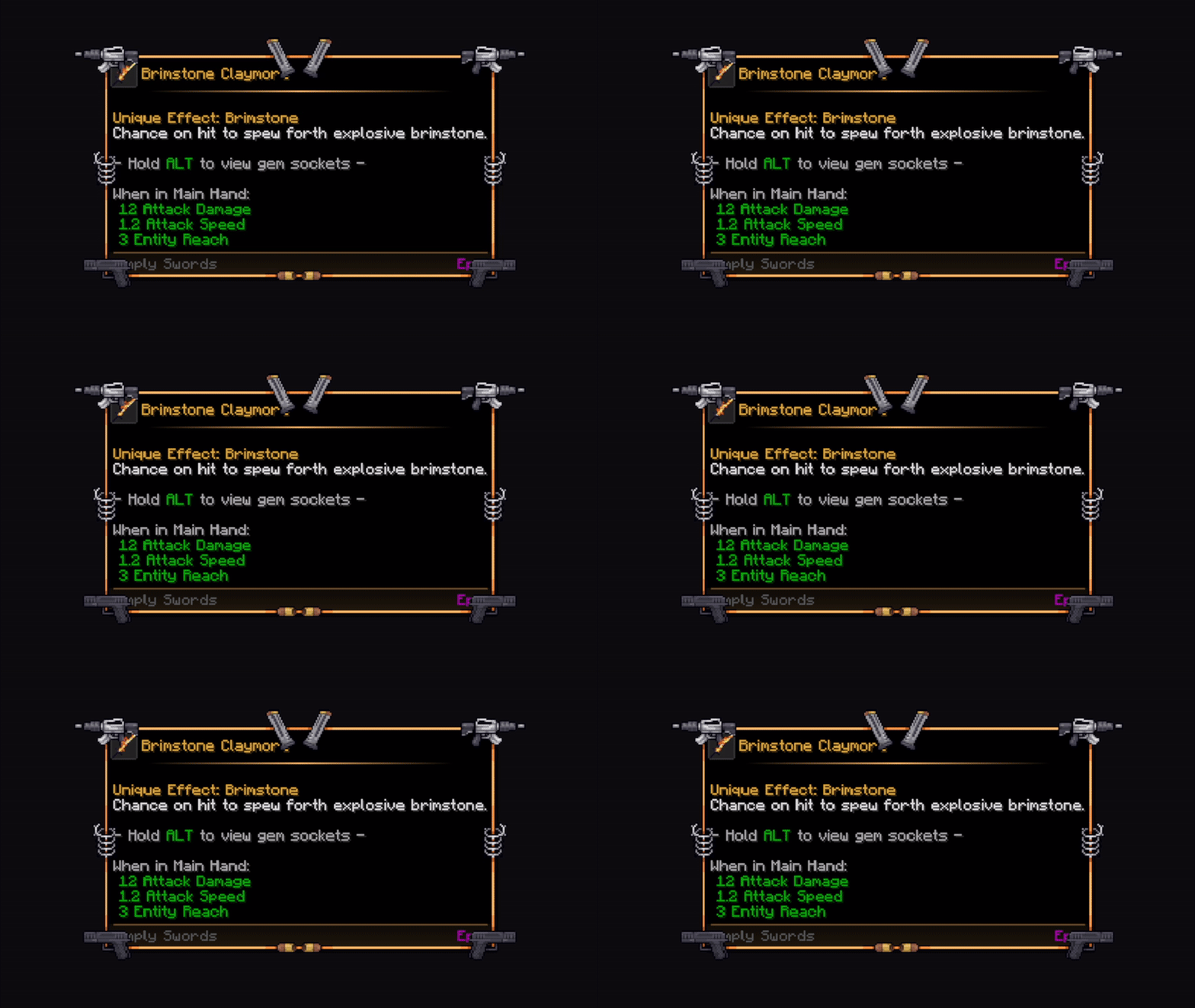
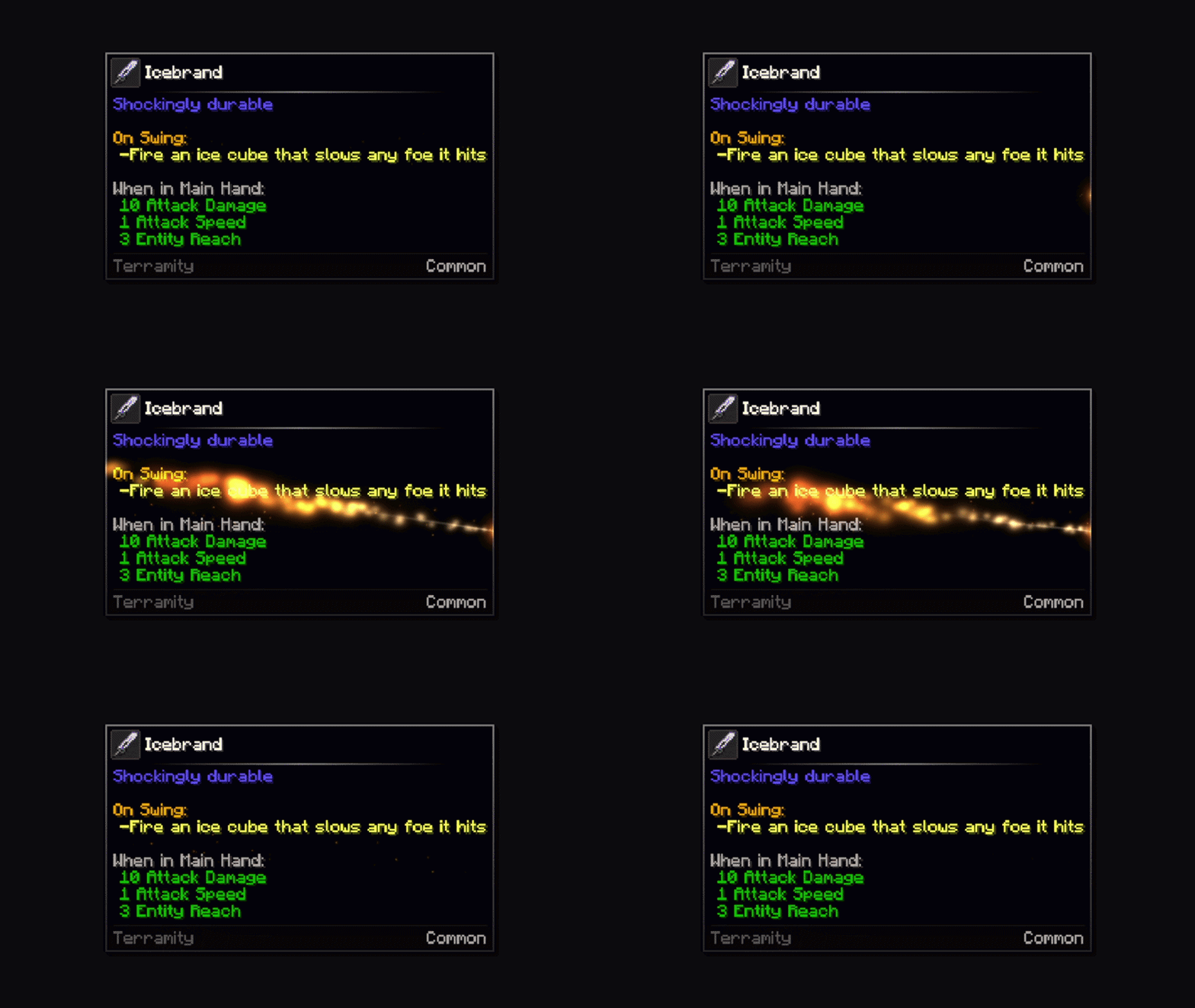
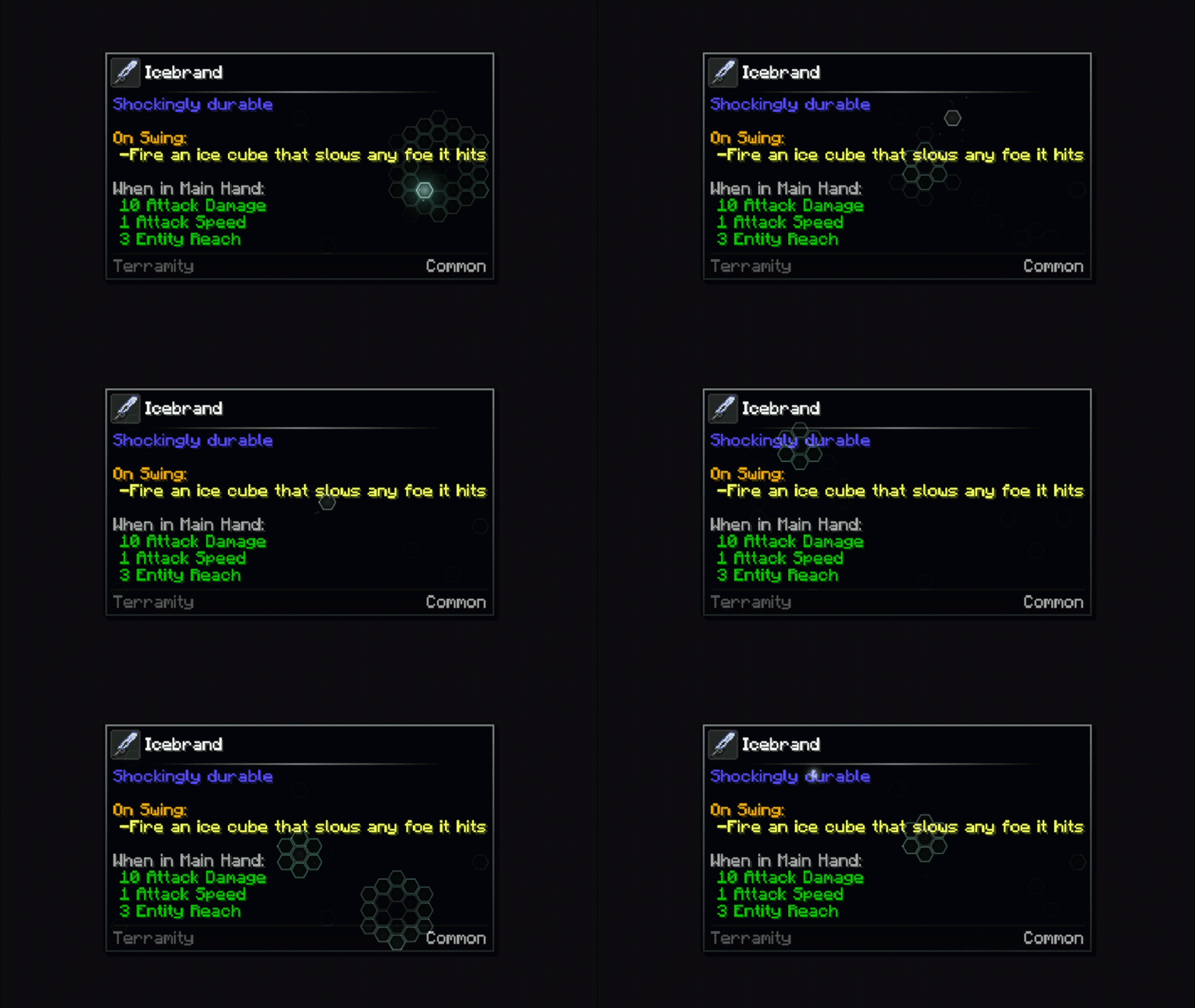
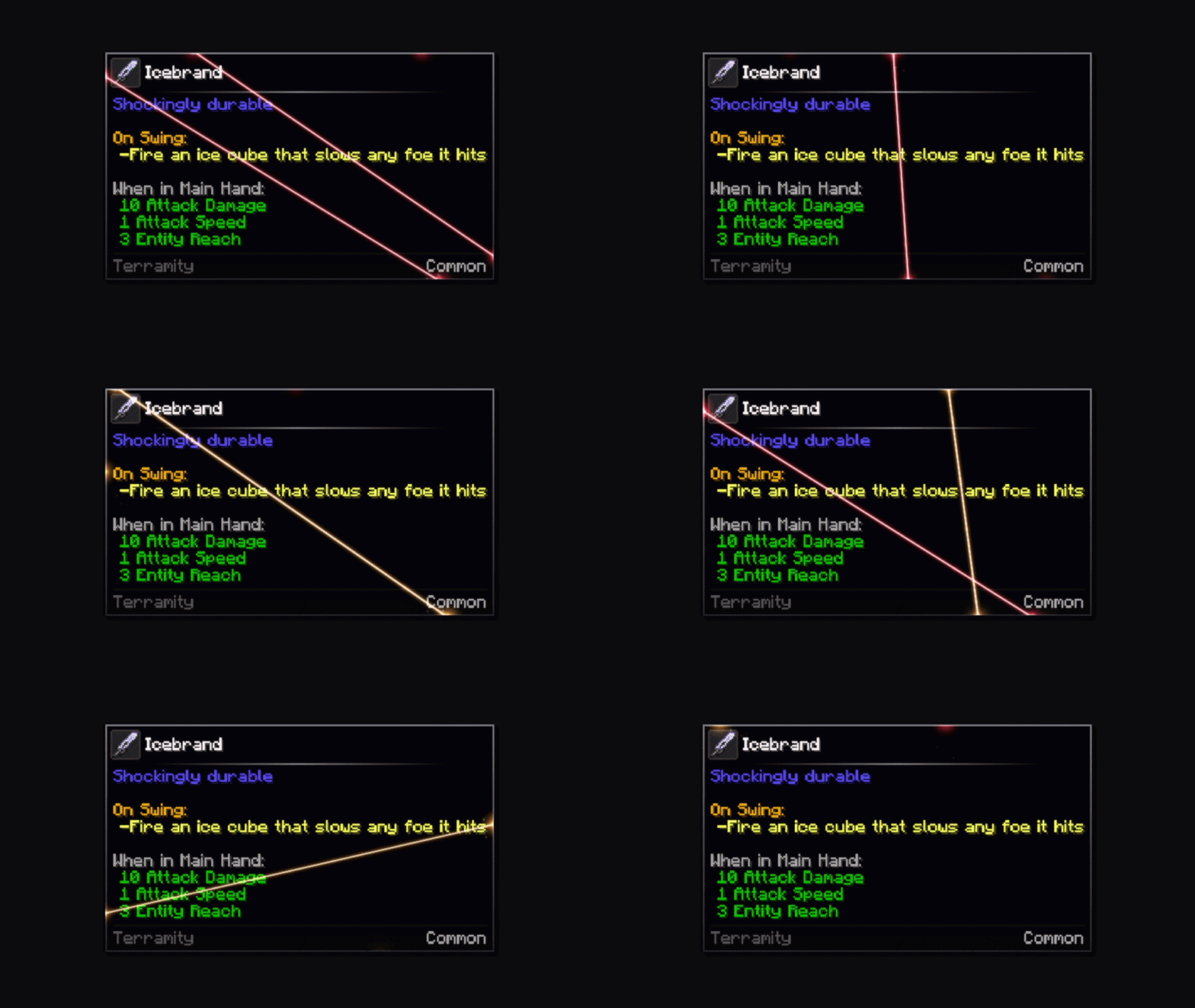
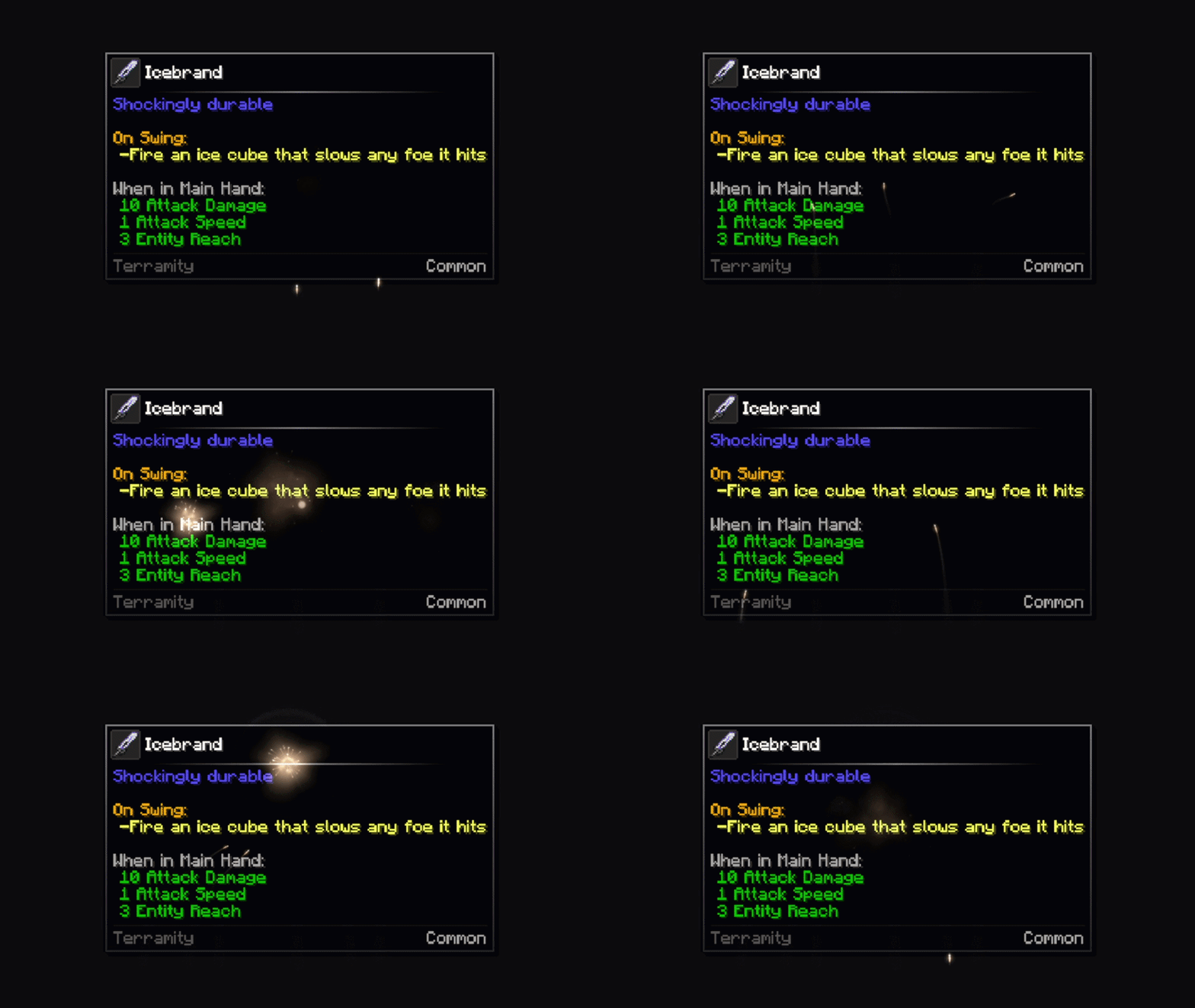
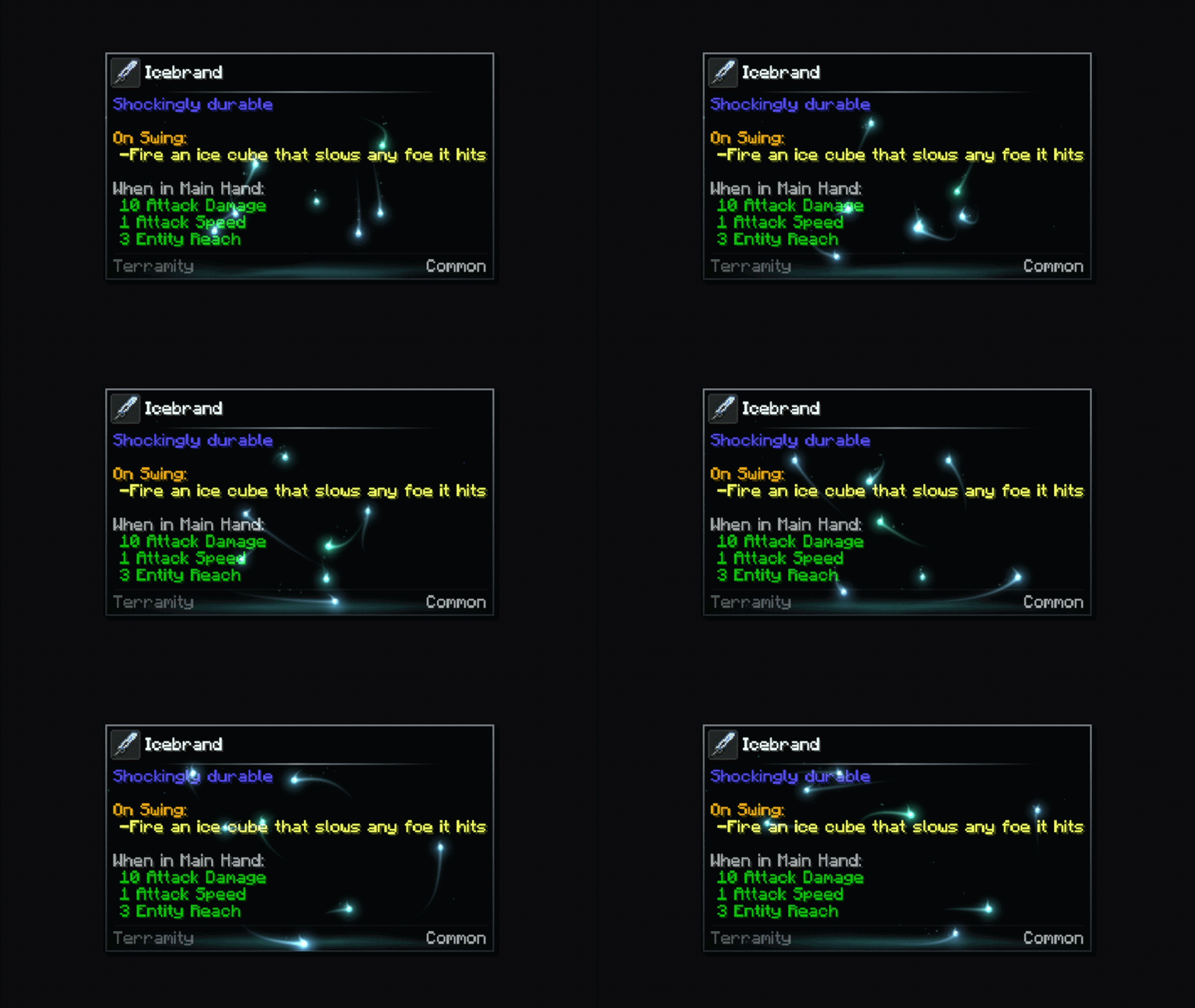
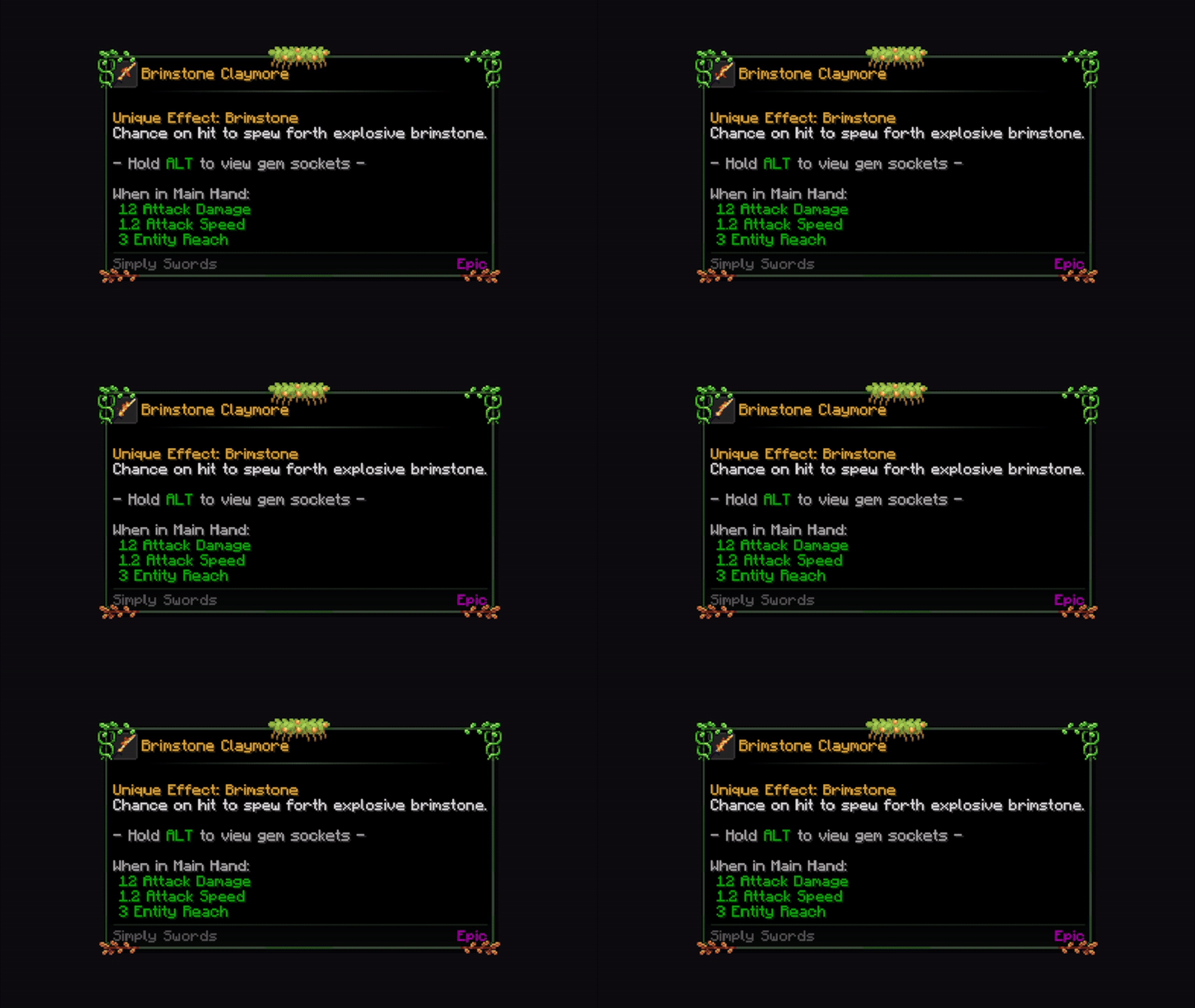
Effects & Frames - Choose from animated frames, overlays, and custom styles, among other content.
🧩 Mod Compatibility - Any mod can add its own custom frames.
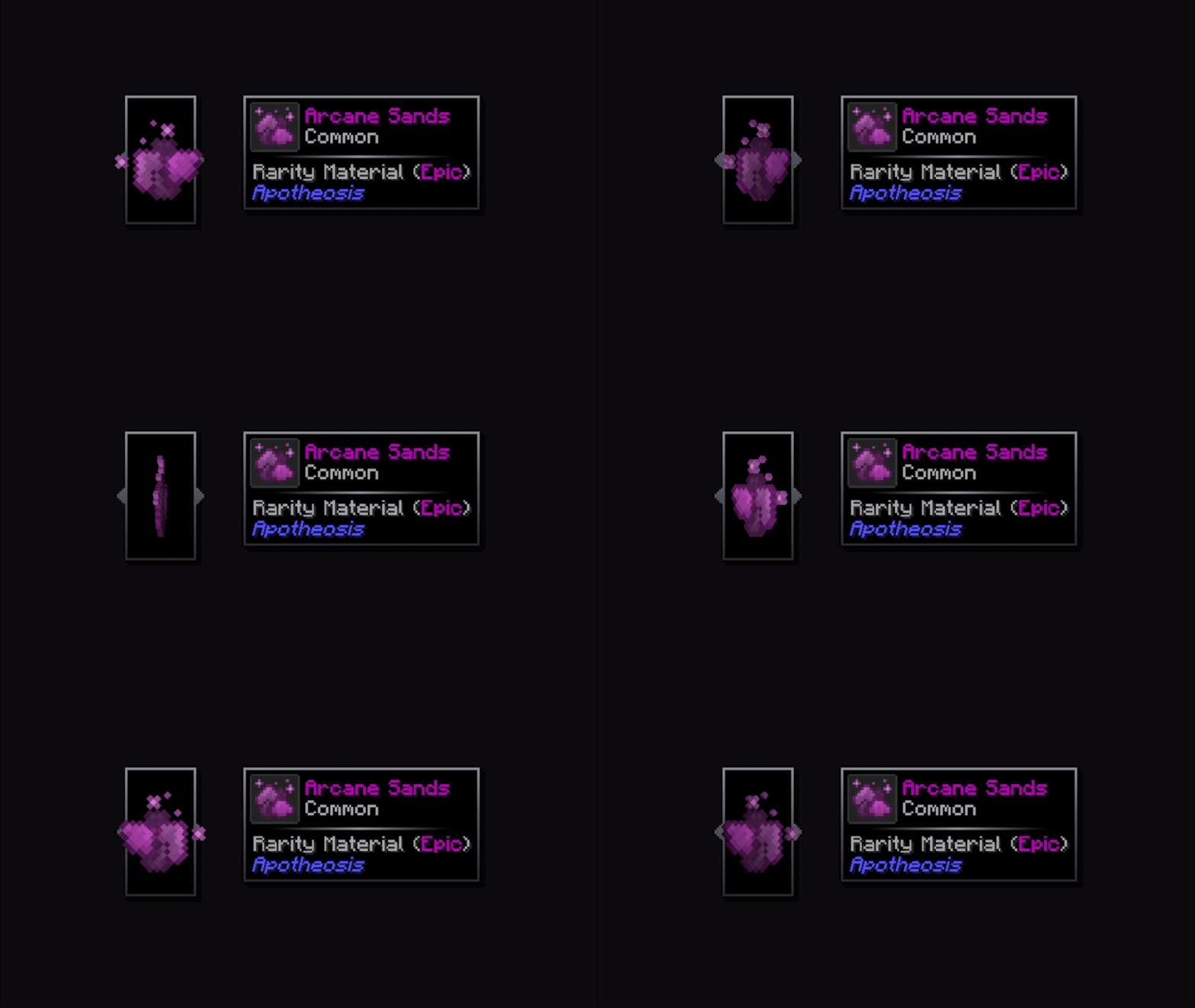
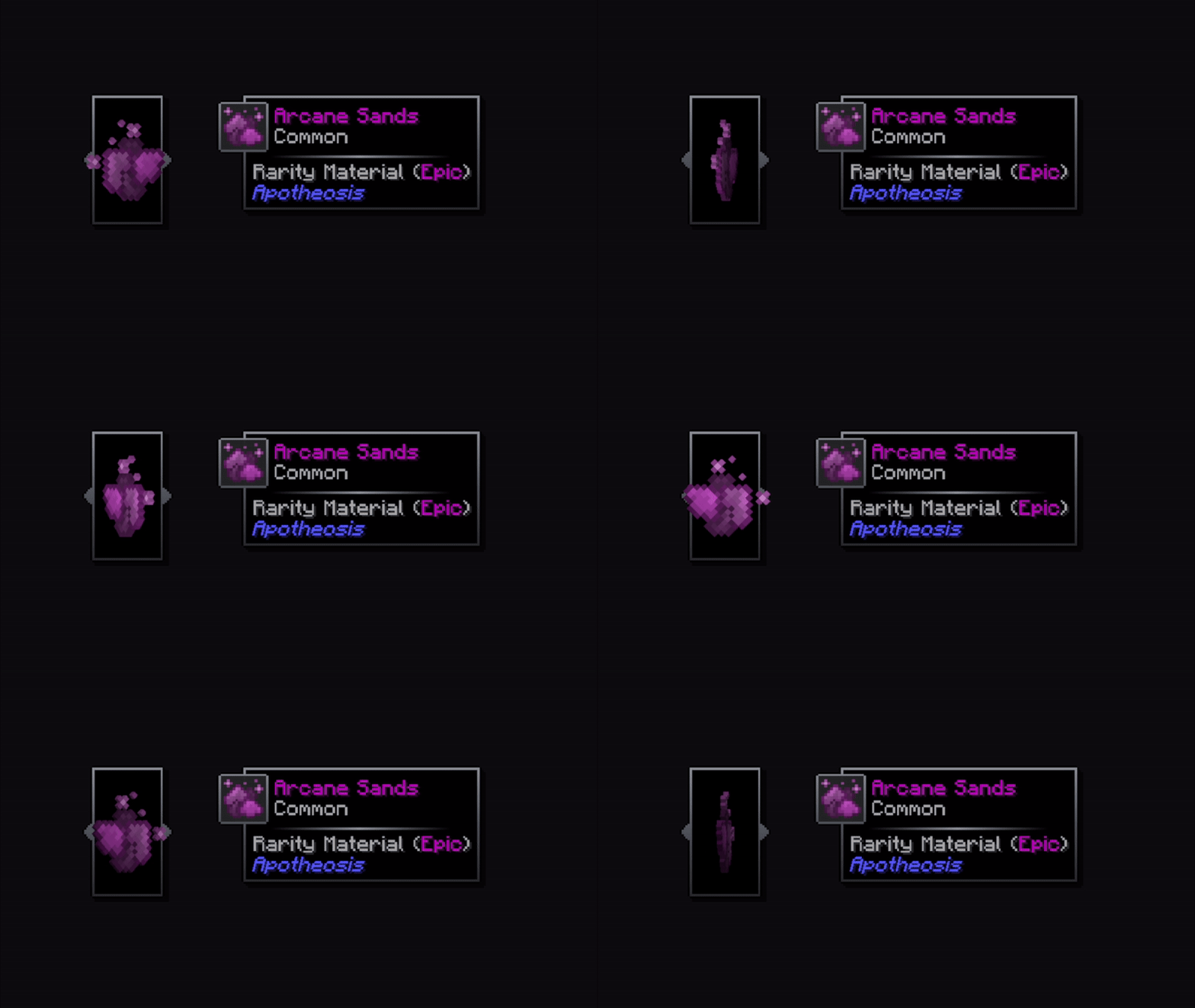
🌀 3D Item Rendering - A 3D icon appears when hovering over items.
🎲 Vignette - A new type of decoration that allows you to add internal gradients of various shapes to the tooltip.
🎠 Tooltip animations - You can add appear/disappear animations to any tooltips you want!
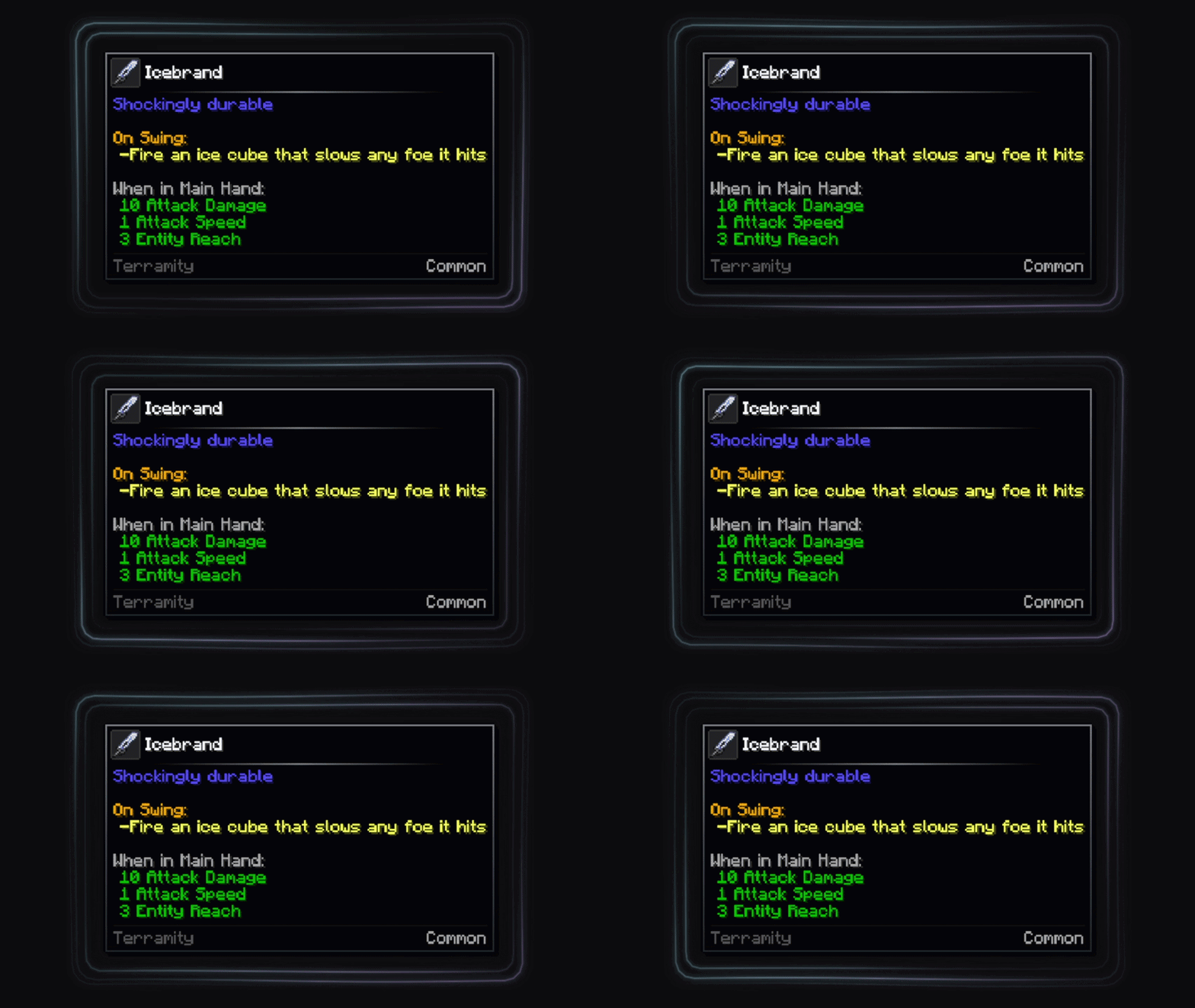
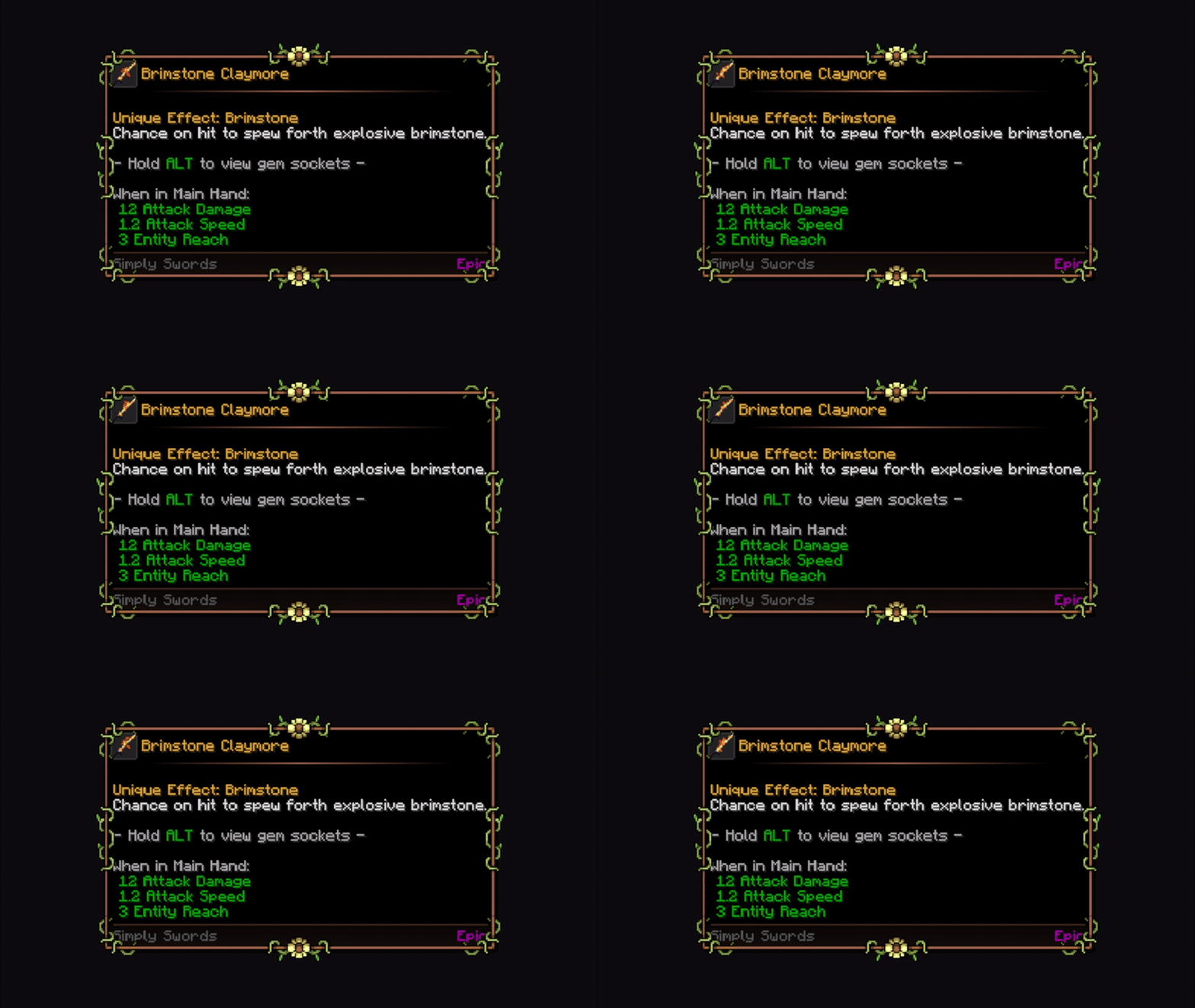
🍳 Custom borders - Choose from a suite of predefined corner styles and choose the one that suits your preferences.
❄️ In-game config screen - Additionally, a fully custom config screen can be opened to access the settings from within the game.
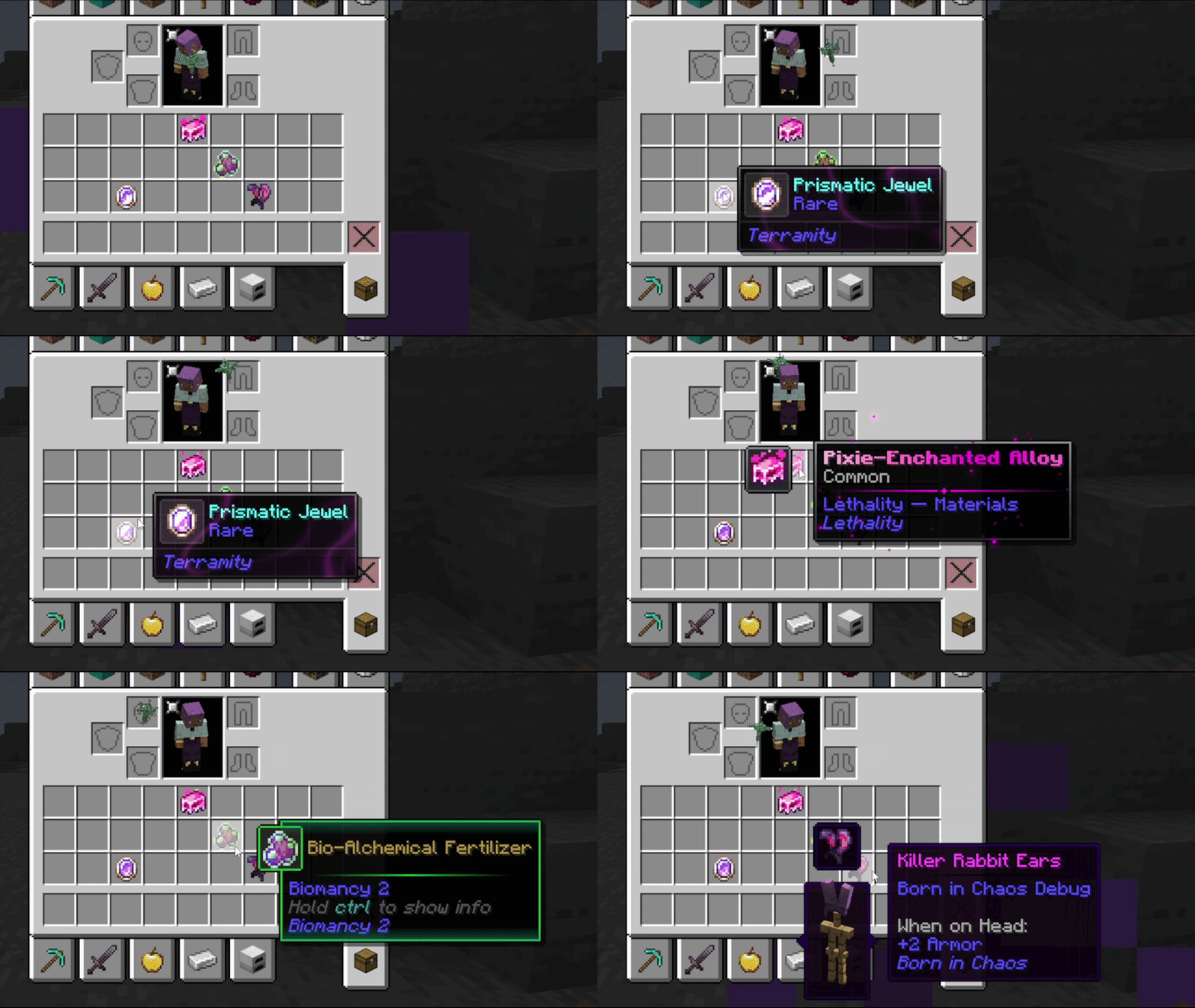
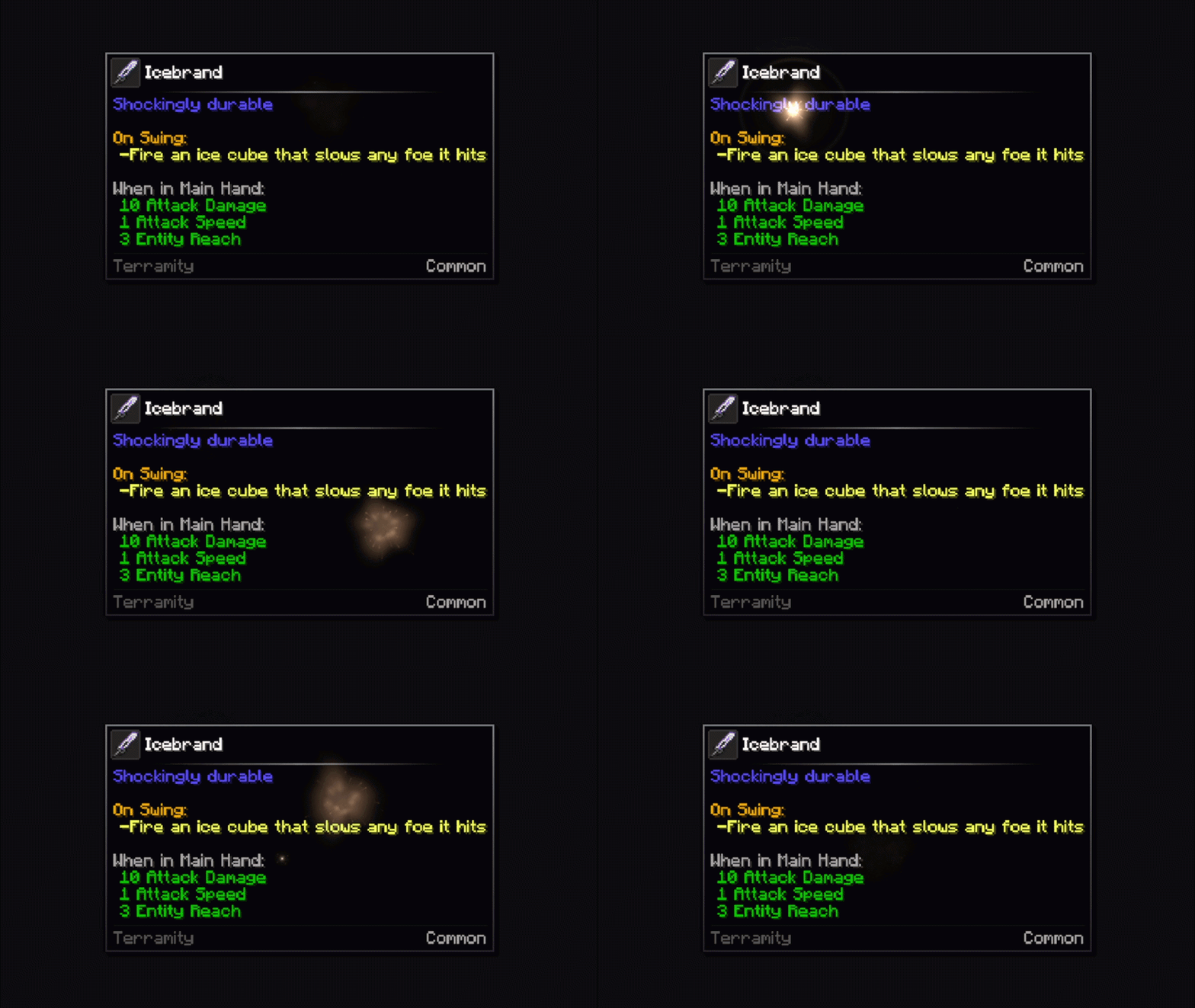
🔥 In-game live preview - When modifying specific items, you can preview in real time the changes made to the appearance of the tooltips, accessible through the mod config

📦 By default, some vanilla items include frames.
If you like the idea, we can create custom frames for the most requested mods and add native support. 🙌

This mod is highly configurable. For any questions, problems, contributions, new ideas about content/mods, and more, you can join our 💬 official Discord and comment in the appropriate channels.
Discord Banner

All bug reports or feature request should be directed to me, you can join our Discord server.

Configuration ⚙️

There are two ways to configure the tooltips: globally or specifically. 📝

  •   For global configurations, you must modify the file config/tooltipoverhaul/tooltipoverhaul.toml, which contains configuration options that apply equally to all items.
  •   For specific configurations (for particular items, tags or namespaces/modids), you must modify the file located at  config/tooltipoverhaul/custom_frames.json. For more information on how to work with this file, please follow this wiki.

To reload the specific configurations, you can use the command '/tooltipoverhaul reload' without having to restart the game, while global settings are reloaded automatically!

⚠️ The mod now includes an in-game config tool for visually configuring everything with just a few clicks, without needing to access the physical files. Additionally, for specific configurations, a live preview is also included (through the in-game config), updating in real time so you don't have to waste time searching for specific settings on the wiki!

Resource Packs 🎨

Resource Packs can also be created in order to add custom frames or custom configurations. For more information, check the wiki.

Check out the following texture packs, which add more frames and features!

    Rarity Tooltips logo enlarged    

Showcase 📷

For extra information, check the wiki.

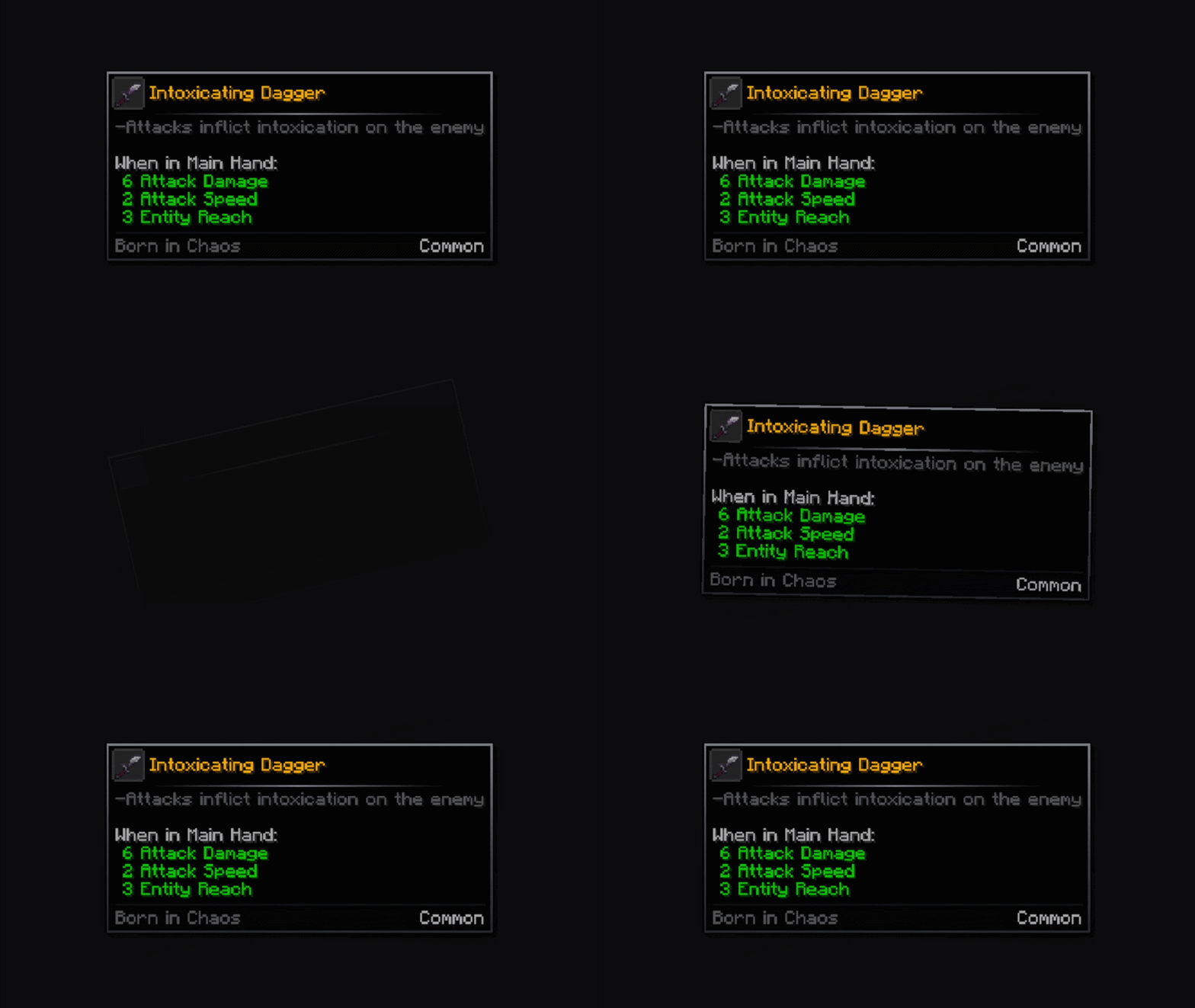
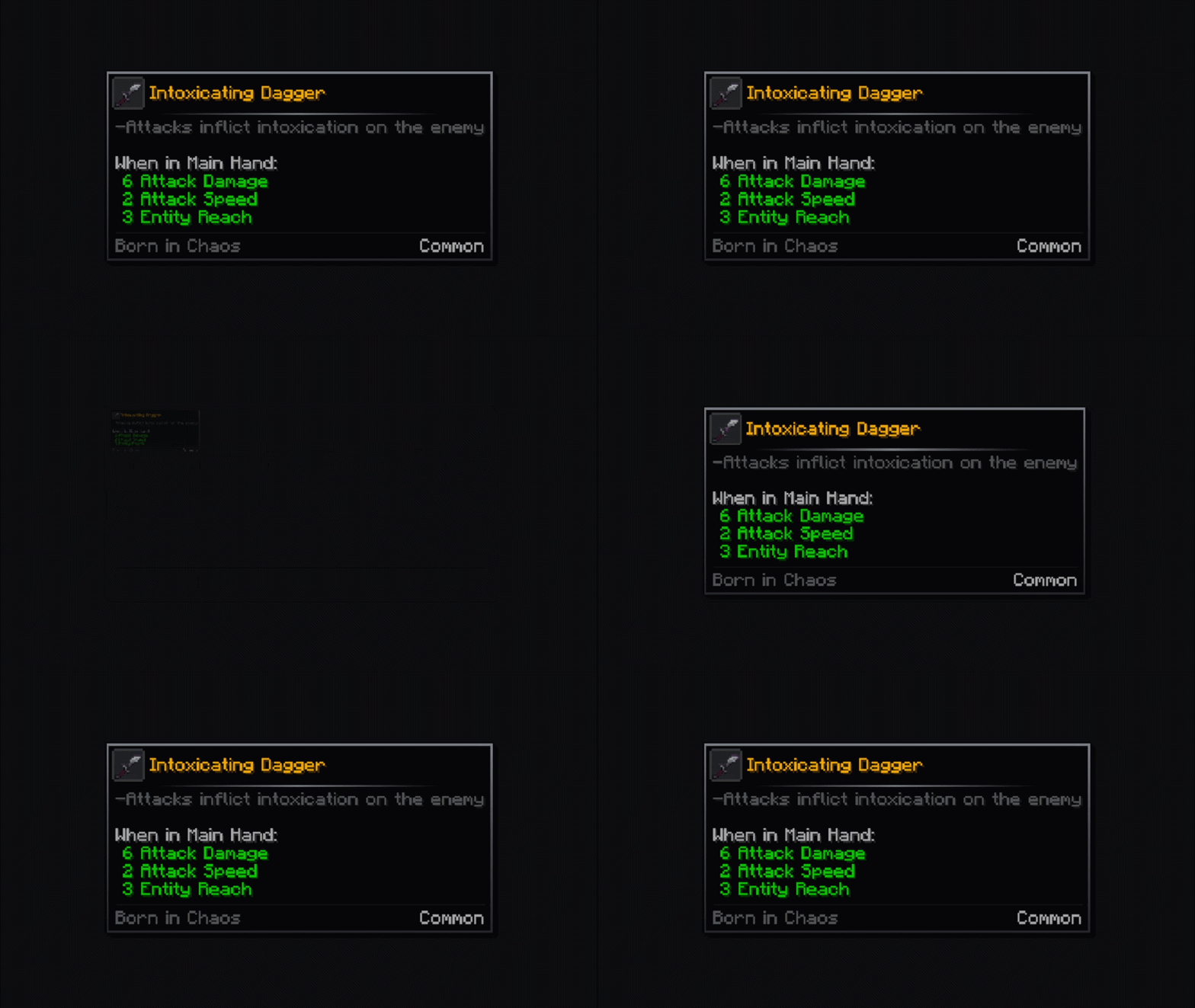
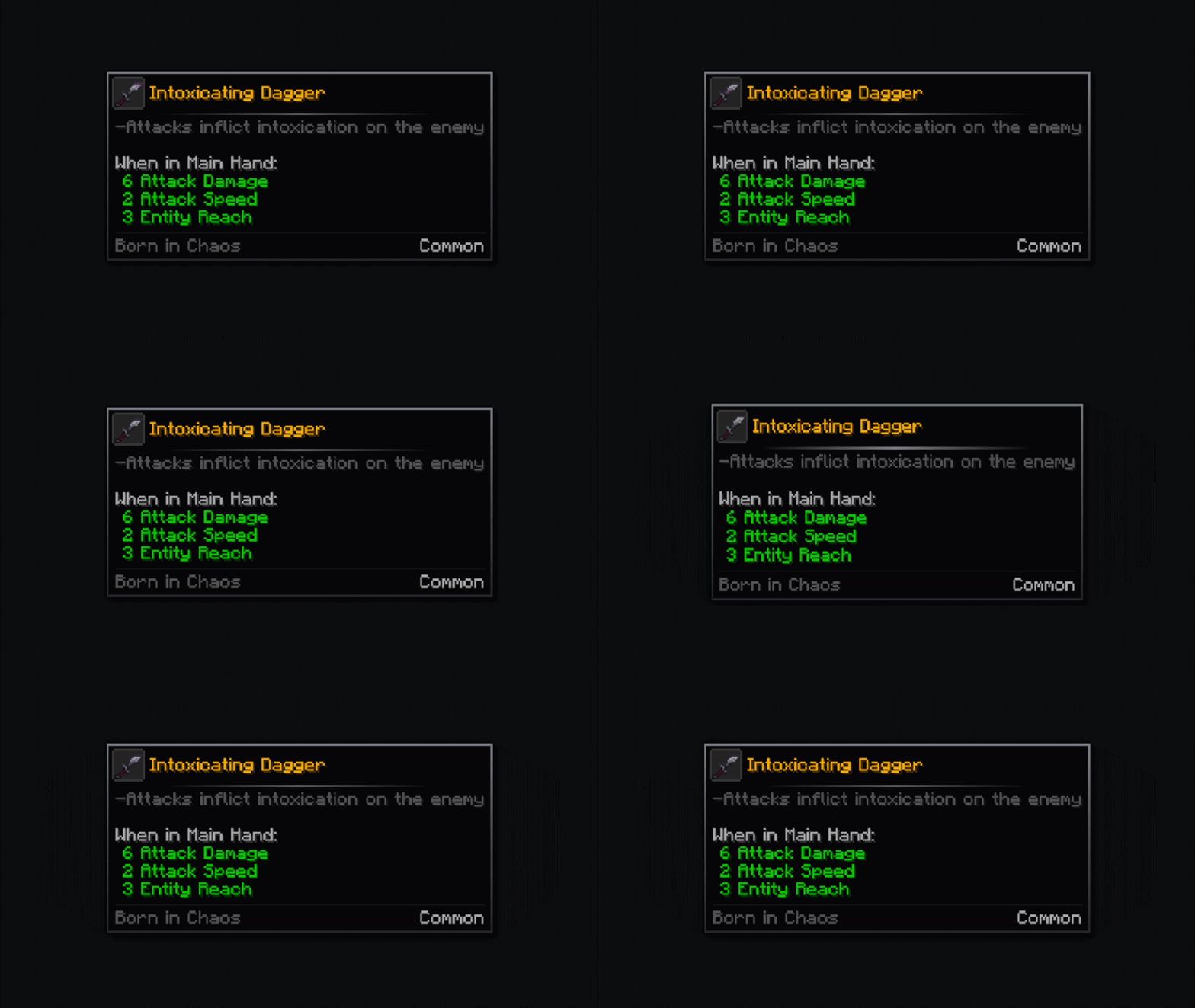
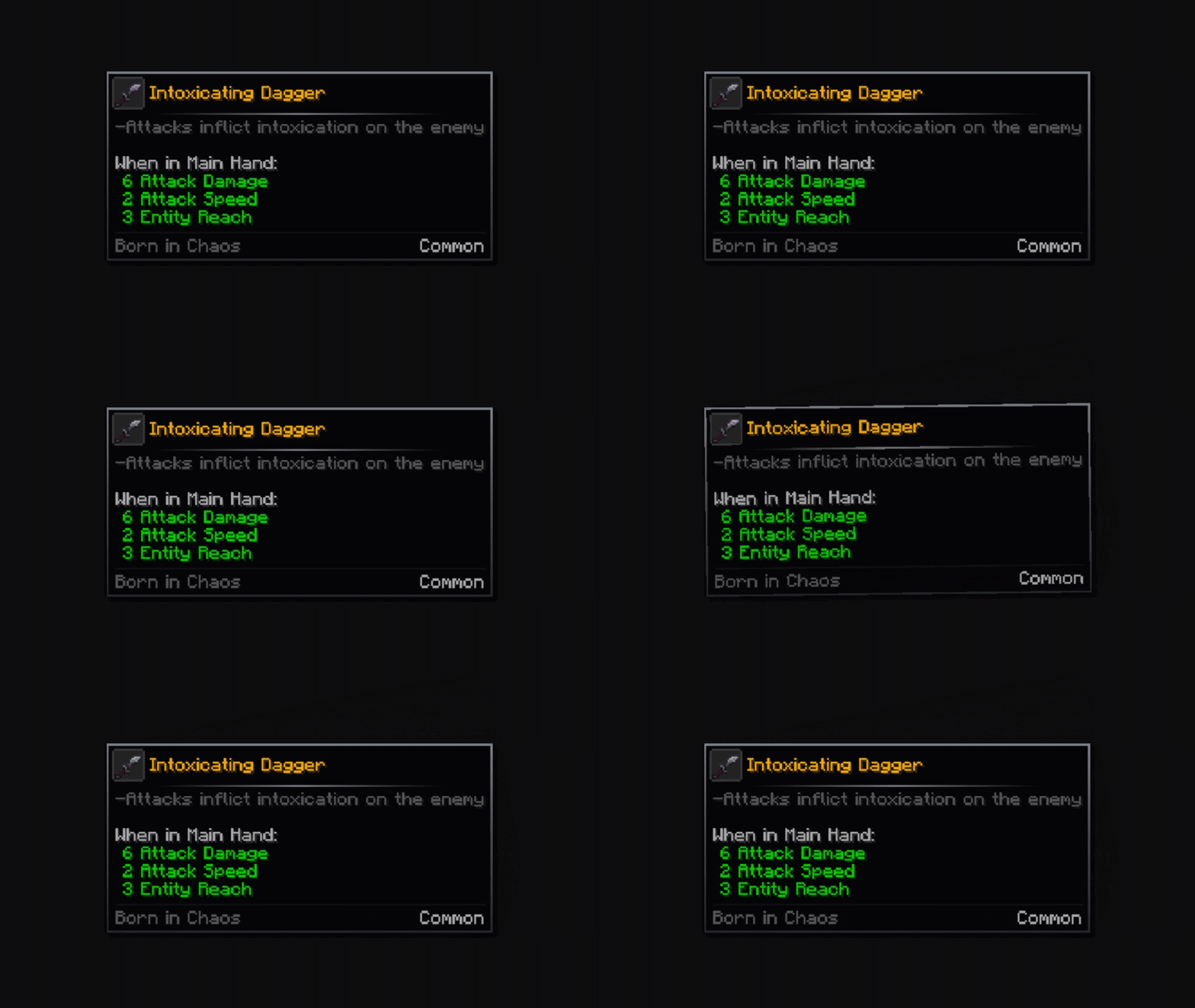
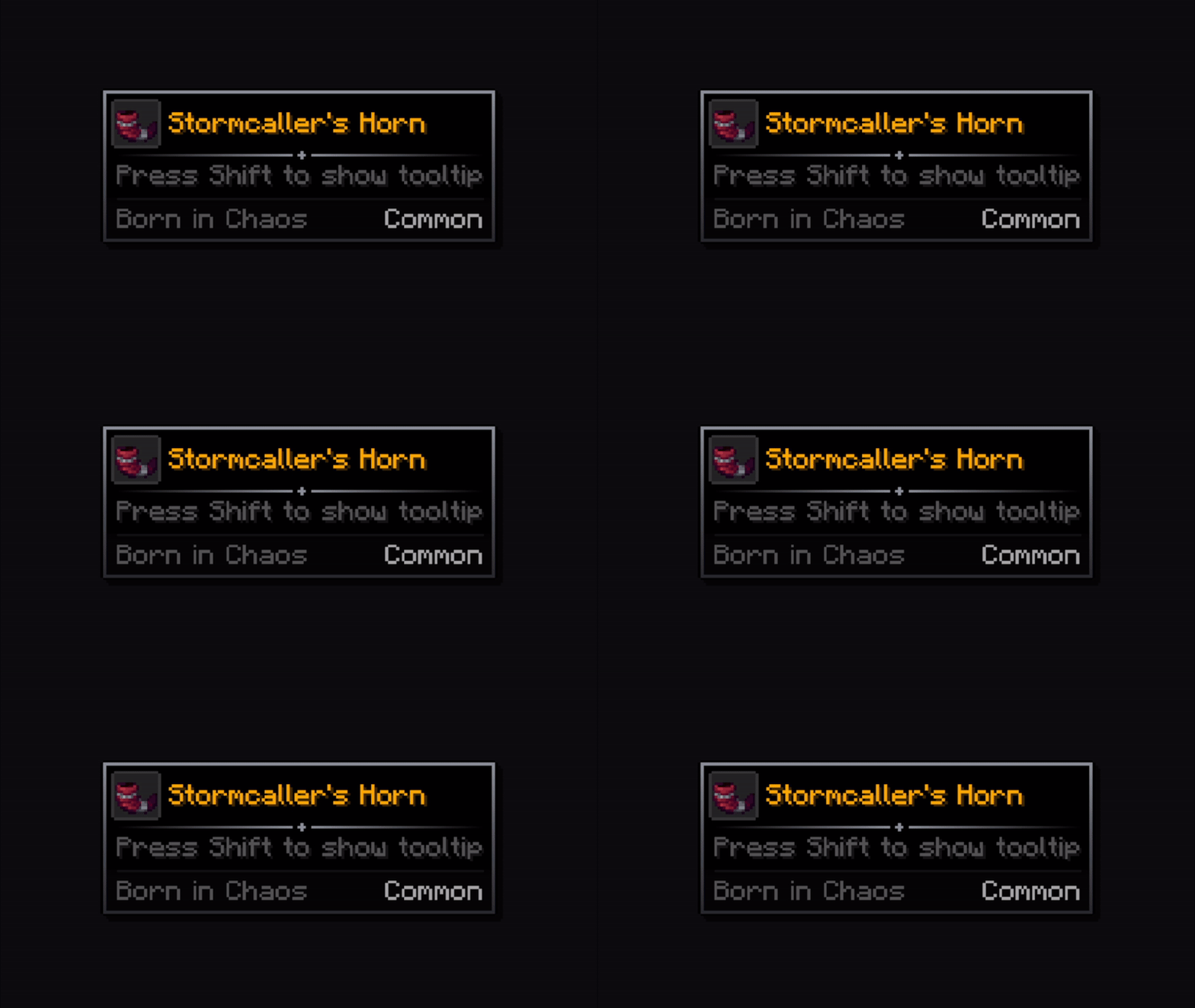
Tooltip animations

fade

description_48fc295c-19d5-448d-8363-9fcc532120a2.gif

pop

description_2188bce6-74c5-40c3-bcf5-d0f22dfa7fb9.gif

rise

description_ff1b0797-8fc4-4fe3-8bb0-f508fe3a4064.gif

unfold

 description_963e1610-587e-4ba4-8b3c-a3054ad4adfc.gif

zoom

 description_c96dd448-1171-48af-b7ca-4db2af12e1c1.gif

slide

 description_f936790c-b1b2-4e4f-95f3-405a212f6a5f.gif

swing

 description_7ec82a7e-0972-465e-bb37-2493cdc899cf.gif

emerge

 description_2bb03399-c62c-48b3-a437-c475e49ee63d.gif

squash

 description_8dcbb067-ca3e-47bd-8444-1c96d748862e.gif

card

 description_eaafe36a-2c90-4a95-a4eb-568c7bb64500.gif

shake

description_193d899e-fd7b-4272-a3ae-ba51ab30f89a.gif


Icon animations

zoom

rotate

rotate_fast

rotate_zoom

zoom_snap

skew

vibration

tilt_wave

flip

pendulum

bounce

go_down

pulse

fan_in

hover_pop

barrel_roll

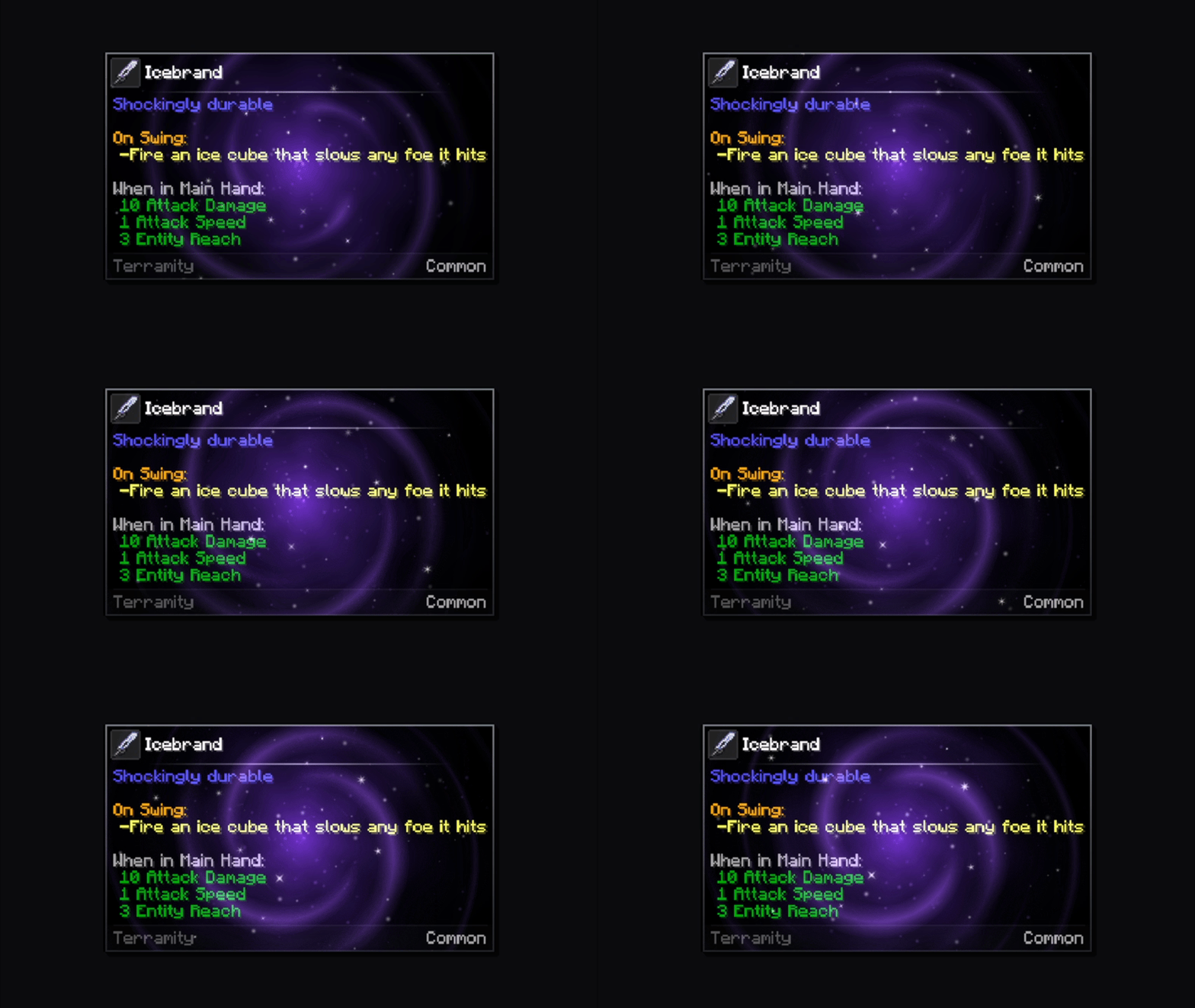
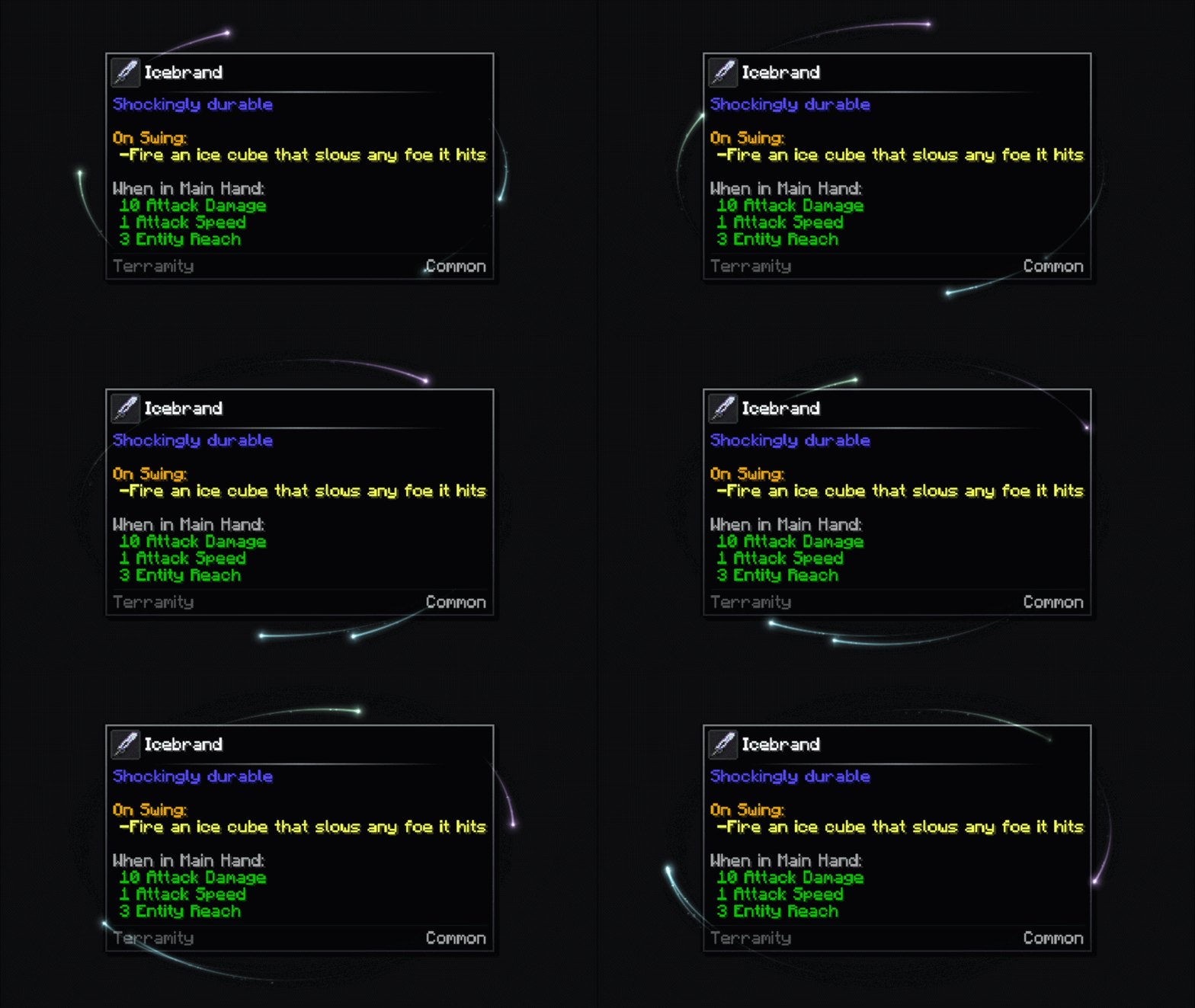
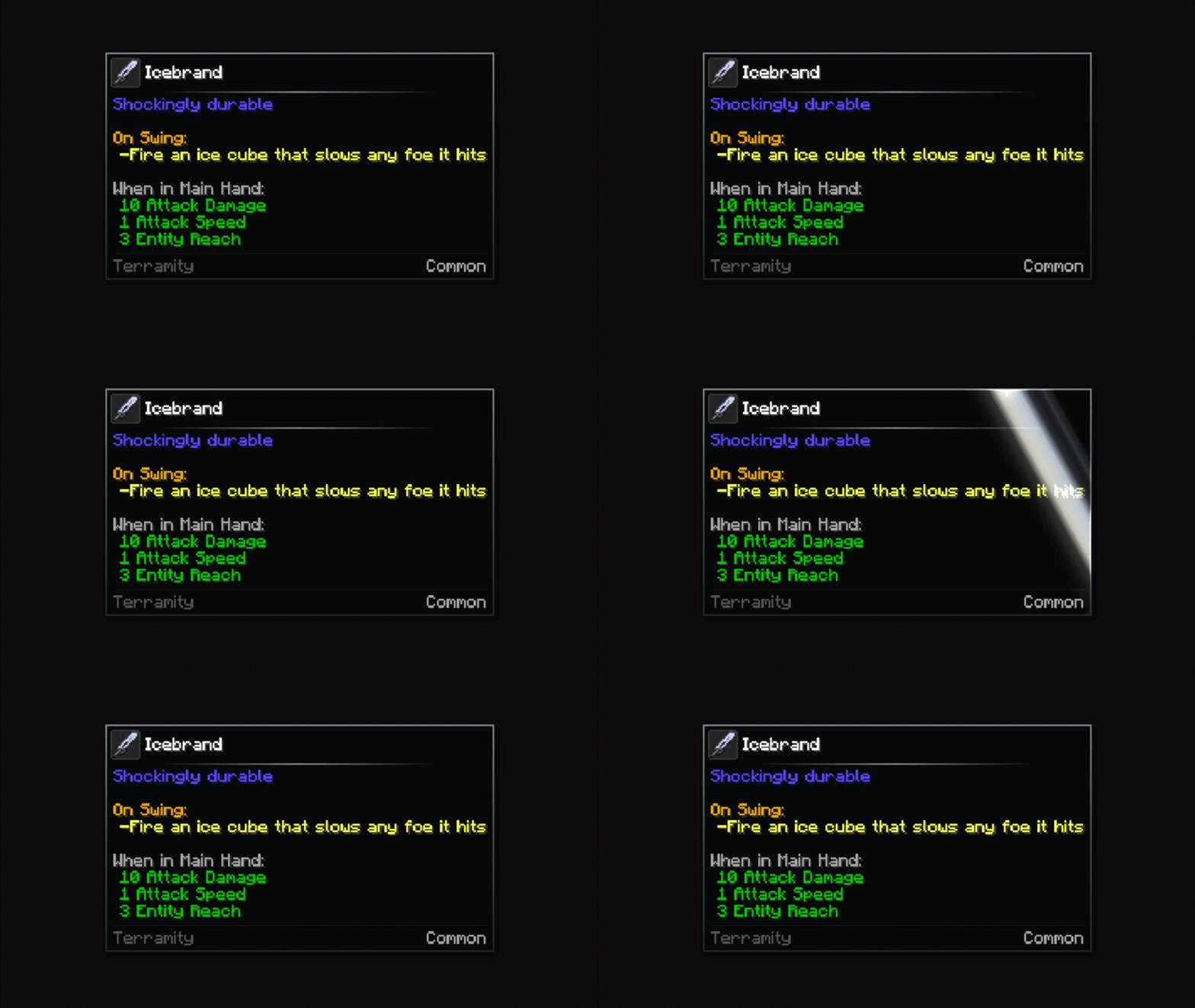
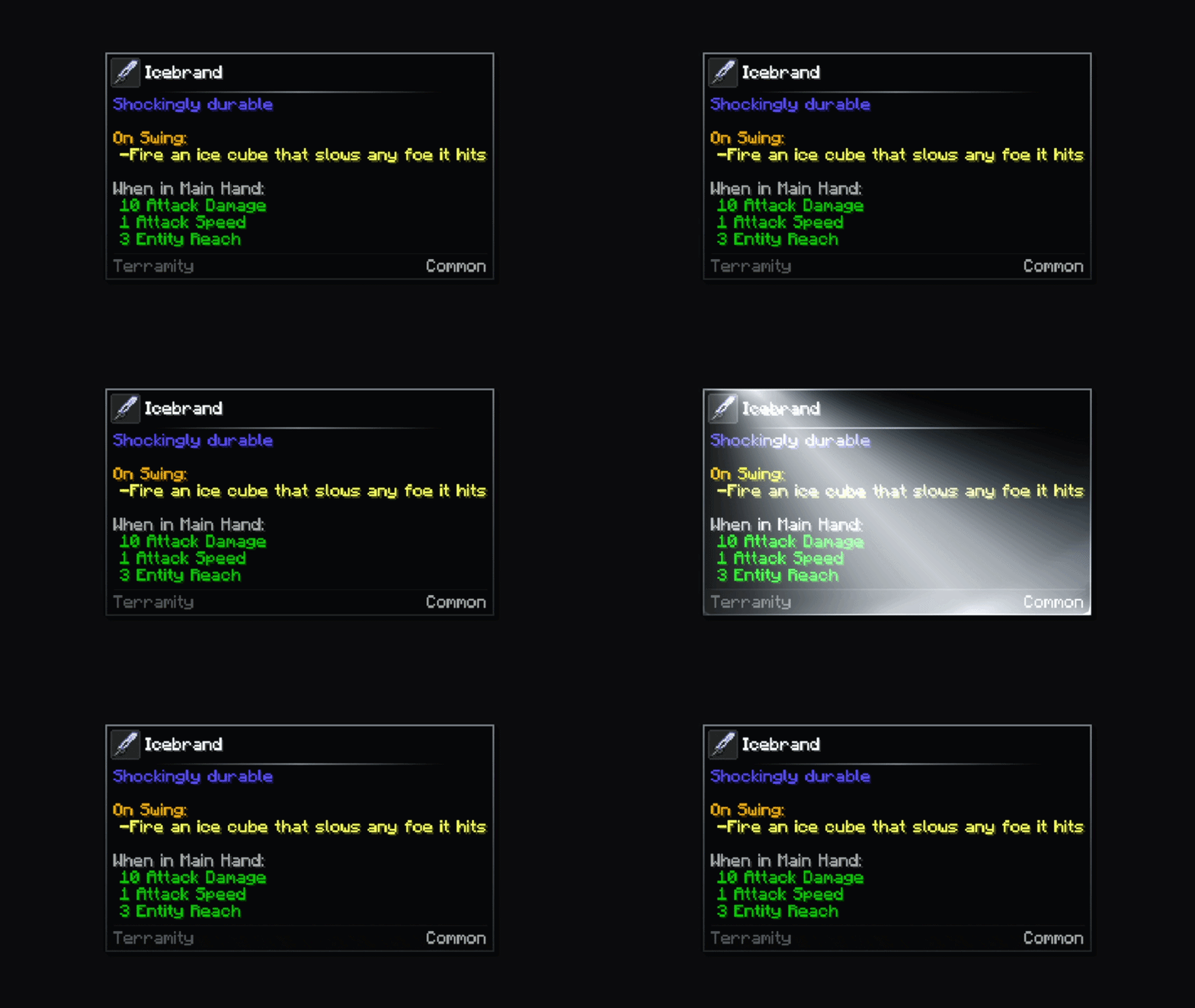
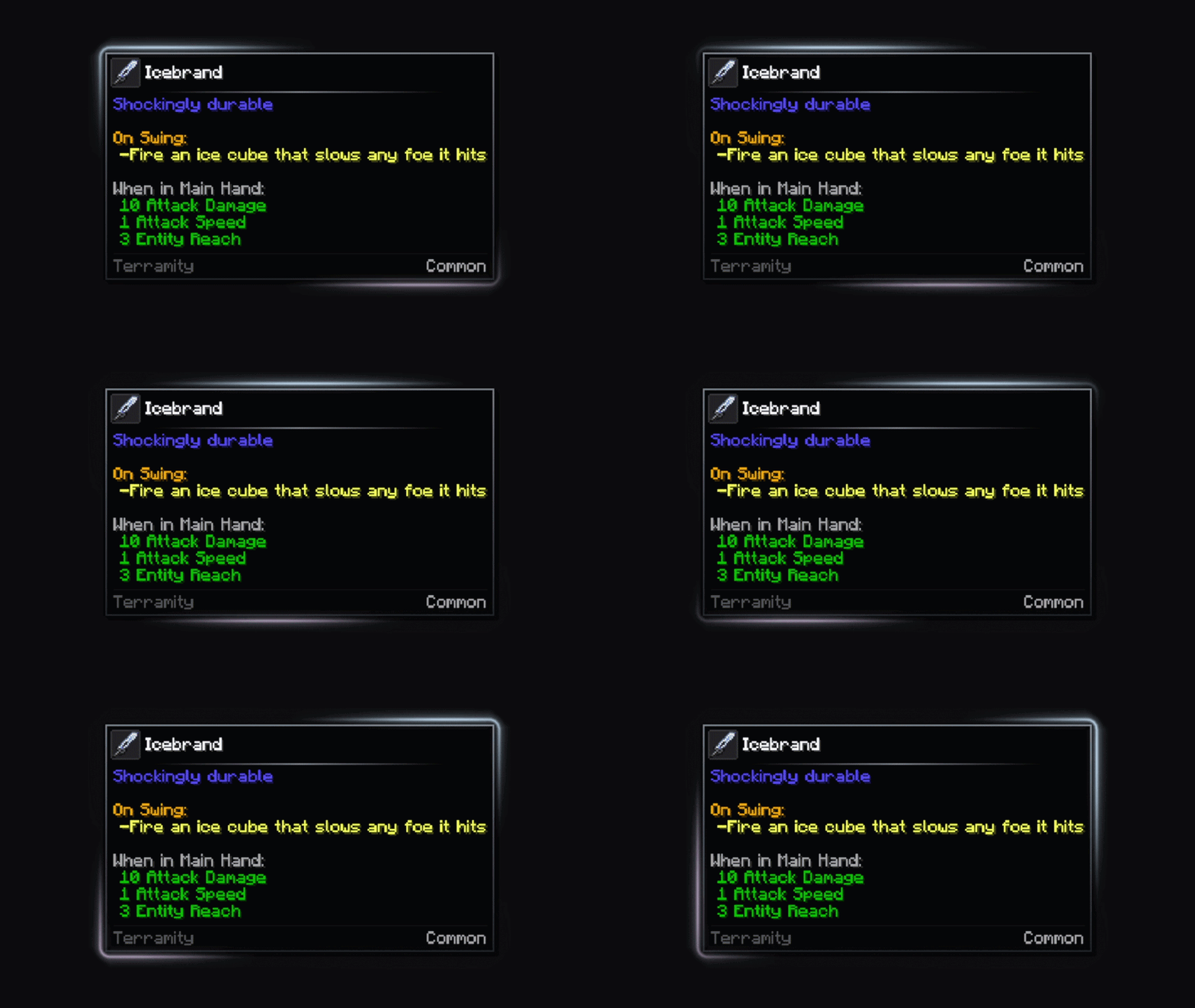
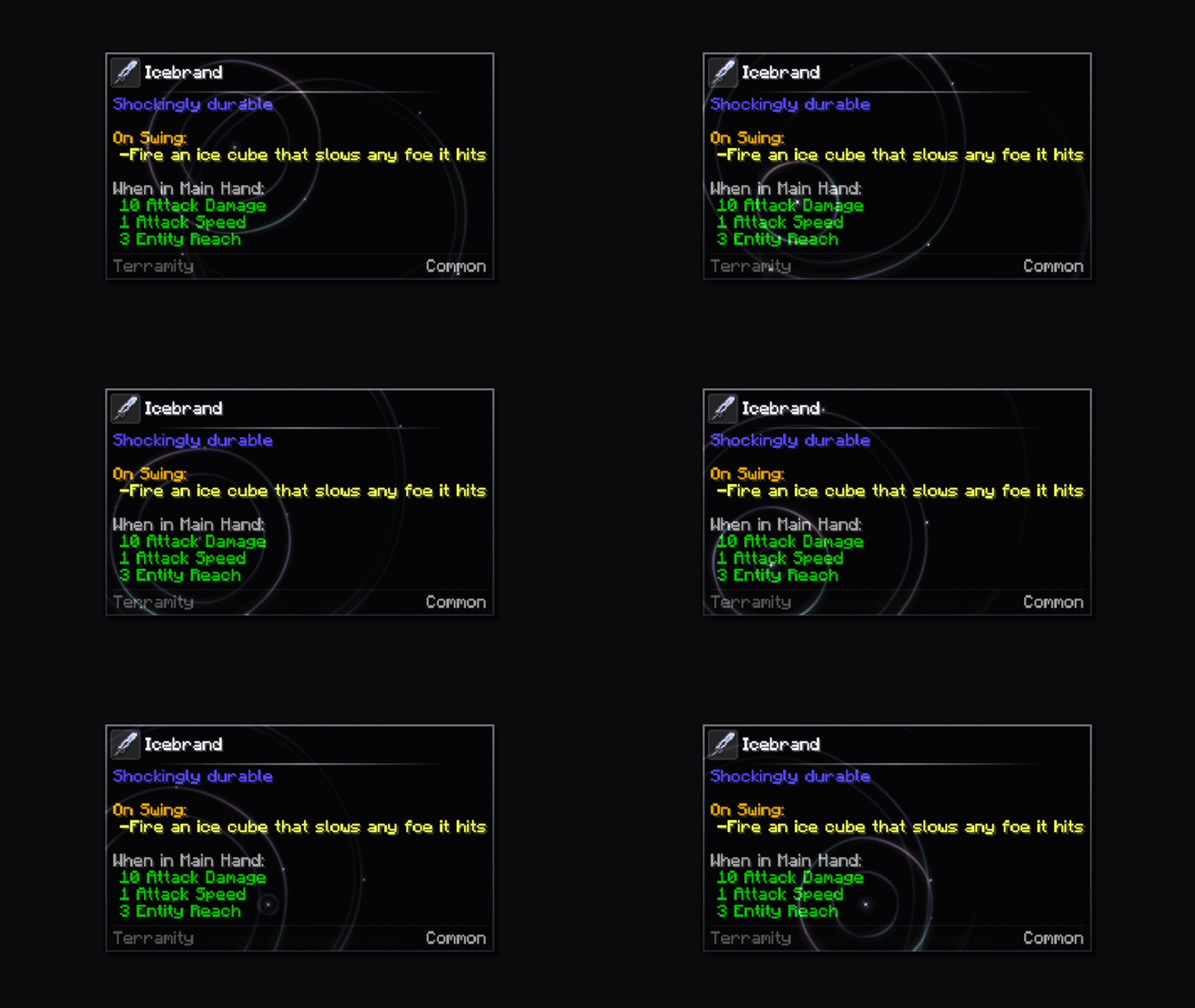
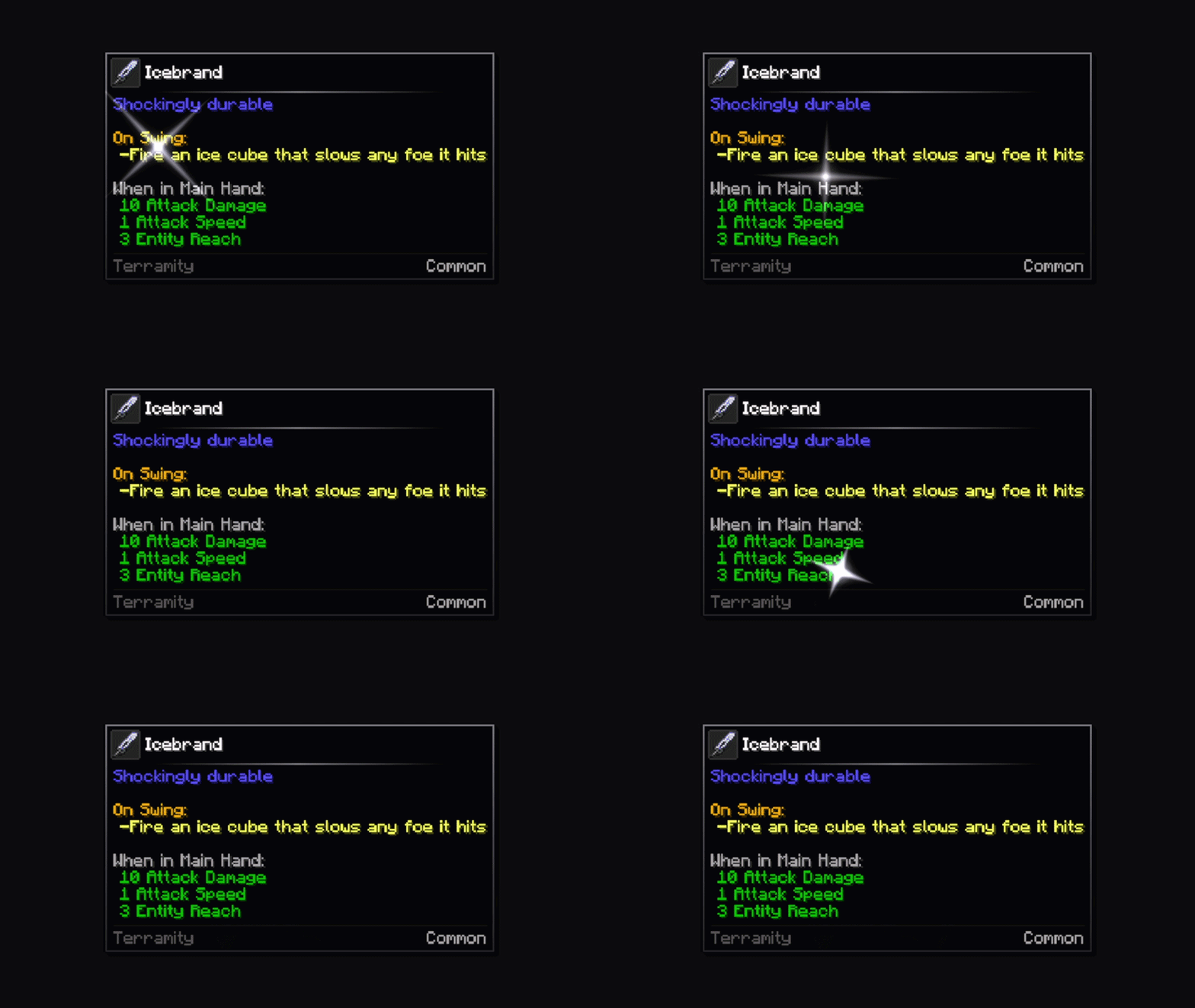
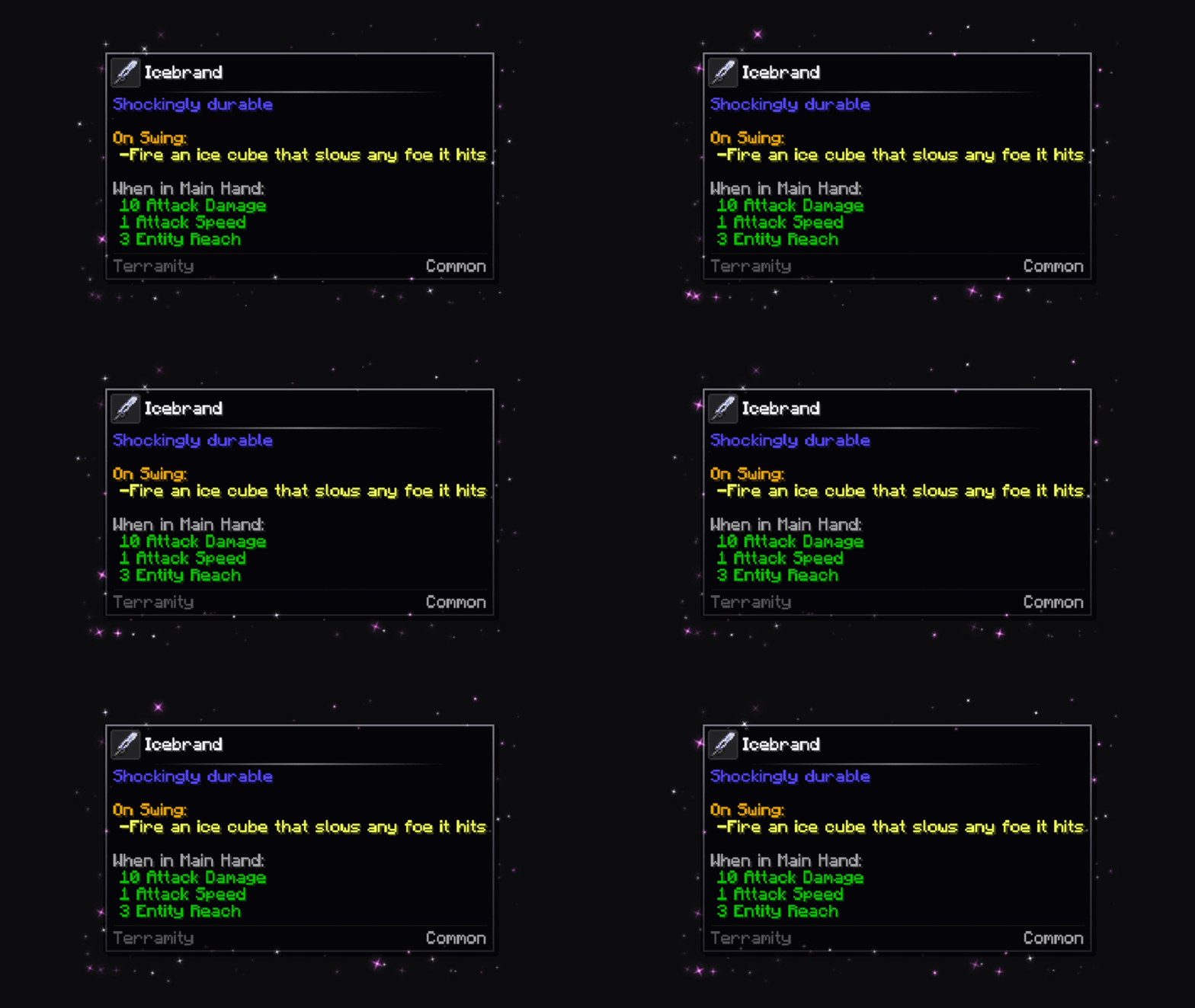
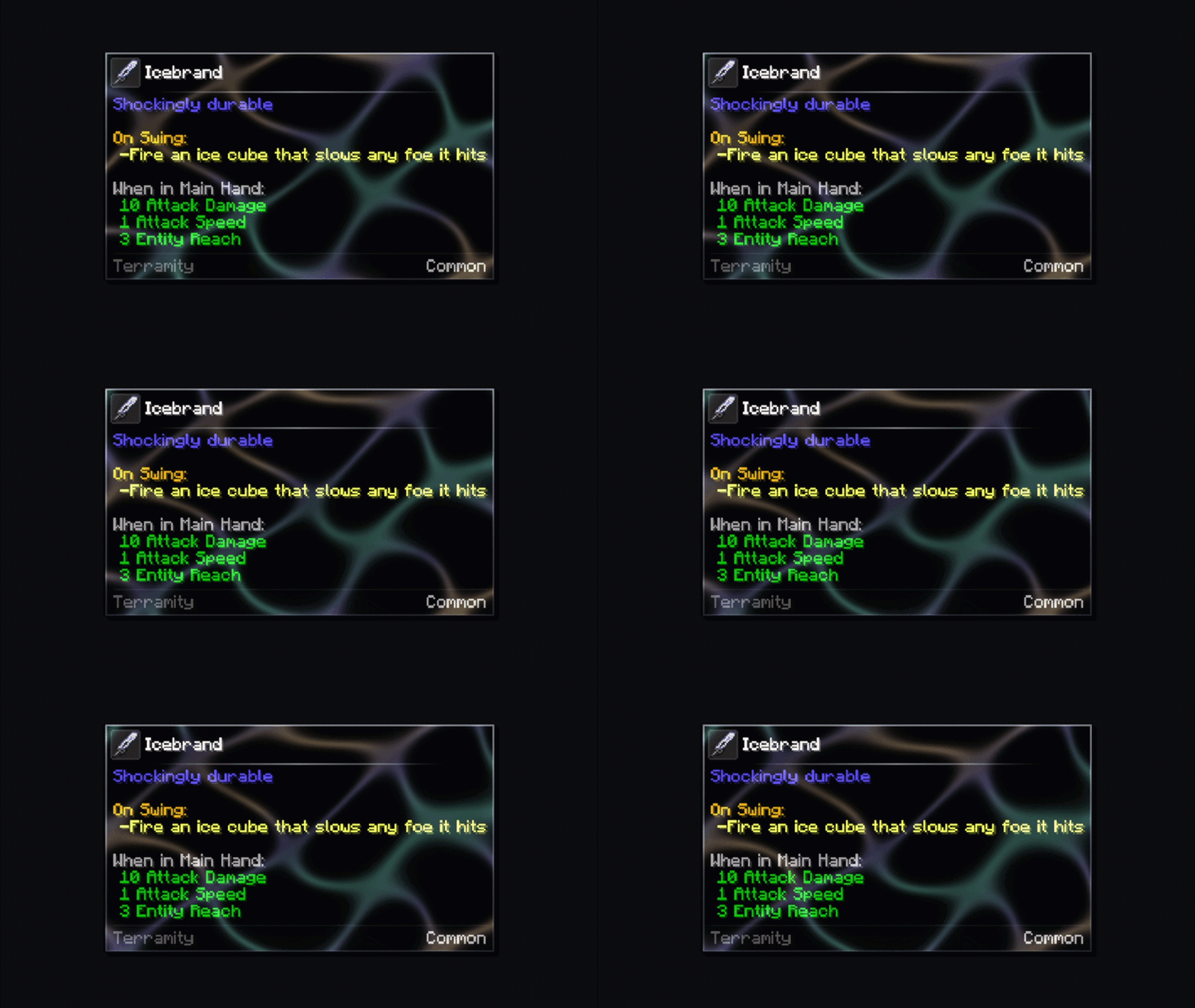
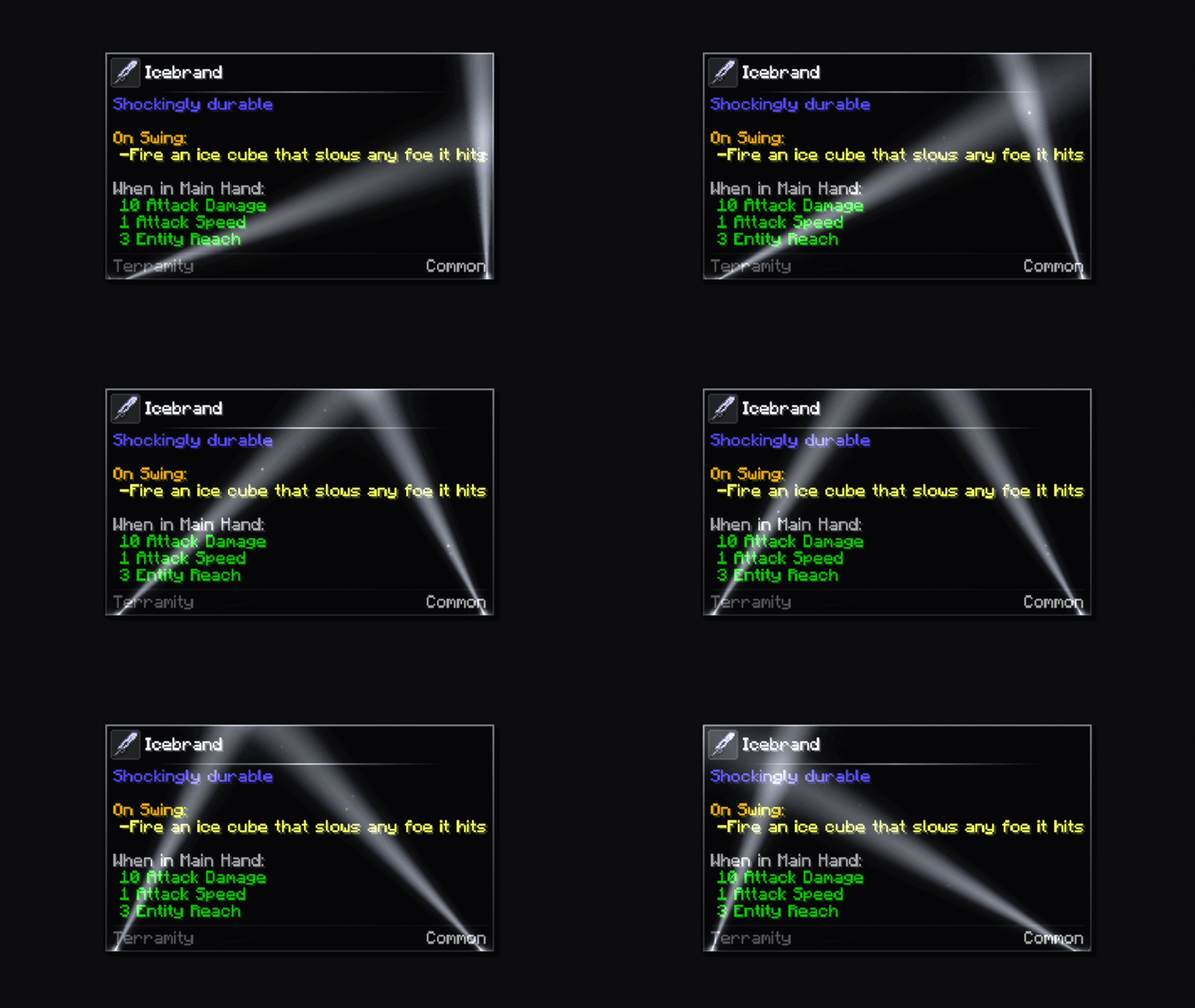
Effects

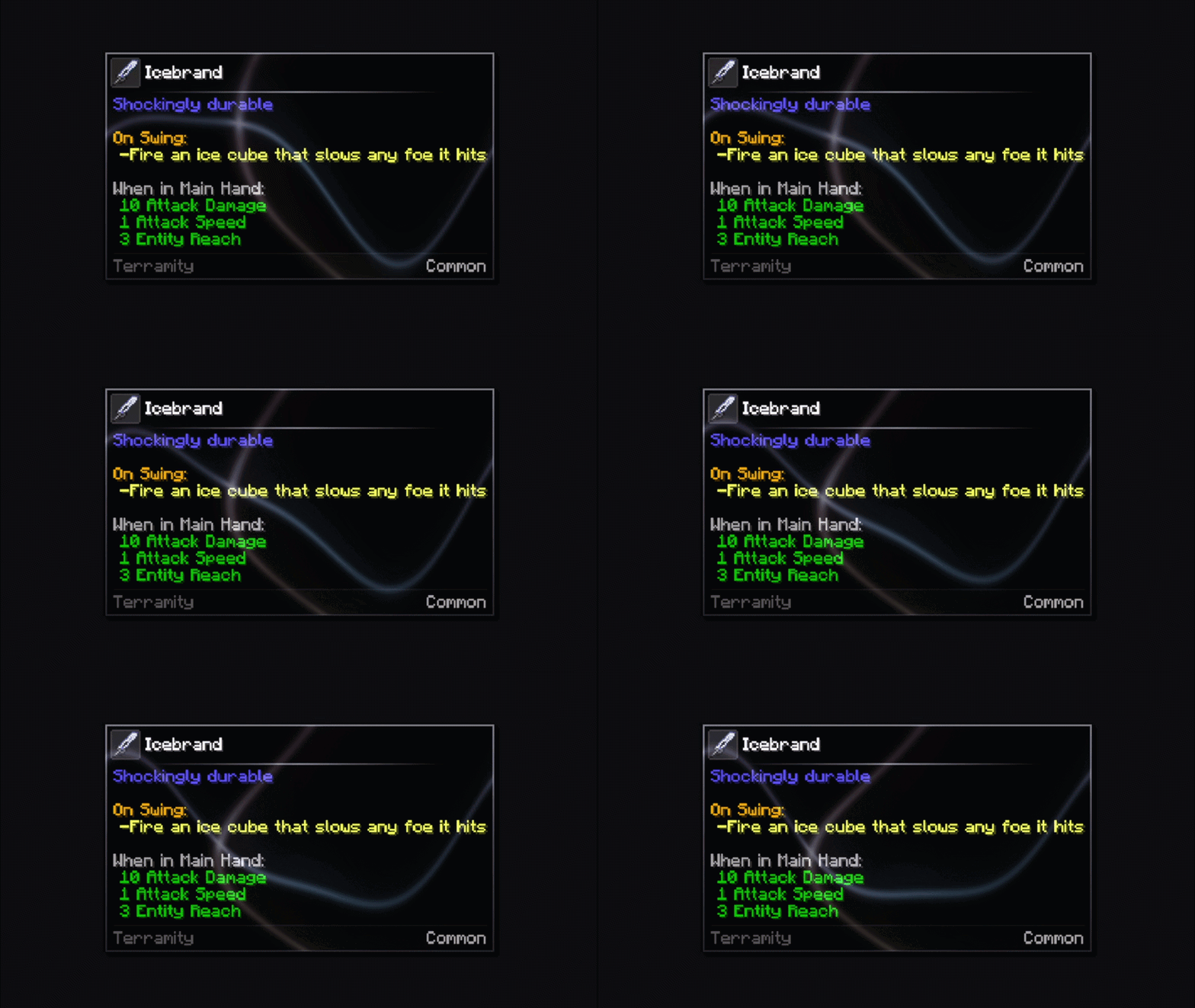
metal_shining


nebula
description_745e0555-e12a-43df-abfb-0f4b48e7af3a.gif

echo

description_c9a01ea9-6960-479a-8bb2-cce21d559607.gif

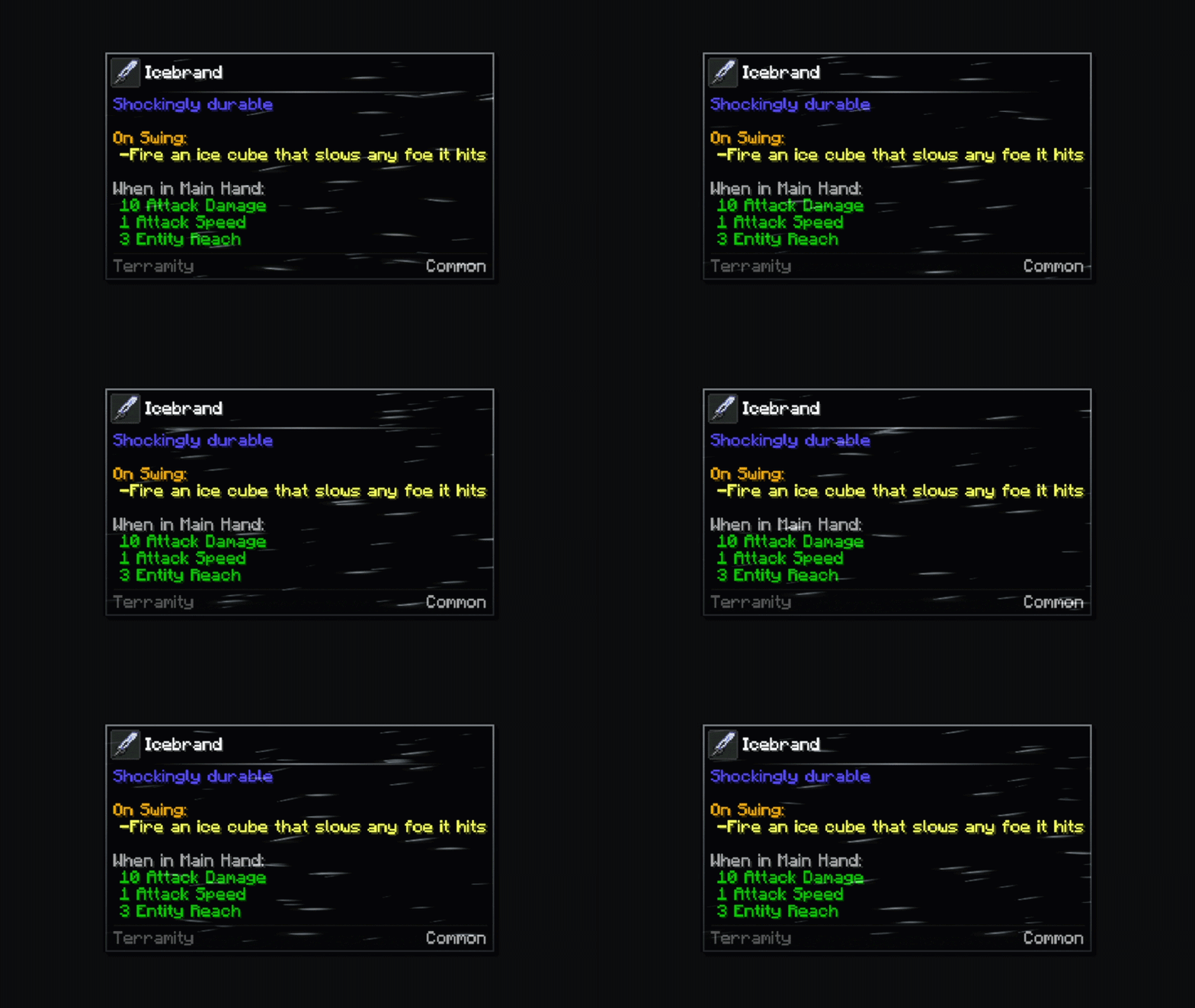
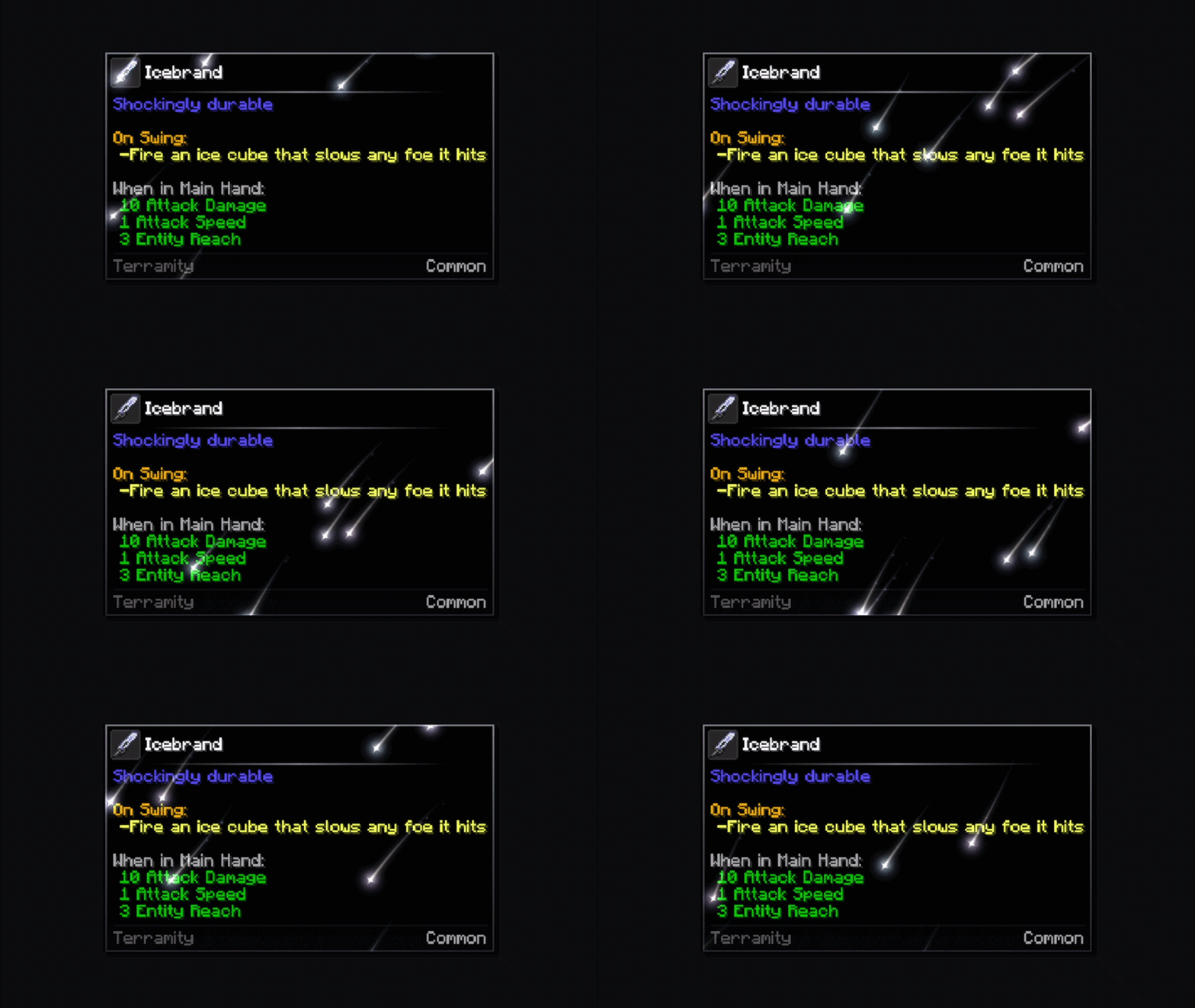
speed_lines

description_14d36d67-1da3-4bcd-a606-196a7286913a.gif

white_dust

description_85b3c1da-5800-4828-a267-092facdfad7c.gif

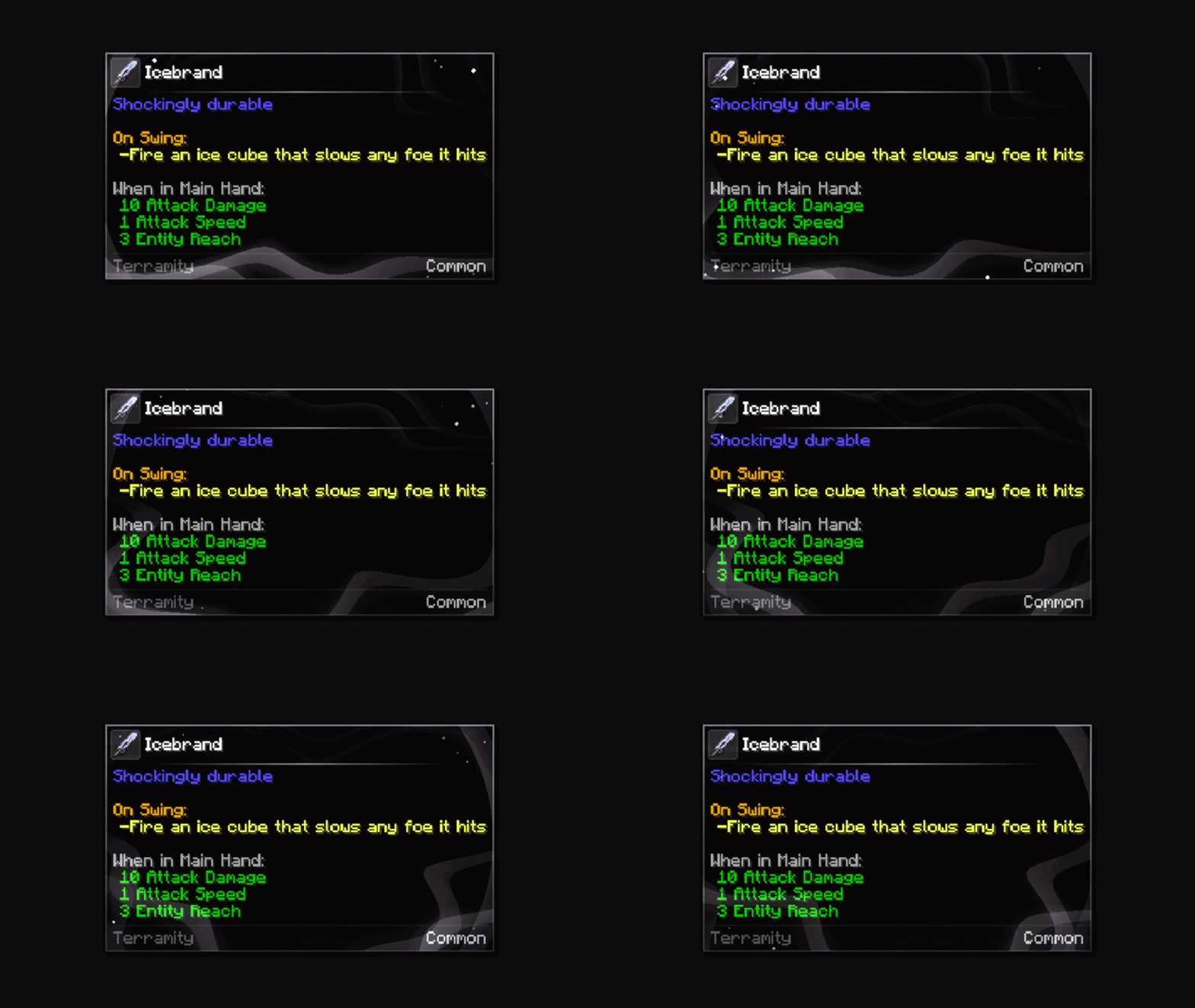
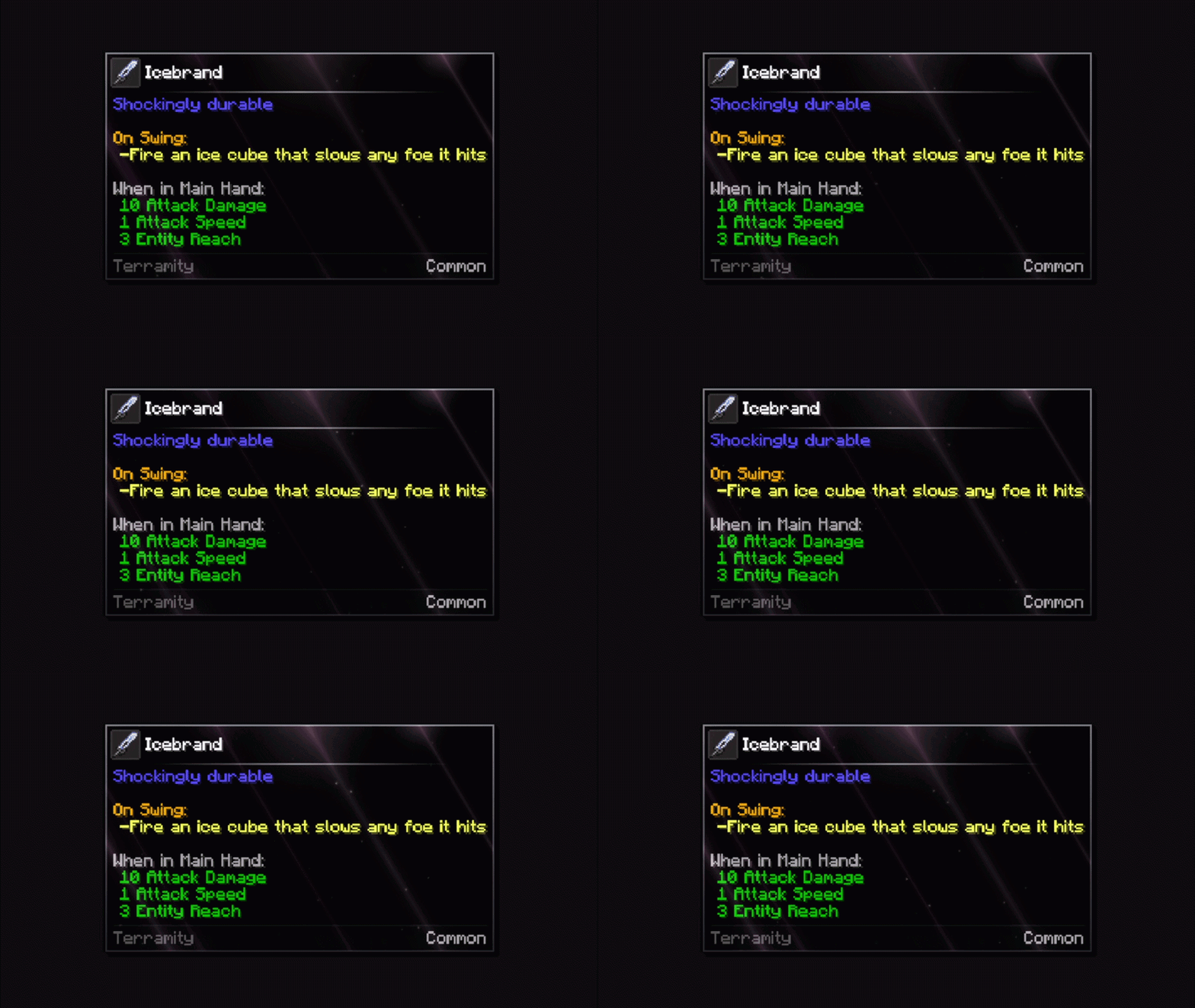
galaxy

description_55e6c529-e55d-440a-a78b-9996fcc93731.gif

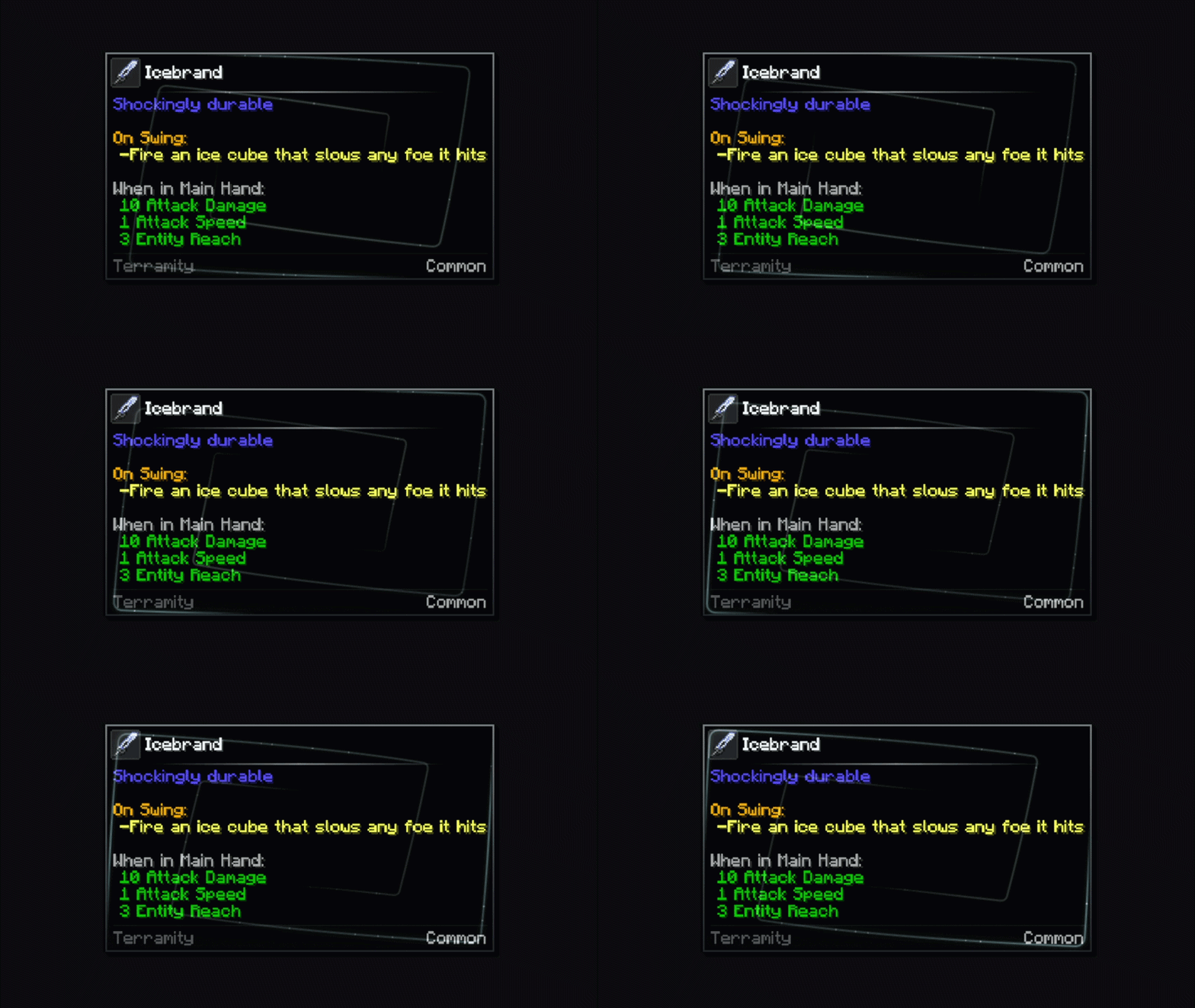
spiral

description_0607039c-7936-4500-8753-89dde6b156df.gif

orbs

description_1d08b434-77a6-4808-b0c8-32f06abe3ee7.gif

rim_light

ripples

sonar

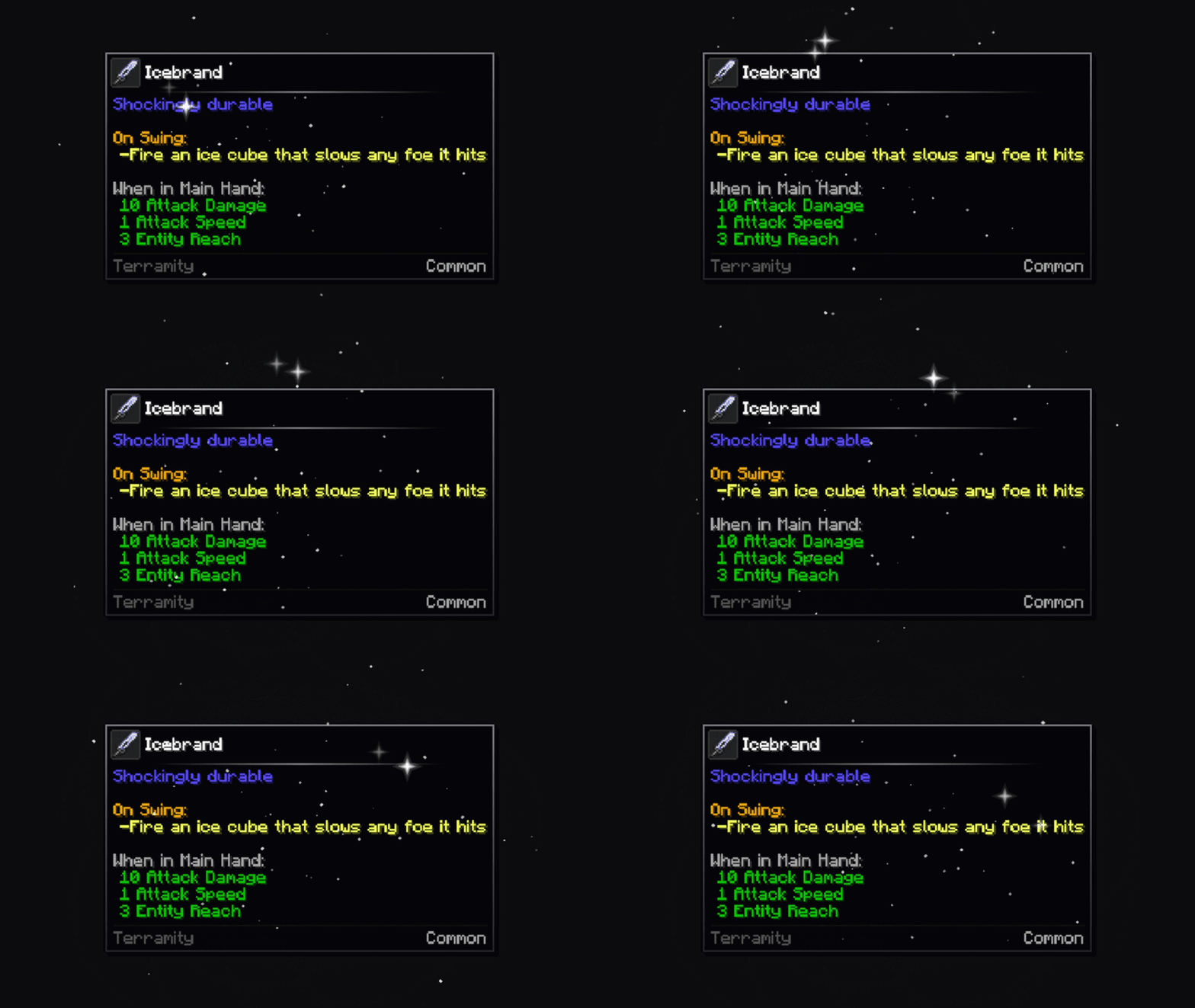
stars

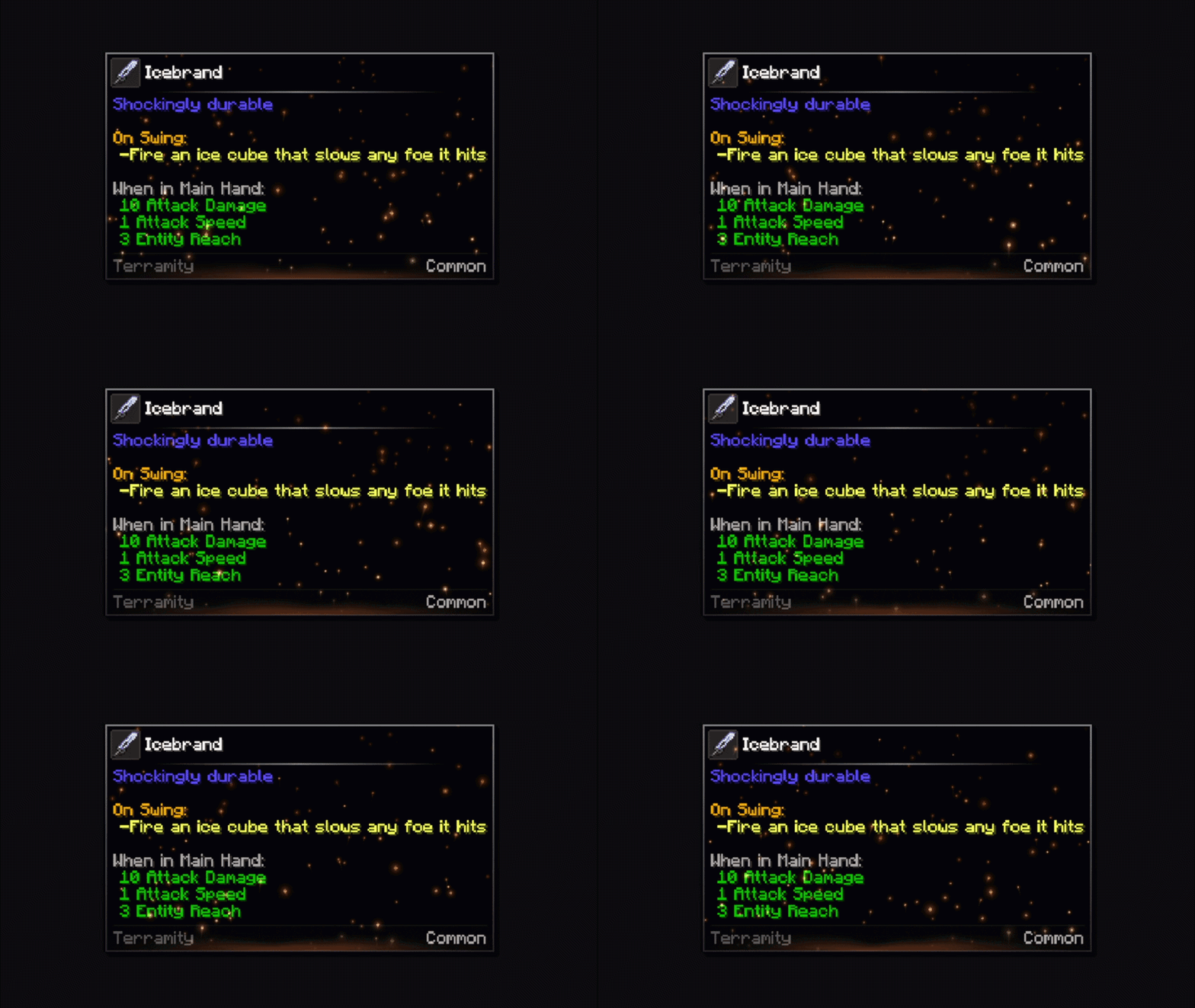
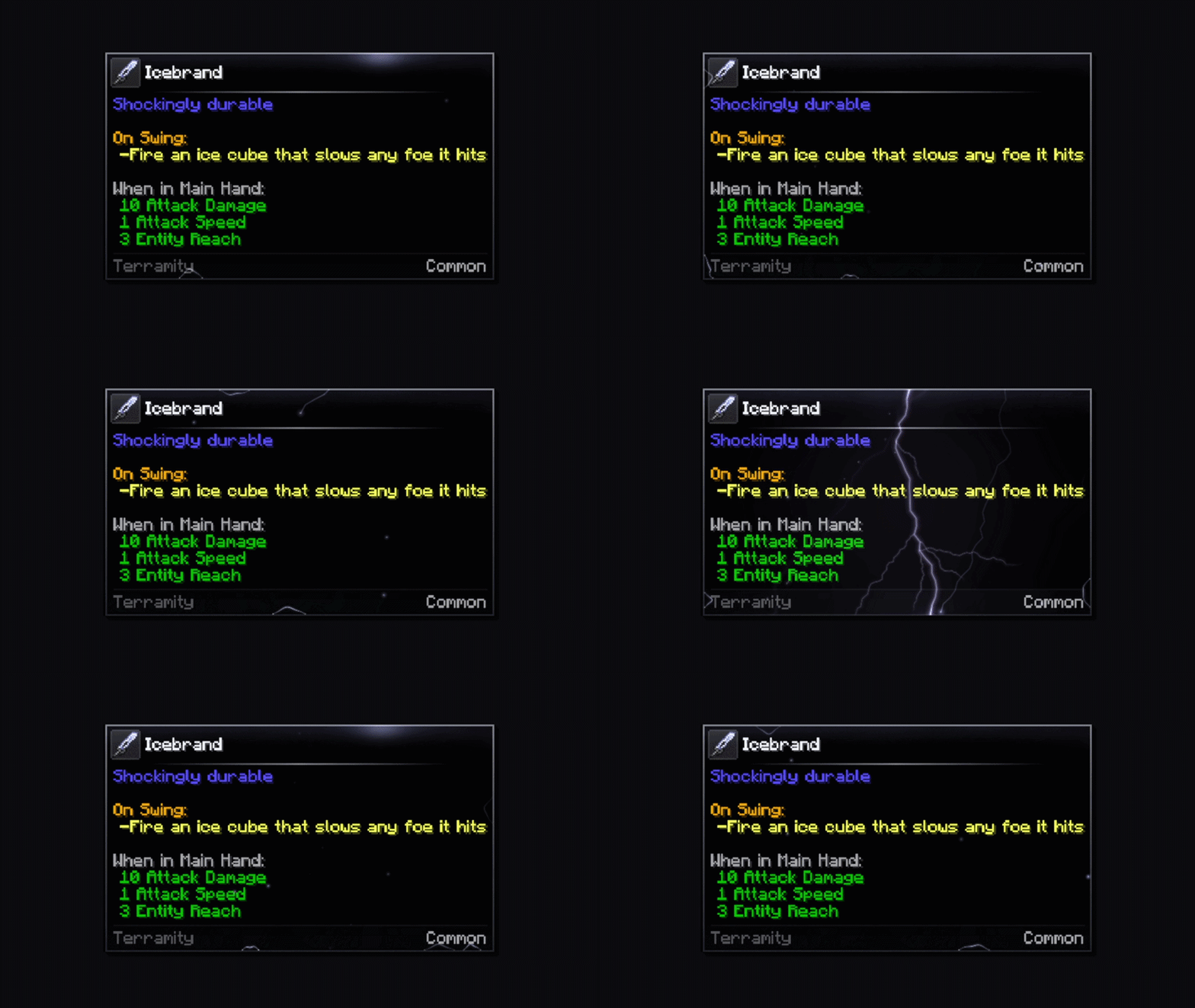
cinder

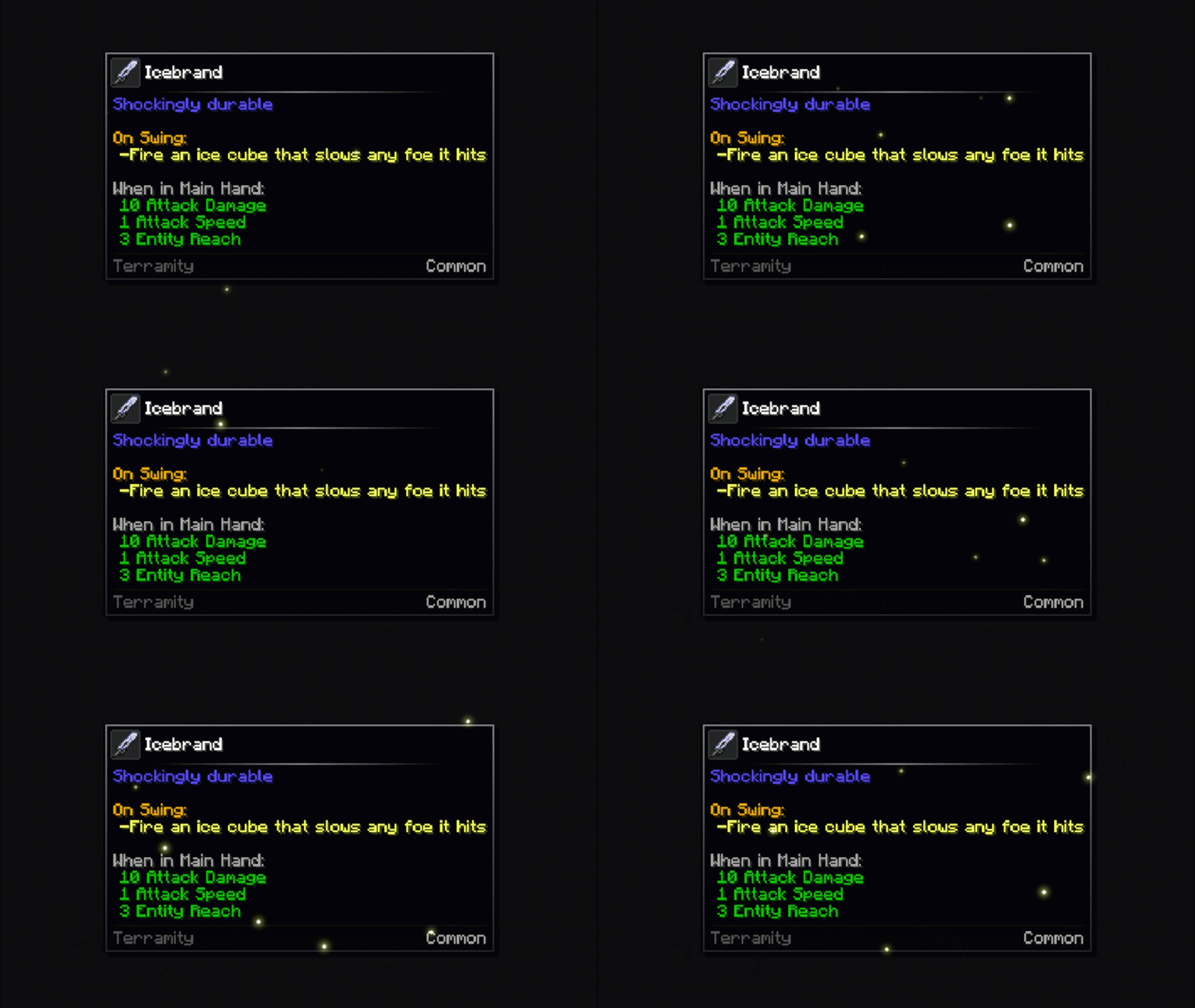
fireflies

description_50727a44-3613-4260-a919-72c0a65fb6b2.gif

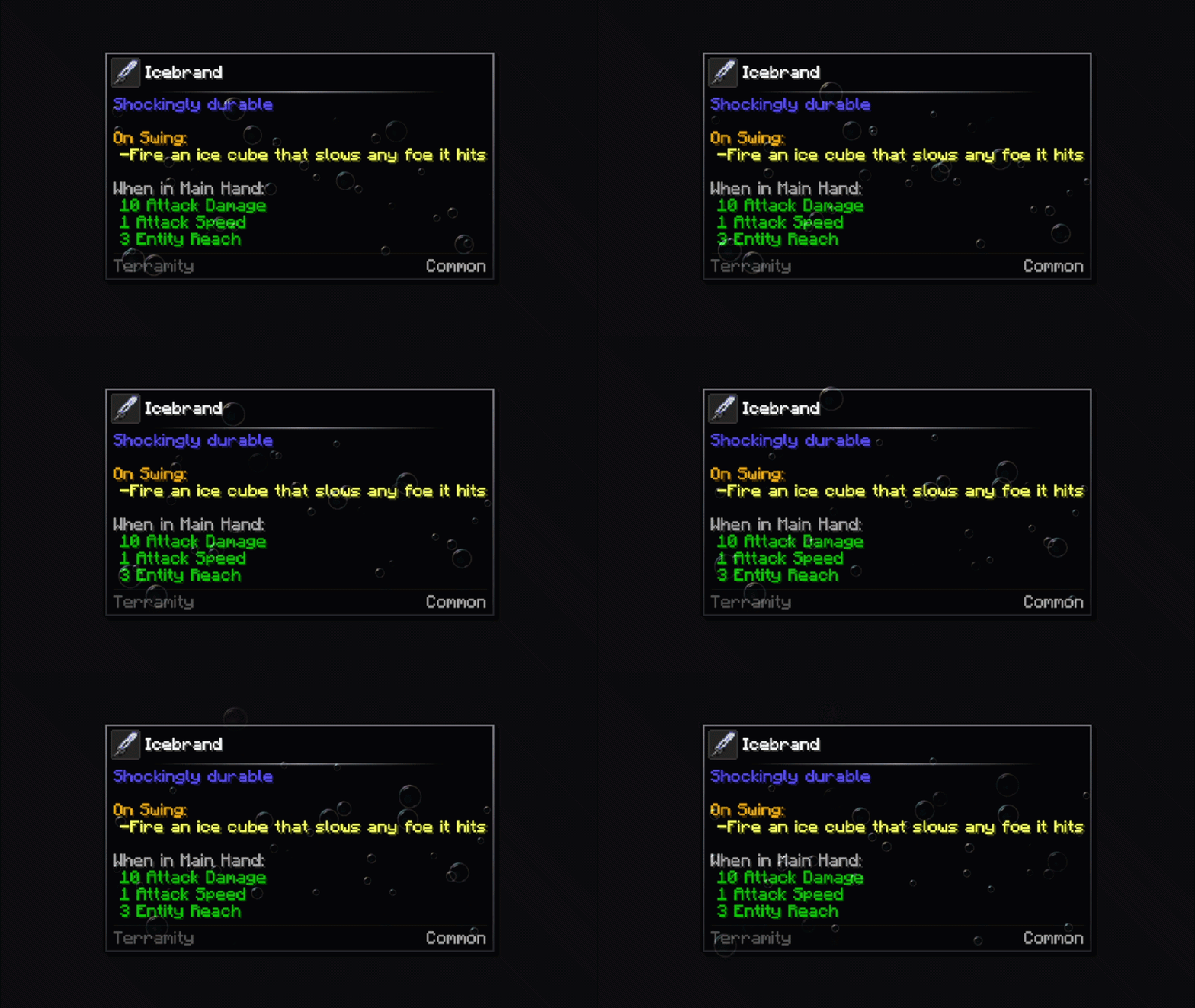
bubbles

description_bc2279f7-9943-4f52-9839-fd6bd6d1ff10.gif

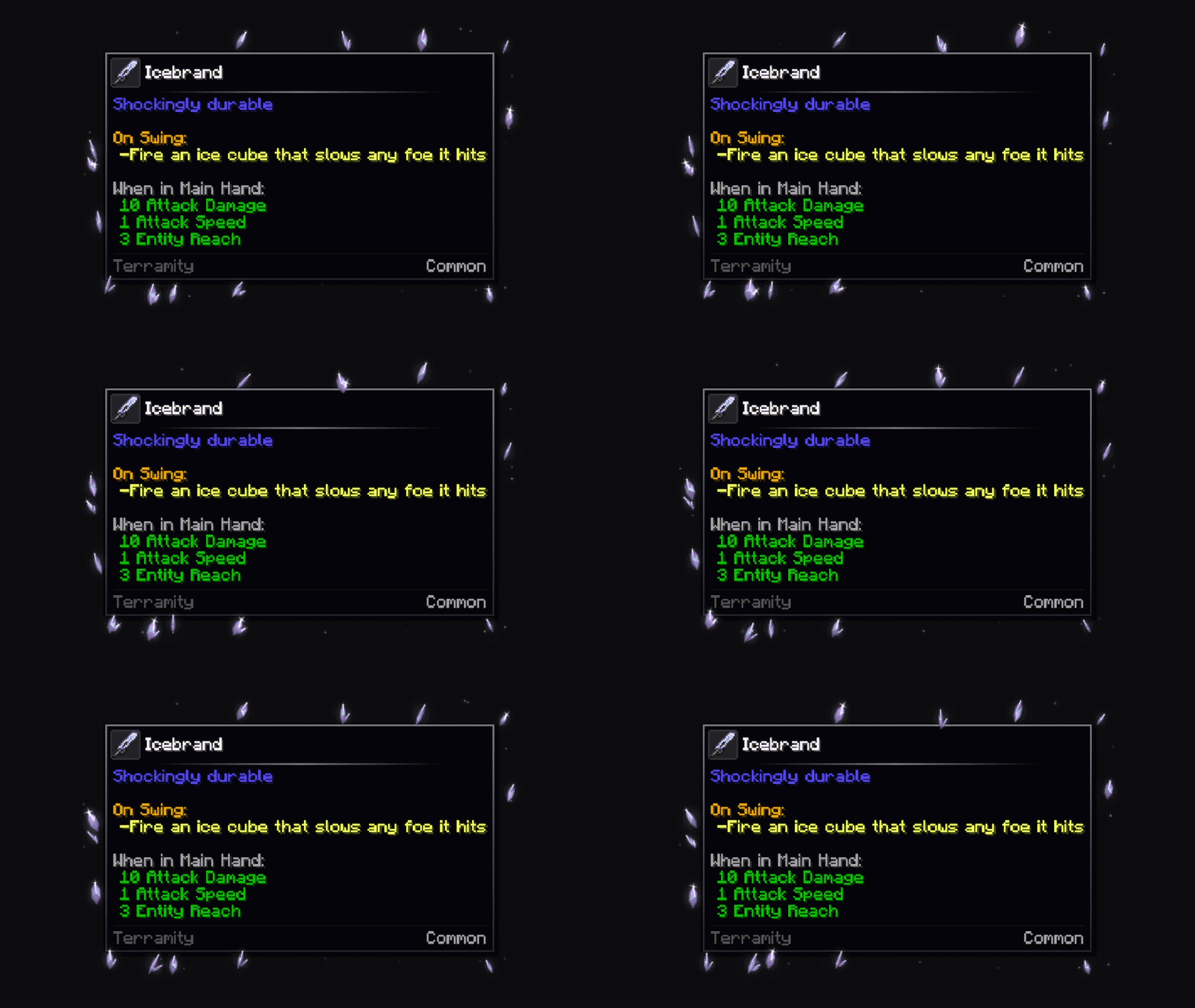
crystals

description_bea809ef-8da8-4504-900d-11db6c4740be.gif

Border types

default

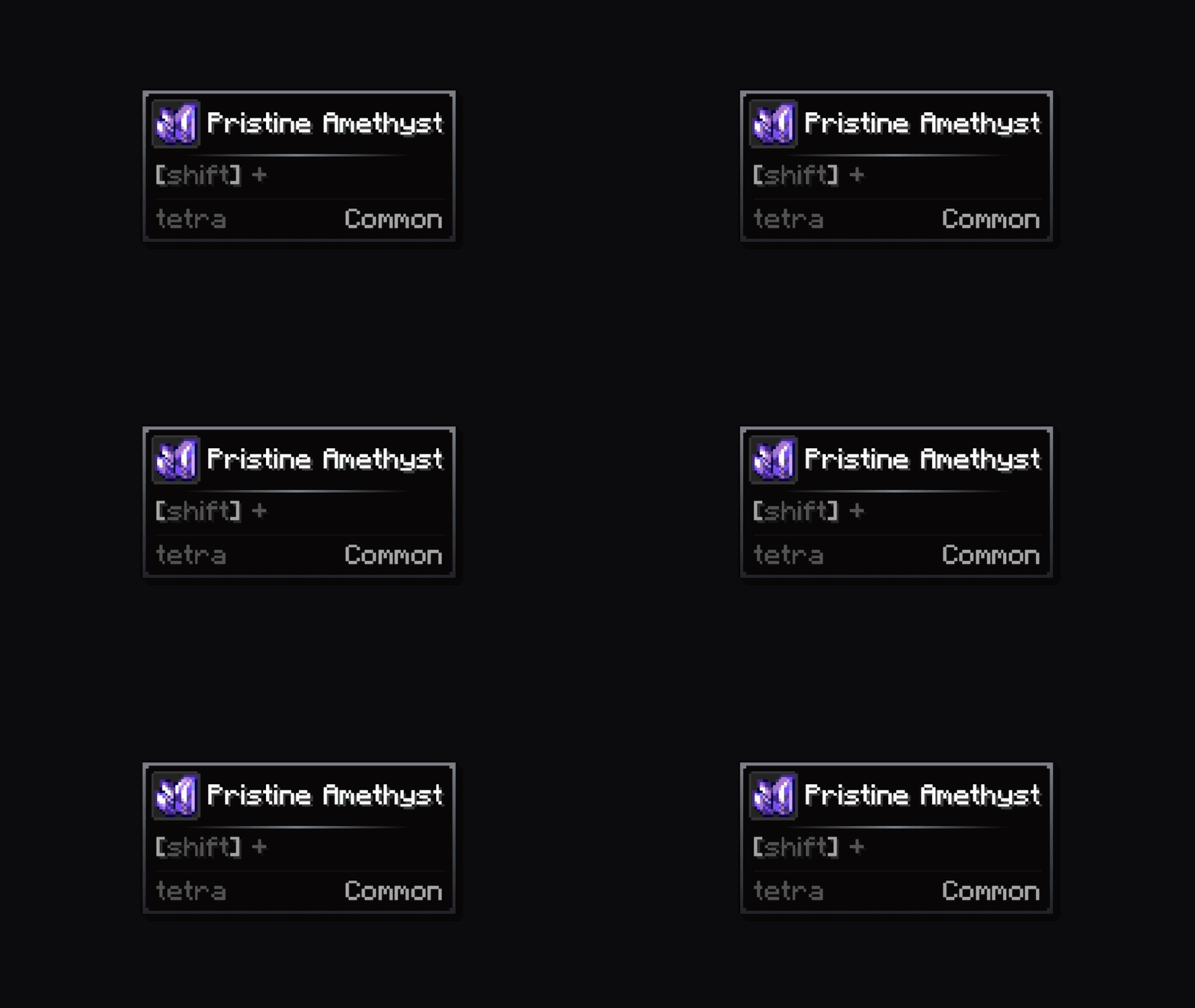
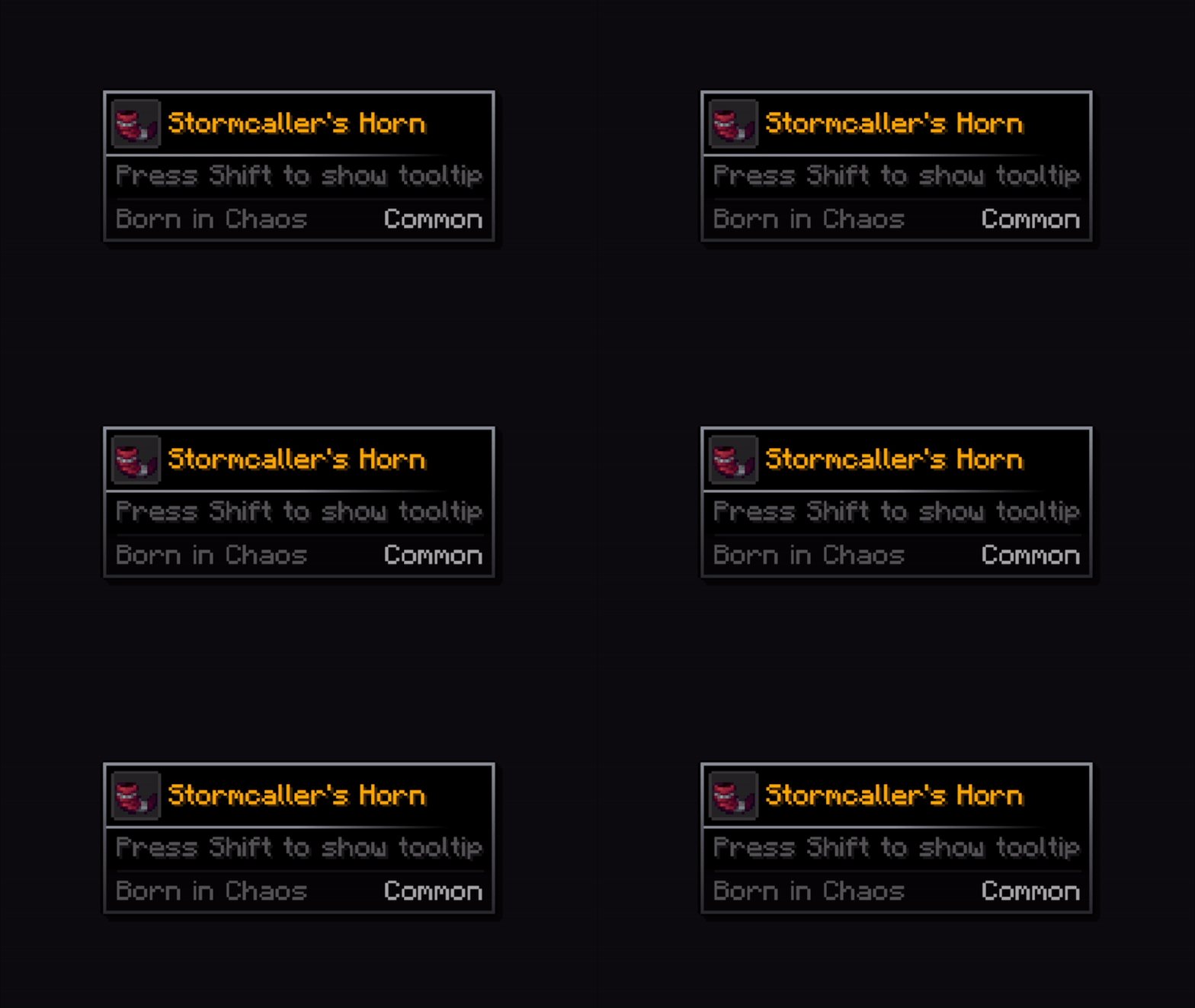
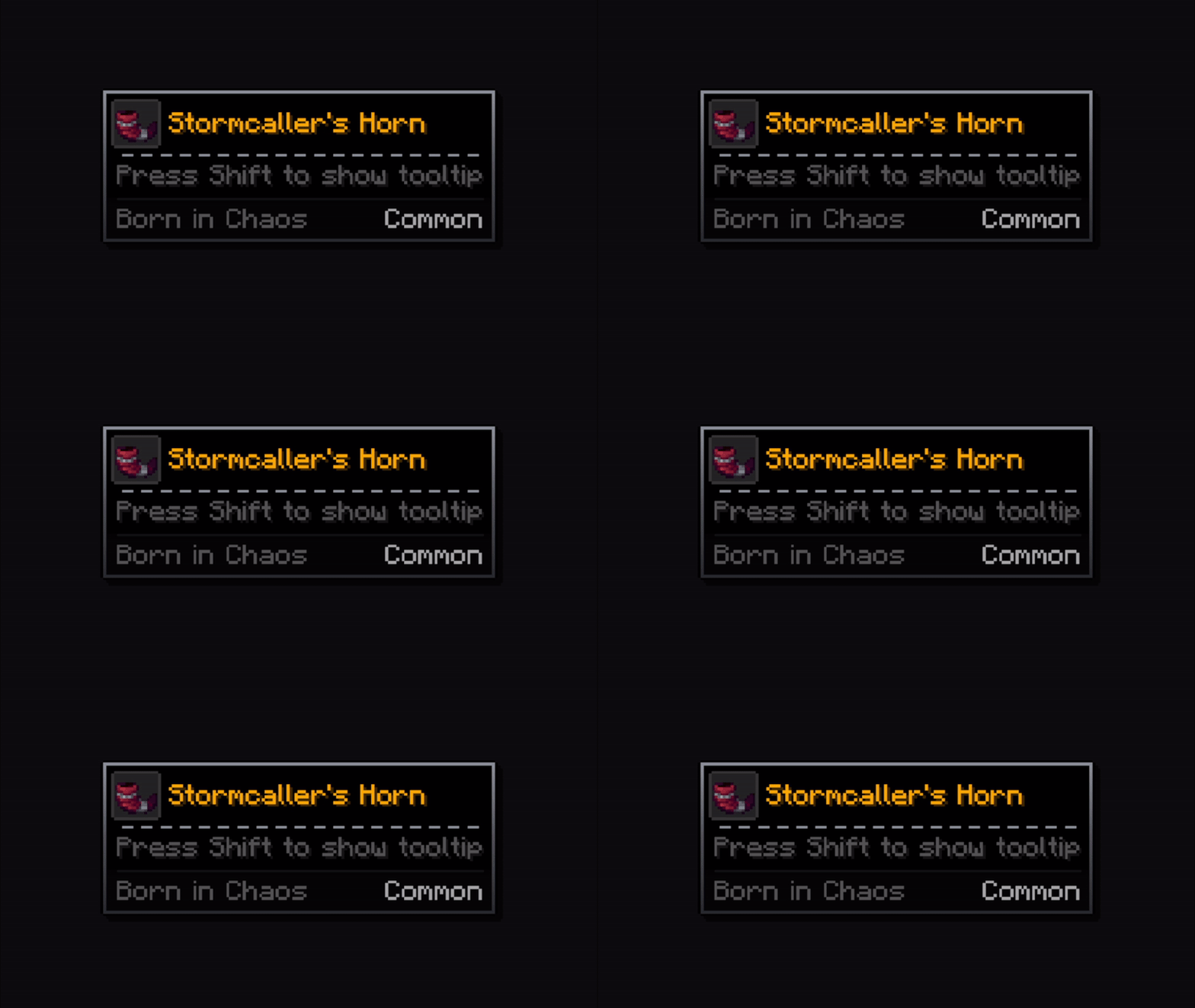
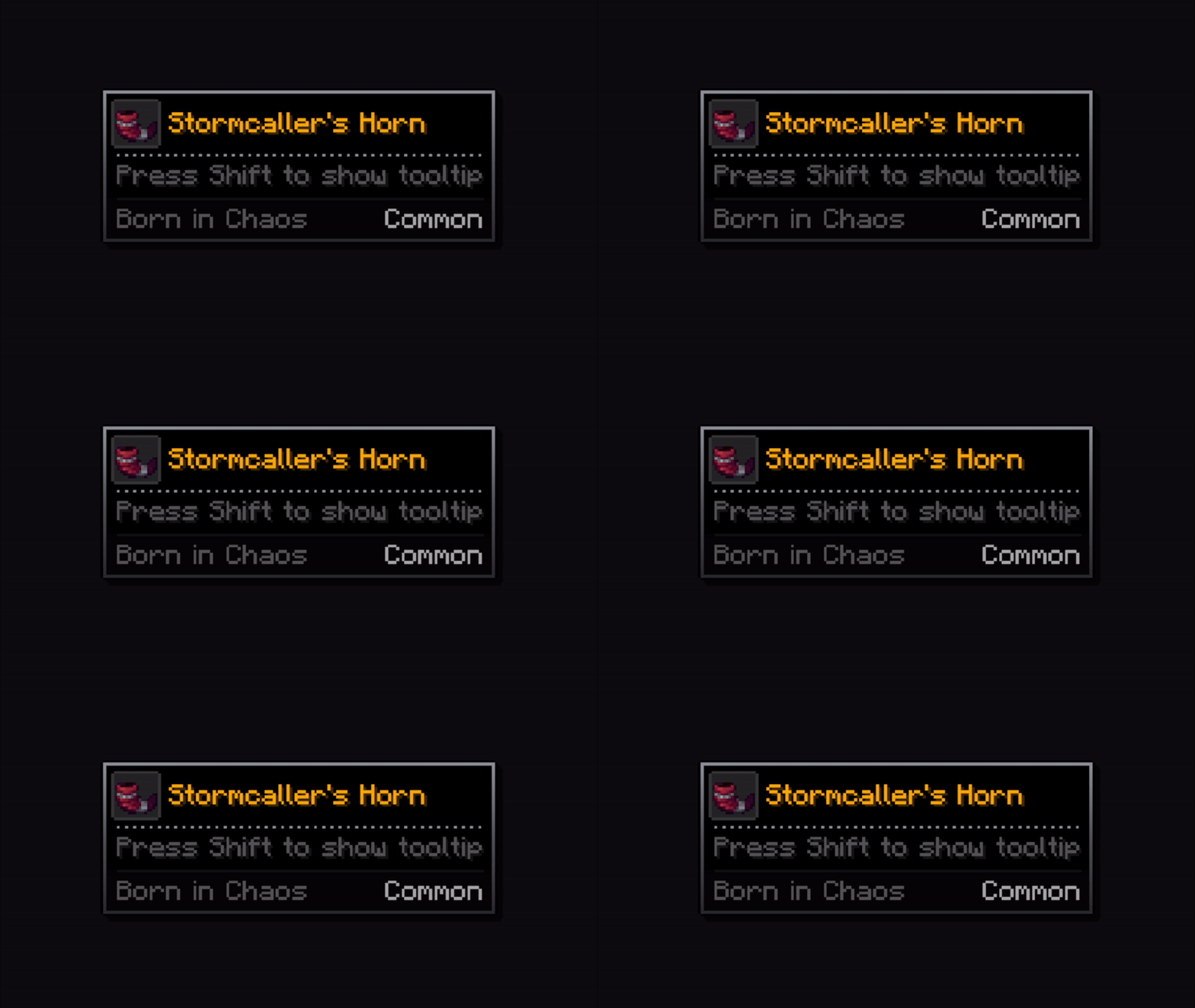
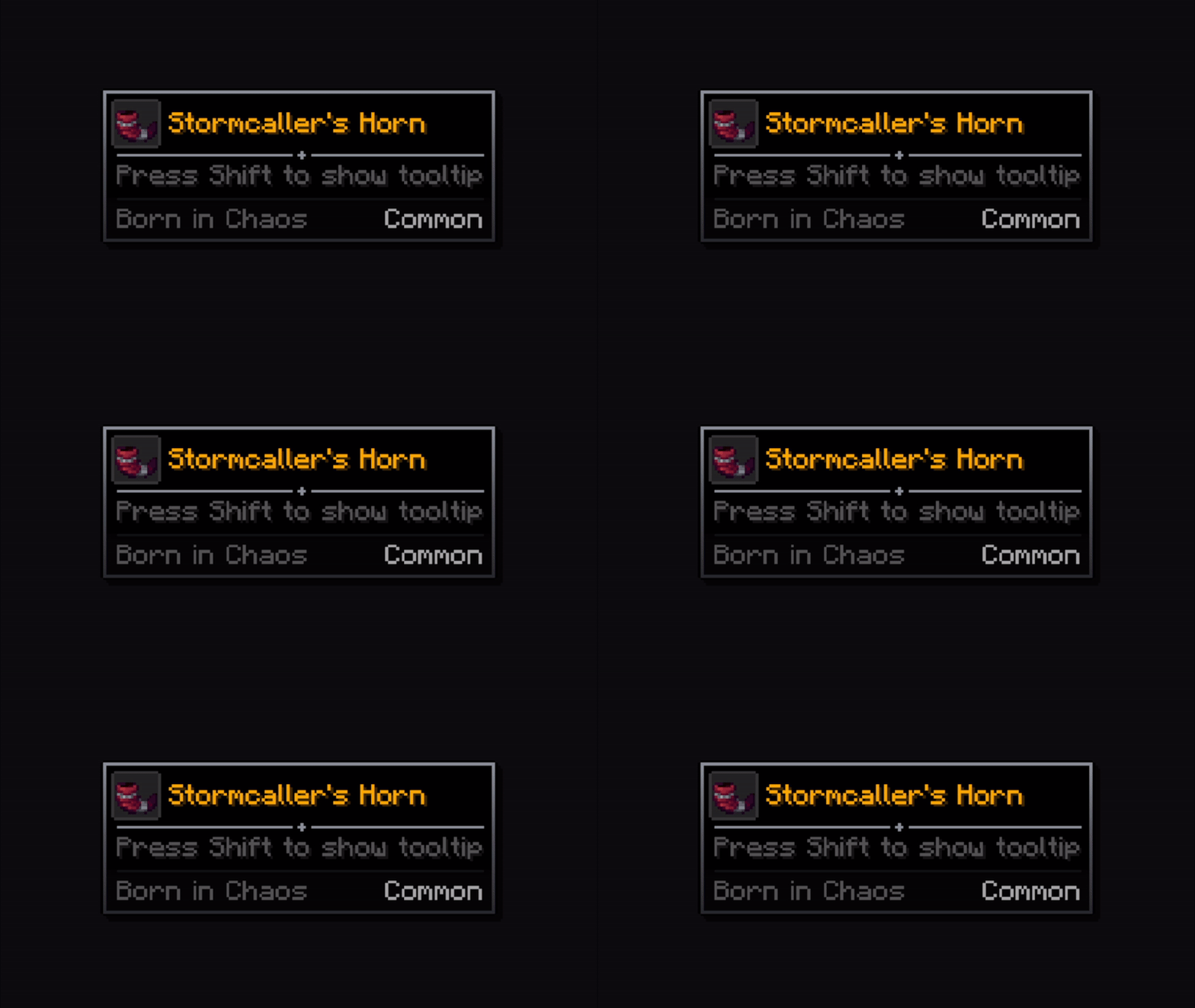
description_c22806ec-e245-4ade-97e3-da624ee4618b.png

rounded

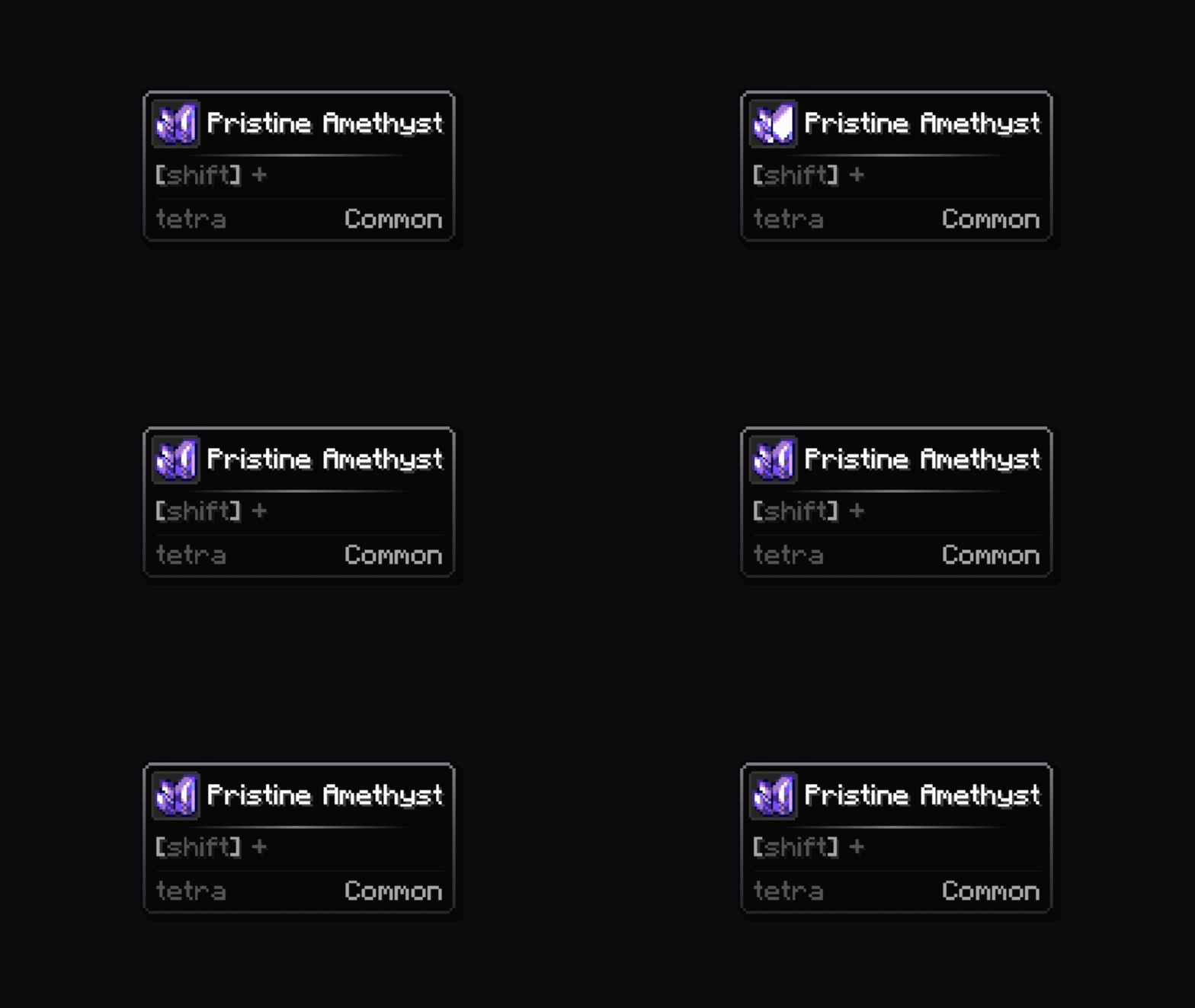
 description_c74cb4b7-04bb-489c-9bdd-2c591e72160e.png

bevel

 description_92ff48d3-ea83-4238-b779-9a5936a00d0b.png

inner

 description_438bfdfb-a1c8-459c-bdde-62df0f59bcbd.png

cut

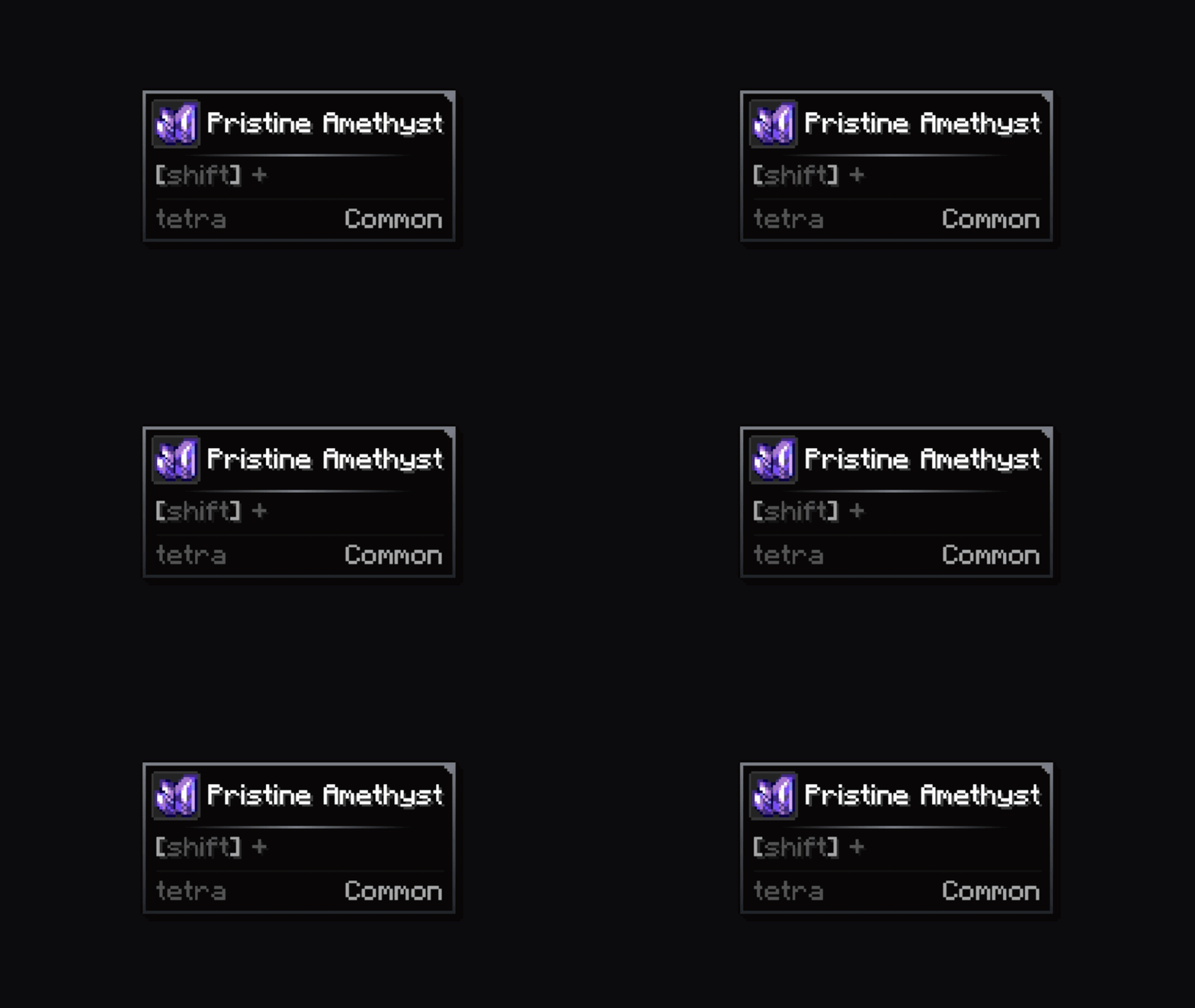
 description_7e324ee5-e7c3-434d-ae94-bf3b8e1c89db.png

thick

 description_b8d4fc90-c538-4378-b9cb-d13ad23e24a2.png

bracket

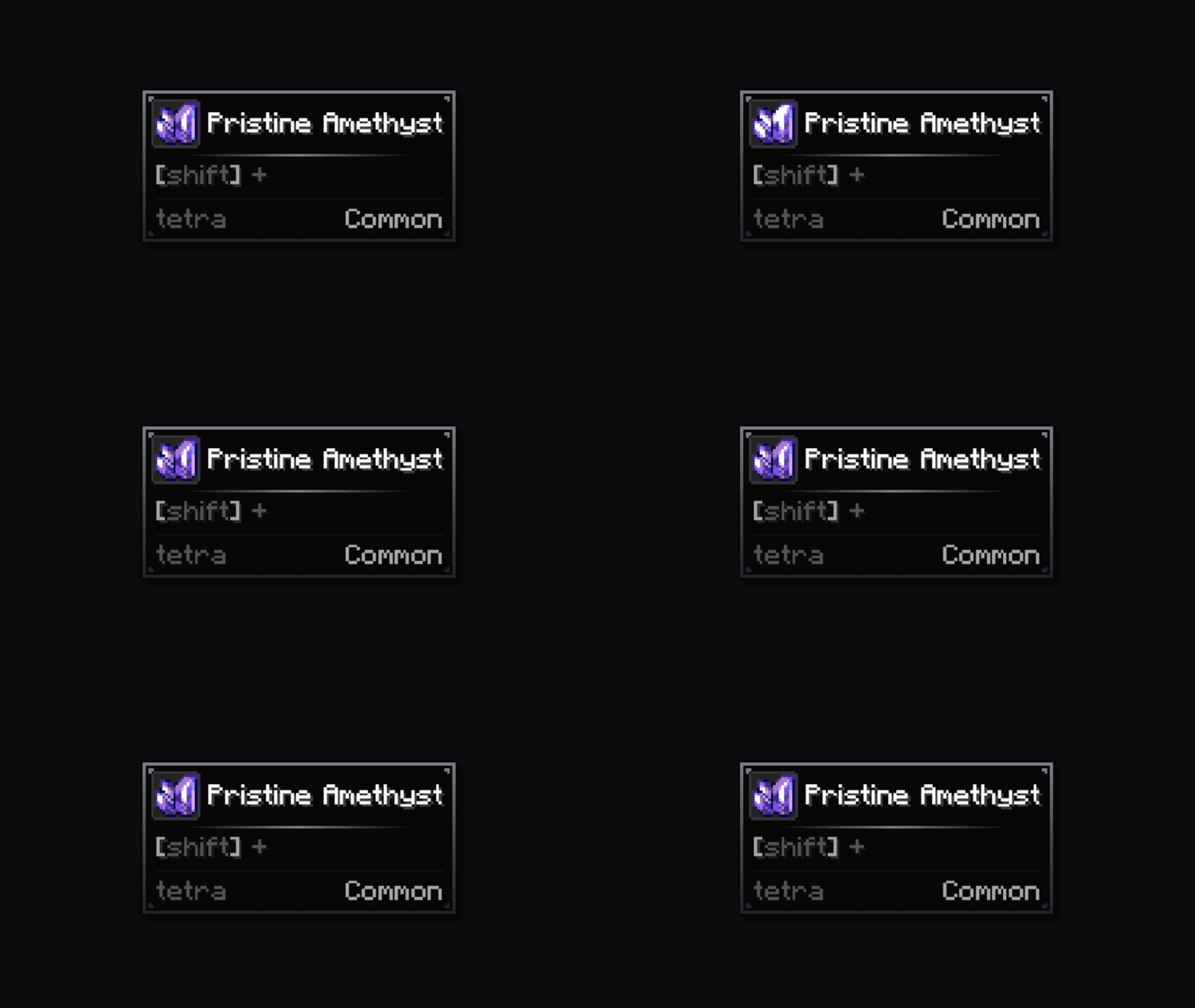
 description_4360befb-8c2e-4940-87e6-3e3a07eca2b9.png

block

 description_a738c462-a20b-4991-acd3-f482c7959a41.png

notch

 description_af7669d2-ddff-44f0-9c57-7f1c23a3a254.png

weld

 description_91bec7fc-b7f2-4778-8e52-83e5bb484bcd.png

gem

description_ccc5d7a0-9234-4179-ad8a-5fbab6497664.png

Frame overlays

- amber_frame.png

description_baca4ef8-e32c-4943-9b72-585d14a90757.png

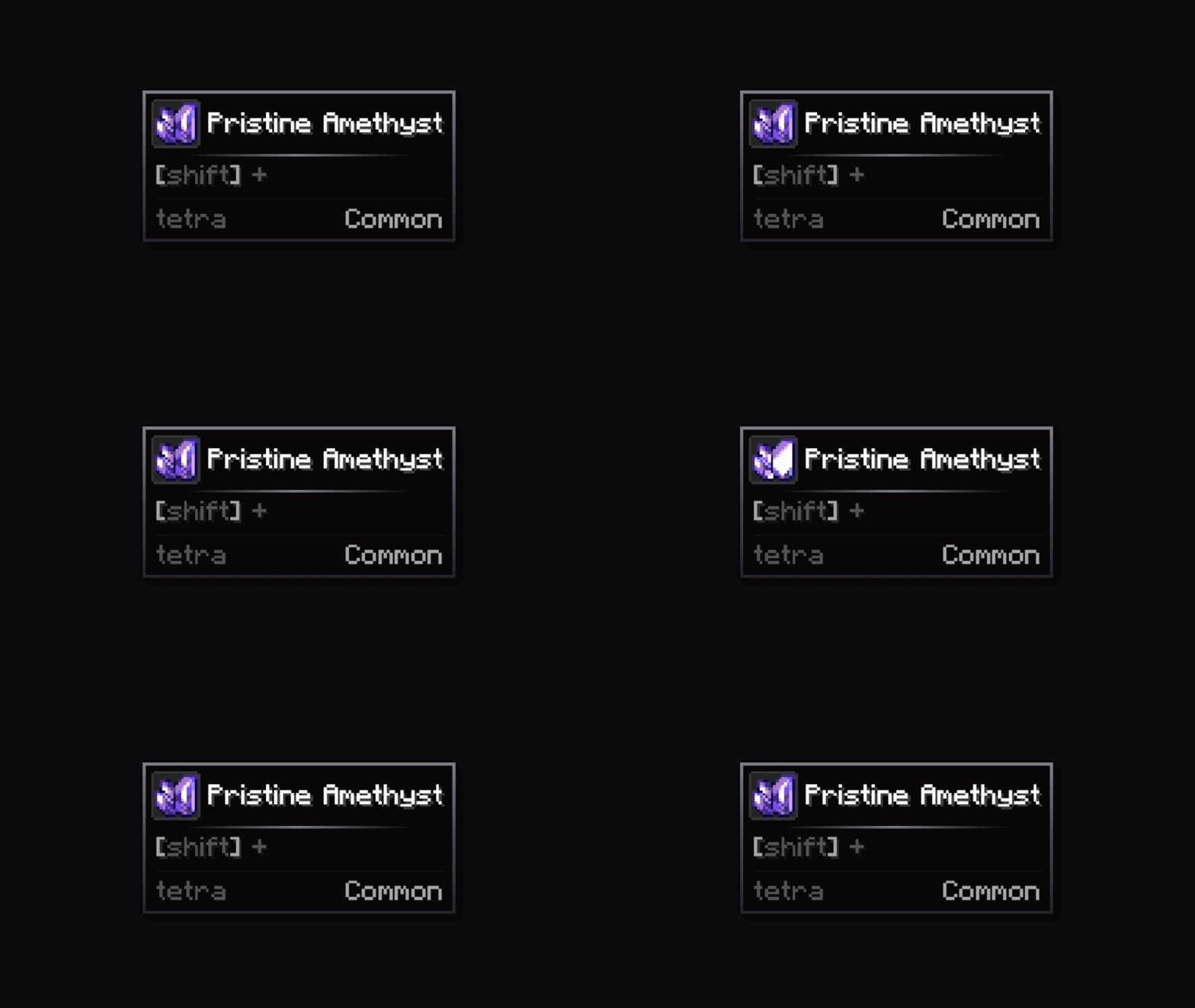
- amethyst_frame.png

description_9422751d-3e2e-4924-a7b0-8b49d1eb11f2.png

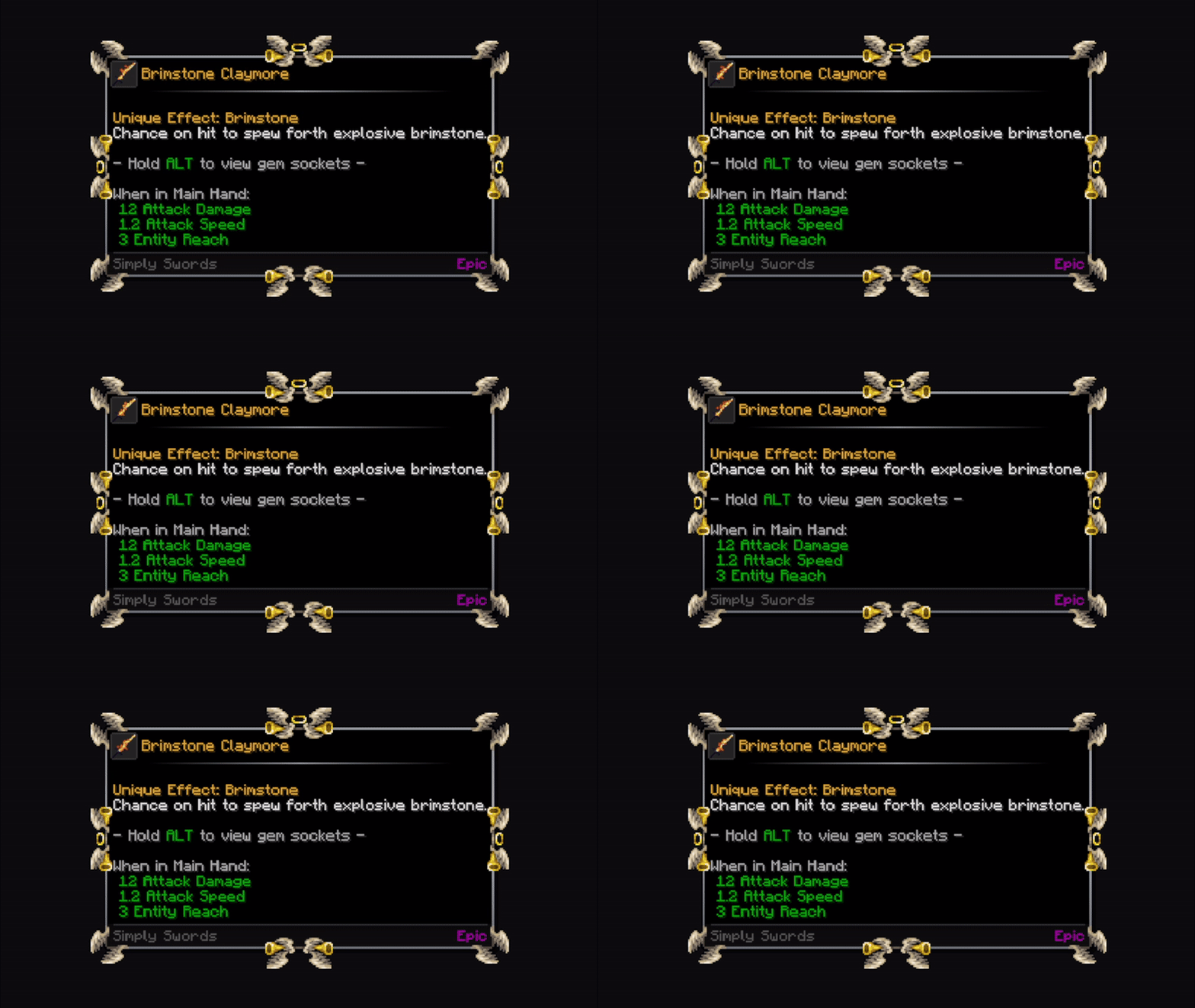
- angelical_frame.png

description_6dcb7eeb-a5dd-4ac0-9480-cb60ee7a7ad4.png

- battle_frame.png

description_07bf3456-f9c7-4345-8faf-9889396b8228.png

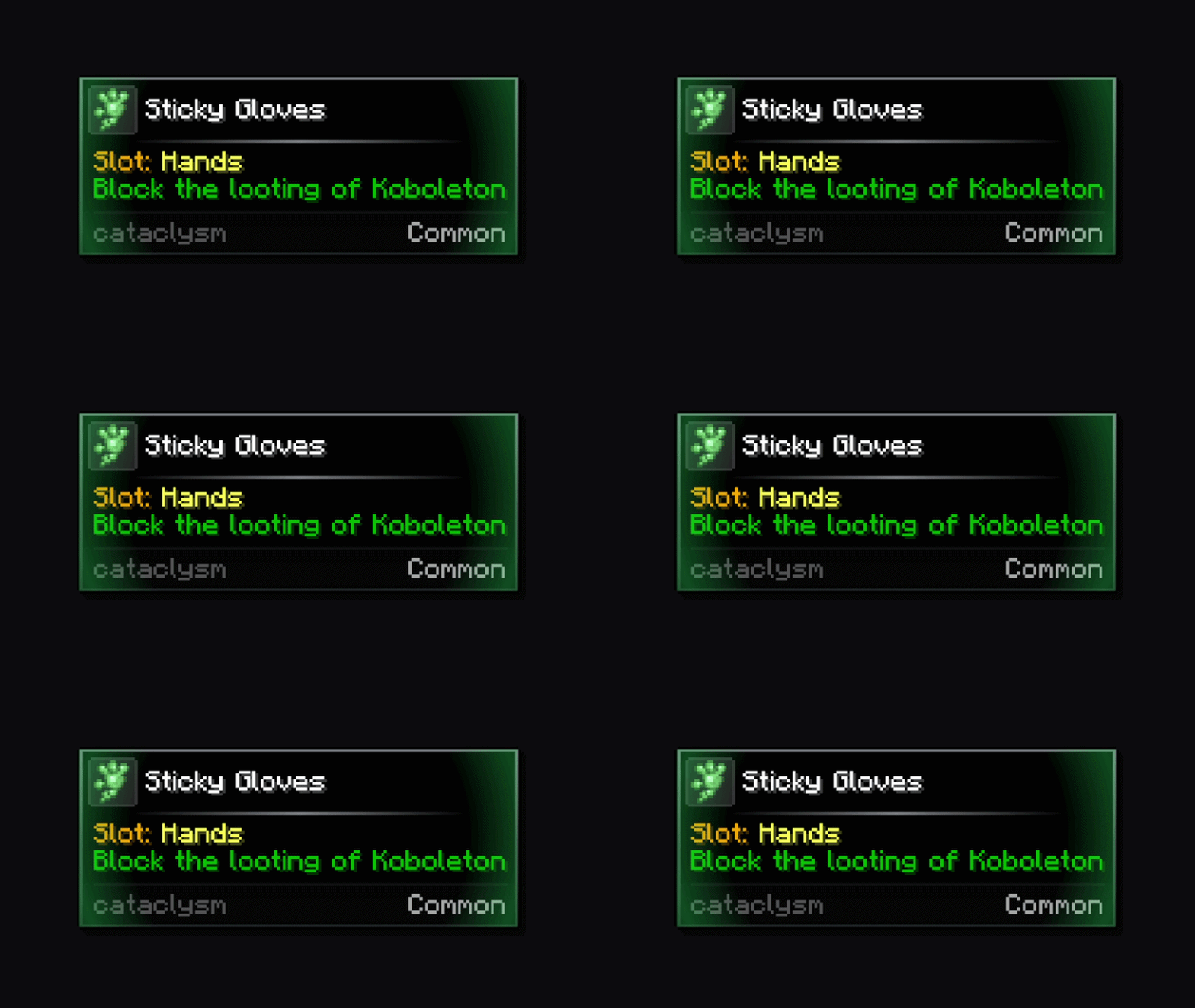
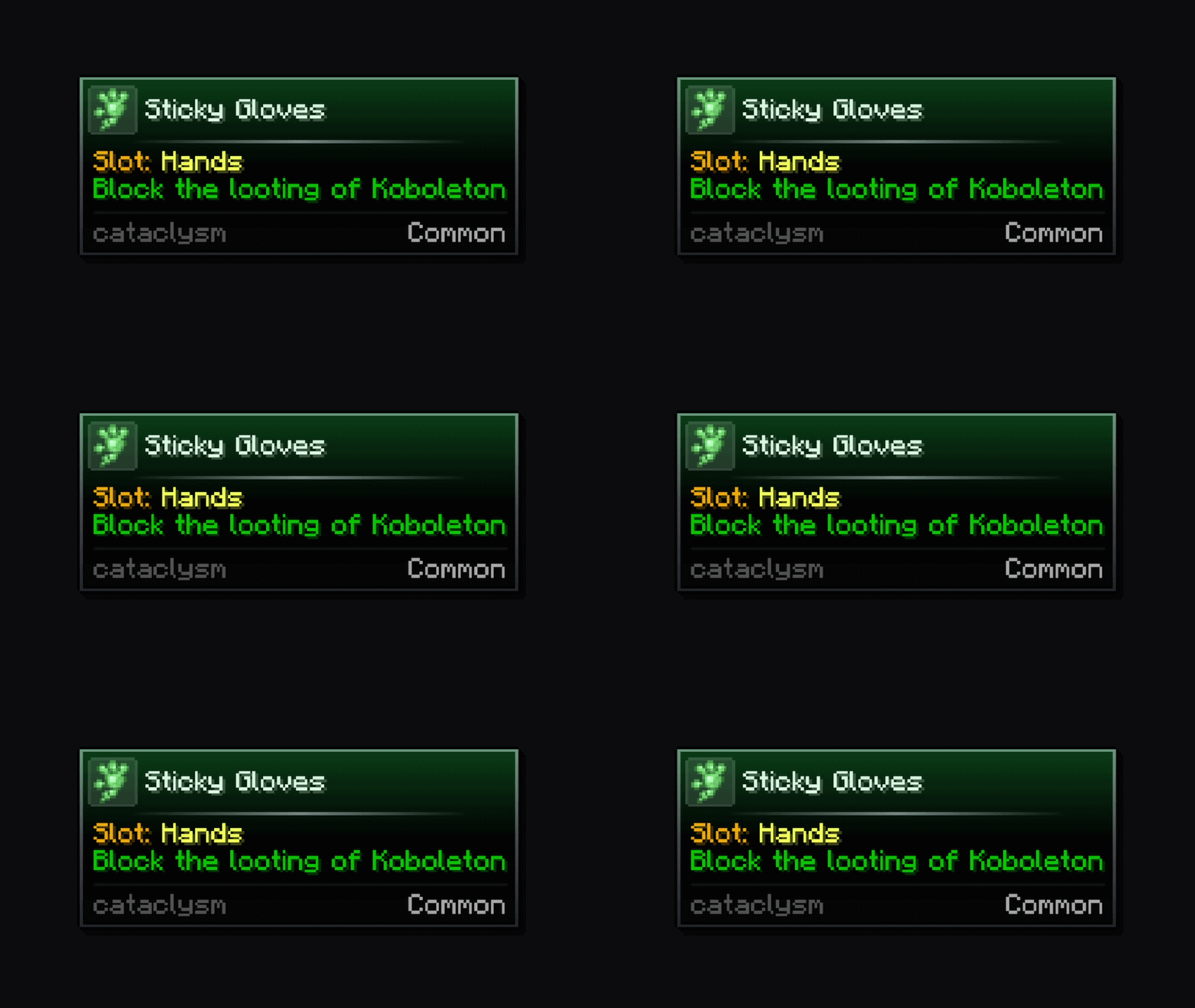
- cataclysm_frame.png

description_ebb1c767-10e9-48e2-8567-456b1b84f968.png

- demonic_frame.png

description_ca5a36e8-c693-4b07-a6a6-67c2fa92c023.gif

- diamond_frame.png

description_ab4b1236-659a-4298-9cae-5ef103383adb.png

- emerald_frame.png

description_5abf01b7-b648-4d8e-b6bc-cec029a5c625.png

- fire_frame.png

description_98c0ee0f-c1ea-4620-9b42-c6e56b3c517a.gif

- flower_frame.png

description_6fa506ba-30e1-4be4-ac7a-0b18dce1c40c.png

- frost_frame.png

description_82bb29a5-bf61-4186-bcdd-ca90c1d0bd65.png

- futuristic_frame.png

description_154869a1-340b-4deb-b9e8-a00caadf06ec.png

- gear_frame.png

description_16478723-c99c-43ff-aef9-68ab9a090a2d.png

- guns_and_wires.png

description_6dd81020-a327-41e8-b640-9d6f8ac33b29.png

- king_frame.png

description_71c9dfbc-f1f0-48d5-a11d-dde888bdb800.png

- silver_frame.png

description_4081bd7d-3705-471c-b5ab-5ebe9c7749e8.png

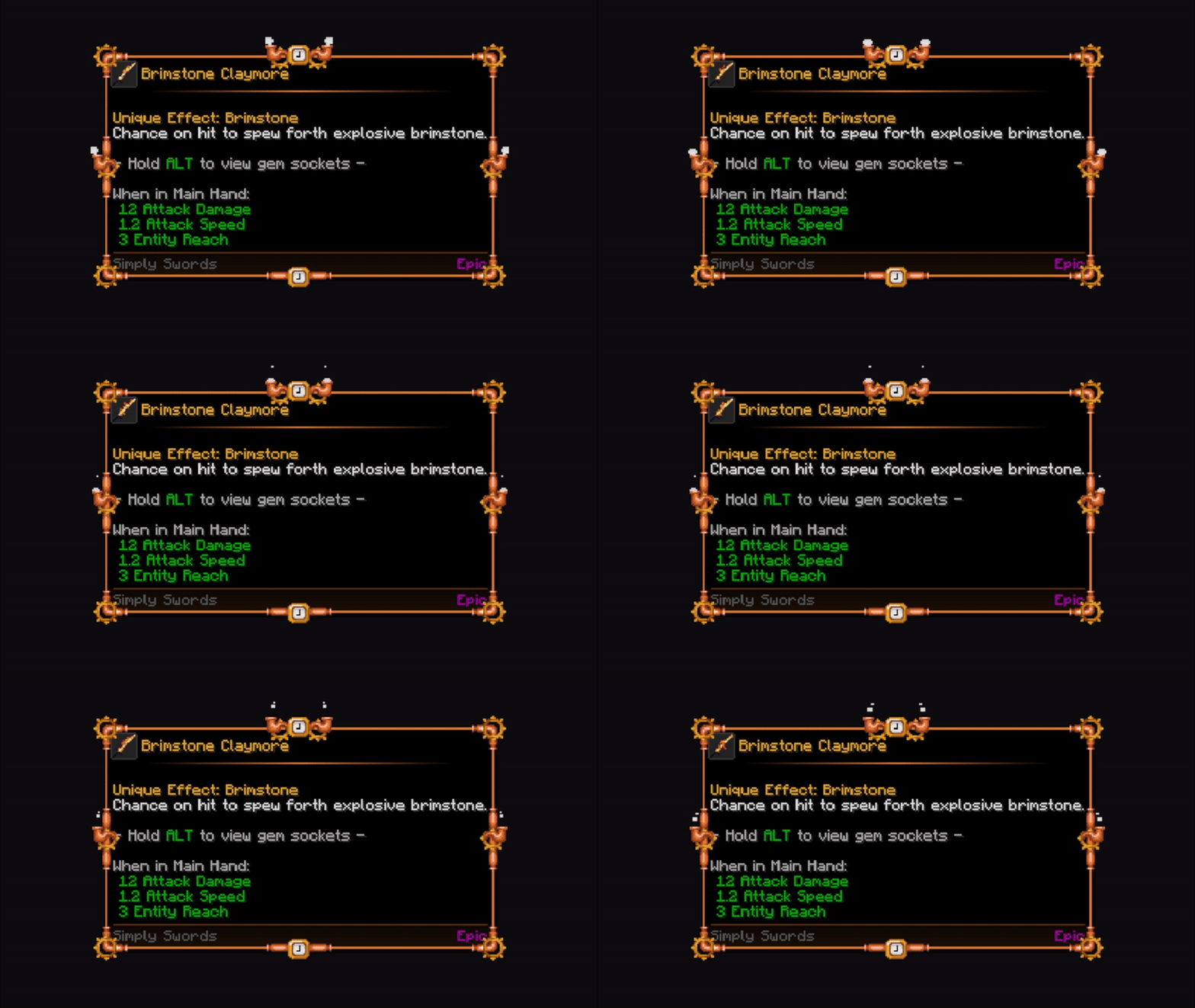
- steampunk_frame.png

description_b1791fca-e20c-4183-a611-7a15c8e1a416.gif

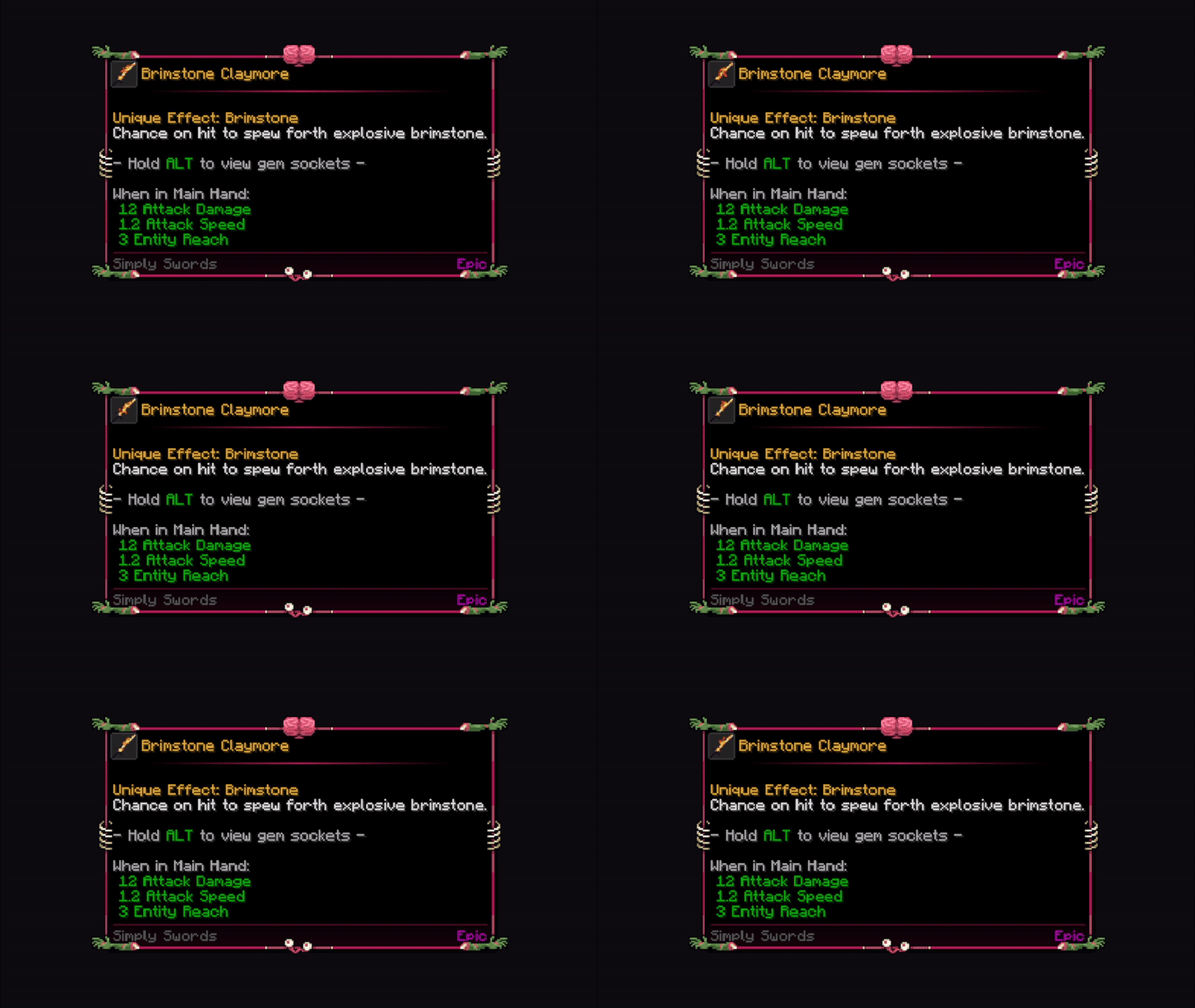
- zombie_brain_frame.png

description_e322c1ae-aa48-40d8-a2e4-8c3ea88e7c32.png
- draconic_fire_frame.png


description_813f2120-06a1-44aa-97d3-05e85879f9d5.png


- medieval_crossroads_frame.png 

 description_5dfb890e-cf0f-4f6b-8347-746d71621fff.png


- plasma_lamp_frame.png

 description_e8e0178f-f2d5-435c-be18-e627cb71359e.png

- neon_fire_frame.png

 description_43e24e70-d5ae-4949-aa4a-c3e5d38658c4.png


- garden_frame.png

 description_3334b176-b44e-44b1-aba3-7f339b50fd71.png


- construction_punk_frame.png

 description_2a25eb06-6e05-42fc-92fd-08ccd3c6f31e.png


- cavemen_frame.png

 description_eb0d181c-18b6-41b6-820a-eba6a274ac56.png


- nuclear_alarm_frame.png

 description_e3ccf7cc-938a-49f2-ab90-1033399627a2.png


- gummy_bear_frame.png

 description_2e288886-4f4c-4f88-9e3a-517473b8d07f.png


- greek_temple_frame.png

 description_a37f58df-8ba9-4ce0-b63a-12c938fb34d9.png


- pure_alchemy_frame.png

 description_ea50cd7b-0819-4fb4-a8f6-057989d94d91.png

- skyland_frame.png
description_25f8541e-a6d9-4a3e-a069-79ebccc0ee17.png

Vignettes

circular

description_0cba7784-f252-4ec4-9205-efb9963933a0.gif

hole

description_58beecac-0e05-43e8-aa29-4e367af662db.gif

In-game config screen & live preview

description_8199bce4-d6a1-41e3-893f-e02bf196319a.gif

description_7cdf7ef2-6e3d-4024-ad6a-5e9506783848.gif

description_a50be5c8-79f7-49c8-875b-cdf3fef9065e.gif

Maximum customization

Different styles!

NsOvwXU.gif

Chain effects together!

description_c16824dd-21a7-4d09-8f3d-9761b1f194d6.gif

Aditional info 📝

This mod is completely client-sided.
Neither Fabric nor Forge versions require external dependencies, so just download this mod, drop it inside your mods folder and start playing!

To access the in-game configuration in the Fabric version, you will need ModMenu!

Credits 📦

Xylonity - Programmer and mod designer

TheModderG - Tooltip overlays and mod icon designer

Tooltip Overhaul ✨

A complete visual refresh for Minecraft tooltips, completely replacing the vanilla tooltip system with a clearer layout. Every tooltip, more modern, sharper, clearer


Core Features 🔧

📜 Scrollable Tooltips - When a tooltip is too tall and goes beyond the screen limits, you can scroll through its content.
✂️ Text Wrapping - Prevents tooltips from being too wide by inserting line breaks where needed.
🦋​ Equipment Comparison - Built in toggleable equipment comparison functionality for comparison of armor pieces with the currently equipped one. You can change the keybind in-game.
🤝 Compatibility - Works with JEI, EMI, ModernFix, Flerovium, FTB Quests, Apotheosis, etc.
🎨 Maximum Customization - You can change, crop, expand and move whatever you want! Customize freely among a big variety of options!
📊 Rating Element - Just below the item name, a rarity/qualifier appears (configurable, off by default).
Effects & Frames - Choose from animated frames, overlays, and custom styles, among other content.
🧩 Mod Compatibility - Any mod can add its own custom frames.
🌀 3D Item Rendering - A 3D icon appears when hovering over items.
🎲 Vignette - A new type of decoration that allows you to add internal gradients of various shapes to the tooltip.
🎠 Tooltip animations - You can add appear/disappear animations to any tooltips you want!
🍳 Custom borders - Choose from a suite of predefined corner styles and choose the one that suits your preferences.
❄️ In-game config screen - Additionally, a fully custom config screen can be opened to access the settings from within the game.
🔥 In-game live preview - When modifying specific items, you can preview in real time the changes made to the appearance of the tooltips, accessible through the mod config


📦 By default, some vanilla items include frames.
If you like the idea, we can create custom frames for the most requested mods and add native support. 🙌


This mod is highly configurable. For any questions, problems, contributions, new ideas about content/mods, and more, you can join our 💬 official Discord and comment in the appropriate channels.
Discord Banner

All bug reports or feature request should be directed to me, you can join our Discord server.


Configuration ⚙️

There are two ways to configure the tooltips: globally or specifically. 📝

  •   For global configurations, you must modify the file config/tooltipoverhaul/tooltipoverhaul.toml, which contains configuration options that apply equally to all items.
  •   For specific configurations (for particular items, tags or namespaces/modids), you must modify the file located at  config/tooltipoverhaul/custom_frames.json. For more information on how to work with this file, please follow this wiki.

To reload the specific configurations, you can use the command '/tooltipoverhaul reload' without having to restart the game, while global settings are reloaded automatically!


⚠️ The mod now includes an in-game config tool for visually configuring everything with just a few clicks, without needing to access the physical files. Additionally, for specific configurations, a live preview is also included (through the in-game config), updating in real time so you don't have to waste time searching for specific settings on the wiki!
 

Resource Packs 🎨

Resource Packs can also be created in order to add custom frames or custom configurations. For more information, check the wiki.


Check out the following texture packs, which add more frames and features!


Showcase 📷

For extra information, check the wiki.


Tooltip animations

fade

description_48fc295c-19d5-448d-8363-9fcc532120a2.gif


pop

description_2188bce6-74c5-40c3-bcf5-d0f22dfa7fb9.gif


rise

description_ff1b0797-8fc4-4fe3-8bb0-f508fe3a4064.gif


unfold

 description_963e1610-587e-4ba4-8b3c-a3054ad4adfc.gif


zoom

 description_c96dd448-1171-48af-b7ca-4db2af12e1c1.gif


slide

 description_f936790c-b1b2-4e4f-95f3-405a212f6a5f.gif


swing

 description_7ec82a7e-0972-465e-bb37-2493cdc899cf.gif


emerge

 description_2bb03399-c62c-48b3-a437-c475e49ee63d.gif


squash

 description_8dcbb067-ca3e-47bd-8444-1c96d748862e.gif


card

 description_eaafe36a-2c90-4a95-a4eb-568c7bb64500.gif


shake

description_193d899e-fd7b-4272-a3ae-ba51ab30f89a.gif


Icon animations

zoom


rotate


rotate_fast


rotate_zoom


zoom_snap


skew


vibration


tilt_wave


flip


pendulum


bounce


go_down


pulse


fan_in


hover_pop


barrel_roll


Effects

metal_shining


nebula
description_745e0555-e12a-43df-abfb-0f4b48e7af3a.gif


echo

description_c9a01ea9-6960-479a-8bb2-cce21d559607.gif


speed_lines

description_14d36d67-1da3-4bcd-a606-196a7286913a.gif


white_dust

description_85b3c1da-5800-4828-a267-092facdfad7c.gif


galaxy

description_55e6c529-e55d-440a-a78b-9996fcc93731.gif


spiral


description_0607039c-7936-4500-8753-89dde6b156df.gif


orbs

description_1d08b434-77a6-4808-b0c8-32f06abe3ee7.gif


rim_light


ripples


sonar


stars


cinder


fireflies

description_50727a44-3613-4260-a919-72c0a65fb6b2.gif


bubbles

description_bc2279f7-9943-4f52-9839-fd6bd6d1ff10.gif


crystals

description_bea809ef-8da8-4504-900d-11db6c4740be.gif


Border types

default

description_c22806ec-e245-4ade-97e3-da624ee4618b.png


rounded

 description_c74cb4b7-04bb-489c-9bdd-2c591e72160e.png


bevel

 description_92ff48d3-ea83-4238-b779-9a5936a00d0b.png


inner

 description_438bfdfb-a1c8-459c-bdde-62df0f59bcbd.png


cut

 description_7e324ee5-e7c3-434d-ae94-bf3b8e1c89db.png


thick

 description_b8d4fc90-c538-4378-b9cb-d13ad23e24a2.png


bracket

 description_4360befb-8c2e-4940-87e6-3e3a07eca2b9.png


block

 description_a738c462-a20b-4991-acd3-f482c7959a41.png


notch

 description_af7669d2-ddff-44f0-9c57-7f1c23a3a254.png


weld

 description_91bec7fc-b7f2-4778-8e52-83e5bb484bcd.png


gem

description_ccc5d7a0-9234-4179-ad8a-5fbab6497664.png


Frame overlays

- amber_frame.png

description_baca4ef8-e32c-4943-9b72-585d14a90757.png

- amethyst_frame.png

description_9422751d-3e2e-4924-a7b0-8b49d1eb11f2.png

- angelical_frame.png

description_6dcb7eeb-a5dd-4ac0-9480-cb60ee7a7ad4.png

- battle_frame.png

description_07bf3456-f9c7-4345-8faf-9889396b8228.png

- cataclysm_frame.png

description_ebb1c767-10e9-48e2-8567-456b1b84f968.png

- demonic_frame.png

description_ca5a36e8-c693-4b07-a6a6-67c2fa92c023.gif

- diamond_frame.png

description_ab4b1236-659a-4298-9cae-5ef103383adb.png

- emerald_frame.png

description_5abf01b7-b648-4d8e-b6bc-cec029a5c625.png

- fire_frame.png

description_98c0ee0f-c1ea-4620-9b42-c6e56b3c517a.gif

- flower_frame.png

description_6fa506ba-30e1-4be4-ac7a-0b18dce1c40c.png

- frost_frame.png

description_82bb29a5-bf61-4186-bcdd-ca90c1d0bd65.png

- futuristic_frame.png

description_154869a1-340b-4deb-b9e8-a00caadf06ec.png

- gear_frame.png

description_16478723-c99c-43ff-aef9-68ab9a090a2d.png

- guns_and_wires.png

description_6dd81020-a327-41e8-b640-9d6f8ac33b29.png

- king_frame.png

description_71c9dfbc-f1f0-48d5-a11d-dde888bdb800.png

- silver_frame.png

description_4081bd7d-3705-471c-b5ab-5ebe9c7749e8.png

- steampunk_frame.png

description_b1791fca-e20c-4183-a611-7a15c8e1a416.gif

- zombie_brain_frame.png

description_e322c1ae-aa48-40d8-a2e4-8c3ea88e7c32.png
- draconic_fire_frame.png


description_813f2120-06a1-44aa-97d3-05e85879f9d5.png


- medieval_crossroads_frame.png 

 description_5dfb890e-cf0f-4f6b-8347-746d71621fff.png


- plasma_lamp_frame.png

 description_e8e0178f-f2d5-435c-be18-e627cb71359e.png

- neon_fire_frame.png

 description_43e24e70-d5ae-4949-aa4a-c3e5d38658c4.png


- garden_frame.png

 description_3334b176-b44e-44b1-aba3-7f339b50fd71.png


- construction_punk_frame.png

 description_2a25eb06-6e05-42fc-92fd-08ccd3c6f31e.png


- cavemen_frame.png

 description_eb0d181c-18b6-41b6-820a-eba6a274ac56.png


- nuclear_alarm_frame.png

 description_e3ccf7cc-938a-49f2-ab90-1033399627a2.png


- gummy_bear_frame.png

 description_2e288886-4f4c-4f88-9e3a-517473b8d07f.png


- greek_temple_frame.png

 description_a37f58df-8ba9-4ce0-b63a-12c938fb34d9.png


- pure_alchemy_frame.png

 description_ea50cd7b-0819-4fb4-a8f6-057989d94d91.png

- skyland_frame.png
description_25f8541e-a6d9-4a3e-a069-79ebccc0ee17.png


Vignettes

circular

description_0cba7784-f252-4ec4-9205-efb9963933a0.gif


hole

description_58beecac-0e05-43e8-aa29-4e367af662db.gif


In-game config screen & live preview


description_8199bce4-d6a1-41e3-893f-e02bf196319a.gif

description_7cdf7ef2-6e3d-4024-ad6a-5e9506783848.gif

description_a50be5c8-79f7-49c8-875b-cdf3fef9065e.gif


Maximum customization

Different styles!

NsOvwXU.gif


Chain effects together!

description_c16824dd-21a7-4d09-8f3d-9761b1f194d6.gif


Aditional info 📝

This mod is completely client-sided.
Neither Fabric nor Forge versions require external dependencies, so just download this mod, drop it inside your mods folder and start playing!

To access the in-game configuration in the Fabric version, you will need ModMenu!


Credits 📦

Xylonity - Programmer and mod designer
TheModderG - Tooltip overlays and mod icon designer
Screenshots

Gallery

This project has no gallery images yet.

Versions

Files

Relations

Project Relations

More like this

Similar Mods

Suggestions use data such as tags, dependencies, dependents, descriptions, titles, and more to rank how much they overlap with this mod.
On ModDex

Community snapshot

1
Ratings
0
Followers
2
In stacks

By the numbers

Statistics

7.5m
Total Downloads
CurseForge
6.9m
Modrinth
~640,000
Last Updated
CurseForge
Modrinth
Created
CurseForge
Modrinth
Last synced
When ModDex last fetched and imported data for this project from CurseForge or Modrinth. High-traffic and active projects are checked more often.
Next pipeline sync