Community listing page, reviews here may not be monitored by the author.
Moreblock

No reviews yet
Imports custom block packs into Minecraft at runtime.
Community voices
Reviews
No reviews yet. Be the first to review this project!
Get it on
Available Platforms
About
Project Details
For authors
Embed Badge
If you're the author of this project, you can embed a live badge anywhere that supports HTML or Markdown. It updates automatically whenever ratings change.
Use HTML for any page that supports it, or Markdown for README files and Markdown-based descriptions.
Identifiers
Platform IDs
Resources
External Links
About
Description
MoreBlock Complete English User Guide
This guide combines MoreBlock's two main content pipelines into one place:
- Imported block packs
- Imported entity packs
It is intended for content creators, modpack authors, server owners, and anyone who needs to troubleshoot import behavior.
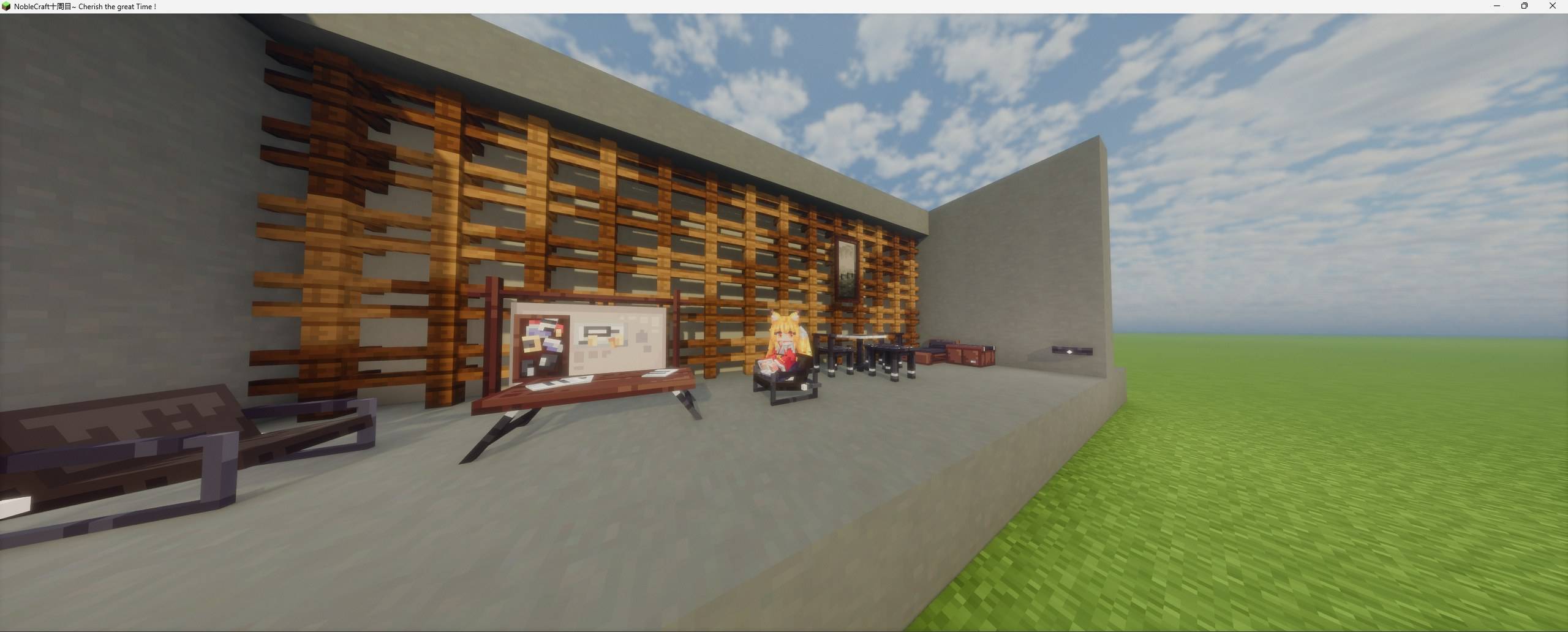
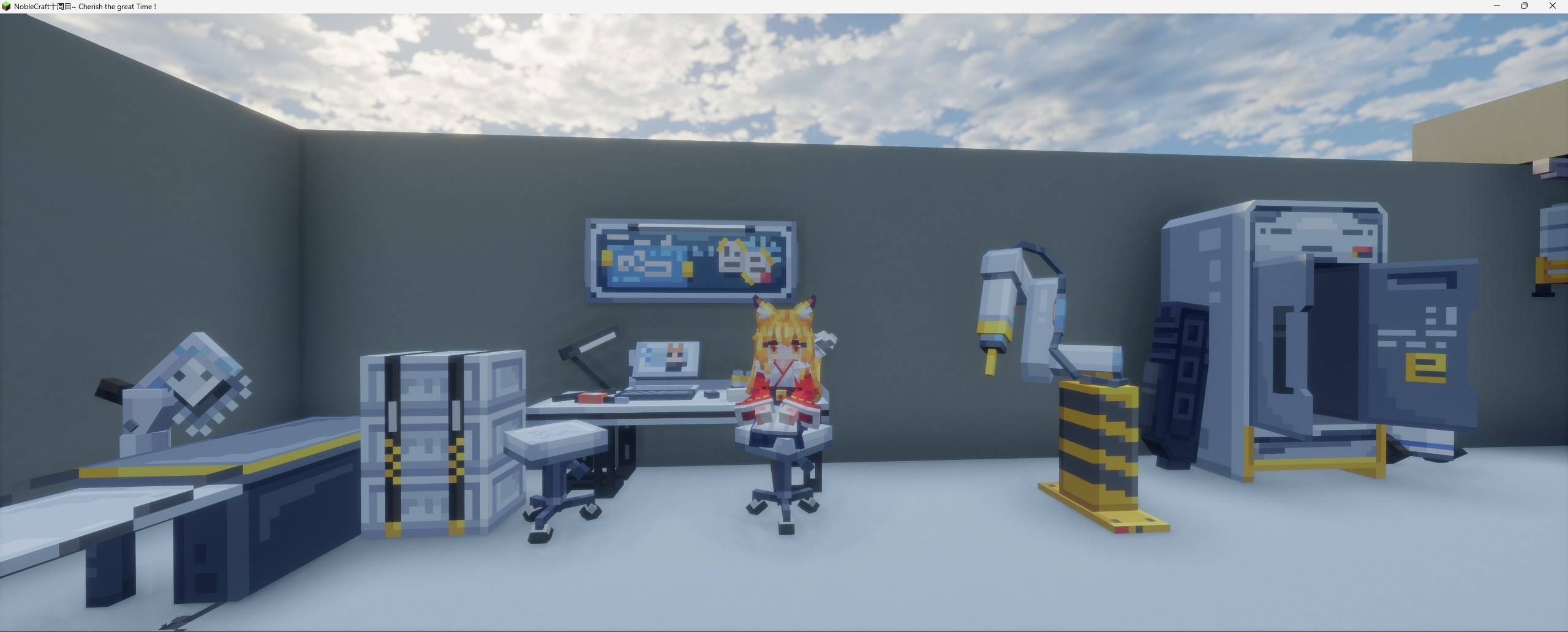
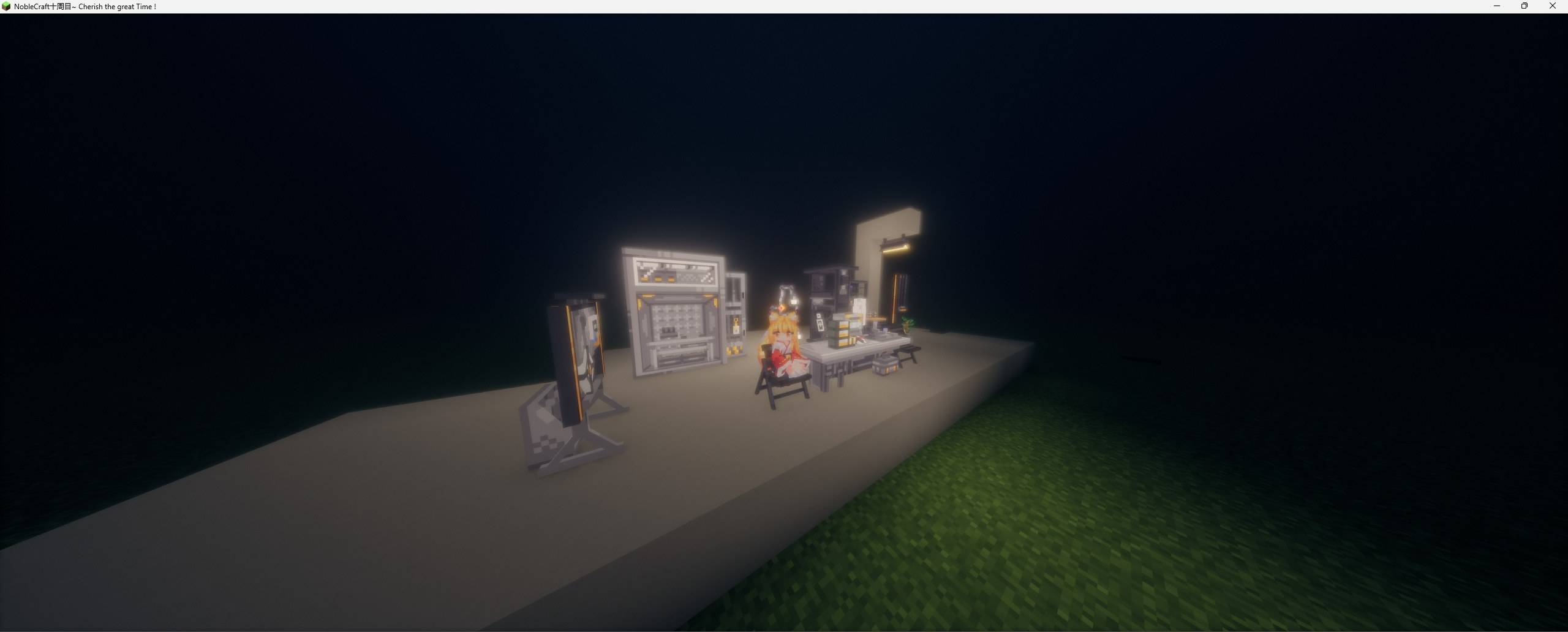
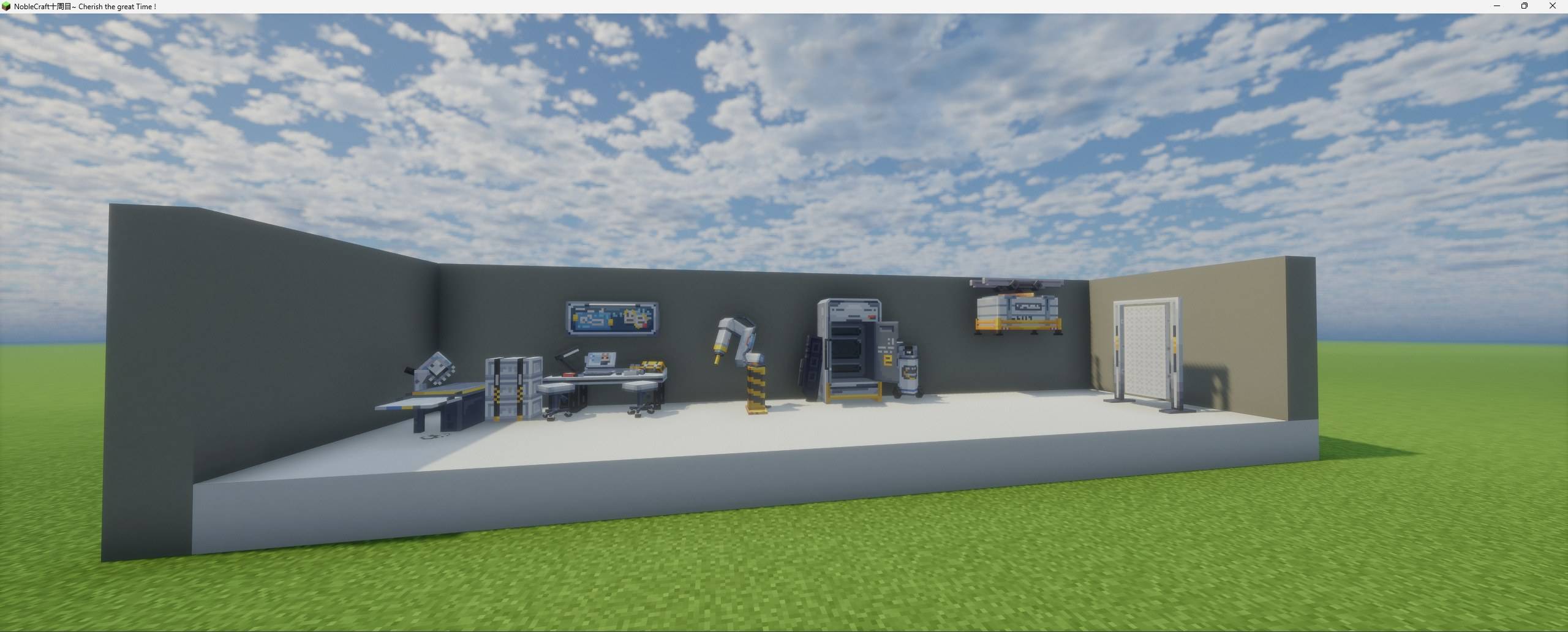
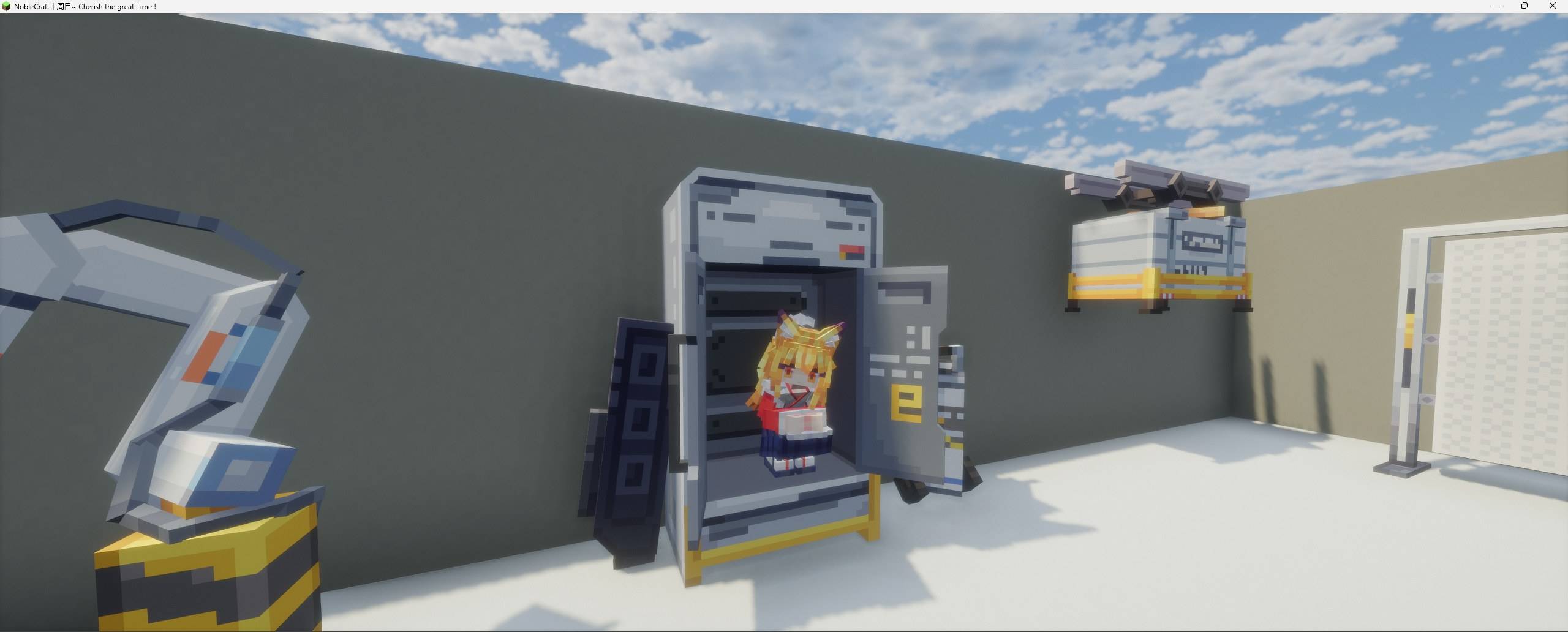
Some Arknights-style furniture packs
1. What This Mod Does
MoreBlock reads these directories at runtime:
config/moreblock/blockconfig/moreblock/entity
It then automatically registers their models, textures, animations, display settings, and interaction settings as usable in-game content.
You can think of it as:
- A block import system
- An entity import system
- A runtime resource pack generator
- A multiplayer imported-content verifier
- A small reusable dynamic registration API
2. Requirements
- Minecraft
1.20.1 - Forge
47.x - GeckoLib
4.4.2+ - Java
17
In multiplayer, both the client and the server must install MoreBlock, and the imported block packs and entity packs must also match on both sides.
3. What Gets Created On First Launch
After the first game launch, MoreBlock automatically creates:
config/moreblock/block
config/moreblock/entity
It also generates:
config/moreblock/block/.keep
config/moreblock/block/README.txt
config/moreblock/block/example/example.json
config/moreblock/block/example/example.md
config/moreblock/entity/.keep
config/moreblock/entity/README.txt
config/moreblock/entity/example/example.json
config/moreblock/entity/example/example.md
4. Blockbench And Asset Preparation
4.1 Required Tools
Blockbench- The
GeckoLib Models & Animationsplugin tools/blockbench/moreblock_blockbench_tools.js- A PNG image editor
- A UTF-8 capable text editor
- A zip tool
4.2 Model Format Requirements
MoreBlock reads exported GeckoLib *.geo.json files.
If your original Blockbench project is not already a GeckoLib project, the usual workflow is:
- Install
GeckoLib Models & Animations - Convert the project to
GeckoLib Animated Model - Export the
geo.json - If it is an entity, also export the
animation.json
4.3 Encoding Suggestions
- Save all JSON files as
UTF-8withoutBOM - Keep file names in lowercase English letters, digits, and underscores when possible
- Use
UTF-8file names for zip archives when possible
5. Imported Blocks
5.1 Minimum Required Files
The most basic imported block needs at least:
- One
*.geo.json - One
*.png
Recommended extra files:
- One config
*.json - One
*-display.json
5.2 Recommended Folder Structure
blue_chair/
?? blue_chair.json
?? blue_chair.geo.json
?? texture.png
?? blue_chair-display.json
5.3 Recommended Config Example
{
  "id": "blue_chair",
  "name": {
    "zh_cn": "????",
    "en_us": "Blue Chair"
  },
  "geo": "blue_chair.geo.json",
  "texture": "texture.png",
  "display": "blue_chair-display.json",
  "light_level": 0,
  "supports_sitting": true,
  "seat_height": 0.45,
  "supports_lying": false,
  "lying_height": 0.5,
  "lying_rotation_compensation": 0
}
5.4 Common Block Fields
idname.zh_cnname.en_usgeotexturedisplaylight_levelsupports_sittingseat_heightsupports_lyinglying_heightlying_rotation_compensation
5.5 Block Interaction Rules
supports_sittingandsupports_lyingare mutually exclusive- If both are enabled, neither takes effect
- Daytime lying does not skip time; it only enters the daytime lying state
5.6 Block zip Compatibility
Supported layouts include:
- A direct folder
- A direct
zip - A same-named folder inside a
zip - Multiple folders and nested zip files inside one outer
zip
6. Imported Entities
6.1 Minimum Required Files
The most basic imported entity needs at least:
- One
*.geo.json - One
*.png
Recommended extra files:
- One
*.animation.json - One config
*.json
6.2 Recommended Folder Structure
blue_slime/
?? blue_slime.json
?? blue_slime.geo.json
?? blue_slime.animation.json
?? texture.png
6.3 Recommended Config Example
{
  "id": "blue_slime",
  "name": {
    "zh_cn": "?????",
    "en_us": "Blue Slime"
  },
  "geo": "blue_slime.geo.json",
  "texture": "texture.png",
  "animation": "blue_slime.animation.json",
  "width": 0.9,
  "height": 0.9,
  "eye_height": 0.65,
  "max_health": 30.0,
  "movement_speed": 0.28,
  "follow_range": 24.0,
  "attack_damage": 4.0,
  "armor": 2.0,
  "knockback_resistance": 0.1,
  "tracking_range": 8,
  "update_interval": 3,
  "ai_enabled": true,
  "ai_template": "minecraft:zombie",
  "animation_transition": true,
  "animation_states": {
    "idle": {
      "idle": 1.0,
      "idle_1": 0.6,
      "idle_2": 0.4
    },
    "walk": {
      "walk": 1.0,
      "walk_1": 0.5
    },
    "run": {
      "run": 1.0
    },
    "attack": {
      "attack": 1.0,
      "attack_1": 0.8
    },
    "hurt": {
      "hurt": 1.0
    },
    "spawn": {
      "spawn": 1.0
    },
    "die": {
      "die": 1.0,
      "die_1": 0.6,
      "die_2": 0.4
    }
  },
  "disable_vanilla_death_animation": true,
  "spawn_egg_primary_color": "#4b7cf0",
  "spawn_egg_secondary_color": "#d8e4ff",
  "show_in_moreblock_tab": true,
  "translucent": true
}
6.4 Common Entity Fields
idname.zh_cnname.en_usgeotextureanimationwidthheighteye_heightmax_healthmovement_speedfollow_rangeattack_damagearmorknockback_resistancetracking_rangeupdate_intervalai_enabledai_templateanimation_transitionanimation_statesdisable_vanilla_death_animationspawn_egg_primary_colorspawn_egg_secondary_colorshow_in_moreblock_tabtranslucent
6.5 Entity Animation State Names
These base states are supported:
spawnidlewalkrunattackhurtdie
One state can contain multiple actions, for example:
idle_1idle_2attack_1die_2
6.6 Entity AI Templates
A set of basic vanilla-style templates is already supported, for example:
minecraft:cowminecraft:pigminecraft:sheepminecraft:chickenminecraft:mooshroomminecraft:zombieminecraft:huskminecraft:spiderminecraft:cave_spiderminecraft:skeletonminecraft:stray
6.7 Entity zip Compatibility
Supported layouts include:
- A direct entity folder
- A direct
zip - A same-named folder inside a
zip - Multiple folders and nested zip files inside one outer
zip
7. What The Blockbench Script Can Do
The repository includes:
tools/blockbench/moreblock_blockbench_tools.jsIt can now:
- Export MoreBlock block config JSON
- Export MoreBlock entity config JSON
- Generate a MoreBlock
hitboxbone
8. What Gets Registered After Import
8.1 After A Block Import Succeeds
MoreBlock automatically generates:
- The block
- The corresponding item
- Runtime resource pack content
- Language file content
- Blockstates and empty model files
8.2 After An Entity Import Succeeds
MoreBlock automatically generates:
- The entity type
- The spawn egg
- Runtime resource pack content
- Language file content
- Mounted entity model, texture, and animation resources
9. Multiplayer And Sync Rules
MoreBlock now verifies both:
- Imported block packs
- Imported entity packs
9.1 Block Pack Fingerprint Inputs
- Registry name
- Display name
- Config file
- Model file
- Display file
- Texture file
9.2 Entity Pack Fingerprint Inputs
- Registry name
- Display name
- Config file
- Model file
- Animation file
- Texture file
9.3 What Happens When They Do Not Match
If the client is missing packs, has extra packs, or has different contents:
- The connection may be blocked during login
- Or the player may be disconnected after joining when verification fails
This is normal protection behavior.
10. In-Game Commands
/moreblock block list/moreblock block check/moreblock entity list/moreblock entity check
These commands are mainly used to:
- Confirm whether something was detected
- Check how many imported entries are currently loaded
- See which folder or zip a held block item or spawn egg came from
11. Recommended Testing Workflow
11.1 Blocks
- Put the block pack into
config/moreblock/block - Restart the client or server
- Check the result through the creative tab or
/moreblock block list - Use
/moreblock block checkto inspect the source
11.2 Entities
- Put the entity pack into
config/moreblock/entity - Restart the client or server
- Find the spawn egg or use
/moreblock entity list - Use
/moreblock entity checkto inspect the source
12. Common Problems
12.1 Content Did Not Load
Check these first:
- Whether the files were placed in the correct directory
- Whether the model is a GeckoLib
*.geo.json - Whether the texture is a valid
png - Whether the file names in the config are correct
- Whether the JSON files are saved as
UTF-8withoutBOM
12.2 I Was Kicked From A Server
Check these first:
- Whether the client and server use the same MoreBlock version
- Whether the imported packs are exactly the same on both sides
- Whether someone changed a JSON, texture, geo, display, or animation file
12.3 Animations Look Wrong
Check these first:
- Whether the
animationfile name is correct - Whether the animation state names follow the expected naming rules
- Whether
animation_transitionwas enabled or disabled incorrectly - Whether
disable_vanilla_death_animationshould be turned off or on
13. Recommendations For Content Creators
If you plan to maintain dozens or even hundreds of entries, it is recommended to standardize:
- One folder per content entry
- One config file per entry
- A shared
texture.pngnaming pattern - geo, json, display, and animation names aligned with the content ID
- zip packaging before release
- The exact same imported packs on both client and server
14. API Notes
If you do not want to import from config and instead want to register dynamic blocks from code in your own mod, you can use the MoreBlock API.
See the developer document here:
docs/api.mdDocument Version
v1.1.0
Screenshots
Gallery
-
 D73BB85404B2B3BD15201C880B60E647.jpg D73BB85404B2B3BD15201C880B60E647.jpg
 -
 B473F684F1A0DCE8799ECA156382A30B.jpg B473F684F1A0DCE8799ECA156382A30B.jpg
 -
 AA7DA3899883E4B1B5FBBEB46D49C802.jpg AA7DA3899883E4B1B5FBBEB46D49C802.jpg
 -
 30BCA72FEF41F4EFAE177C47D2BC443F.jpg 30BCA72FEF41F4EFAE177C47D2BC443F.jpg
 -
 9BEA09DDC551A13CEF96ECB37B485A2C.jpg 9BEA09DDC551A13CEF96ECB37B485A2C.jpg
 -
 1A7F1F153154940CD773FEDB1364D697.jpg 1A7F1F153154940CD773FEDB1364D697.jpg
 -
 2026-05-20_12.00.17.png 2026-05-20_12.00.17.png
Versions
Files
Relations
Project Relations
More like this
Similar Mods
Suggestions use data such as tags, dependencies, dependents, descriptions, titles, and more to rank how much they overlap with this mod.
On ModDex
Community snapshot
By the numbers
Statistics
Want to reach Minecraft players?
We're looking for a server hosting partner to feature here and other parts of the site. Interested? Send us a message!
Get in touchGet it on
Available Platforms
On ModDex
Community snapshot
By the numbers
Statistics
Resources