
Community listing page, reviews here may not be monitored by the author.
Motion Menu Video Loader

No reviews yet
Bring your own video into Motion Menu. This add-on imports any clip - MP4, MKV, WEBM, MOV or GIF - and turns it into your animated title screen background. One button fetches the decoder for you; nothing is installed on your computer.
Community voices
Reviews
No reviews yet. Be the first to review this project!
Get it on
Available Platforms
About
Project Details
For authors
Embed Badge
If you're the author of this project, you can embed a live badge anywhere that supports HTML or Markdown. It updates automatically whenever ratings change.
Use HTML for any page that supports it, or Markdown for README files and Markdown-based descriptions.
Identifiers
Platform IDs
Resources
External Links
About
Description
Motion Menu: Video Loader
An add-on for Motion Menu. It turns a video of your own into a menu background — pick a clip, and it becomes the thing playing behind your title screen.
Motion Menu on its own plays the backgrounds you already have: the one it ships with, and any background pack you install. This add-on is what lets you bring your own footage in. It is a separate download on purpose — a player who only ever picks a ready-made background should never have to carry a video decoder around for a feature they do not use.
What it does
- Imports any clip. MP4, MKV, WEBM, MOV, AVI — or a GIF.
- Asks once, then gets out of the way. Name it, choose the frame rate and the width, and press Continue.
- Decodes in the background. Close the progress card and carry on using the menu; the import keeps going, and a chip at the top takes you back to it. It selects itself the moment it is finished.
- Tells you when something goes wrong. A failed import gets a card that says what happened, and a button that tells you exactly how to fix it.
The decoder, handled for you
Minecraft has no video decoder, so importing needs one. This add-on gets it for you: one button downloads the official FFmpeg build for your system — Windows, macOS or Linux — straight into the mod's own folder.
Nothing is installed on your computer. Your PATH is never touched. Deleting config/motionmenu-ffmpeg/ undoes all of it, and if you already have FFmpeg installed, it is simply used and nothing is downloaded at all.
Would rather not download anything? The add-on carries a small pure-Java decoder that reads H.264 MP4 and GIF with no setup whatsoever. It is slower and it reads less, but it works offline and it asks for nothing.
Requirements
- Motion Menu — this add-on does nothing on its own
- Fabric Loader 0.19.0 or newer
- Minecraft 26.2
- Java 25
- Client-side only — no Fabric API needed
How to use it
- Drop this jar in your
modsfolder, next to Motion Menu. - On the title screen, open the gear, then Menu Background.
- Press Import video or GIF... and pick your clip.
- Name it, set the frame rate and width, and let it decode. That is all.
A good background is a short loop — 5 to 15 seconds — whose last frame looks like its first. Lower frame rates and smaller widths make a lighter background; 30 FPS at 1920 makes the sharpest one.
Screenshots
Gallery
-
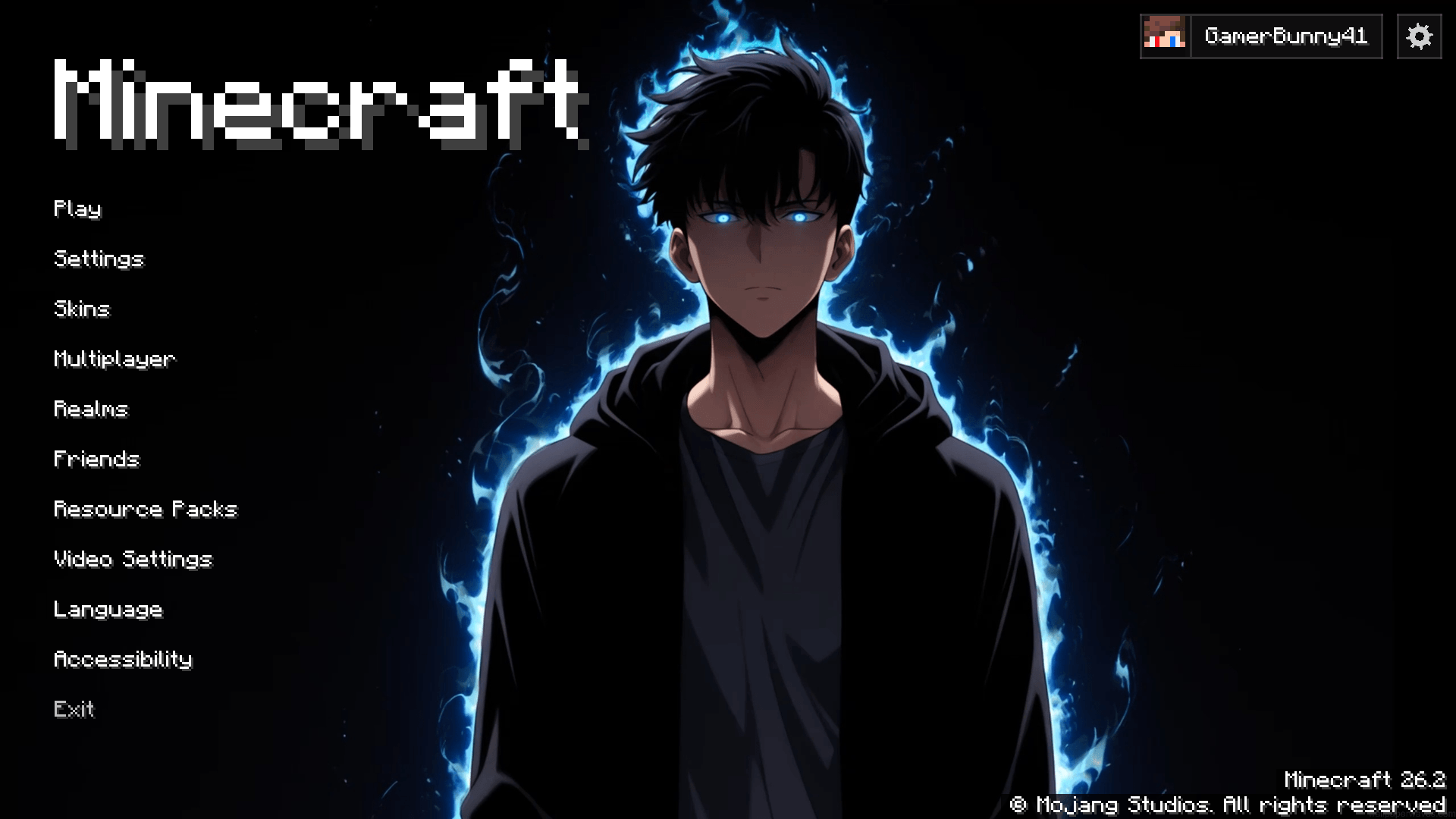 image.png image.png
Versions
Files
Relations
Project Relations
More like this
Similar Mods
Suggestions use data such as tags, dependencies, dependents, descriptions, titles, and more to rank how much they overlap with this mod.
On ModDex
Community snapshot
By the numbers
Statistics
Want to reach Minecraft players?
We're looking for a server hosting partner to feature here and other parts of the site. Interested? Send us a message!
Get in touchGet it on
Available Platforms
On ModDex
Community snapshot
By the numbers
Statistics
Resources