
Community listing page, reviews here may not be monitored by the author.
Mounts Info

No reviews yet
Mounts Info is a data pack that displays detailed statistics for horses, donkeys, and mules.
Community voices
Reviews
No reviews yet. Be the first to review this project!
Get it on
Available Platforms
About
Project Details
For authors
Embed Badge
If you're the author of this project, you can embed a live badge anywhere that supports HTML or Markdown. It updates automatically whenever ratings change.
Use HTML for any page that supports it, or Markdown for README files and Markdown-based descriptions.
Identifiers
Platform IDs
Resources
External Links
About
Description

Mounts Info is a lightweight data pack that displays detailed statistics for horses, donkeys, and mules.
Track important attributes such as speed, jump strength, and health, and instantly compare mounts to find the best one.
The stat display is not triggered instantly — it activates when the player crouches and looks at a mount for about one second, or when riding it. This delay is intentional, making the system feel more natural and less intrusive during normal game play.
Features
- Displays mount stats (Speed, Jump, Health)
- Works with horses, donkeys, and mules
- Compare current mount with your best ones
- Shows if a mount is better or worse than your existing stats
- Works when looking at a mount or riding it
Settings (via /trigger)
Customize how the data pack behaves:
- Toggle stats display ON/OFF
- Enable display when looking at mounts
- Enable display when riding mounts
- Switch between Action Bar and Chat display
- Reset all settings anytime
Personal Best System
- Tracks your best mount stats
- Compare new mounts against your records
- Reset Personal Best when needed
- Refresh Loaded Best (based on mounts currently loaded in chunks)
This helps you easily decide whether a mount is worth keeping or not.
Vanilla Friendly
No complex setup, no unnecessary mechanics - just useful information, fully integrated into survival game play.


Requirements:
Minecraft Java Edition 1.21.5-26.1.2
Installation:
Singleplayer
Open Minecraft Create a new world and click on "More", "Data Packs" Drag the data pack into the Minecraft window Click "Yes" on the confirmation screen Move the data pack to the right-hand side of the screen by clicking the triangle on its icon Click "Done" and continue creating your world, then click on "Create New World"
Multiplayer
Download the data pack Open your server folder, then open the folder of the world Put the data pack into a folder named datapacks Restart your server, and you can use your new data pack.
Permissions:
None
Commands:
/trigger mountsinfo.options
Screenshots
Gallery
-
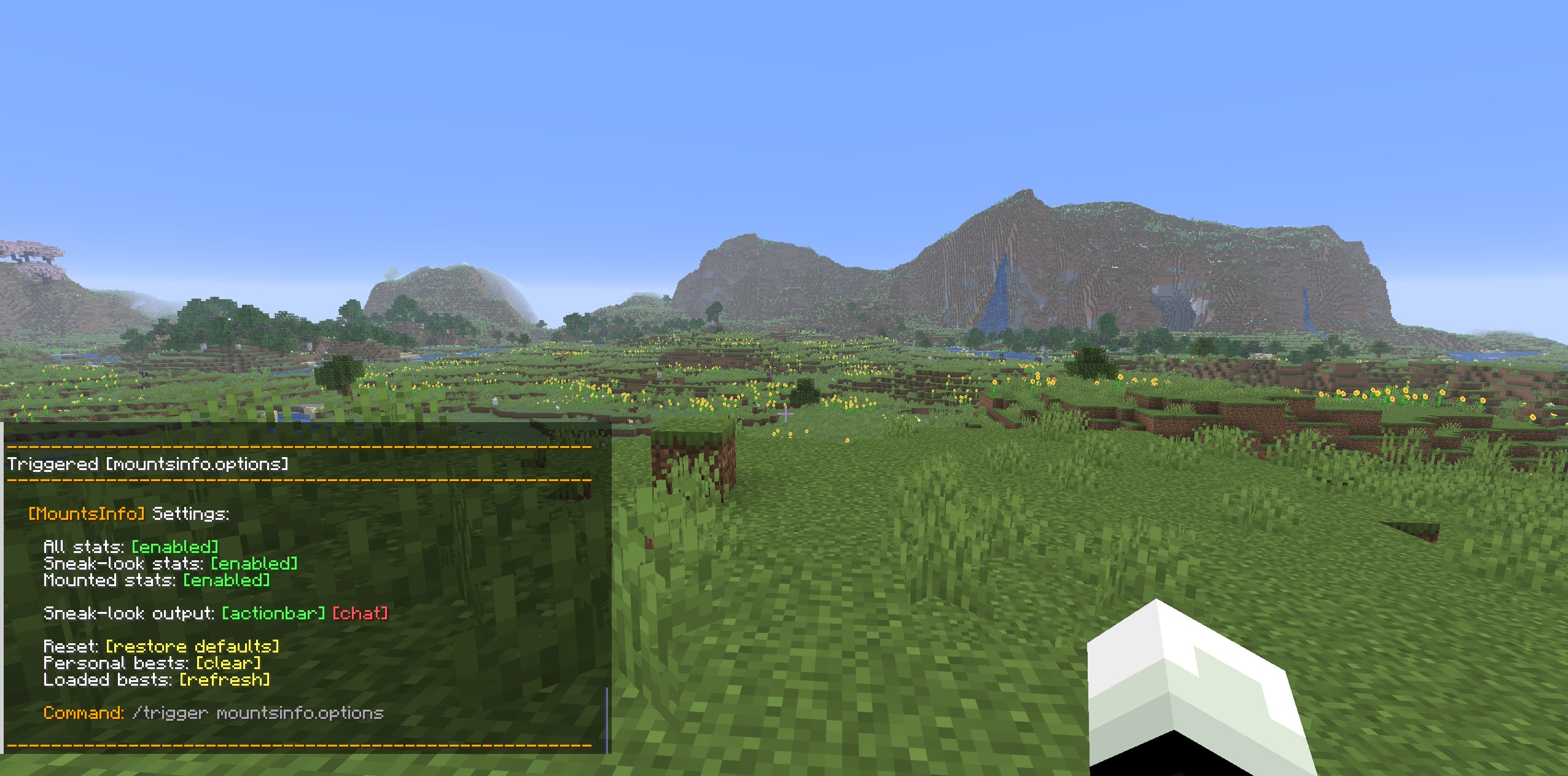 Trigger
 -
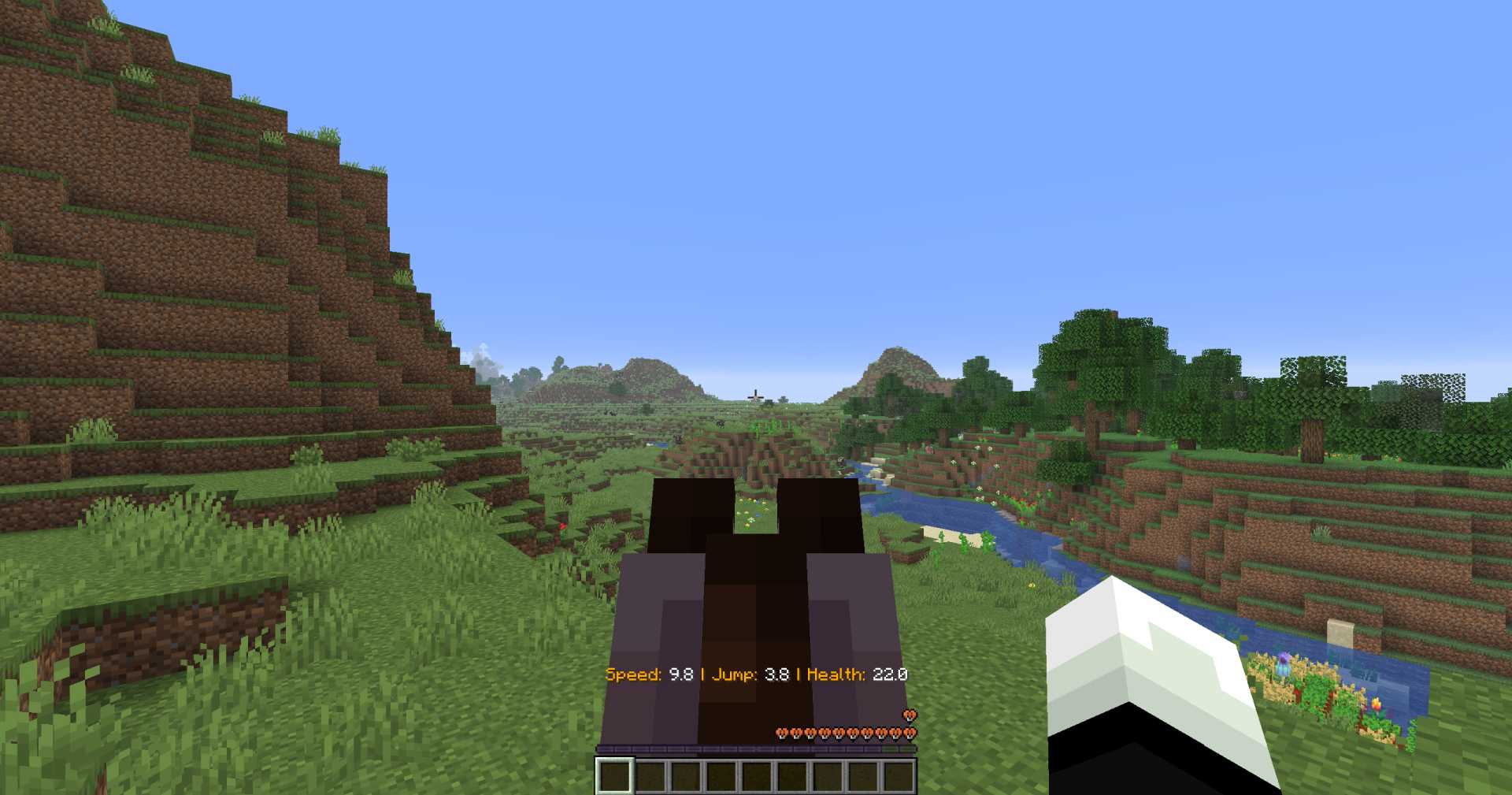 01
01 -
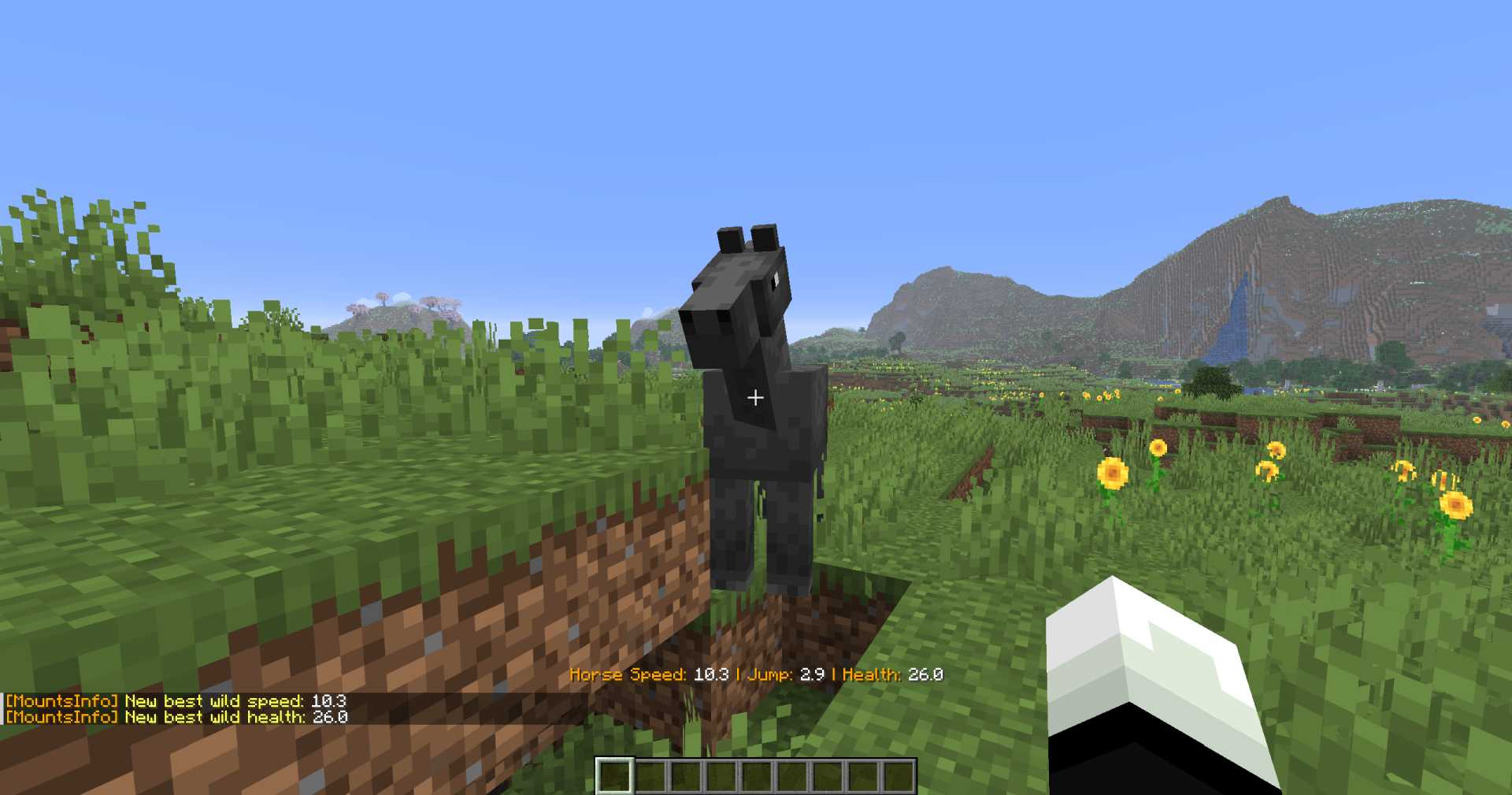 2
2
Versions
Files
Relations
Project Relations
More like this
Similar Mods
Suggestions use data such as tags, dependencies, dependents, descriptions, titles, and more to rank how much they overlap with this mod.
On ModDex
Community snapshot
By the numbers
Statistics

Want to reach Minecraft players?
We're looking for a server hosting partner to feature here and other parts of the site. Interested? Send us a message!
Get in touchGet it on
Available Platforms
On ModDex
Community snapshot
By the numbers
Statistics
Resources