
Community listing page, reviews may not be monitored by the author.
Music Player & Playlists

No reviews yet
A client-side music player with custom playlists, shuffle, repeat, seeking, and control over automatic background music.

Community voices
Reviews
No reviews yet. Be the first to review this project!
Get it on
Available Platforms
About
Project Details
For authors
Embed Badge
If you're the author of this project, you can embed a live badge anywhere that supports HTML or Markdown. It updates automatically whenever ratings change.
Use HTML for any page that supports it, or Markdown for README files and Markdown-based descriptions.
Identifiers
Platform IDs
Resources
External Links
About
Description
Music Player & Playlists
Choose what plays in your game. Music Player & Playlists brings a music library, personal playlists, and playback controls into a familiar Minecraft menu.
Browse available tracks, play a single song, or build a playlist for your next adventure.
Features
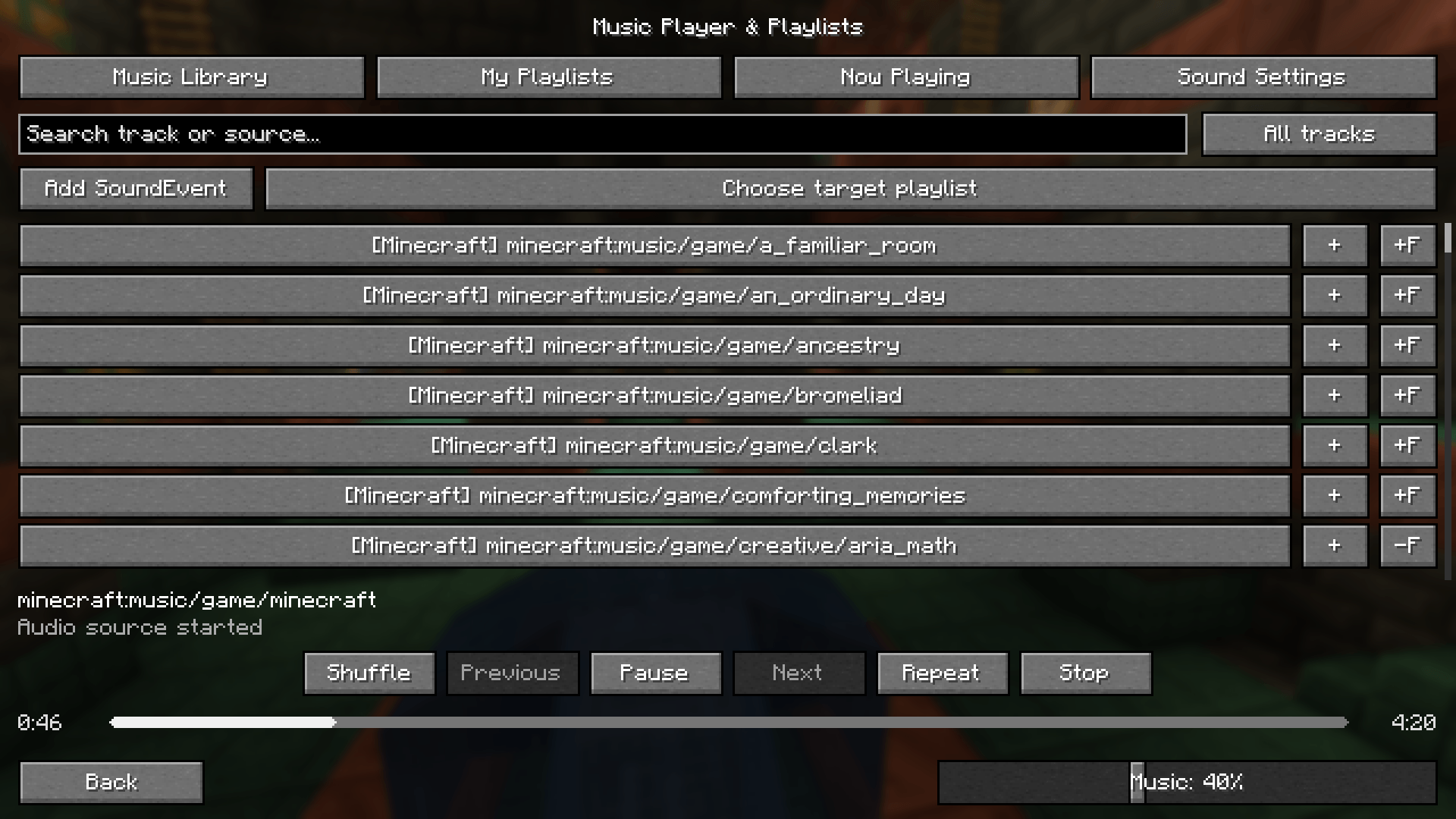
- Music library: Browse music available through Minecraft's sound and resource system, including compatible mods and resource packs.
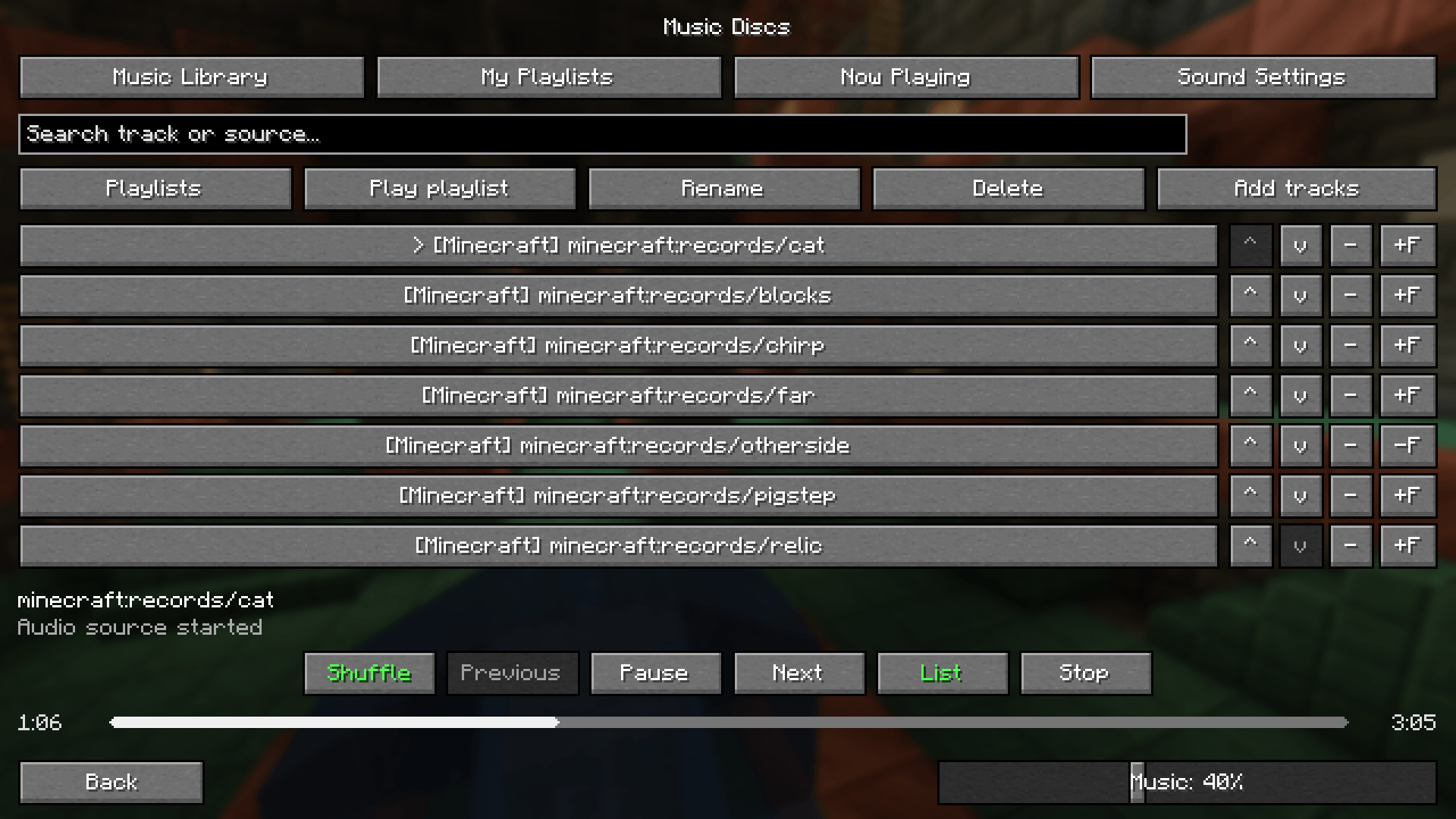
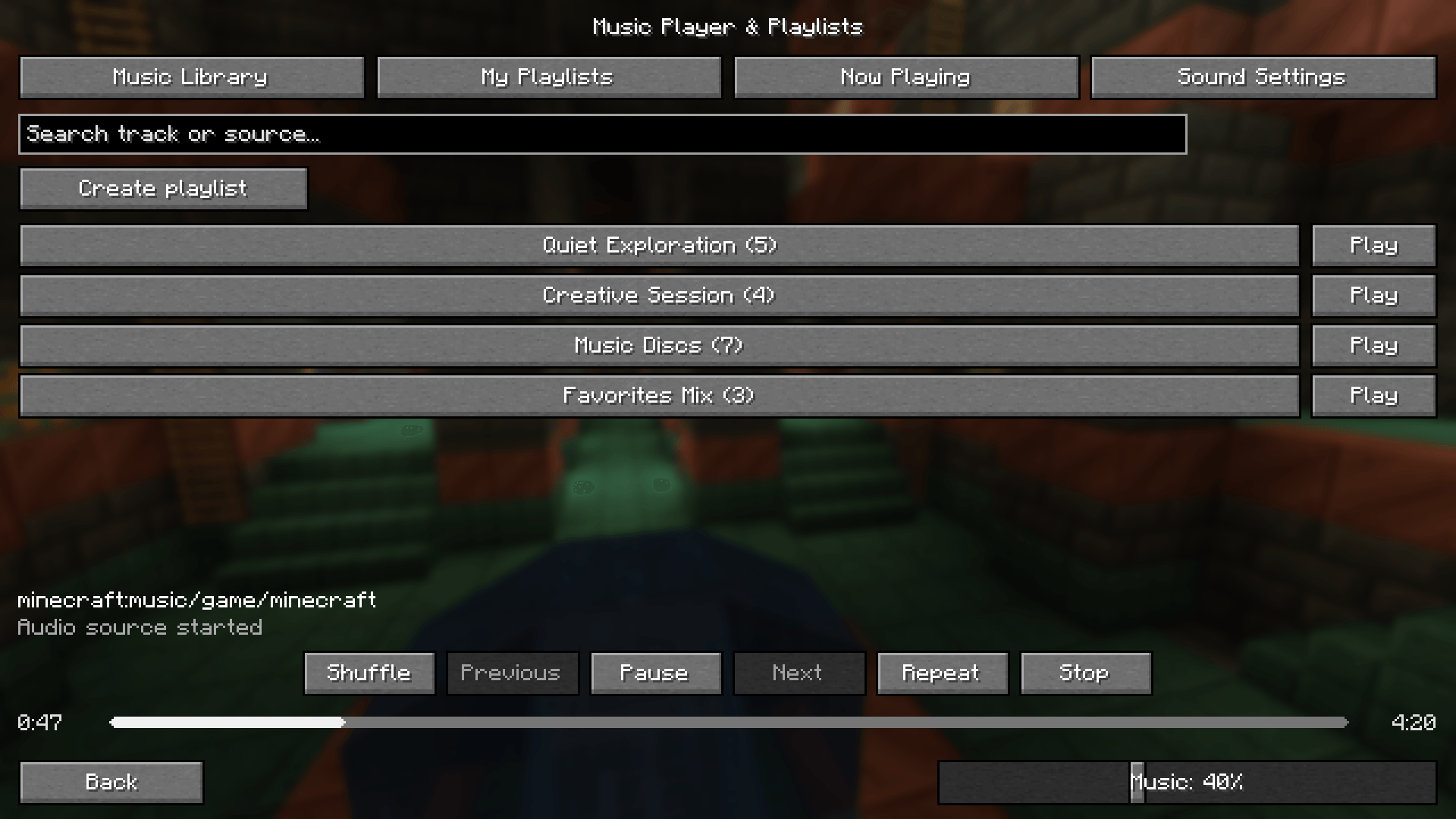
- Personal playlists: Create, rename, delete, and manually reorder playlists. Your lists are saved between sessions.
- Single-track playback: Play an individual track directly from the library.
- Search and favorites: Find tracks and save your favorites.
- Shuffle without repeats: Each track is selected once per shuffle cycle before a new cycle begins.
- Repeat modes: Repeat the current track or the entire playlist.
- Playback controls: Play, pause, resume, stop, and navigate your playback history.
- Draggable progress bar: Seek within supported OGG tracks using a rounded playback bar.
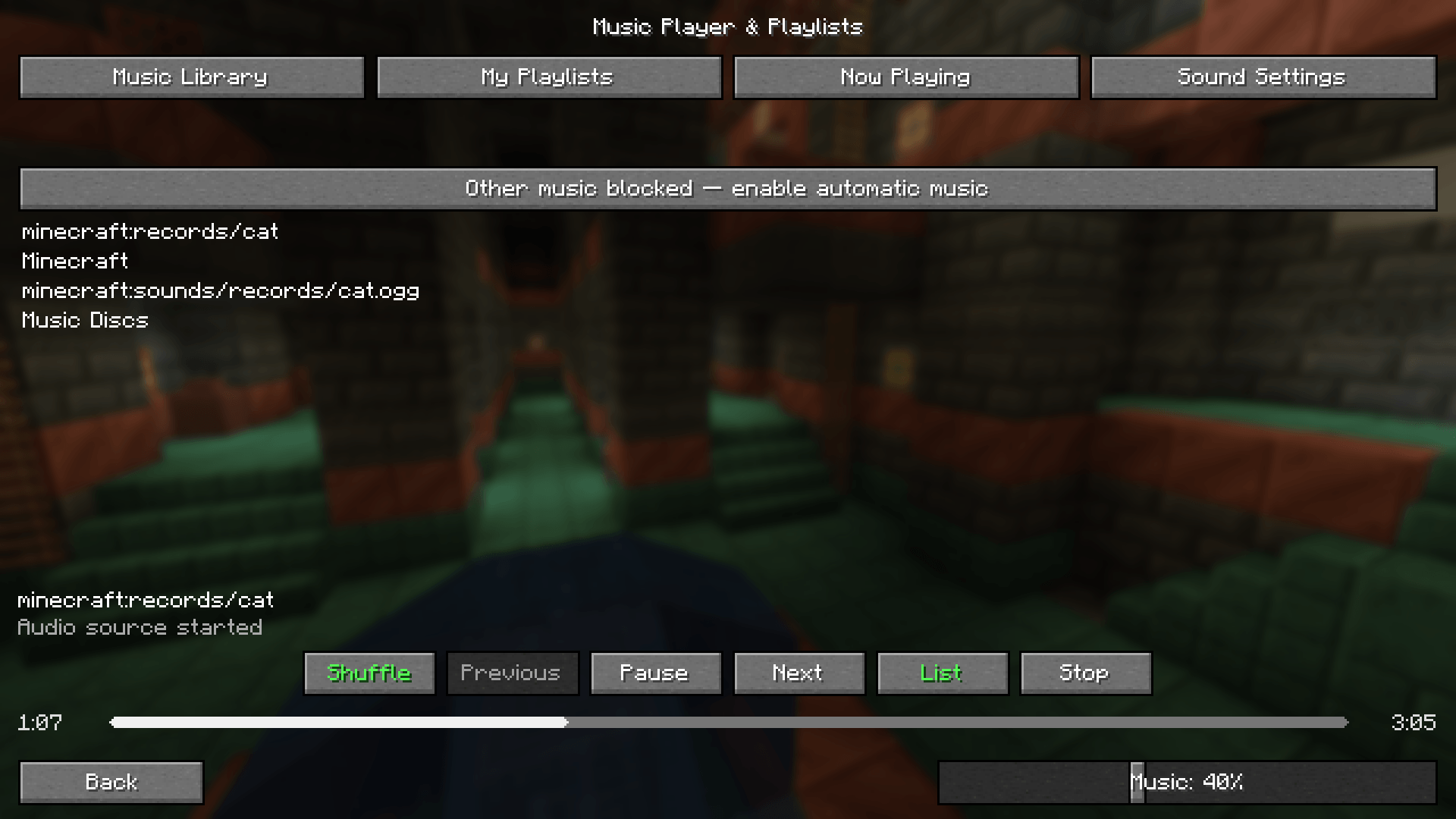
- Background music control: Block competing music while exclusive control is enabled. Includes compatibility hooks for Reactive Music 1.3.5's independent player.
- Familiar Minecraft controls: Standard Minecraft buttons and access to the original sound settings.
- Background playback: Keep listening when you close the music screen.
Getting Started
- Install the file matching your Minecraft version and mod loader.
- Open Options → Music & Sounds, or press F8.
- Select a track or create a playlist.
- Keep Master Volume and Music volume above zero.
Supported Versions
- Minecraft 1.21.1 — NeoForge — Java 21
- Minecraft 1.20.1 — Forge — Java 17
This is a client-side mod. Playlists and preferences are stored locally, and server-side installation is not required.
Compatibility
Music discovery depends on how each mod exposes its audio. Manual SoundEvent entry is available for tracks that cannot be identified automatically.
Seeking requires supported audio and reliable duration information. Independent audio engines may require a dedicated compatibility integration. Reactive Music's MP3 songpacks are not imported into the library by the background playback integration.
Screenshots
Gallery
-
 1.png 1.png
-
 2.png 2.png
-
 3.png 3.png
-
 4.png 4.png
Versions
Files
Relations
Project Relations
More like this
Similar Mods
Suggestions use data such as tags, dependencies, dependents, descriptions, titles, and more to rank how much they overlap with this mod.
On ModDex
Community snapshot
By the numbers
Statistics

Get it on
Available Platforms
On ModDex
Community snapshot
By the numbers
Statistics
Resources