
Community listing page, reviews here may not be monitored by the author.
Nation's War

No reviews yet
A mod that allows you to create countries!
Community voices
Reviews
No reviews yet. Be the first to review this project!
Get it on
Available Platforms
About
Project Details
For authors
Embed Badge
If you're the author of this project, you can embed a live badge anywhere that supports HTML or Markdown. It updates automatically whenever ratings change.
Use HTML for any page that supports it, or Markdown for README files and Markdown-based descriptions.
Identifiers
Platform IDs
Resources
External Links
About
Description
NATION'S MOD
This mod requires no other mods to function.
You can configure keys in the Minecraft key menu.
NATIONS MANAGEMENT MENU: opened by a configurable key, this menu allows you to create and manage a nation!
COUNTRY BORDER: configurable key, allows you to display country borders!
When creating your country, you start with a maximum of 5 chunks to claim. To increase this maximum, you must pay 1 diamond in the COUNTRY SHOP menu.
How do you create a country?
To create a country, open the country management menu with "G" (modifiable key) and choose a name! (minimum: 5 letters, maximum: 10 letters)
How do I manage my country?
To manage your country, you must first have a country. If you already have one, open the country management menu with "G" (modifiable key) !
List of country management settings:
add and remove people from the country
change the country color
claim chunks
delete the country
and change the welcome message.
add/remove people from the country
The country's color is applied to the displayed border of the country, and to the country's name in the welcome and exit messages.
MAP:
The mod includes a map. To open it, go to the COUNTRY MANAGEMENT menu and click on MAP.
RANKS:
You can assign different permissions to your citizens!
OFFICER: Claim/Unclaim chunks, Teleport to the country's spawn point Build/destroy within the country's claims, like other members
MEMBER: Build/break within the country's chunks and Teleport to the country's spawn point
COUNTRY SHOP:
You can access the country's inventory via the COUNTRY SHOP button in the COUNTRY MANAGEMENT menu. In this inventory, you can deposit and withdraw resources, and you can also purchase chunks!
COMMANDS:
"/opencountry" opens the "country management" menu
"/leavecontry" leaves his country
"/acceptcountryinvite" accept to receive country invitations
"/refusecountryinvite" refuse to receive invitations from countries
Screenshots
Gallery
-
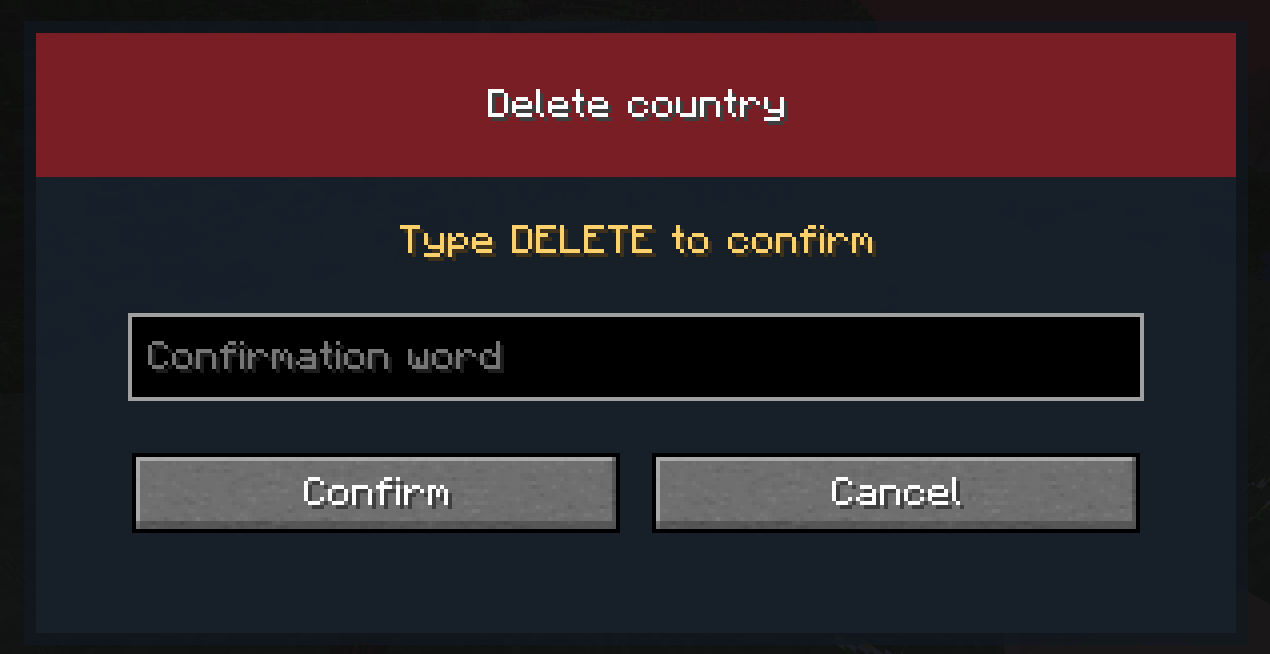 DELETE NATION SCREENSHOT DELETE NATION SCREENSHOT
 -
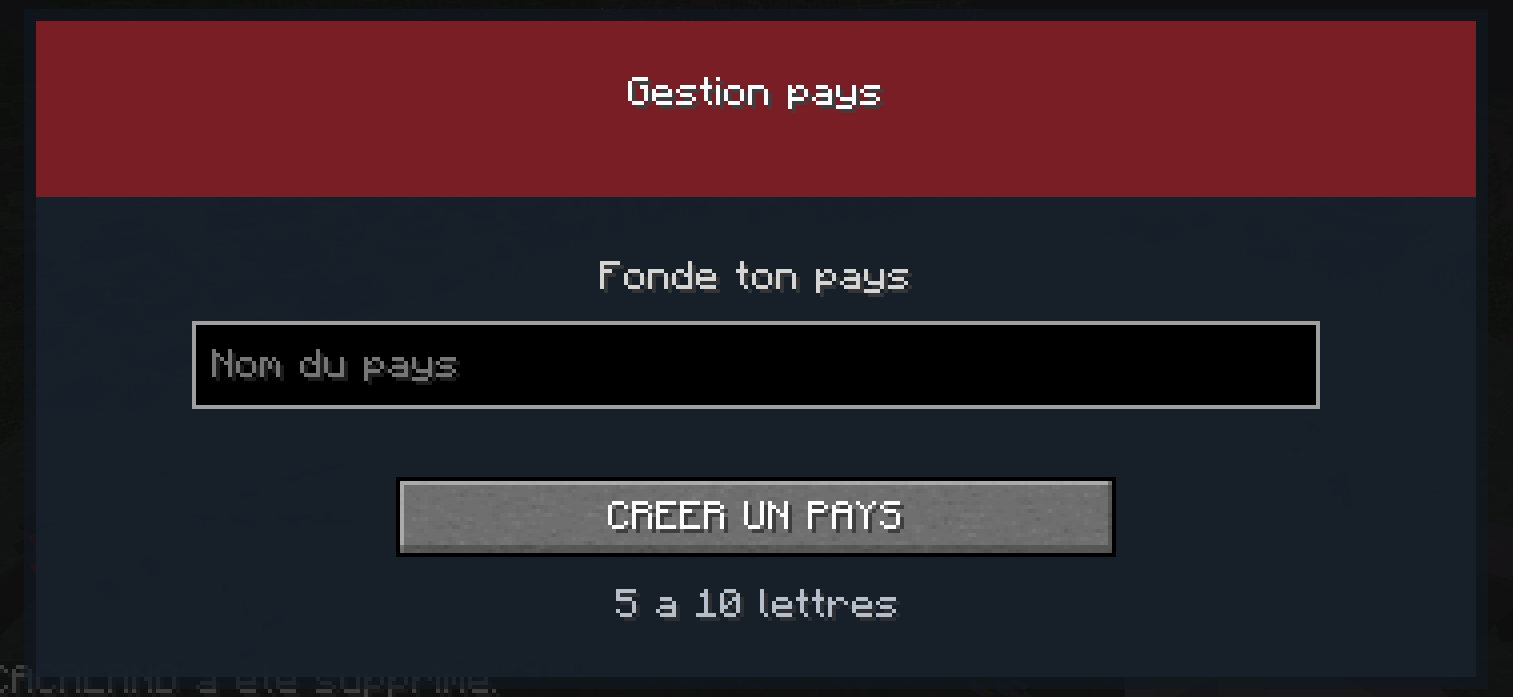 Sorry, the screenshot is in French): Sorry, the screenshot is in French):
 -
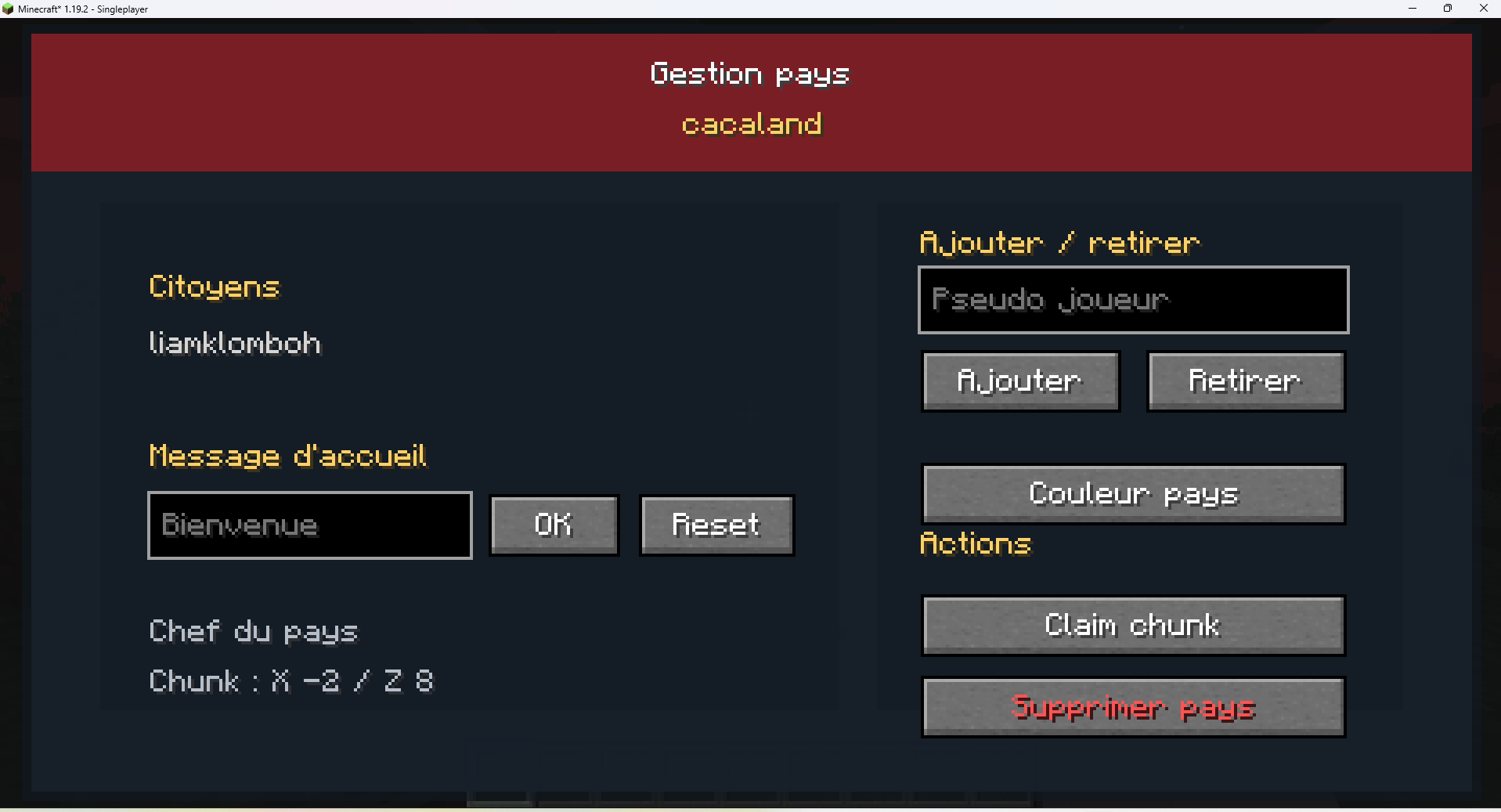 Sorry, the screenshot is in French): Sorry, the screenshot is in French):
 -
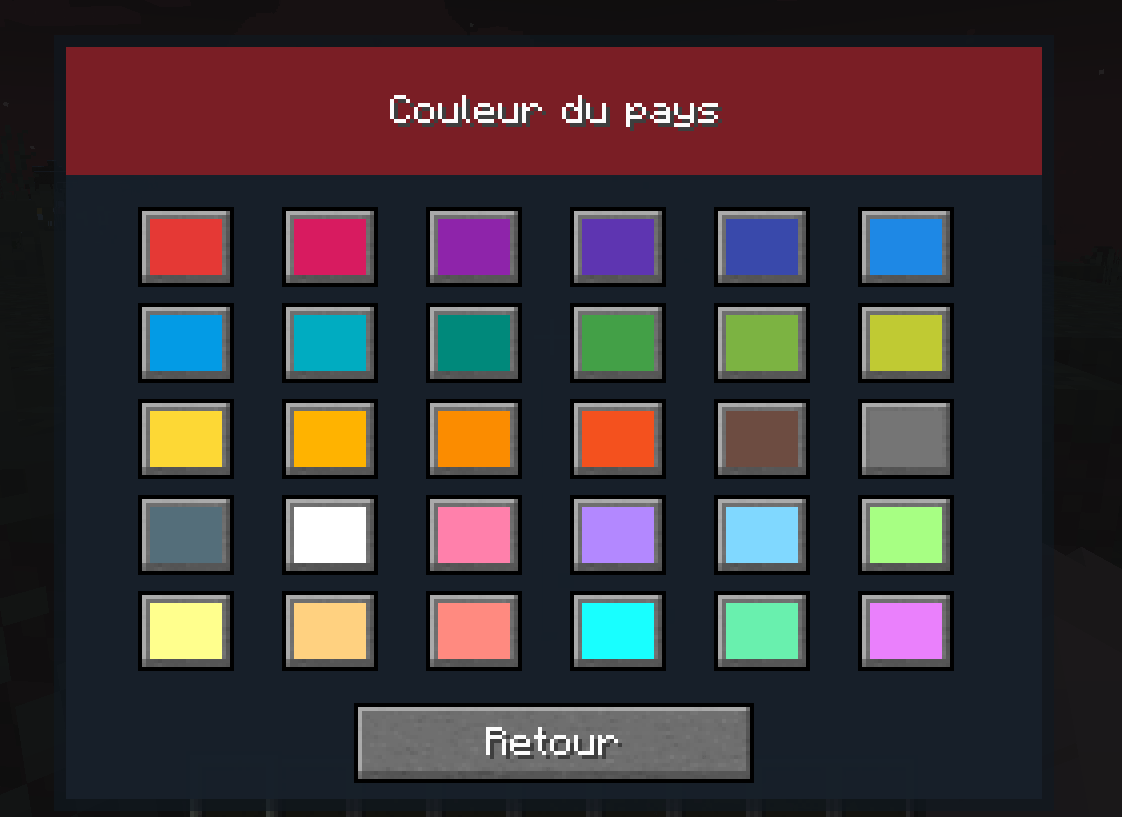 Sorry, the screenshot is in French): Sorry, the screenshot is in French):
Versions
Files
Relations
Project Relations
More like this
Similar Mods
Suggestions use data such as tags, dependencies, dependents, descriptions, titles, and more to rank how much they overlap with this mod.
On ModDex
Community snapshot
By the numbers
Statistics
Want to reach Minecraft players?
We're looking for a server hosting partner to feature here and other parts of the site. Interested? Send us a message!
Get in touchGet it on
Available Platforms
On ModDex
Community snapshot
By the numbers
Statistics
Resources