
Community listing page, reviews here may not be monitored by the author.
Navigation Assistant

No reviews yet
This mod adds a particle line that can lead you to desired coordinates, via new commands.

Community voices
Reviews
No reviews yet. Be the first to review this project!
Get it on
Available Platforms
Compatibility
Supported Environments
Runs entirely on the client. Works on vanilla servers.
About
Project Details
For authors
Embed Badge
If you're the author of this project, you can embed a live badge anywhere that supports HTML or Markdown. It updates automatically whenever ratings change.
Use HTML for any page that supports it, or Markdown for README files and Markdown-based descriptions.
Identifiers
Platform IDs
Resources
External Links
About
Description
⚠️IMPORTANT⚠️
This mod requires Fabric API.
Mod Description
Navigation Assistant is a client-sided Minecraft mod for the Fabric Loader, that adds a line (made of golden/yellow dust particles), that goes all the way to the coordinates of your choice. To spawn in and make the line point to where you want to go, you need to run one of the commands this mod adds.
--Commands--
/navigationstart - 'spawns' a line that goes to the coordinates that you type in (where the placeholders are).
/navigationstop - stops navigating and removes the line.
/navigationsetpathpoints - sets the amount of particles/path points the line will have in total (up to 10,000 particles allowed).
For a visual of this mod, please play the Mod Demonstration Video below, or visit this mod's Gallery Tab.
Mod Demonstration Video
Screenshots
Gallery
-
 Banner/Icon This image is this mod's Banner/Icon.
 -
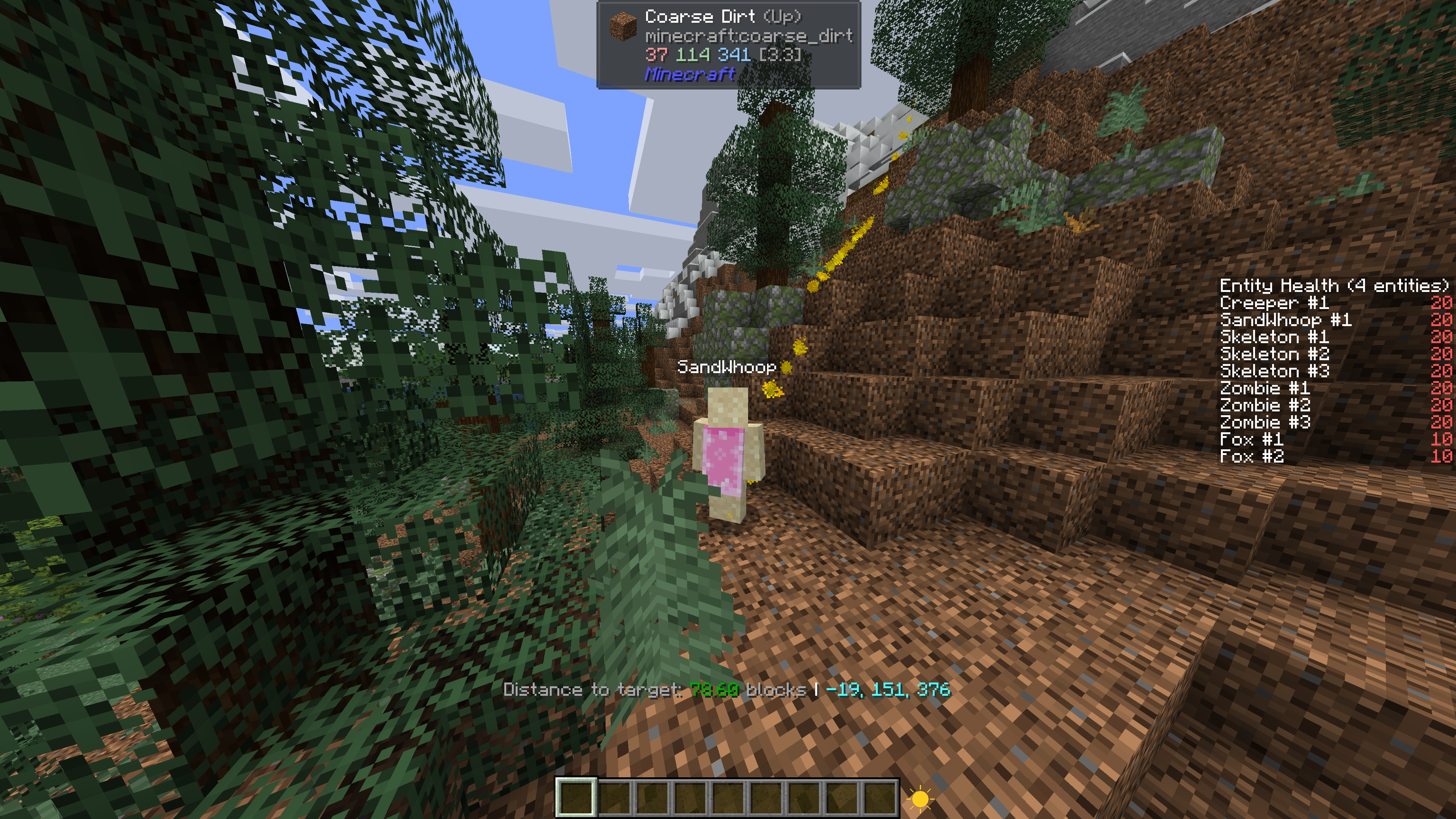 Dynamic Line Curving In this screenshot, the navigation particle line curves up a little, avoiding just going straight through the mountain.
 -
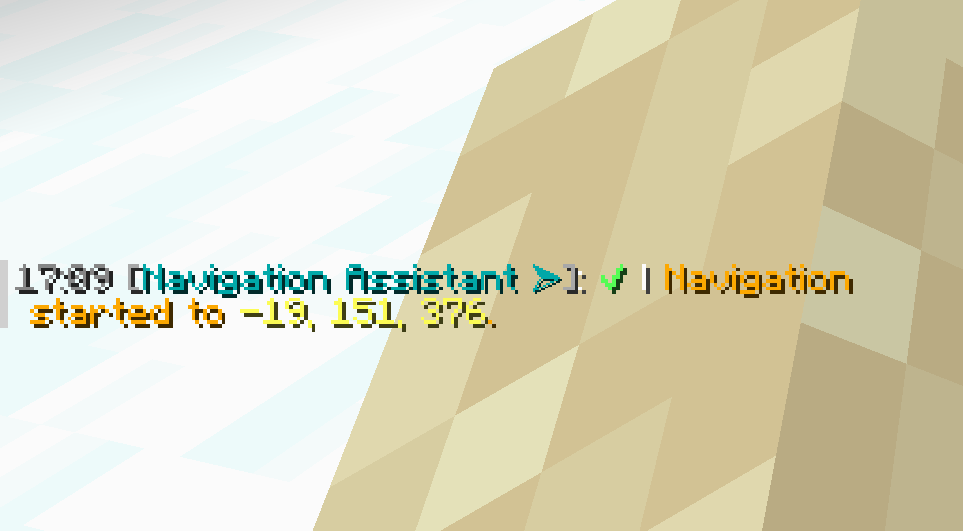 Starting Navigation Notification This screenshot shows how the mod would notify you when you start to navigate to a set of coordinates (the time stamp isn't apart of this mod, its by a different mod). A sound is also played: "minecraft:entity.villager.yes".
 -
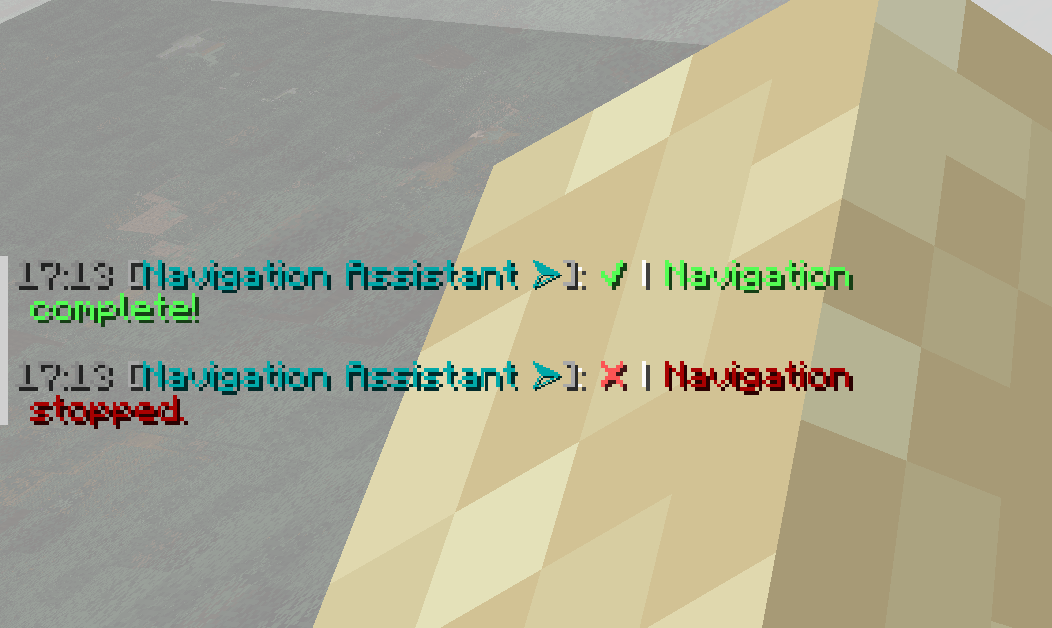 Ending Navigation Notification / Stop Notification This screenshot shows how the mod would indicate that the desired coordinates were reached. A ding, and item break sound are played when navigation finishes.
 -
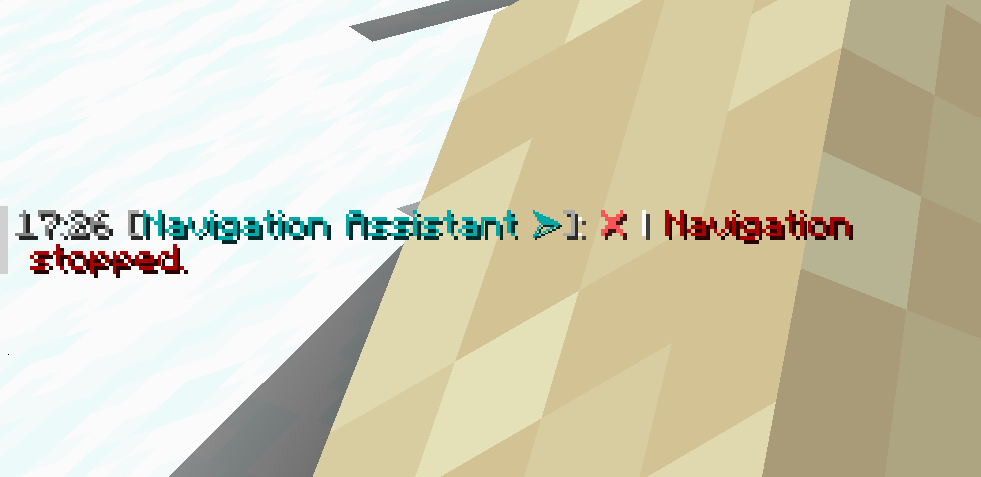 Ending Navigation Notification (Not Completed Navigation) This screenshot shows how the mod will indicate that navigation has been stopped manually.
 -
 Action Bar Stat Display This screenshot shows how the mod will display information about current navigation. It shows the distance to desired coordinates, and what the coordinates are.
Versions
Files
Relations
Project Relations
More like this
Similar Mods
Suggestions use data such as tags, dependencies, dependents, descriptions, titles, and more to rank how much they overlap with this mod.
On ModDex
Community snapshot
By the numbers
Statistics

 (opens in a new tab)
Get it on
Available Platforms
On ModDex
Community snapshot
By the numbers
Statistics
Resources