Community listing page, reviews here may not be monitored by the author.
Nekoration Remastered

No reviews yet
A Decoration Mod For Minecraft

Community voices
Reviews
No reviews yet. Be the first to review this project!
Get it on
Available Platforms
About
Project Details
For authors
Embed Badge
If you're the author of this project, you can embed a live badge anywhere that supports HTML or Markdown. It updates automatically whenever ratings change.
Use HTML for any page that supports it, or Markdown for README files and Markdown-based descriptions.
Identifiers
Platform IDs
Resources
External Links
About
Description
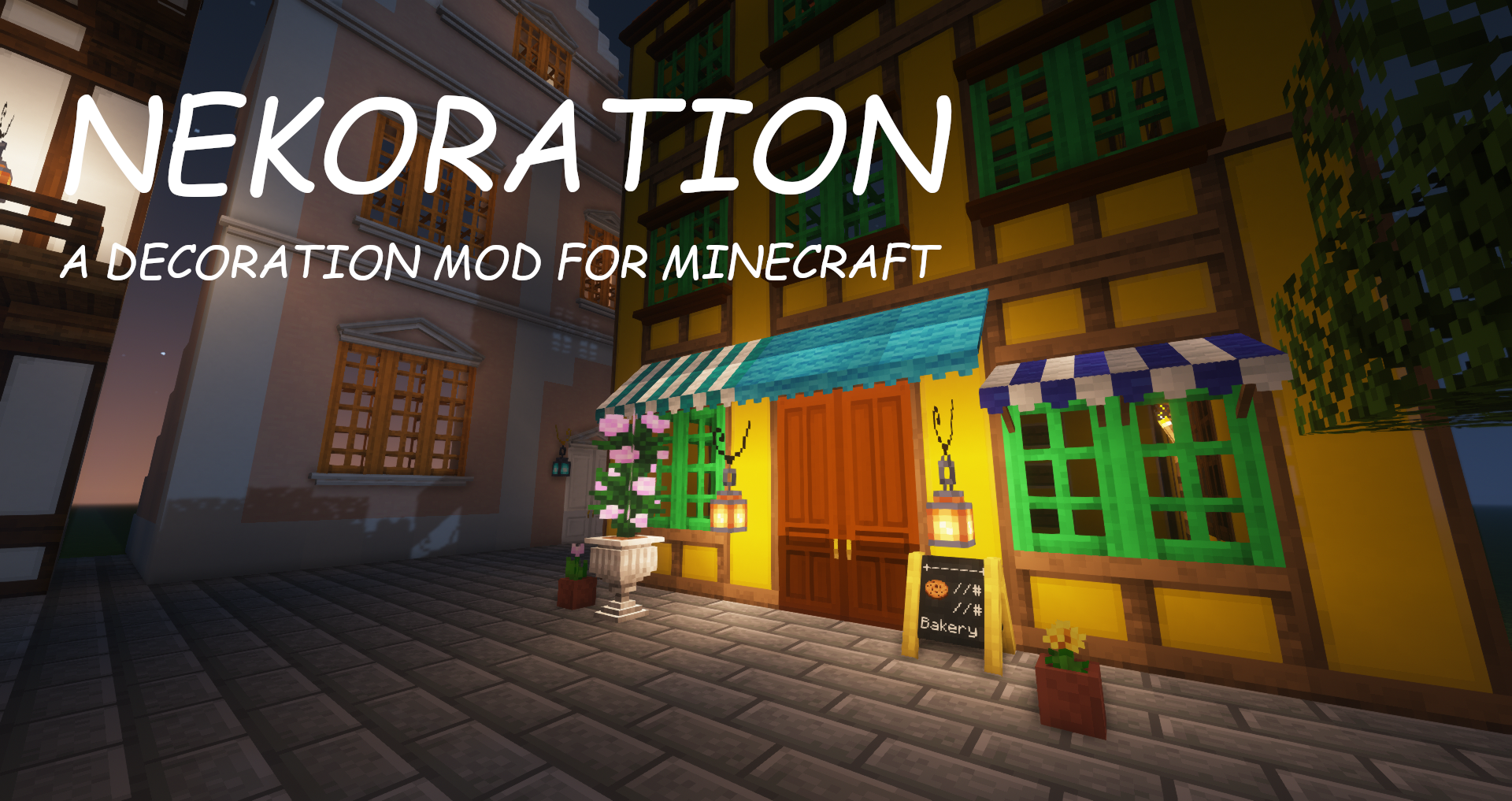
Nekoration-Remaster
A Decoration Mod for Minecraft
This mod is the 1.21.1 version of Nekoration with a total rewrite, so many features are still in WIP. The 1.20.1 version of this mod only fixes the compatibility with Dramatic Doors. The introduction of this mod comes from the original mod, using it as a reference.
IntroductionNekoration-Remaster is a NeoForgemod for Minecraft which adds lots of decorational stuff to the game, allowing players to have a wider choice when building & creating.
About Its Name
The name 'Nekoration' is a compound of 'cat' in Japanese(ねこ, neko) and 'decoration', suggesting that the mod is both ornamental and cats-friendly... ^._.^= ∫
Features
Dyeing
Most of Nekoration's blocks are dyeable using vanilla dyes, so that you can turn almost everything in this mod to your favorite tint!
Auto-Connecting Model (without Texture-connecting mods)
Many blocks in Nekoration supports model auto connecting, to name a few, Half-Timber Pillars and Lamp Posts. When being placed by players, they'll automatically adapt to connect to adjacent blocks.
Painting
Painting is a feature with which you can draw your OWN paintings! You can pick colors with a palette item, and enjoy creating your art work on a custom painting! (Click the button below to view tutorial)
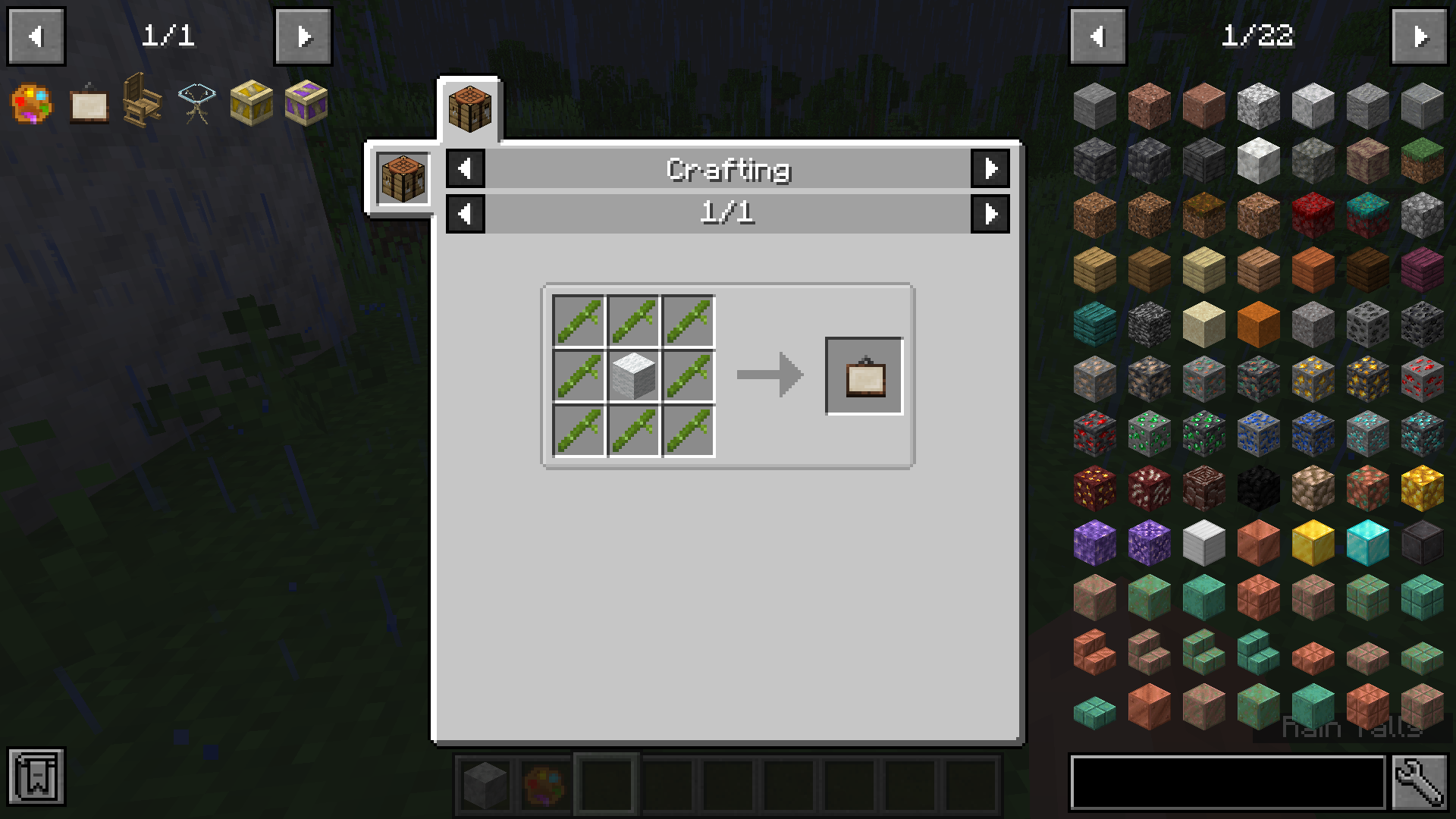
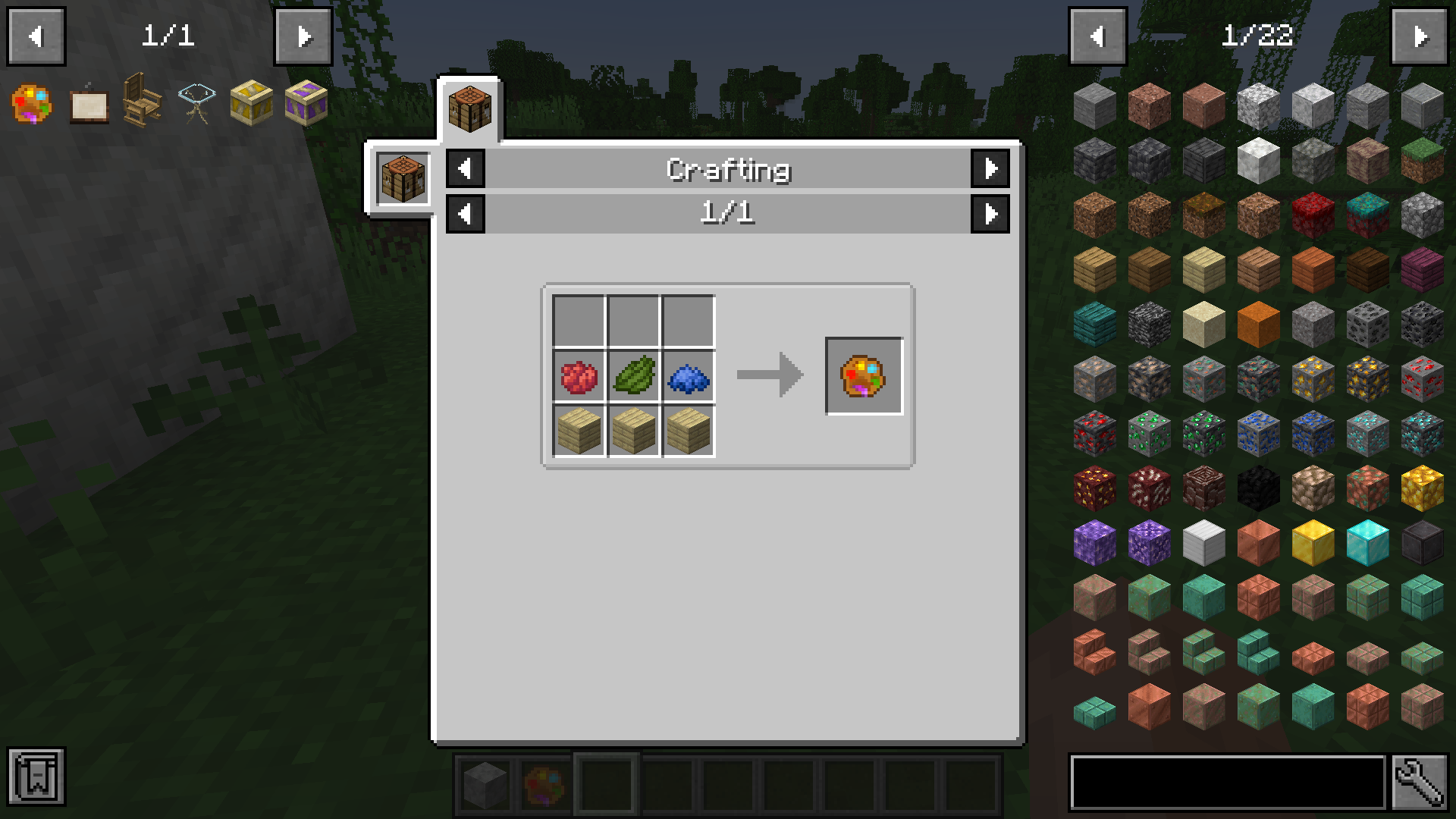
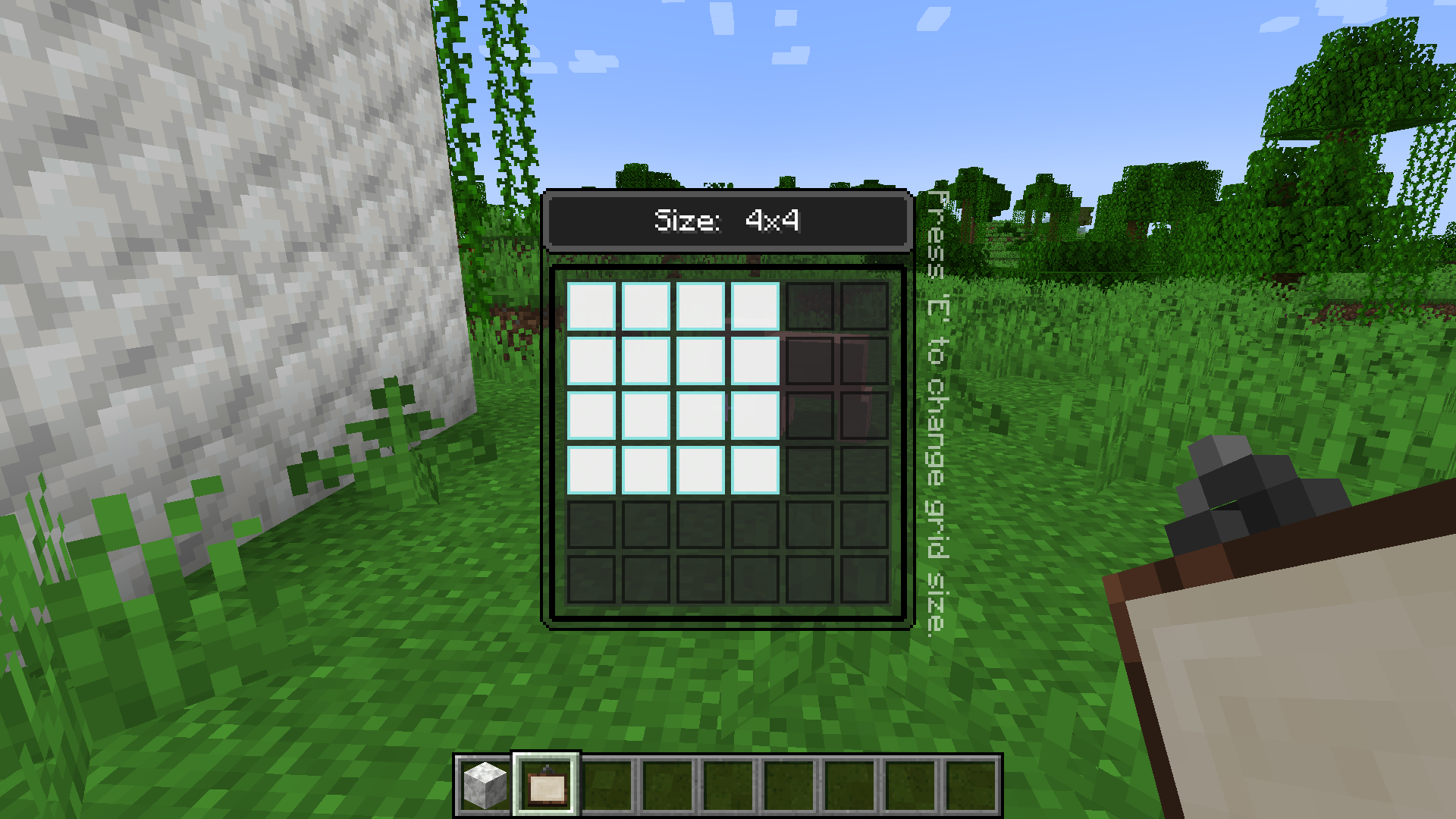
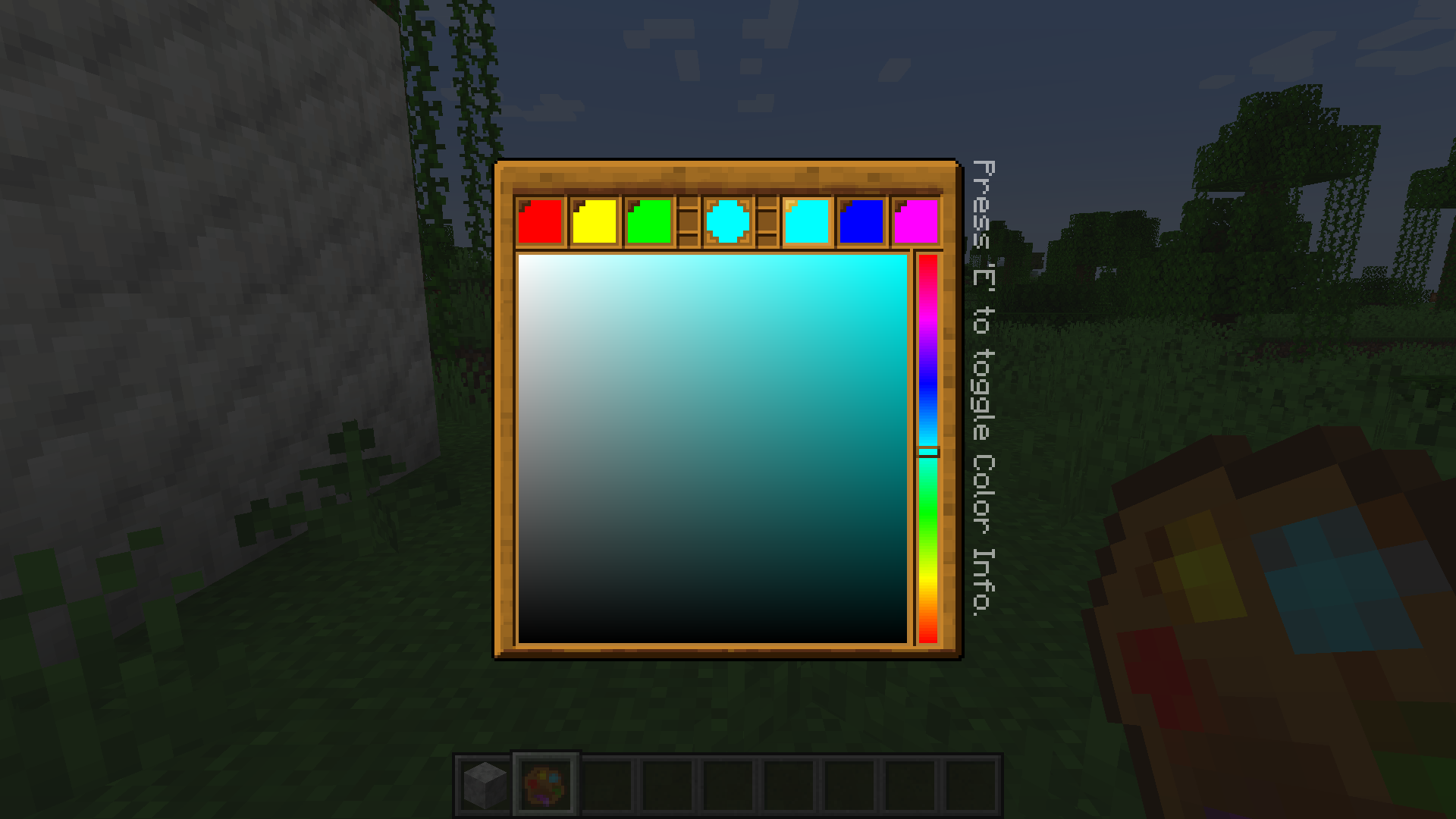 Step 2. Start to paint!
Then, you can place your blank painting on a wall, and the size of this painting is fixed at this time and cannot be changed anymore. Simply right click on it with a palette in your hand, and you can start painting!
Step 2. Start to paint!
Then, you can place your blank painting on a wall, and the size of this painting is fixed at this time and cannot be changed anymore. Simply right click on it with a palette in your hand, and you can start painting!
 Step 3. Saving/Loading paintings
You can input a path in the textfield at the top of the GUI, specifying the image file you want to save to/load from. The root directory of local paths is
Step 3. Saving/Loading paintings
You can input a path in the textfield at the top of the GUI, specifying the image file you want to save to/load from. The root directory of local paths is
.minecraft/nekopaint, and these paths should contain the extension name(.jpg or .png). For png images it's still OK to omit the extension name, which means you can simply use "foo" to refer to "foo.png", but for jpg images a full name is required.
- Save Painting:Save the whole painting to an image file, canvas included.
- Save Painting Content:Save only the painting content to an image file without the canvas. This function can be especially useful when you want to move painting content from one painting to another.
-
Load Local Image Files:Load an image file under
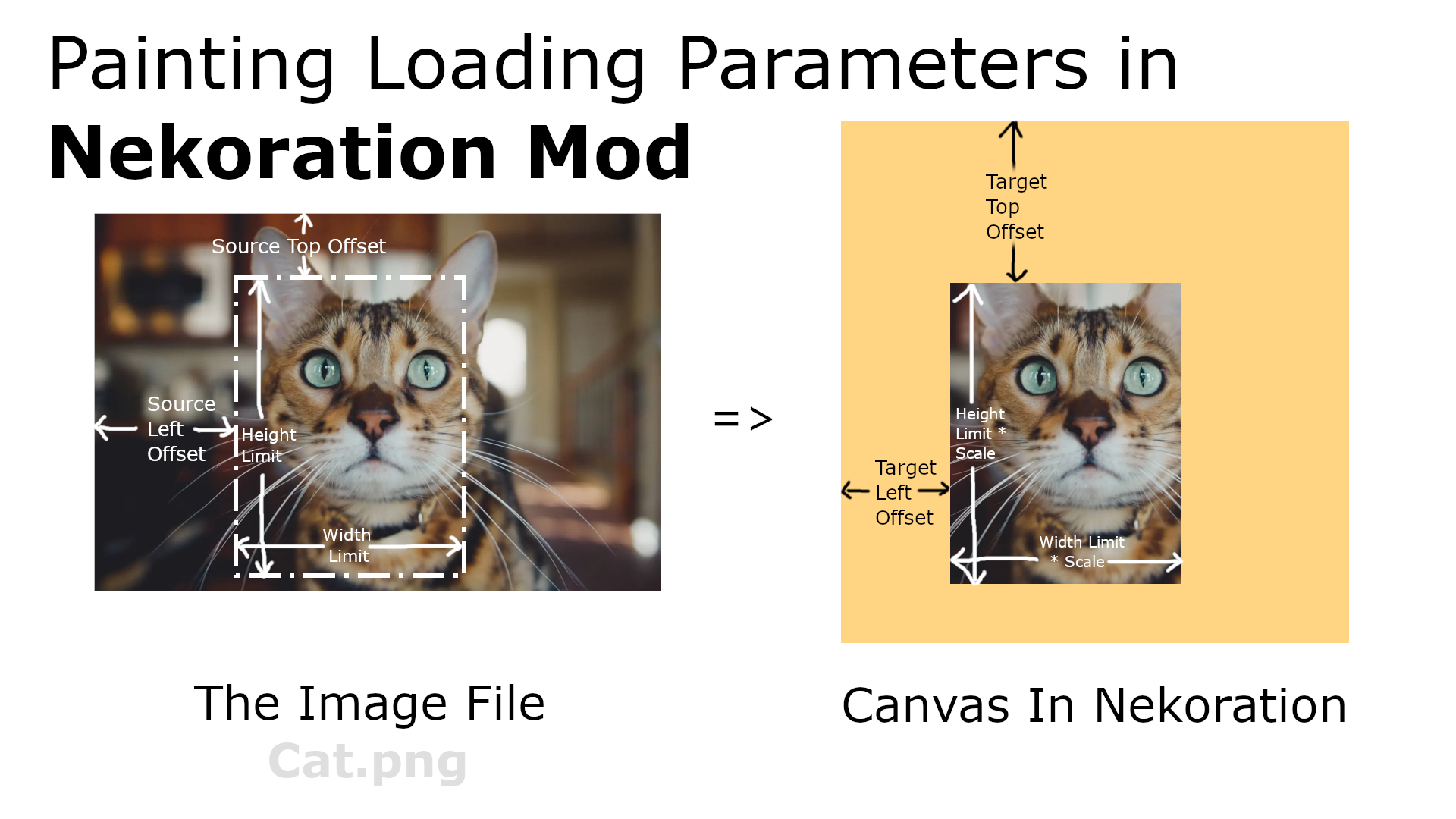
.minecraft/nekopaintonto the canvas. A few loading parameters are supported: Target Left Offset, Target Top Offset, Source Left Offset, Source Top Offset, Scale, Width Limit, and Height Limit, these parameters should be seperated with '>', following the file path. Not all parameters need to be specified, but they mustbe given in the above order. - Load Images From Web URLs: The editor can also load images from web URLs, and the above parameters still work in this case.
-
A Few Examples:Assuming that you have an image named
foo.pngunder.minecraft\nekopaintfolder, inputingfoo.png > 0 > 0 > 0 > 0 > 0.5will load the image at half size, and usingfoo.png > 10 > 20 > 50 > 60 > 1.0 > 10 > 20will load the part of the image from (50, 60) to (60, 80) at position (10, 20) onto your canvas. For another example, you can usehttps://www.misaka-cloud.net/image/Meow.png> 0 > 0 > 0 > 0 > 0.5to load that image from a remote server onto your canvas at half size. (That URL doesn't actually exist, just to explain how it works)
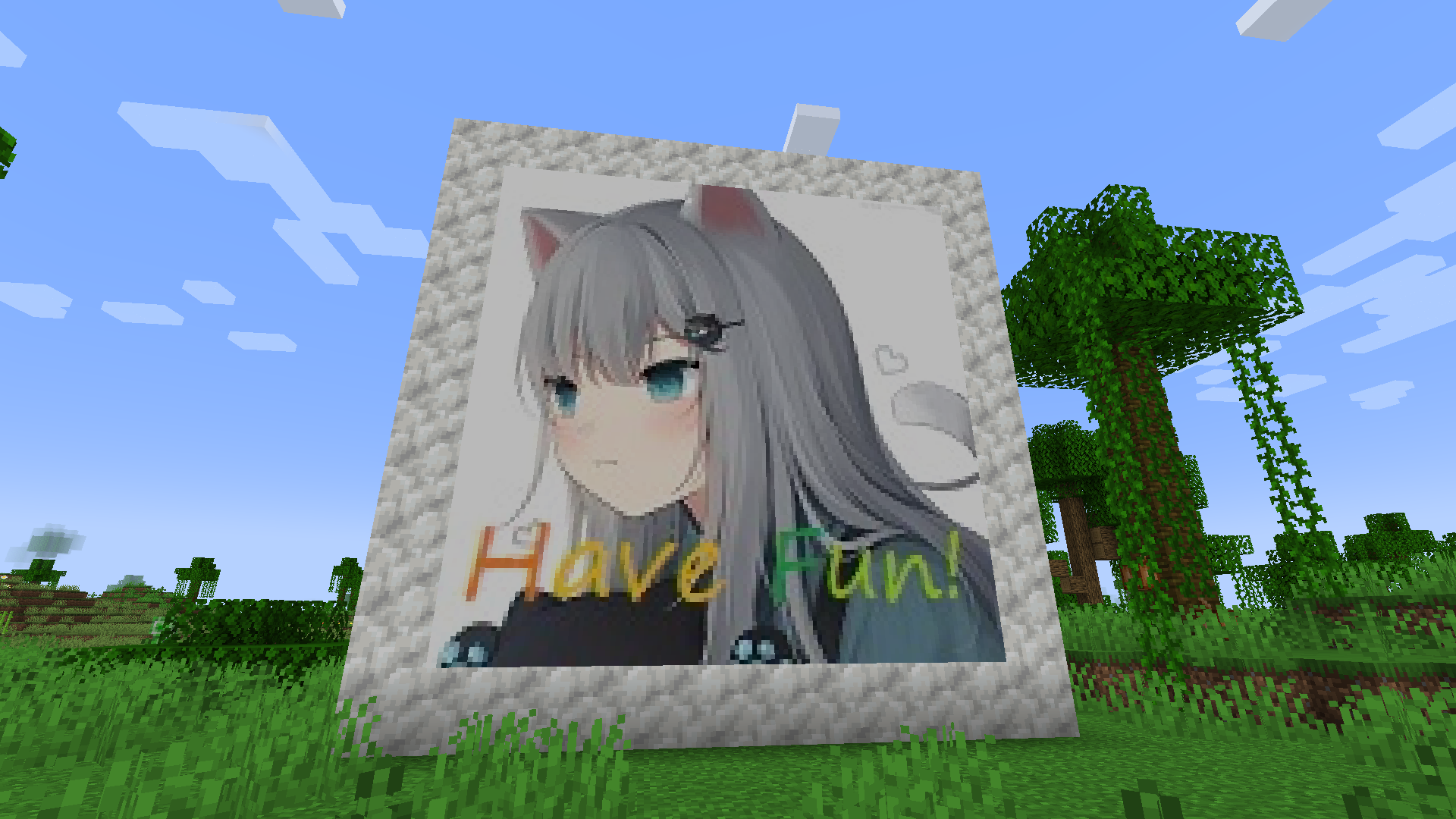
With Nekoration, you can turn any Banner into Wallpaper with exactly the same pattern, just the way you make Shields from Banners. Then you can place it on any wall surface(several pieces of wallpaper can fit into a 1x1x1 space, so don't worry about room corners).
Neko Brochure
Once you install the mod with Patchouli, you'll find a red brochure in 'Neko Tools' tab, which introduces all aspects of Nekoration, like recipes and mechanics. The book is still being written, and will be of more use as the mod updates.
Code Repository
This project is open-source at https://github.com/GLDYM/Nekoration-Remaster , where you can view the code or contribute to the mod.
Your feedback and suggestions are welcome!
Screenshots
Gallery
Versions
Files
Relations
Project Relations
More like this
Similar Mods
Suggestions use data such as tags, dependencies, dependents, descriptions, titles, and more to rank how much they overlap with this mod.
On ModDex
Community snapshot
By the numbers
Statistics
 (opens in a new tab)
Get it on
Available Platforms
On ModDex
Community snapshot
By the numbers
Statistics
Resources