
Community listing page, reviews here may not be monitored by the author.
NextSpace

No reviews yet
Very early alpha version! - A space mod featuring satellites and new worlds. Explore planets, fly seamlessly into space and build functional spacecraft with Create Aeronautics.
Community voices
Reviews
No reviews yet. Be the first to review this project!
Get it on
Available Platforms
About
Project Details
For authors
Embed Badge
If you're the author of this project, you can embed a live badge anywhere that supports HTML or Markdown. It updates automatically whenever ratings change.
Use HTML for any page that supports it, or Markdown for README files and Markdown-based descriptions.
Identifiers
Platform IDs
Resources
External Links
About
Description
#pre-alpha v0.0.1
I know… another Space Mod.
Yes, I know, there are already plenty of great space mods for Minecraft.
But this mod is not meant to be a copy of any of them. It’s simply a fun little project of mine where I can experiment, bring my own ideas to life, and have some fun along the way.
I’m mainly developing this mod with the help of AI for myself, but I’d love to share the project with all of you as well. Feel free to download it, give it a try, and have some fun — or don’t.
I already have plenty of ideas for things I’d like to add in the future. If you have any suggestions, wishes, or crazy ideas, feel free to leave a comment! Maybe your idea will make its way into the mod.
Have fun, be creative, and most importantly…
Much love to everyone! ❤️🌌
Dependencies:
-Create
-PowerGrid
-Create Aeronautics
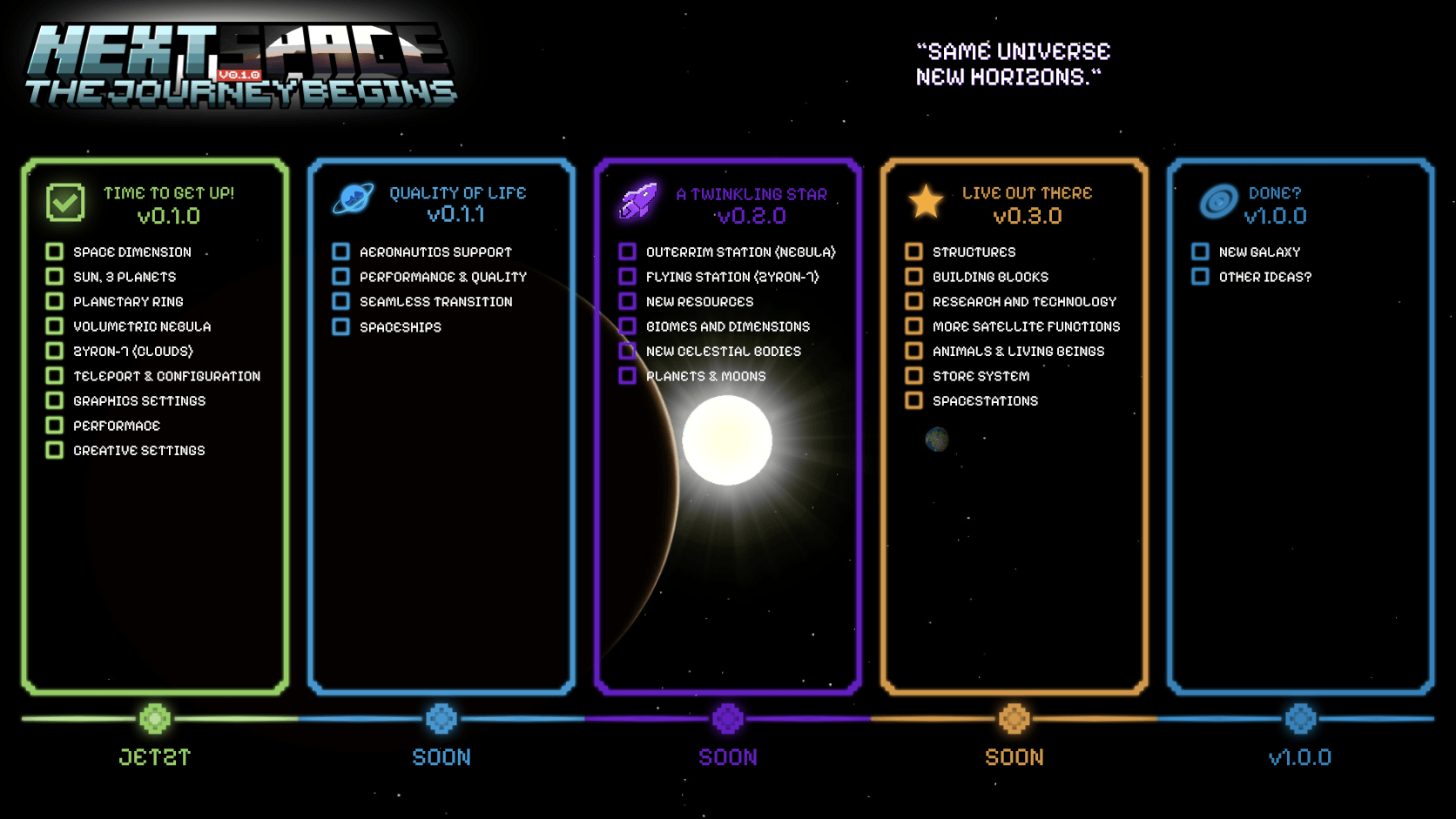
NextSpace – Quick Guide
Planets
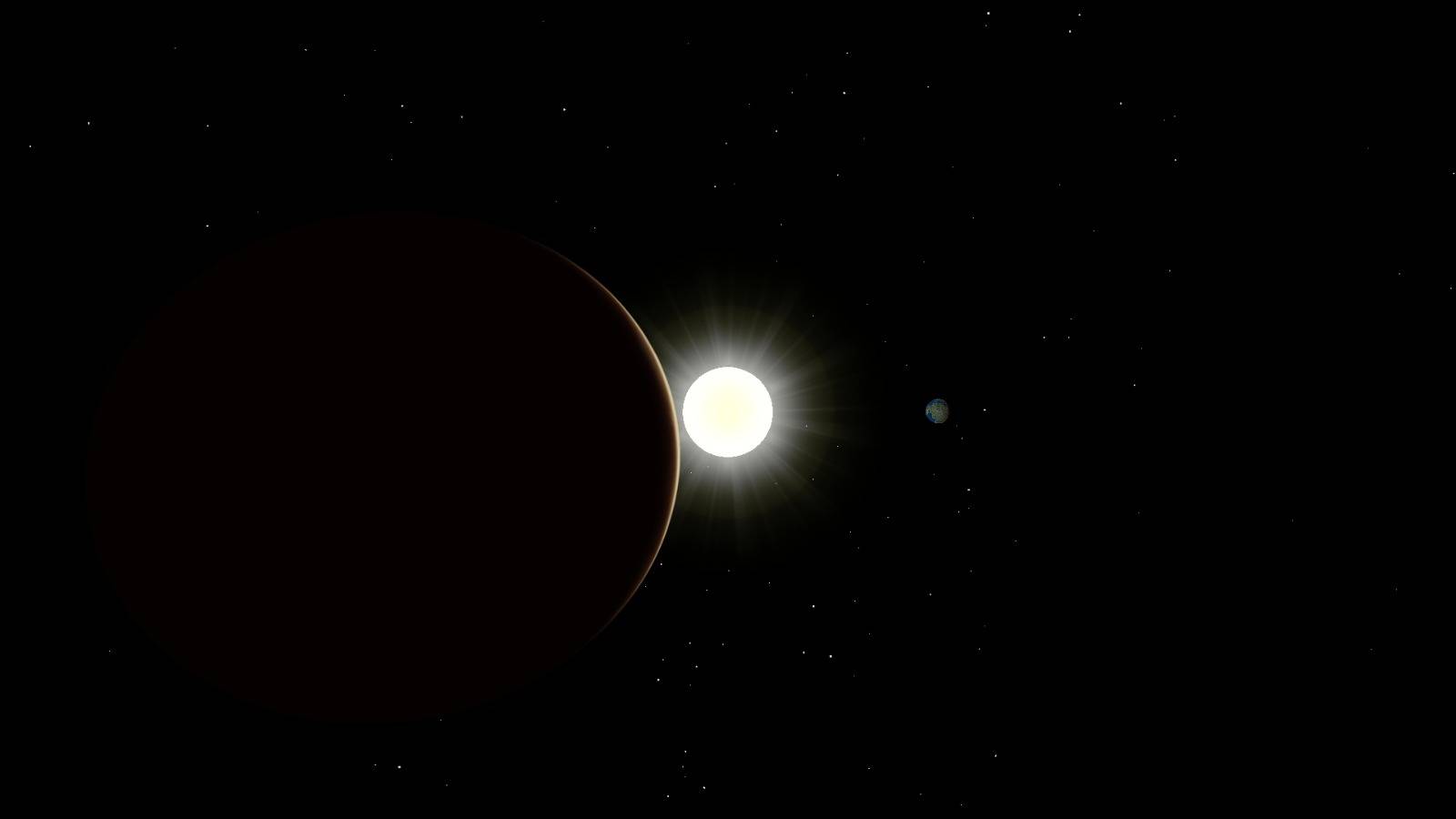
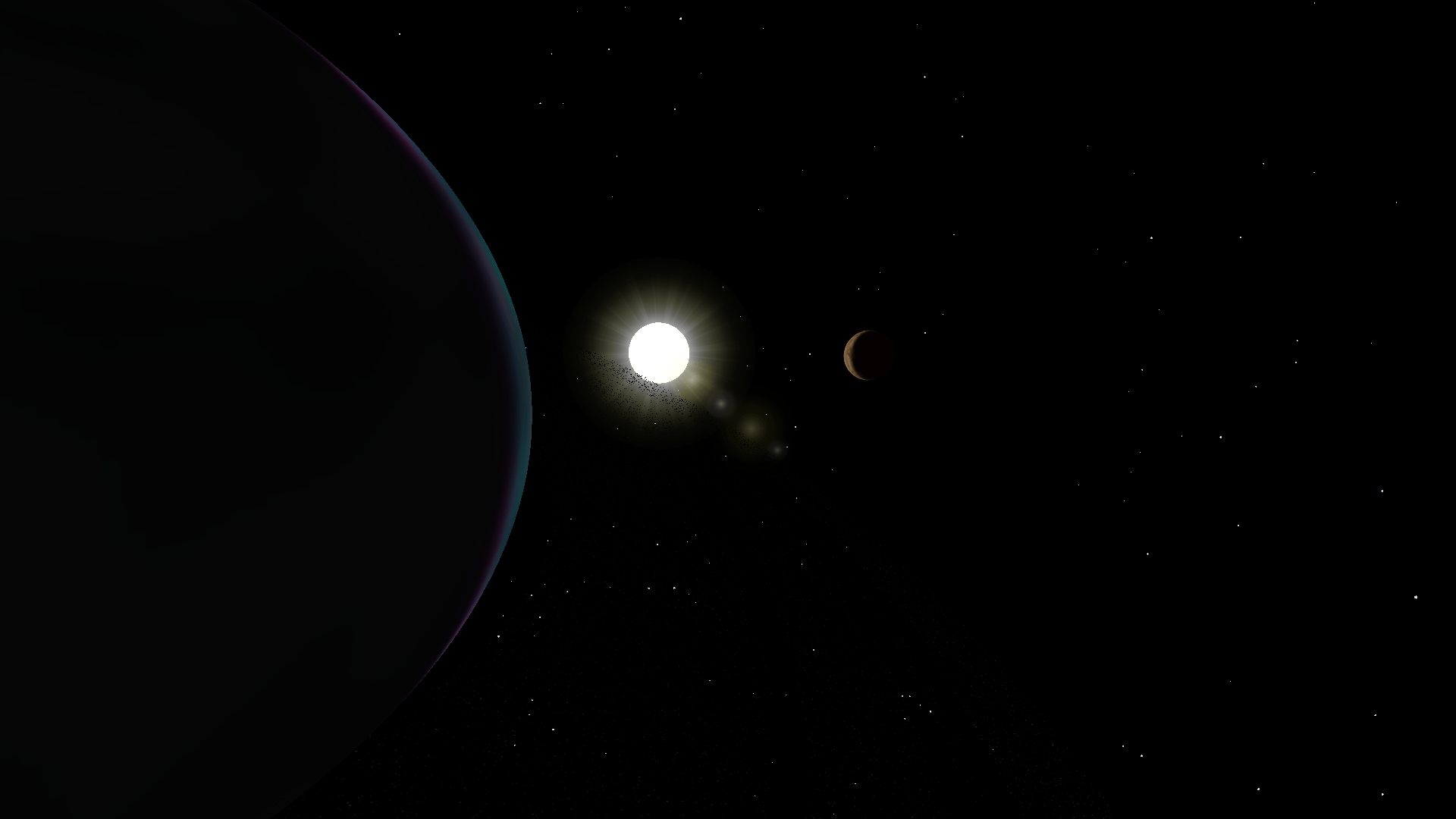
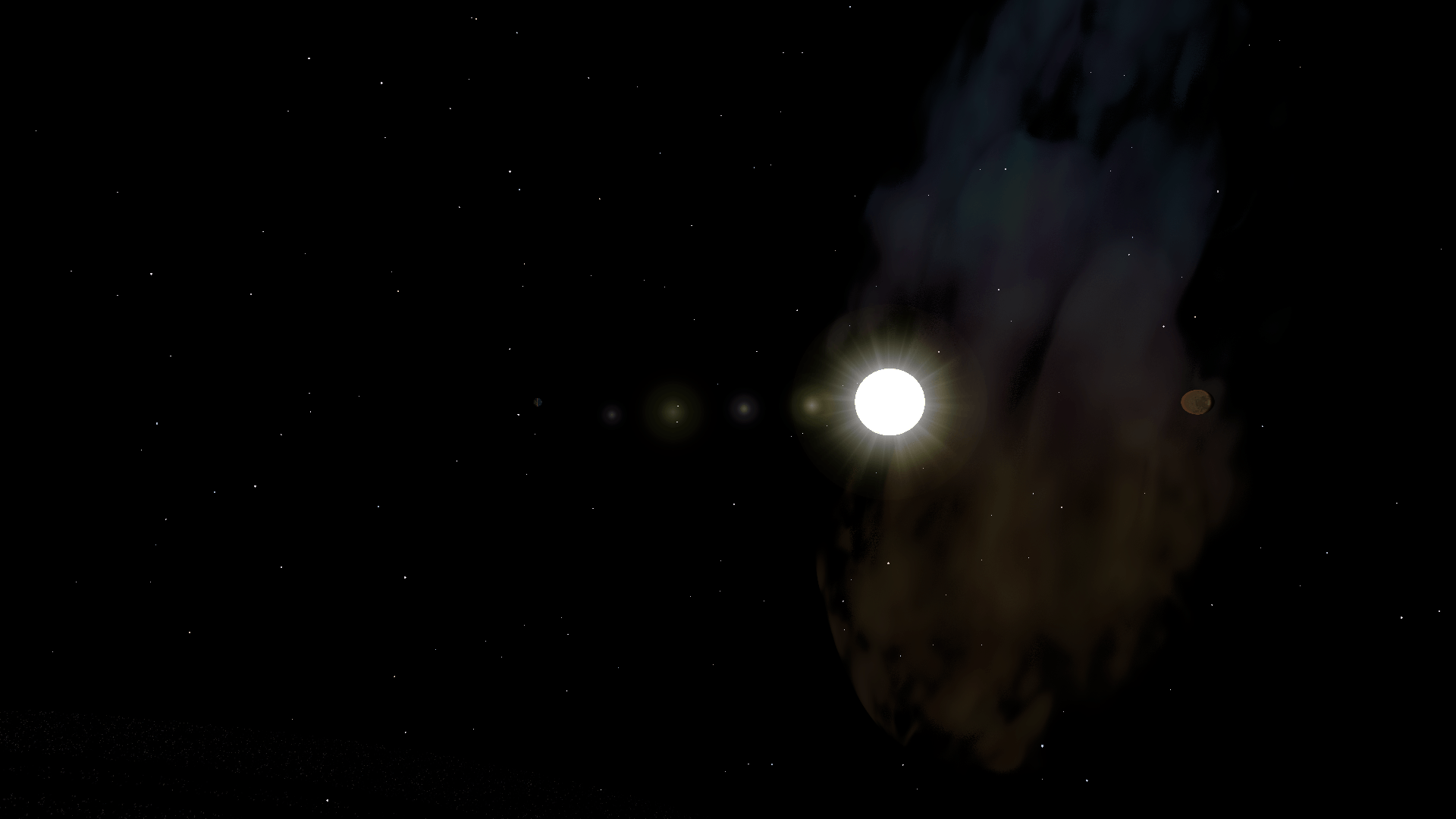
NextSpace currently includes the following celestial bodies:
Sun
Earth
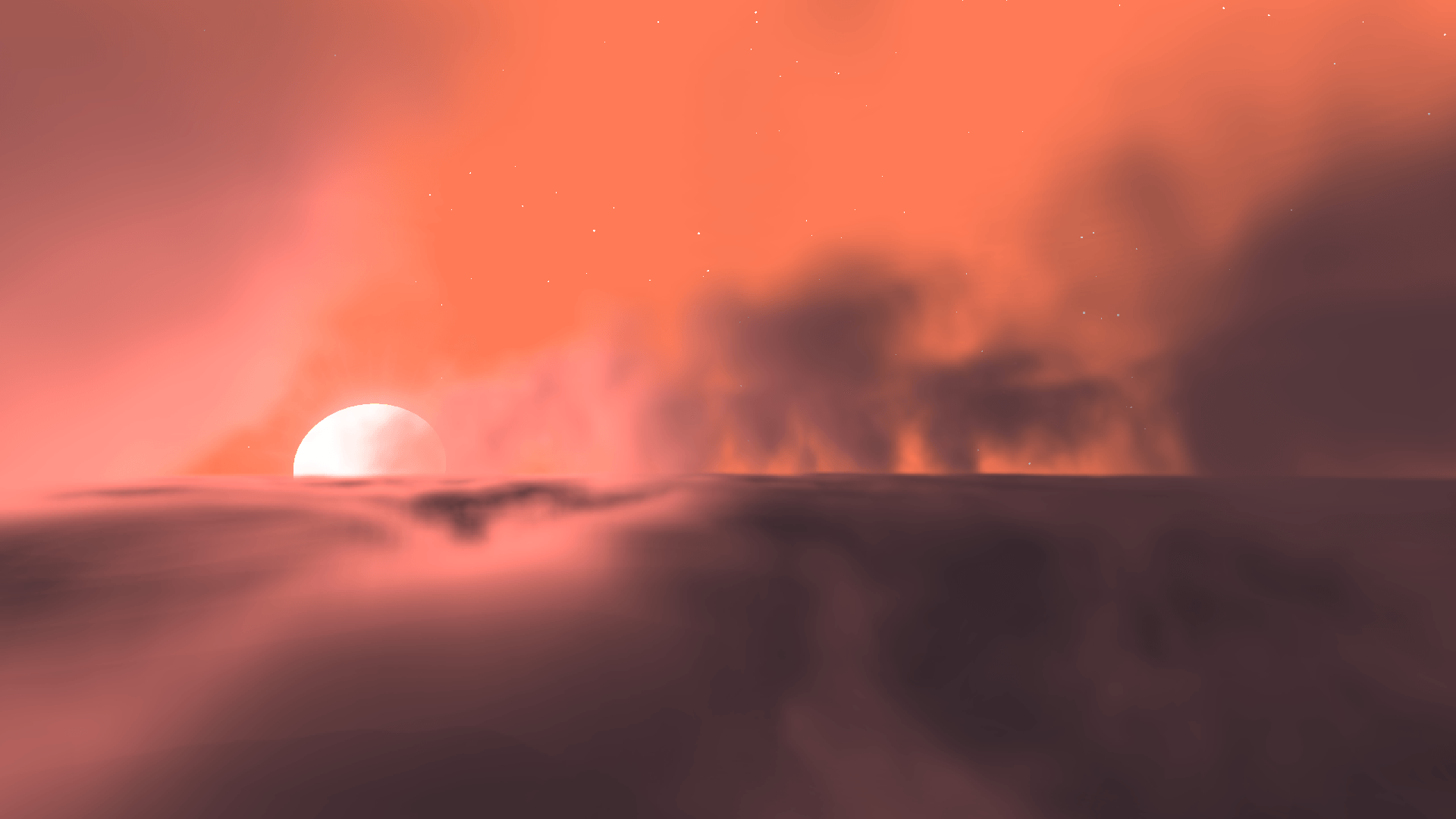
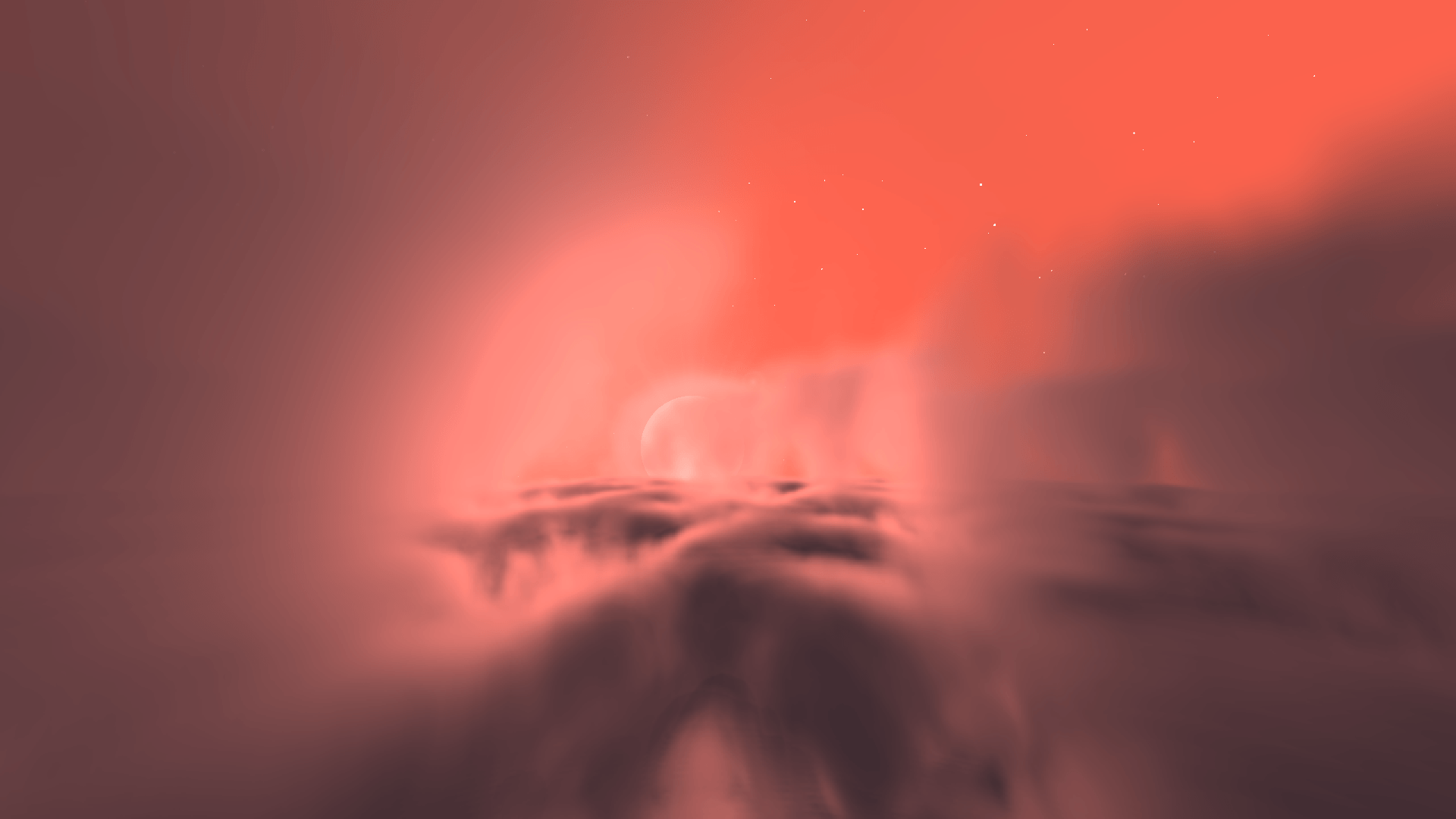
Zyron-7
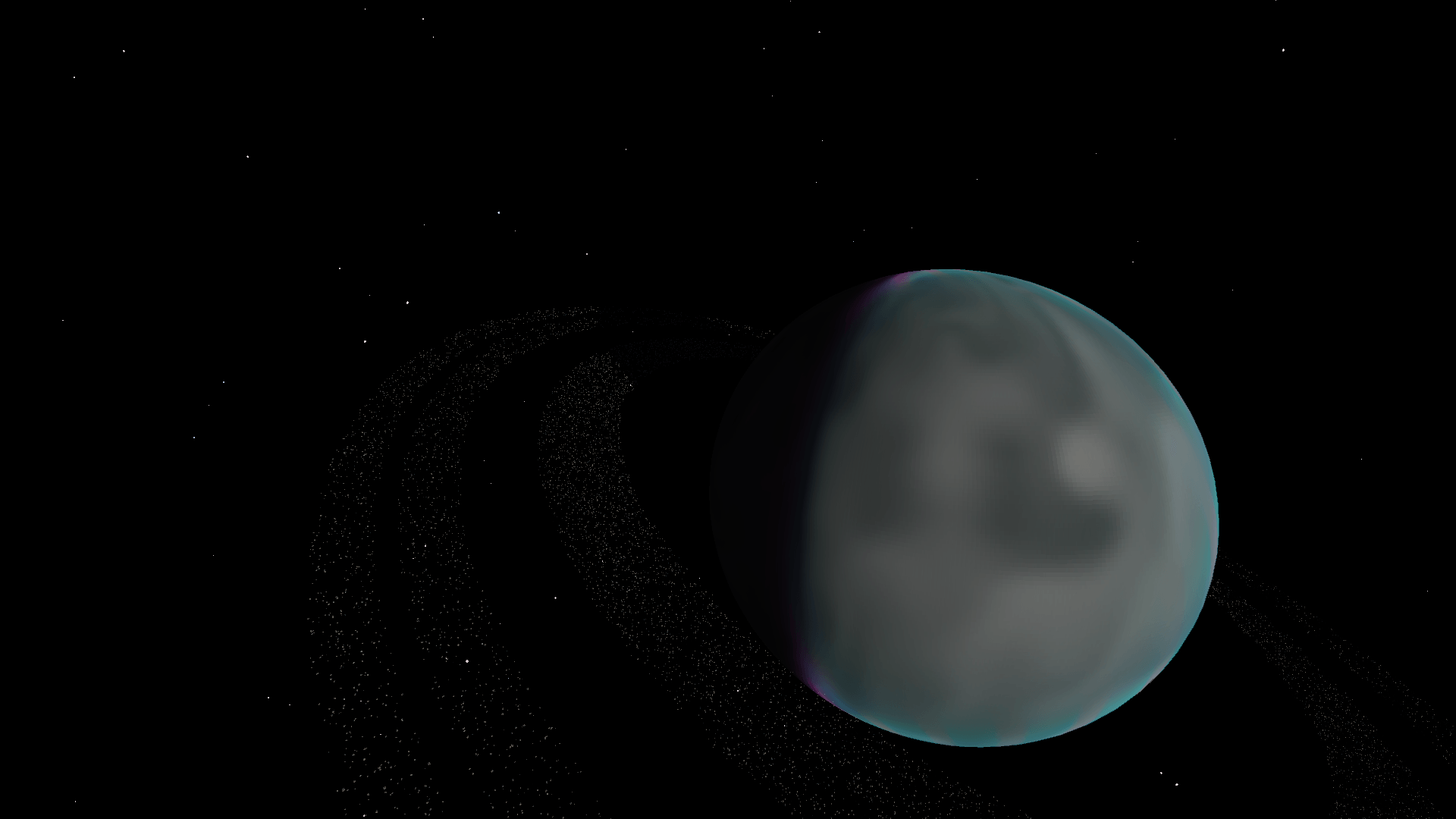
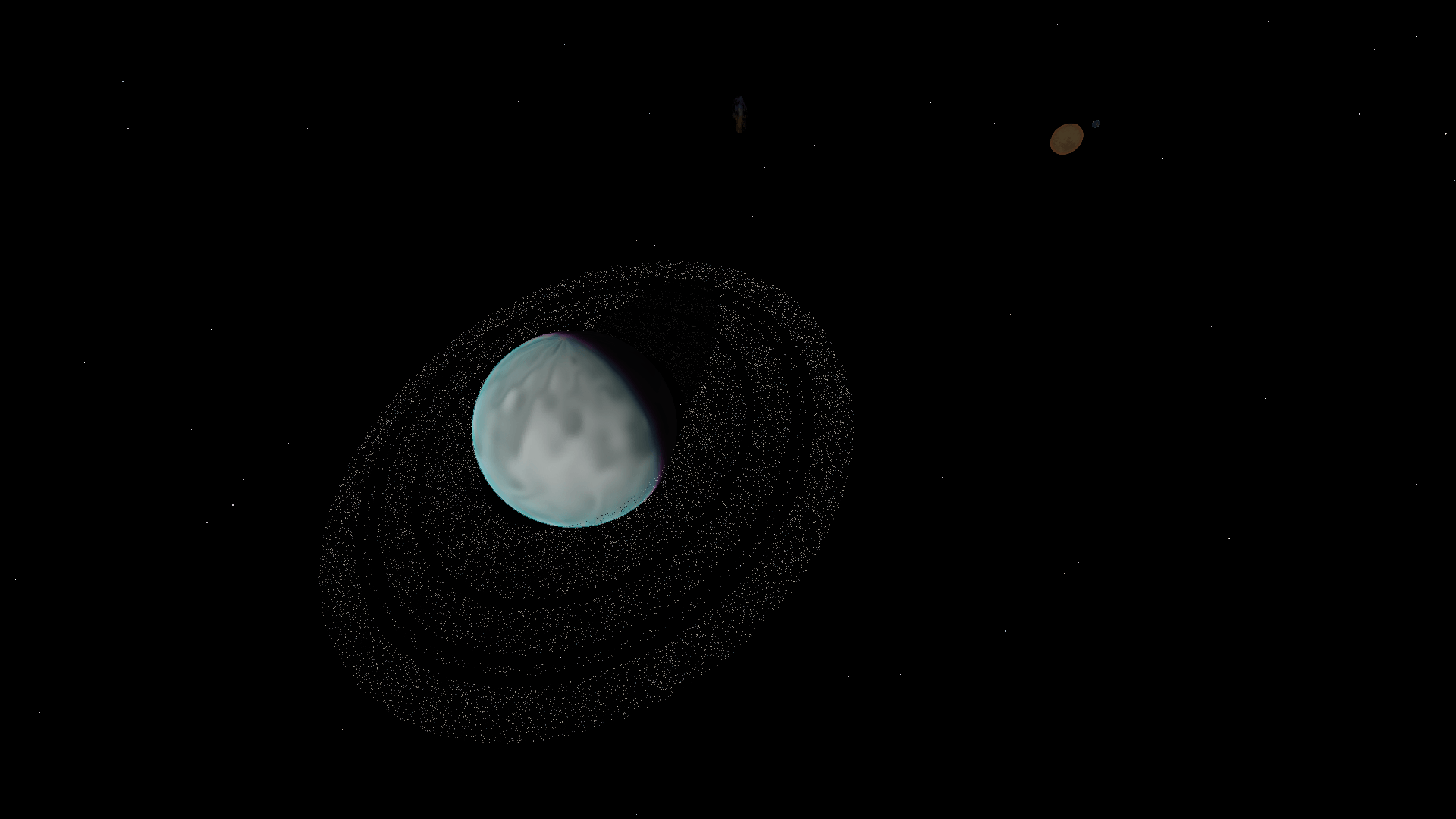
Ringed Planet
There is also a volumetric Nebula located in space.
Dimensions
minecraft:overworld
Surface of Earth.
nextspace:space
The main Space dimension.
nextspace:zyron_7
Surface dimension of Zyron-7.
Satellite orbits are located inside the Space dimension.
Building a Satellite
A satellite must be built as a valid Sable / Create Aeronautics contraption.
A basic satellite requires:
- Satellite Controller
- At least 1 Thruster
- At least 1 Power Grid Solar Panel
- At least 1 Power Grid Battery
- At least 1 Satellite Module
- At least 1 Antenna
Optional modules include:
- Communication Module
- Telemetry Module
- GPS Module
- Mapping Module
- Ore Scanner Module
- Weather Module
After building the satellite, assemble it as a Sable / Create Aeronautics contraption.
The satellite must be located inside nextspace:space.
Linking a Satellite to a Terminal
1. Place a Satellite Terminal on Earth or Zyron-7.
The terminal automatically creates a Satellite Network.
2. Shift + Right Click the Satellite Terminal.
This activates the terminal's link mode.
3. Move the satellite into the correct orbit.
A terminal on Earth requires the satellite to be inside the Earth Orbit.
A terminal on Zyron-7 requires the satellite to be inside the Zyron-7 Orbit.
4. Travel to the satellite and Shift + Right Click the Satellite Controller.
The controller checks:
- Correct orbit
- Correct dimension
- Valid Sable / Aeronautics contraption
- Thruster
- Solar Panels
- Battery
- Modules
- Antenna
If everything is valid, the satellite will be registered to the Satellite Network.
5. Shift + Right Click the Satellite Controller again to activate the satellite.
The satellite should then appear inside the Satellite Terminal.
Teleport Commands
/nextspace tp sun
/nextspace tp earth
/nextspace tp zyron-7
/nextspace tp ringed-planet
/nextspace tp nebula
Planet Configuration Commands
Show the current configuration:
/nextspace config sun
/nextspace config earth
/nextspace config zyron_7
/nextspace config ringed_planet
Change planet settings:
/nextspace config radius
/nextspace config rotationSpeed
/nextspace config orbitSpeed
/nextspace config orbitRadius
/nextspace config atmosphereRadius
/nextspace config orbitZoneRadius
Sun Lighting
/nextspace config sun lightStrength
/nextspace config sun lightRange
Planet Ring Commands
Show a ring configuration:
/nextspace config ring <1-15>
Change ring distance:
/nextspace config ring <1-15> distance
Change ring width:
/nextspace config ring <1-15> width
Change ring density:
/nextspace config ring <1-15> density <0-5000>
Change ring thickness:
/nextspace config ring <1-15> thickness
Enable or disable a ring:
/nextspace config ring <1-15> enabled <true|false>
Nebula Commands
Show current Nebula settings:
/nextspace config nebula
Change position:
/nextspace config nebula x
/nextspace config nebula y
/nextspace config nebula z
Change size:
/nextspace config nebula size
Change brightness:
/nextspace config nebula brightness
Change density:
/nextspace config nebula density
Change rotation:
/nextspace config nebula rotationX
/nextspace config nebula rotationY
/nextspace config nebula rotationZ
Dimension Transition Commands
Show transition settings:
/nextspace config transition
Earth to Space preview height:
/nextspace config transition overworldSpacePreviewY
Earth to Space transition height:
/nextspace config transition overworldSpaceEntryY
Zyron-7 to Space preview height:
/nextspace config transition zyronSpacePreviewY
Zyron-7 to Space transition height:
/nextspace config transition zyronSpaceEntryY
Graphics Commands
Show graphics settings:
/nextspace graphics
Graphics presets:
/nextspace graphics low
/nextspace graphics medium
/nextspace graphics high
/nextspace graphics ultra
Individual graphics options:
/nextspace graphics nebula <true|false>
/nextspace graphics atmospheres <true|false>
/nextspace graphics sunLensFlare <true|false>
/nextspace graphics stars <true|false>
/nextspace graphics shootingStars <true|false>
/nextspace graphics distanceLod <true|false>
Performance Commands
Show memory and performance information:
/nextspace perf memory
Reset NextSpace client render caches:
/nextspace perf resetCaches
Satellite Teleport Commands
Teleport a player to a satellite:
/nextspace satellite tp
/nextspace satellite teleport
Alternative commands:
/createsatellite tp
/createsatellite teleport
Satellite Terminal Commands
Authorize a player:
/createsatellite terminal authorize
Remove authorization:
/createsatellite terminal revoke
Show registered satellites:
/createsatellite terminal satellites
Rename a satellite:
/createsatellite terminal rename
Remove a satellite from the network:
/createsatellite terminal remove
Satellite Network Commands
Show available satellite networks:
/createsatellite network
Check a communication route:
/createsatellite network route
Chat Commands
Show chat configuration:
/createsatellite chat status
Enable or disable global chat:
/createsatellite chat global <true|false>
Enable or disable satellite chat:
/createsatellite chat satellite <true|false>
Change local chat radius:
/createsatellite chat radius <1-1024>
Debug Commands
Debug the Satellite Terminal you are looking at:
/createsatellite debug terminal
Debug the satellite you are looking at:
/createsatellite debug satellite
Show all stored satellite networks:
/createsatellite debug networks
Screenshots
Gallery
-
 Logo model.png
 -
Roadmap
-
 img1
img1 -
 img2
img2 -
 img3
img3 -
 img4
img4 -
 img5
img5 -
 img6
img6 -
 img7
img7 -
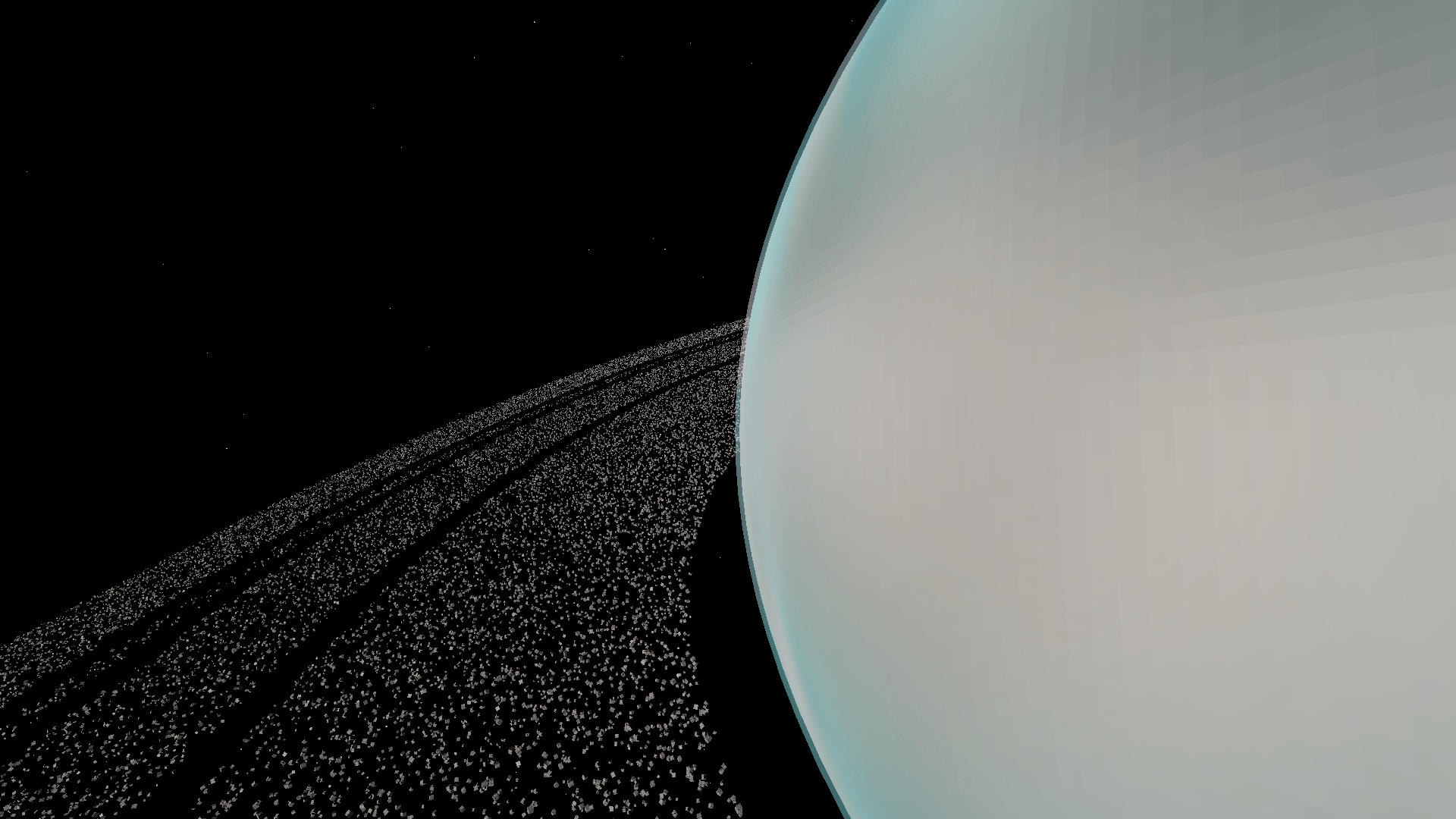 img8
img8
Versions
Files
Relations
Project Relations
More like this
Similar Mods
Suggestions use data such as tags, dependencies, dependents, descriptions, titles, and more to rank how much they overlap with this mod.
On ModDex
Community snapshot
By the numbers
Statistics
Want to reach Minecraft players?
We're looking for a server hosting partner to feature here and other parts of the site. Interested? Send us a message!
Get in touchGet it on
Available Platforms
On ModDex
Community snapshot
By the numbers
Statistics
Resources