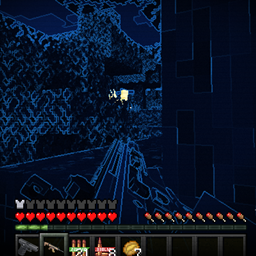
Community listing page, reviews may not be monitored by the author.
Night Operations

No reviews yet
Completely reworks Minecraft night vision into a realistic, high-tech tactical overlay. Perfect for military packs!

Community voices
Reviews
No reviews yet. Be the first to review this project!
Get it on
Available Platforms
 Modrinth
Compatibility
Supported Environments
Must be installed on both the client and the server.
About
Project Details
For authors
Embed Badge
If you're the author of this project, you can embed a live badge anywhere that supports HTML or Markdown. It updates automatically whenever ratings change.
Use HTML for any page that supports it, or Markdown for README files and Markdown-based descriptions.
Identifiers
Platform IDs
About
Description
🪖 Tactical NVG & Thermal Vision
Welcome to **Tactical NVG & Thermal Vision**, a high-quality lightweight mod that completely overhauls the night-hunting experience in Minecraft 1.20.1 Forge! No more boring, vanilla night vision effects — it's time for real, high-tech tactical gear.
This mod introduces realistic tactical night vision goggles (NVG) and thermal imaging devices designed specifically for military modpacks, zombie survival, and realistic multiplayer warfare.
🔥 Key Features:
Realistic NVG Overlay:** High-contrast tactical green or cyan night vision view that makes night operations immersive.
Thermal Imaging Device:** Detect targets instantly! Hot objects and entities (monsters, players, animals) light up brightly against cold backgrounds.
Highly Compatible:** Works perfectly as a standalone mod and fits beautifully into military modpacks (compatible with gun mods like TaCZ, Vic's Point Blank, etc.).
*Custom Models:** Sleek tactical goggles that look amazing on your character's head.
⌨️ How to Use (Controls):
1. Craft or equip the **Tactical Goggles** into your armor/helmet slot.
2. Press the default keybind V or check your Controls menu) to switch between modes: **OFF ➡️ Night Vision ➡️ Thermal Imaging**.
⚙️ Requirements & Technical Info:
Minecraft Version:** 1.20.1
Mod Loader:** Forge
Dependencies:** None! Just install and play.
*Feel free to include this mod in any of your public or private modpacks! Good luck on your night missions!*
Feel the warmth of those around you...
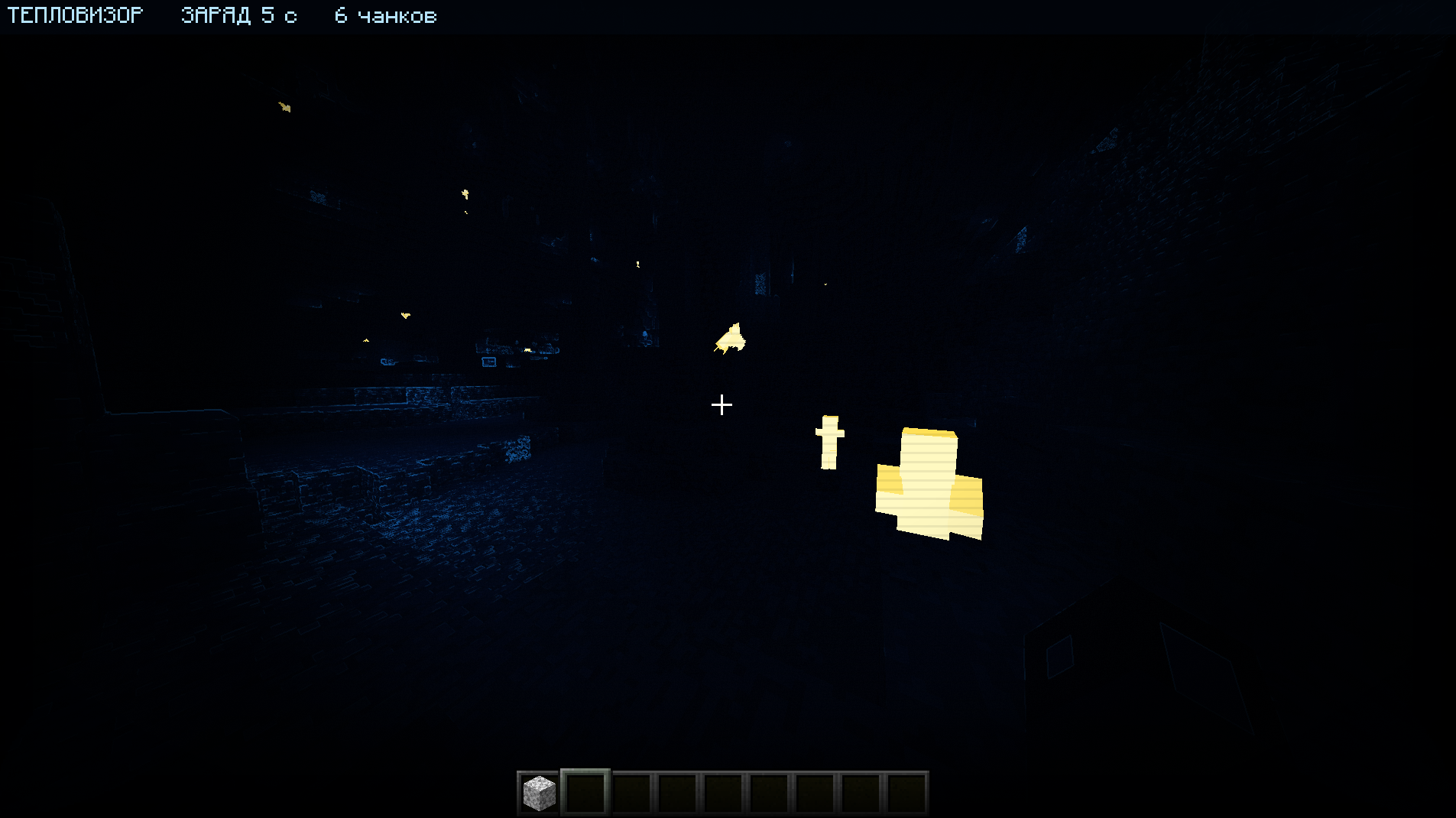
Craftable thermal vision goggles for tactical PvP, survival, and custom modpacks. Spot living targets against a cold, blue world. Originally created for a small Battle Royale server with weapon mods such as TaCZ and Superb Warfare.
Features
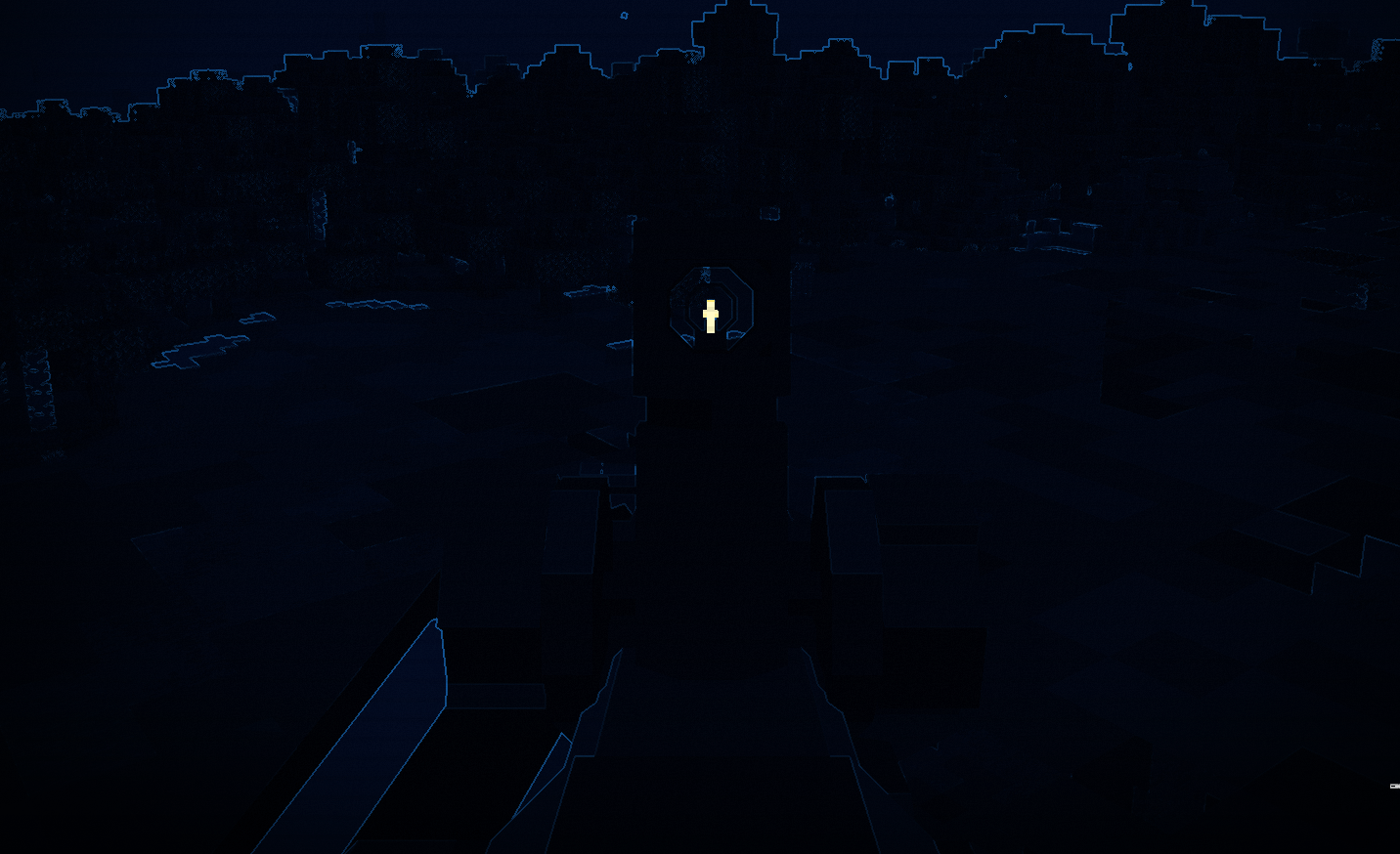
- Model-based highlighting: supported living entity models are highlighted directly, rather than surrounded by the old aura effect.
- Up to 96 blocks of entity detection range, limited by entity render distance.
- Cold-world filter, warm glows around nearby luminous blocks, a charge HUD, and activation sounds.
- Rechargeable power: 60 seconds of active use per full charge. Power is consumed only while thermal vision is enabled. When depleted, the effect switches off and the goggles can be recharged.
- New in 5.0 for Minecraft 1.20.1: animated 3D goggles and optional Curios support. Other players can see the goggles raise and lower.

How to use
- Craft the goggles or obtain them in Creative mode.
- Without Curios, equip them in the helmet slot. In 5.0 with Curios installed, use the functional head accessory slot alongside your helmet. Cosmetic slots do not activate thermal vision.
- Press V to toggle thermal vision. The key can be changed in Minecraft's Controls settings.
- To recharge, hold a Thermal Vision Battery and right-click while wearing the goggles. One battery fully restores the charge and is consumed in Survival.
Crafting
Goggles — shaped recipe:
| Redstone Block | Empty | Redstone Block |
| Tinted Glass | Amethyst Block | Tinted Glass |
| Leather | Leather | Leather |
Battery — shapeless recipe: 1 Redstone Dust + 1 Iron Ingot.
Versions and installation
| Minecraft | Loader | Available build |
|---|---|---|
| 1.20.1 | Forge | 5.0, including animated goggles and optional Curios support |
| 1.21.1 | Forge | 4.0.0-1.21.1, published as a preview; see its version notes |
For multiplayer, install the same build on both the client and the server. TaCZ and Superb Warfare are not required dependencies. Fabric and NeoForge builds are not currently published.
For the optional accessory integration in the 1.20.1 build, use Curios API 5.14.1 or later within the 5.x series, for Minecraft 1.20.1 / Forge.
Rendering notes
The effect is designed to respect solid-wall occlusion. Compatibility with translucent blocks, shader packs, and other rendering mods has not been comprehensively verified. Invisible entities, spectator players, and armor stands are excluded from highlighting. Coverage of custom modded entity renderers may vary.
Support
Report a bug · Source code · Discord community
When reporting a rendering problem, include your Minecraft and mod versions, Forge version, rendering mods or shader pack, and a screenshot or log.
Screenshots
Gallery
-
 зобÑаженнÑ_2026-10-02_105923950.png зобÑаженнÑ_2026-10-02_105923950.png
 -
 зобÑаженнÑ_2026-10-02_105906845.png зобÑаженнÑ_2026-10-02_105906845.png
 -
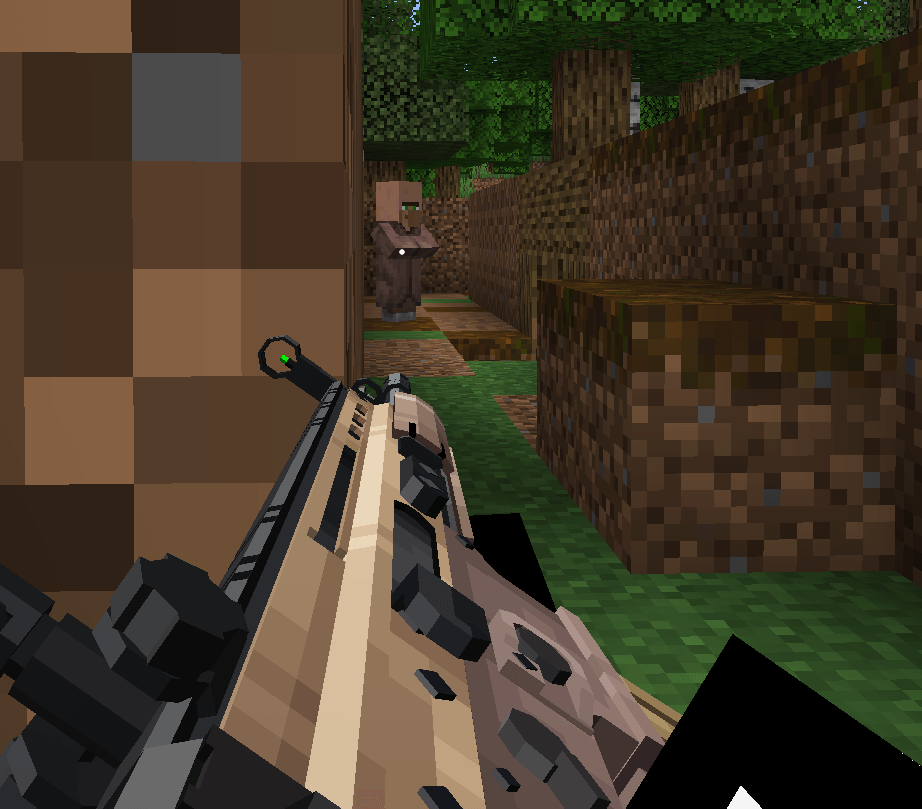 зобÑаженнÑ_2026-10-02_105651865.png зобÑаженнÑ_2026-10-02_105651865.png
 -
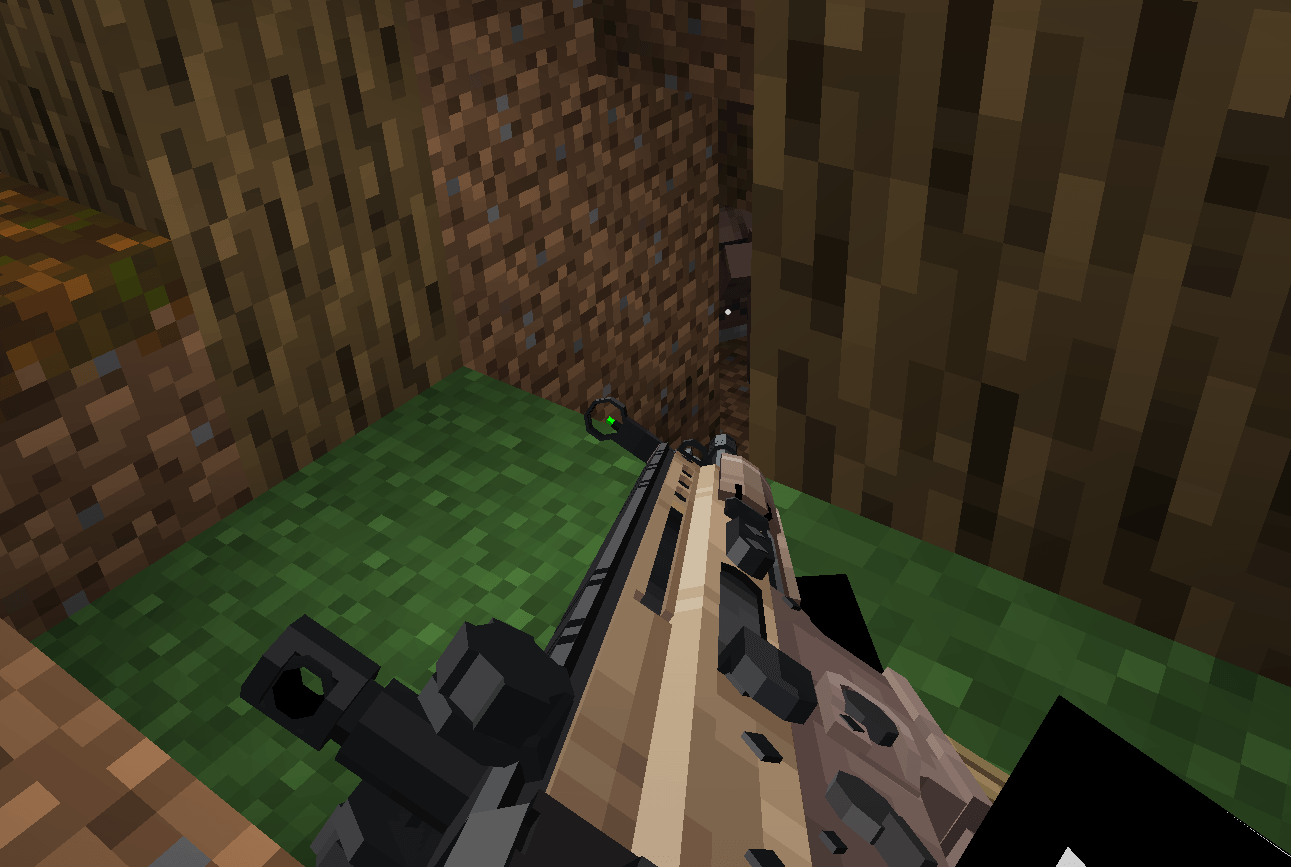 зобÑаженнÑ_2026-10-02_105631063.png зобÑаженнÑ_2026-10-02_105631063.png
 -
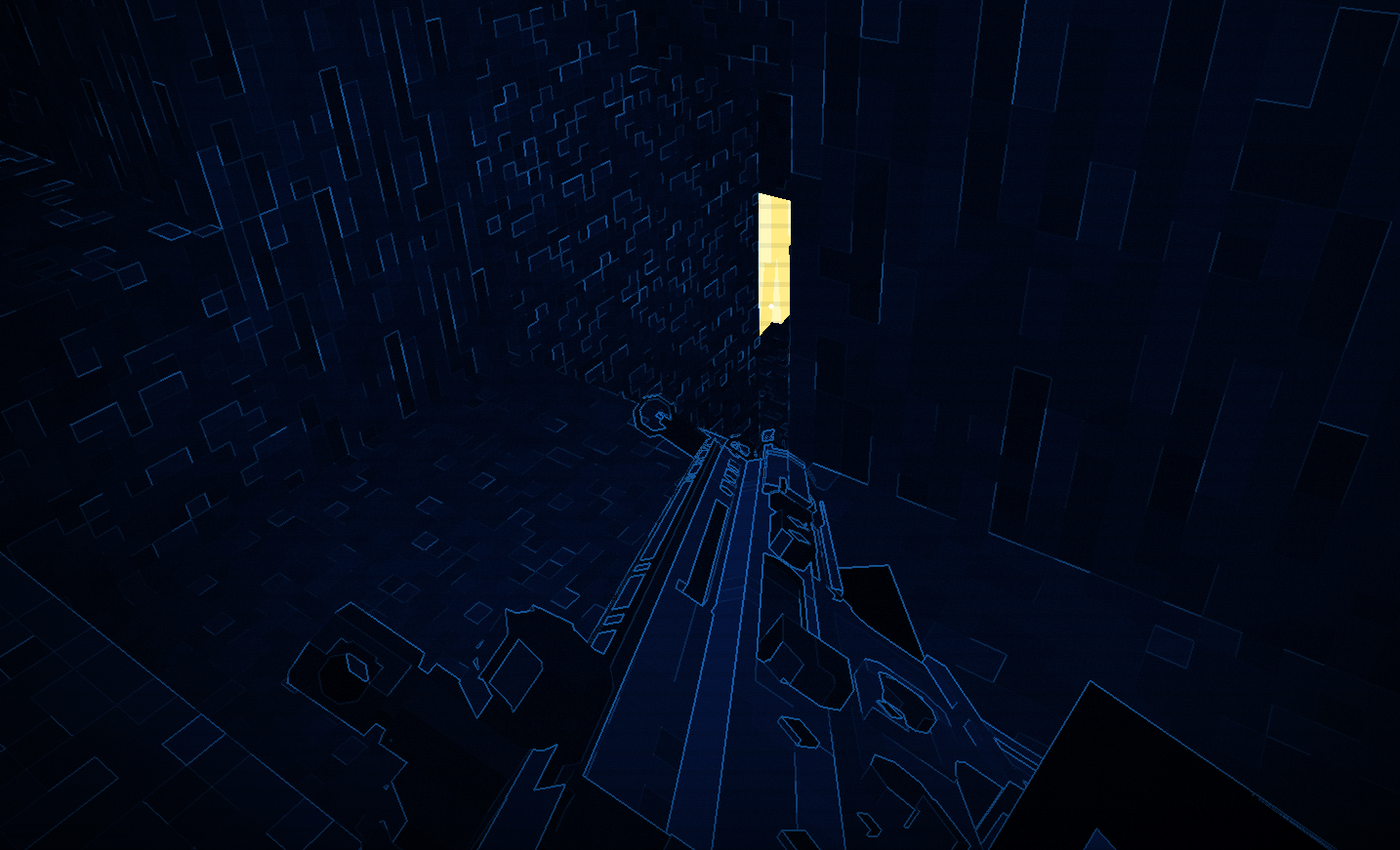 зобÑаженнÑ_2026-10-02_105615257.png зобÑаженнÑ_2026-10-02_105615257.png
 -
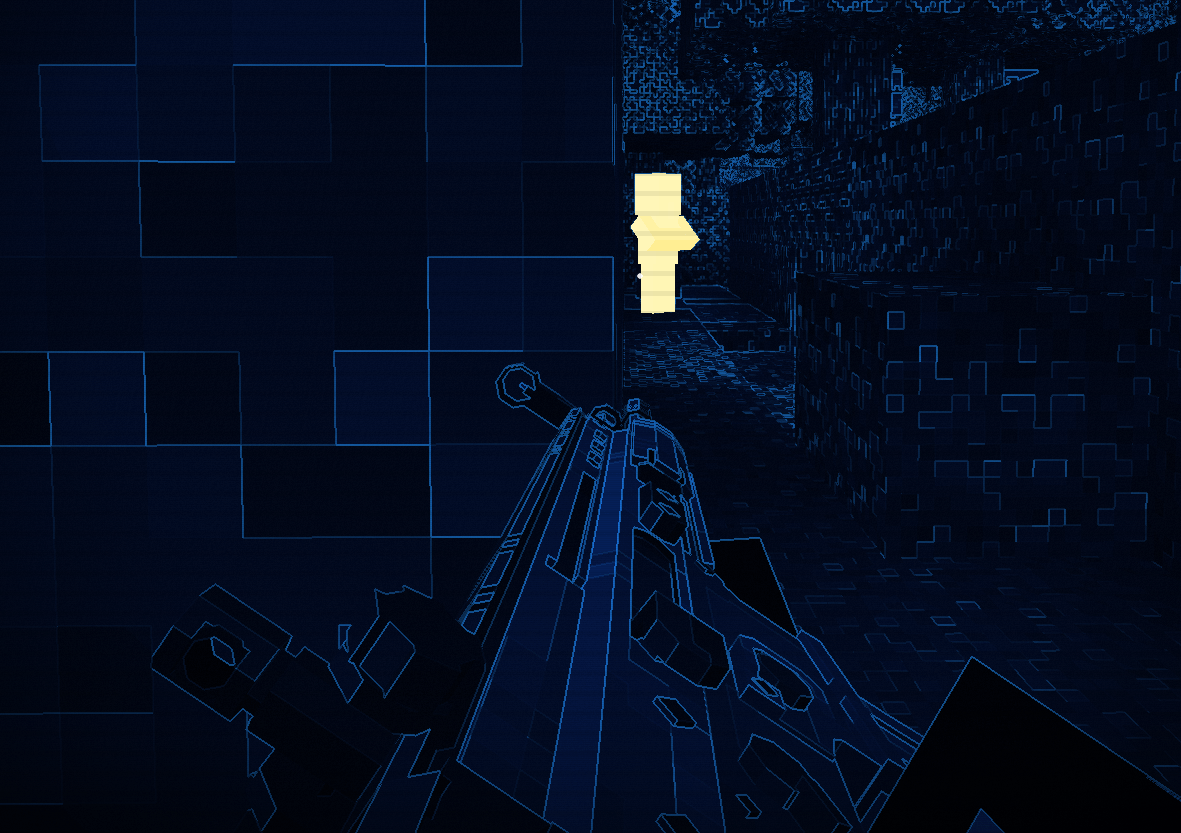 зобÑаженнÑ_2026-10-02_105454582.png зобÑаженнÑ_2026-10-02_105454582.png
-
Model-based thermal vision (4.0+) Living entity models highlighted against the cold-world effect.
-
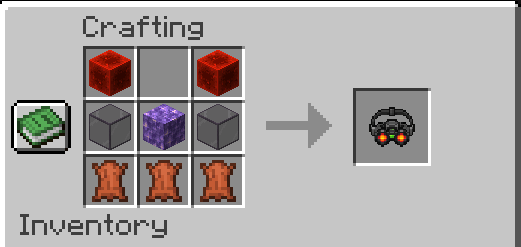 Goggles crafting recipe (3.0+) Crafting recipe used in the current 1.20.1 release.
 -
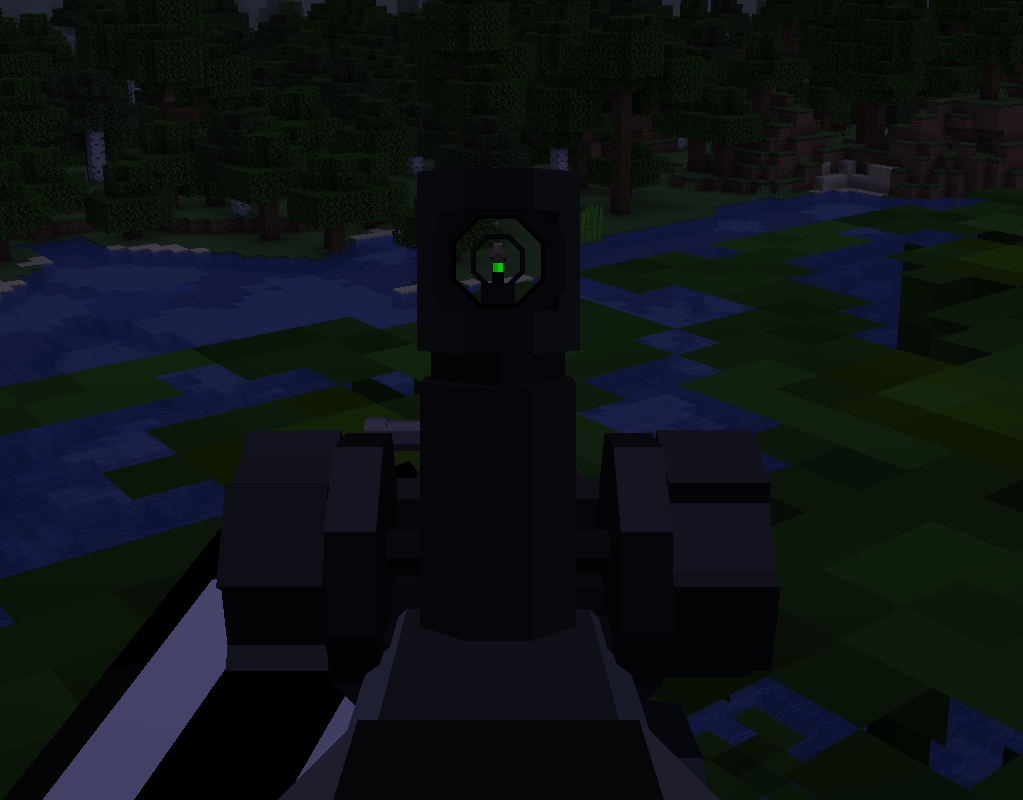
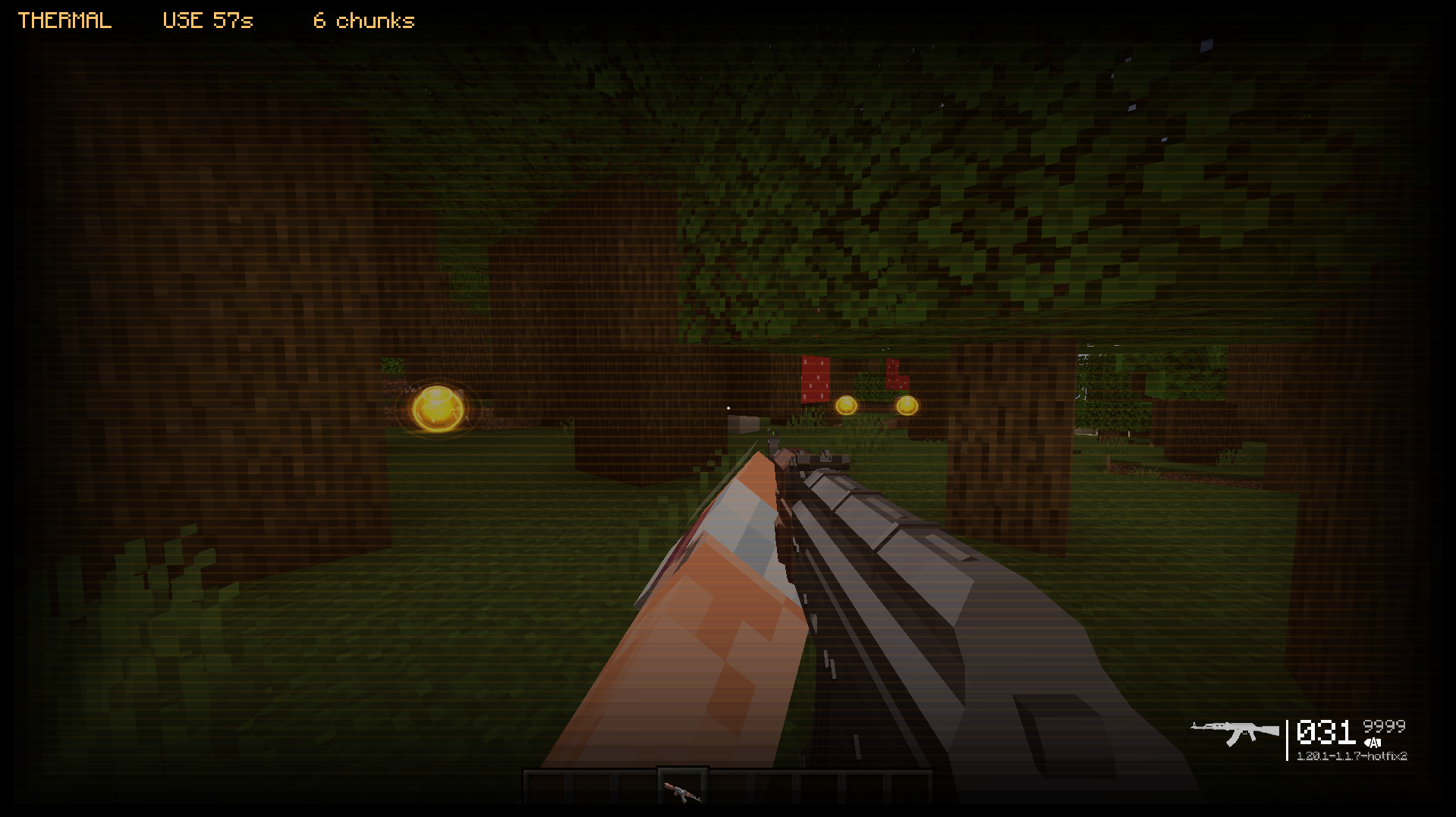 Legacy rendering - 1.0 Historical screenshot of version 1.0; current releases use model-based entity highlighting.
 -
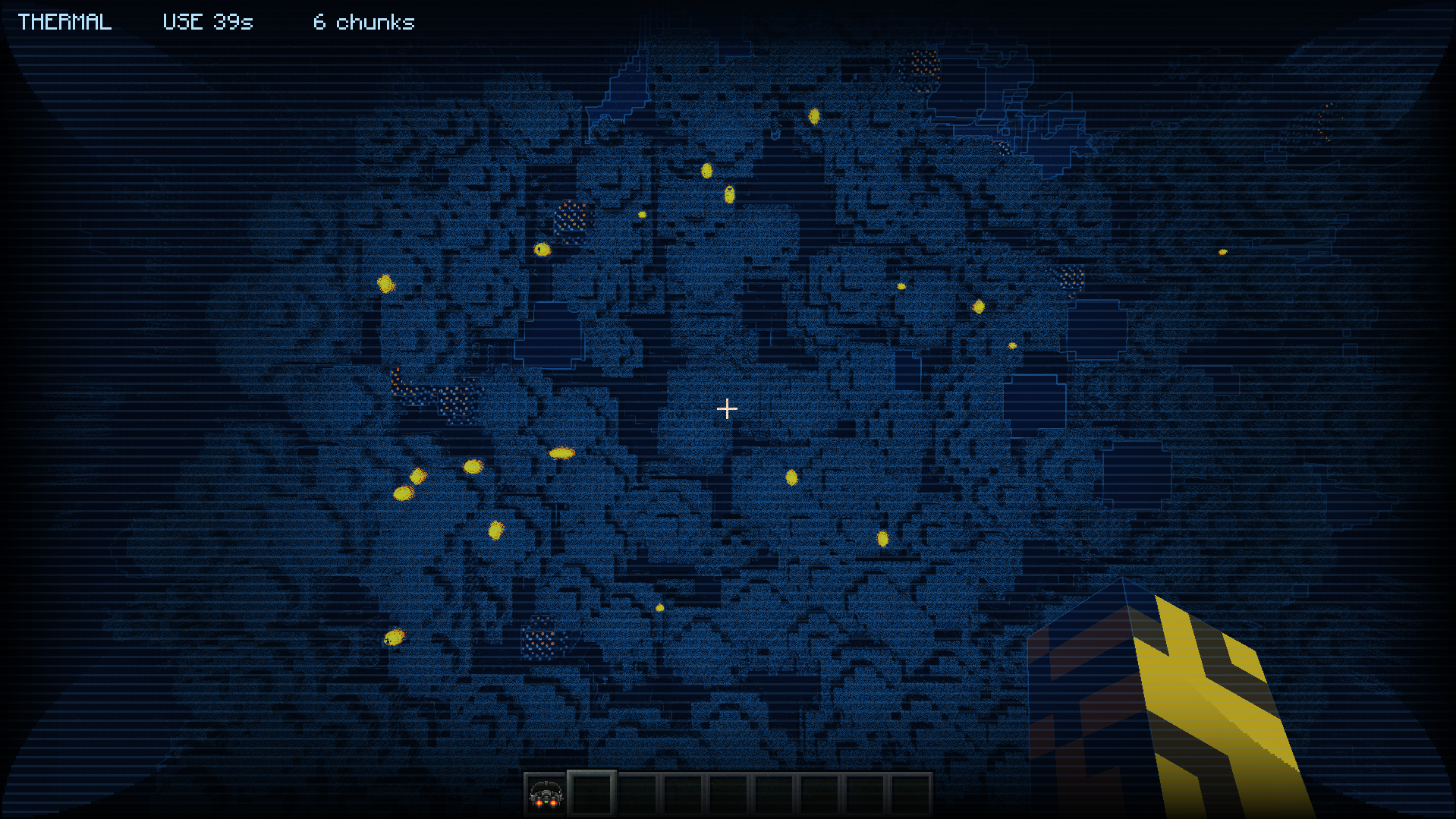 Legacy rendering - 2.0 Historical screenshot of version 2.0; current releases use model-based entity highlighting.
 -
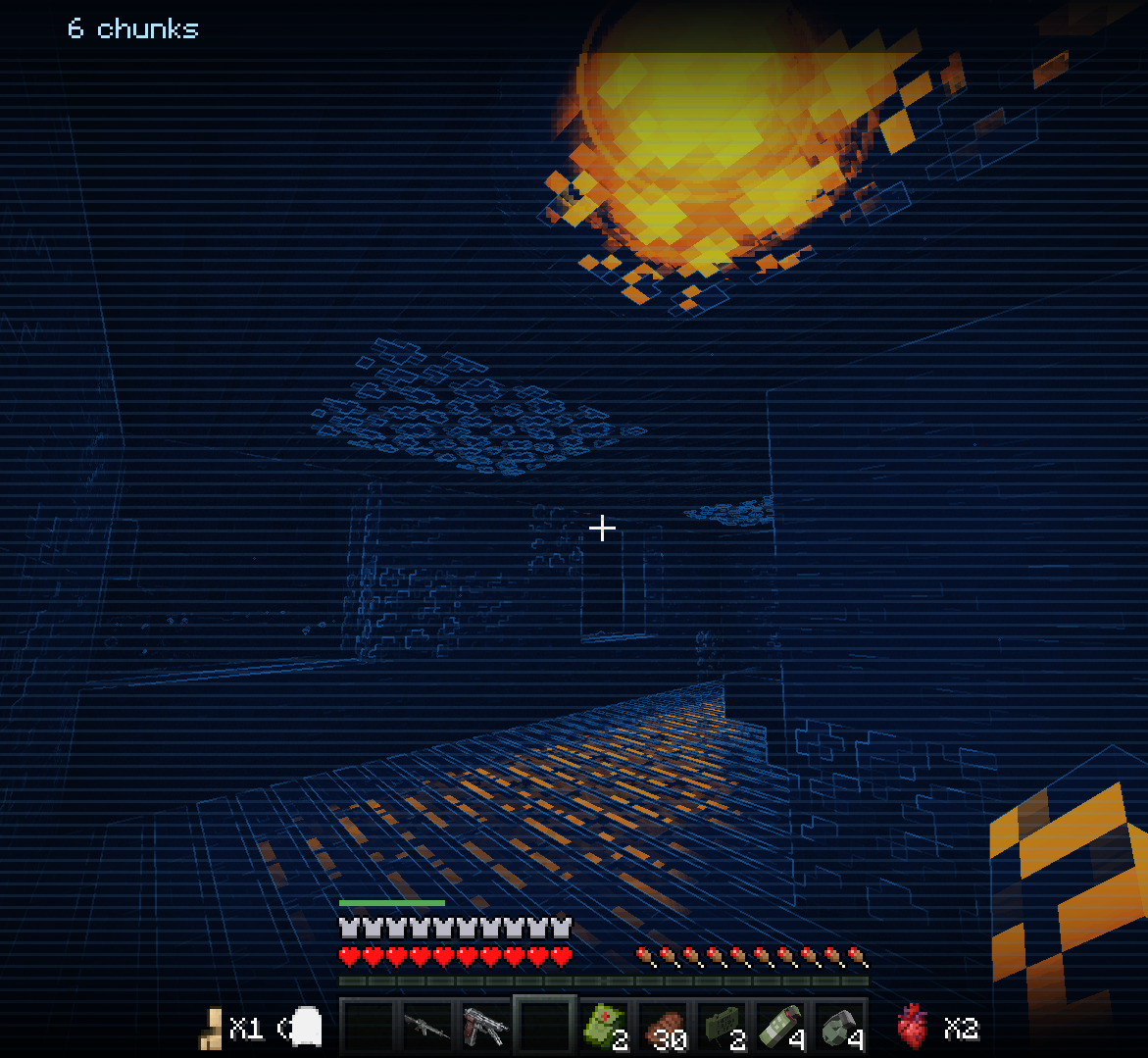 Legacy rendering - 3.1 Historical screenshot of version 3.1; current releases use model-based entity highlighting.
Versions
Files
Relations
Project Relations
More like this
Similar Mods
Suggestions use data such as tags, dependencies, dependents, descriptions, titles, and more to rank how much they overlap with this mod.
On ModDex
Community snapshot
By the numbers
Statistics

Get it on
Available Platforms
Modrinth
On ModDex
Community snapshot
By the numbers