
Community listing page, reviews here may not be monitored by the author.
Night Vision no Optifine

No reviews yet
Lightweight vanilla datapack that provides automatic, toggleable night vision support for all players in singleplayer or servers.
Community voices
Reviews
No reviews yet. Be the first to review this project!
Get it on
Available Platforms
About
Project Details
For authors
Embed Badge
If you're the author of this project, you can embed a live badge anywhere that supports HTML or Markdown. It updates automatically whenever ratings change.
Use HTML for any page that supports it, or Markdown for README files and Markdown-based descriptions.
Identifiers
Platform IDs
Resources
External Links
About
Description
🌙 Night Vision Datapack (No OptiFine Required)
Do you ever wish you could explore caves, mine at night, or build in dark places without constantly placing torches or relying on OptiFine? This Night Vision Datapack gives you permanent, smooth night vision — completely within vanilla Minecraft Java Edition!
It’s lightweight, server-friendly, and doesn’t need any mods or resource packs. Once installed, you’ll never have to worry about darkness again.
🧠 Features
✨ Full Night Vision Support Grants permanent night vision to all players automatically when they join or reload the world.
⚙️ Works in Vanilla Minecraft No need for OptiFine, Fabric, Forge, or any external mods — pure vanilla datapack!
🧍♂️ Per-Player System Each player automatically gets night vision without affecting others’ gameplay settings.
🔄 Toggle Support You can easily enable or disable night vision using a simple in-game command. Perfect for players who prefer playing with natural lighting sometimes.
🔧 Performance Friendly Built with optimized functions and commands — won’t affect your FPS or game performance.
🌐 Multiplayer Ready Completely compatible with realms, LAN worlds, and multiplayer servers.
🪶 Lightweight & Clean Code No unnecessary features, no lag — just simple, effective night vision for everyone.
⚙️ Installation Guide
Download the datapack .zip file from the Files section. Open your Minecraft world folder. Go to: .minecraft/saves//datapacks/ Place the .zip file inside the /datapacks folder. Launch Minecraft and open that world. Type /reload in chat. You’ll see a message confirming successful installation.
Enjoy full night vision instantly — no torches required! 🔦
✅ Tip: If you’re using this on a server, make sure cheats or operator permissions are enabled for setup.
💡 Compatibility
Minecraft Version: 1.21.x and above Edition: Java Edition only Dependencies: None — no OptiFine or mods required Conflicts: None known (works fine with other datapacks) 🧾 Commands
Here are some helpful commands you can use:
Command Description /reload Reloads the datapack and applies effects again /effect clear @a night_vision Removes night vision from all players
📦 Perfect For
🏗️ Builders: See your creations clearly at night without extra lighting. ⚔️ Survival Players: Explore caves, mine ores, or fight mobs without carrying torches. 🧑🤝🧑 Server Owners: Make your players’ experience smoother by ensuring visibility everywhere. 🎮 YouTubers / Streamers: Keep your videos bright and clear even in dark environments.
🧰 Additional Information
You can safely remove this datapack anytime — it won’t damage your world. Compatible with most other datapacks and command systems. Designed for Minecraft Java Edition only (not Bedrock).
❤️ Support the Creator
If you like this datapack, please leave a like, follow, or share it with your friends! Your support motivates me to create more fun and useful datapacks for the community. 🙌
Screenshots
Gallery
-
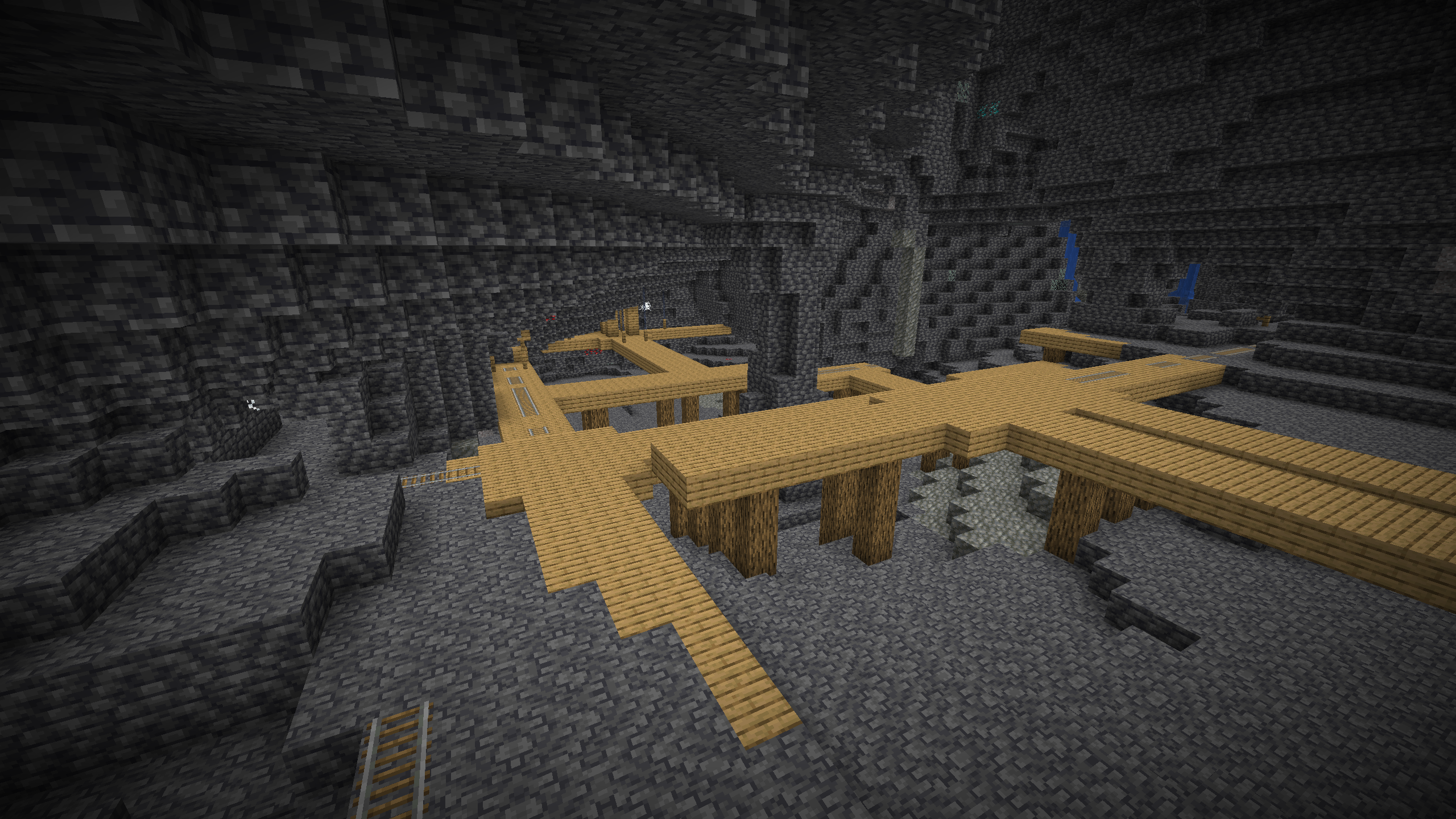 Cave View
Versions
Files
Relations
Project Relations
More like this
Similar Mods
Suggestions use data such as tags, dependencies, dependents, descriptions, titles, and more to rank how much they overlap with this mod.
On ModDex
Community snapshot
By the numbers
Statistics

Want to reach Minecraft players?
We're looking for a server hosting partner to feature here and other parts of the site. Interested? Send us a message!
Get in touchGet it on
Available Platforms
On ModDex
Community snapshot
By the numbers
Statistics
Resources