Community listing page, reviews here may not be monitored by the author.
NoFireOverlay


No reviews yet
A slim, customizable fire overlay that keeps the vanilla flames from blocking your screen — see clearly while on fire and still know you're burning. Adjust opacity, size and position.
Community voices
Reviews
No reviews yet. Be the first to review this project!
Get it on
Available Platforms
Compatibility
Supported Environments
Runs entirely on the client. Works on vanilla servers.
About
Project Details
For authors
Embed Badge
If you're the author of this project, you can embed a live badge anywhere that supports HTML or Markdown. It updates automatically whenever ratings change.
Use HTML for any page that supports it, or Markdown for README files and Markdown-based descriptions.
Identifiers
Platform IDs
Resources
External Links
About
Description


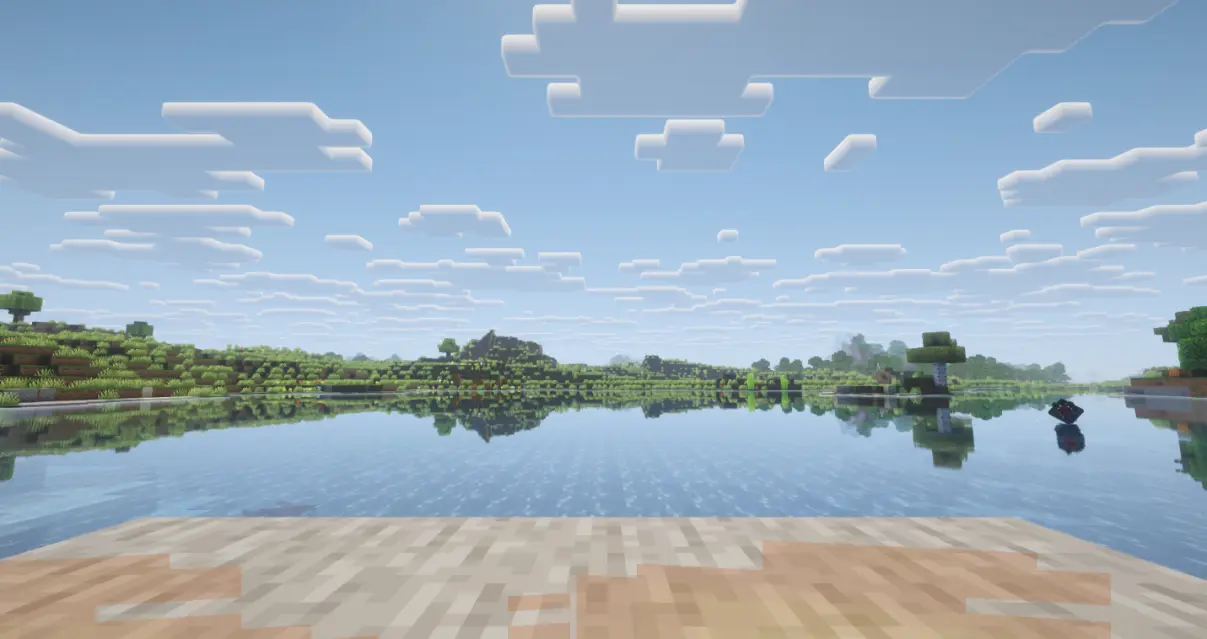
Client-side utility mod that replaces Minecraft's default fire overlay with a cleaner and much less obstructive version. You still get a clear visual warning that you are burning, but it no longer covers large parts of the screen or gets in the way of combat, movement, or UI visibility.
Client-side only (no server installation required). Fully compatible with singleplayer.
Dependencies: Fabric & NeoForge require Architectury API. Forge requires no additional dependencies.
Free to use in any modpack — public or private, no permission needed.
What it does
- Compact Overlay — replaces the vanilla on-fire overlay with a compact low-profile warning.
- Clear Burning Warning — keeps the effect visible enough to clearly show that the player is burning.
- Less HUD Interference — greatly reduces interference with the HUD, hotbar, crosshair, and general visibility.
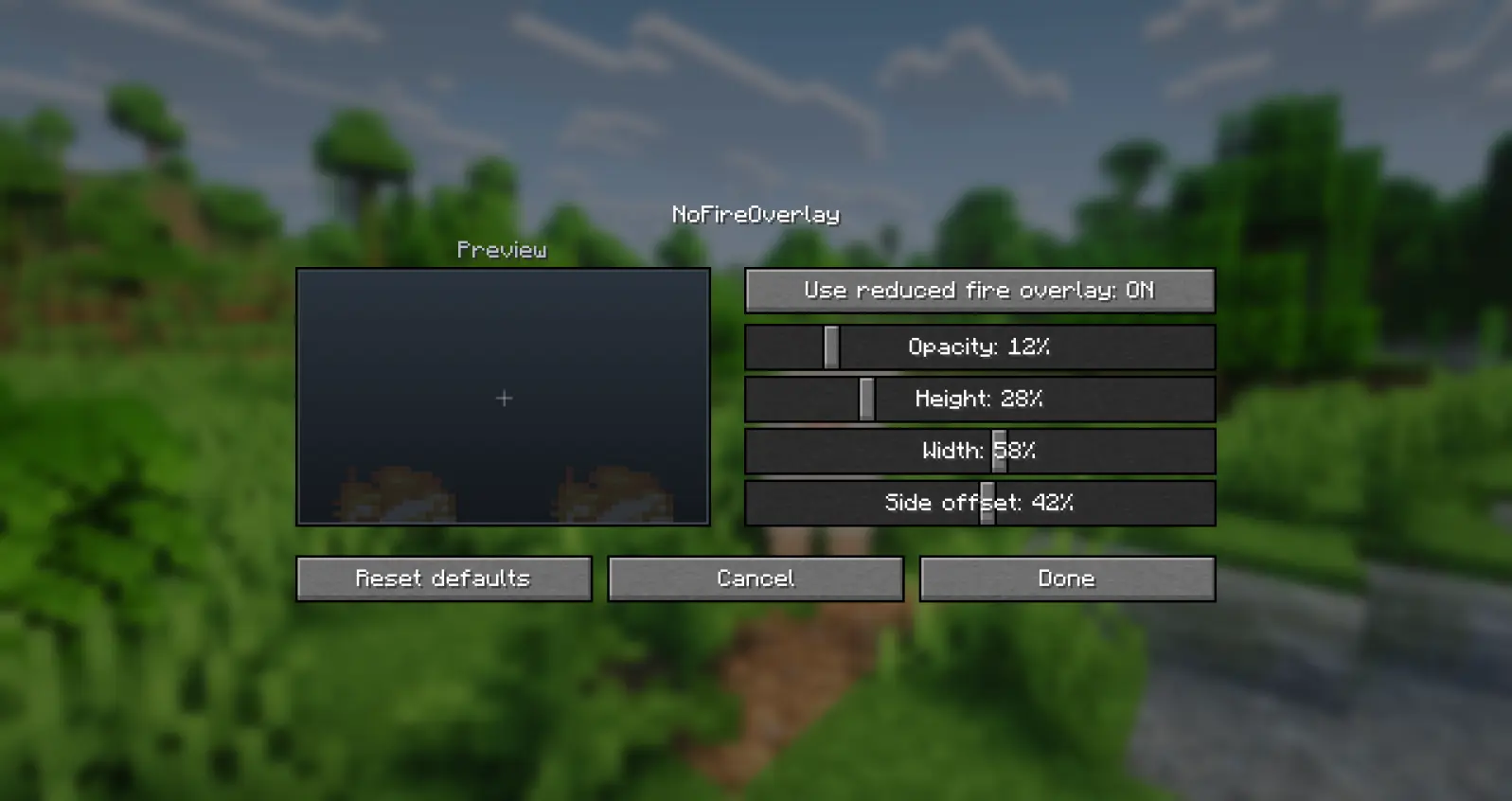
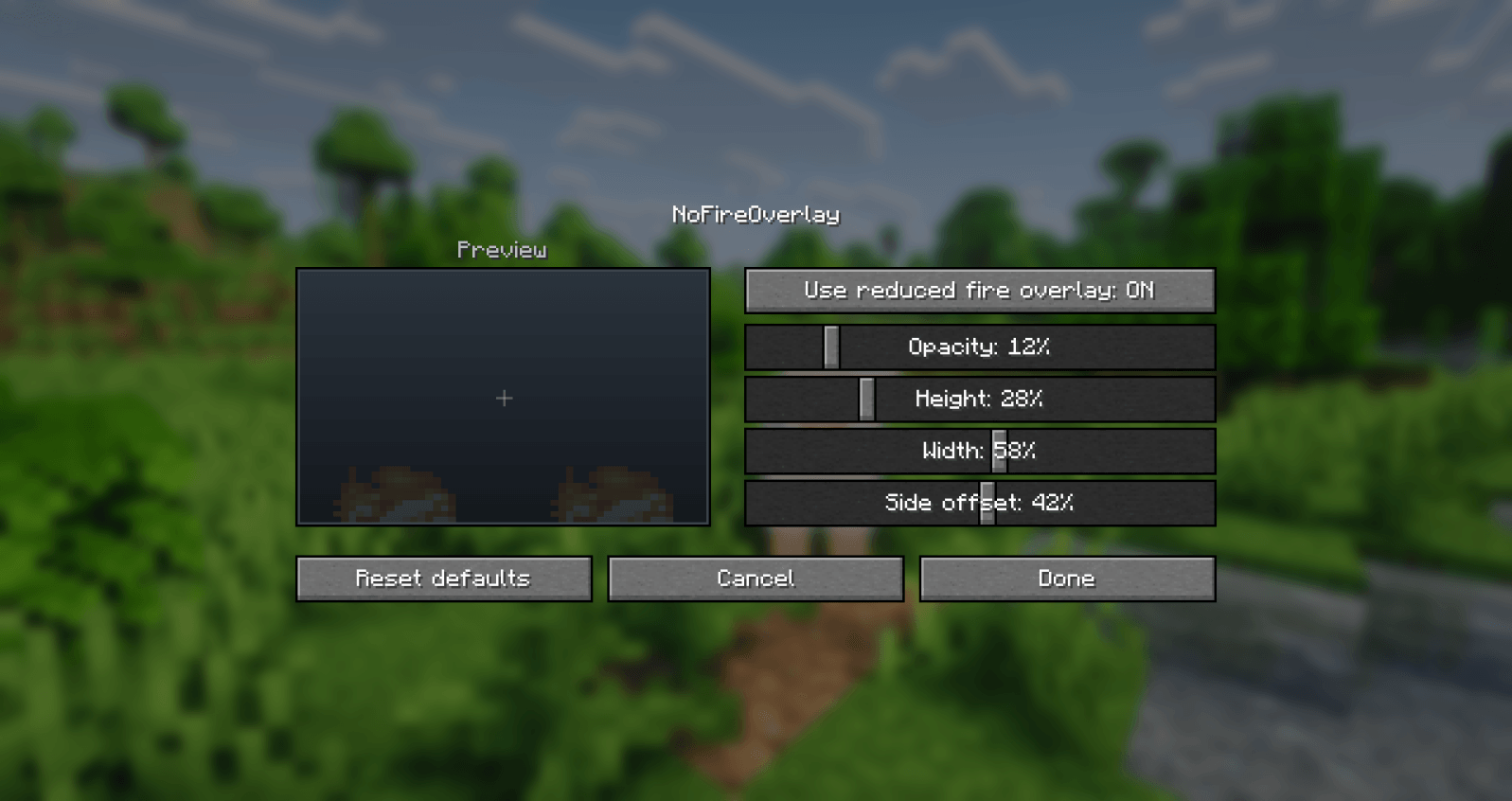
- In-Game Config — adjust the overlay directly from the in-game mod config screen.
Configuration
You can customize the overlay through the mod configuration screen in the mod list menu.
Details
- Client-side only.
- All settings are stored locally in your game config folder.
- Fully translated into 10 languages: English, Russian, Simplified Chinese, Spanish, French, German, Japanese, Brazilian Portuguese, Korean, and Italian.
Feedback
Please report any bugs, errors, or feature suggestions on Discord: https://discord.gg/HTkn94BXmA
More mods by Nikrecs: Auto Torch · Shield Hider


Client-side utility mod that replaces Minecraft's default fire overlay with a cleaner and much less obstructive version. You still get a clear visual warning that you are burning, but it no longer covers large parts of the screen or gets in the way of combat, movement, or UI visibility.
Client-side only (no server installation required). Fully compatible with singleplayer.
Dependencies: Fabric & NeoForge require Architectury API. Forge requires no additional dependencies.
Free to use in any modpack — public or private, no permission needed.
What it does
- Compact Overlay — replaces the vanilla on-fire overlay with a compact low-profile warning.
- Clear Burning Warning — keeps the effect visible enough to clearly show that the player is burning.
- Less HUD Interference — greatly reduces interference with the HUD, hotbar, crosshair, and general visibility.
- In-Game Config — adjust the overlay directly from the in-game mod config screen.
Configuration
You can customize the overlay through the mod configuration screen in the mod list menu.
Details
- Client-side only.
- All settings are stored locally in your game config folder.
- Fully translated into 10 languages: English, Russian, Simplified Chinese, Spanish, French, German, Japanese, Brazilian Portuguese, Korean, and Italian.
Feedback
Please report any bugs, errors, or feature suggestions on Discord: https://discord.gg/HTkn94BXmA
More mods by Nikrecs: Auto Torch · Shield Hider
Screenshots
Gallery
-
 Overlay settings
 -
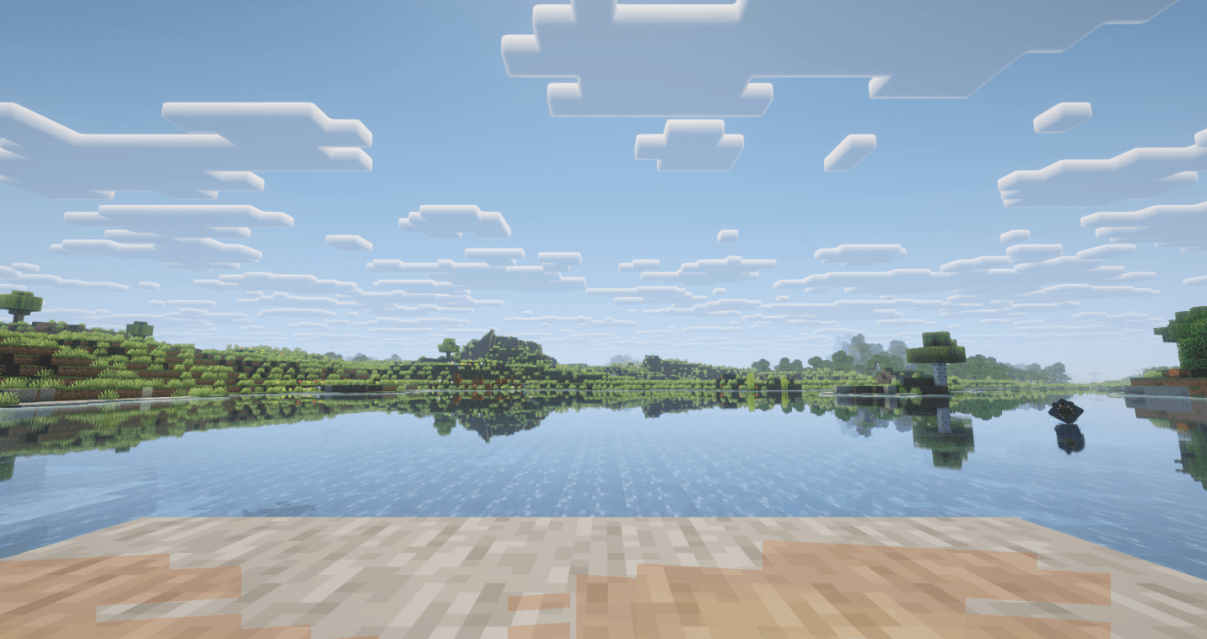 Default overlay
-
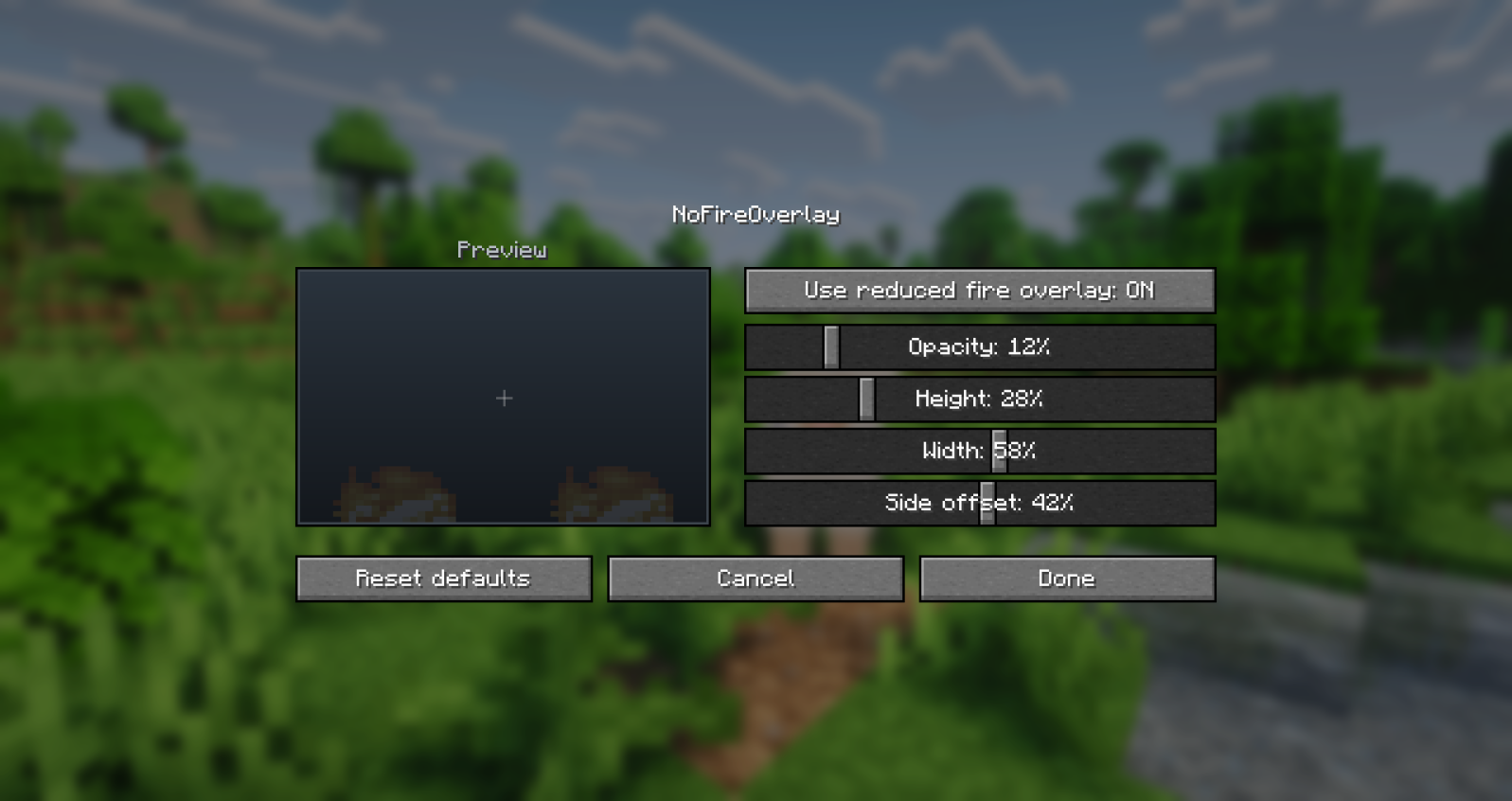 Overlay settings
 -
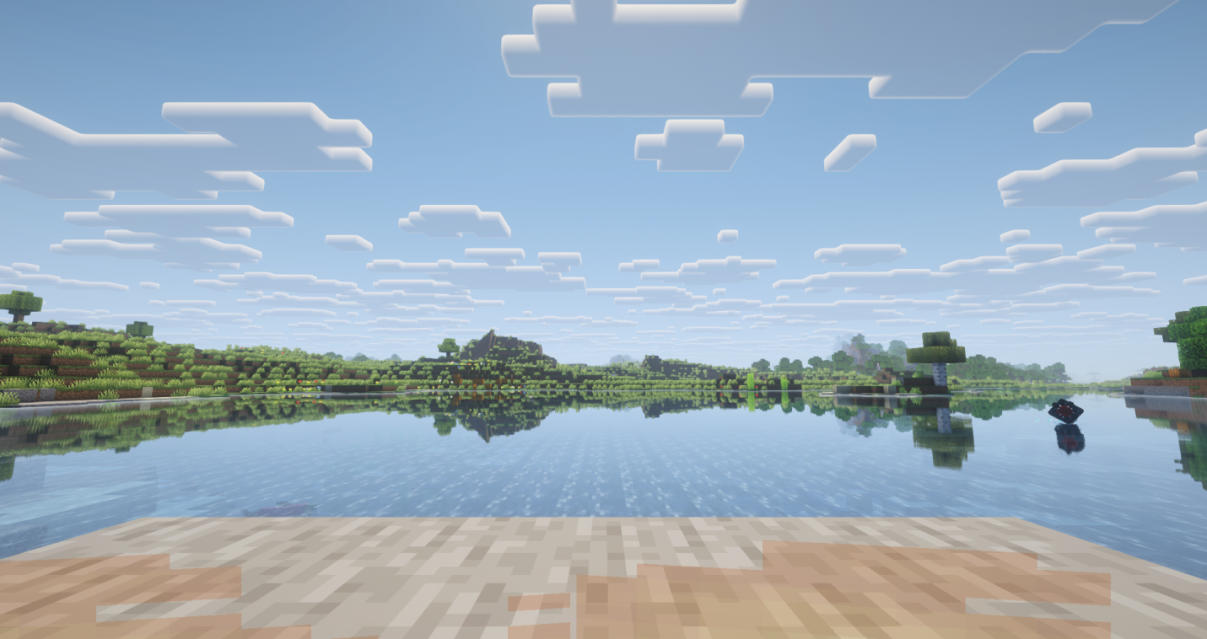 Default mod overlay
Versions
Files
Relations
Project Relations
More like this
Similar Mods
Suggestions use data such as tags, dependencies, dependents, descriptions, titles, and more to rank how much they overlap with this mod.
On ModDex
Community snapshot
By the numbers
Statistics
Want to reach Minecraft players?
We're looking for a server hosting partner to feature here and other parts of the site. Interested? Send us a message!
Get in touchGet it on
Available Platforms
On ModDex
Community snapshot
By the numbers
Statistics
Resources