
Community listing page, reviews here may not be monitored by the author.
NoMissingMods

No reviews yet
Mod that allows to connect to a server without mods that are necessary to connect
Community voices
Reviews
No reviews yet. Be the first to review this project!
Get it on
Available Platforms
About
Project Details
For authors
Embed Badge
If you're the author of this project, you can embed a live badge anywhere that supports HTML or Markdown. It updates automatically whenever ratings change.
Use HTML for any page that supports it, or Markdown for README files and Markdown-based descriptions.
Identifiers
Platform IDs
Resources
External Links
About
Description
Requires ASJCore!
What does NoMissingMods do?
This mod allows you to ignore the “Mod rejections” warning when joining a server.
What are we talking about?
If you join a modded server without some mods on the client, you may encounter a “Mod rejections” warning and will not be able to continue joining until you install those mods on the client.

NoMissingMods pretends that the client has mods that the server wants to see, allowing you to join without problems.
Pay attention!
NoMissingMods is represented by two versions — MiniNoMissingMods and basic NoMissingMods.
— The mini version allows you to ignore the absence of only simple client mods.
That is, MiniNoMissingMods will definitely not work with mods that add items or blocks. It may not work with mods that add mobs or dimensions. But should work fine with vanilla-like generation mods like Mo' Villages or BigTrees.
— The basic version is more functional — it allows you to ignore the absence of any mods.
That is, NoMissingMods can do everything the mini version can do, and even things it can't.
Using MiniNoMissingMods version
First, you should create a config describing the mods you don't want to install on the client.
Here is an example modlist.json for NotEnoughResources, NEI Addons and WAILA Plugins.
You have a few options to choose from, depending on your situation and convenience.
Manual rewriting (if there are few mods in the warning):
1. Open the MNMM folder with a modlist.json file inside in your client's config folder (.minecraft\config\MNMM\modlist.json). The folder will be created automatically when you join singleplayer or multiplayer.
2. Rewrite the mods from the “Mod rejections” warning to the modlist.json file in the format {"modid":"version","modid":"version"}.
Copying from the client* (if there are many mods or no access to the server):
1. Start the client with all mods and MiniNoMissingMods and enter the “/MNMM modlist” command (it's case-sensitive).
2. Take the MNMM folder with the modlist.json file inside, generated in the client root directory (next to mods and config), and copy it into config folder (.minecraft\config\MNMM\modlist.json).
* Keep in mind that the modlist.json file will contain all of your client's mods. It is recommended to keep only those entries that were mentioned in “Mod rejections” warning.
Copying from the server* (if there are many mods or have access to the server):
1. Start the server with MiniNoMissingMods and enter the “/MNMM modlist” command (it's case-sensitive).
2. Take the MNMM folder with the modlist.json file inside, generated in the server root directory (next to mods and config), and copy it into your client's config folder (.minecraft\config\MNMM\modlist.json).
3. Delete MiniNoMissingMods from the server. You can also delete the MNMM folder from the server.
* Keep in mind that the modlist.json file will contain all of your server's mods. It is recommended to keep only those entries that were mentioned in “Mod rejections” warning.
Server-only mode (if you have access to the server, and you don't want to configure anything):
1. Install the MiniNoMissingModsServer version on the server, and you can juggle the mods on the client as you wish. In this case, you don't need to install MNMM on the client, nor do you need to work with any MNMM files and folders.
Using NoMissingMods version
Setting up, the basic version differs from the mini version in some ways.
First, you should create a config describing the mods you don't want to install on the client.
Manually (working only with the client):
1. Instead of MNMM folder, it's now NMM folder with a modlist.json file inside in your client's config folder (.minecraft\config\NMM\modlist.json), which makes sense. Also added here are the blocks (.minecraft\config\NMM\blocks) and items (.minecraft\config\NMM\items) folders, where you can define the matches of mod blocks to vanilla originals*.
* This means that you can define how a block or item unknown to your client will look on the server. In general, when automatically generating the NMM folder, the configs for items and blocks will be filled in automatically, but they will not include non-standard (not extended from vanilla) analogs. In this case, you can add such analogs to the corresponding config yourself; make a beacon from ThaumicBases Anvil or a pickaxe from IC2 Mining Drill.
2. The blocks and items folders will contain empty configs of supported vanilla blocks and items after the first run of the client. Their format looks like ["modid:item/block"]. For example, for AnvilsArray.json in the blocks folder, this would be ["minecraft:anvil"].
Automatically* (working with both client and server):
1. Start the server with NoMissingMods and enter the “/NMM all” command (it's case-sensitive). Actually, there are separate parameters for “blocks”, “items”, and “modlist”, but most of the time you only need “all”.
2. Take the NMM folder with the modlist.json file and the blocks and items folders inside, generated in the server root directory (next to mods and config), and move it into your client's config folder (.minecraft\config\NMM\).
3. Delete NoMissingMods from the server. You can also delete the NMM folder from the server.
* Keep in mind that the modlist.json file will contain all of your server's mods. It is recommended to keep only those entries that were mentioned in “Mod rejections” warning.
NoMissingMods (both versions) does not require restarting the client when working with configs. You can get the “Mod rejections” warning, without closing the client edit the config, save it and try to join the server again.
Known bugs:
NEI(GTNH) can crash on hovering over the item in NMM's gui. To awoid it be shure that Item Zoom on hover (that has text below "Use SHIFT + Z to toggle Item Zoom") is off (hardcode fixed in 0.2.1 version of NoMissingMods).
FAQ:
Q: Is it safe for the server/client?
A: It is absolutely safe for the server, there is no way to harm the server by NoMissingMods. The only thing to consider is that such mod features may not be to the liking of server administrators, where there are certain strict rules about mods.
For the client is dangerous only at the level of crash when interacting with some mechanics of mods. But this is predictable behavior, which will not be able to corrupt your files. And can be fixed over time.
Q: What can this mod be useful for and in what situations?
A: The primary goal of the mod is to help eliminate the mandatory (by the author's decision) installation of mods on the client in order to easily join servers that require them. A mini version of the mod is enough for this. The basic version of the mod can be used in any way, including partially disable some modpack mods, if this is a planned part of the gameplay. Such modpacks can consist of many small clients with a common server and develop independently, but with interaction between all players on the server. You can also disable any mods on the client (except for NMM itself and ASJCore, of course). This can be useful for critically reducing the load on the player's client, for familiarization purposes, or for testing, which requires a temporary disable of a certain number of mods.
Q: Can this mod be called a cheat?
A: In a way, it is possible, but it directly depends on the player's or administrator's evaluation. Nothing cheating this mod does not add or do intentionally.
Q: Will the mod work on <your launcher>?
A: Both versions of the mod are tested on MultiMC/Prism, Legacy Launcher and Gravit Launcher. If your launcher does not differ from these in the principle of operation, then there should be no problems.
Q: Does the mod have any incompatibilities or other issues with other mods?
A: We are not aware of any incompatibilities. If you encounter a similar issue, be sure to let us know via the Issues section or our Discord server.
Q: Does the mod work in singleplayer?
A: The mod is originally designed for multiplayer, and use in singleplayer is not expected. But if you notice any interesting behavior in SSP, be sure to let us know ^_~
Screenshots
Gallery
-
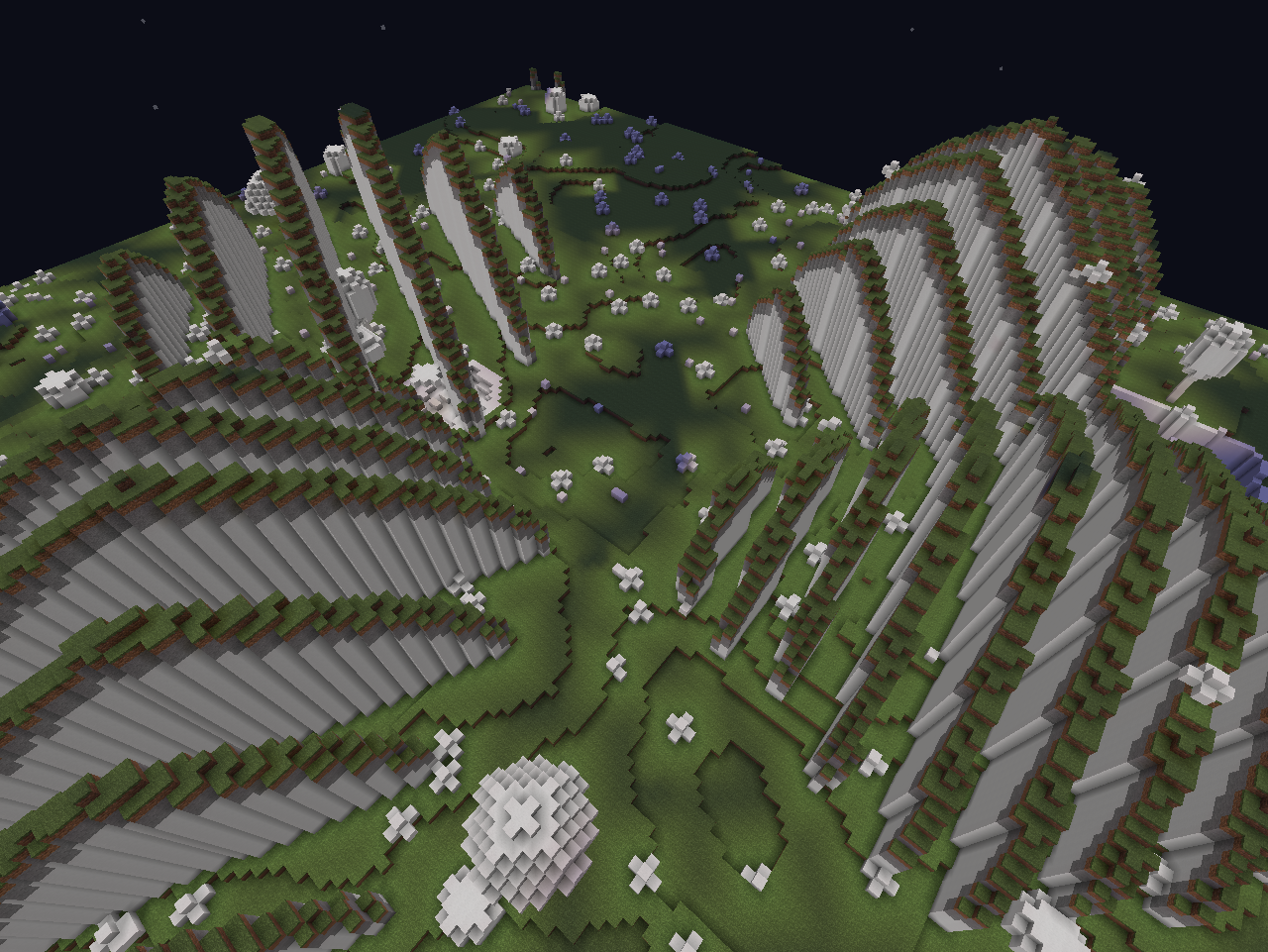 ChromatiCraft Crystal Plains Biome
 -
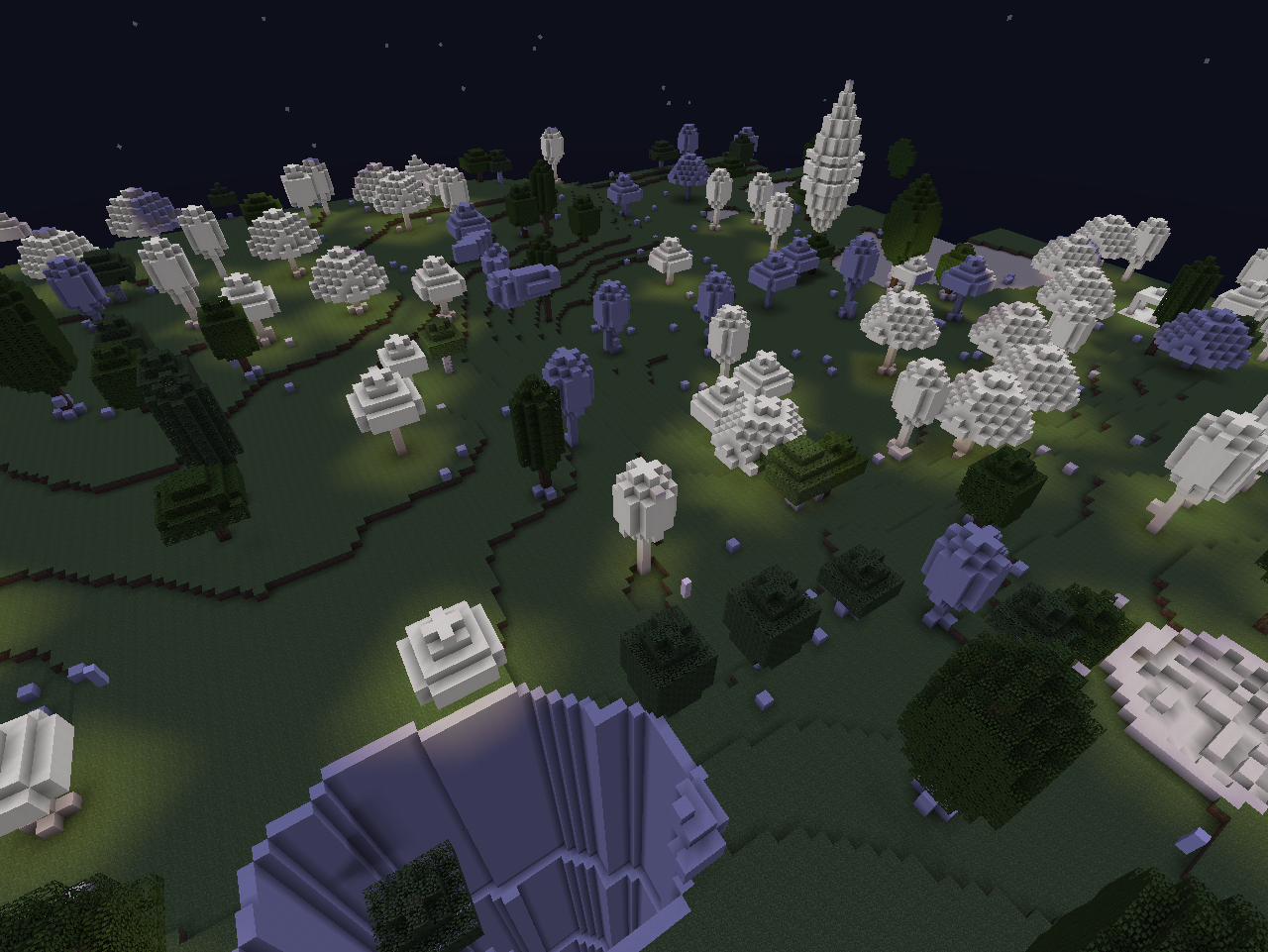 ChromatiCraft Proxima
 -
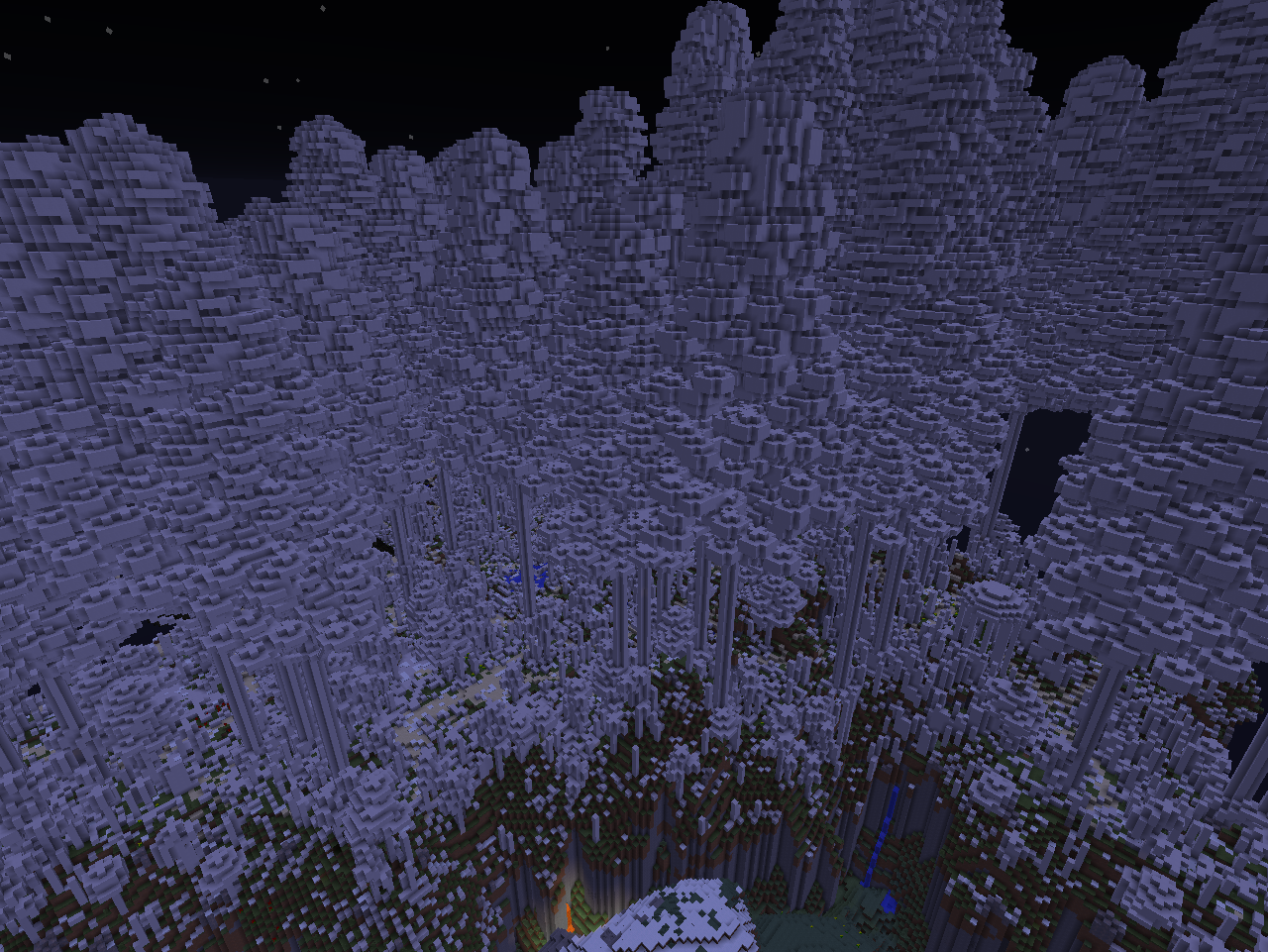 Satisforestry Pink Birch Forest Biome
 -
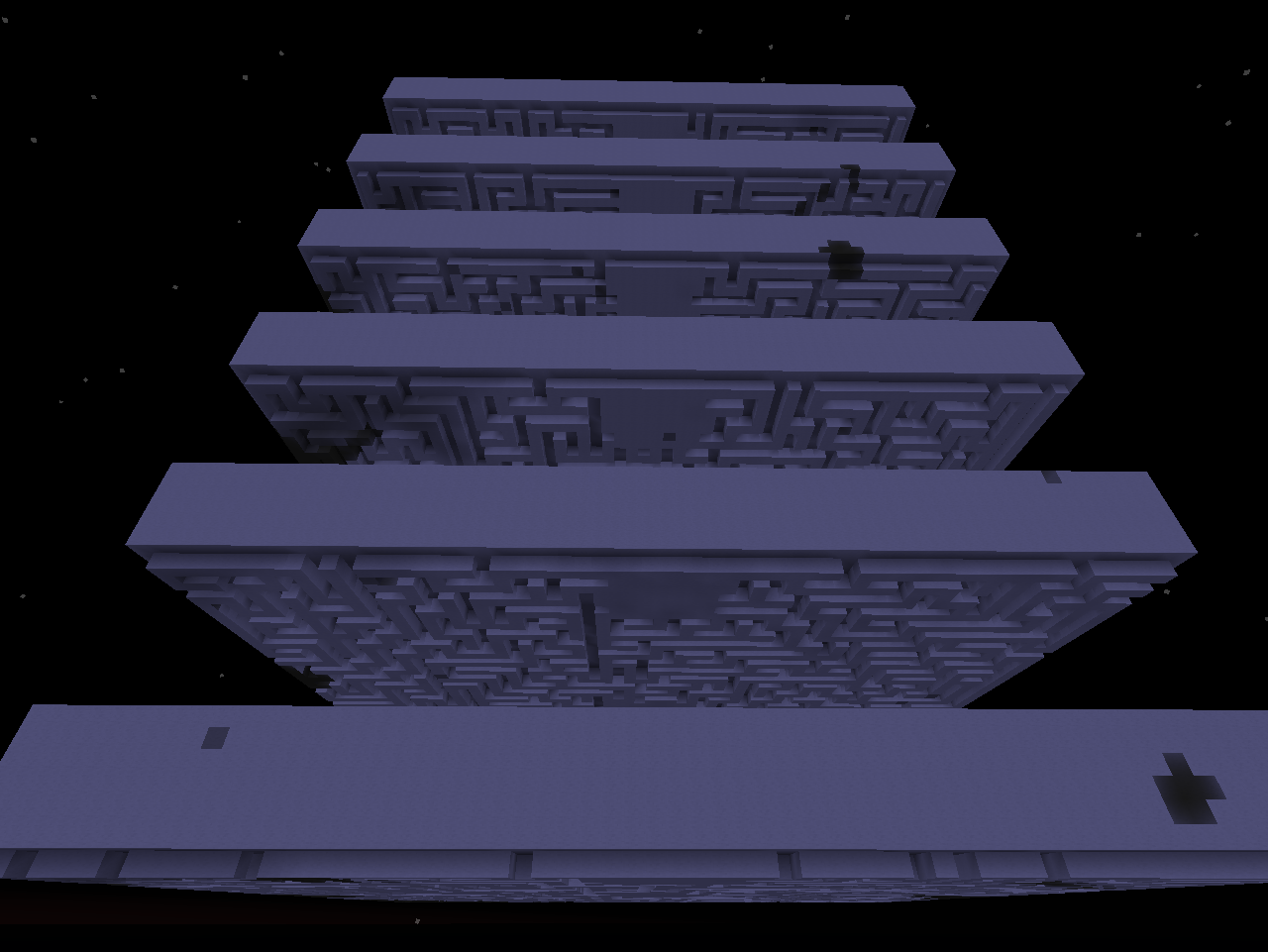 Witchery Torment
 -
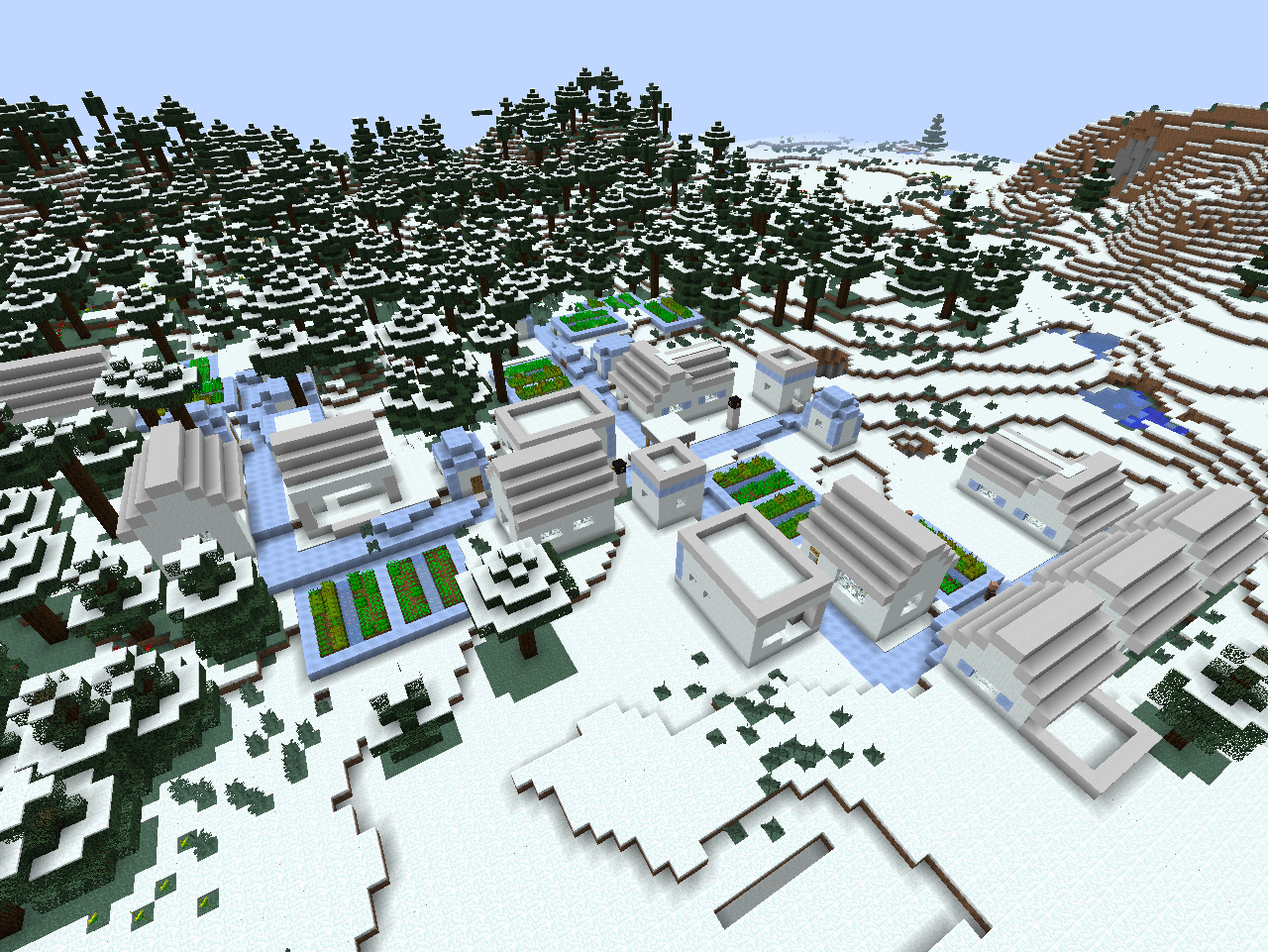 Witchery Ice Village
 -
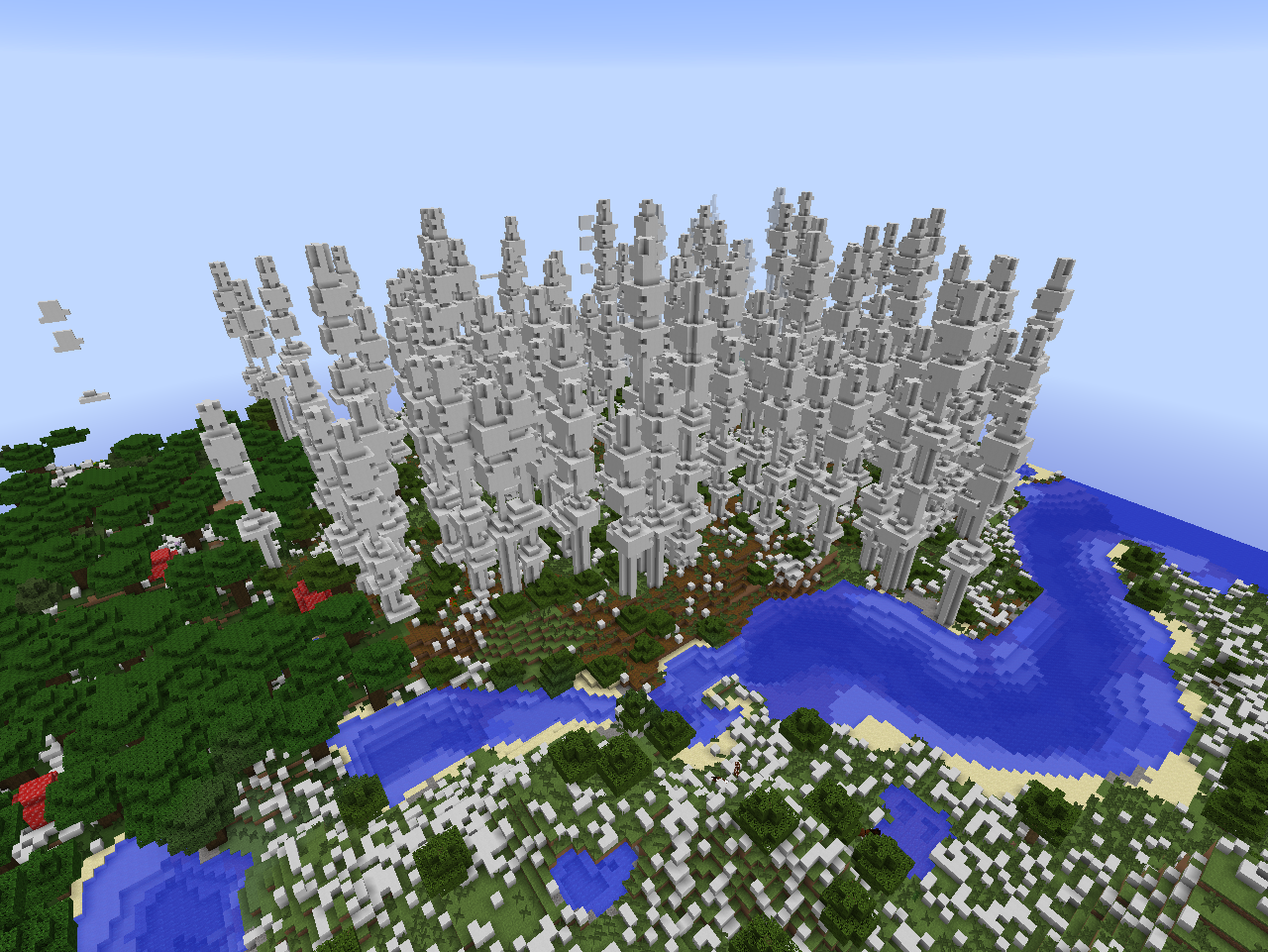 Biomes O' Plenty Redwood Forest Biome
 -
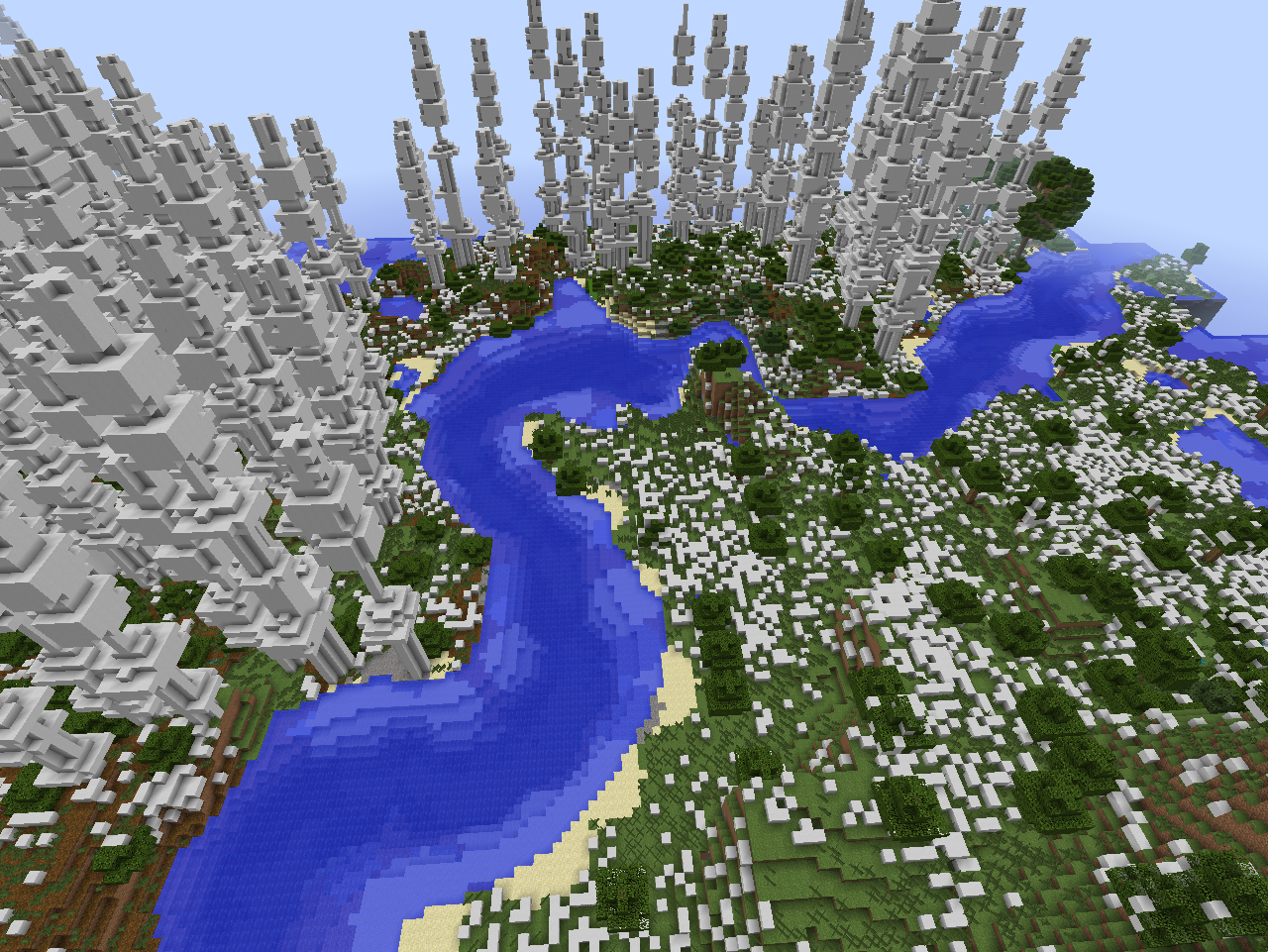 Biomes O' Plenty Redwood Forest Biome
 -
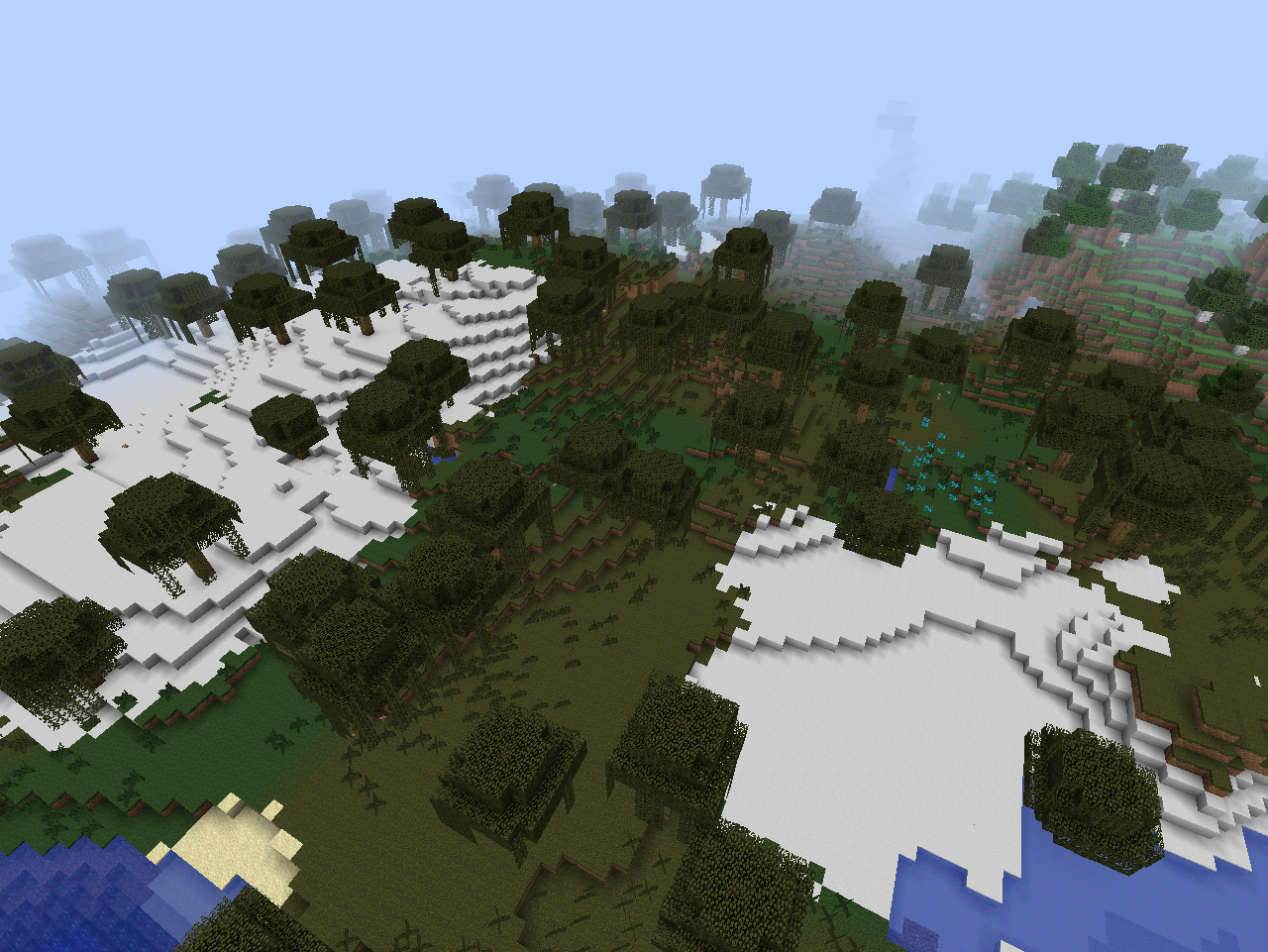 More Fun Quicksand Mod Swampland Biome
 -
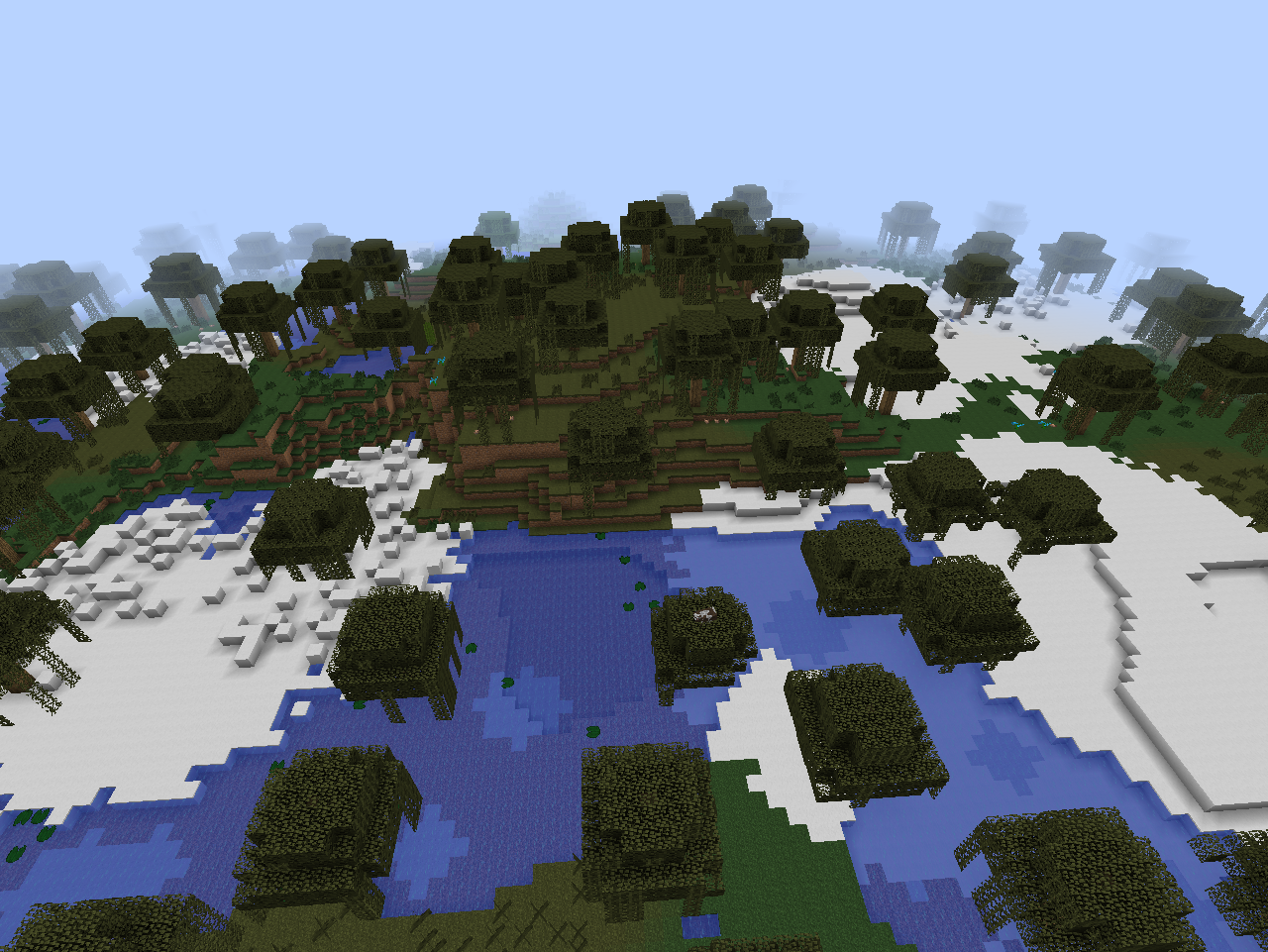 More Fun Quicksand Mod Swampland Biome
 -
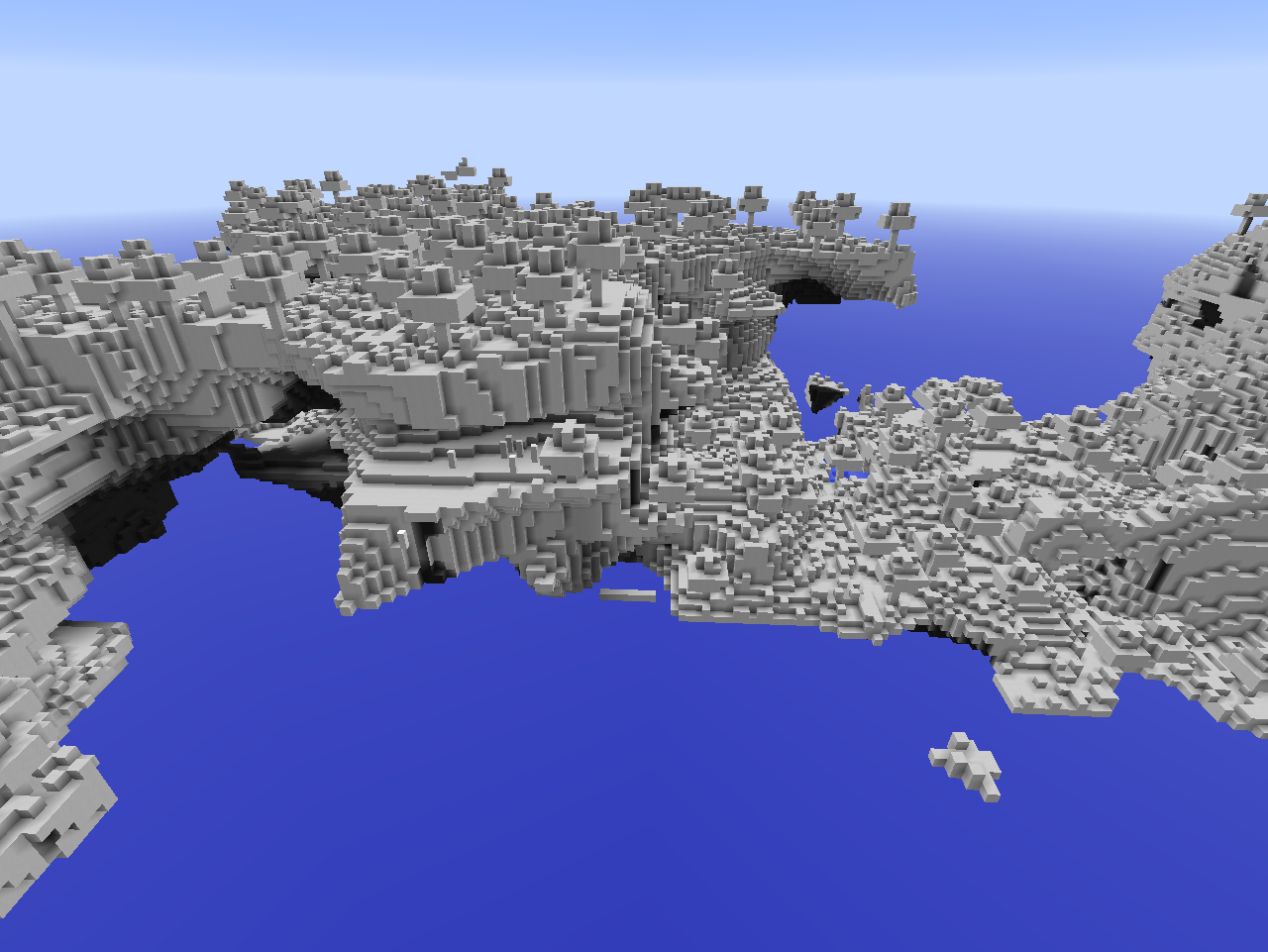 DivineRPG Eden
 -
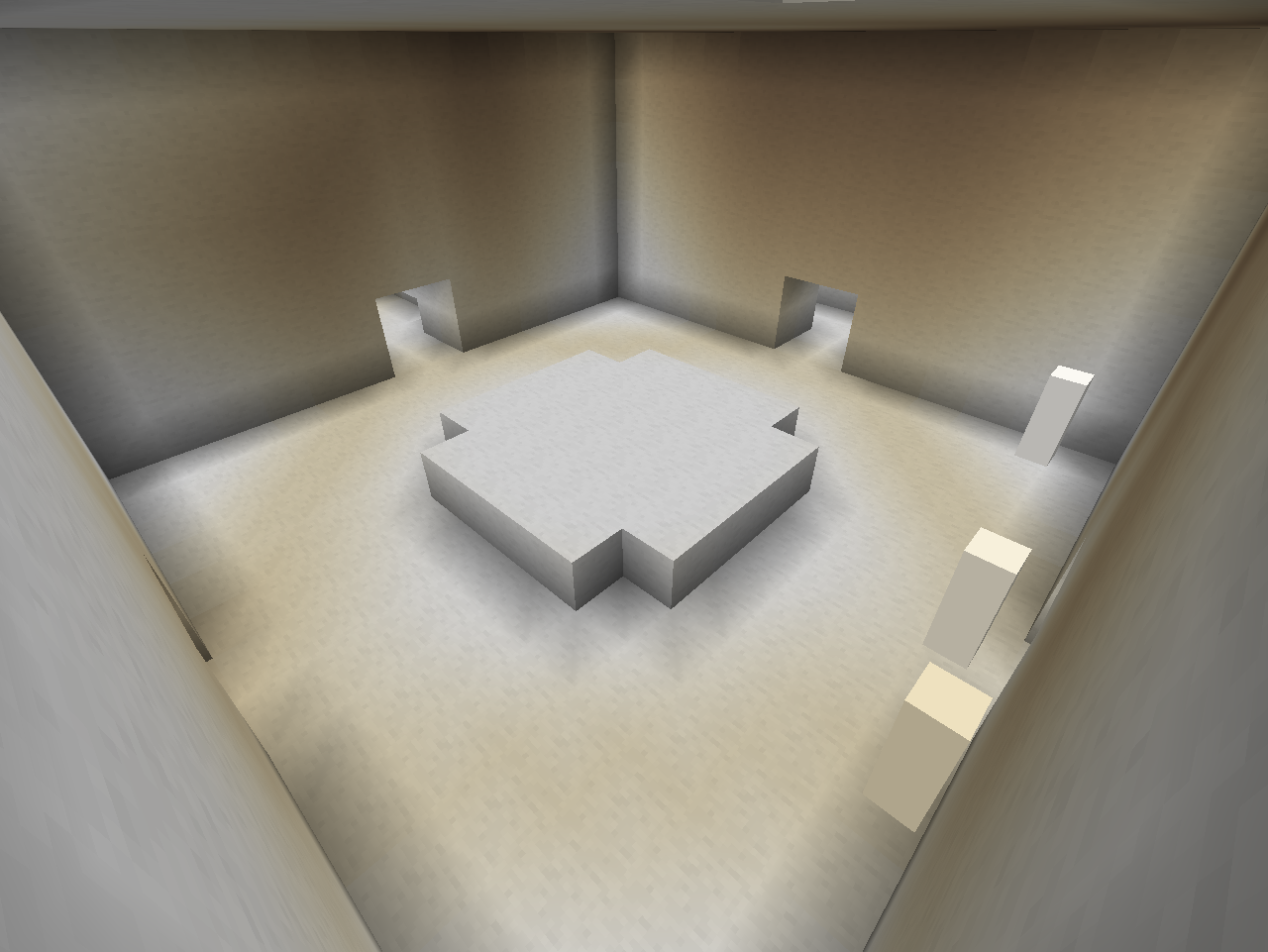 DivineRPG Dungeon of Arcana
 -
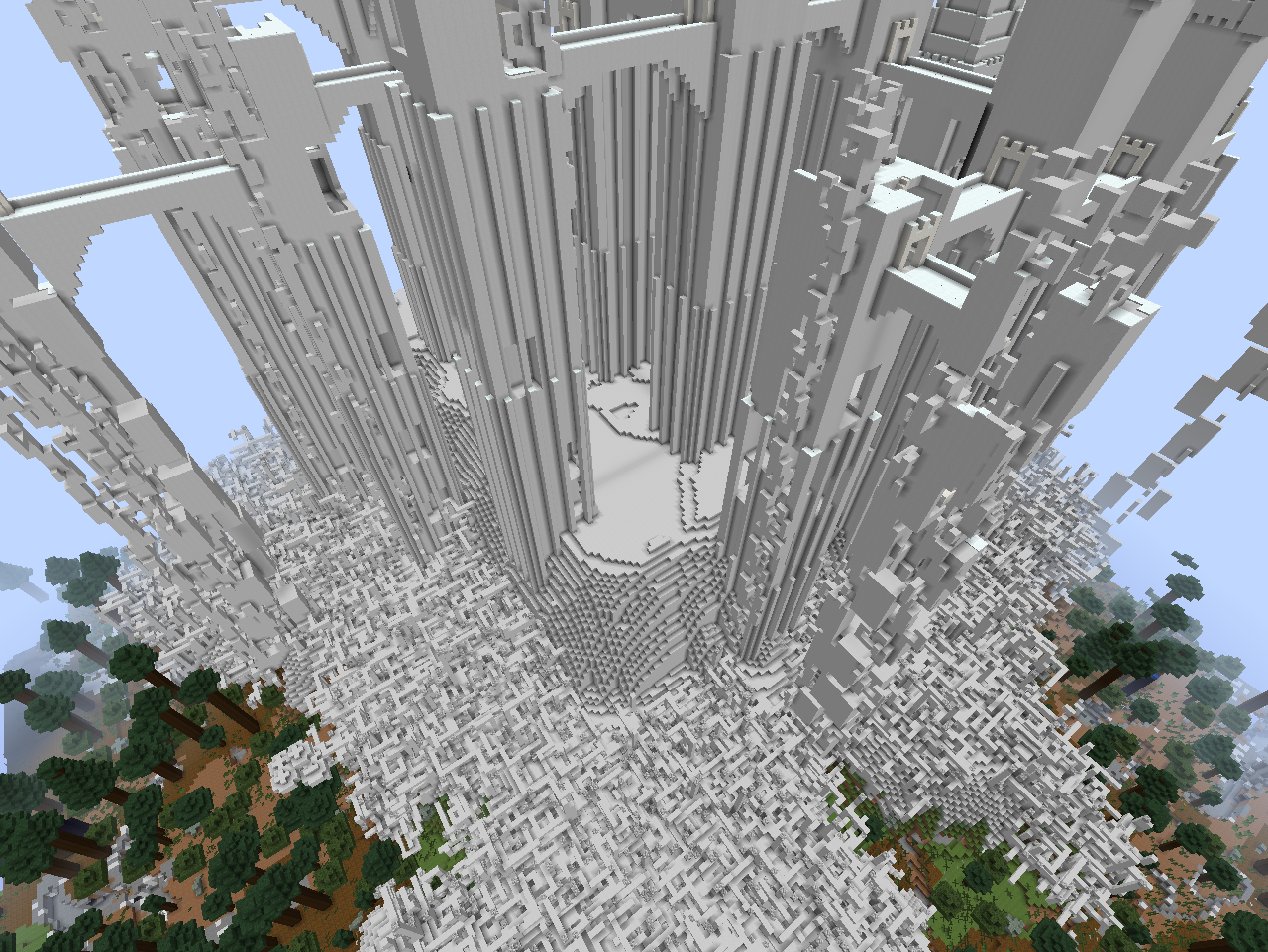 The Twilight Forest Final Castle
 -
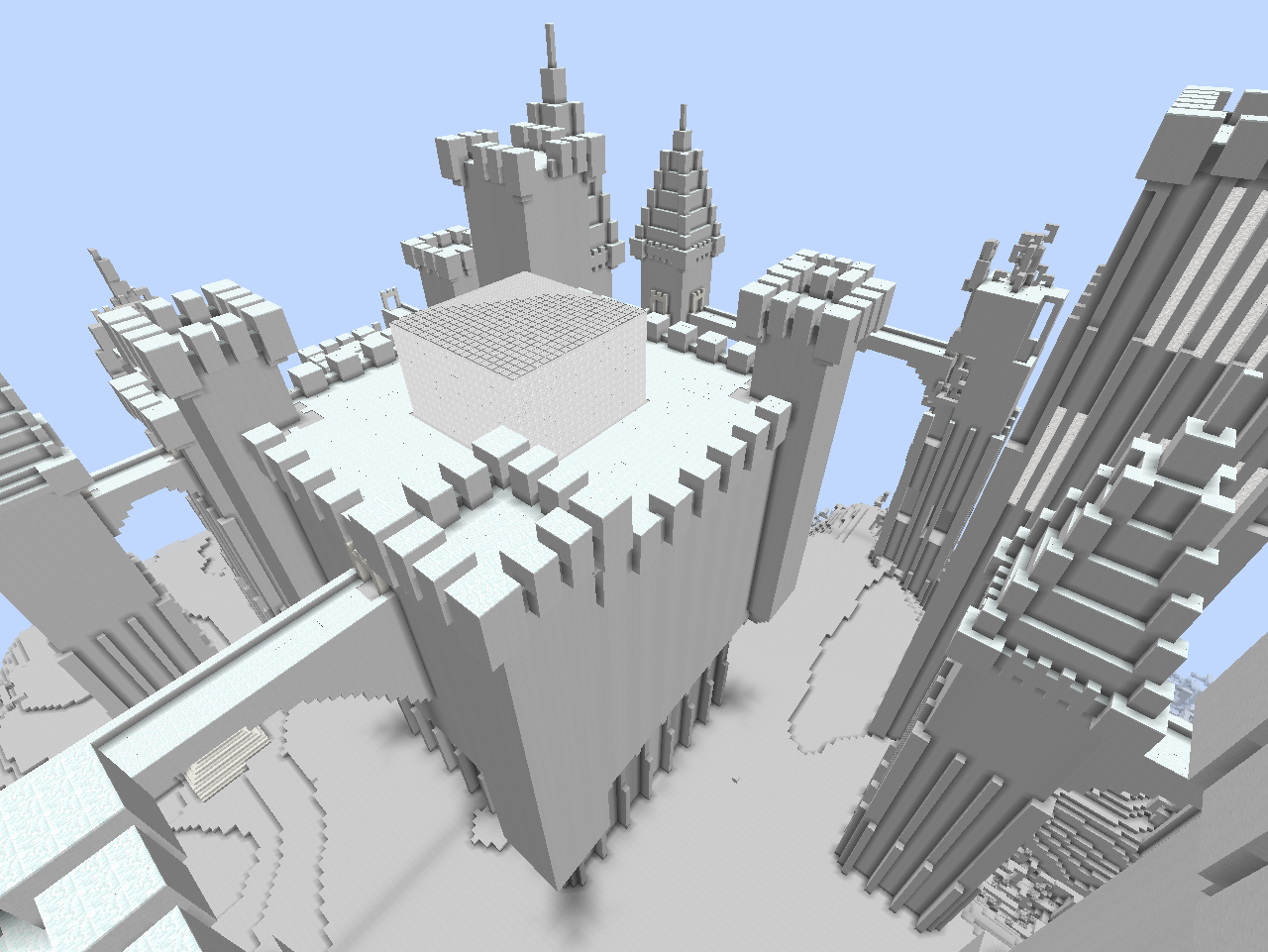 The Twilight Forest Final Castle
 -
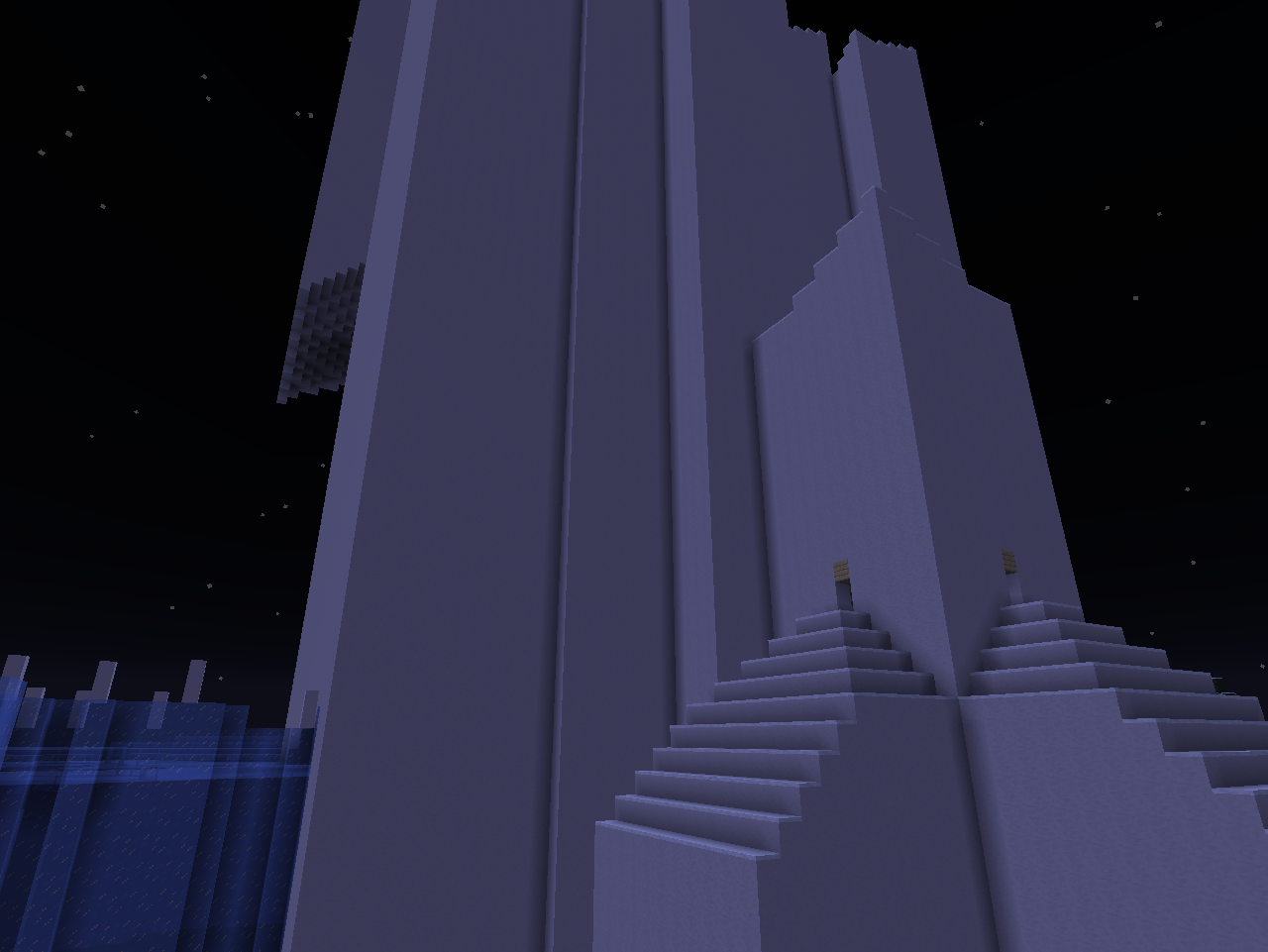 The Twilight Forest Aurora Palace
 -
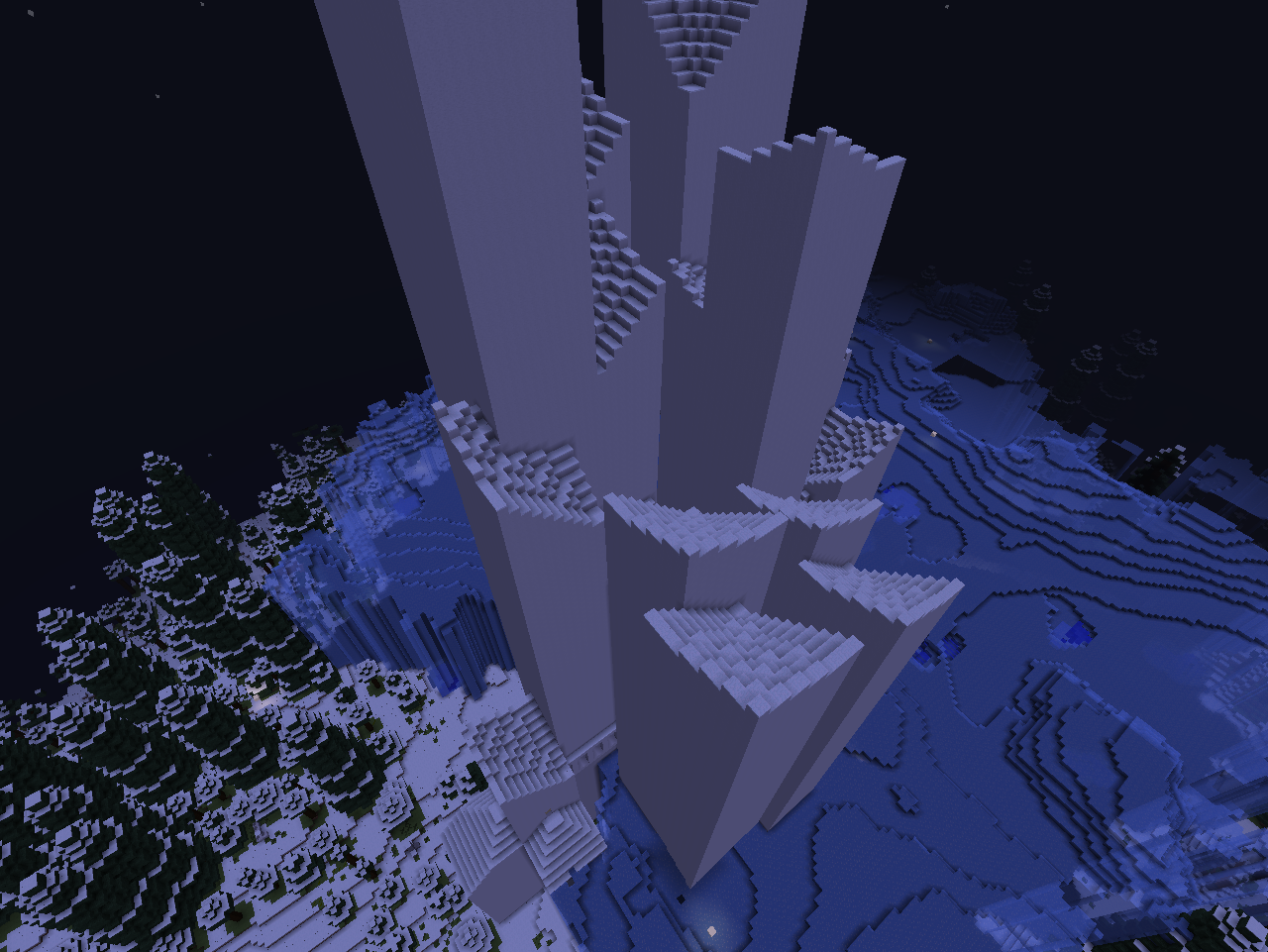 The Twilight Forest Aurora Palace
 -
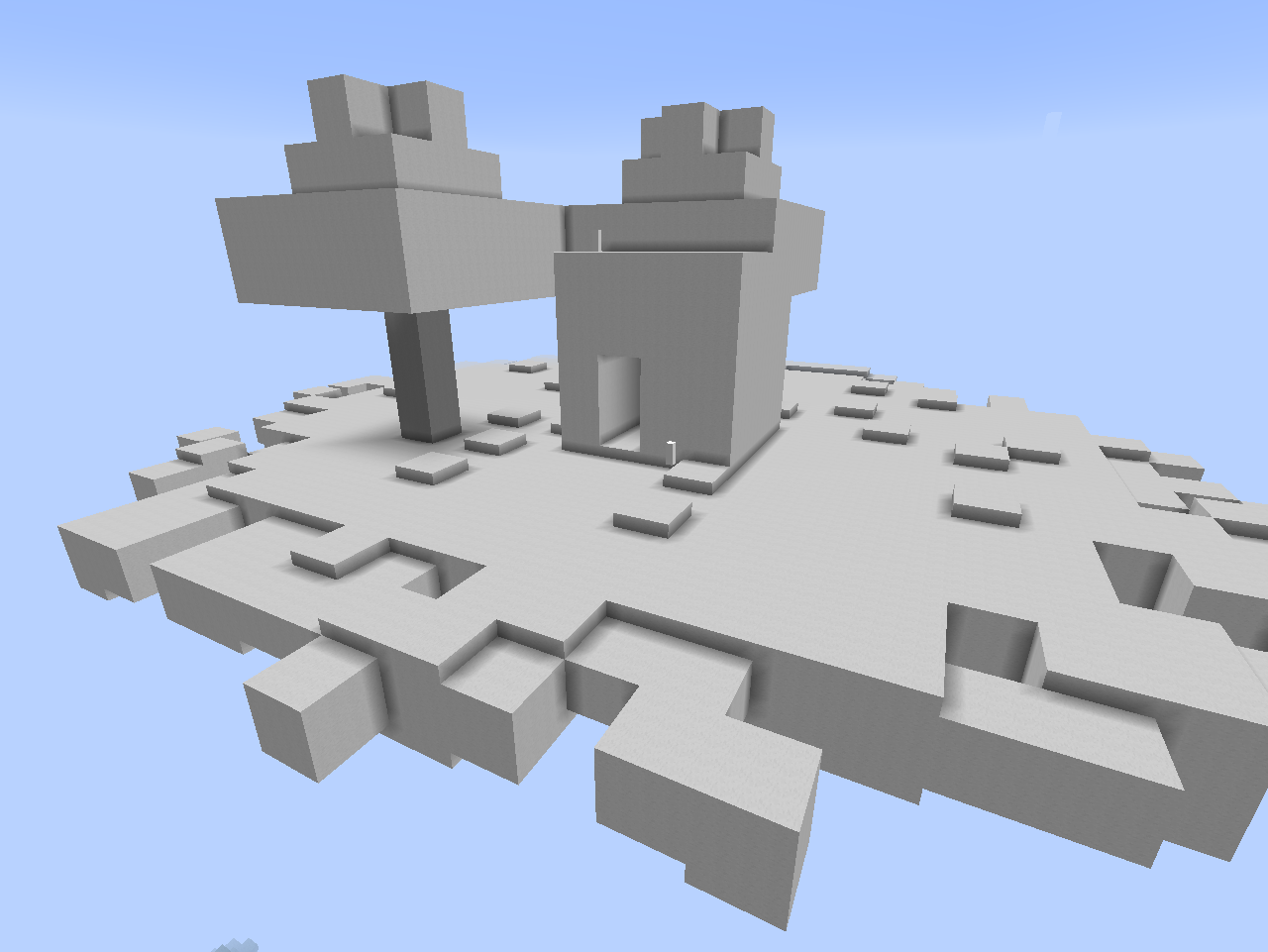 The Twilight Forest Cloud Cottage
 -
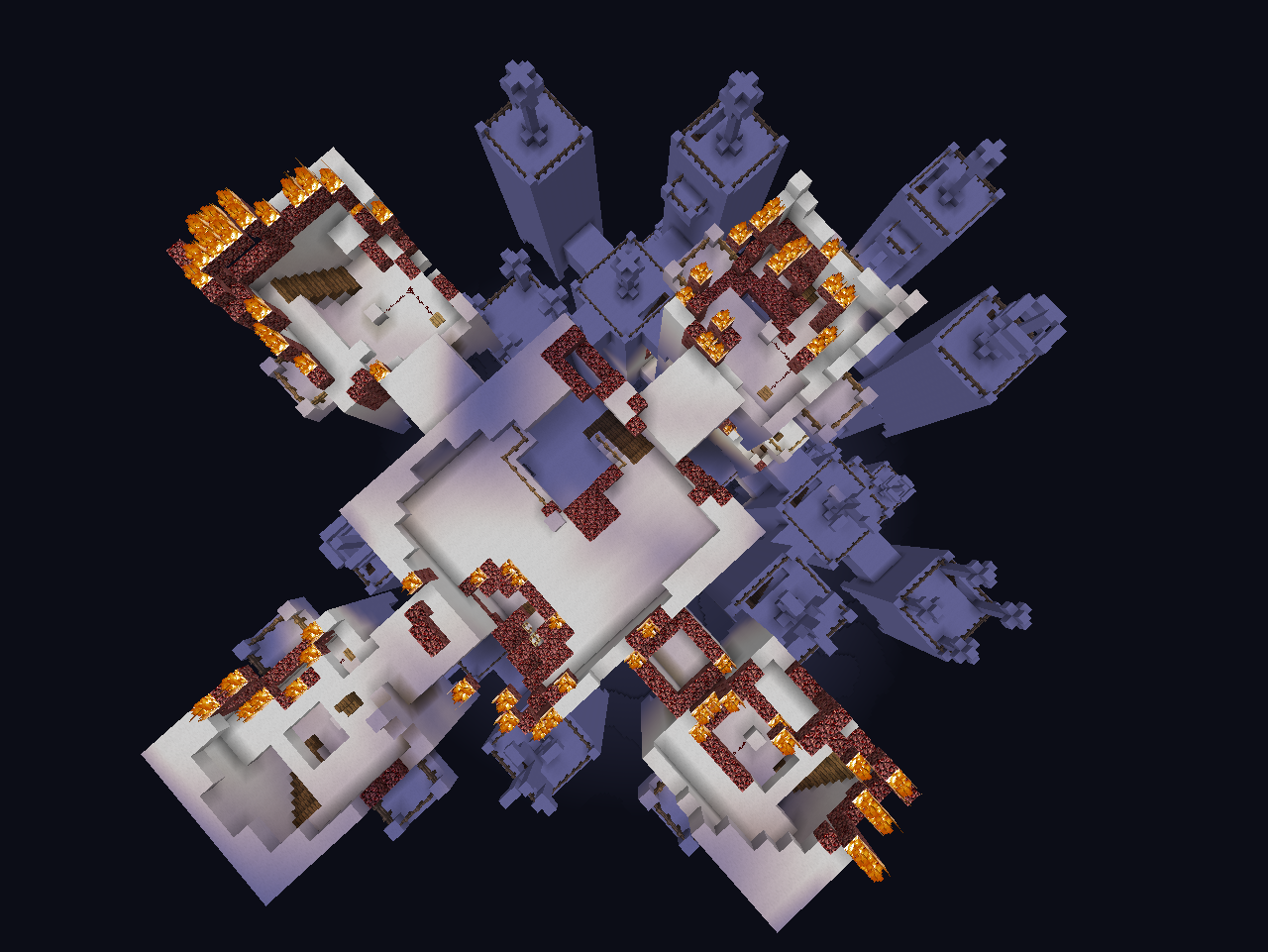 The Twilight Forest Dark Tower
 -
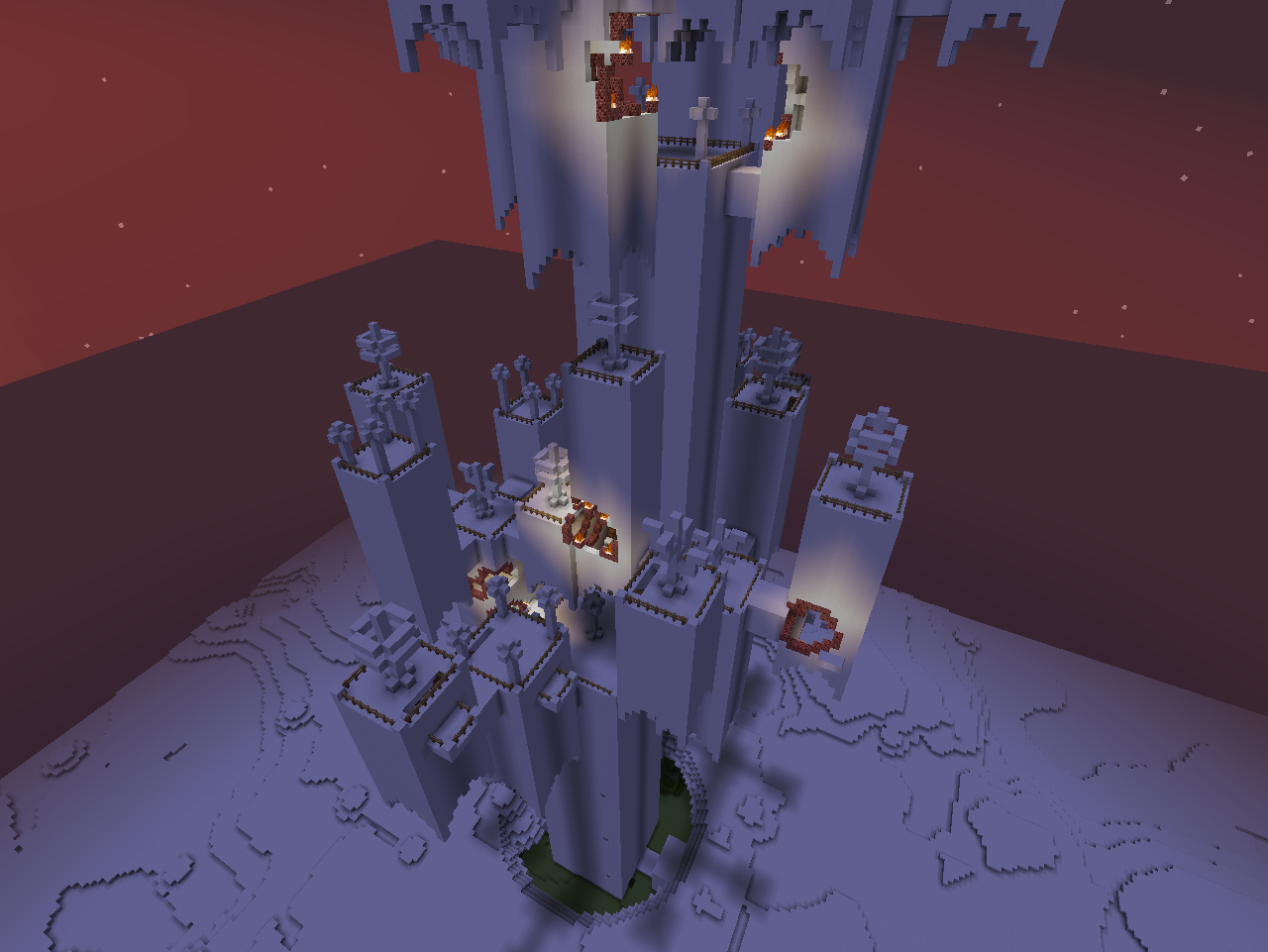 The Twilight Forest Dark Tower
 -
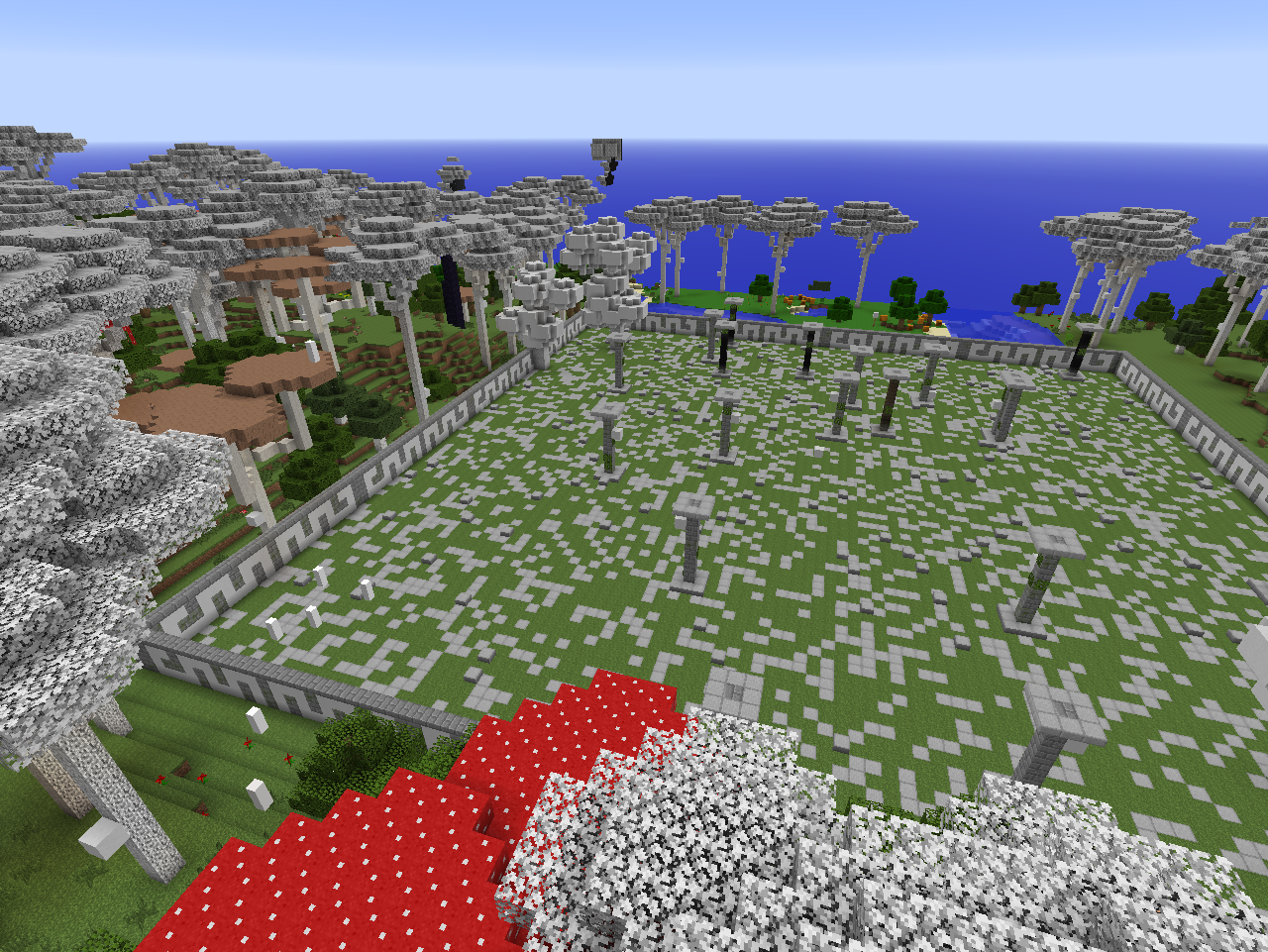 The Twilight Forest Naga Courtyard
 -
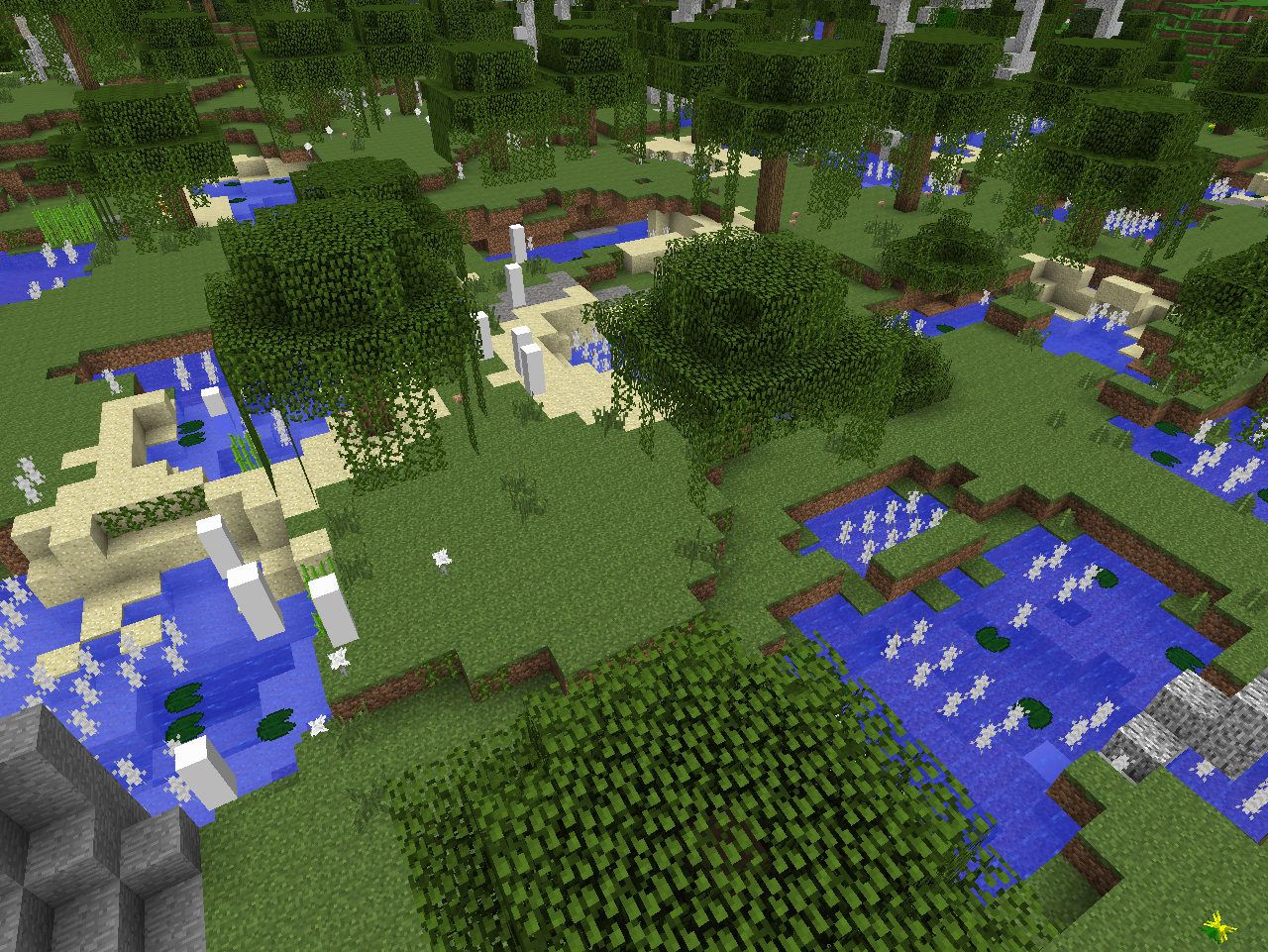 The Twilight Forest Twilight Swamp Biome
Versions
Files
Relations
Project Relations
More like this
Similar Mods
Suggestions use data such as tags, dependencies, dependents, descriptions, titles, and more to rank how much they overlap with this mod.
On ModDex
Community snapshot
By the numbers
Statistics
Want to reach Minecraft players?
We're looking for a server hosting partner to feature here and other parts of the site. Interested? Send us a message!
Get in touchGet it on
Available Platforms
On ModDex
Community snapshot
By the numbers
Statistics
Resources