Community listing page, reviews may not be monitored by the author.
Note'd - Sticky Notes

No reviews yet
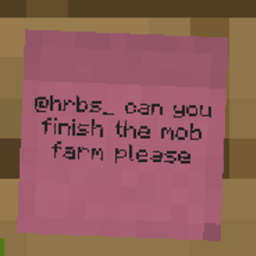
Stick colorful notes on any wall, floor or ceiling to leave messages for other players, with up to 9 per block that anyone can read, edit or tear off.

Community voices
Reviews
No reviews yet. Be the first to review this project!
Get it on
Available Platforms
About
Project Details
For authors
Embed Badge
If you're the author of this project, you can embed a live badge anywhere that supports HTML or Markdown. It updates automatically whenever ratings change.
Use HTML for any page that supports it, or Markdown for README files and Markdown-based descriptions.
Identifiers
Platform IDs
Resources
External Links
About
Description
Note'd
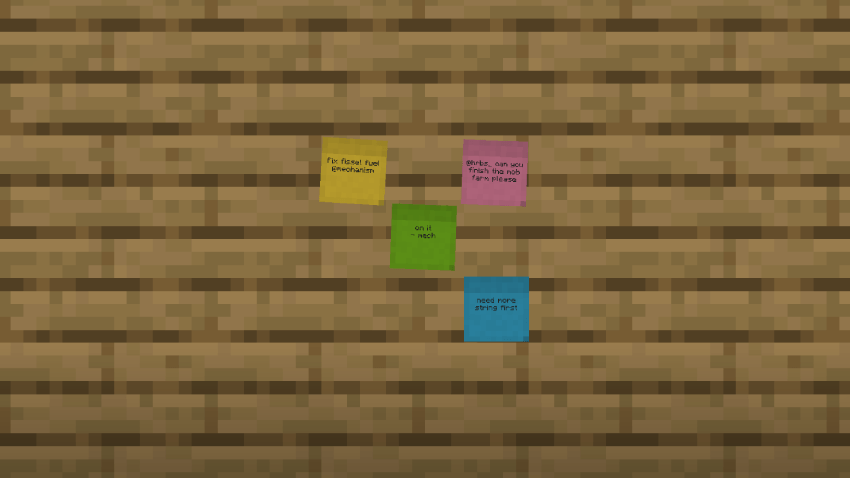
Leave sticky notes for your friends, anywhere in the world.
Note'd adds small, colorful sticky notes that you can slap onto any block face to leave messages for other players. It works like a sign, but more flexible: notes are small, you can fit several on one block, and anyone can open one to read or reply.
Features
- Stick them anywhere. Place notes on walls, floors and ceilings.
- Up to 9 notes per block face. Each note takes up about a third of a block and goes where you click, so a single block can become a little notice board.
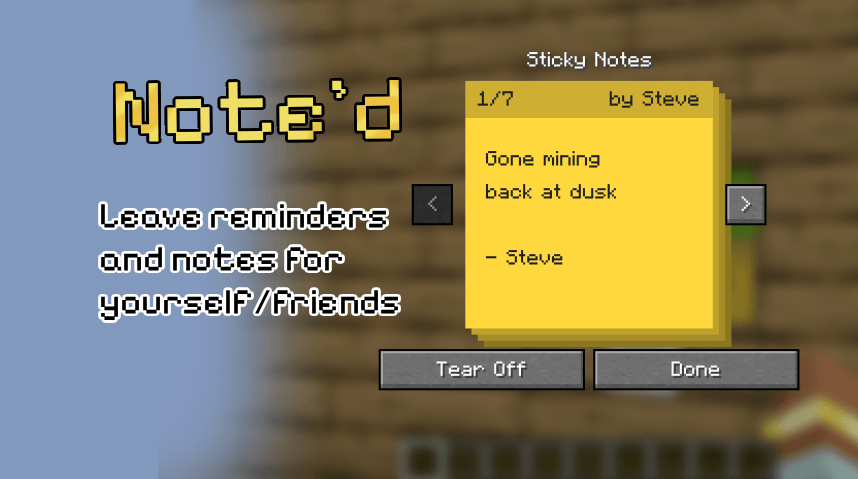
- Read and edit in place. Right-click a note to open it full size. Each note holds 4 lines of text and shows who wrote it. Use the arrow buttons to flip through every note on that block.
- Tear Off. Take a note back off the wall as an item. Its text stays on it, so you can carry it around or hand it to someone.
- 16 colors. Craft a note with any dye, or right-click a placed note with a dye to recolor it.
- Glowing text. Use a glow ink sac to make a block's notes readable in the dark, and a regular ink sac to switch the glow off.
- Nothing gets lost. Breaking the block drops every note with its text and color.
- Multiplayer-friendly. Built for servers: leave to-do lists, shop prices, directions, or "who took my pickaxe??" messages for your friends.
Crafting
| Recipe | Result |
|---|---|
| 2 Paper + 1 Slimeball (shapeless) | 6 Sticky Notes |
| Sticky Note + any Dye (shapeless) | Sticky Note in that color |
How to use
- Right-click any block face with a sticky note. The editor opens straight away, so you can write your message.
- Right-click the same face with another note to add it beside the first one.
- Right-click a note with an empty hand to read or edit it.
- Click Tear Off in the editor to take a note back.
Requirements
- Minecraft 1.21.1
- NeoForge 21.1 or newer
- Install it on both the client and the server.
Source
Screenshots
Gallery
-
 Noted1.png Noted1.png
 -
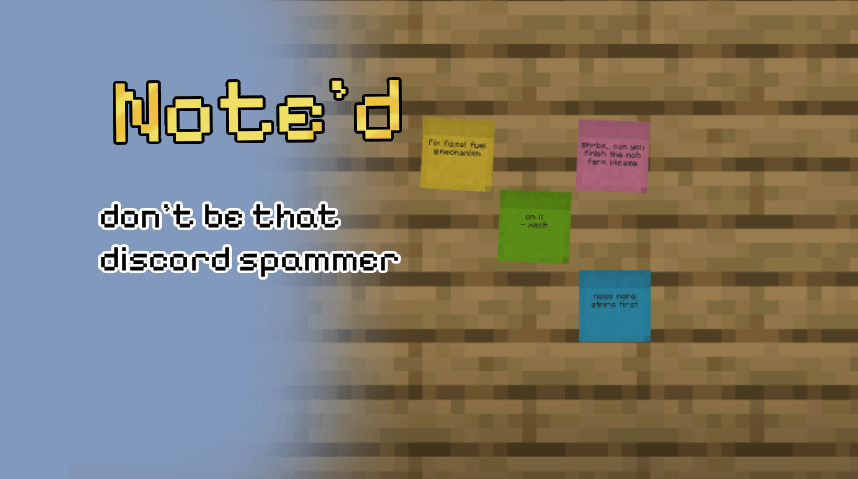 image.psd(1).png image.psd(1).png
Versions
Files
Relations
Project Relations
More like this
Similar Mods
Suggestions use data such as tags, dependencies, dependents, descriptions, titles, and more to rank how much they overlap with this mod.
On ModDex
Community snapshot
By the numbers
Statistics

Get it on
Available Platforms
On ModDex
Community snapshot
By the numbers
Statistics
Resources