
Community listing page, reviews may not be monitored by the author.
Notes lite

No reviews yet
Craft, format, and sign notes. Tear pages from books and leave messages on lecterns—perfect for letters, clues, and adventures.

Community voices
Reviews
No reviews yet. Be the first to review this project!
Get it on
Available Platforms
About
Project Details
For authors
Embed Badge
If you're the author of this project, you can embed a live badge anywhere that supports HTML or Markdown. It updates automatically whenever ratings change.
Use HTML for any page that supports it, or Markdown for README files and Markdown-based descriptions.
Identifiers
Platform IDs
Resources
External Links
About
Description
Small pages. Big stories.
Craft single-page notes for letters, clues, and village notices. Write, format, sign, and share your messages—or leave them on a lectern for others to discover.
Minecraft 1.20.1 · Forge · Singleplayer & Multiplayer
Features
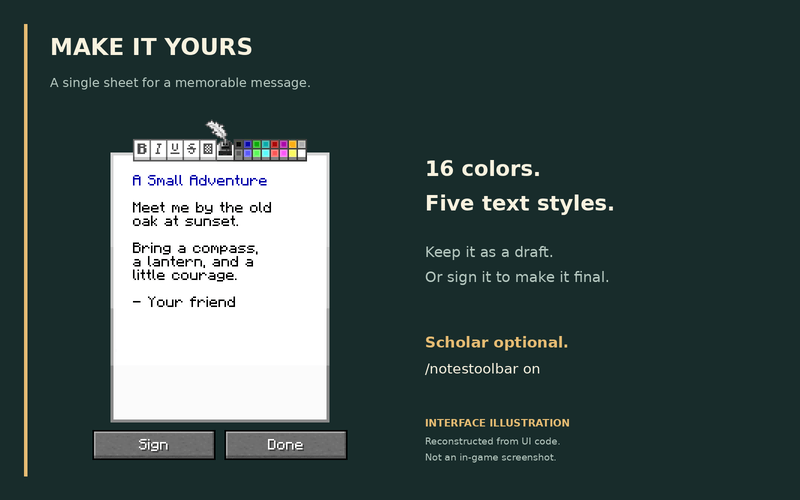
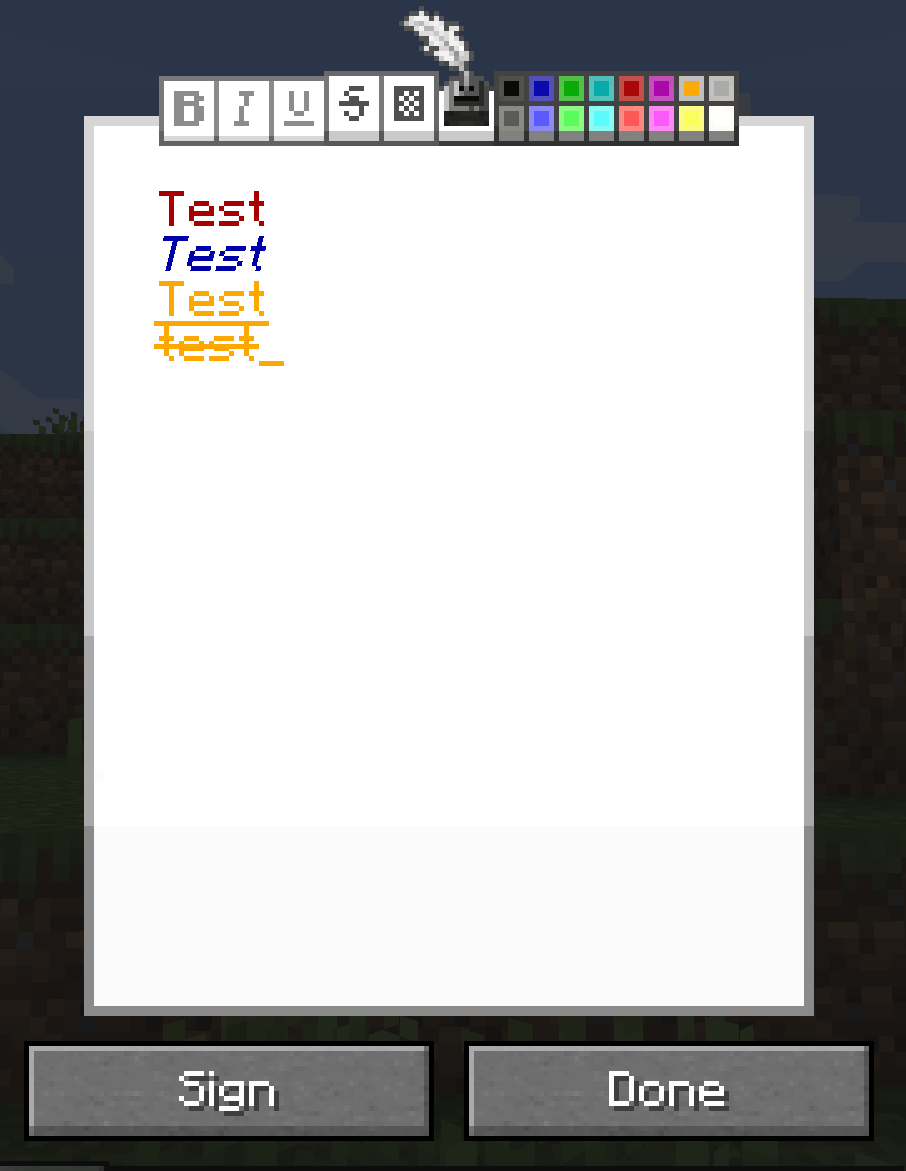
- Rich-text editor: 16 colors and five text styles.
- Sign your notes: add a title and author; signed notes become read-only.
- Tear book pages: sneak + right-click a Book and Quill or Written Book to turn its first stored page into a note.
- Lectern support: display and read notes; sneak + right-click to retrieve them.
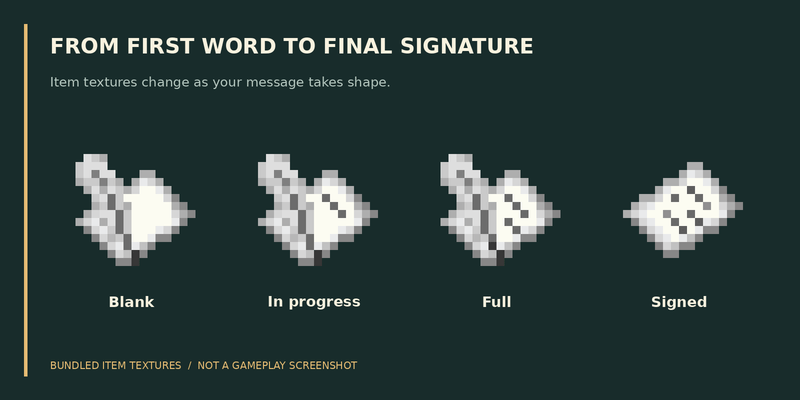
- Dynamic item textures: see whether a note is blank, filled, or signed.
Getting started
1 Paper + 1 Ink Sac → 1 Note — shapeless recipe.
Right-click a note to write. Choose Done to keep it editable, or Sign to finalize it. Right-click an empty lectern with a note to display it.
Formatting toolbar
Scholar is optional. In automatic mode, the toolbar appears when Scholar is installed.
| Command | Action |
|---|---|
/notestoolbar on |
Show the toolbar, even without Scholar. |
/notestoolbar off |
Hide it for yourself. |
/notestoolbar auto |
Follow Scholar availability (default). |
/notesmod toolbar all on |
Admin: force it on for everyone. |
/notesmod toolbar all off |
Admin: restore personal settings. |
Settings are saved. The server override takes priority over personal preferences. The toolbar is available only while editing unsigned notes.
Editor adapted from Scholar by mortuusars.
Screenshots
Gallery
-
 UI
-
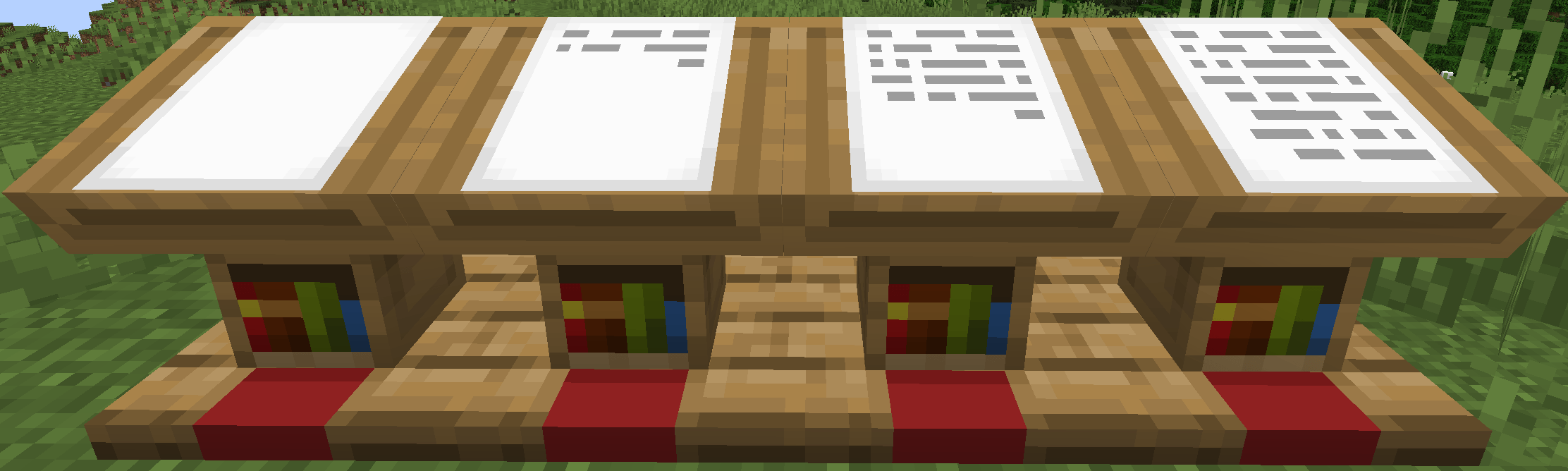 Lectern
-
 image
Versions
Files
Relations
Project Relations
More like this
Similar Mods
Suggestions use data such as tags, dependencies, dependents, descriptions, titles, and more to rank how much they overlap with this mod.
On ModDex
Community snapshot
By the numbers
Statistics

Get it on
Available Platforms
On ModDex
Community snapshot
By the numbers
Statistics
Resources