Community listing page, reviews here may not be monitored by the author.
Nuky's Geolocation

No reviews yet
Explore Minecraft with a detailed minimap, an atlas of the territory you've traveled, and navigation tools that you can adjust to fit your screen.

Community voices
Reviews
No reviews yet. Be the first to review this project!
Get it on
Available Platforms
About
Project Details
For authors
Embed Badge
If you're the author of this project, you can embed a live badge anywhere that supports HTML or Markdown. It updates automatically whenever ratings change.
Use HTML for any page that supports it, or Markdown for README files and Markdown-based descriptions.
Identifiers
Platform IDs
Resources
External Links
About
Description
🧭 Nuky’s Geolocation
Find your way. Remember your places. Explore together.
A detailed minimap, exploration atlas and navigation toolkit for your Minecraft adventures.
🗺️ Your world at a glance
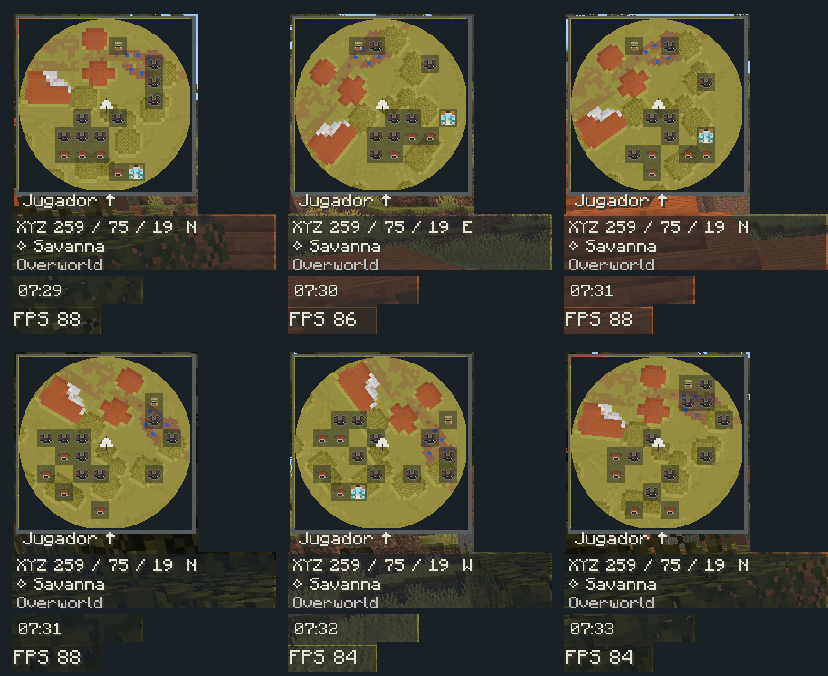
Keep your surroundings close with a detailed minimap that can rotate with your view. Choose a circular or square layout, and keep track of your coordinates, biome and time.
📌 
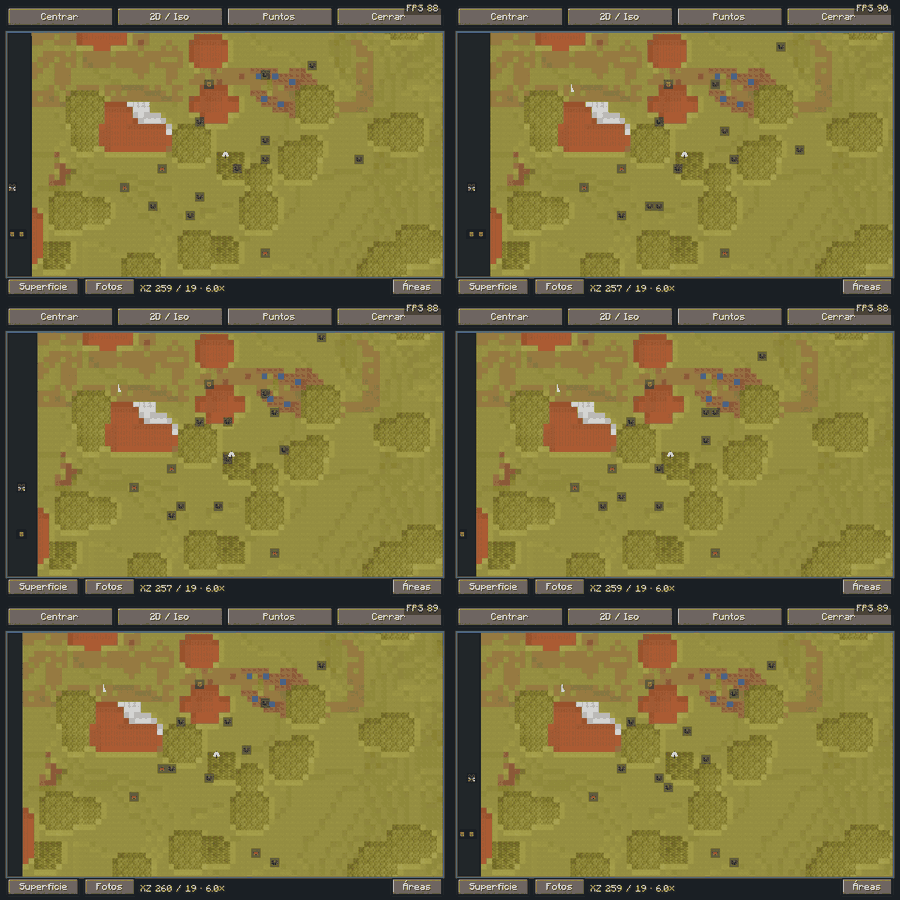
Need a wider view? Open the expanded map, pan across explored terrain and zoom in on the places that matter.
📌
✨ Try another angle
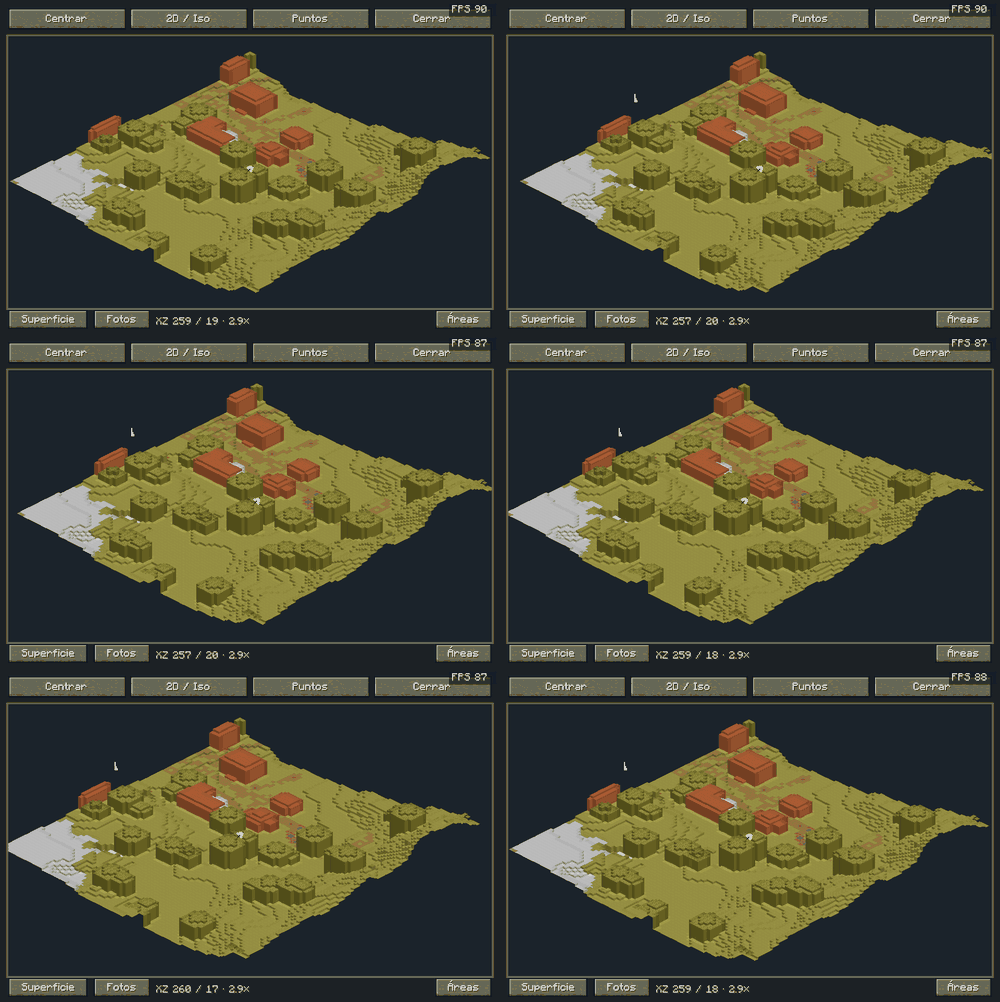
Switch to the simplified isometric map for a different perspective on your surroundings.
📌 
🕯️ Explore below the surface
Your adventure doesn’t stop at ground level. Use layer-based cave cartography to orient yourself underground and follow the terrain around you.
📌 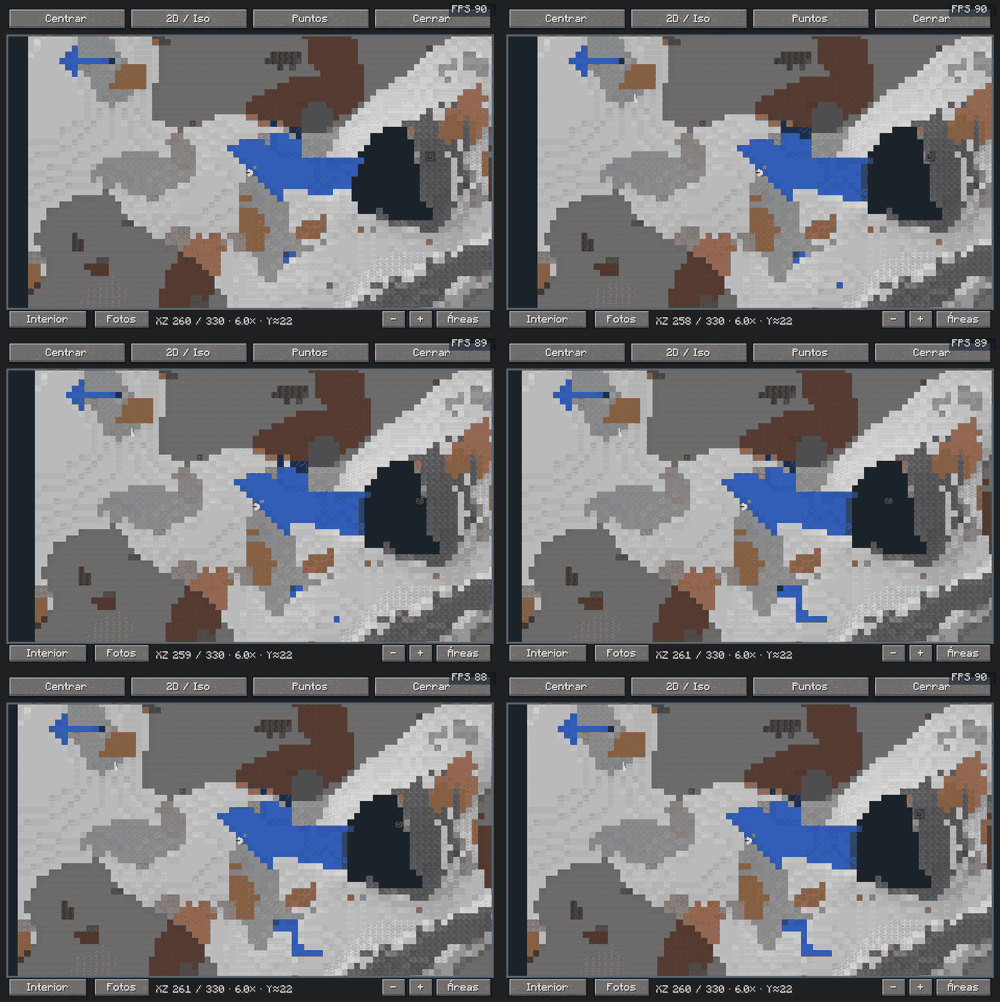
Cartography uses chunks already received by your client. It does not generate terrain or reveal the world from its seed.
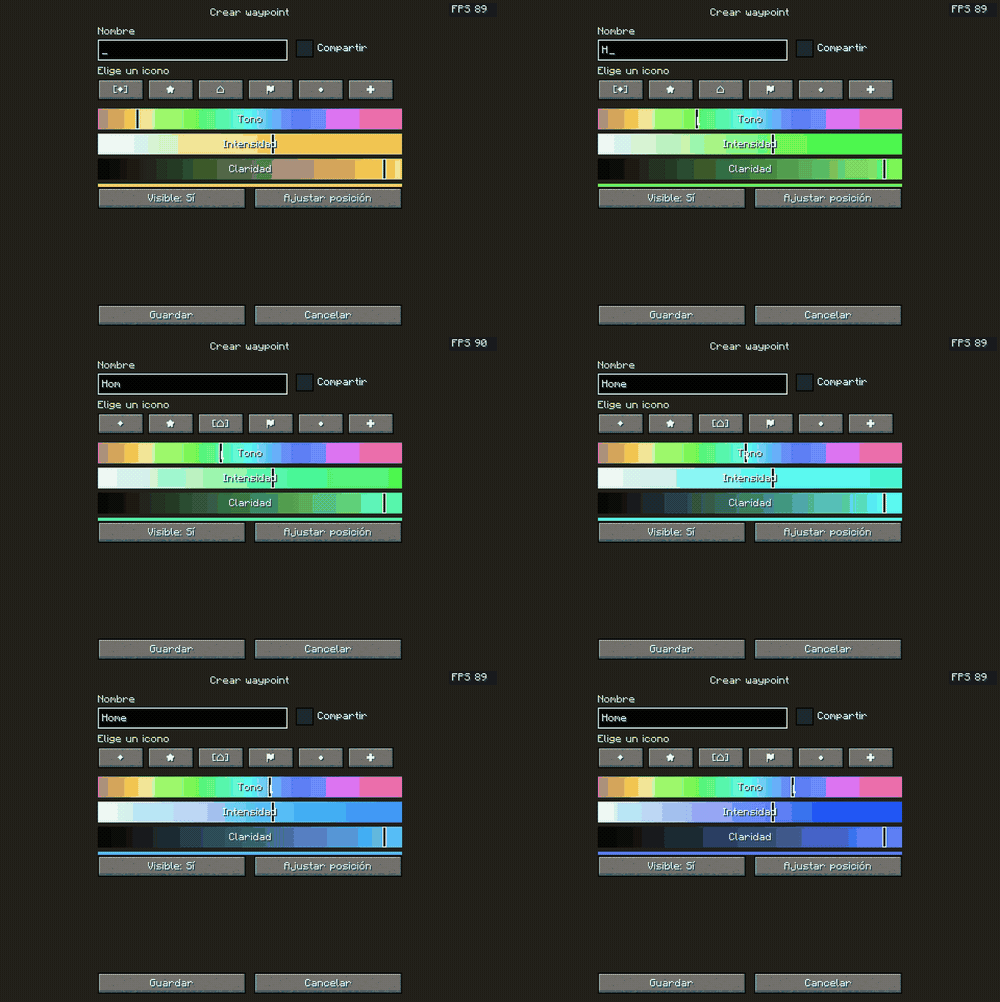
📍 Remember your favorite places
A home, a village, a cave entrance—or somewhere you simply want to revisit.
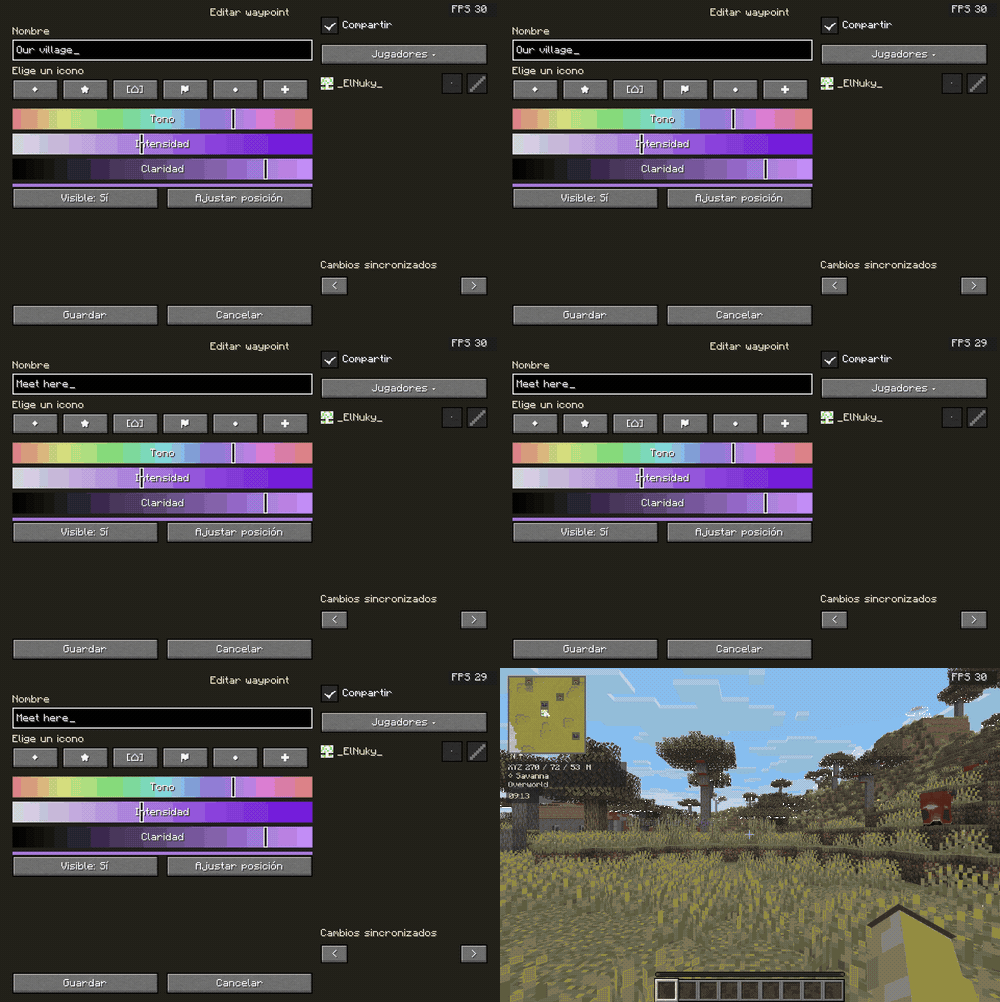
Create a waypoint with a name, one of six selectable icons and a visual color picker. Your current position and dimension are filled in automatically.
📌 
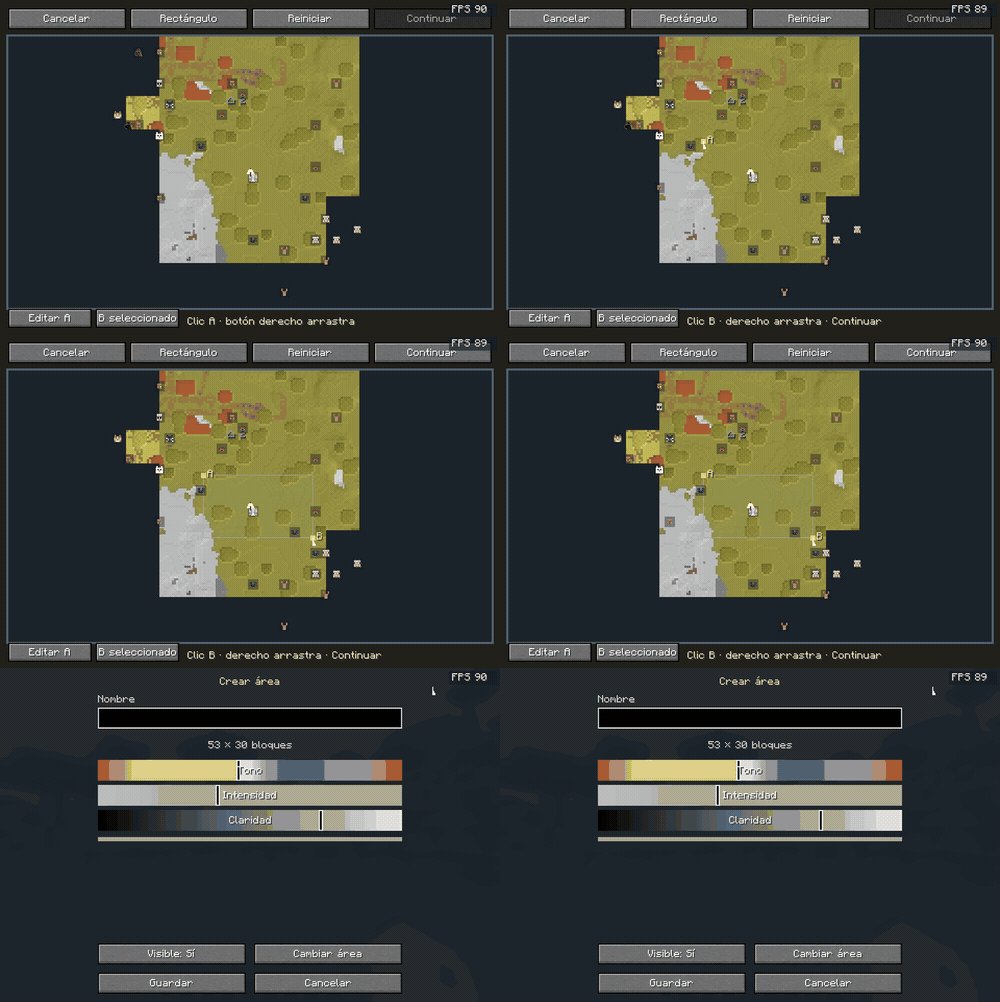
🏡 Mark more than a point
Select the corners of a custom region, then give it a name and color.
📌 
🤝 Share the adventure
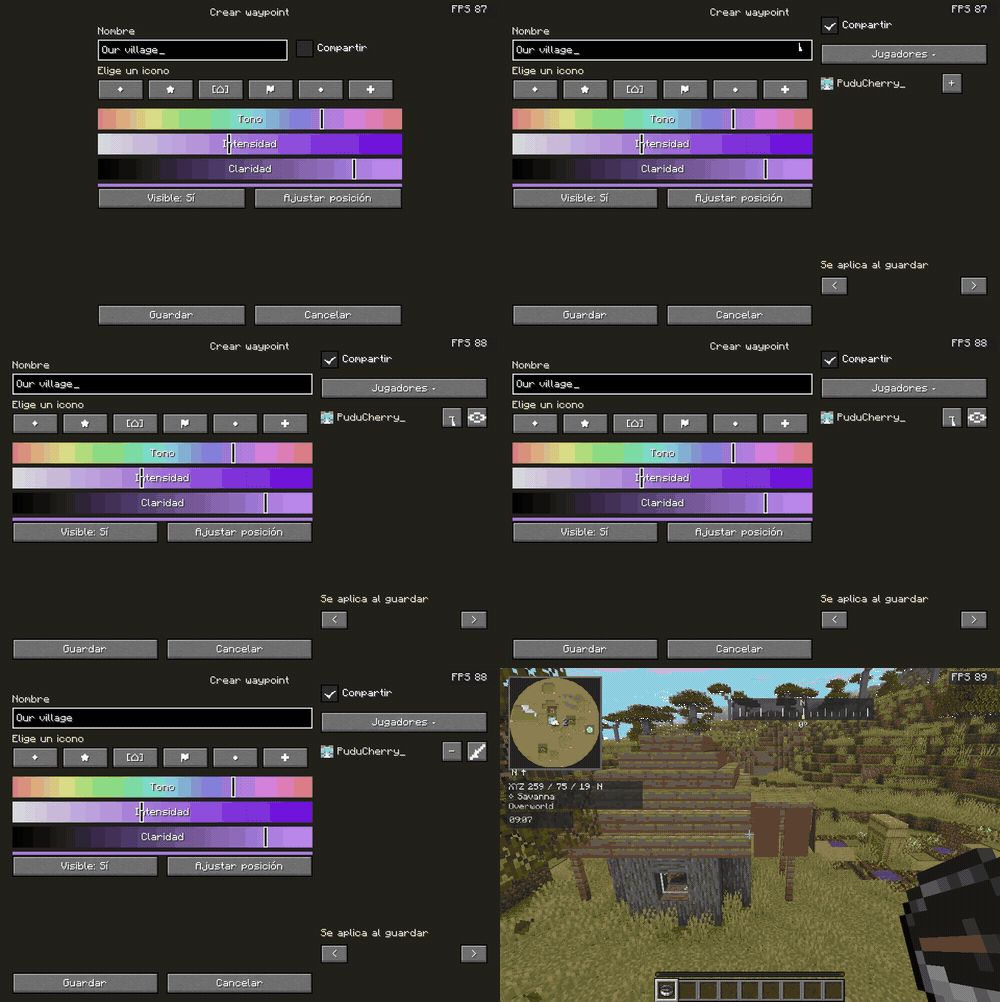
Share waypoints with connected players and choose how they can interact:
👁️ Observer — Can see the waypoint.
✏️ Editor — Can edit its details.
➕ Add players or ➖ remove access whenever needed.
The owner manages participants, and permissions are checked by the server.
📌 
💬 A shared destination, on both sides
Your friends receive the waypoint and can edit it when you grant permission.
📌 
Sharing requires NGL and Fabric API on the server and participating clients. Local maps and waypoints work without the server component.
🧭 Find your direction
Carry a normal or recovery compass to display cardinal directions and degrees.
Choose a waypoint as your destination to follow its bearing and distance. Stop navigation whenever you like, or let it end when you arrive.
📌
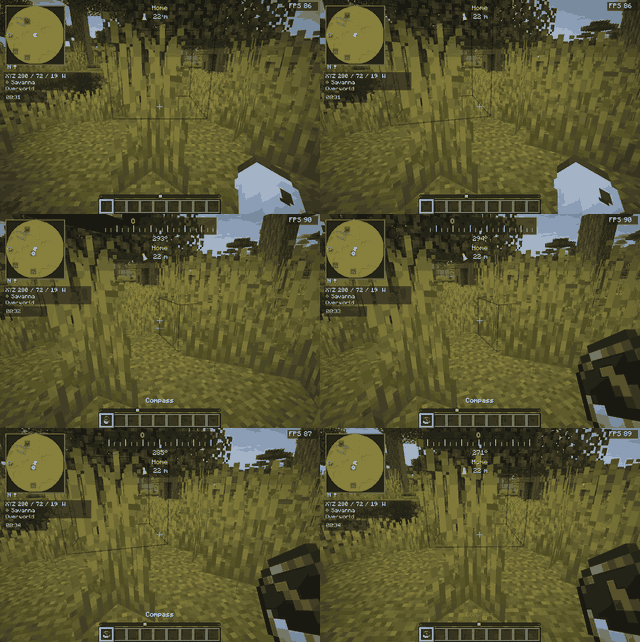
Directional guidance points toward your destination; it does not calculate a path around obstacles.
📷 Frame another perspective
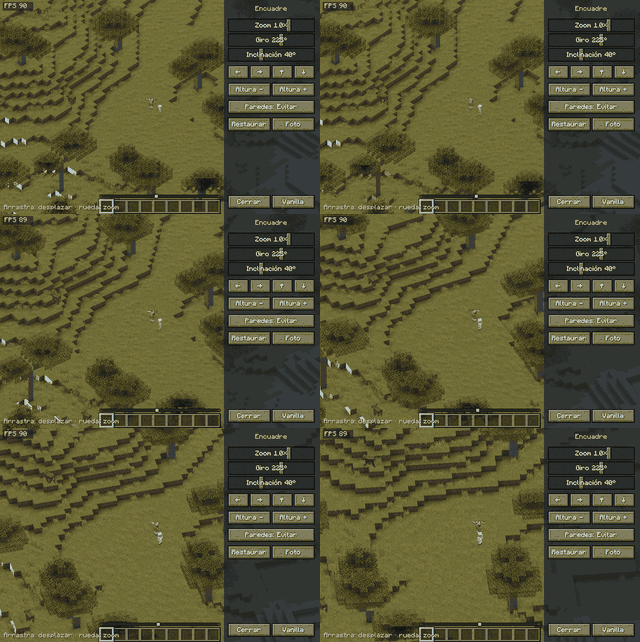
See your world through an isometric camera with follow, static and cinematic modes.
Adjust rotation, tilt, zoom and position to frame your builds and landscapes.
📌 
💜 Bring a friend into the frame
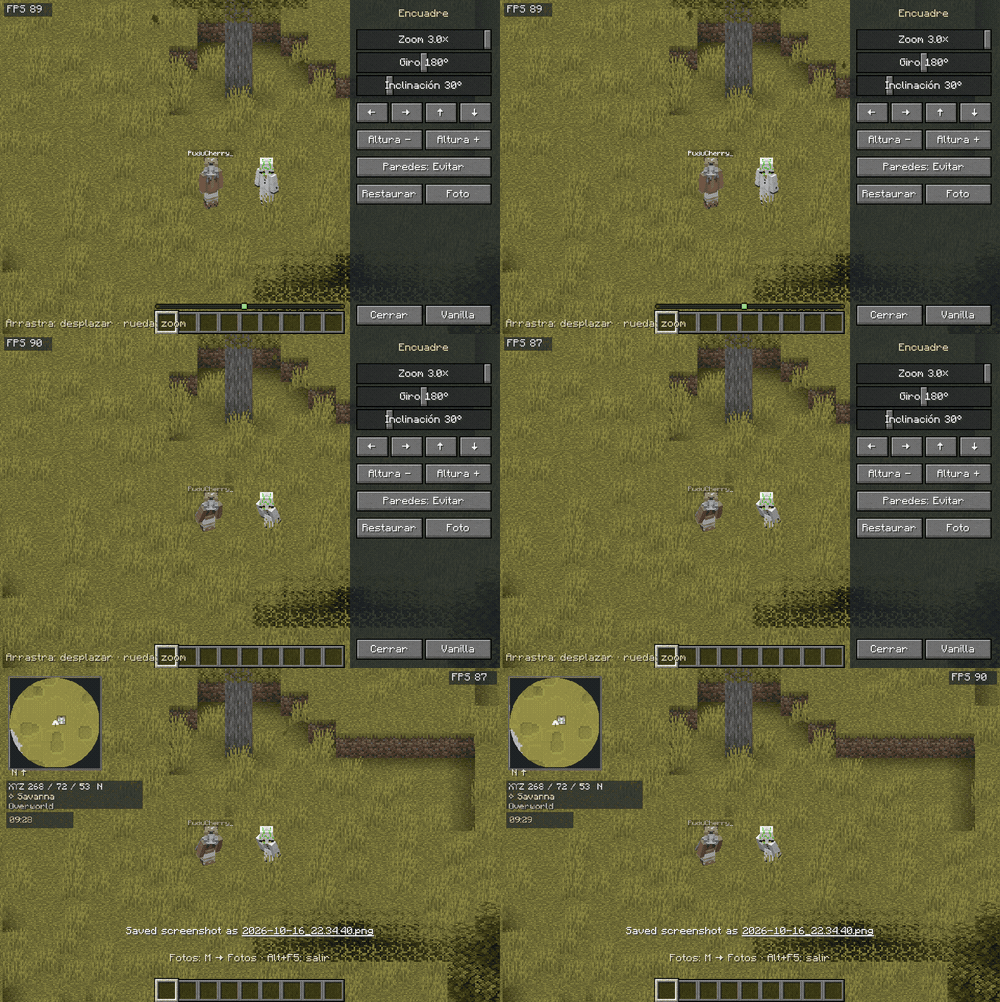
Find a beautiful spot, strike a pose and save a photo without the framing controls.
📌 
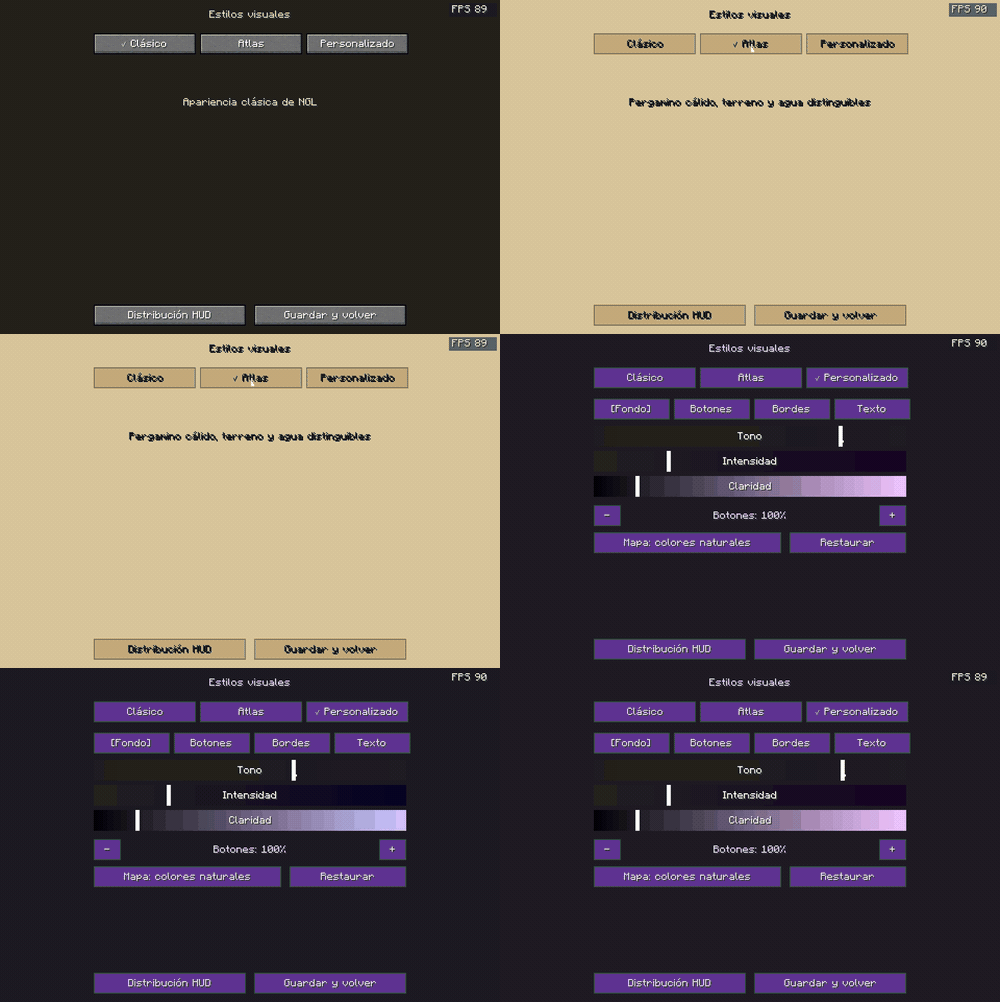
🎨 Make it yours
Choose the look that fits your adventure:
🪨 Classic — The familiar NGL appearance.
📜 Atlas — Warm, parchment-inspired styling.
💜 Custom — Your own colors and button size.
📌 
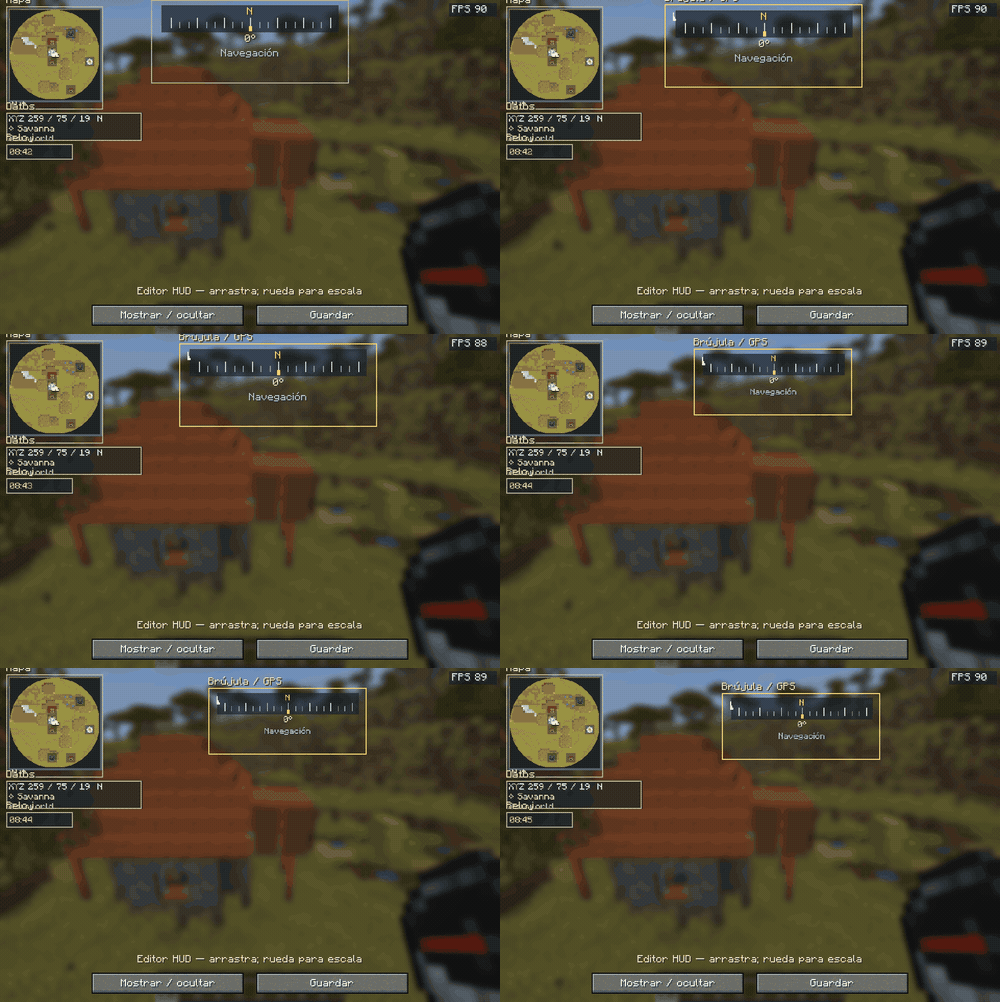
🖱️ Your screen, your layout
Move, resize or hide the minimap, information, clock and compass/GPS widgets.
Open the HUD editor, drag a widget into place and use the scroll wheel to change its size.
📌 
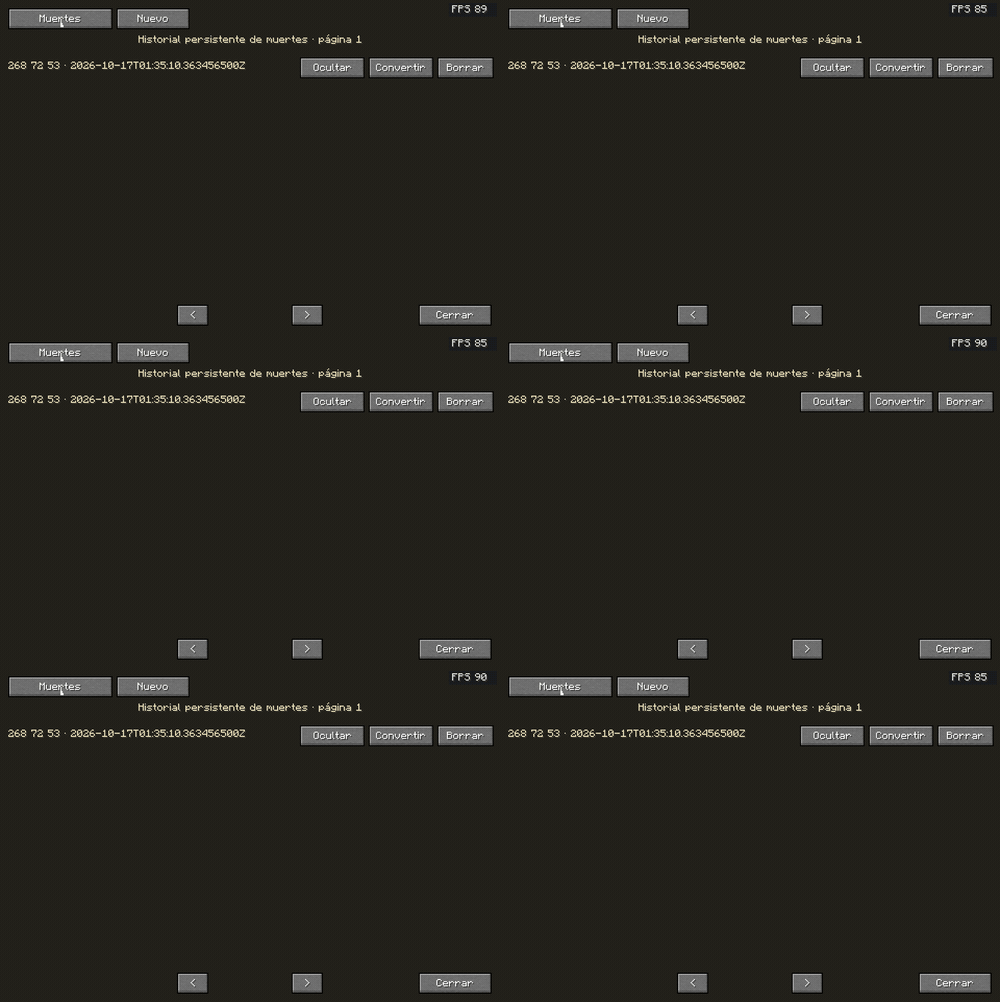
💀 Keep your bearings after a setback
Consult your death history, revisit a recorded location or convert it into a regular waypoint. Show or hide entries as you need them.
📌 
⌨️ Quick controls
M — Open the expanded map
O — Open settings
B — Create a waypoint
H — Edit the HUD
Alt + F5 — Toggle the isometric camera
Key bindings can be changed in Minecraft’s controls menu.
📦 Ready to explore?
Minecraft Java 26.2 · Fabric · Java 25
✅ Requires: Fabric Loader 0.19.5+ and Fabric API 0.161.0+26.2
🔧 Optional: Sodium and Mod Menu
🌎 Main interface: Spanish
The map’s isometric view is simplified; the separate camera renders the actual world. Cave maps use layer projections rather than a complete model of overlapping floors. Initial map preparation takes time and depends on receiving chunks.
Performance varies with hardware, settings and other mods. A universal minimum of 60 FPS is not guaranteed. Shaders, Vulkan and other camera mods have not been validated.
Original NGL code and artwork. Not an official Minecraft product. Not approved by or associated with Mojang or Microsoft.
Screenshots
Gallery
Versions
Files
Relations
Project Relations
More like this
Similar Mods
Suggestions use data such as tags, dependencies, dependents, descriptions, titles, and more to rank how much they overlap with this mod.
On ModDex
Community snapshot
By the numbers
Statistics
 (opens in a new tab)
Get it on
Available Platforms
On ModDex
Community snapshot
By the numbers
Statistics
Resources