Community listing page, reviews here may not be monitored by the author.
Ominous Overlays

No reviews yet
Situational overlays for your viewing pleasure.
Community voices
Reviews
No reviews yet. Be the first to review this project!
Get it on
Available Platforms
About
Project Details
For authors
Embed Badge
If you're the author of this project, you can embed a live badge anywhere that supports HTML or Markdown. It updates automatically whenever ratings change.
Use HTML for any page that supports it, or Markdown for README files and Markdown-based descriptions.
Identifiers
Platform IDs
Resources
External Links
About
Description
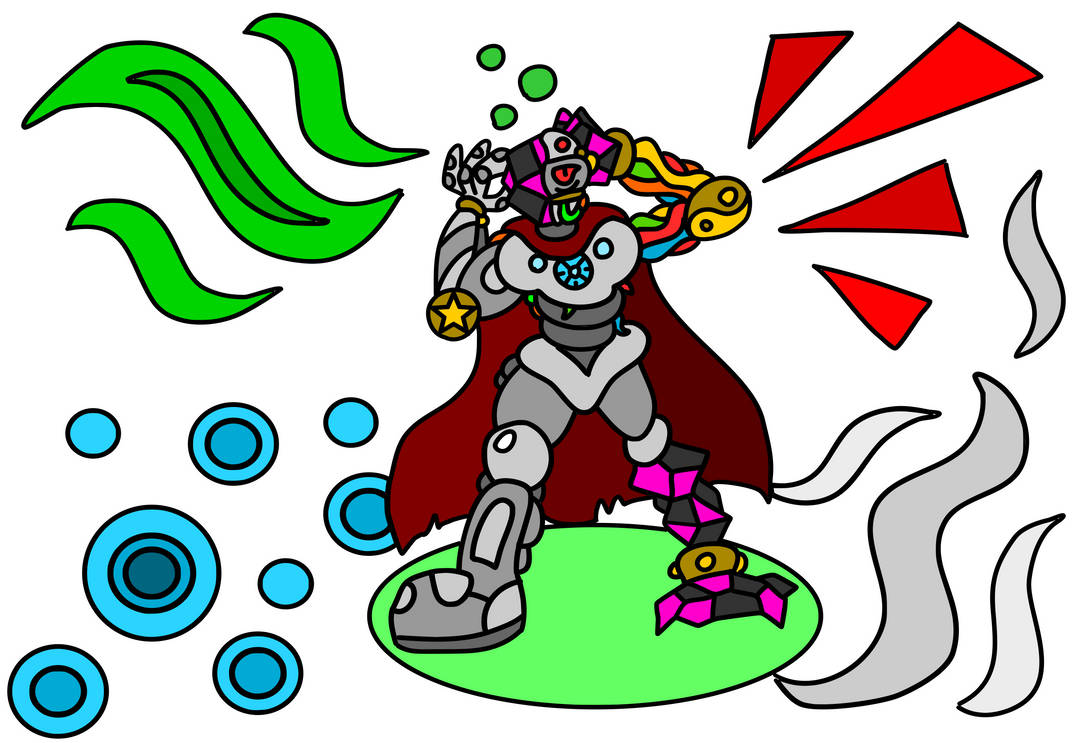
Remember that frost overlay for Powdered Snow? Pretty cool, huh? My thought process with this mod was essentially just taking the idea to its logical extreme. 'Ominous Overlays' adds screen changes for all sorts of different conditions, including potions, damage, hunger, oxygen, and the like. (There's a more thorough description in the changelog.) This mod is mostly just client side, and is intended to offer a bit of consistency, as well as just some cool new (and occasionally helpful) overlays to the game.
I am open to eventually backporting this, but at the moment, will be working on other projects.
CHANGELOG
- The Damage Overlay appears whenever the player takes damage greater than 1.5 hearts. It's a red, spikey overlay that has a different direction depending on where the attacker is relative to the player. (Above, behind, in front of, or to the right or left.) If too much damage is taken at once, the screen also takes on a red hue with increasing duration based on the amount of damage taken.
- If the player is low on health, the Heartbeat Overlay appears. It looks similar to the damage overlay, but pulses on and off with increasing speed the lower the player's health is. It's accompanied by a heartbeat sound effect to further implore the player to do something about it.
- The Hunger Overlay pulses a pale white around the edges of the screen, with increasing speed and intensity the lower the player is on food.
- The Oxygen Overlay subtly blacks out the edges of the player's screen when their oxygen bar is depleted. When the player is fully out of oxygen, their screen rapidly begins to pulse black.
- Each Potion now has a unique overlay. For potions where remaining time is important, (Night Vision, Invisibility, Water Breathing, etc;) the potion overlay flashes quicker the less time is left of the potion effect. Other potions, such as Strength, Speed, Regeneration, etc; flash when their effect is in use. (When the player is attacking, running, or healing, respectively.)
- Gaining EXP triggers the Experience Overlay, in which EXP orbs bubble up around the player's EXP bar. When the player gains a full level, their screen pulses with bubbling orbs.
- A Fire Overlay appears when the player takes damage from magma-rock, campfires, or flames. It pulses with cinders around the edges of the screen.
- The Wither Overlay appears when the player takes damage from Wither Roses, the Wither, and Wither Skeletons. It consists of thorny tendrils that grow rapidly around the player's field of view.
- A Thorns Overlay appears when the player takes damage from Cacti, Sweet Berries, or an enemy with armor enchanted with thorns.
Screenshots
Gallery
-
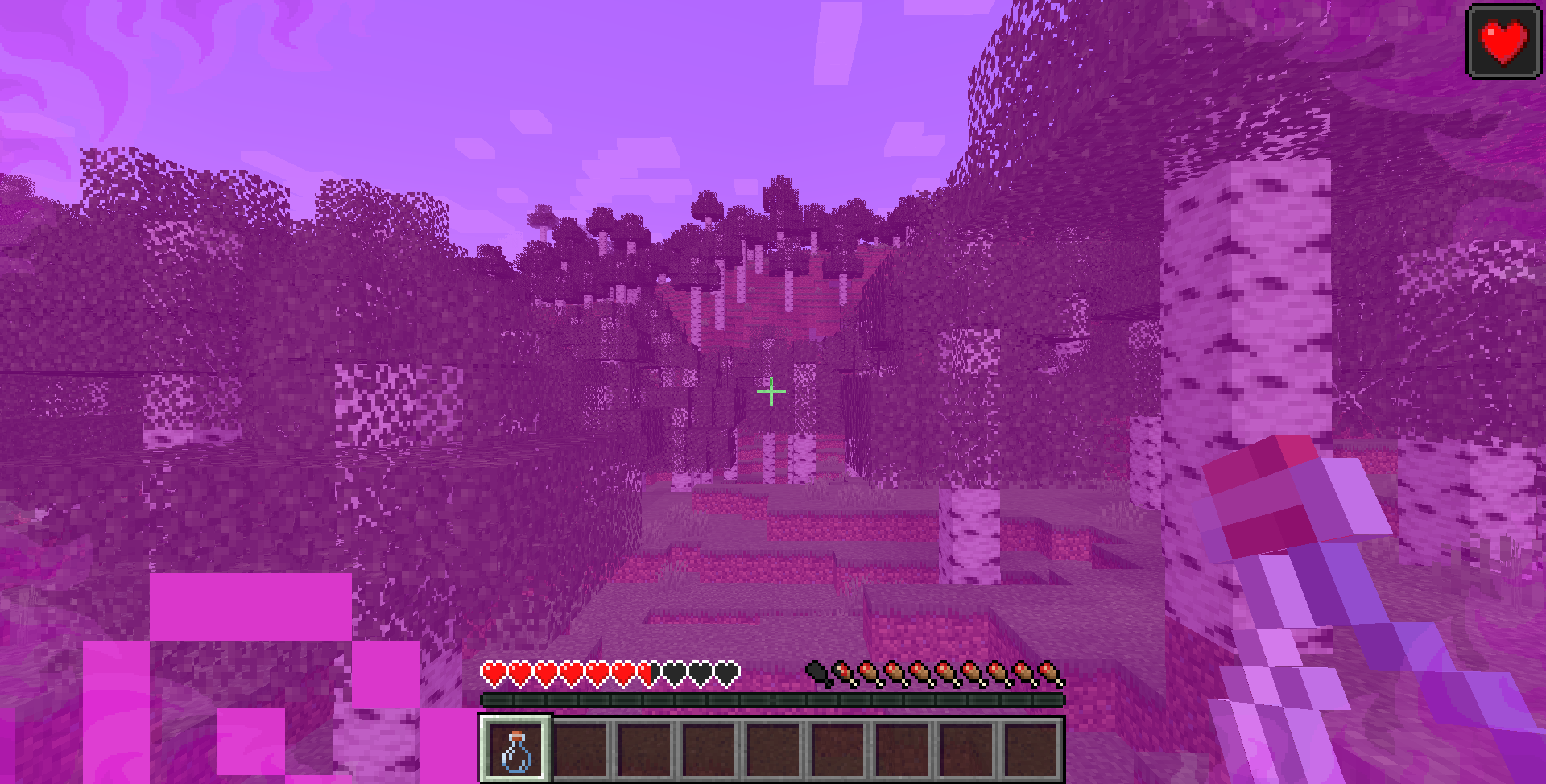 Potion Overlays Different potion overlays appear in different circumstances. The Regeneration Overlay pulses whenever the player heals with the potion.
 -
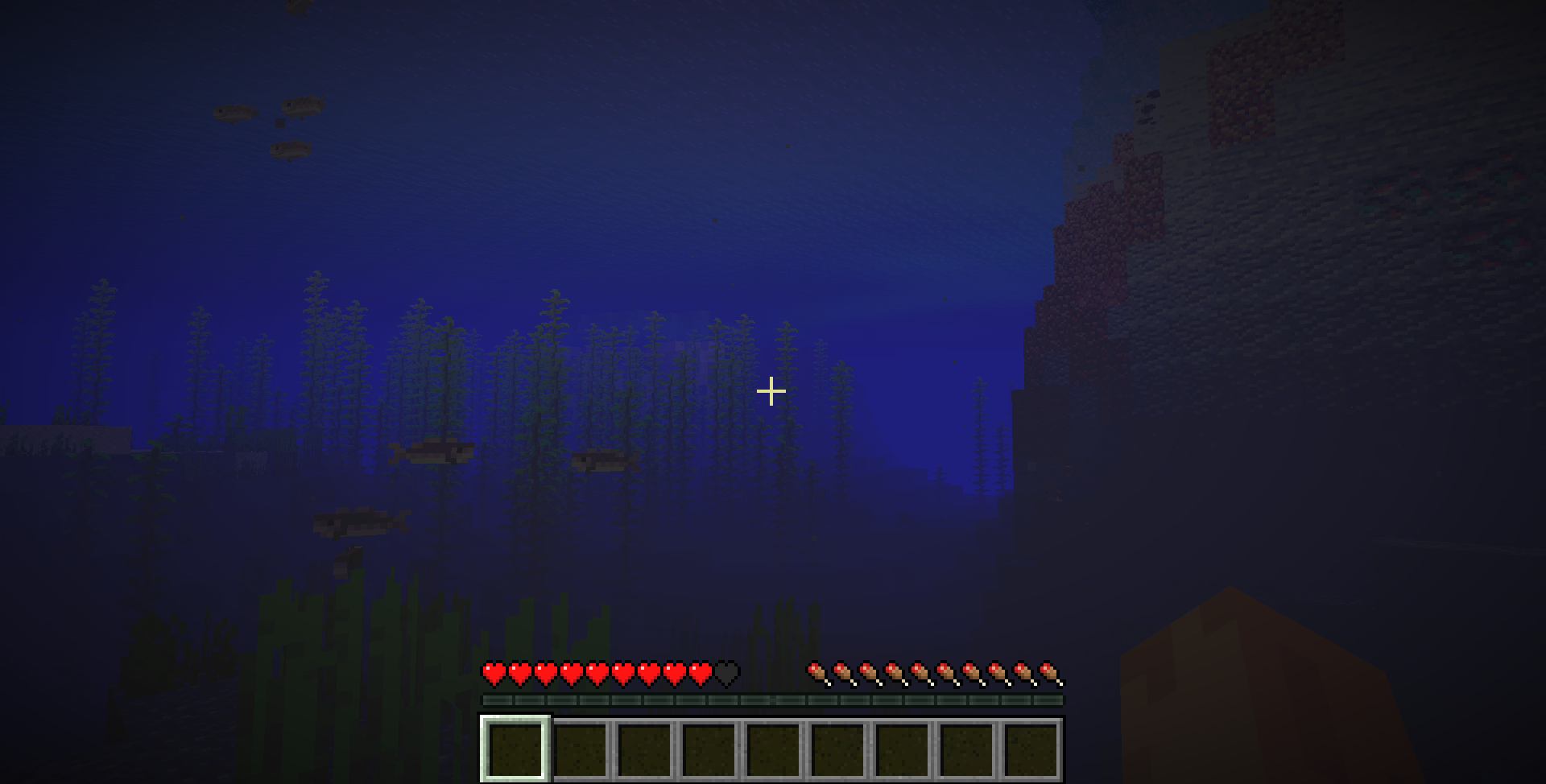 Oxygen Overlay The effect is subtle, but the screen edges gradually get darker as Oxygen runs out.
 -
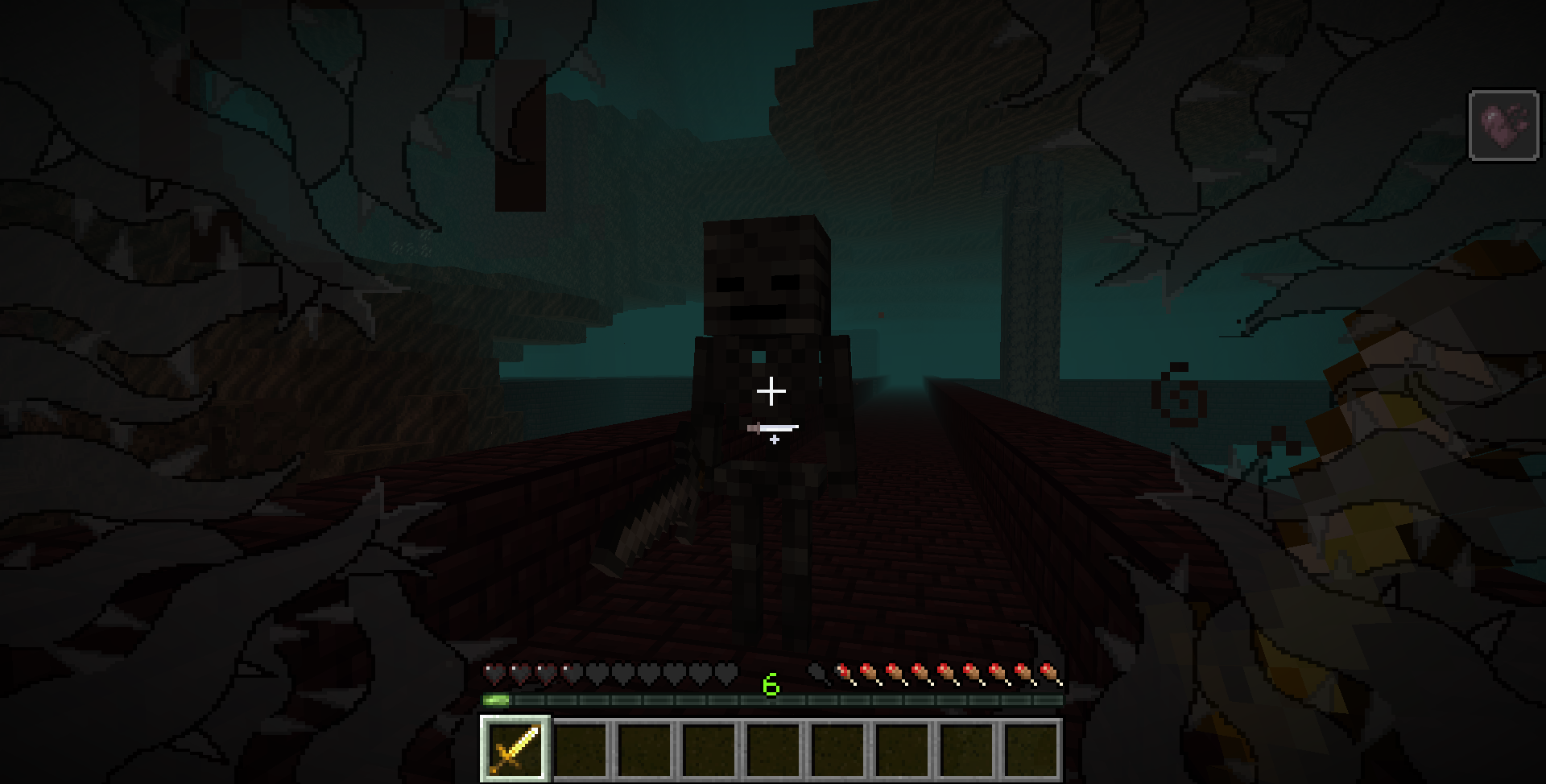 Wither Overlay The vines grow around the edges of the screen when Wither damage is taken. Nasty.
 -
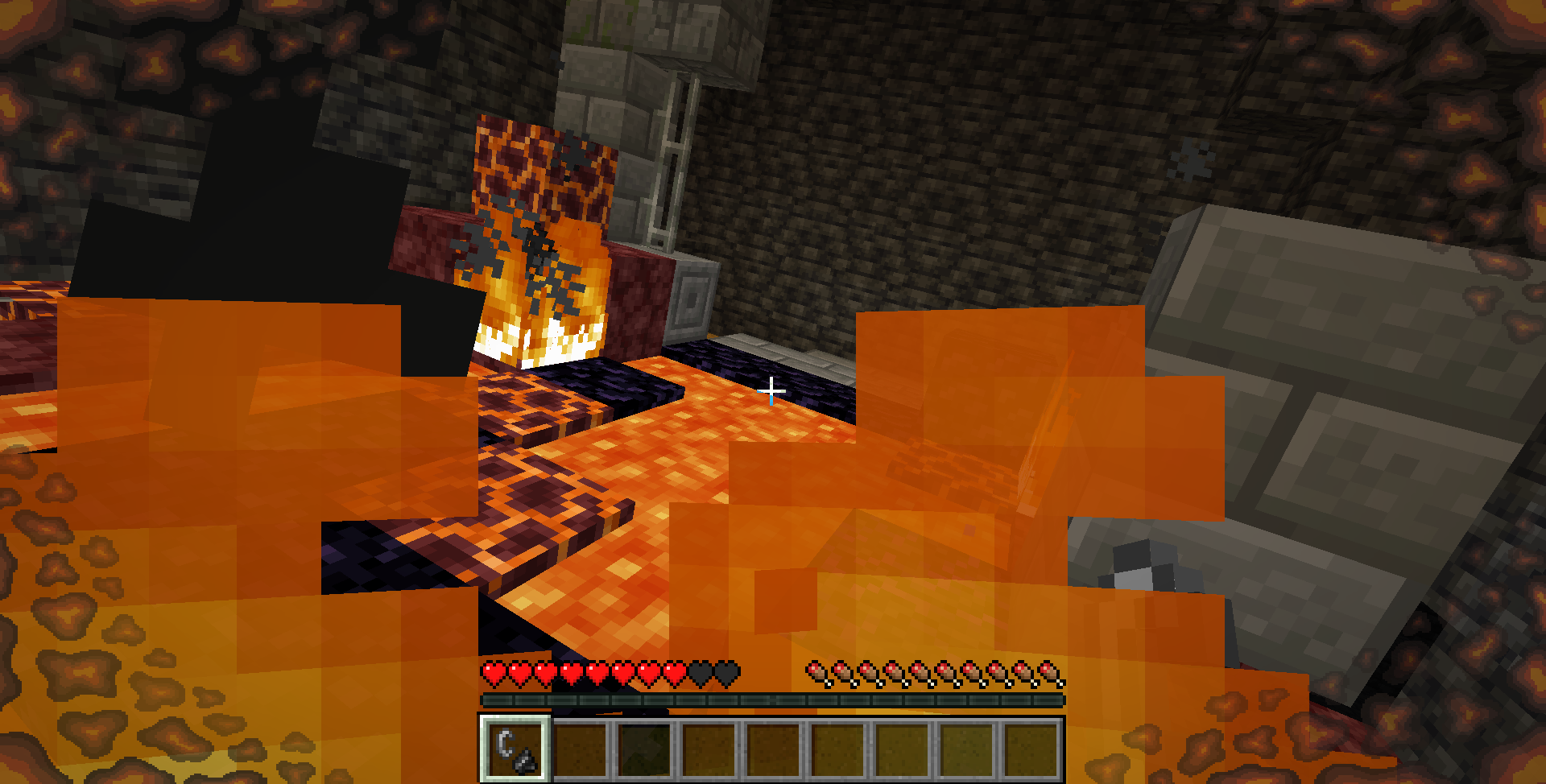 Fire Overlay Just in case you weren't aware you were on fire, this will pulse in and out. Also looks nice compared with the Frost Overlay.
 -
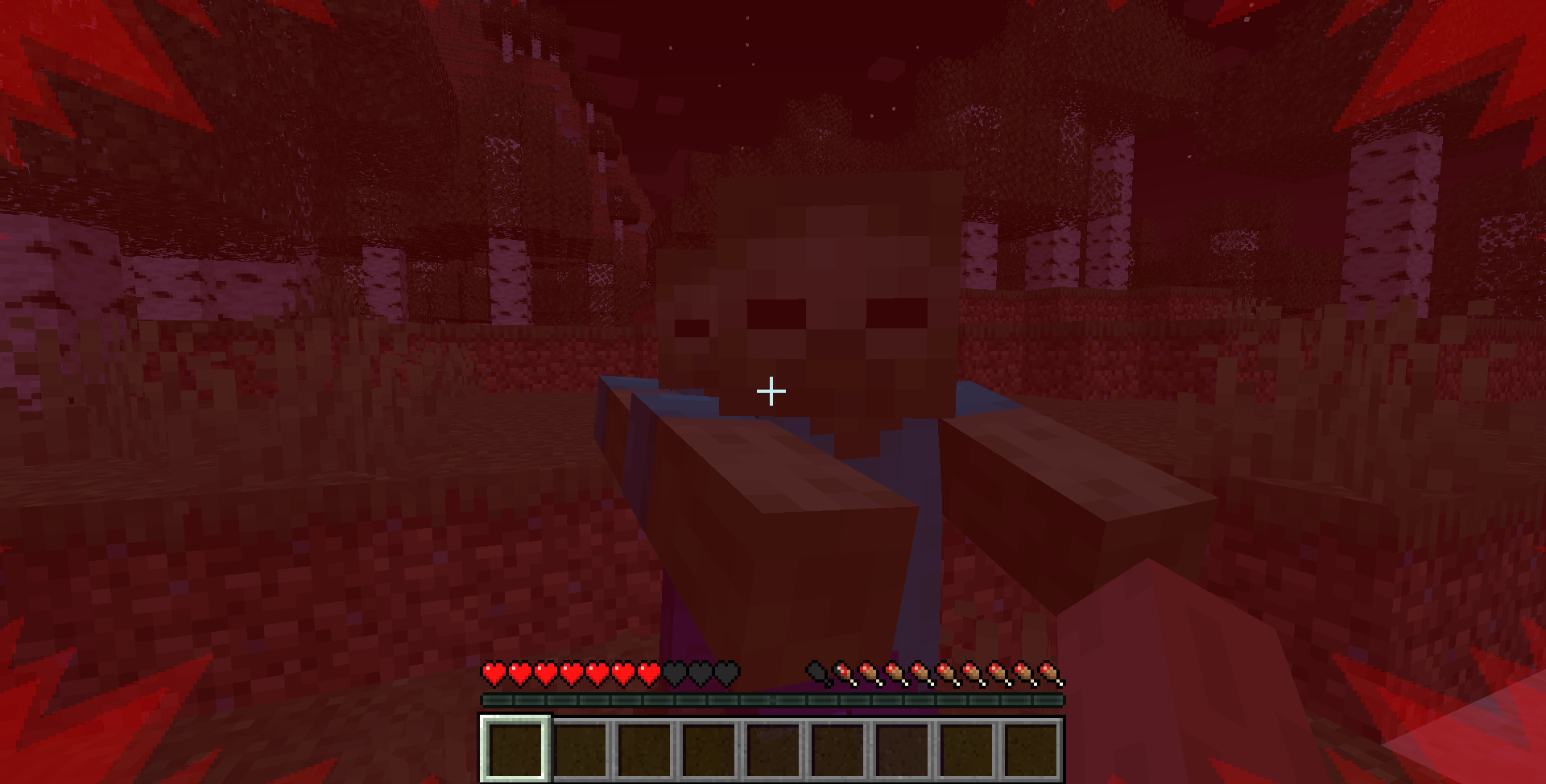 Damage Overlay The Damage Overlay in action. The direction of the damage, (in this case, the front), determines which way the overlay appears.
Versions
Files
Relations
Project Relations
More like this
Similar Mods
Suggestions use data such as tags, dependencies, dependents, descriptions, titles, and more to rank how much they overlap with this mod.
On ModDex
Community snapshot
By the numbers
Statistics
Want to reach Minecraft players?
We're looking for a server hosting partner to feature here and other parts of the site. Interested? Send us a message!
Get in touchGet it on
Available Platforms
On ModDex
Community snapshot
By the numbers
Statistics
Resources