
OnlyCoords
No reviews yet
Lightweight customizable coordinates HUD for Fabric. The clean F3 alternative.
Includes quality of life improvements and small tweaks to enhance and customize gameplay.
Fabric is a mod loader for versions 1.14+ of Minecraft, particularly popular for client side and optimization mods.
Community voices
Reviews
Click once to include, again to exclude, again to clear
No reviews yet. Be the first to review this project!
Get it on
Available Platforms
 CurseForge
 Modrinth
Compatibility
Supported Environments
About
Project Details
For authors
Embed Badge
If you're the author of this project, you can embed a live badge anywhere that supports HTML or Markdown. It updates automatically whenever ratings change.
Use HTML for any page that supports it, or Markdown for README files and Markdown-based descriptions.
Identifiers
Platform IDs
Resources
External Links
About
Description
The Minecraft Fabric mod that shows just your coordinates. Nothing else.
## Why OnlyCoords?
The F3 debug screen is cluttered with information you don't need most of the time. OnlyCoords does one thing well : a clean, compact, fully configurable coordinates HUD that stays out of your way.
## Features
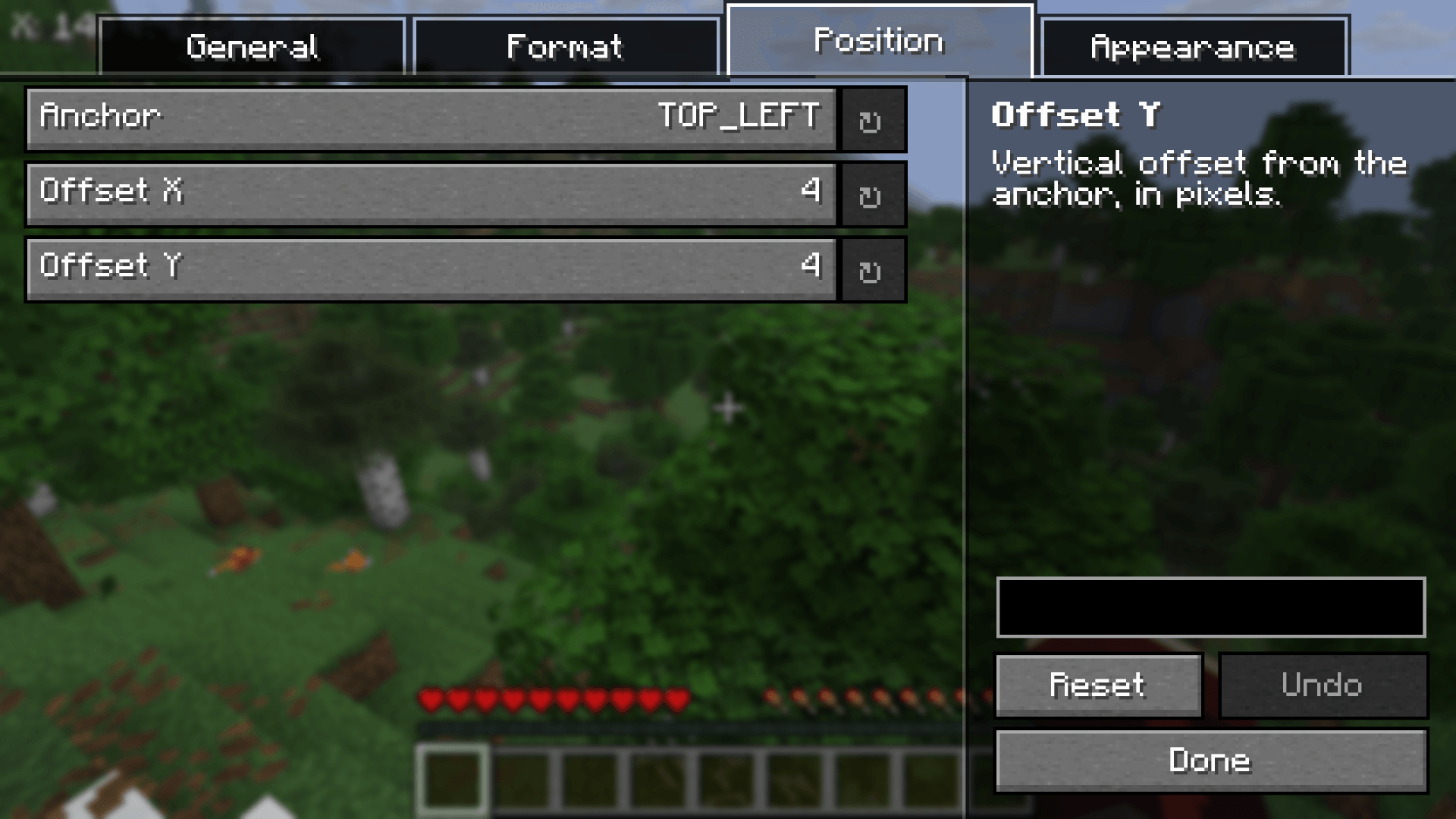
- 9 anchor positions with pixel-precise offset control
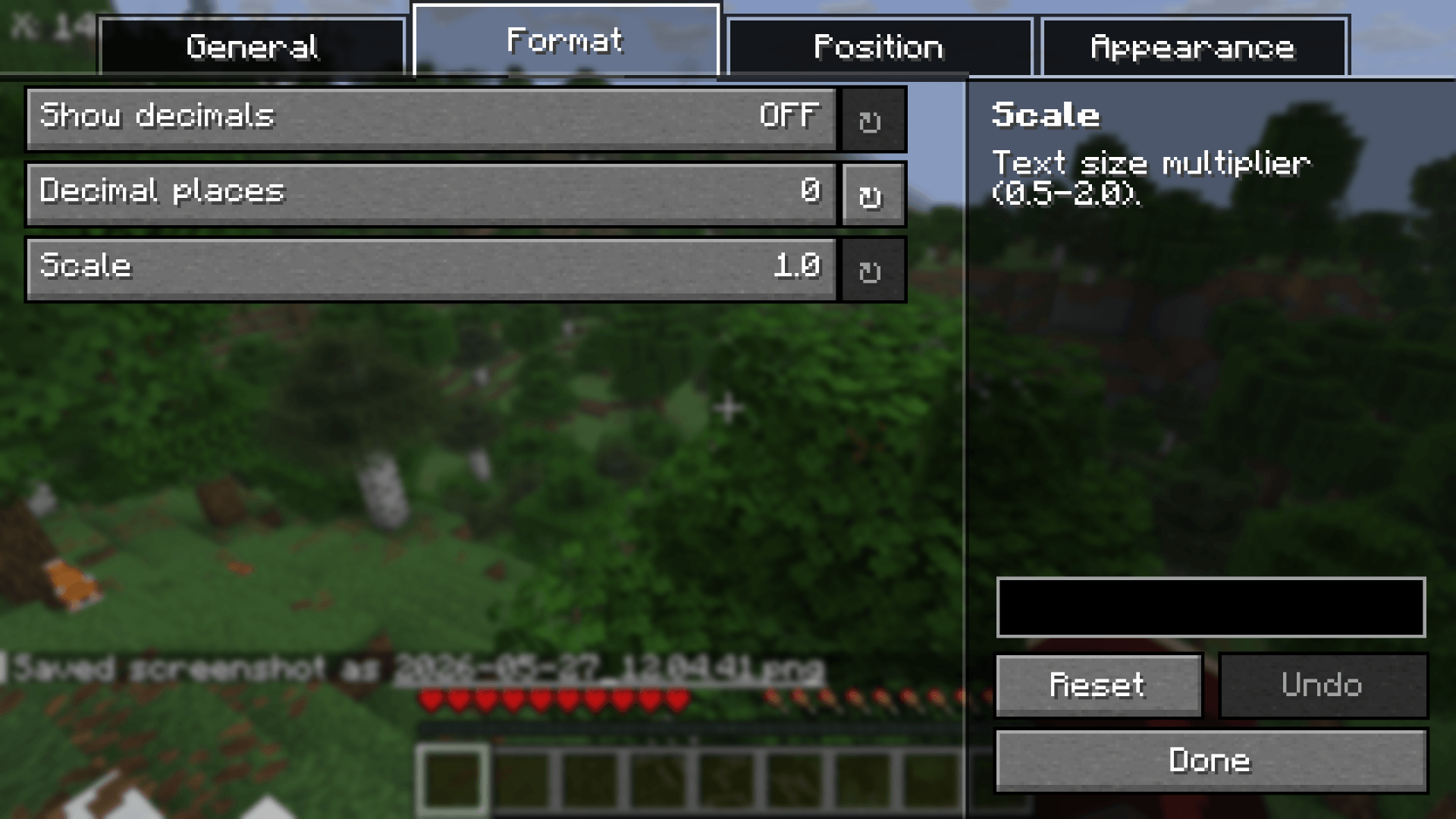
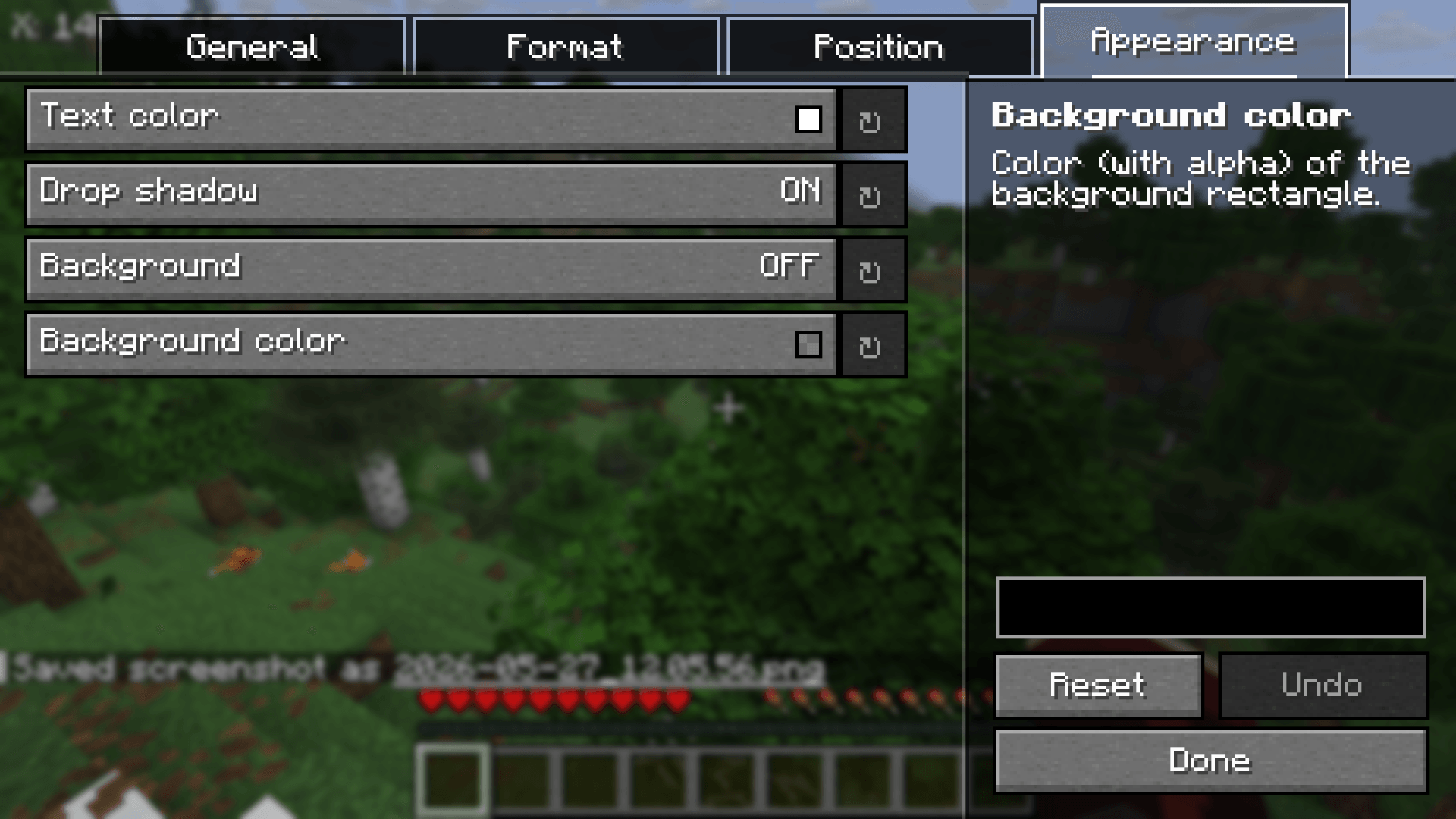
- Customizable scale, decimal precision, color, shadow, and background
- Optional cardinal direction indicator (N, NE, E, SE, S, SW, W, NW)
- In-game configuration via ModMenu + YACL — no JSON editing required
- Customizable toggle keybinding to show/hide on demand
- Auto-hides when F3 is open (optional)
- Locale-aware decimal formatting with consistent point separator
 # OnlyCoords
The Minecraft Fabric mod that shows just your coordinates. Nothing else.
Why OnlyCoords?
The F3 debug screen is cluttered with information you don't need most of the time. OnlyCoords does one thing well : a clean, compact, fully configurable coordinates HUD that stays out of your way.
Features
- 9 anchor positions with pixel-precise offset control
- Customizable scale, decimal precision, color, shadow, and background
- Optional cardinal direction indicator (N, NE, E, SE, S, SW, W, NW)
- In-game configuration via ModMenu + YACL — no JSON editing required
- Customizable toggle keybinding to show/hide on demand
- Auto-hides when F3 is open (optional)
- Locale-aware decimal formatting with consistent point separator
Screenshots
Gallery
-
 OnlyCoord Screenshot 1.png OnlyCoord Screenshot 1.png
 -
 OnlyCoord Screenshot 1.png OnlyCoord Screenshot 1.png
 -
 OnlyCoords Screenshot 2.png OnlyCoords Screenshot 2.png
 -
 OnlyCoords Screenshot 3.png OnlyCoords Screenshot 3.png
 -
 OnlyCoords Screenshot 4.png OnlyCoords Screenshot 4.png
 -
 OnlyCoords Screenshot 5.png OnlyCoords Screenshot 5.png
-
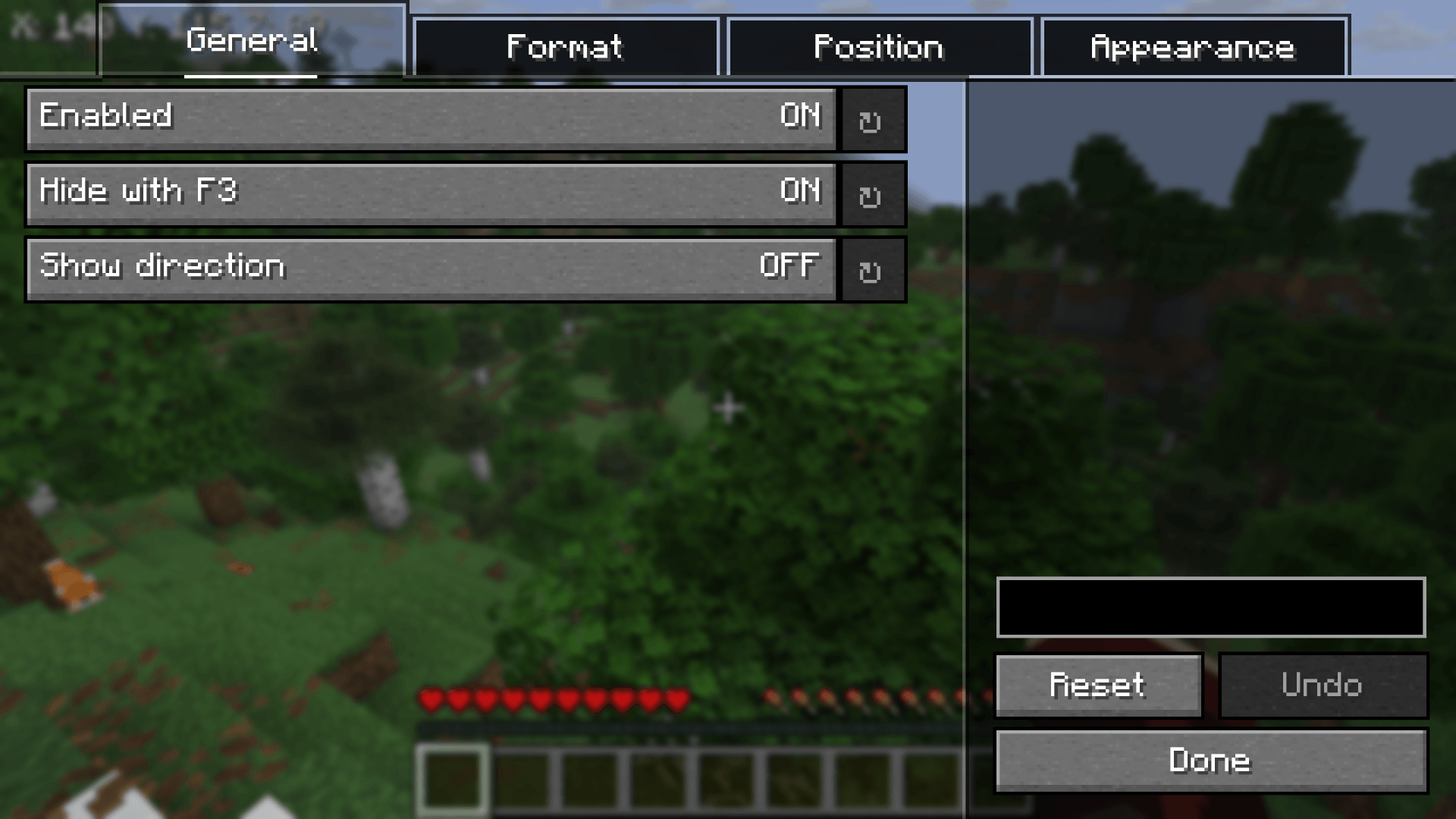
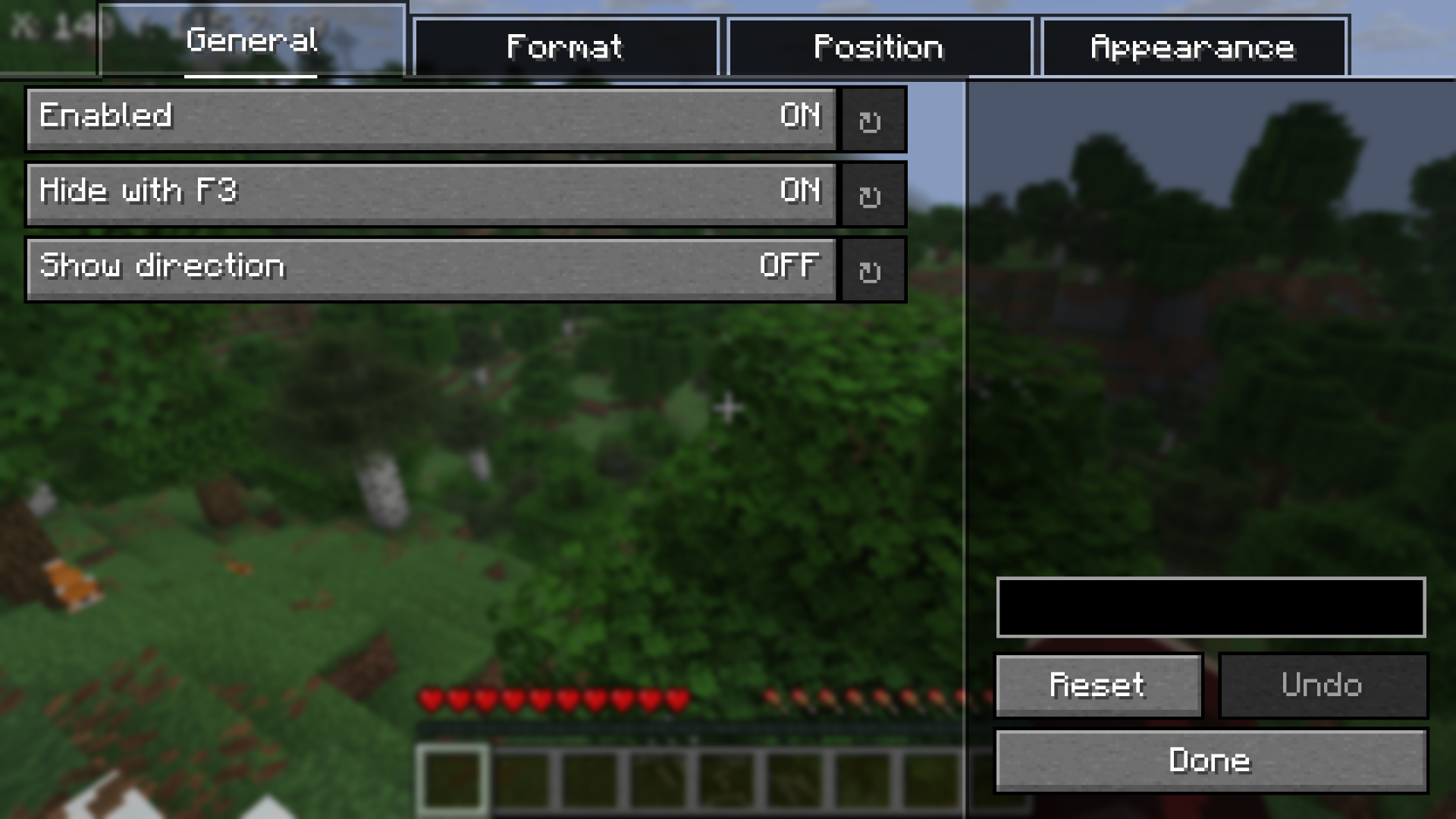 General settings — toggle and direction options
 -
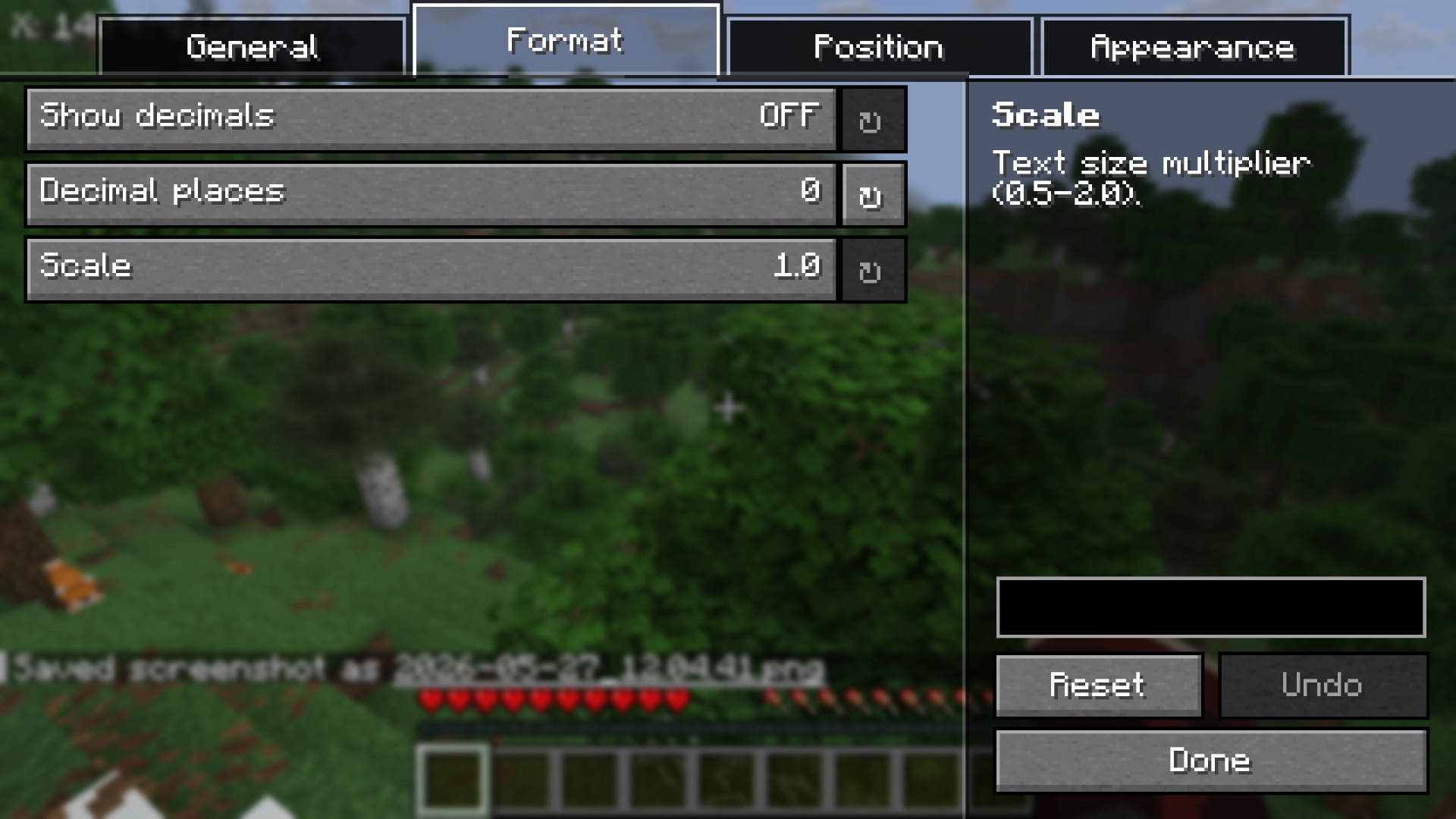 Format settings — scale, decimals
 -
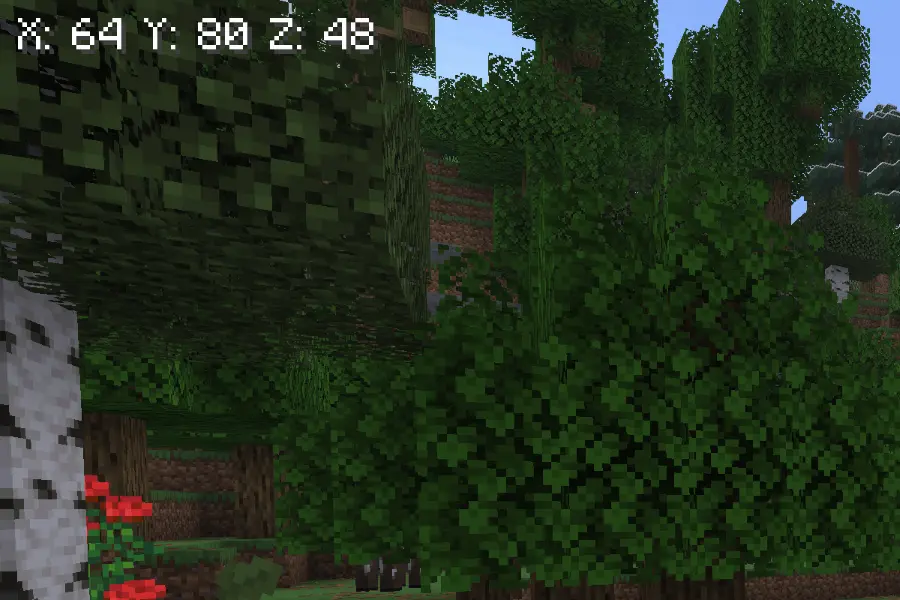
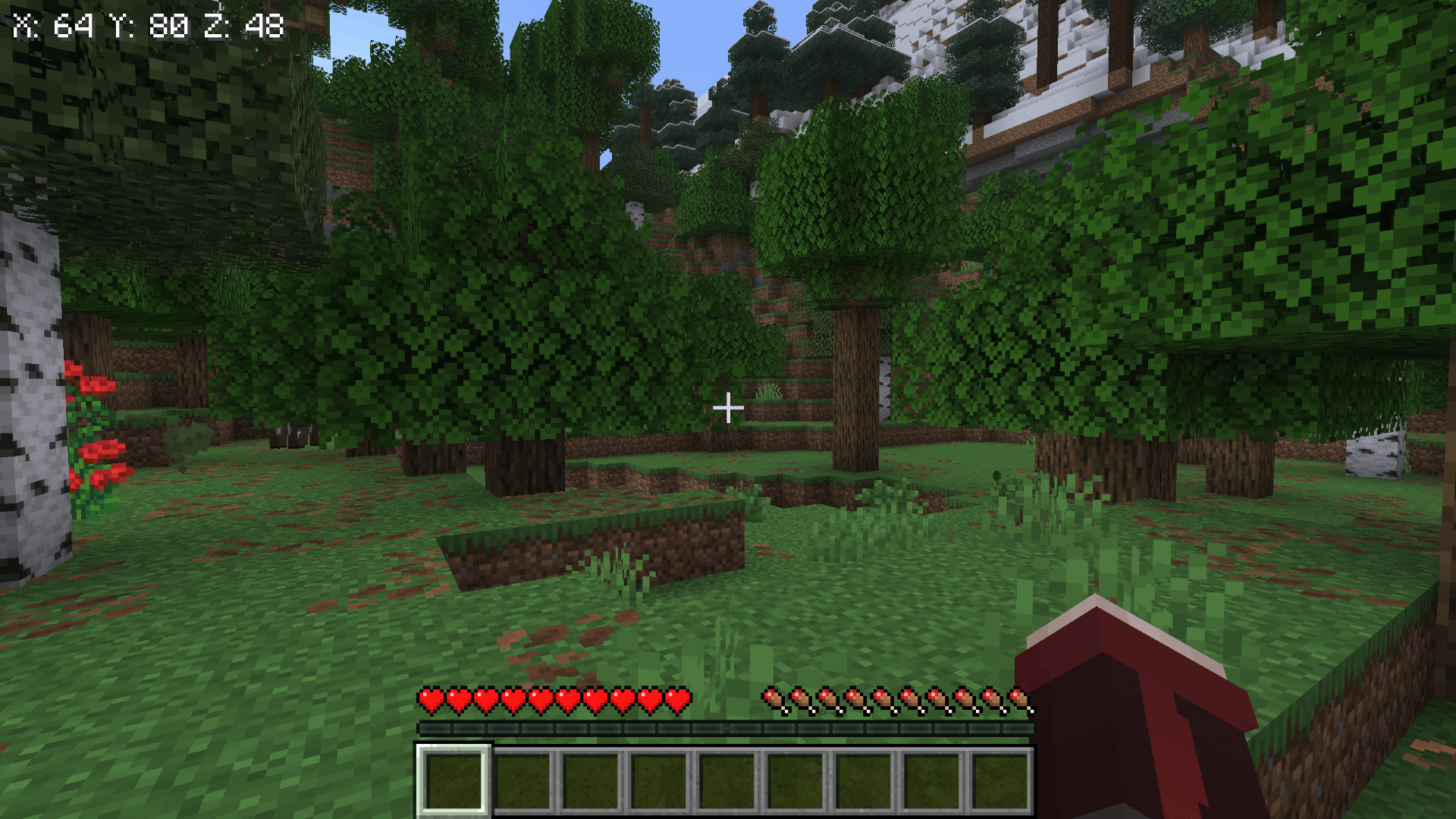
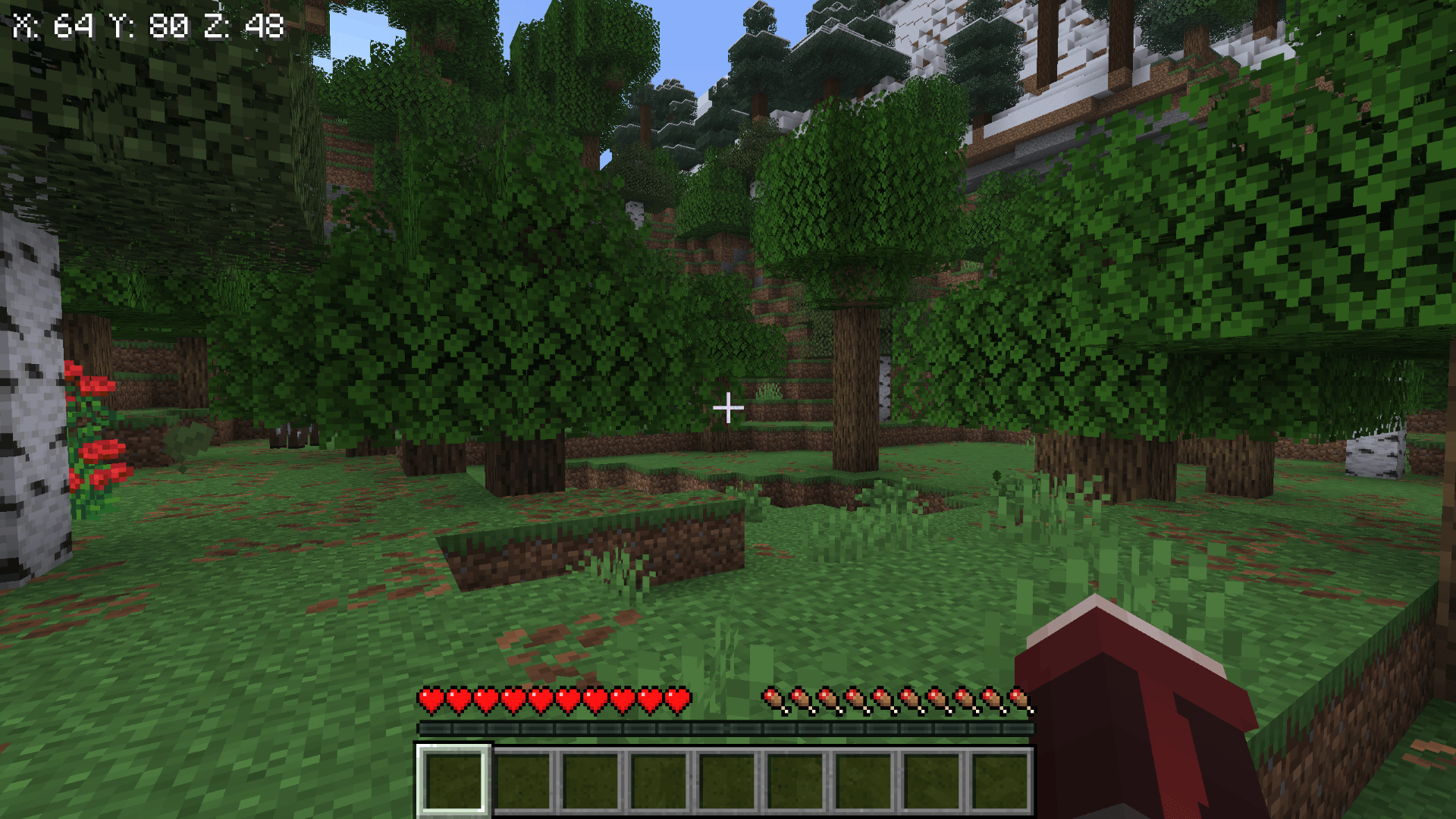
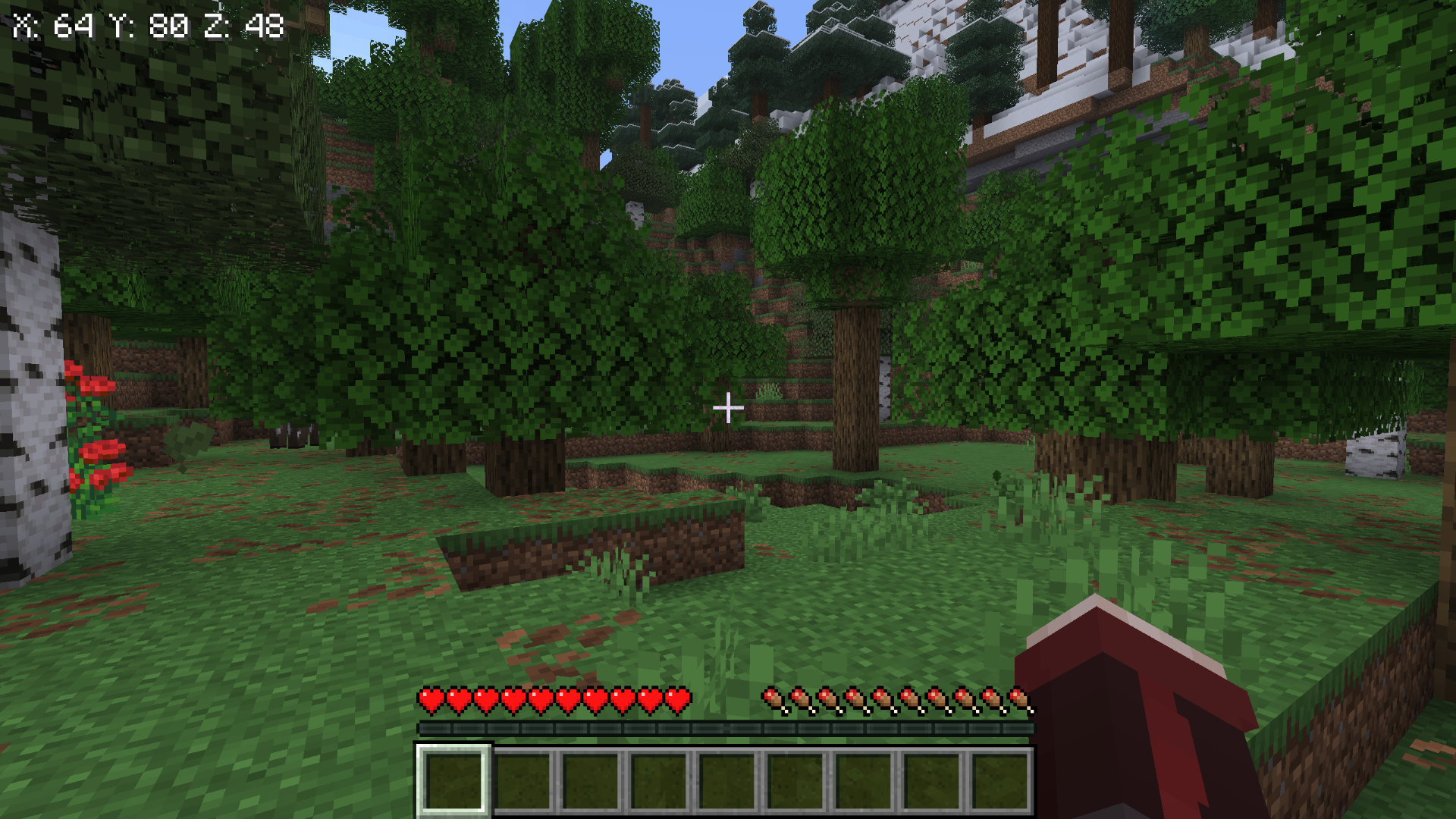 HUD in default top-left position The OnlyCoords HUD in its default configuration: top-left anchor, no decimals, default size, drop shadow enabled.
 -
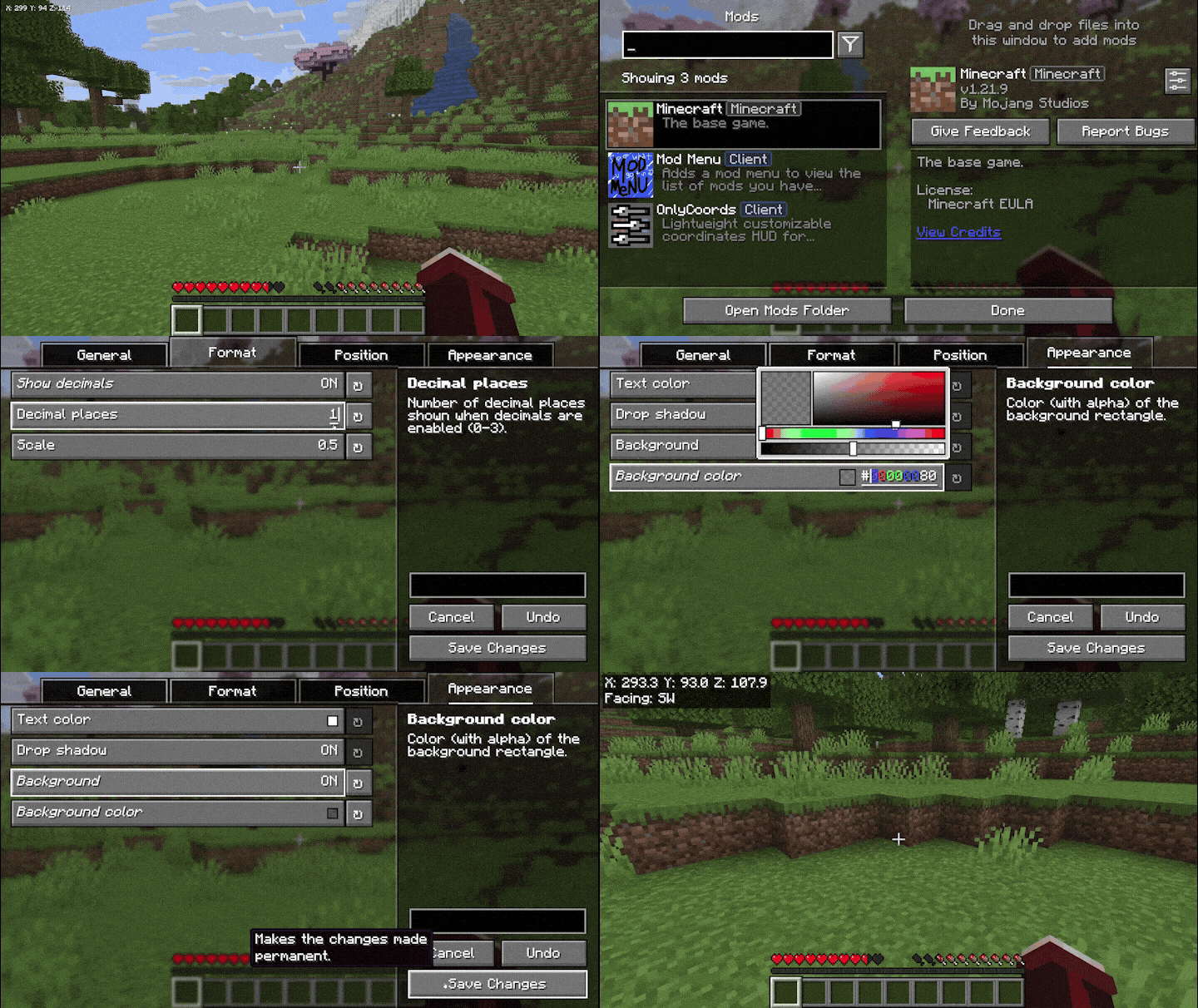 In-game preview
 -
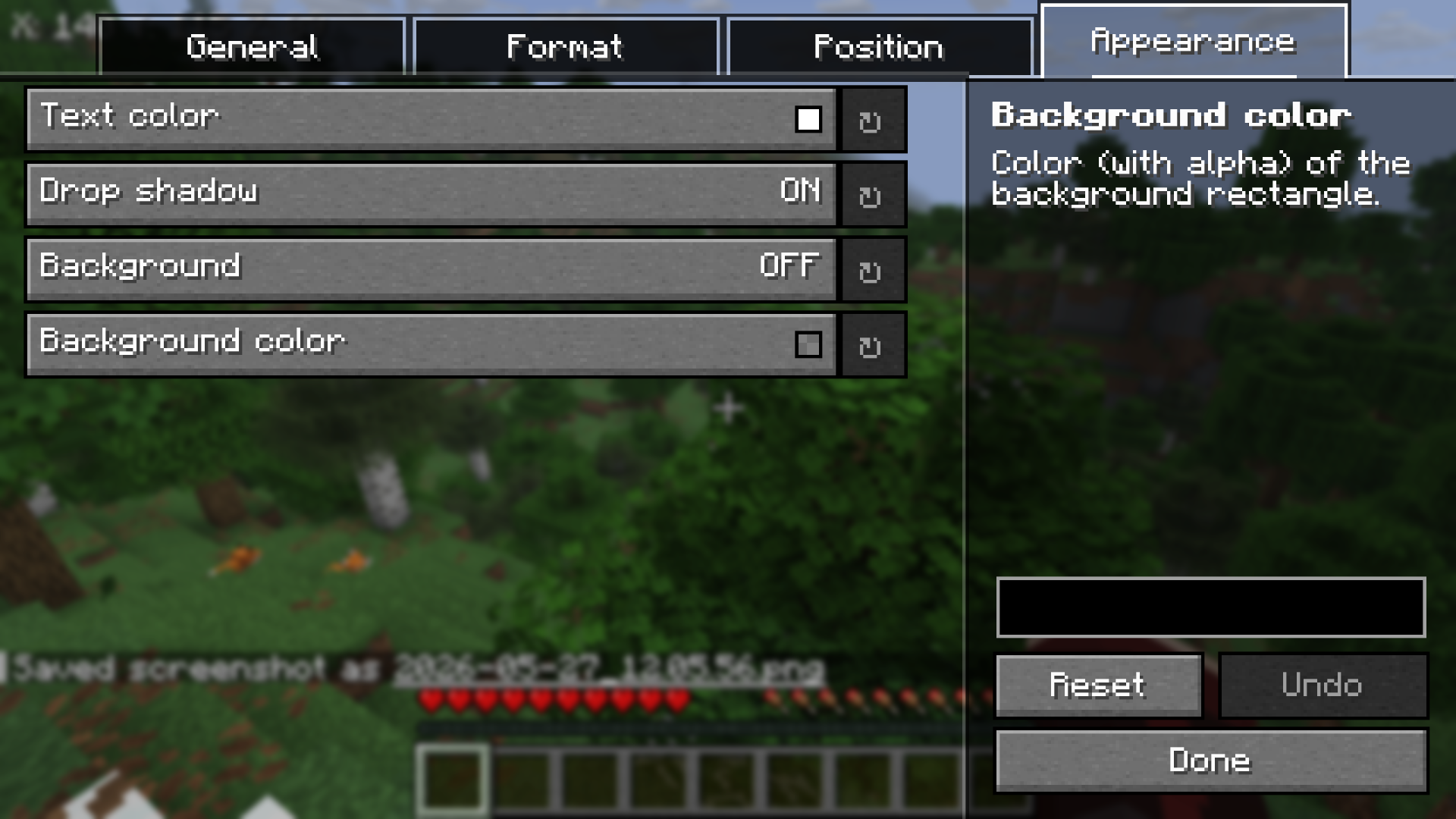 Appearance settings — colors, shadow, background
 -
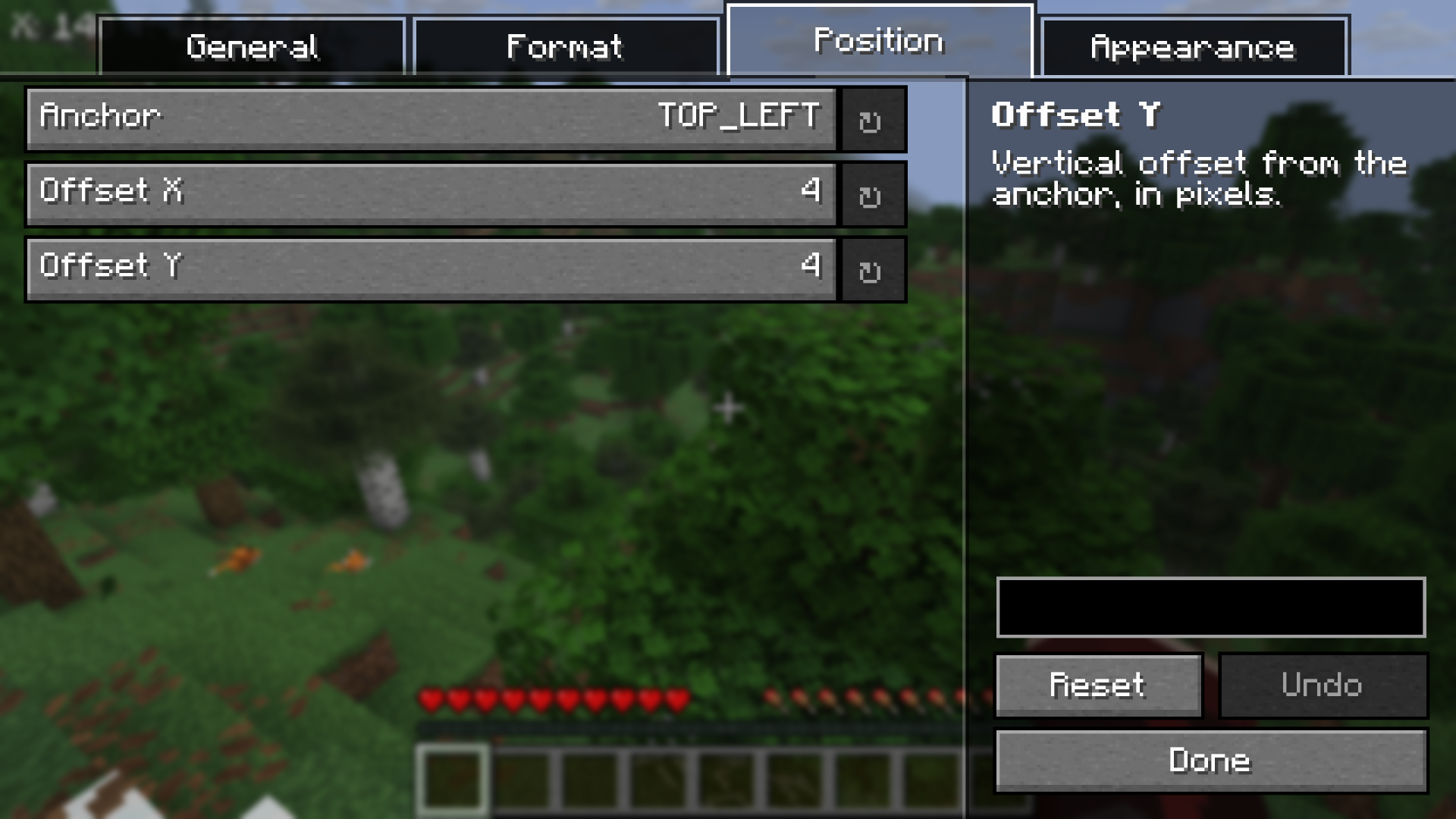 Position settings — 9 anchors with pixel offsets
Versions
Files
Relations
Project Relations
More like this
Similar Mods
Suggestions use data such as tags, dependencies, dependents, descriptions, titles, and more to rank how much they overlap with this mod.
On ModDex
Community snapshot
By the numbers
Statistics
Want to reach Minecraft players?
We're looking for a server hosting partner to feature here and other parts of the site. Interested? Send us a message!
Get in touchGet it on
Available Platforms
On ModDex
Community snapshot
By the numbers
Statistics
Resources