Community listing page, reviews here may not be monitored by the author.
Optimum Loading Screens


No reviews yet
Texture-Pack driven Custom Loading Screens for Minecraft
Community voices
Reviews
No reviews yet. Be the first to review this project!
Get it on
Available Platforms
Compatibility
Supported Environments
Runs entirely on the client. Works on vanilla servers.
About
Project Details
For authors
Embed Badge
If you're the author of this project, you can embed a live badge anywhere that supports HTML or Markdown. It updates automatically whenever ratings change.
Use HTML for any page that supports it, or Markdown for README files and Markdown-based descriptions.
Identifiers
Platform IDs
Resources
External Links
About
Description
Customizable texturepack-driven loading screens for Minecraft: Java Edition
Optimum Loading Screens turns Minecraft's loading screens into a resource-pack format. Any pack that ships a manifold.json takes over the boot screen, world loading, world upgrades, server connects, and every other loading or waiting screen.
No config files, no menus: install the mod, use a texturepack which contains a loading screen, done.
What packs can do
- Full-screen custom art for every loading screen, with a solid-colour fallback
- Animated backgrounds using vanilla's own
.mcmetaframe-strip convention - Animated progress bars from PNG frames, with automatic masking to the real progress
- Live percent readout drawn from pack-styled digit images
- Progress-keyed status lines ("Compiling atmospheric shaders…") as styled images
- Rotating tips with per-session shuffle
Screens without measurable progress (connecting to a server, waiting on a response) get a sweeping bar instead of a fake percentage, automatically. No need to configure.
Default Themes
Three official themes are available: Neo-Glitch, Cinematic Dawn, and Badlands Edition (fully animated: a minecart rolling into a badlands sunset).
Making your own theme needs no code; it's a folder with a JSON file and some PNGs. The complete guide: PACK_AUTHORS.md.
Notes
- Fabric API is not required. Client-side only; safe to leave installed on servers (it simply doesn't load).
- Conflicts(mods that should be avoided): Mods that fight for the same screens (Puzzle's splash module, Remove Reloading Screen).
Credits
Inspired by icehunter. Provenance record: attribution.
Customizable Loading Screens for Minecraft Texturepacks
Manifold lets texturepacks use their own custom loading screens with a manifold.json that takes over the boot menu, world loading screen, world upgrades, server connects, and the rest of the loading screens.
What packs can do:
- Full-screen customizable art
- Animated backgrounds (using vanilla
.mcmetaframe-strip format.) - Animated progress bars
- Rotating tips
Screens without a progress bar (connecting to a server,) get a looping bar instead of a percentage, by default.
Default Themes
Three official themes are available: Neo-Glitch, Cinematic Dawn, and Badlands Edition (fully animated: a minecart rolling into a badlands sunset).
Making your own theme is really simple; it's a folder with a JSON file and some PNGs. The complete guide: PACK_AUTHORS.md.
Notes
- Fabric API is not required. Client-side only;
- Conflicts: Mods that fight for the same screens (Puzzle's splash module, Remove Reloading Screen).
Credits
Inspired by icehunter. Provenance record: attribution.
Screenshots
Gallery
-
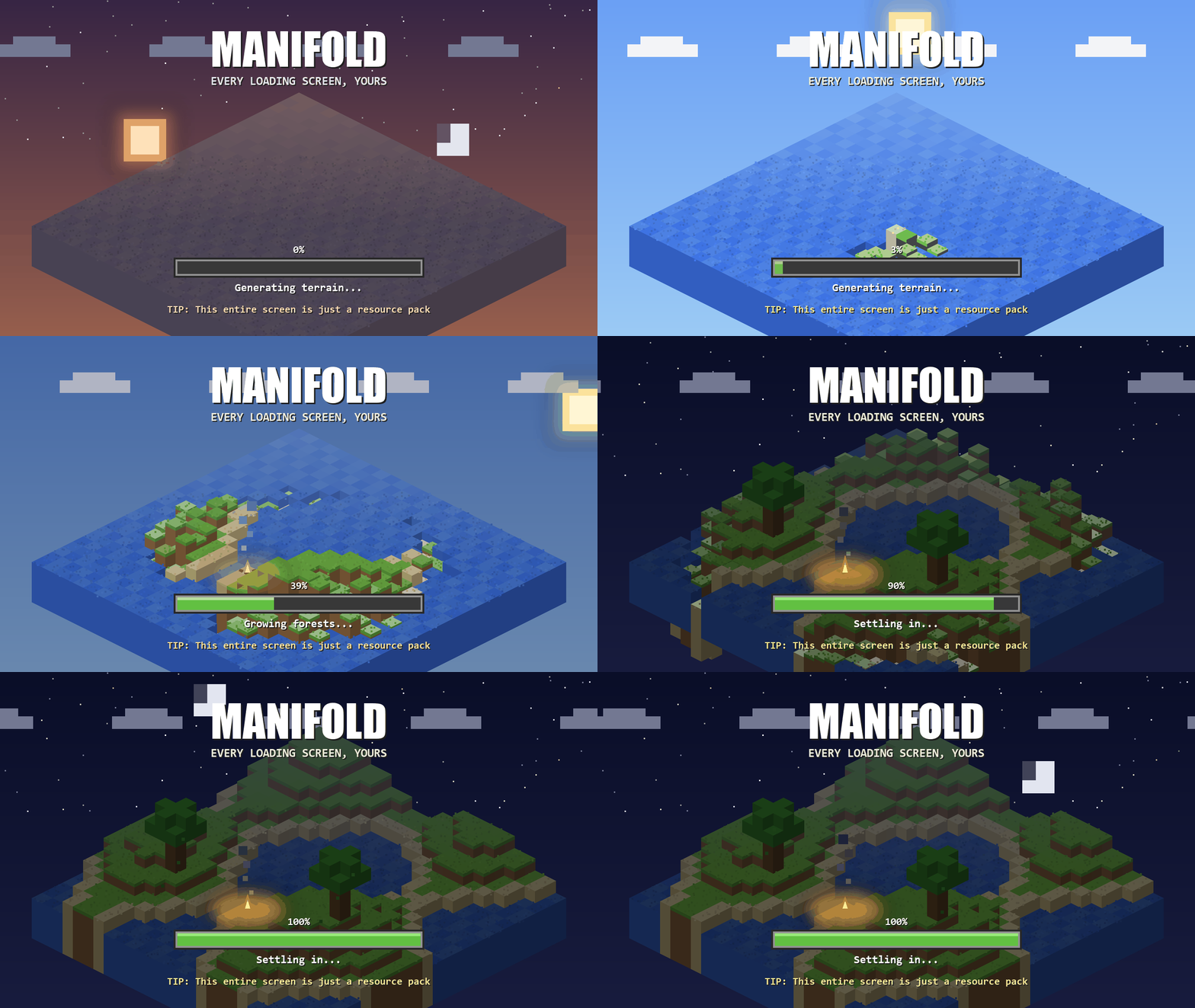 Worldgen-Loading Screen Loading screen example
 -
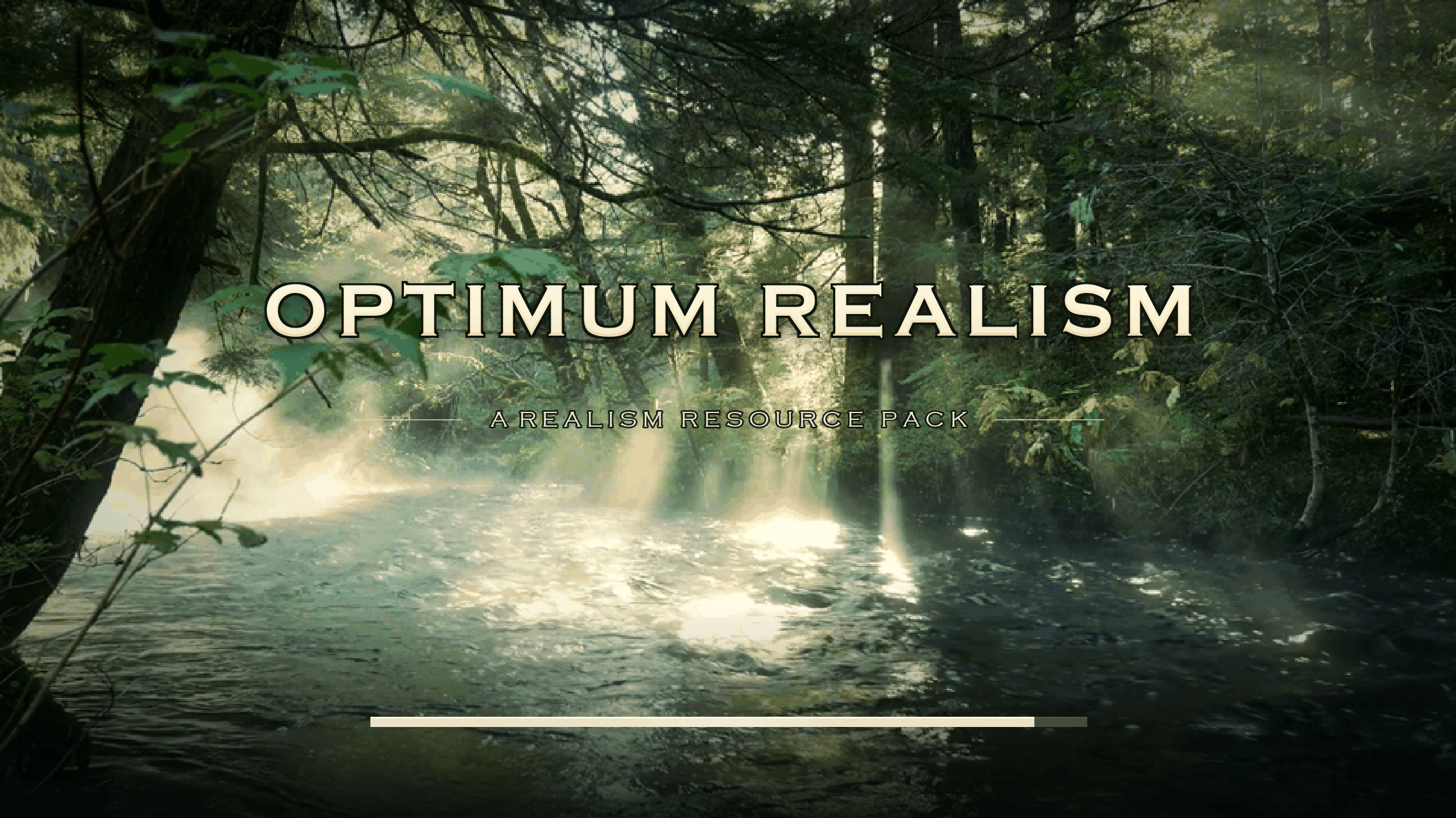 Custom-Loading Screens
-
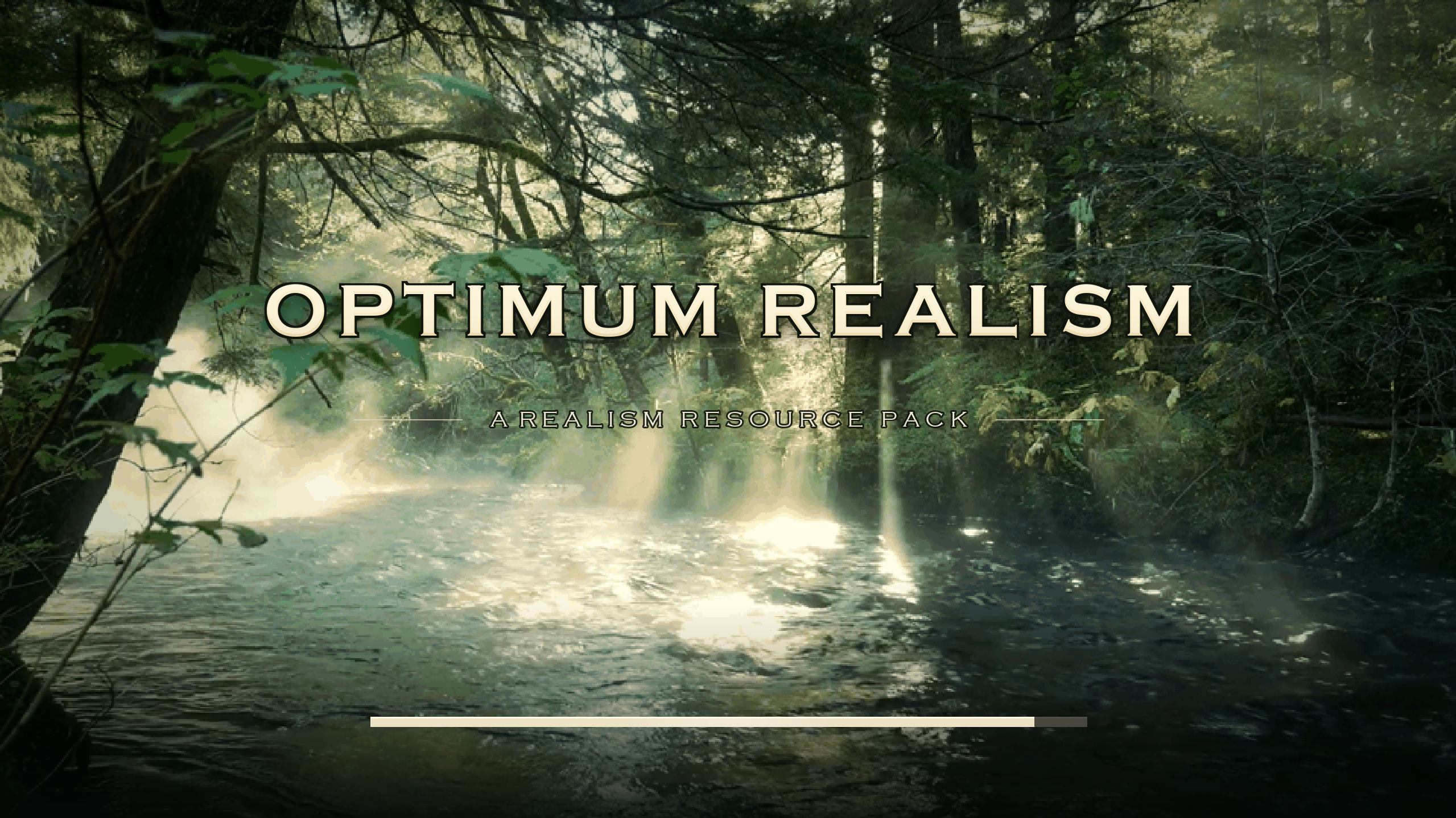 Custom Loading Screens for Minecraft Texturepacks
Versions
Files
Relations
Project Relations
More like this
Similar Mods
Suggestions use data such as tags, dependencies, dependents, descriptions, titles, and more to rank how much they overlap with this mod.
On ModDex
Community snapshot
By the numbers
Statistics
Want to reach Minecraft players?
We're looking for a server hosting partner to feature here and other parts of the site. Interested? Send us a message!
Get in touchGet it on
Available Platforms
On ModDex
Community snapshot
By the numbers
Statistics
Resources