Community listing page, reviews here may not be monitored by the author.
OrderUp!

No reviews yet
Your Own Restaurant Simulator in Minecraft
Community voices
Reviews
No reviews yet. Be the first to review this project!
Get it on
Available Platforms
Compatibility
Supported Environments
Must be installed on both the client and the server.
About
Project Details
For authors
Embed Badge
If you're the author of this project, you can embed a live badge anywhere that supports HTML or Markdown. It updates automatically whenever ratings change.
Use HTML for any page that supports it, or Markdown for README files and Markdown-based descriptions.
Identifiers
Platform IDs
Resources
External Links
About
Description
Order Up!
Order Up! is a co-op restaurant simulator for Minecraft. You build a small restaurant out of two blocks, vanilla mobs arrive as customers and order food, and your job is to cook what they ask for and serve it before they run out of patience. Serving customers earns experience, which levels your restaurant up and unlocks new dishes and a wider range of customers.
The mod uses the food you already cook in vanilla Minecraft, so there is nothing new to learn beyond placing the two restaurant blocks and keeping up with orders.
How it works
- Set up a restaurant. Place a Menu Board and at least one Order Counter within 16 blocks of it. Right-click the Menu Board to open its screen, then press the open button to start the day.
- Customers arrive. While the restaurant is open and a player is nearby, mobs spawn out of sight and walk in. They form a queue at the counter, and the customer at the front rings the bell. Customers are ordinary mobs — villagers, zombies, skeletons, piglins, pillagers, and similar. While they are customers they will not attack and do not burn in sunlight.
- Read the order. Each waiting customer shows the dish they want in a nameplate above their head, with a patience bar next to it that slowly drains.
- Cook it fresh. Make the requested dish through normal crafting or cooking. It only counts if it was made recently — food that has been sitting in a chest is not accepted.
- Serve it. Right-click the customer while holding the correct, freshly made dish. They eat, pay you in emeralds, and leave happy — and the restaurant gains XP. If a customer's patience runs out first, they storm out angry and the restaurant loses some XP.
Getting paid
Every dish has a price, and customers toss the emeralds straight to you when served. Serve quickly and they tip — fast service can double the payout.
- VIP customers (the glowing ones with a gold ★) pay triple. Don't keep them waiting.
- Dinner rush: late in the day the bell rings, customers arrive twice as fast, and everyone pays 50% more. Chaos, but profitable.
- Angry customers are a problem. A monster customer whose patience runs out stops being tame — that zombie you ignored is now genuinely coming over the counter. Peaceful customers just storm out (and cost you XP).
- When the restaurant closes, you get the day's report: customers served, customers lost, and emeralds earned.
Leveling and ratings
Restaurant XP is shared between everyone playing and is stored on the Menu Board. As XP is earned the restaurant levels up (1–10), which unlocks higher-tier dishes and lets more types of customer visit.
Each restaurant also has a flower rating, called the Villagerlin Guide. Every two levels adds a flower (with a half-flower for odd levels), up to a five-flower rating at level 10. When you reach a new level, opening the Menu Board gives you that level's plaque — a decorative block you can mount on a wall to display your rating.
Blocks and crafting
Both blocks are crafted from 6 wood planks (any type) plus one item.
Order Counter — the service point where customers queue.
[ ] [G] [ ]      G = Gold Ingot
[P] [P] [P]      P = Wood Planks
[P] [P] [P]
Menu Board — opens the menu and stores the restaurant's level, XP, and open/closed state.
[ ] [B] [ ]      B = Book and Quill
[P] [P] [P]      P = Wood Planks
[P] [P] [P]
The Menu Board can only be opened when a counter is nearby and during the day. Restaurants close automatically at dusk and need to be reopened the next morning.
Multiplayer
Order Up! is built for co-op play:
- A restaurant is shared — all players contribute to the same level and XP.
- One Menu Board can have several Order Counters, each running its own customer queue.
- You can build multiple separate restaurants, as long as their Menu Boards are at least 32 blocks apart.
Configuration
The dish list is data-driven. On first launch a config file is created at config/orderup/foods.json, where you can change which dishes are requested, the level each one unlocks at, its XP value, its emerald price (pay), how long customers wait, and how often it appears. Run /orderup reload to apply changes in-game.
Compatibility
- Minecraft 1.21.11, Fabric (requires Fabric API).
- NeoForge support is planned.
Modpacks are welcome and you do not need to ask permission. Please do not re-upload or redistribute the mod outside its official pages.
Screenshots
Gallery
-
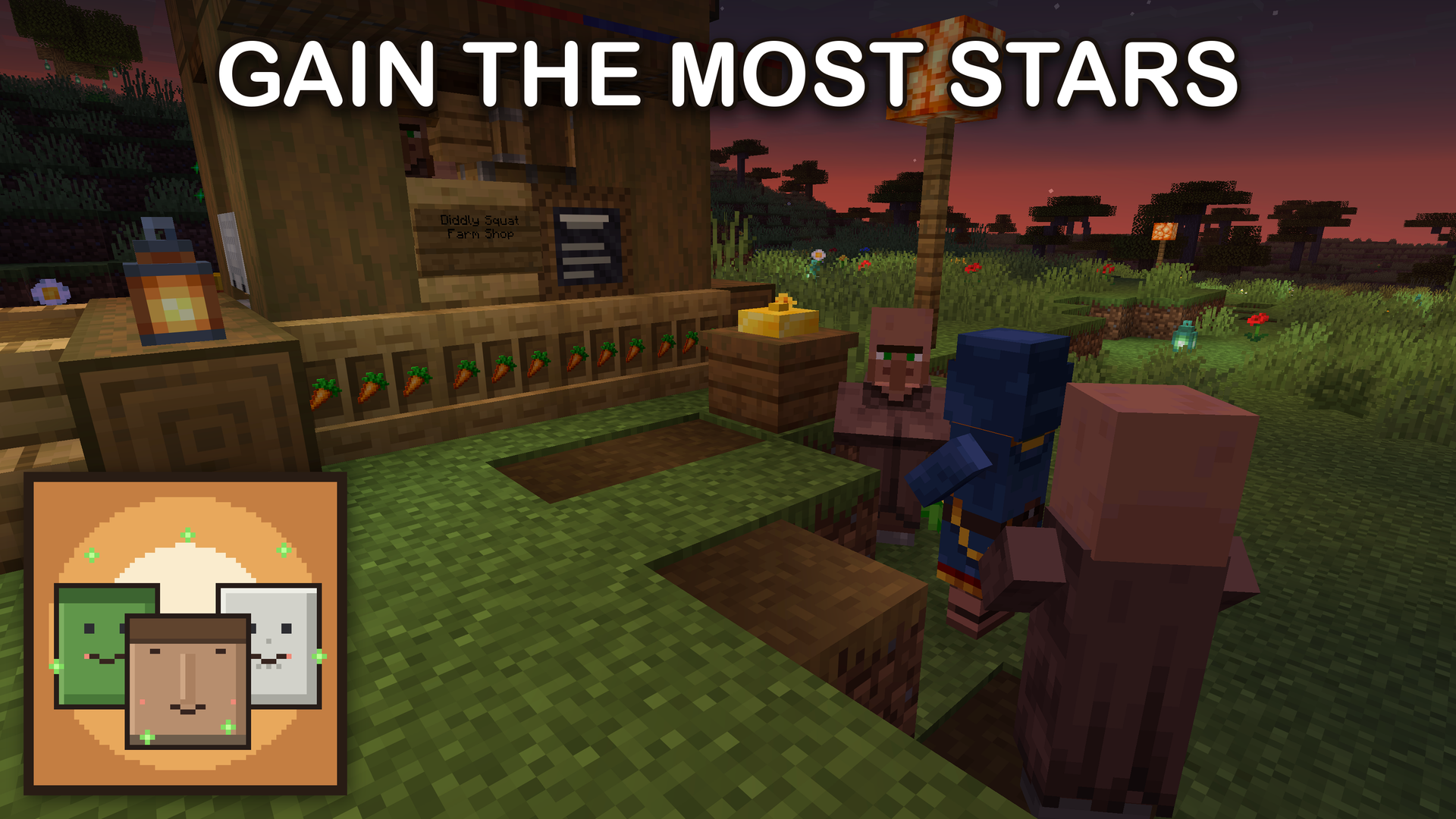 Start Small Get Bigger Having Enough Food to Feed Everyone is Hard!
 -
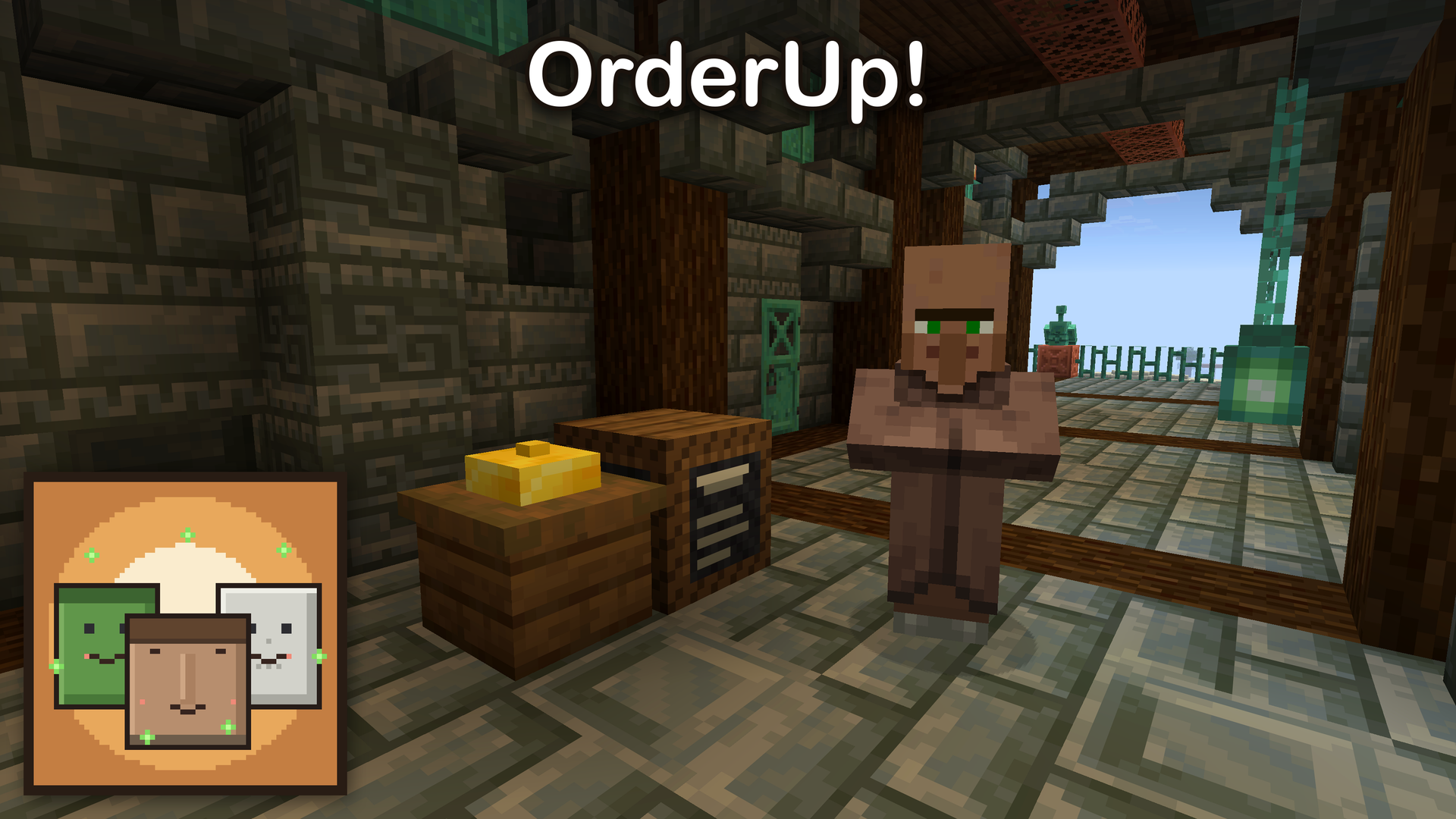 OrderUp! Hello Sir, welcome to Chicken King!
 -
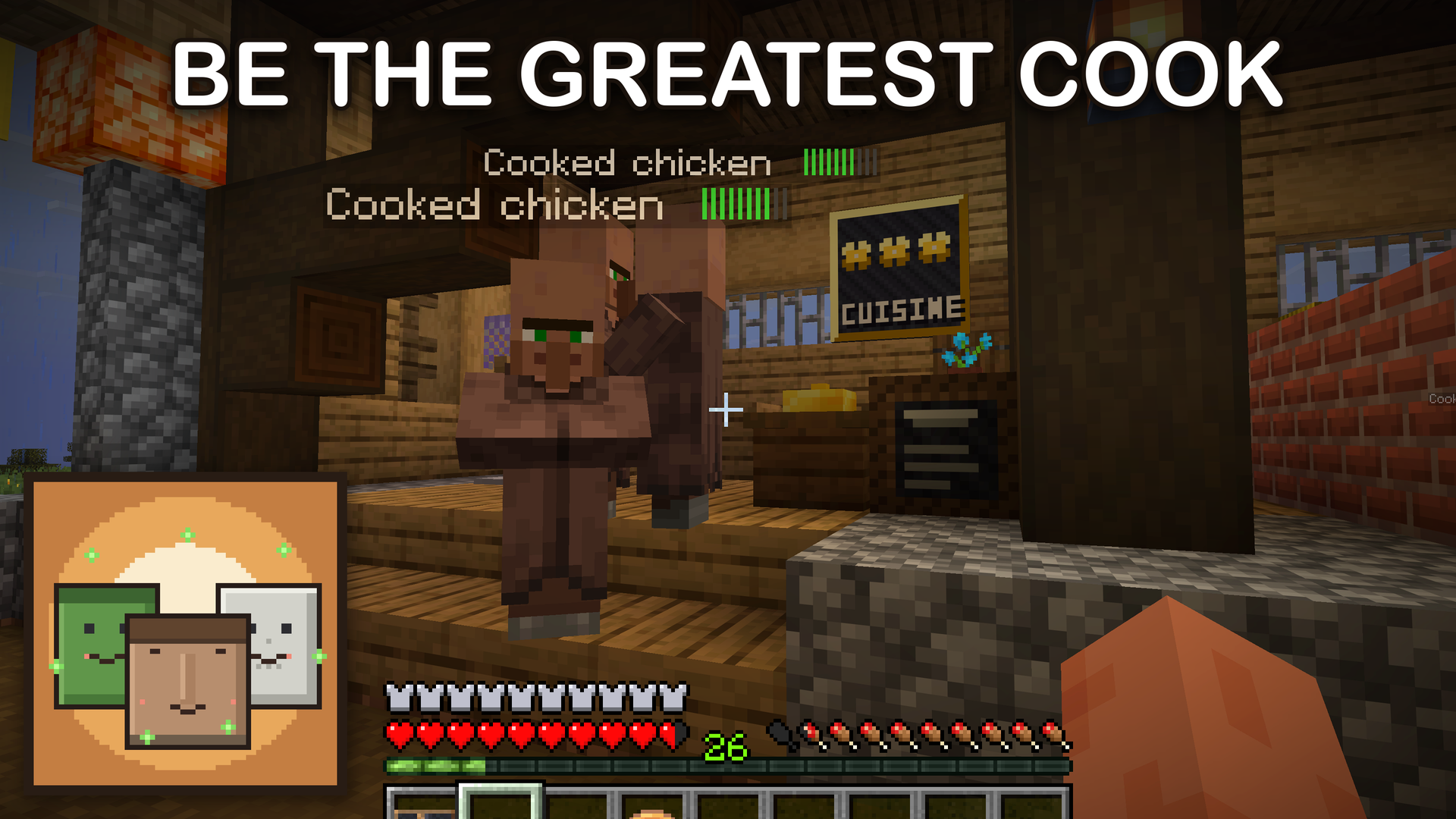 3 Villagerlin Stars! This Restaurant is on the Way to be the Top
Versions
Files
Relations
Project Relations
More like this
Similar Mods
Suggestions use data such as tags, dependencies, dependents, descriptions, titles, and more to rank how much they overlap with this mod.
On ModDex
Community snapshot
By the numbers
Statistics

Want to reach Minecraft players?
We're looking for a server hosting partner to feature here and other parts of the site. Interested? Send us a message!
Get in touchGet it on
Available Platforms
On ModDex
Community snapshot
By the numbers
Statistics
Resources