Community listing page, reviews may not be monitored by the author.
OreSense - The Ore Finding Compass

No reviews yet
An ore finder / ore detector for survival prospecting: load the Ore Sensor with an ore sample and amethyst shards, then follow its needle, lamps and lock chime to the nearest vein of vanilla or modded ore.

Community voices
Reviews
No reviews yet. Be the first to review this project!
Get it on
Available Platforms
About
Project Details
For authors
Embed Badge
If you're the author of this project, you can embed a live badge anywhere that supports HTML or Markdown. It updates automatically whenever ratings change.
Use HTML for any page that supports it, or Markdown for README files and Markdown-based descriptions.
Identifiers
Platform IDs
Resources
External Links
About
Description
OreSense
A prospecting compass powered by amethyst shards. An ore finder for Forge, Fabric, Quilt, and NeoForge.
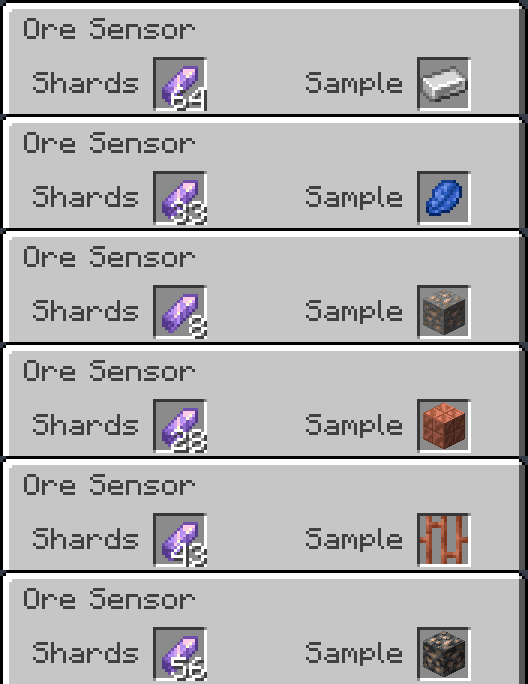
Tune the Ore Sensor with a sample, load it with amethyst shards, and follow the needle to the vein. Samples can be ore blocks, their drops, or items made purely from that material. It works as an ore detector for vanilla ores, modded ores, and amethyst geodes.
Current mod version: 1.0.3.
Features
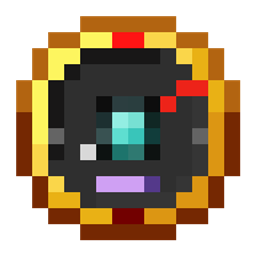
- A compass-style dial at vanilla pixel scale, with a red needle, above/below lamps, a charge gauge, and a window showing your sample.
- Find coal, copper, iron, gold, redstone, lapis, diamond, emerald, quartz, ancient debris, and amethyst geodes—including deepslate and Nether ore variants where available.
- Use samples such as ingots, nuggets, storage blocks, raw ore blocks, cut copper, netherite scrap, and amethyst shards. Mixed-material recipes, such as pickaxes and golden apples, are not followed.
- Supports modded ores through the ore tags used by each loader, with samples discovered from their drops and recipes.
- Hold up to 64 amethyst shards. The gently pulsing charge gauge shows your remaining charge even when the Sample slot is empty.
- The needle pulses faster as you approach a vein. Indicator lamps show whether it is above or below you, and cyan sonar rings show the sensor is searching.
- Data-pack friendly: add your own item-to-block targets under data/<namespace>/sample_aliases/.
How to use it
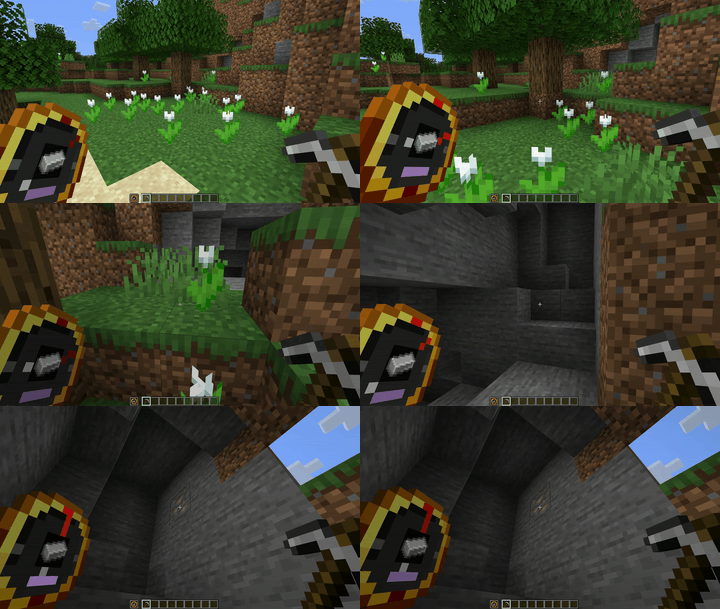
- Tune it: Right-click to open the sensor and place a sample in the Sample slot. Only items the sensor can actually find are accepted.
- Charge it: Put amethyst shards in the Shards slot.
- Follow it: Hold the sensor in either hand. A chime announces a lock, and the needle points toward the vein.
- Mine it: Swap to your pickaxe—the lock stays while the sensor is in your inventory. Mining the first block spends one shard; the remaining blocks in that lock cost no additional charge.
- Skip it: Sneak-right-click to release a lock and search for another vein. Releasing within four blocks spends one shard if that lock has not already been paid for.
A grey needle at rest with cyan rings sweeping the face means the sensor is searching and has found nothing in range. If it finds a vein but has no shards, the gauge pulses red.
Spending about ten seconds outside scan range releases the lock without spending another shard. Creative mode never consumes charges.
Recipe
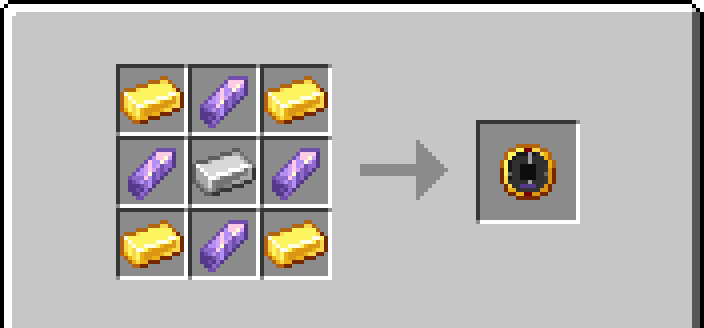
Four gold ingots, four amethyst shards, and one iron ingot.
Place gold ingots in the corners, amethyst shards on the edges, and an iron ingot in the middle. Equivalent ingots from the loader’s common tags are accepted. The recipe unlocks when you pick up an amethyst shard.
What’s new in 1.0.3
Update if you run Forge 1.20.1 on Forge 47.0–47.2 (crash on the first player join) or NeoForge 1.20.1 (the Sample slot refuses every item). Other files only gain the changes listed below.
- If you set oresOnly to false in the config, storage blocks, raw-ore blocks, and cut copper now find their ore as well as themselves. Before, they found only themselves. The default (true) is unchanged.
- Forge 1.20.1: fixed a crash on the first player join on Forge 47.0–47.2. The build now runs on any Forge 47.x.
- NeoForge 1.20.1: fixed the sample list never reaching a joining player, which made the Sample slot refuse every item until a /reload.
- Forge 1.21.1 and 1.21.3–1.21.11: the recipe now accepts gold and iron ingots tagged under the common c: convention.
- Fabric and Quilt 1.21 and 1.21.1: fixed the server-side rejection message naming Minecraft 1.20.6.
- Forge and NeoForge jars now bundle the MIT licence file, as the Fabric and Quilt jars already did.
Every 1.0.3 file was started on a dedicated server before release, and every file except the Fabric and Quilt builds for Minecraft 1.17 itself (not 1.17.1) was also joined with a real client on its loader. Those two were tested on a dedicated server only, because the 1.17 client cannot be launched straight into a server (a vanilla bug fixed in 1.17.1). Each file’s release notes name the loader version it was tested with.
Supported versions
| Loader | Minecraft versions |
|---|---|
| Forge | 1.17.1–26.3, except 1.20.5 and 1.21.2 |
| Fabric | Every stable release from 1.17–26.3 |
| Quilt | Every stable release from 1.17–26.3 |
| NeoForge | Every stable release from 1.20.1–26.3 |
Download the file for your exact Minecraft version and loader. Each combination has its own build. When updating, replace any older OreSense jar in your mods folder; do not keep two OreSense jars in the same instance. Snapshots and Minecraft pre-releases are excluded.
Requirements
- Install OreSense on both the client and server.
- Fabric and Quilt require Fabric API for the same Minecraft version.
- Fabric builds require Fabric Loader 0.19.5 or newer.
- Forge 1.20.1 runs on any Forge 47.x release, from 47.0.0 up.
- Quilt builds for 1.17, 1.17.1, 1.18, and 1.18.1 require exactly Quilt Loader 0.26.4. Later Quilt builds require 0.30.1 or newer.
- Java 17 for Minecraft 1.17 through 1.20.4 (Java 16 is the minimum on 1.17 and 1.17.1), Java 21 for 1.20.5 through 1.21.11, and Java 25 for 26.x.
- Check each file’s release notes for its specific loader and dependency requirements.
Configuration
Configuration files are created on first launch:
| Loader | Configuration file |
|---|---|
| Forge / NeoForge | config/oresense-common.toml |
| Fabric / Quilt | config/oresense.json |
Adjust scan range (horizontalRange, verticalRange), scan interval (scanIntervalTicks), optional text readings (showDirection, showActionBar), and oresOnly (default true; false lets any block serve as a sample).
The default scan range is 32 blocks horizontally and 16 blocks vertically.
Restart after editing. In multiplayer, the server configuration controls scanning and the optional text readings.
Links
Screenshots
Gallery
-
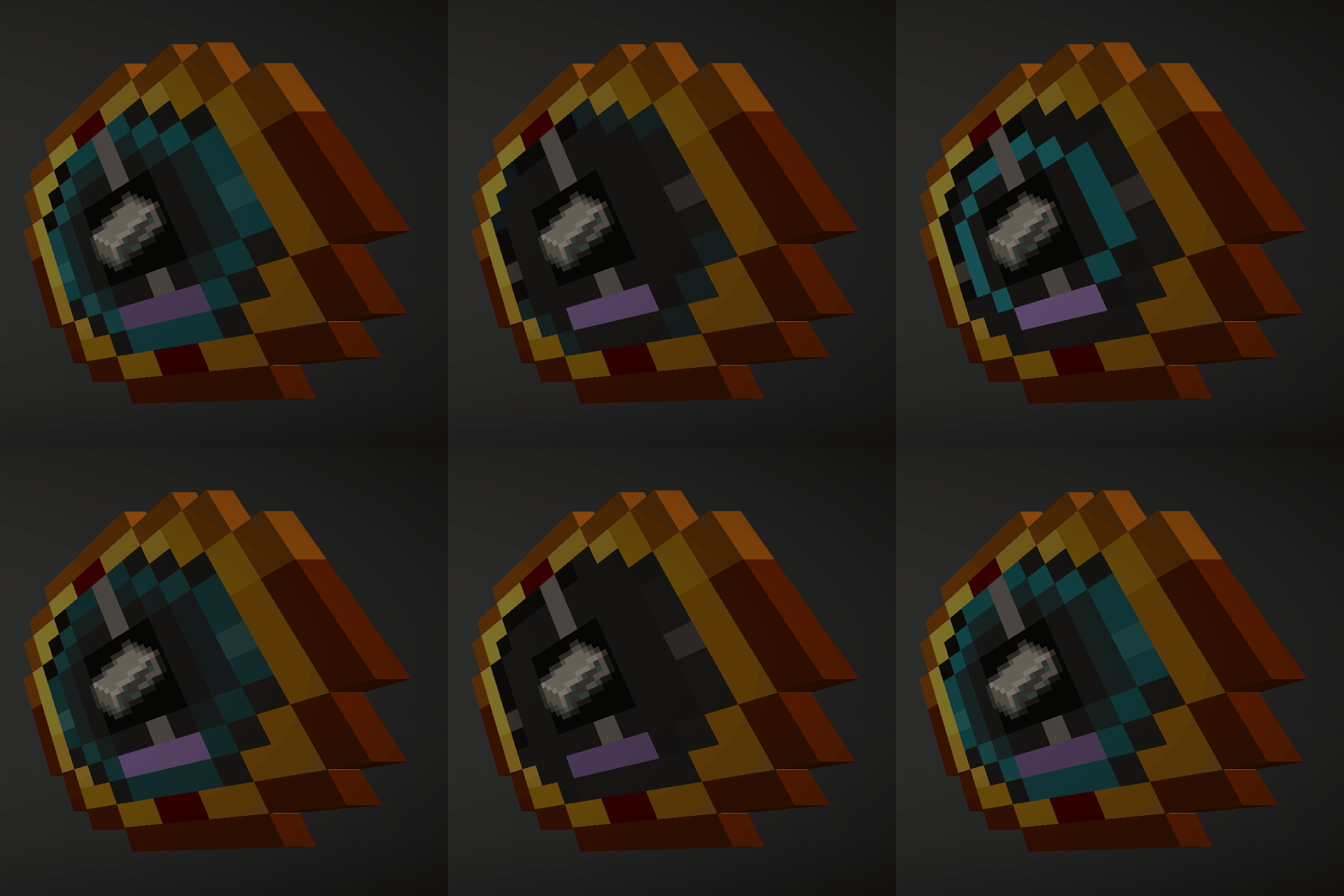 01-searching-for-iron.gif 01-searching-for-iron.gif
 -
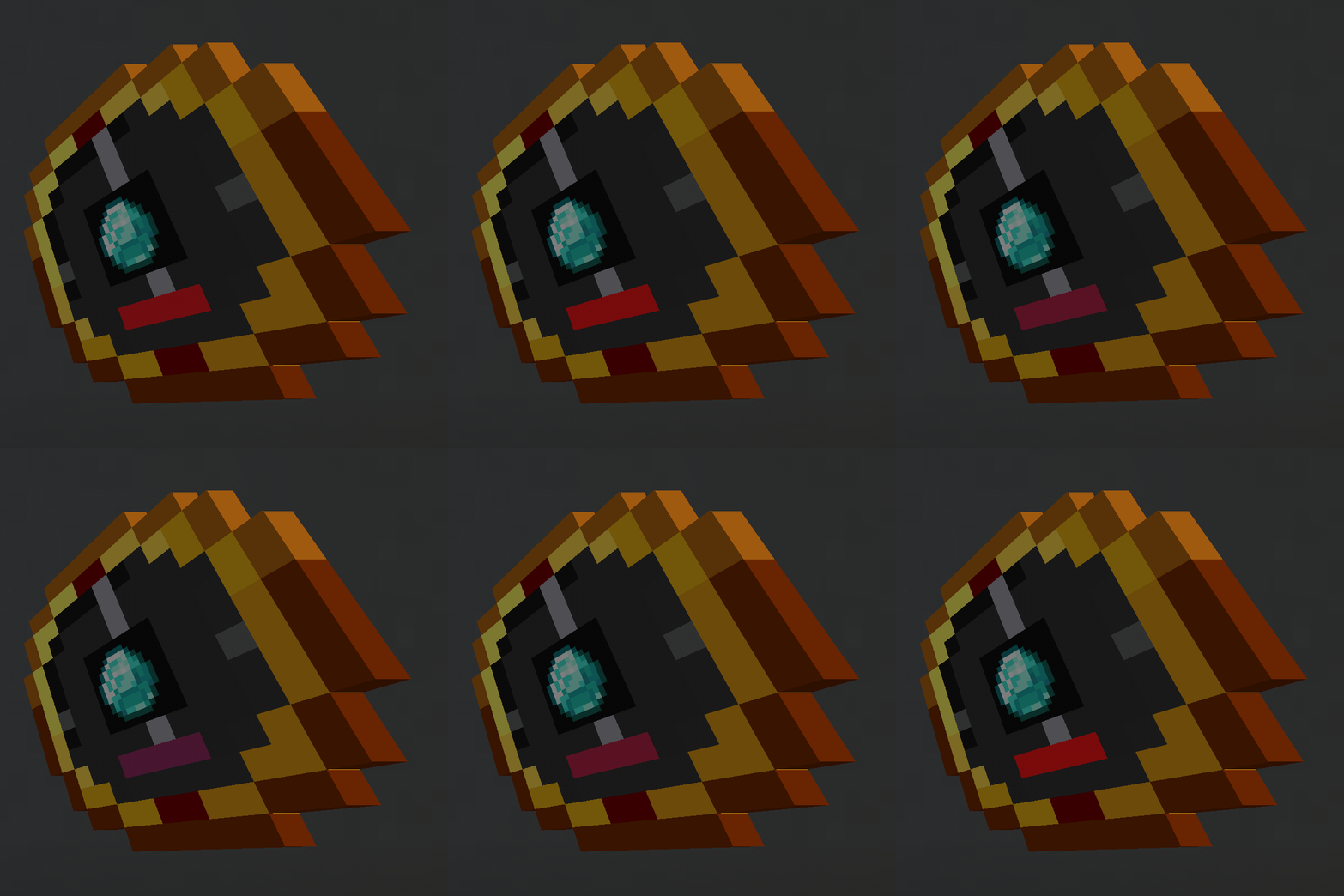 05-out-of-charge.gif 05-out-of-charge.gif
 -
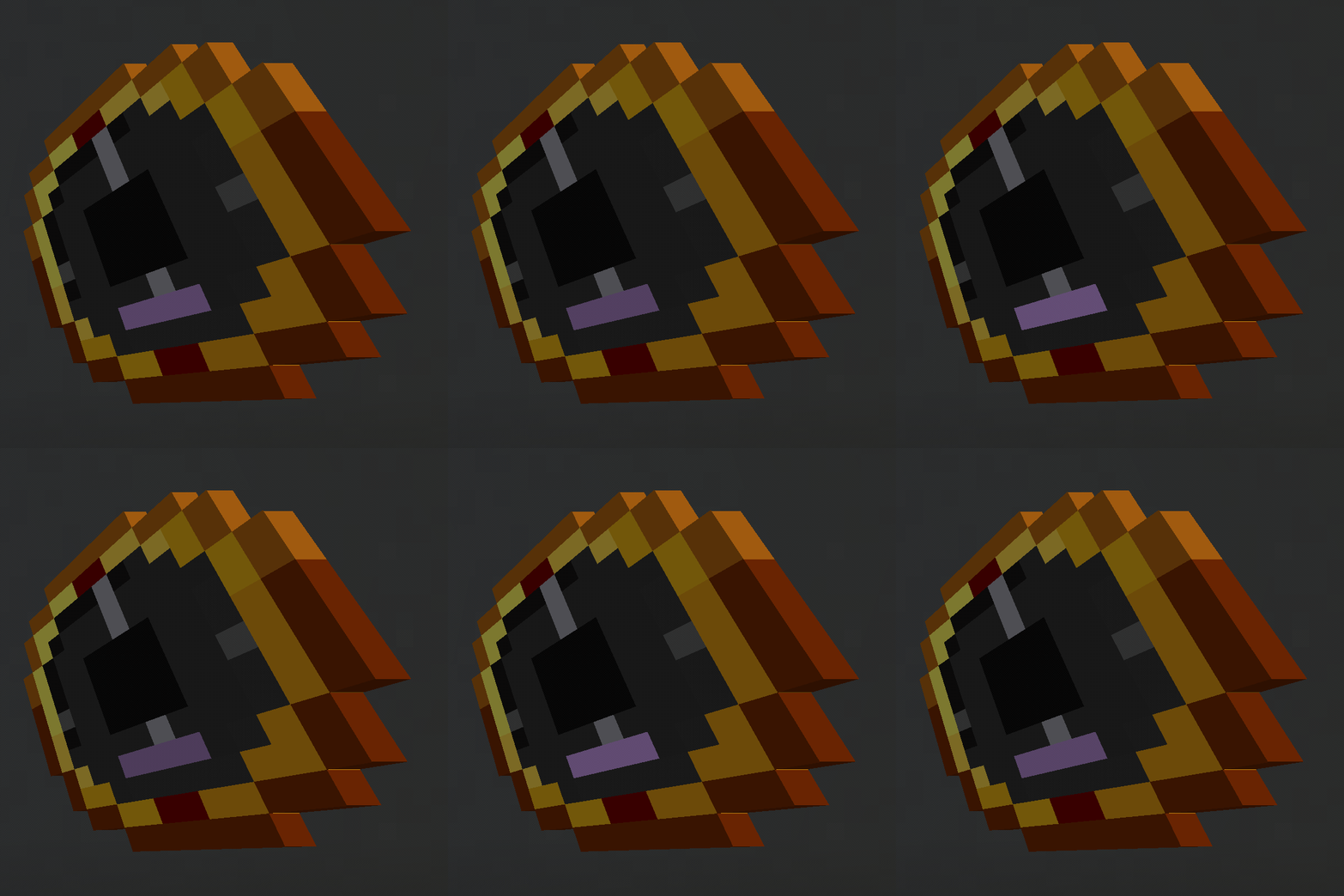 06-charged-without-sample.gif 06-charged-without-sample.gif
 -
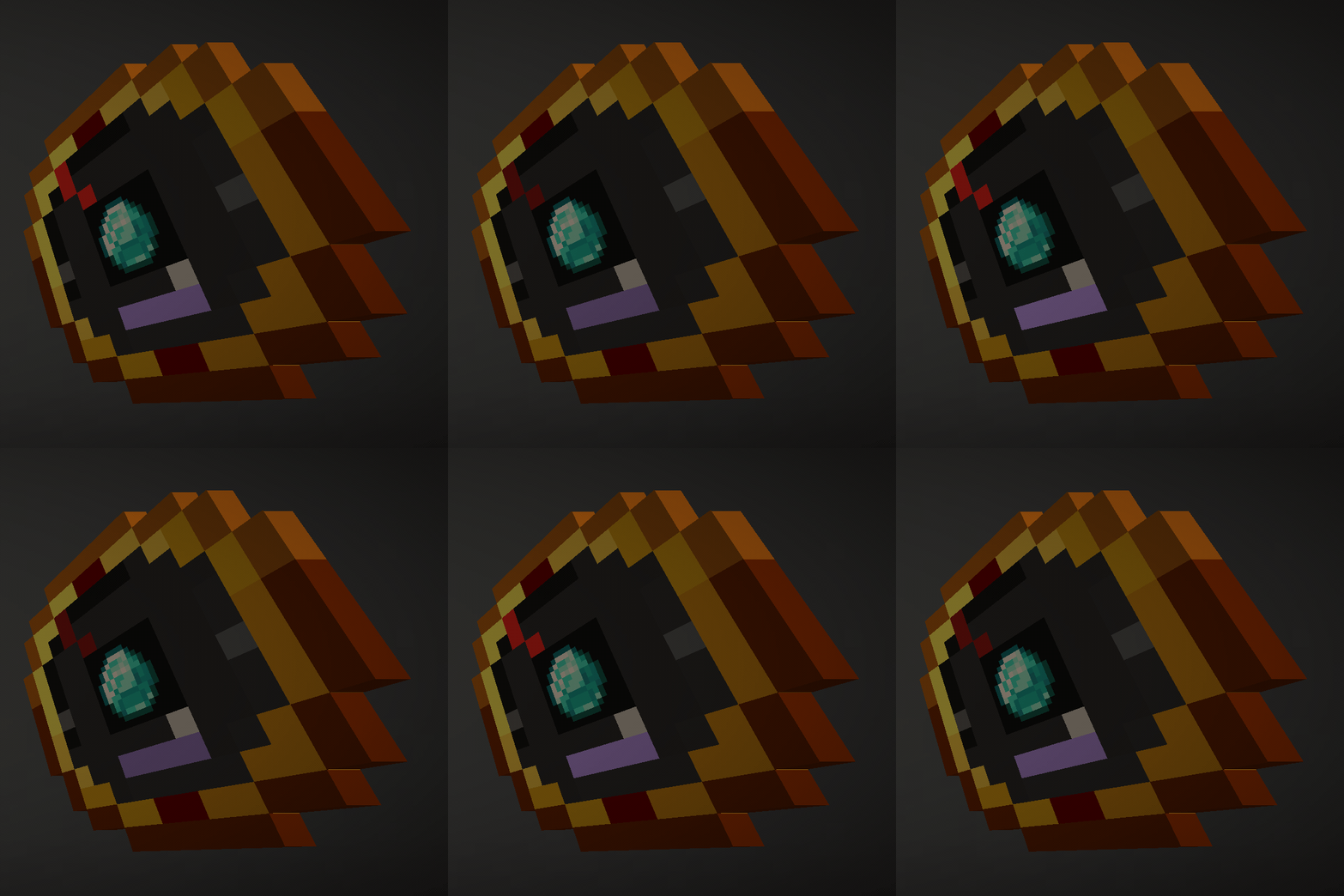 02-diamond-vein-locked.gif 02-diamond-vein-locked.gif
 -
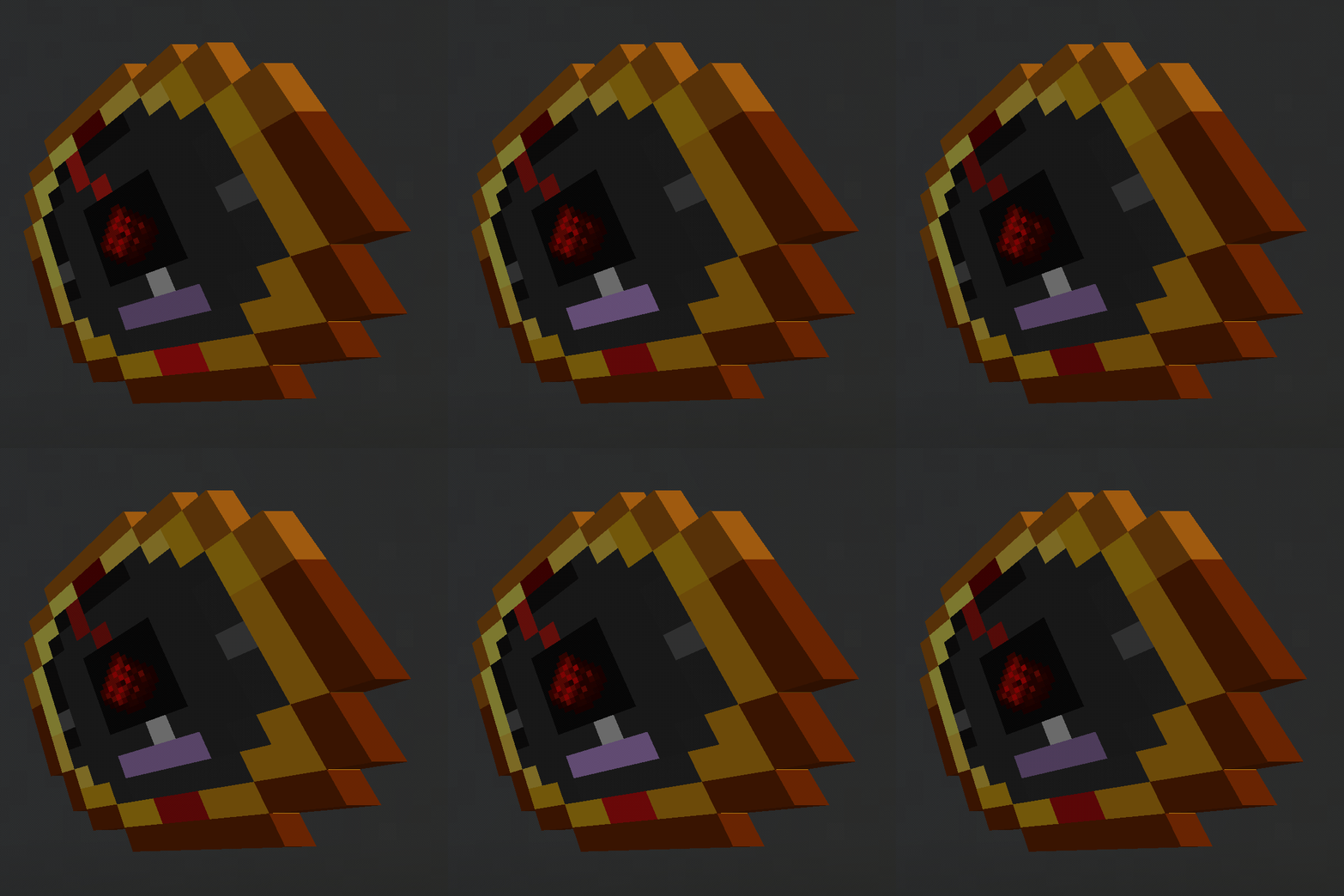 04-redstone-below.gif 04-redstone-below.gif
 -
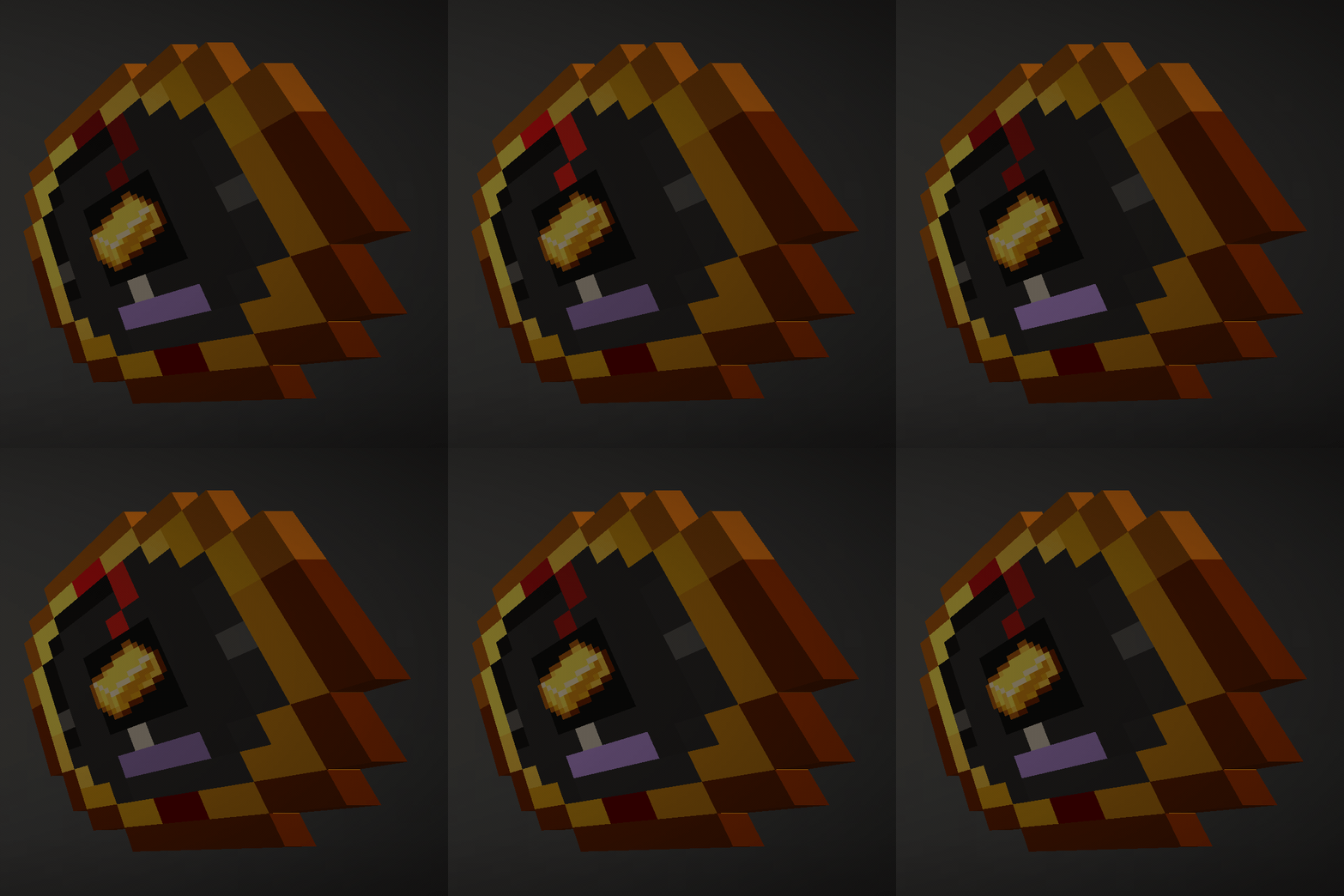 03-gold-above.gif 03-gold-above.gif
 -
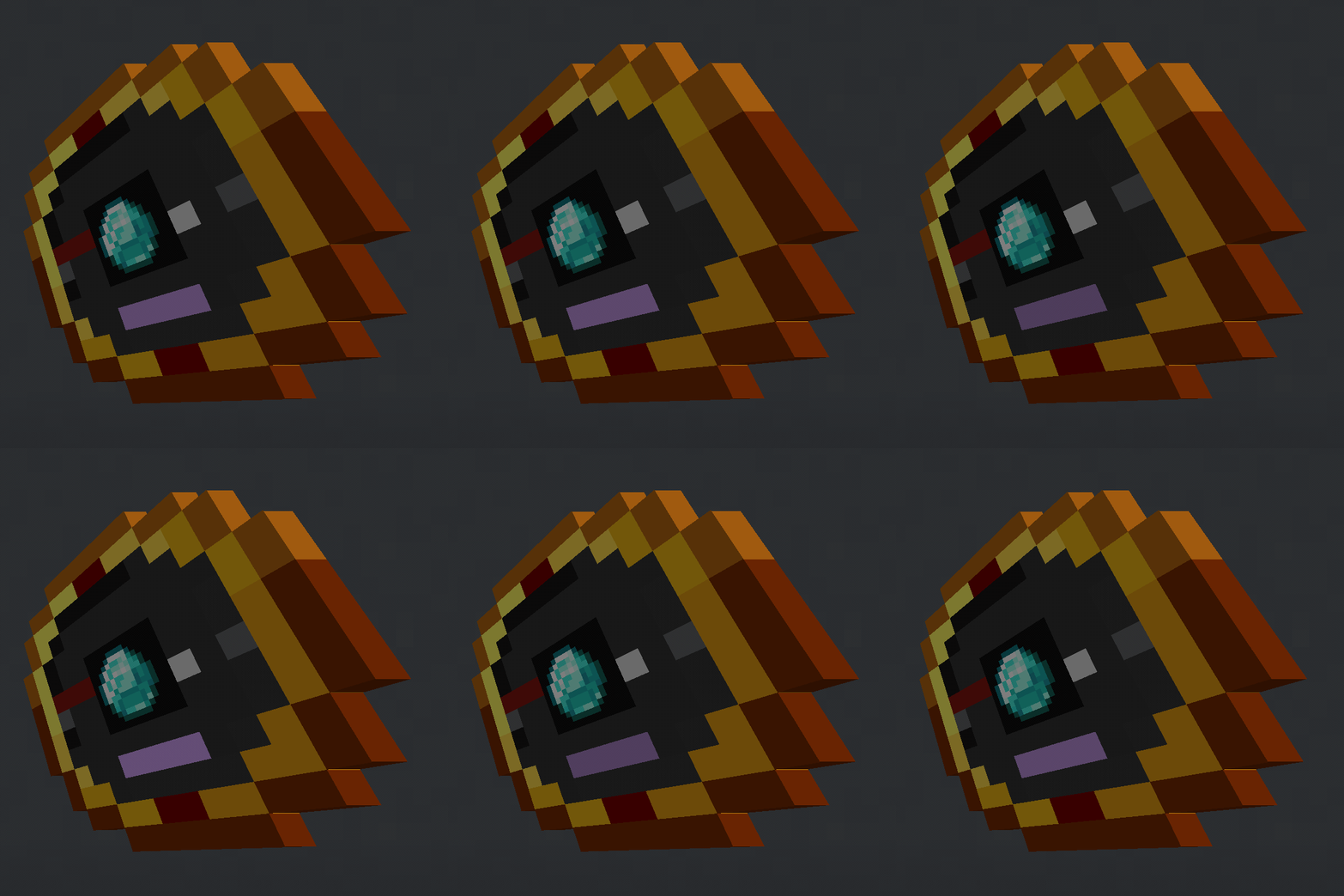 07-vein-out-of-range.gif 07-vein-out-of-range.gif
Versions
Files
Relations
Project Relations
More like this
Similar Mods
Suggestions use data such as tags, dependencies, dependents, descriptions, titles, and more to rank how much they overlap with this mod.
On ModDex
Community snapshot
By the numbers
Statistics

Get it on
Available Platforms
On ModDex
Community snapshot
By the numbers
Statistics
Resources