Community listing page, reviews may not be monitored by the author.


Community voices
Reviews
No reviews yet. Be the first to review this project!
Get it on
Available Platforms
About
Project Details
For authors
Embed Badge
If you're the author of this project, you can embed a live badge anywhere that supports HTML or Markdown. It updates automatically whenever ratings change.
Use HTML for any page that supports it, or Markdown for README files and Markdown-based descriptions.
Identifiers
Platform IDs
Resources
External Links
About
Description
PackForge
I got tired of alt tabbing to a text editor every time I wanted to change one recipe, so I made this.
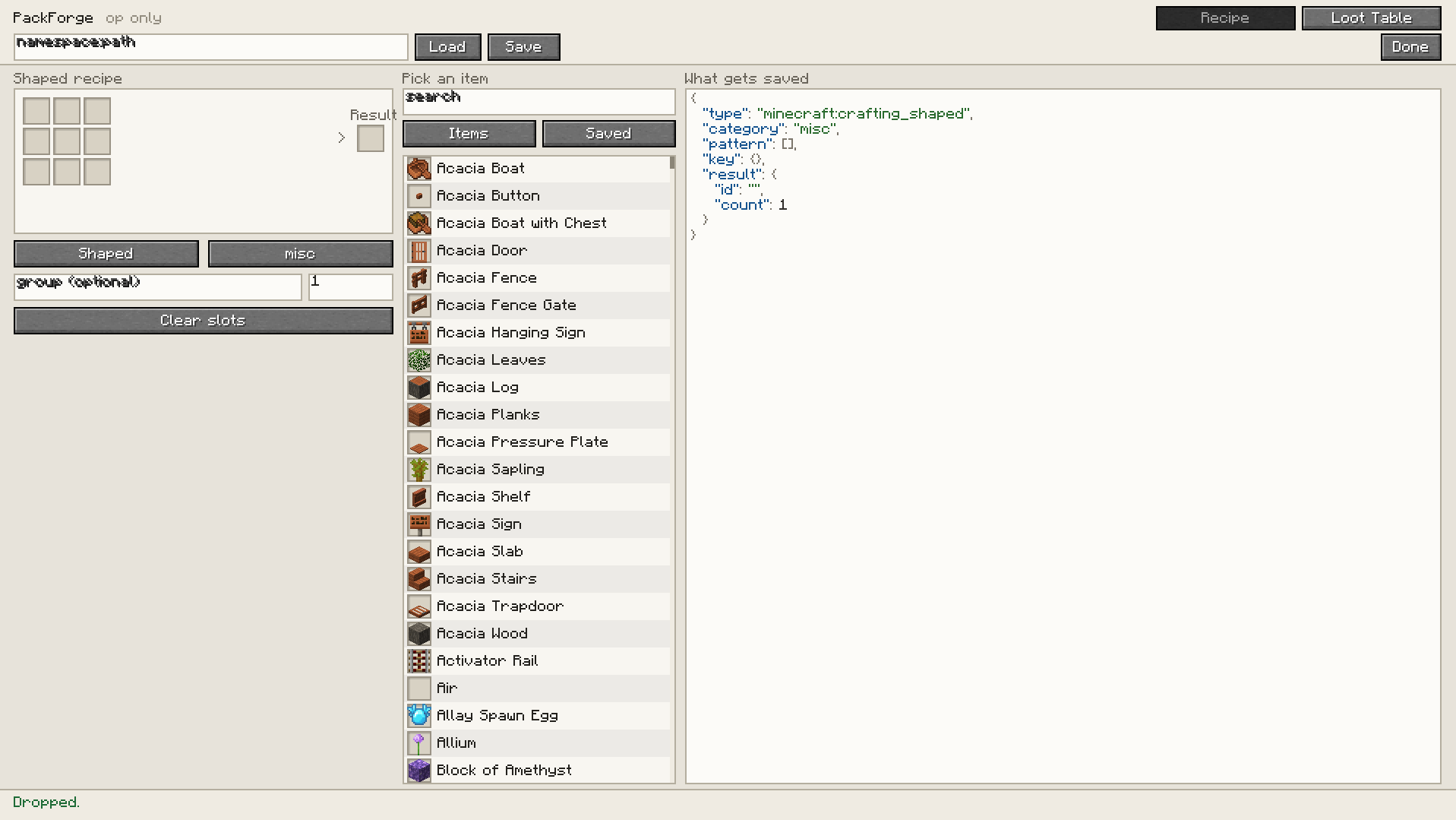
Run /packforge and you get an editor with three columns: the thing you're building on the left, a searchable item list in the middle, live JSON on the right. Drag an item into a crafting slot, set the result, hit Save. The file lands in <world>/datapacks/packforge/ and the game reloads it. No restart, no leaving the world.
Recipes
Shaped, shapeless, smelting, smithing and stonecutting. The 3×3 grid writes the pattern exactly where you put things, no auto-shaping. Ingredient slots take item tags as well as items.
Loot tables
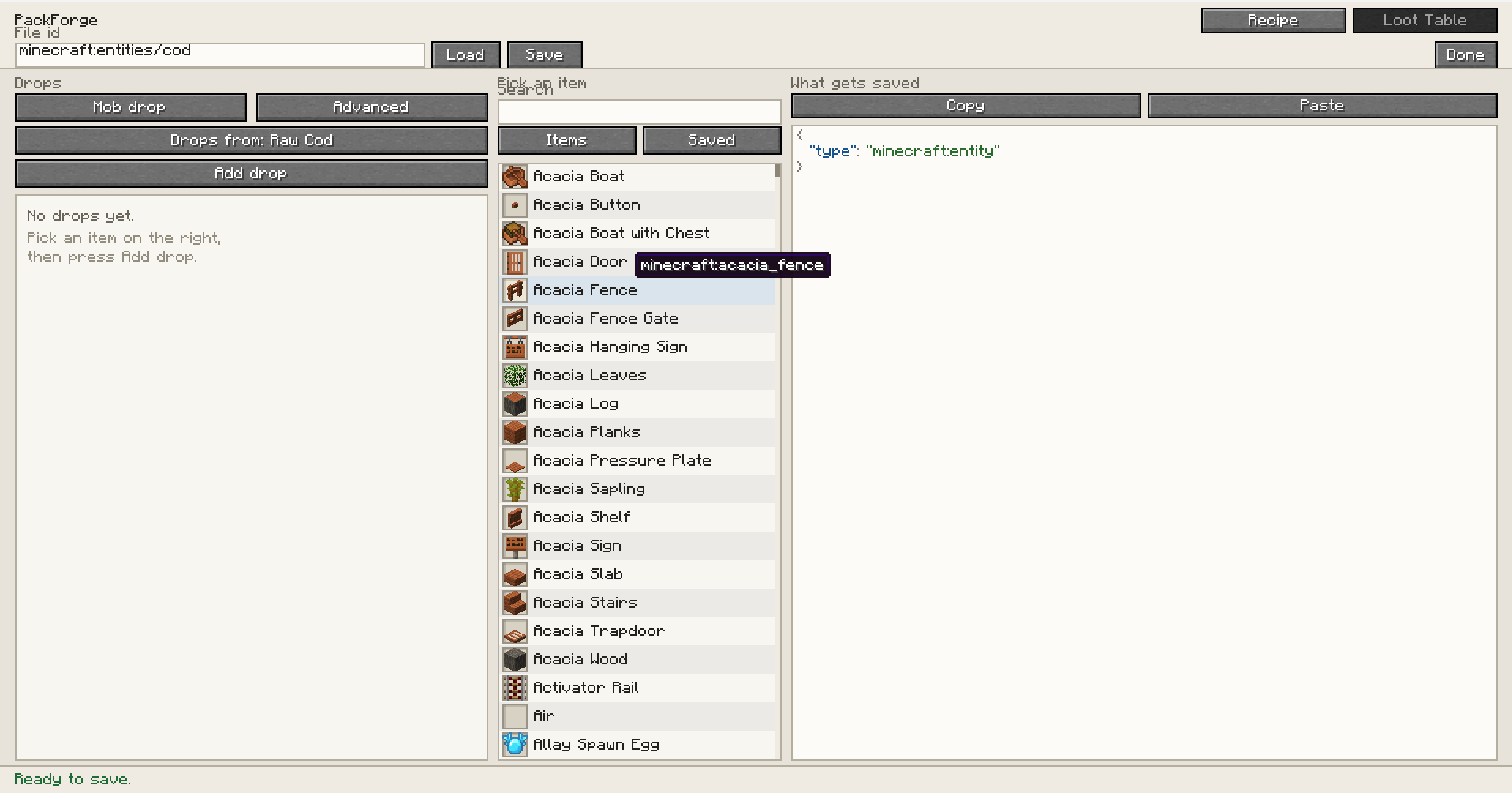
Opens as a plain list of drops: pick a mob or a block, add items, set counts and a percentage chance. If you want the real structure, one button switches to a full tree of pools, entries, functions and conditions, and switching back only works if the table still fits the simple view it won't quietly throw away parts it can't display.
You can also import what's already loaded. Type skel, hit Import next to minecraft:entities/skeleton, and you get the actual table the server is using right now, other datapacks included. Change one thing, save it back.
The JSON is real
PackForge doesn't build strings. Everything goes through the game's own Recipe.CODEC and LootTable.DIRECT_CODEC decoded to prove it loads, then re-encoded, and that output is what gets written. If something's wrong you get the game's own error before you save, not a broken file afterwards.
Op only
The client sends the document, the server writes it. Every save checks permission level 2 on the server, rate-limits per player, caps the payload, and refuses any path that resolves outside its own datapack folder. Hiding the button isn't the check.
Screenshots
Gallery
-
 IMG2 IMG2.png
 -
 IMG1.png IMG1.png
Versions
Files
Relations
Project Relations
More like this
Similar Mods
Suggestions use data such as tags, dependencies, dependents, descriptions, titles, and more to rank how much they overlap with this mod.
On ModDex
Community snapshot
By the numbers
Statistics
 (opens in a new tab)
Get it on
Available Platforms
On ModDex
Community snapshot
By the numbers
Statistics
Resources