
Community listing page, reviews here may not be monitored by the author.
Palette Placer


No reviews yet
Client-side, allows you to create palettes with percentages that automatically selects randomly when you place
Community voices
Reviews
No reviews yet. Be the first to review this project!
Get it on
Available Platforms
Compatibility
Supported Environments
Runs entirely on the client. Works on vanilla servers.
About
Project Details
For authors
Embed Badge
If you're the author of this project, you can embed a live badge anywhere that supports HTML or Markdown. It updates automatically whenever ratings change.
Use HTML for any page that supports it, or Markdown for README files and Markdown-based descriptions.
Identifiers
Platform IDs
Resources
External Links
About
Description

Palette Placer is a client-side Fabric mod that helps with block variation while building.
Instead of manually swapping between matching blocks, you create a weighted palette and the mod will randomly switch your selected hotbar slot to one of the configured palette blocks that is already present in your hotbar.
Features
- Client-side only
- No server install required
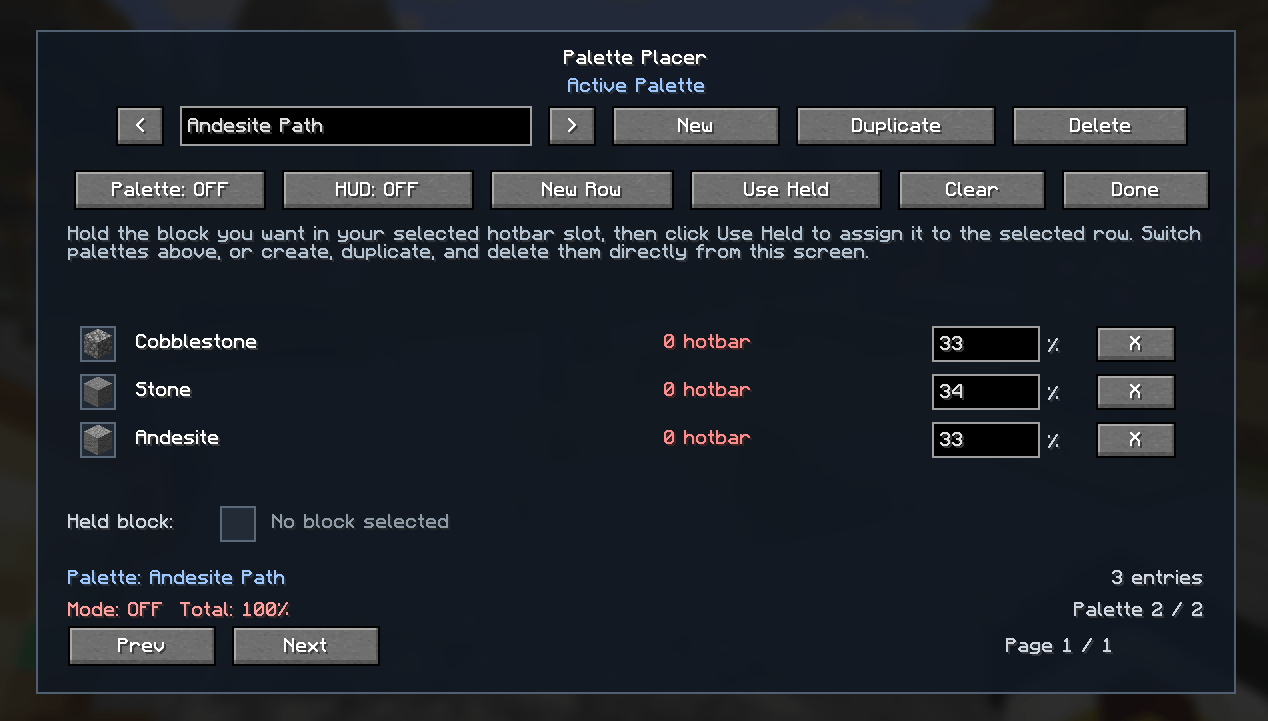
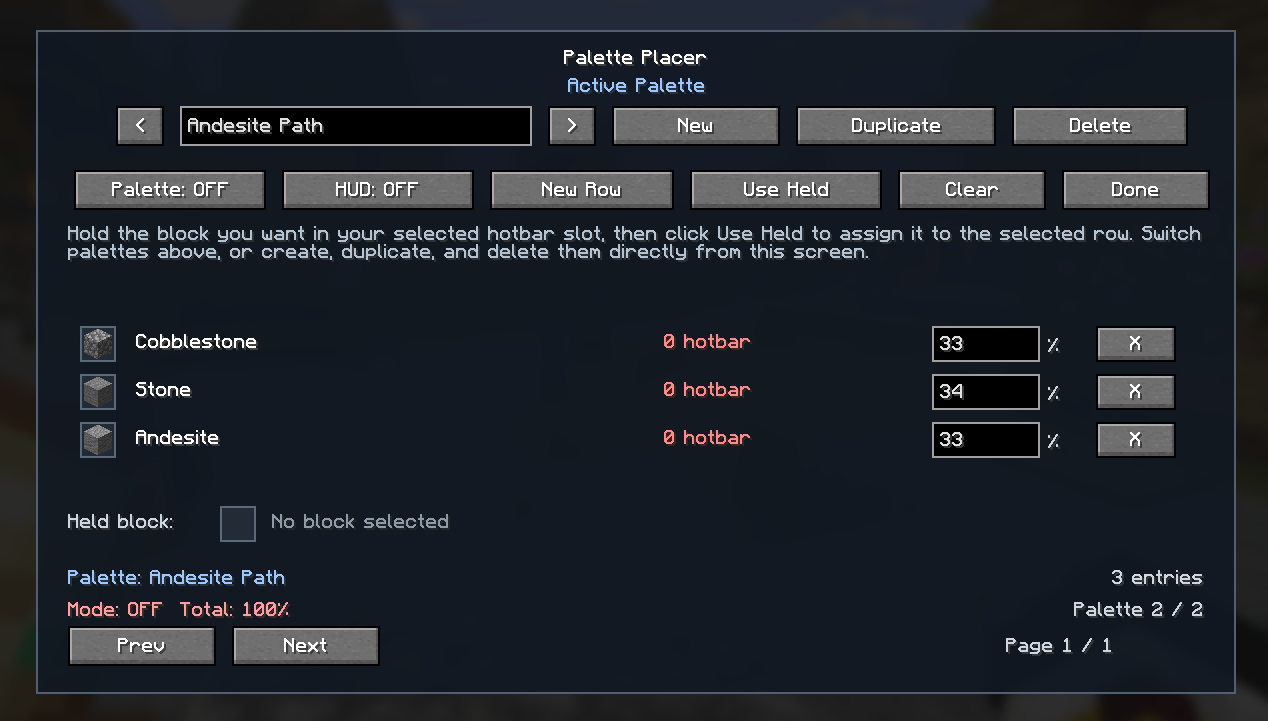
- Standalone in-game palette manager
- Multiple named palettes
- Duplicate, rename, and delete palettes
- Per-block weight percentages
- Random hotbar switching based on your configured weights
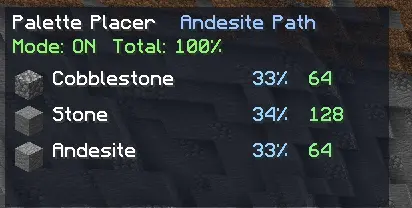
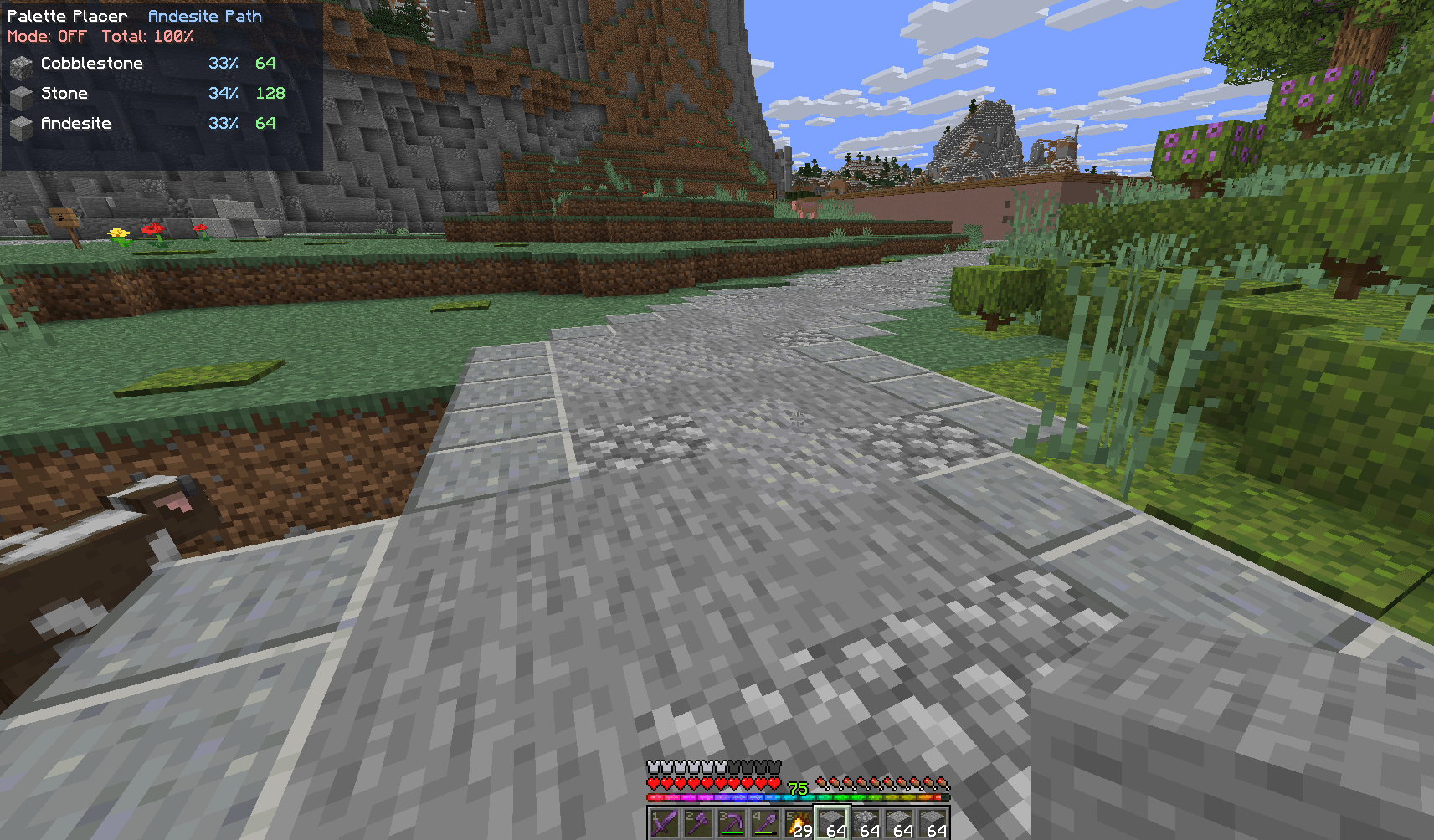
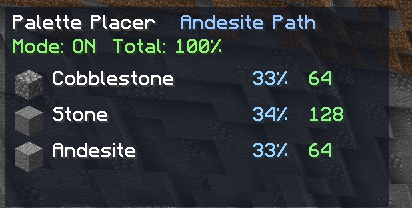
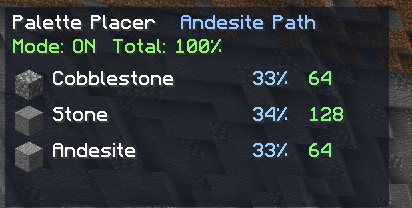
- Compact HUD showing palette status and hotbar availability
How It Works
1. Press `P` to open the palette screen.
2. Create or select a palette.
3. Add rows to the palette.
4. Hold a block in your selected hotbar slot.
5. Select a row and click **Use Held**.
6. Set the weight for each entry.
7. Put the real block stacks you want to build with in your hotbar.
8. Enable the palette.
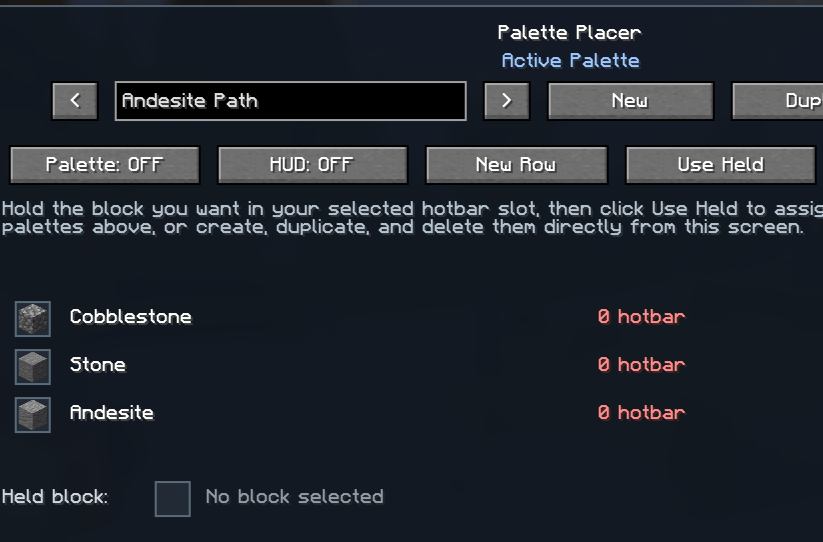
When the palette is enabled, Palette Placer automatically rerolls your selected hotbar slot between matching palette blocks in your hotbar while you build.
HUD
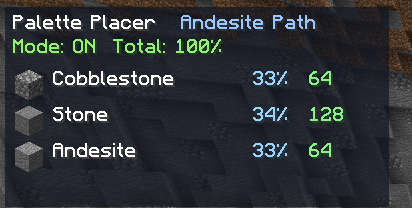
The optional HUD shows:
- Active palette
- Whether the palette is enabled
- Total configured weight
- Matching blocks currently available in your hotbar
Requirements
- Fabric Loader `0.19.3+`
- Fabric API `0.151.0+26.1.2`
- Java `25`
Check out my other mods





Palette Placer is a client-side Fabric mod that helps with block variation while building.
Instead of manually swapping between matching blocks, you create a weighted palette and the mod will randomly switch your selected hotbar slot to one of the configured palette blocks that is already present in your hotbar.
Features
- Client-side only
- No server install required
- Standalone in-game palette manager
- Multiple named palettes
- Duplicate, rename, and delete palettes
- Per-block weight percentages
- Random hotbar switching based on your configured weights
- Compact HUD showing palette status and hotbar availability
How It Works
- Press
Pto open the palette screen. - Create or select a palette.
- Add rows to the palette.
- Hold a block in your selected hotbar slot.
- Select a row and click Use Held.
- Set the weight for each entry.
- Put the real block stacks you want to build with in your hotbar.
- Enable the palette.
O- Toggle palette on/off
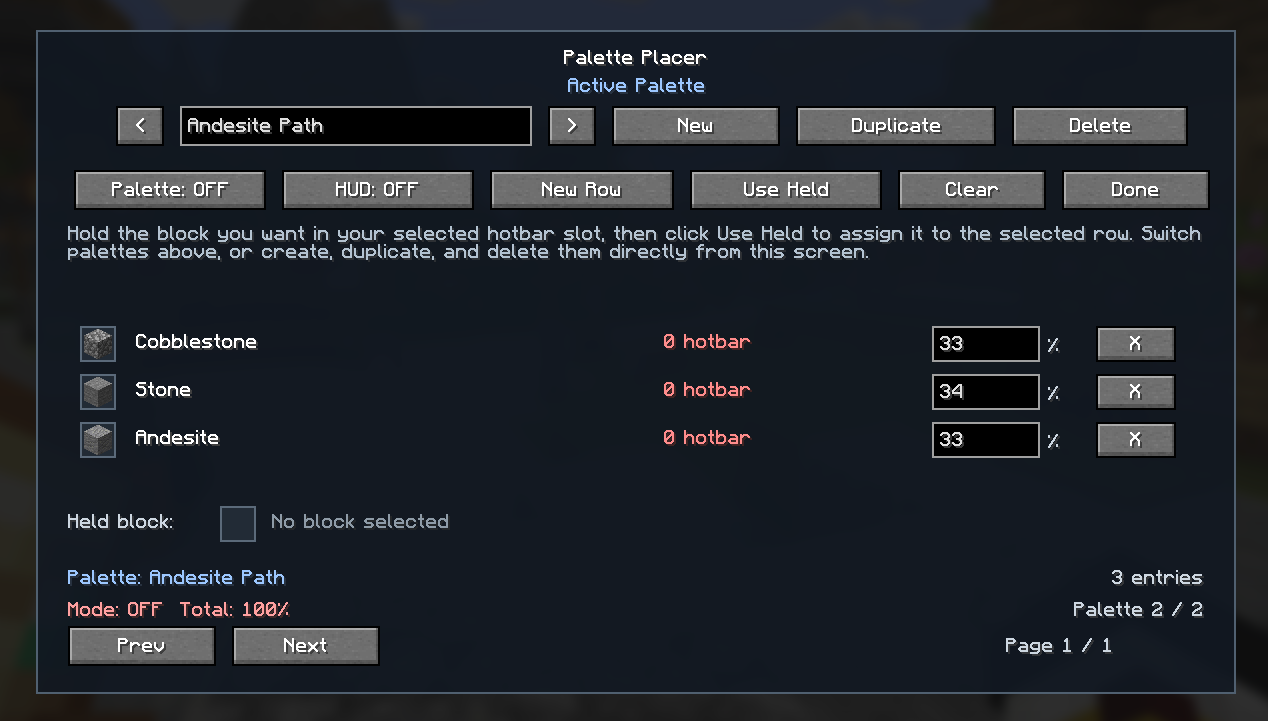
When the palette is enabled, Palette Placer automatically rerolls your selected hotbar slot between matching palette blocks in your hotbar while you build.
Check Out My Other Mods

Screenshots
Gallery
-
 PalettePlacer2.png PalettePlacer2.png
 -
 PalettePlacer3.png PalettePlacer3.png
 -
 PalettePlacer1.png PalettePlacer1.png

Versions
Files
Relations
Project Relations
More like this
Similar Mods
Suggestions use data such as tags, dependencies, dependents, descriptions, titles, and more to rank how much they overlap with this mod.
On ModDex
Community snapshot
By the numbers
Statistics
Want to reach Minecraft players?
We're looking for a server hosting partner to feature here and other parts of the site. Interested? Send us a message!
Get in touchGet it on
Available Platforms
On ModDex
Community snapshot
By the numbers
Statistics
Resources